




01. Edit your form online
Type text, add images, blackout confidential details, add comments, highlights and more.

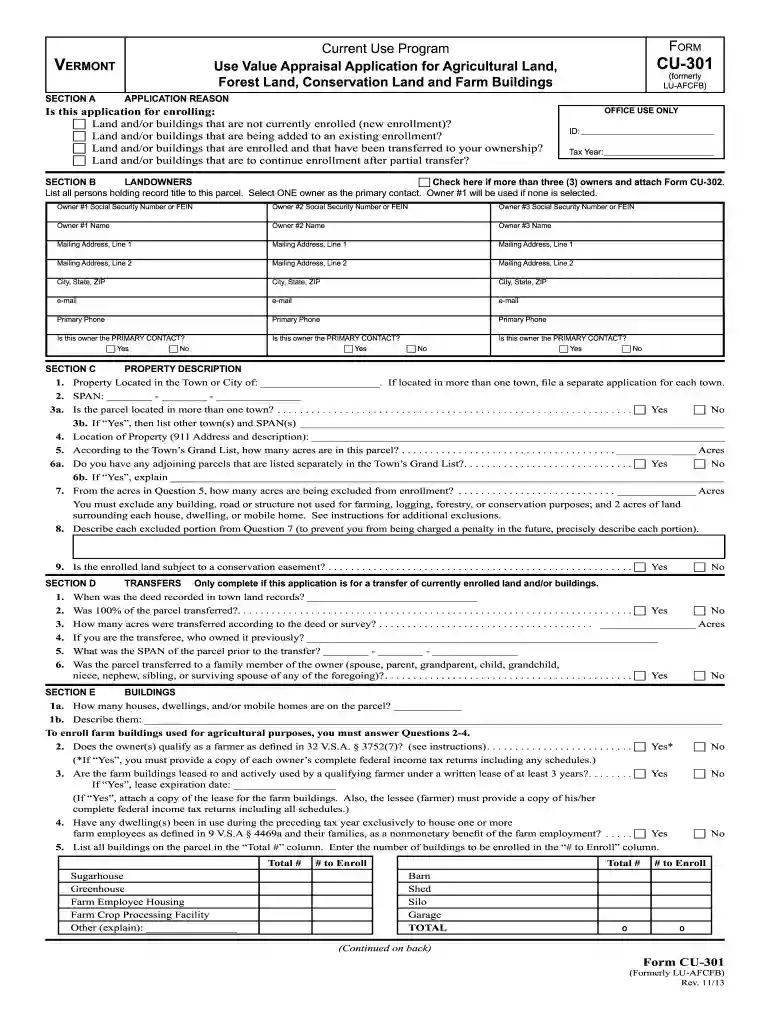
Type text, add images, blackout confidential details, add comments, highlights and more.

Draw your signature, type it, upload its image, or use your mobile device as a signature pad.

Send it via email, link, or fax. You can also download it, export it or print it out.

Start using our platform today to simplify your form completion process!
We've got more versions of the Current Use Program, Form CU-301 (Formerly LU ... - Vermont.gov - state vt form. Select the right Current Use Program, Form CU-301 (Formerly LU ... - Vermont.gov - state vt version from the list and start editing it straight away!
At DocHub, your data security is our priority. We follow HIPAA, SOC2, GDPR, and other standards, so you can work on your documents with confidence.
This report brings together available information on Fana Pro- duction, Practices, Costs, and Returns prepared in the Bureau of. Agricultural Economics. ManyRead more
As required by the Water Resources Development Act of 1992 (WRDA), I am pleased to transmit the Environmental Protection Agencys (EPA) Report to CongressRead more
Application is due by September 1 for new enrollment and within 30 days of recording for transfers. 1. How many acres of forest land are yoil applying to enrollRead more


