
Get any PDF form from the DocHub library of ready-made templates - Page 1951
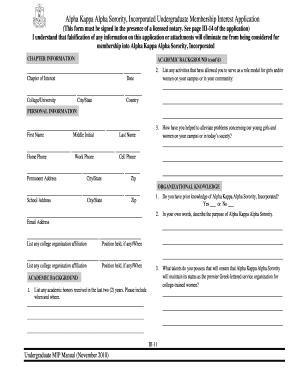
Alpha kappa rho registration form 2010

Biomedical Waste Plan Form - Sarasota County Health Department

Dh4159 form

Broward county birth certificate
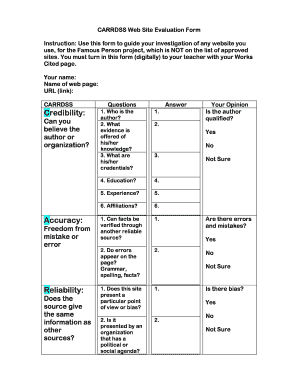
Crap test worksheet
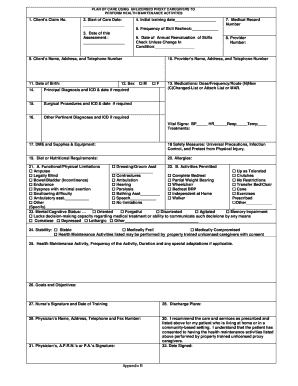
Plan of care using unlicensed proxy caregivers

Jaxha
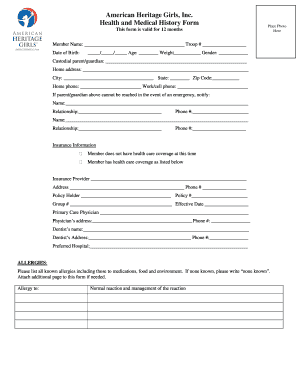
AHG Member Health and Medical History Form - Highlands Latin School
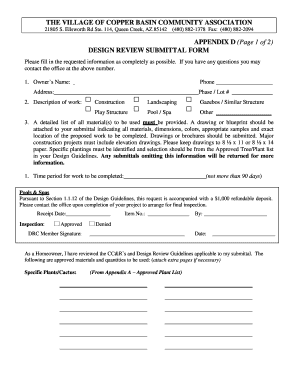
Design Review Submittal Form - The Village of Copper Basin
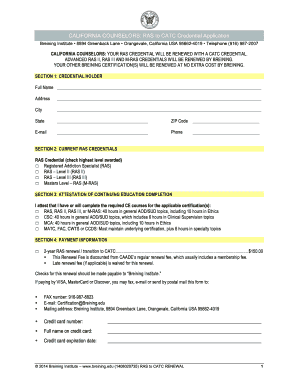
Ca ras catc renewal application
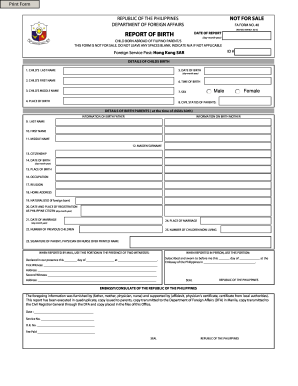
Report of birth philippines sample form
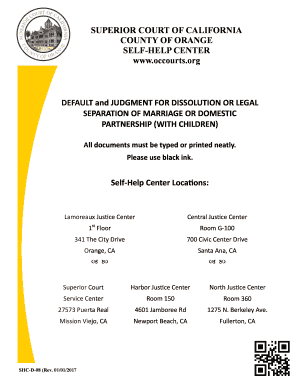
SHC-D-08 - Superior Court

Exemption parallon division online
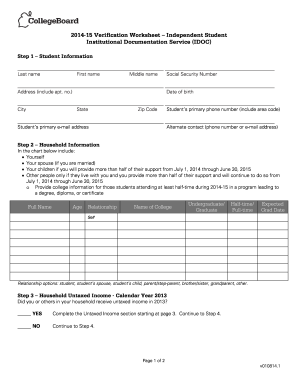
Idoc verification worksheet household information

Annual guardian pinal blank
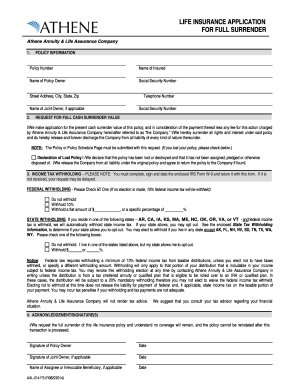
Athene insurance form

DS-60 for Affidavit Regarding a Change of Name - American ...

Big ideas framework
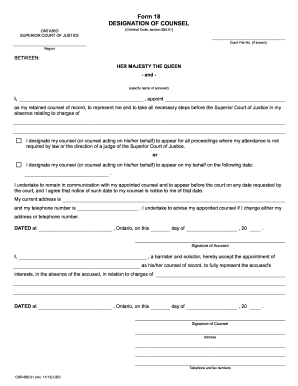
Form designation counsel
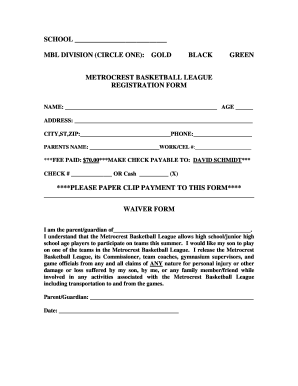
Waiver for basketball league
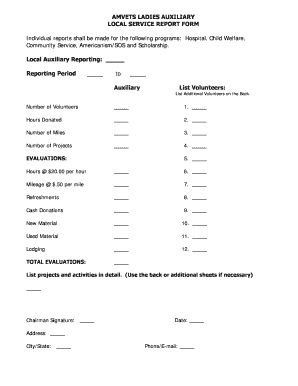
Amvets ladies auxiliary report forms
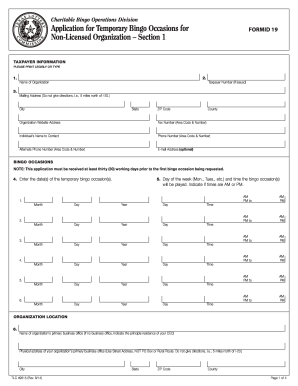
Bingo non licensed
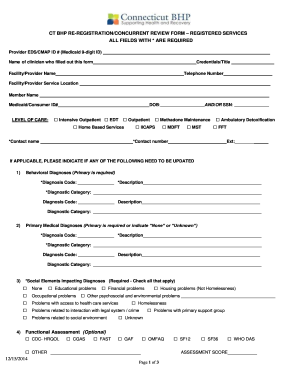
CT BHP RE-REGISTRATION/CONCURRENT REVIEW FORM ...
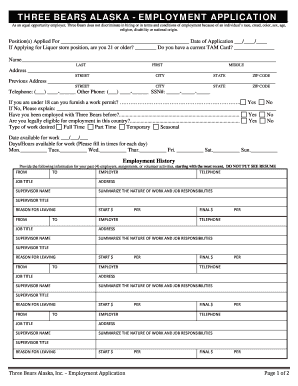
Three bears application
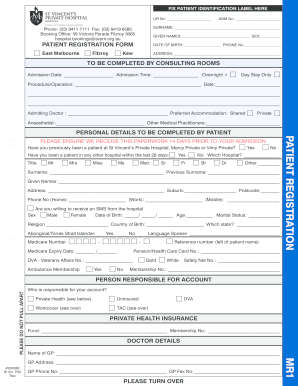
Usp online application for 2022

Njcaa transfer waiver
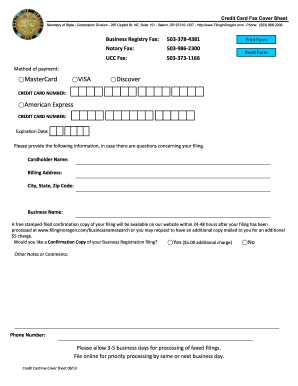
Credit Card Fax Cover Sheet - Oregon Secretary of State

Oe1a

Hrto form 1
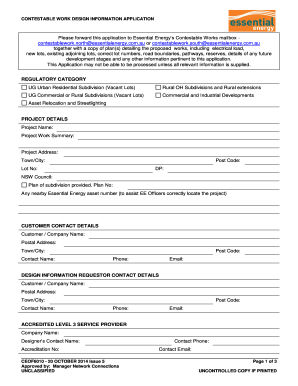
2014 essential energy ceof6010
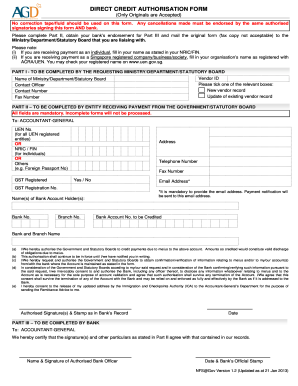
Agd direct credit authorisation form
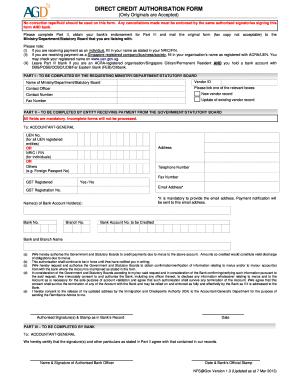
Direct credit authorization form

Sample completed irp application
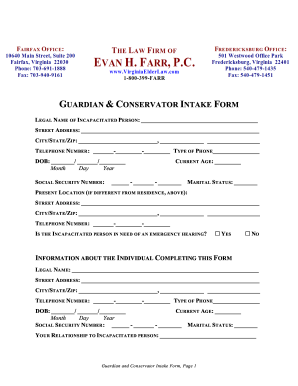
Form to grant someone guardianship on vacation
Tx blue cross blue shield form

Direct Deposit Authorization - HomeStreet Bank
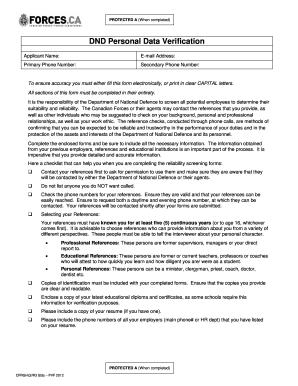
Dnd personal data form
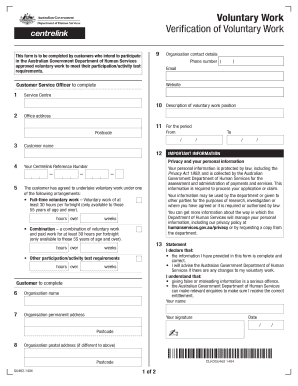
Centrelink volunteer form
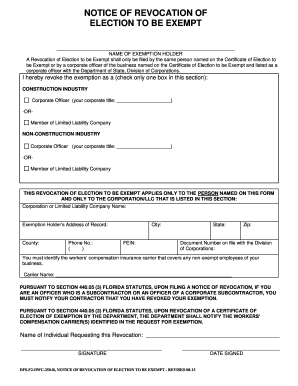
Fl dwc exempt get

Certificate ownership profession
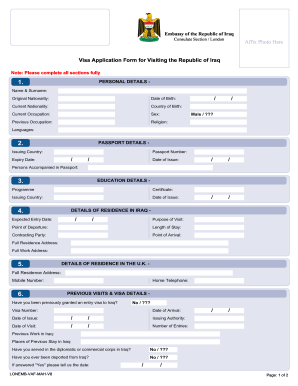
Iraq visa
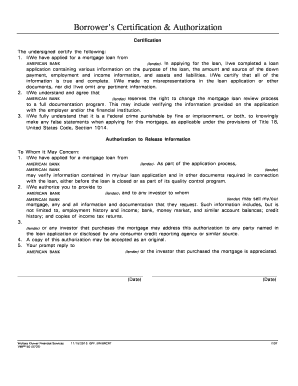
Borrower's Certification & Authorization - American Bank
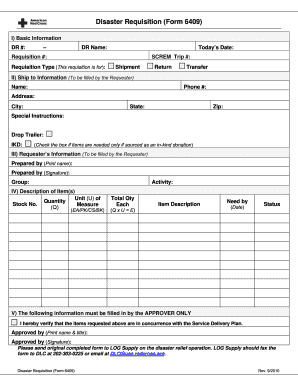
Red cross 6409 form

Not all dads are deadbeats
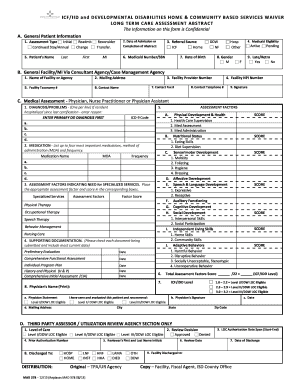
Mad378
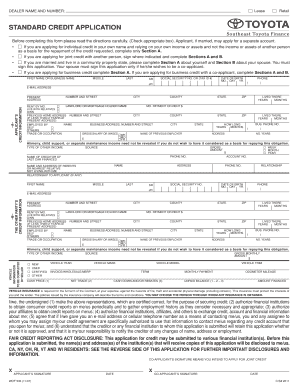
Southeast toyota pay off
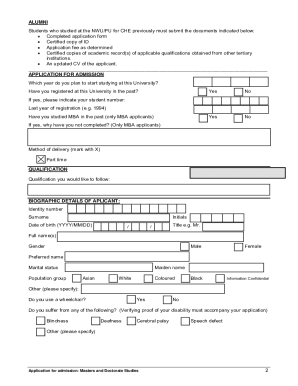
Nwu application form 2021 pdf download
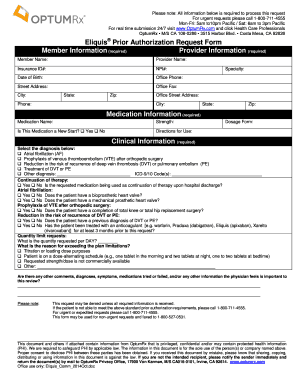
Optumrx prior authorization form
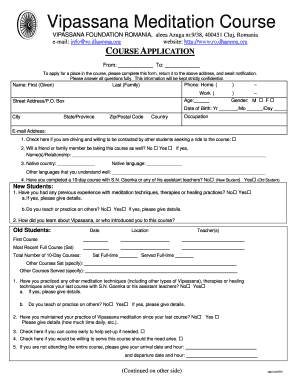
Vipassana registration form online
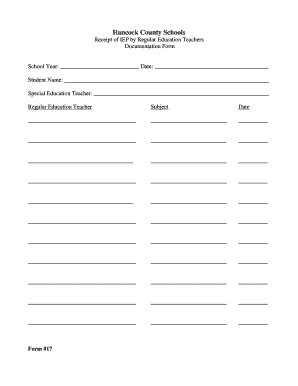
Receipt of IEP by Regular Education Teachers - hancockschools
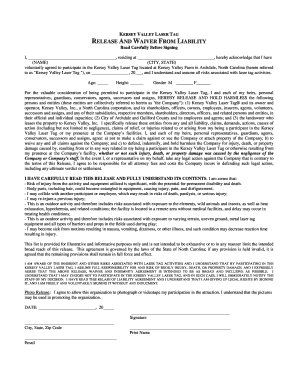
Kersey valley laser tag waiver

Rct 101 fi 07 13 2013 form
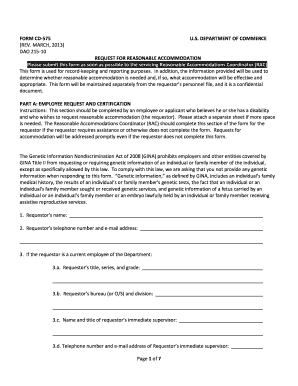
Doc commerce form 575
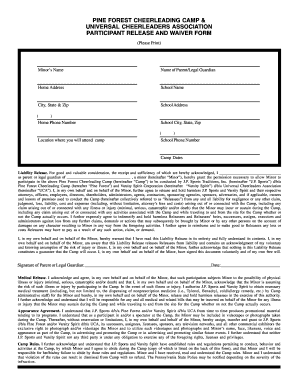
Cheerleading participant waiver form
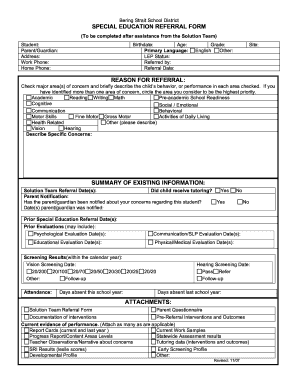
SPECIAL EDUCATION REFERRAL FORM REASON FOR ...
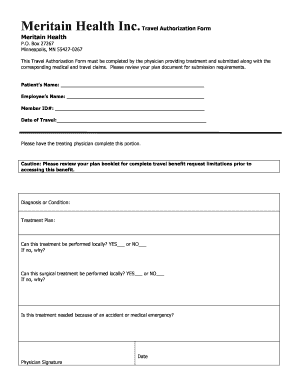
Meritain Health Inc.Travel Authorization Form - wiki bssd
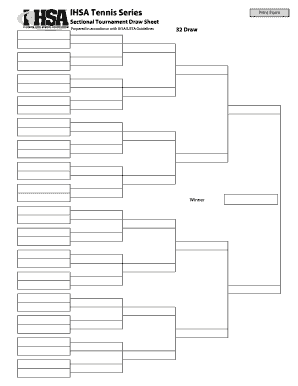
Draw Sheet for 32 Entries
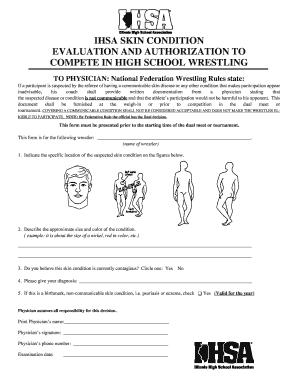
Ihsa skin form
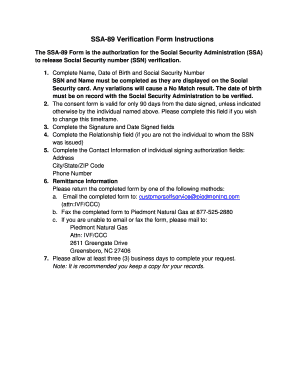
Ss89
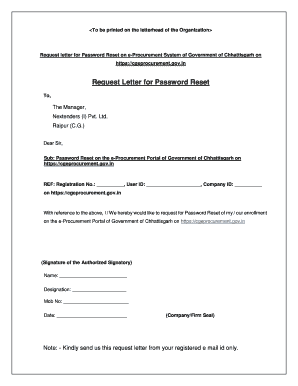
Sample email for requesting username and password
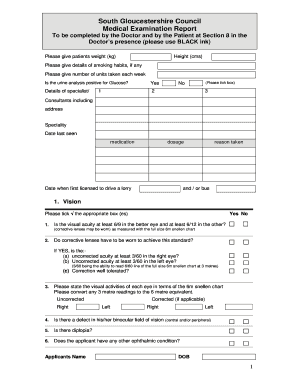
United kingdom medical examination report

Form 59 notice form
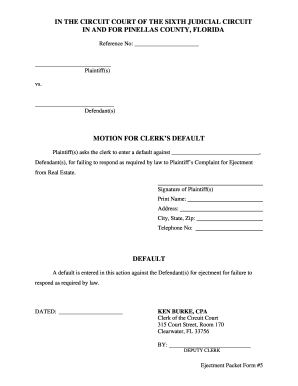
Pinellas county clerk of courts

Life cancellation form

Uniform Order for Support - Circuit Court of Cook County - cookcountycourt

Softball tryout information sheet

Tcc report card
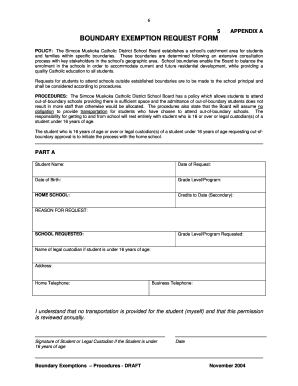
Boundary exemption form

Vmh warranty

RESP Withdrawal Form - Raymond James Ltd.

Pos 050
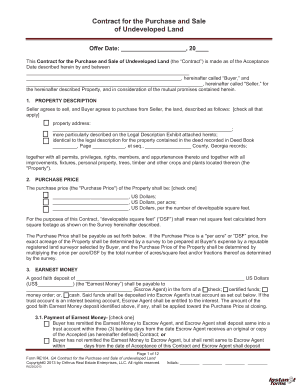
Unimproved property contract example
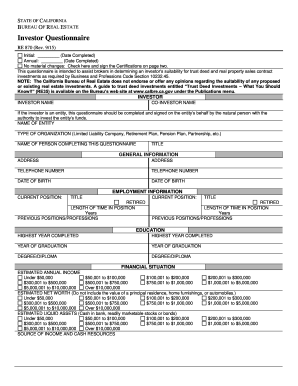
RE 870 Investor Questionnaire - California Department of Real Estate - dre ca

Lis pendens
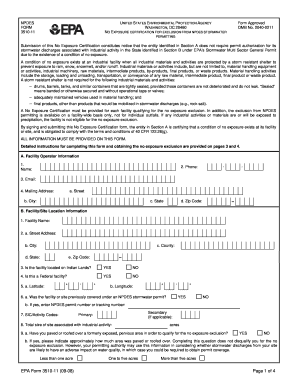
Alabama police report codes

Navmc 798

Broadridge letter of transmittal form
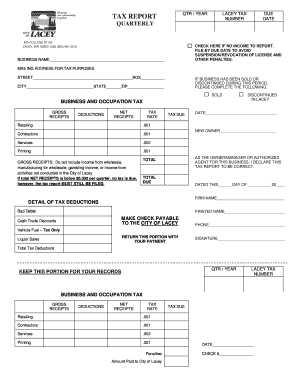
Tax report lacey form
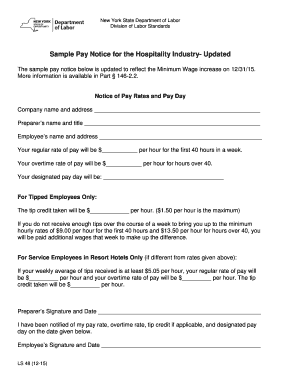
Sample pay notice for the hospitality industry updated
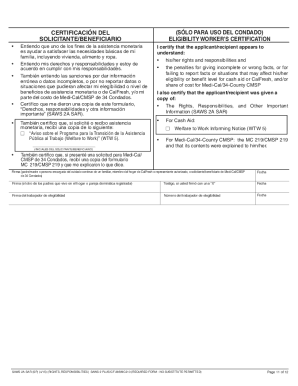
Saws 2a sar spanish
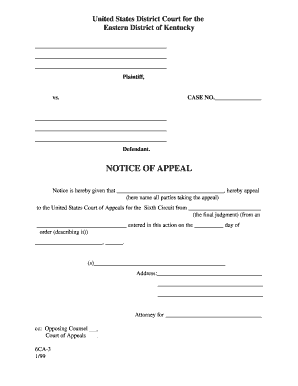
6th Circuit Notice of Appeal Form 6CA-3 - Eastern District of Kentucky
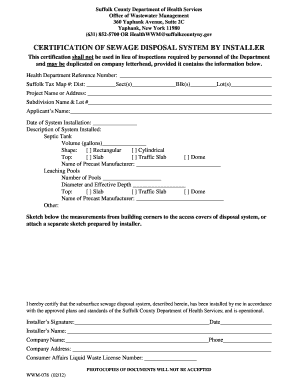
Wwm 078
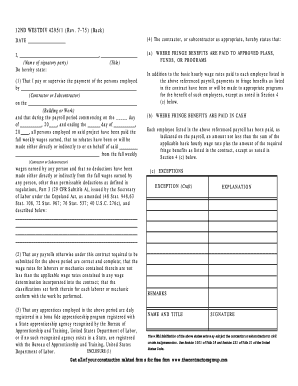
Prevailing Wage Report back older version - TheContractorsGroup bb

Po 299
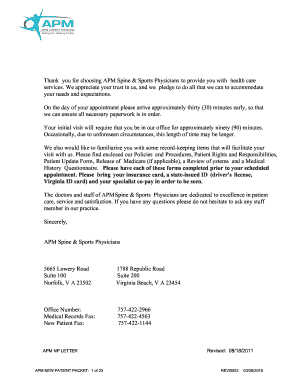
New Patient Registration - APM Spine and Sports Physicians
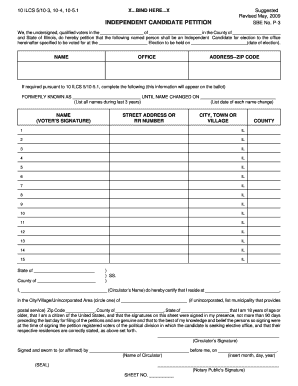
Independent candidate petition illinois
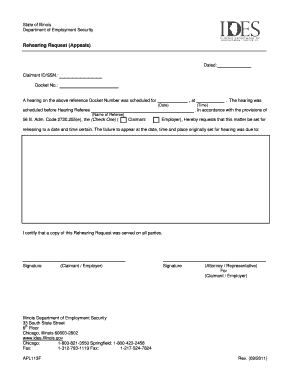
Rehearing Appeals (Form APL113F) - Department of Employment ... - ides illinois
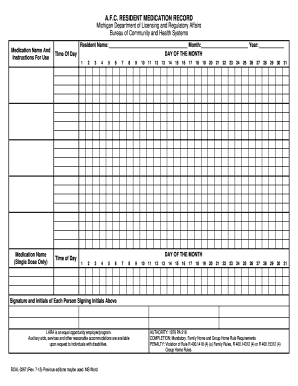
Afc resident medication record 2009 form
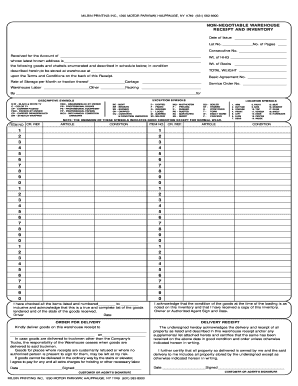
330-2 warehouse receipt - Milburn Printing

COMBINED UNIFORM HOUSEHOLD GOODS BILL OF LADING AND FREIGHT BILL
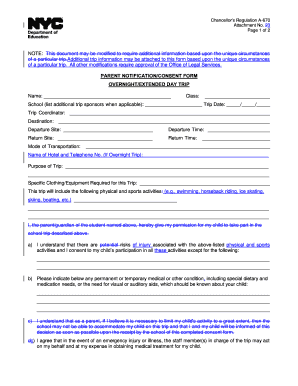
Regulation a 670

LL2604-3 - LOCAL LAW 2604 REPORT OF COMPLIANCE POWER SOURCE FOR EXIT SIGNS - nycppf
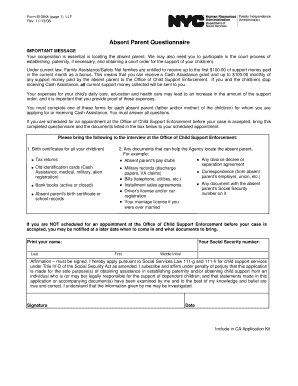
Absent parent information hra
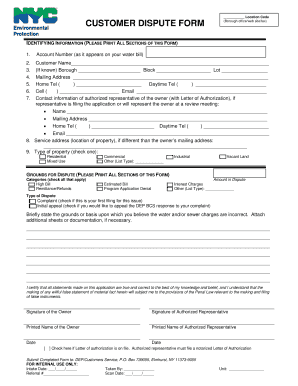
DEP customer dispute form - NYC.gov - nyc

Harris county incident report

Ana rab format radio

AOC-CR-300 - The North Carolina Court System - nccourts
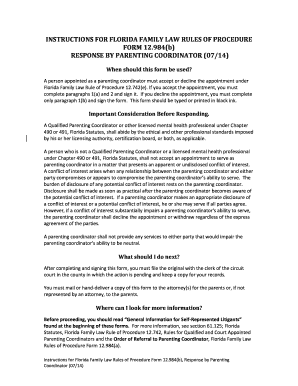
Coordinator florida family
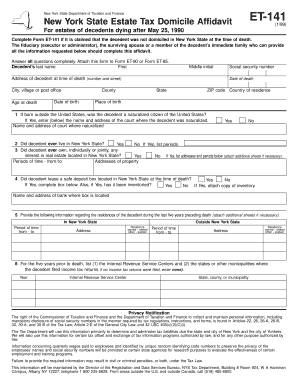
Et 141

Pnu admission
Benefit from the DocHub online library of fillable PDF forms
Searching the PDF forms doesn't have to be a tedious and time-consuming process. With the DocHub online library, it has become easier to find the fillable PDF forms and modify them in your browser. The service allows you to adjust the document to your needs using powerful editing tools.
You can use online document editing features to modify almost any type of document with ease. You just need to find the template of your choice, open it in the editor, and use the toolbar to make the necessary corrections.
Follow this guide to get your document done with DocHub:
- Find the PDF template you need.
- Click the Get Form button to open the file in the editor.
- Use the toolbar to fill out and edit the document.
- Easily add and highlight text, insert images, checkmarks, and symbols.
- Drop new fillable fields, and rearrange or delete pages from your file.
- Save changes and download your record.
DocHub empowers everyone to streamline document editing, signing, and distribution, and form completion. Create an account and benefit from our well-organized PDF Forms library and comprehensive editor.