
Get any PDF form from the DocHub library of ready-made templates - Page 1950
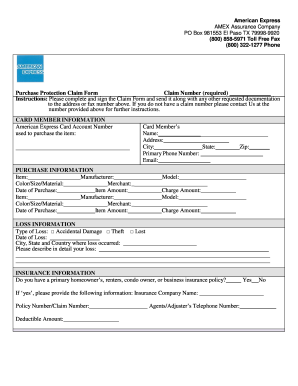
Amex purchase protection claim
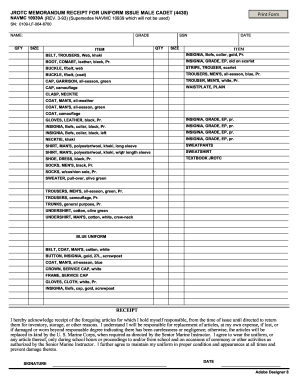
Memorandum receipt
Port pass application form
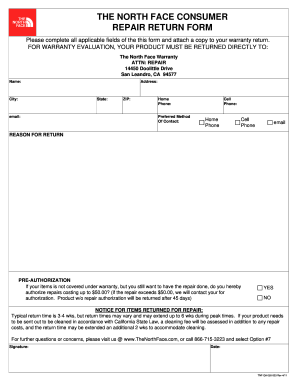
North face warranty form 2011

Voluntary acknowledgement of paternity delaware form
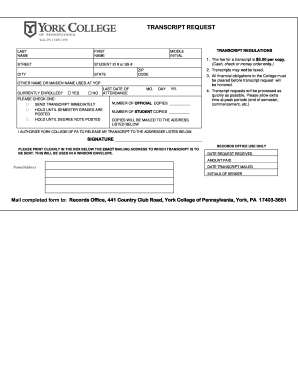
Ycp transcript request
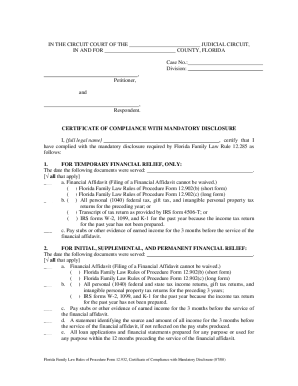
Certificate of compliance with mandatory disclosure
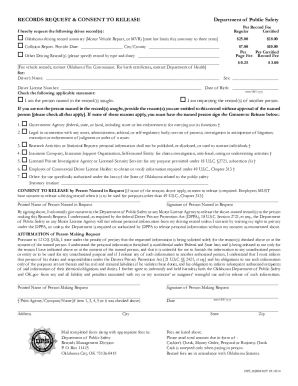
Records Request Form - Oklahoma Department of Public Safety - dps state ok

Ohio initial
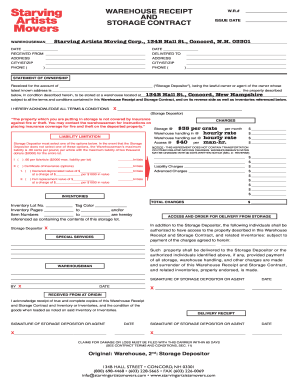
Warehouse Receipt and Storage Contract - Starving Artist Movers
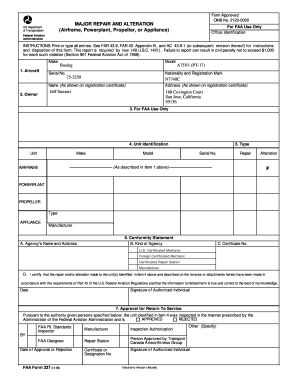
Faa form 337

GN10f.doc - Superior Court - Maricopa County - superiorcourt maricopa
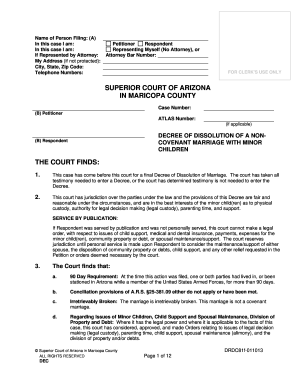
Decree of Dissolution of Marriage - Superior Court - Maricopa County - superiorcourt maricopa
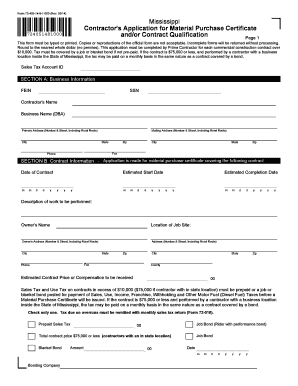
Material purchase certificate mississippi

Oregon country fair family website

Florida board of nursing application form pdf

Mv950
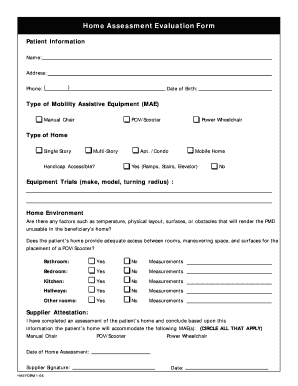
Home modification assessment form

330 riverdale ave application
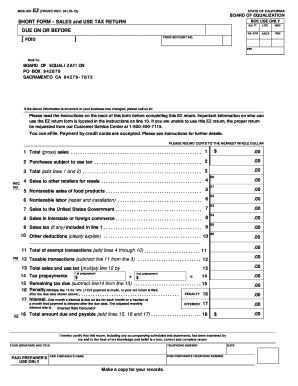
Boe 401 ez 2013 form
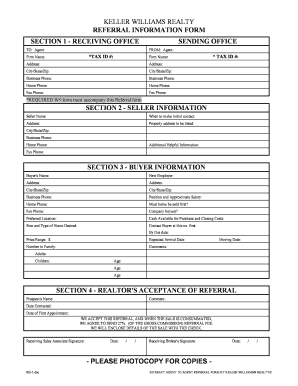
Keller williams referral form pdf
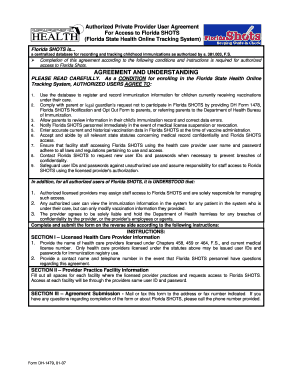
Dh 1479 form
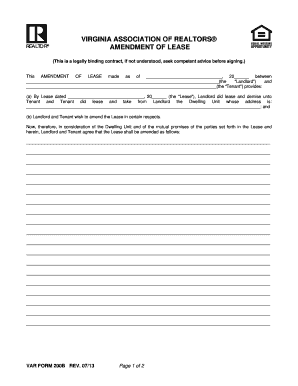
Var form 200 2017
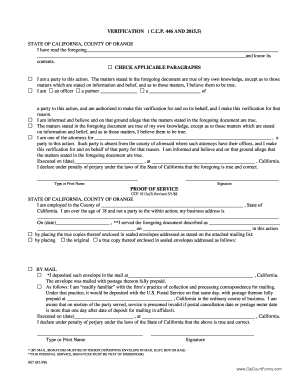
Ccp 446
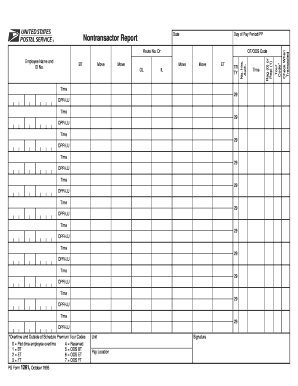
Ps form 1261
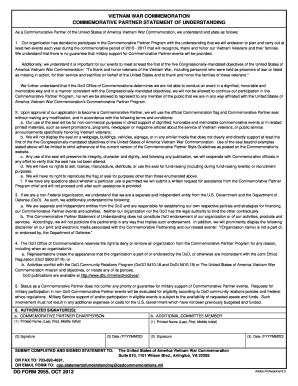
Form 2955
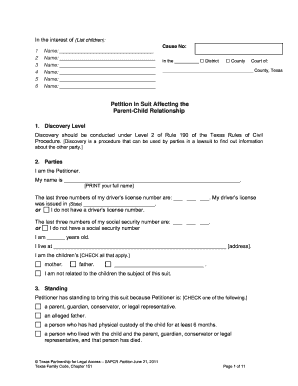
Petition in Suit Affecting the Parent Child Relationship. SAPCR forms
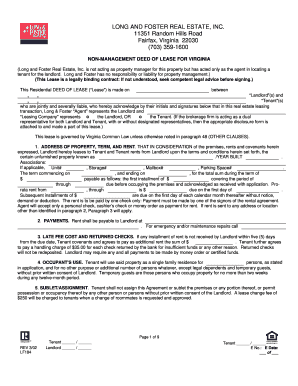
C:DOCUME 1 78LOCALS 1TEMP?FORM BUILDER
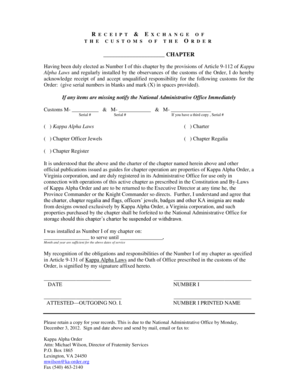
Receipt of the customs of the Order - Kappa Alpha Order - kappaalphaorder

Softball tryout registration form

Status conference report
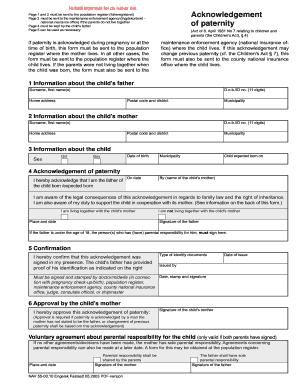
Acknowledgement of paternity - Norway

Temporary Guardianship Packet - Cherokee County Government
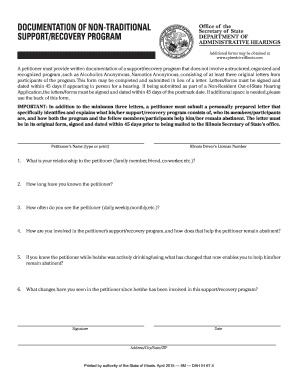
Il support form

Kentucky warning order attorney statute
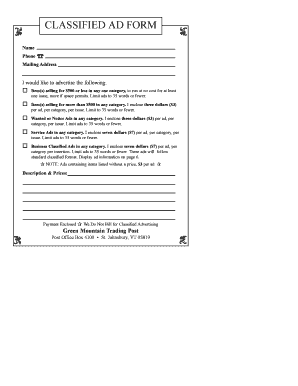
Green mountain trading post
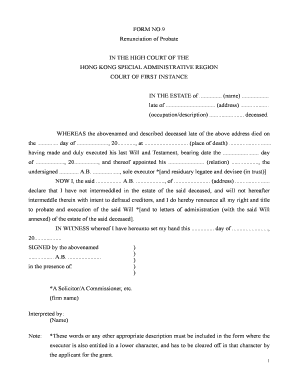
Renunciation of executor form florida
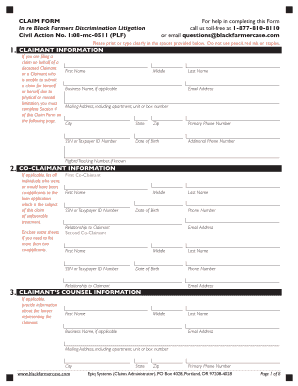
Black farmers claim form
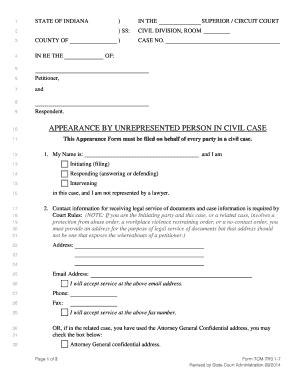
Tcm tr31 7

Divorce in indiana
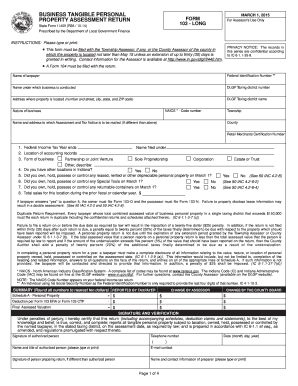
Form 103 - Long - State of Indiana - wellscounty
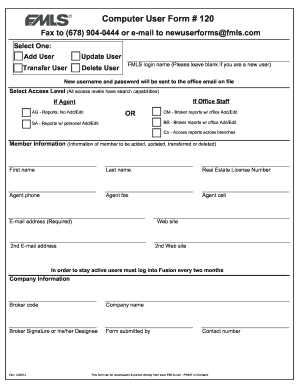
Dawood computer userform
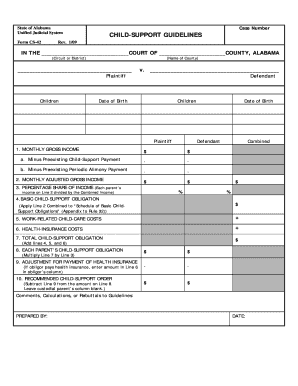
Alabama child support form cs 42

Bergin release adoption
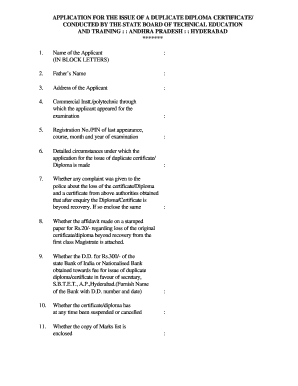
Ts sbtet marks memo download
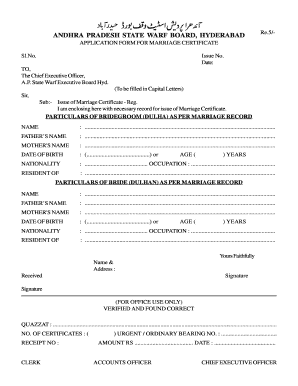
First marriage certificate form

Camp curnalia cottage military community
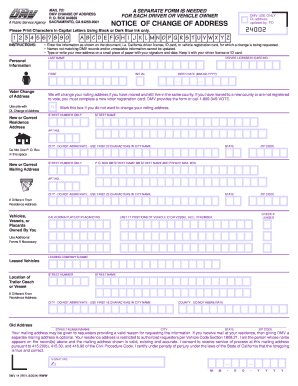
Dmv14 form
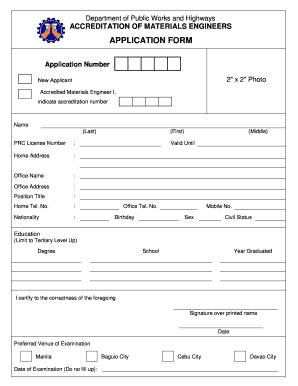
Materials engineer exam schedule 2022
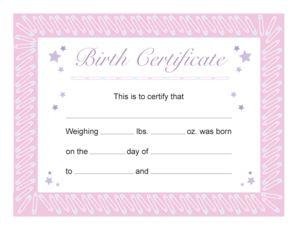
Baby scrapbook printables

Sample of invitation letter for a friend to visit philippines
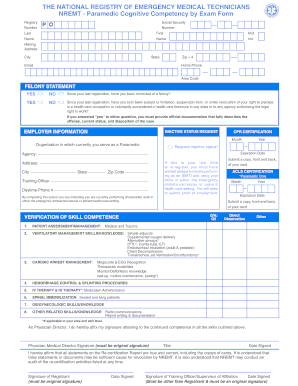
Cognitive competency exam form

Operating engineers local 15
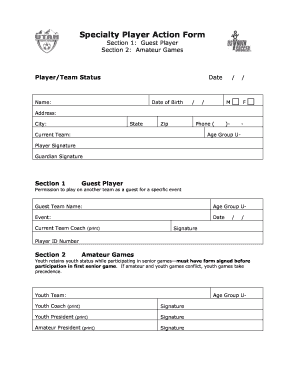
Specialty amateur player
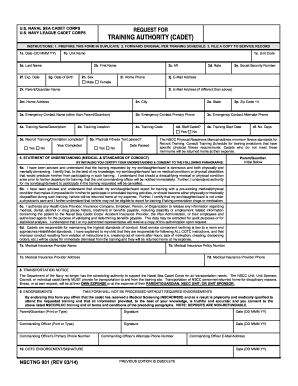
Fill nsctng blank
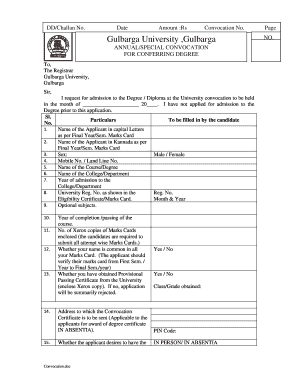
Gug convocation 2021

NTIP Individual Strategy Form
Tin certificate
New mexico temporary id template
Apria financial hardship form
Nsfaf application form 2021 pdf download
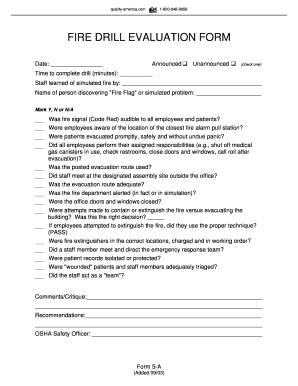
Fire drill evaluation form
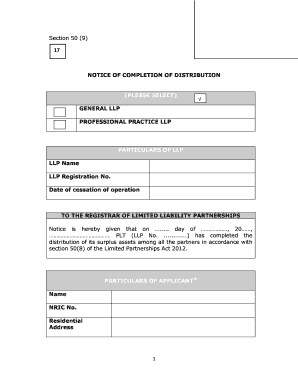
How to get form 9

Kawartha pine ridge form

Family life merit badge worksheet word doc
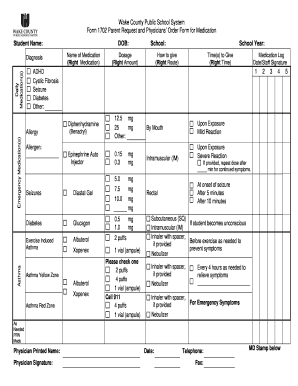
County form medication
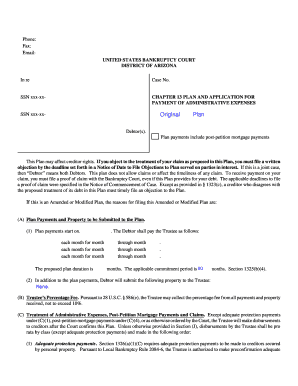
Az 13 administrative bankruptcy
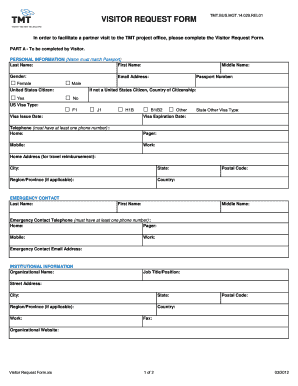
Visitors request form
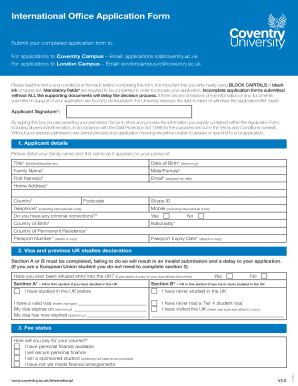
Coventry application form
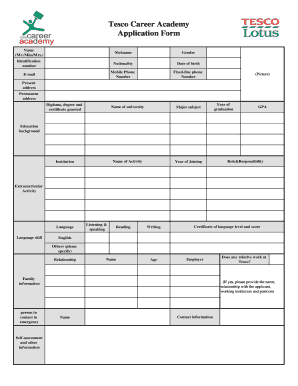
Tesco application form
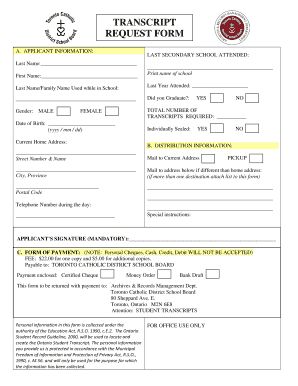
Tcdsb transcript
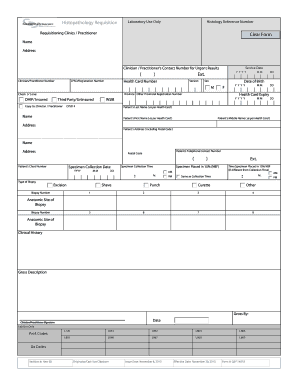
Histopathology request form pdf
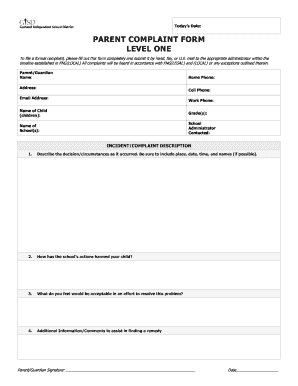
Parent complaint form level one - Garland Independent School District
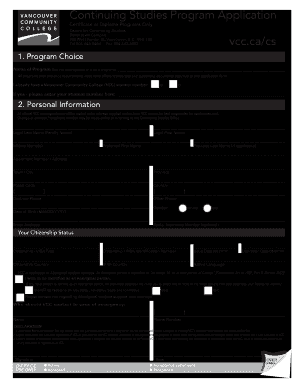
Vcc program
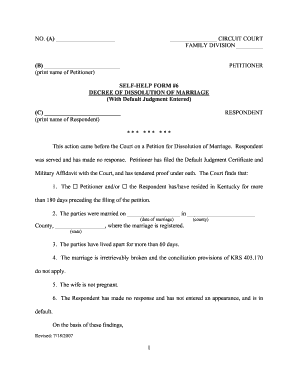
Petition for dissolution of marriage kentucky form
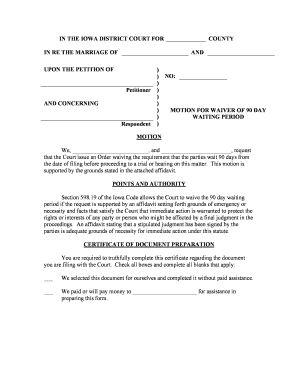
Waive 90 day waiting period divorce iowa
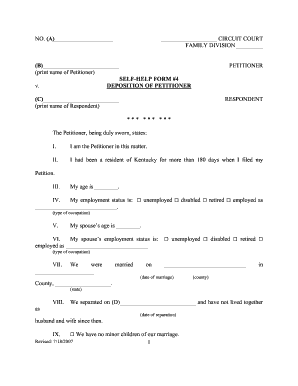
Ky need deposition

Td1 form trinidad
Ocan assessment
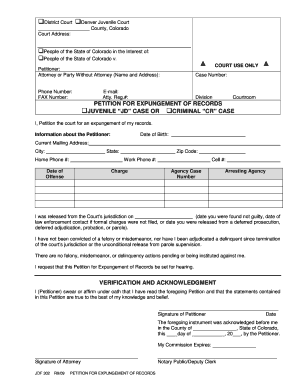
Colorado Expungement Forms - Free Criminal Record Clearing and ... - recordclearing
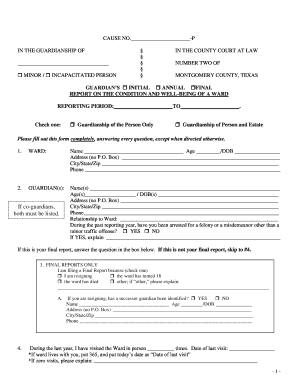
Sample Annual Report Form - Montgomery County - mctx
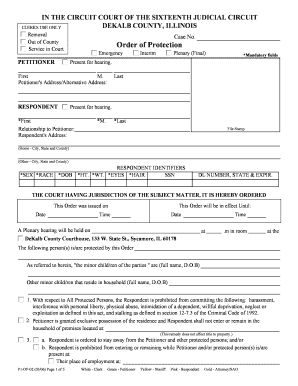
How do i get a restraining order in illinois
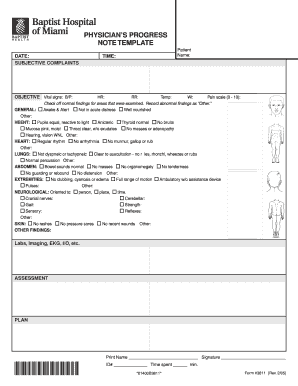
Form 3811 Physicians Progress Note - Template

Fillable partner identification and cost share worksheet

Ldss 4942
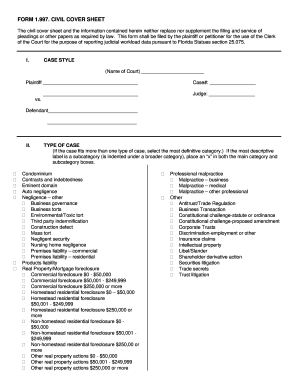
CIVIL COVER SHEET - Charlotte County - Clerk of Courts
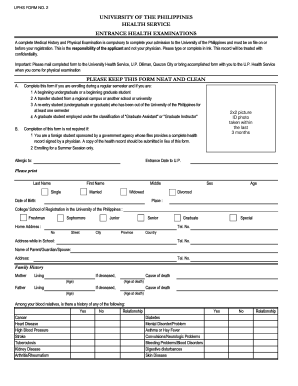
Sulanama
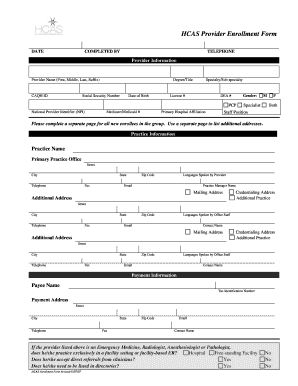
Hcas provider enrollment form
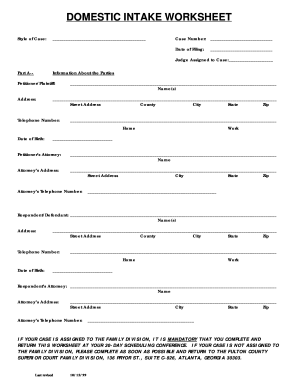
Domestic worksheet fill
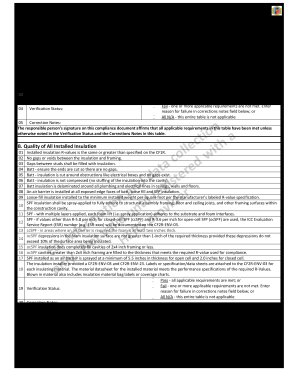
Insulation installation - California Energy Commission - State of ... - ww cash4appliances
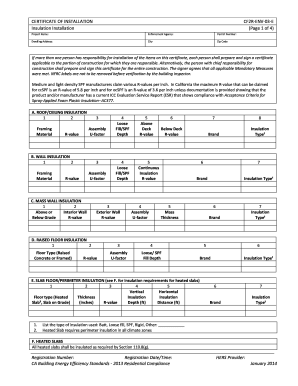
CERTIFICATE OF INSTALLATION CF2R-ENV-03-E Insulation ... - ww cash4appliances
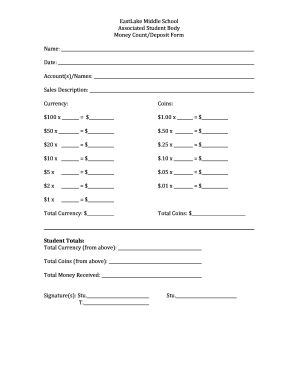
Count elm sweetwaterschools
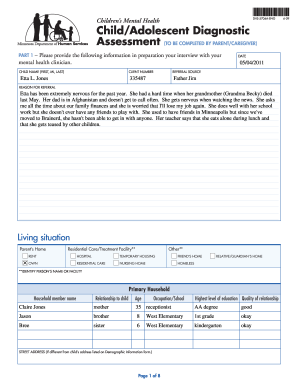
Child adolescent diagnostic assessment form
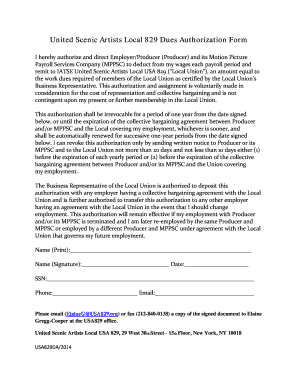
United Scenic Artists Local 829 Dues Authorization Form - usa829

Byram healthcare fax number

Dyslexia referral form

Estimated Financial Assistance Form - Columbia Southern University
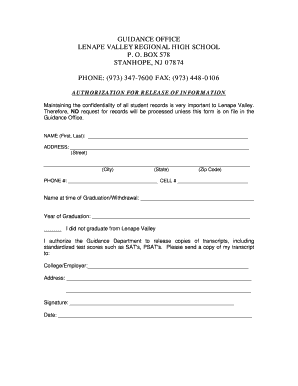
Lenape valley authorization form pdf

Aangifteformulier ABB
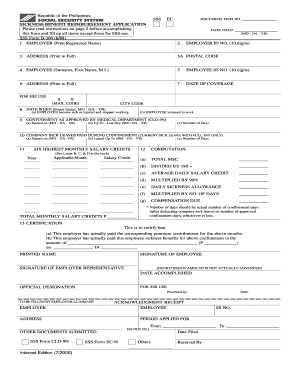
Sss sickness notification form editable
Benefit from the DocHub online library of fillable PDF forms
Searching the PDF forms doesn't have to be a tedious and time-consuming process. With the DocHub online library, it has become easier to find the fillable PDF forms and modify them in your browser. The service allows you to adjust the document to your needs using powerful editing tools.
You can use online document editing features to modify almost any type of document with ease. You just need to find the template of your choice, open it in the editor, and use the toolbar to make the necessary corrections.
Follow this guide to get your document done with DocHub:
- Find the PDF template you need.
- Click the Get Form button to open the file in the editor.
- Use the toolbar to fill out and edit the document.
- Easily add and highlight text, insert images, checkmarks, and symbols.
- Drop new fillable fields, and rearrange or delete pages from your file.
- Save changes and download your record.
DocHub empowers everyone to streamline document editing, signing, and distribution, and form completion. Create an account and benefit from our well-organized PDF Forms library and comprehensive editor.