
Get any PDF form from the DocHub library of ready-made templates - Page 1952
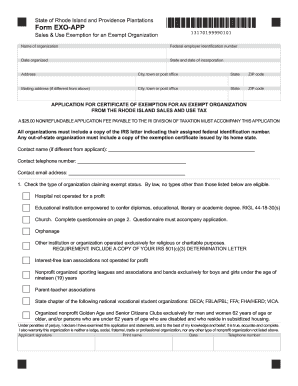
Rhode island application exemption
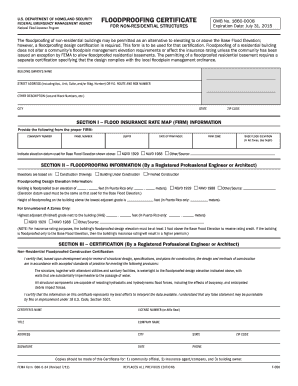
Fema form 086 0 34
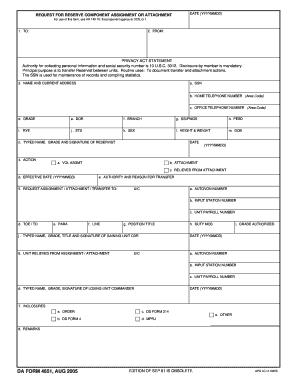
4651
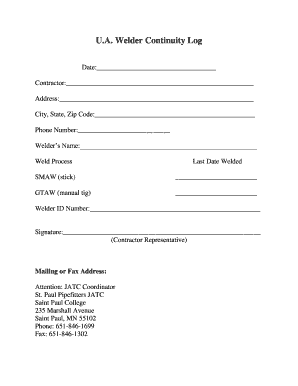
Welder continuity log pdf

The Silver Buffalo Award - Boy Scouts of America - ntier
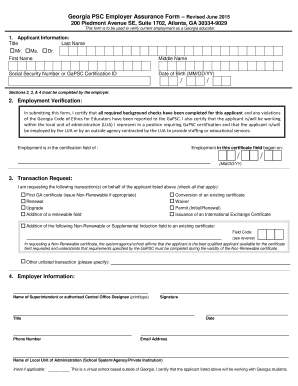
Gapsc employer assurance form
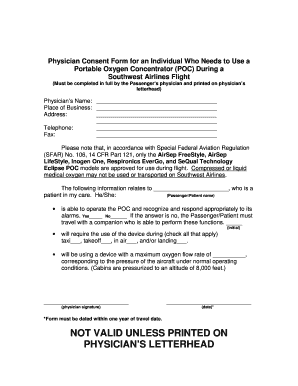
Southwest airlines oxygen consent form

Hm 180ae
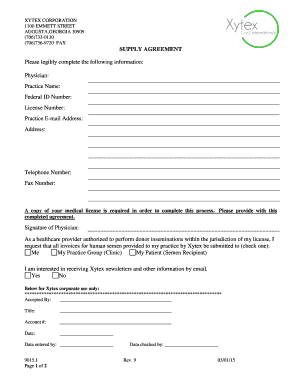
US physicians - Xytex
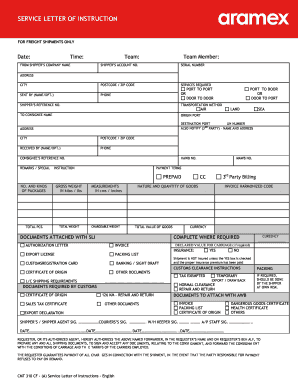
Aramex letter of service
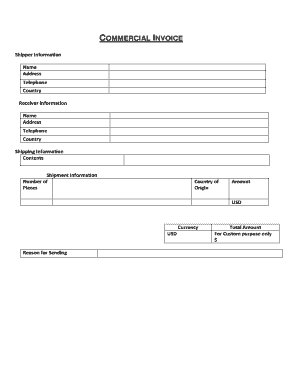
Aramex invoice
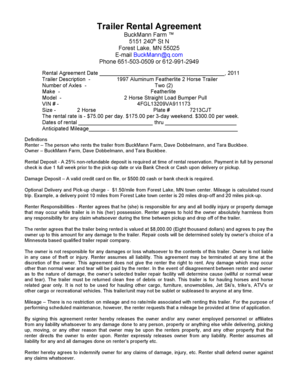
Farm trailer rental agreement

Dhs 114a

Bie scan
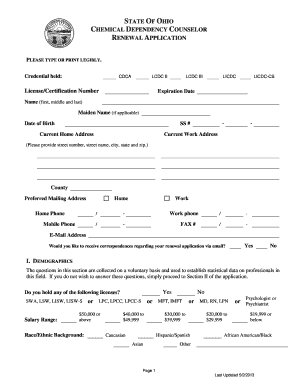
Ohio board renewal chemical dependency
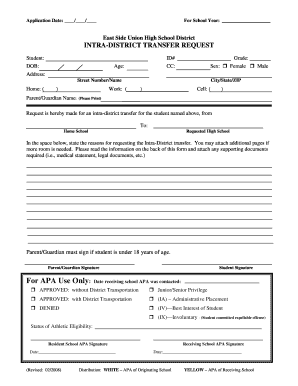
Intra-District Transfer Application - East Side Union High School ... - esuhsd
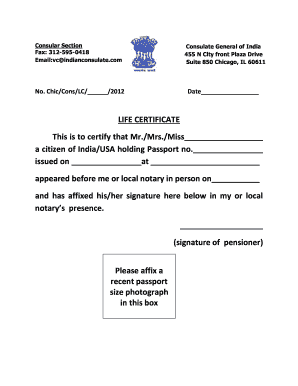
Life certificate canada
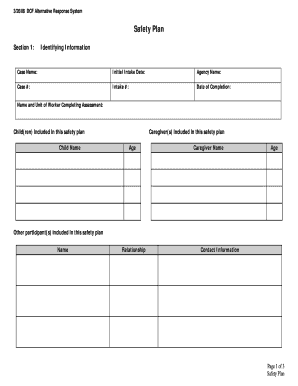
Dcf safety plan template
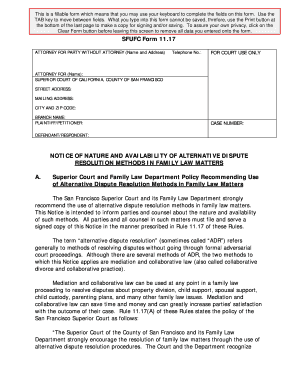
Sfufc 11 17
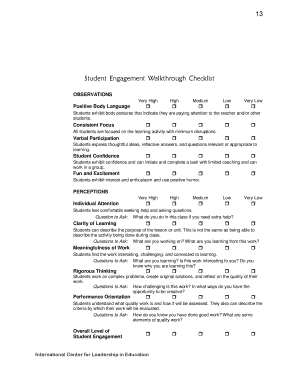
Student engagement walkthrough checklist
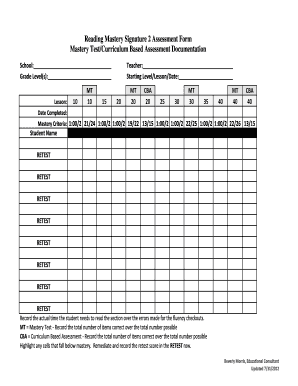
Reading mastery workbook pdf
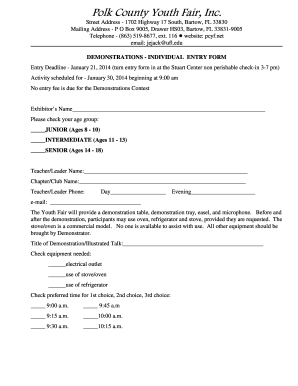
Polk youth fair

Alabama form medicaid application

Cooperative apartment deposit receipt and contract for sale

Printable Surgical Pre-Operative Test Order Form - Physician

Health Approval Application - Fraser Health Authority

Fencing pool sheet pdf

Sky zone everett

Passport renewal canada
Mental status exam
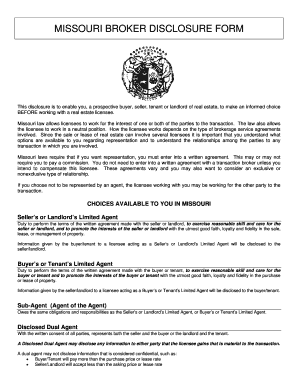
Missouri broker disclosure form
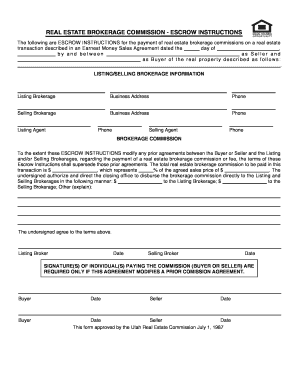
Commission instructions form
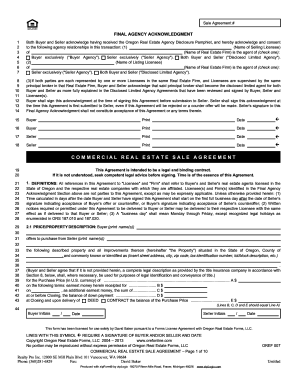
OREF-007 - Commercial Sale Agreement - Realty Pro
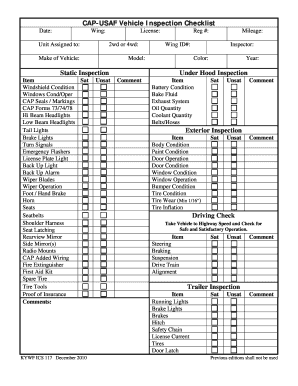
Wv vehicle inspection checklist

Addendum - Anne Arundel CountyRequired 4 - mdrealtororg
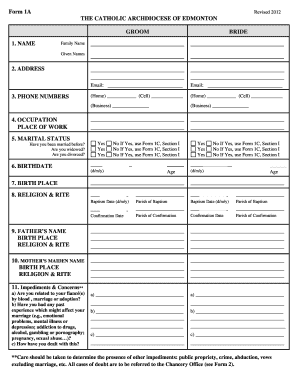
What is form 1a

DD Form 2870, Authorization for Disclosure of Medical or Dental ...
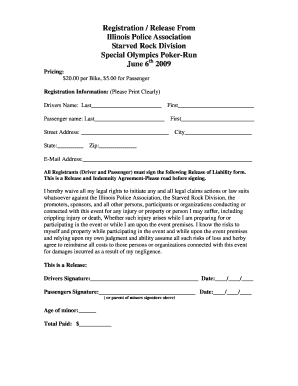
2009 Poker-run Release form - Illinois Police Association - ipacops
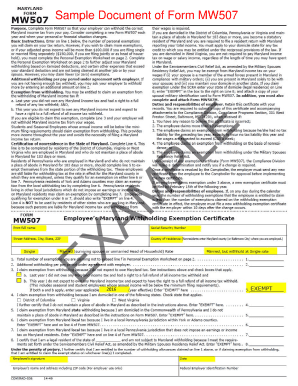
How to fill out mw507 example
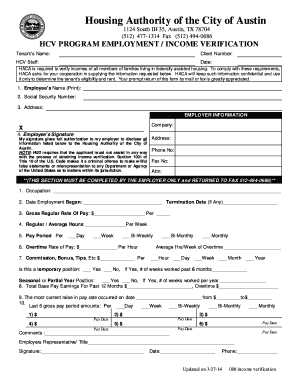
Income verification form
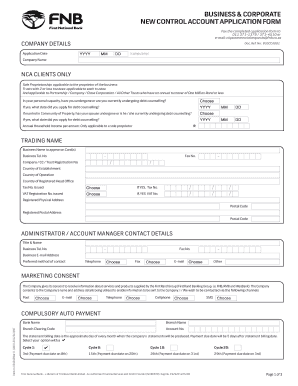
Bank account application form pdf
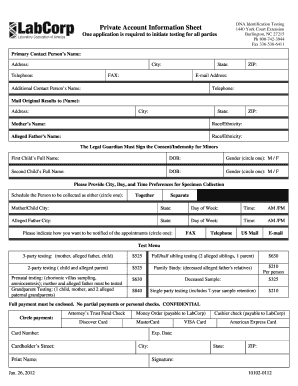
Private Account Information Sheet - LabCorp

Colorado form ar fform 300 01b
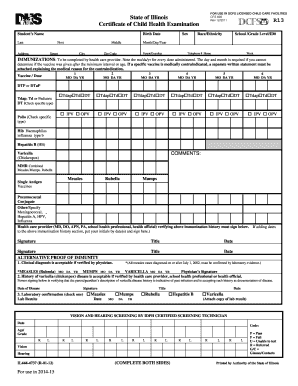
Certificate of child health examination state of illinois 2012 form
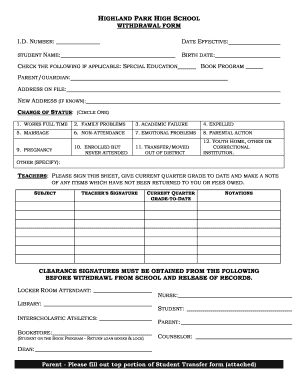
Motion to withdraw letter
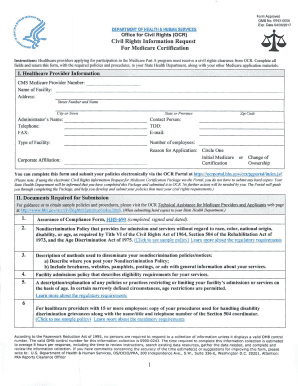
Form 0006
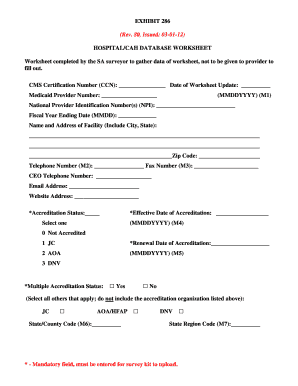
Cms exhibit 286
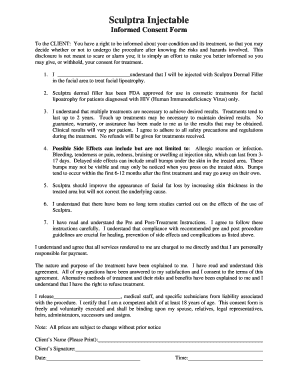
Sculptra injectable informed form filler
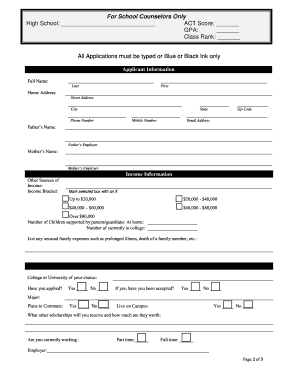
DeRidder Rotary Club Scholarship Application and Requirements - rotary6200
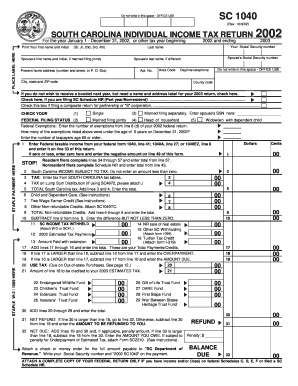
Sc1040 staples 2002 form

Guardian consent form

Scholarship form pdf
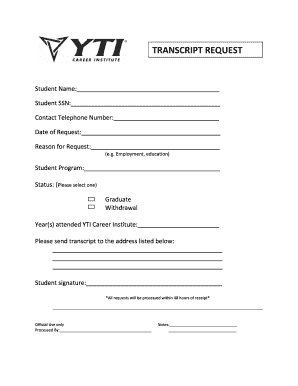
Yti transcripts
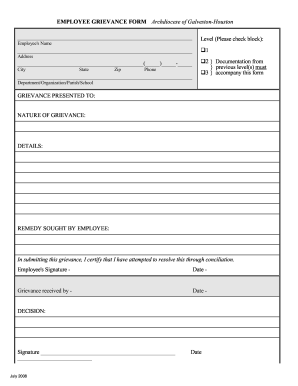
Galveston grievance form
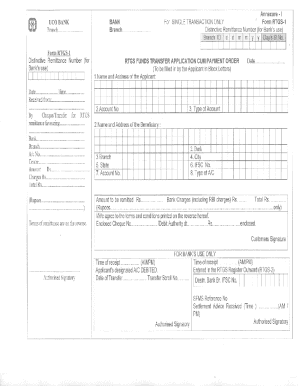
Icici bank rtgs form download in excel
Iblce short term provider application
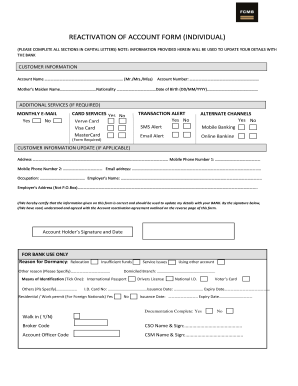
Fcmb reactivation account
Bam rn
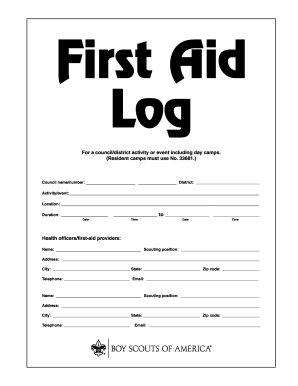
Bsa first aid log

Baltimore city public sst

Shared domicile bcps

RENTAL FORM FOR THE POPCORN MACHINE - district196

High school self form

Z299 form
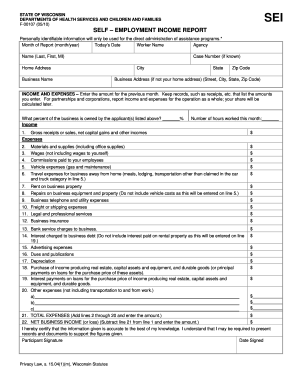
F 00107
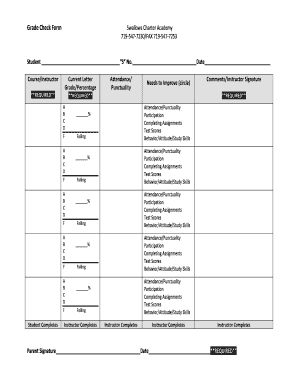
Grade check form template
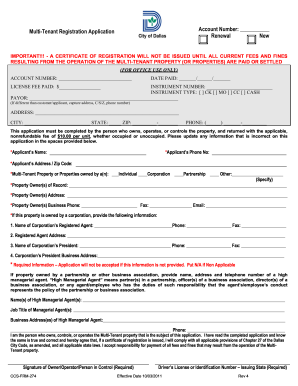
Renewal New Multi-Tenant Registration Application - City of Dallas - dallascityhall
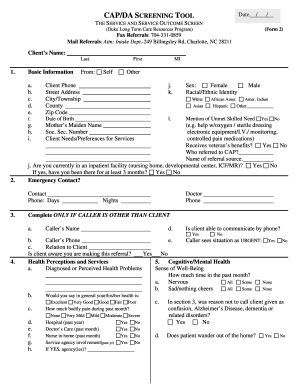
Mecklenburg county cap da screening tool

United republic tanzania visa form

Marin general medical records

Plea form
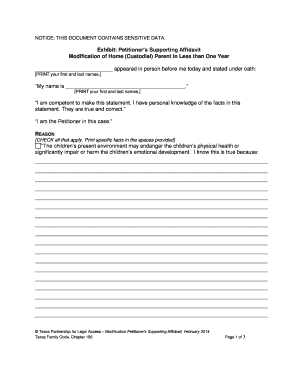
Texas supporting affidavit
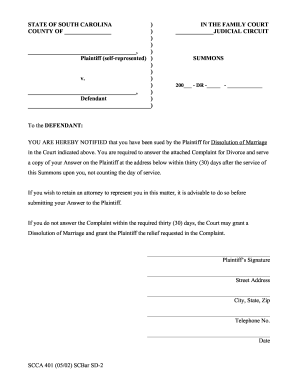
Summons scbar sd 2

How to nc ncuc

Cape cod violetry
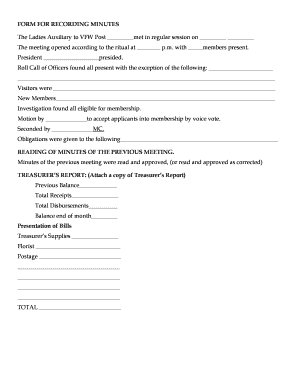
Vfw meeting minutes template
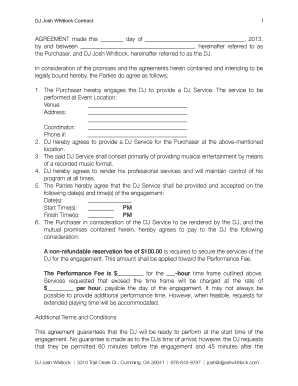
DJ bContract Templateb - DJ Josh Whitlock

How to fill out a defendant answer form

Michigan personal protection order
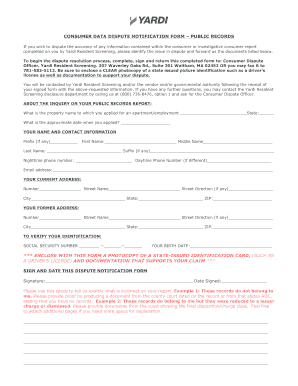
Yardi form records sample

Colorado petition relief

Spousal maintenance advisement colorado
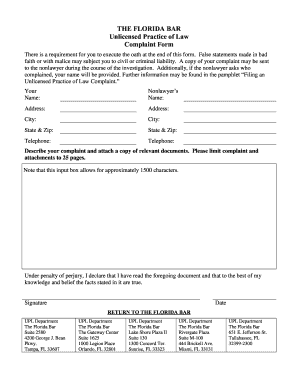
Unlicensed Practice of Law Complaint Form - The Florida Bar - floridabar

Eeo 1 form pdf

Narrative charting
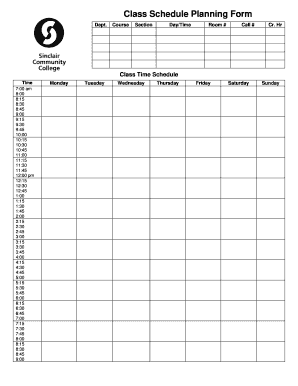
Class Schedule Planning Form - sinclair
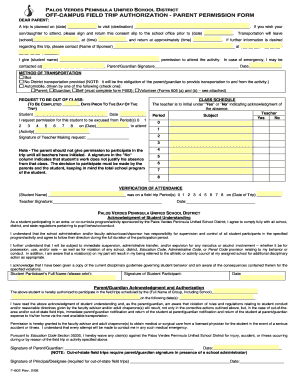
Field Trip Form - Palos Verdes Peninsula High School
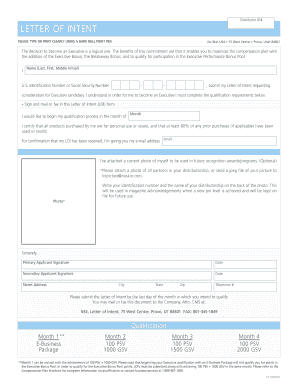
Loi nuskin

Self certificate form
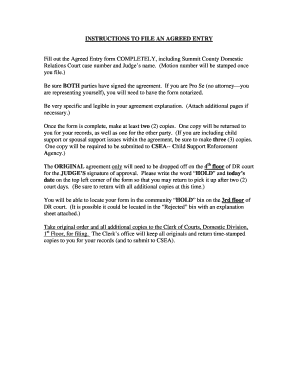
What is an agreed entry
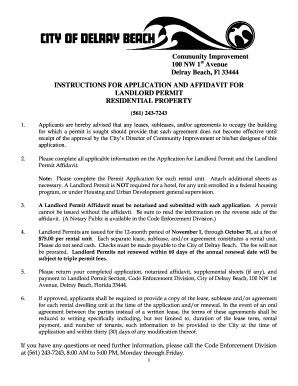
Delray beach landlord permit
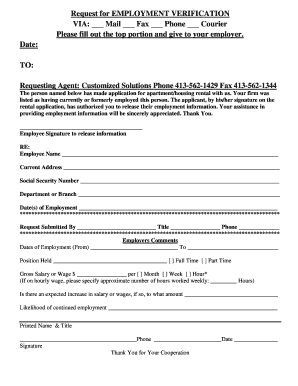
Employment verification release form template

CIT 0001E : Application for a Citizenship Certificate (Proof of ...
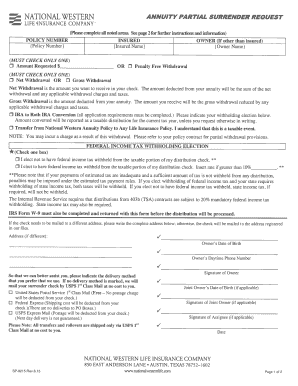
National western life insurance forms 2013
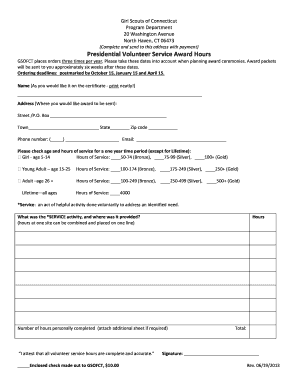
Presidential volunteer service award hours - Girl Scouts of Connecticut - gsofct
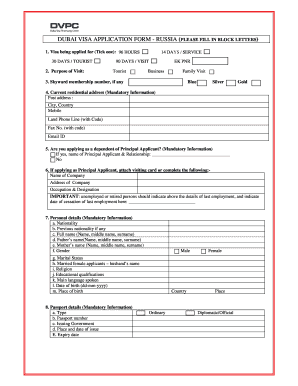
Fill application form in capital block letters example
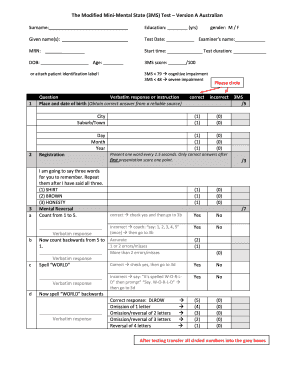
Forms
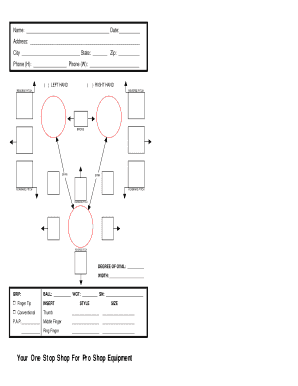
Bowling ball drilling layout sheet

Ched stufap
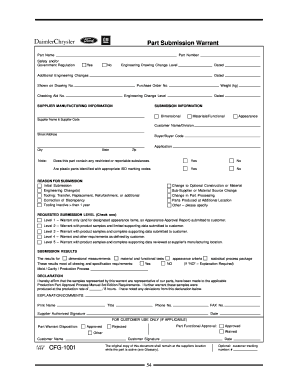
Part submission warrant 1999 form
Benefit from the DocHub online library of fillable PDF forms
Searching the PDF forms doesn't have to be a tedious and time-consuming process. With the DocHub online library, it has become easier to find the fillable PDF forms and modify them in your browser. The service allows you to adjust the document to your needs using powerful editing tools.
You can use online document editing features to modify almost any type of document with ease. You just need to find the template of your choice, open it in the editor, and use the toolbar to make the necessary corrections.
Follow this guide to get your document done with DocHub:
- Find the PDF template you need.
- Click the Get Form button to open the file in the editor.
- Use the toolbar to fill out and edit the document.
- Easily add and highlight text, insert images, checkmarks, and symbols.
- Drop new fillable fields, and rearrange or delete pages from your file.
- Save changes and download your record.
DocHub empowers everyone to streamline document editing, signing, and distribution, and form completion. Create an account and benefit from our well-organized PDF Forms library and comprehensive editor.