




01. Edit your form online
Type text, add images, blackout confidential details, add comments, highlights and more.

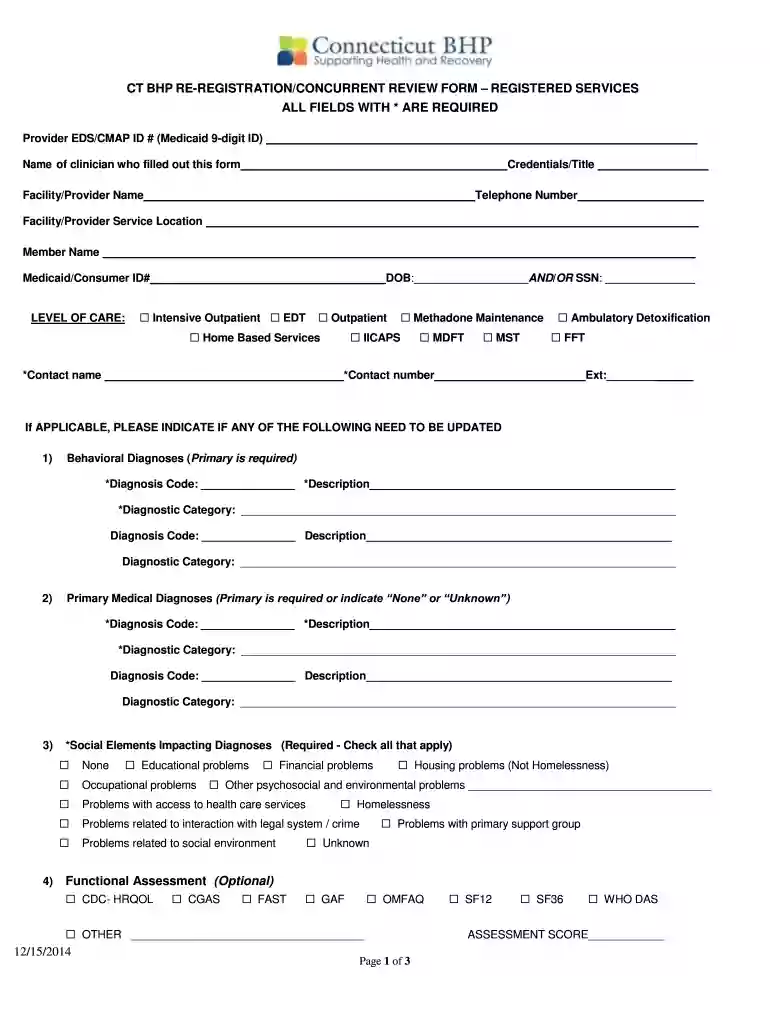
Type text, add images, blackout confidential details, add comments, highlights and more.

Draw your signature, type it, upload its image, or use your mobile device as a signature pad.

Send it via email, link, or fax. You can also download it, export it or print it out.

Start using our platform today to streamline your form completion process for free!
We've got more versions of the CT BHP RE-REGISTRATION/CONCURRENT REVIEW FORM ... form. Select the right CT BHP RE-REGISTRATION/CONCURRENT REVIEW FORM ... version from the list and start editing it straight away!
Most eSignature services require users to have a paid subscription. With DocHub, there are two ways for you to create an electronic signature to your CT BHP RE-REGISTRATION/CONCURRENT REVIEW FORM ... without being charged:
The second option, though, has limitations on the number of signatures, sign requests, emails, and forms for adjusting available per month. You can check for full details here.
Having a swift editing platform like DocHub, you do not need anything but a web browser and connection to the internet to edit your CT BHP RE-REGISTRATION/CONCURRENT REVIEW FORM ... online swiftly. Add your file or find the relevant form in DocHub’s catalog, open our editor with a single click, and complete it digitally. To edit your forms at any time, sign up a free account with DocHub.
At DocHub, your data security is our priority. We follow HIPAA, SOC2, GDPR, and other standards, so you can work on your documents with confidence.
Behavioral Health Partnership Oversight Council. Operations Subcommittee. Legislative Office Building Room 3000, Hartford CT 06106Read more
On the pre-registration form the following information is necessary: (Airline name, flight number and time) for both arrival and departure. TransportationRead more
The 1st. Edition was titled Facility Design and Construction Guidelines and was prepared specifically to assist design consultants, contractors, and in-houseRead more


