Saws 2a sar spanish 2025

Get Form
saws 2a sar spanish Preview on Page 1

Here's how it works

01. Edit your saws 2a sar spanish online
Type text, add images, blackout confidential details, add comments, highlights and more.

02. Sign it in a few clicks
Draw your signature, type it, upload its image, or use your mobile device as a signature pad.

03. Share your form with others
Send saws 2a sar via email, link, or fax. You can also download it, export it or print it out.

How to use or fill out saws 2a sar spanish with our platform

Form edit decoration
9.5
Ease of Setup
DocHub User Ratings on G2
9.0
Ease of Use
DocHub User Ratings on G2
  1. Click ‘Get Form’ to open the SAWS 2A SAR Spanish document in the editor.
  2. Begin by reviewing the 'Derechos' section, which outlines your rights. Ensure you understand each right listed, as this will help you navigate the application process.
  3. Move on to the 'Responsabilidades' section. Here, you will find your responsibilities regarding citizenship and reporting changes. Fill in any required information accurately.
  4. In the 'Reportes Semianuales' section, provide details about your income and household changes. Use our platform's tools to easily input this data.
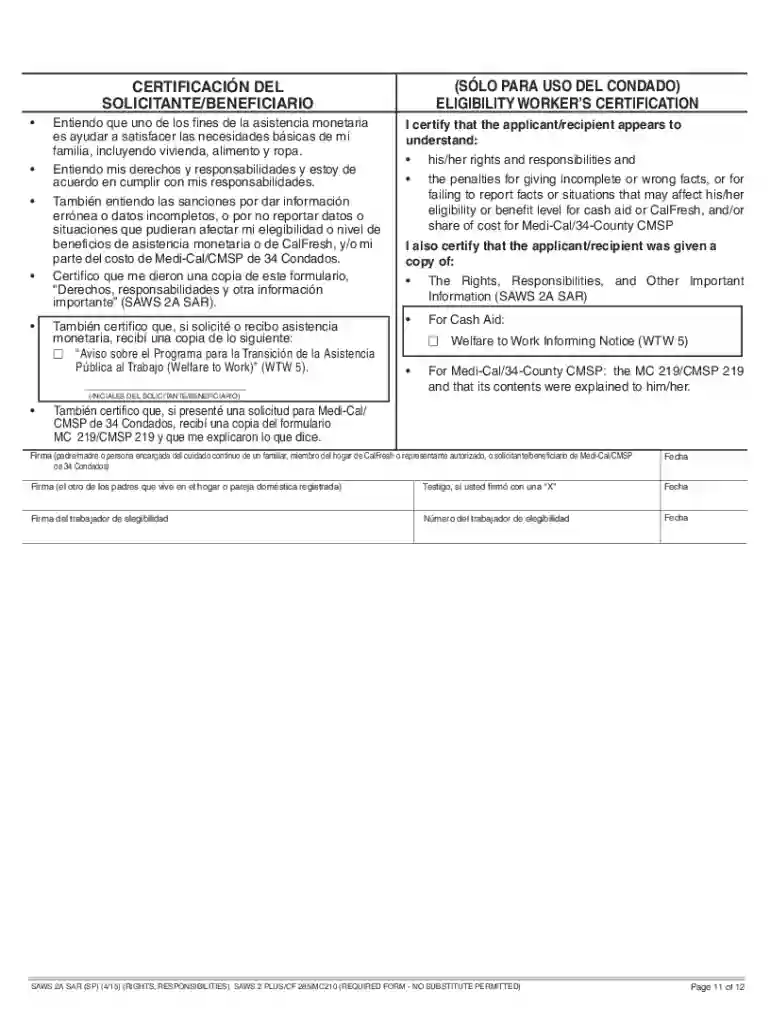
  5. Complete the certification section at the end of the form. Make sure to sign and date where indicated, confirming that you understand your rights and responsibilities.

Start using our platform today for free to fill out your SAWS 2A SAR Spanish form effortlessly!

See more saws 2a sar spanish versions

We've got more versions of the saws 2a sar spanish form. Select the right saws 2a sar spanish version from the list and start editing it straight away!
Versions Form popularity Fillable & printable
2015 4 Satisfied (53 Votes)
be ready to get more

Complete this form in 5 minutes or less

Get form

Got questions?

We have answers to the most popular questions from our customers. If you can't find an answer to your question, please contact us.
Contact us
A Semi-Annual Report (SAR 7 or Periodic Report) is a form that updates your county about changes to your situation. You must fill it out 6 months after you apply, even if you dont have changes to report. The county will use it to determine if youre still eligible for CalFresh.
The Rights, Responsibilities and Other Important Information (SAWS 2A SAR) is a generic document with two signature pages. The applicant/recipient must sign both signature pages (copies are not acceptable).
This is documented in the case narrative and the household is conferred MCE status. The County must provide a SAR 2 that notifies the household of the CalFresh family size, current income and the 130% IRT amount for the household size. The household must report mid-period when gross income exceeds their IRT.
SAWS 2A SAR - Rights, Responsibilities and Other Important Information. Use this form to learn more about your rights and responsibilities while you receive benefits. This form is to be signed by you and returned to SSSD. SAWS 2A SAR - Rights, Responsibilities and Other Important Information English.
be ready to get more

Complete this form in 5 minutes or less

Get form