




01. Edit your should i decline hipaa authorization kaiser online
Type text, add images, blackout confidential details, add comments, highlights and more.

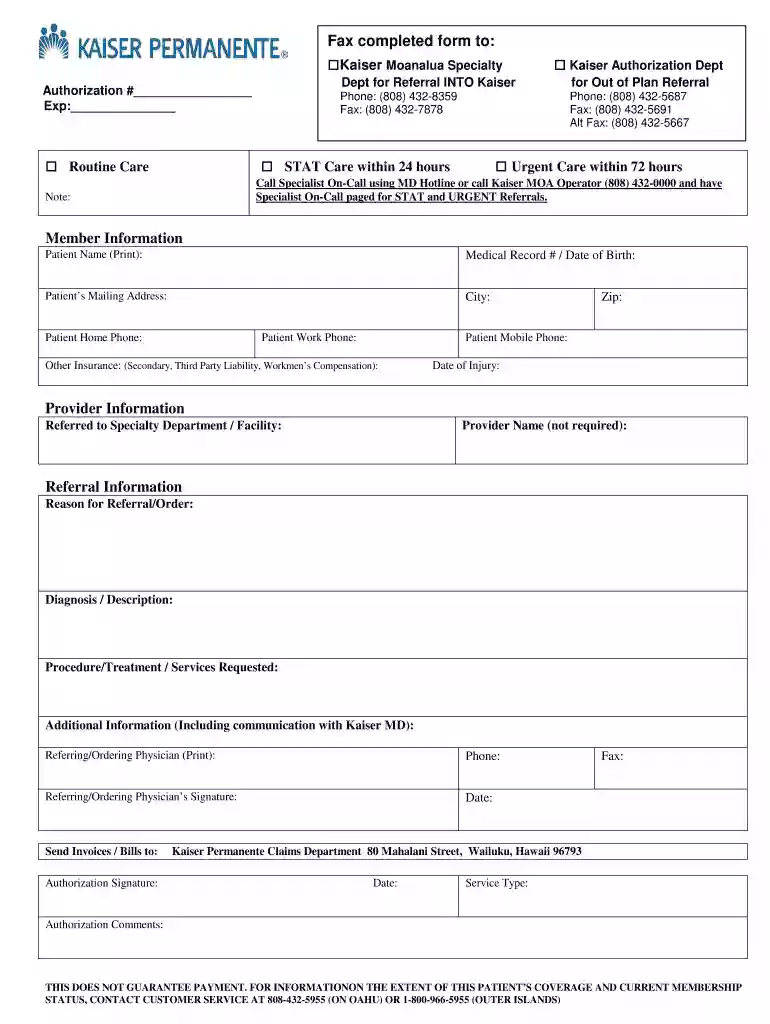
Type text, add images, blackout confidential details, add comments, highlights and more.

Draw your signature, type it, upload its image, or use your mobile device as a signature pad.

Send kaiser hipaa authorization via email, link, or fax. You can also download it, export it or print it out.

Start using our platform today to fill out your Kaiser Permanente authorization forms online for free!
Most eSignature services require users to have a paid subscription. With DocHub, there are two options for you to add an electronic signature to your hipaa authorization kaiser free of charge:
The second option, however, has limitations on the number of signatures, sign requests, emails, and documents for adjusting available per month. You can check for full information here.
In addition to an extensive toolset for editing PDFs on mobile phones, DocHub allows you to sign your hipaa authorization along the way. Open our editor in your browser, make modifications using DocHub’s toolset, and complete your editing by eSigning the completed form.
At DocHub, your data security is our priority. We follow HIPAA, SOC2, GDPR, and other standards, so you can work on your documents with confidence.
I understand that Kaiser Permanente will not condition treatment, payment, enrollment, or eligibility A copy of this authorization is as valid as the originalRead more
Nov 16, 2020 Marin Countys top 10 employers include Kaiser Permanente, Marin Health Medical This authorization is given through Resolution No.Read more
I understand that I have the right to receive a copy of this authorization if requested by me. I understand that I have a right to revoke this authorization by.Read more


