
Get any PDF form from the DocHub library of ready-made templates - Page 1941

PATIENT REGISTRATION FORM 042315pdf
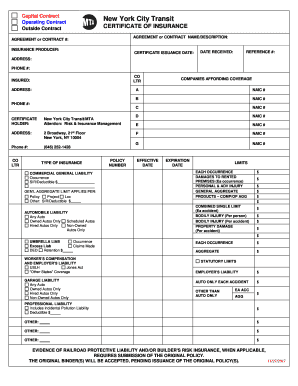
New york certificate insurance
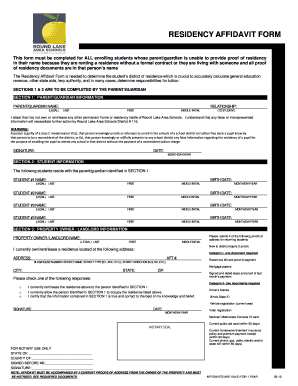
Residency form
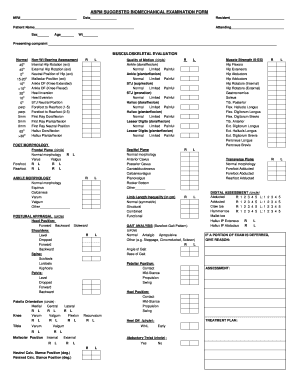
Biomechanical examination
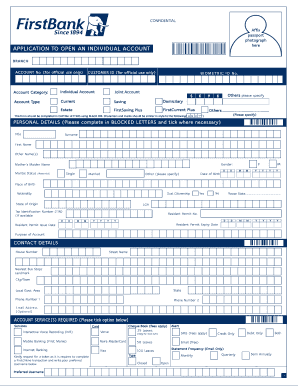
First bank account opening form pdf
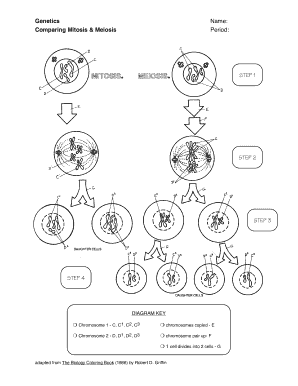
Genetics comparing mitosis and meiosis worksheet answers
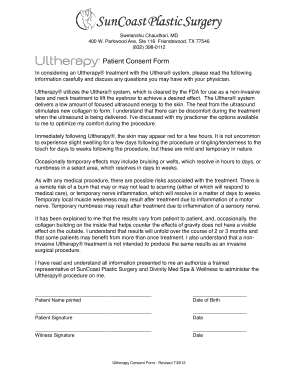
Ultherapy consent form

Michigan state police form 2015
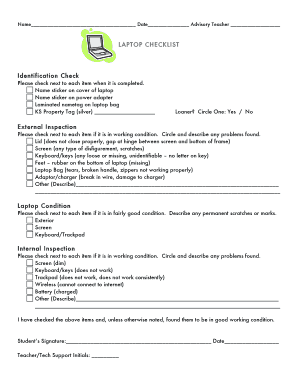
Laptop checklist template
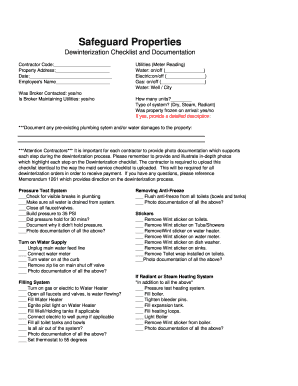
De winterization checklist

Pdf f4
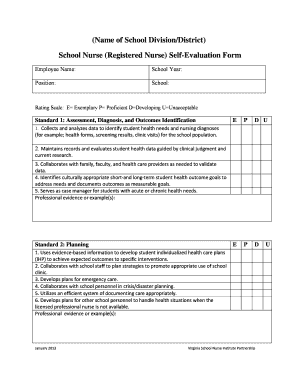
Performance appraisal for staff nurse pdf
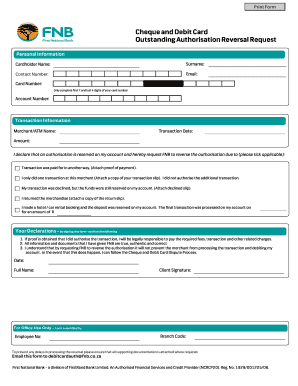
Outstanding debit card authorisation fnb
Communication Matrix for Parents Sample Page Profile (PDF: 112KB)
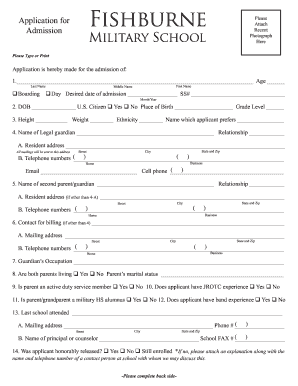
Application for military school
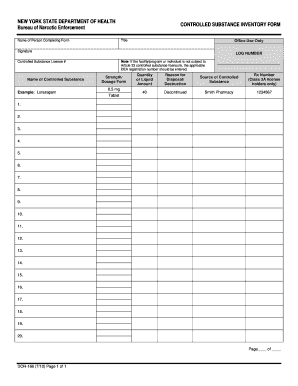
Controlled substance form
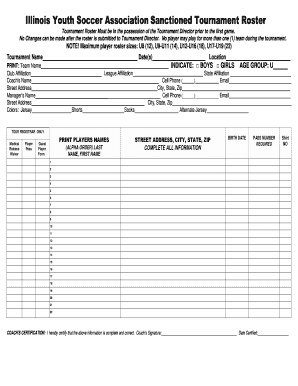
Illinois Youth Soccer Association Sanctioned Tournament Roster
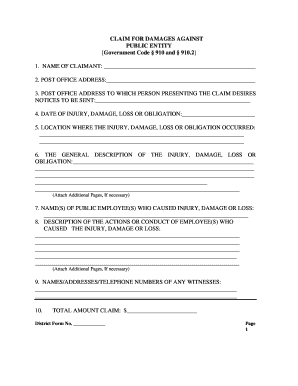
910 claim form
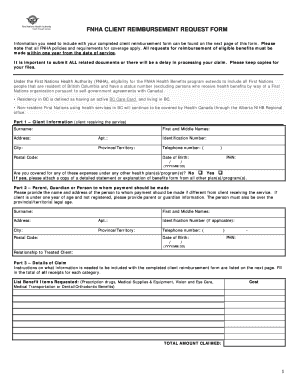
Fnha reimbursement form
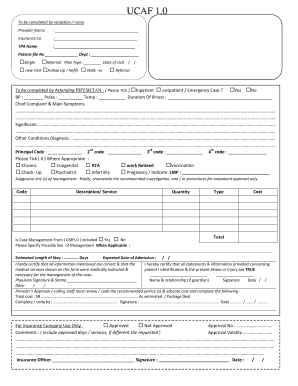
Ucaf 2 0
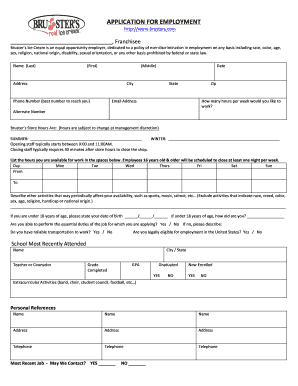
Brusters application
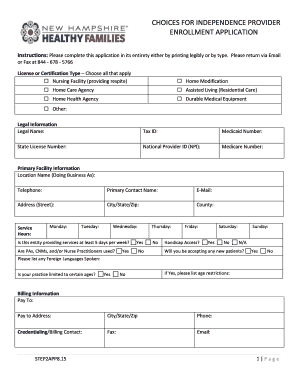
The CFI Provider Enrollment Application - New Hampshire Healthy
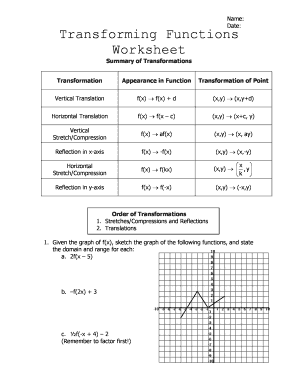
Transformation of functions worksheet pdf
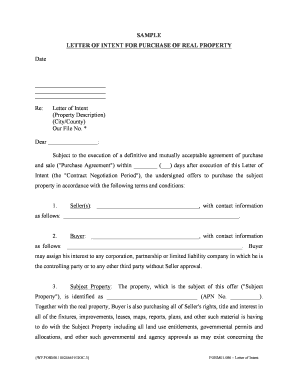
Letter of intent real estate
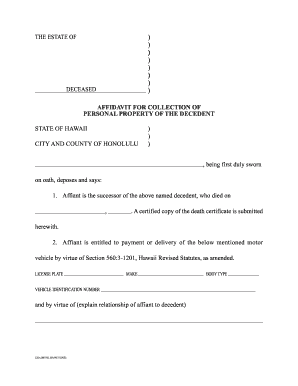
Act 89 Form
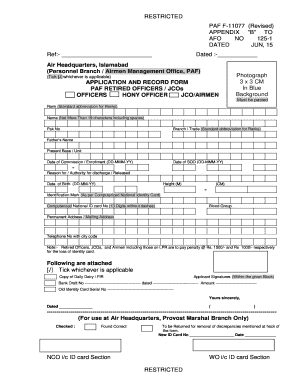
Paf pension directorate contact number
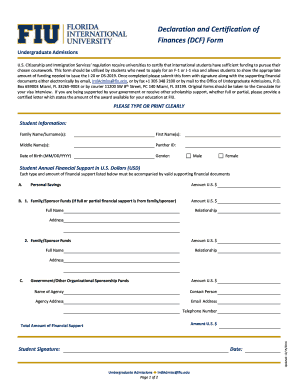
Dcf fiu
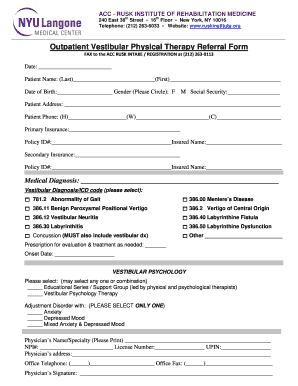
Vestibular therapy
Branch 9 nalc
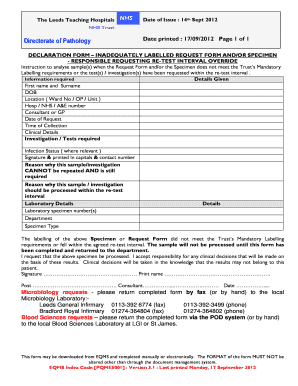
Pqme5001

Logisticare standing order form
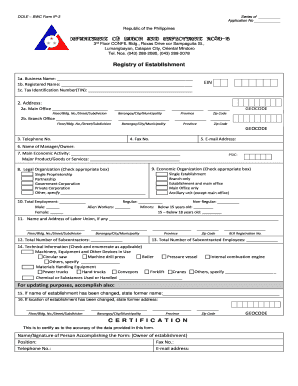
Dole 1020 form
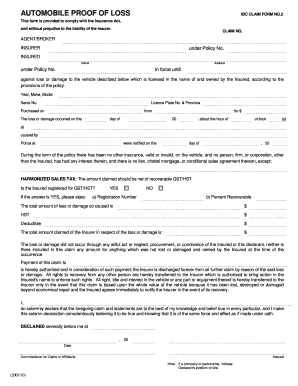
Proof of loss form

Cell membrane worksheetpdf
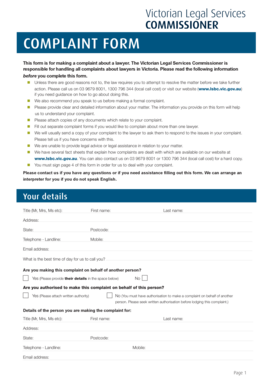
Lsbc vic

Breast cancer

New home contract incomplete construction

Direct Deposit form - DFAS Home
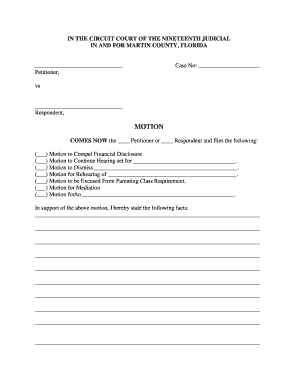
Martin county motion
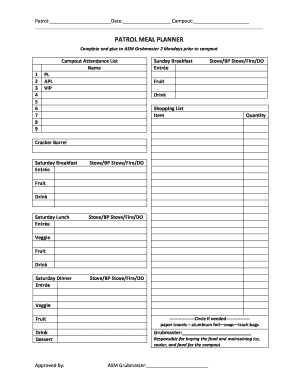
Meal plan template pdf
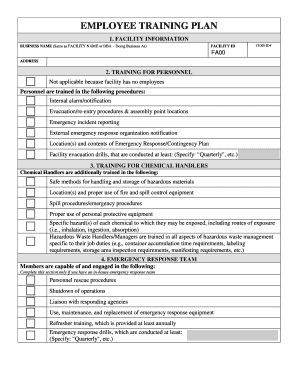
Employee training plan
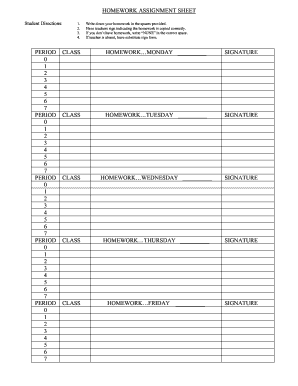
HOMEWORK ASSIGNMENT SHEETdoc
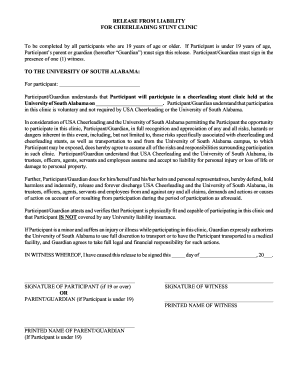
Cheer stunt waiver template online
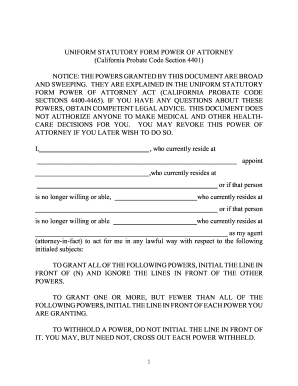
UNIFORM STATUTORY FORM POWER OF ATTORNEY California
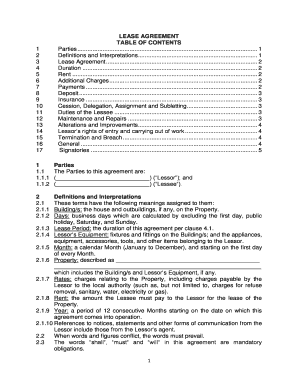
Contents of lease agreement
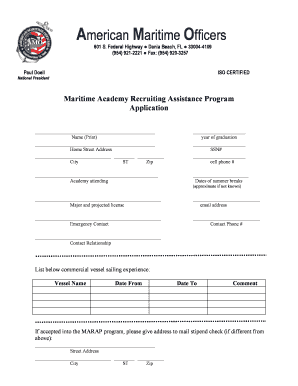
American marap
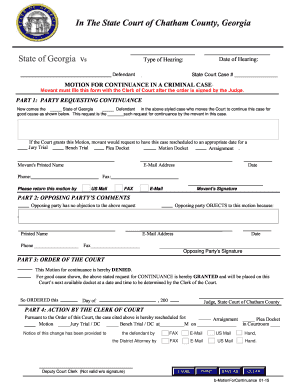
Georgia continuance form
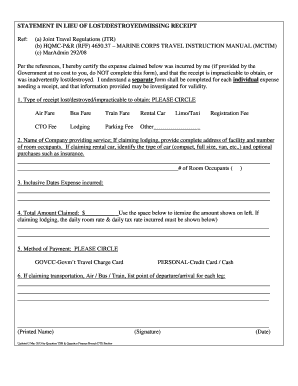
Dts statement in lieu
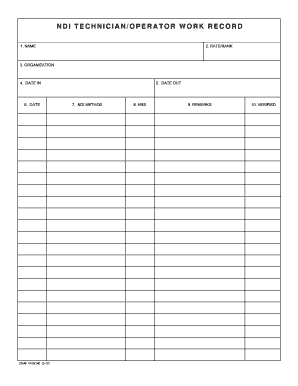
Navy 4790 operator work form defense pdf

East orange parking permit
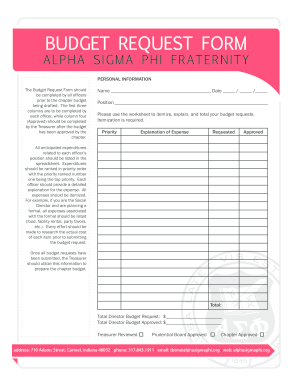
Budget request form
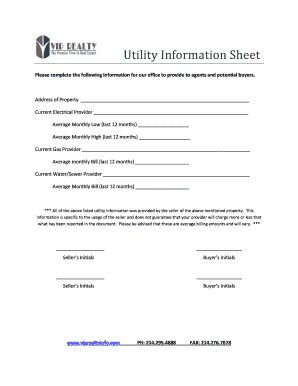
Real estate utility information sheet
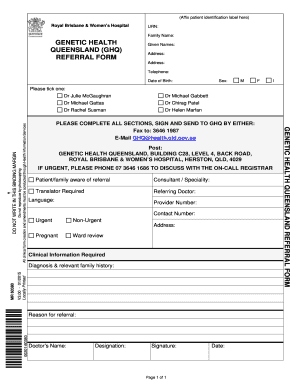
Genetic health queensland referral form

Pedicure log sheet

Beginning Teachers Views of Self Questionnaire - Higher Ed - highered nysed
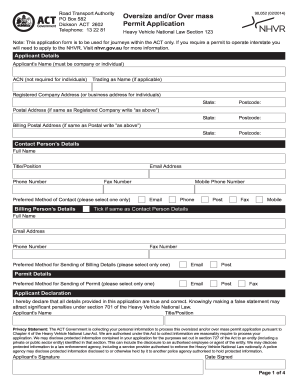
Workers permit print out
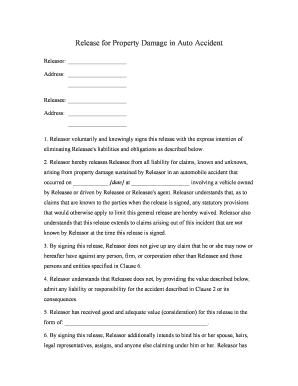
Release for Property Damage in Auto Accident
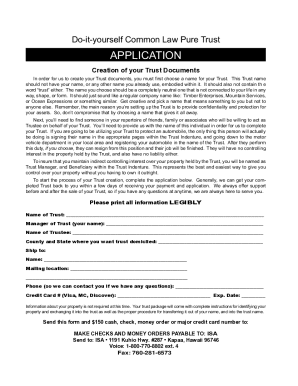
Pata idp
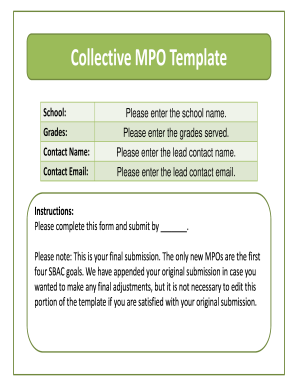
9-12 - OUSD Office of Charter Schools
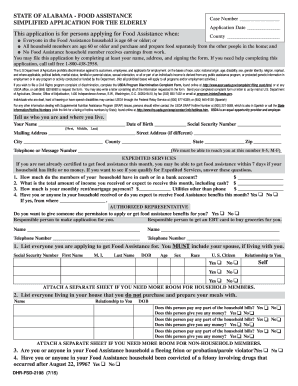
Aesap county dhr
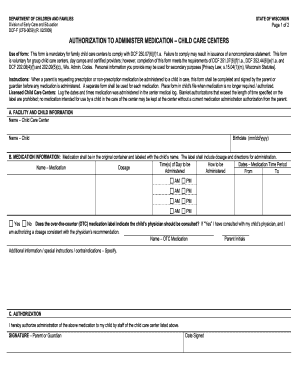
Dcf medication form
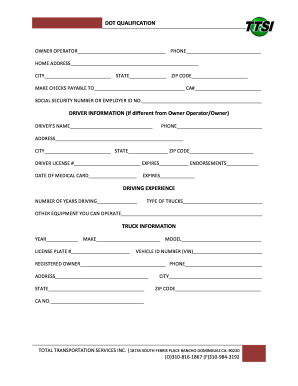
Ttsi form online

Carebridge eap provider portal

Child care employment verification letter

Trec financing
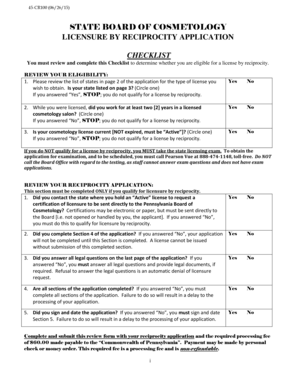
Pa cosmetology license reciprocity
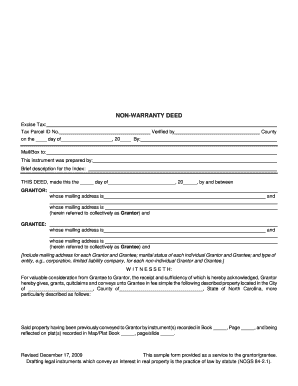
Nc non warranty deed

Pua alabama

Linking chc to intervention
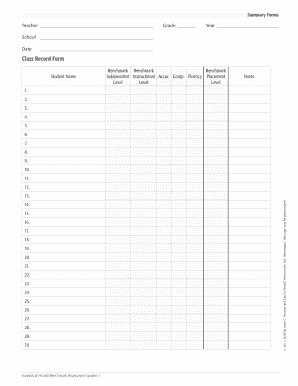
Class Record bFormbpdf

Material testing request letter format
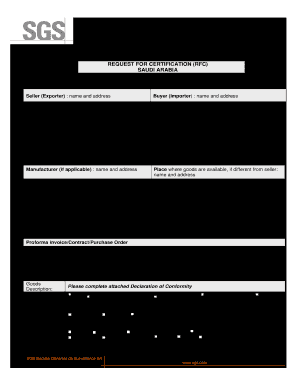
Certificate of conformity saudi arabia template
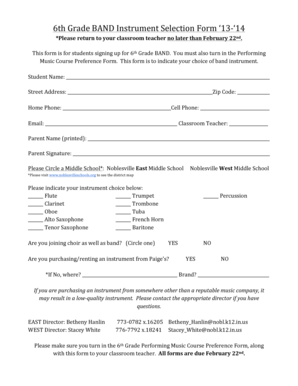
6th Grade BAND Instrument Selection Form 1314 - noblesvilleschools
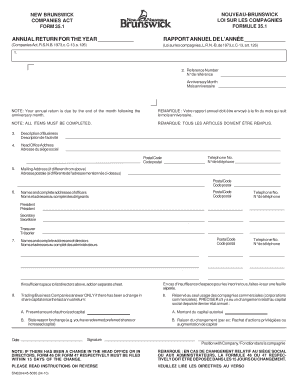
Formule 351 - Service New Brunswick - pxw1 snb
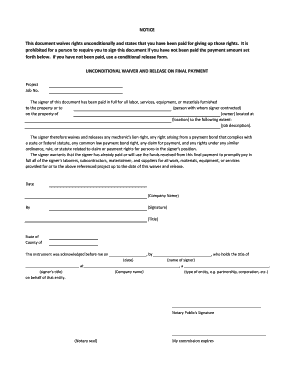
Payment release form
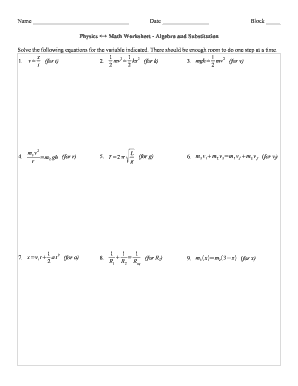
Physics math worksheet algebra and substitution answer key

Campus Care -- Ohio University - oucom ohiou
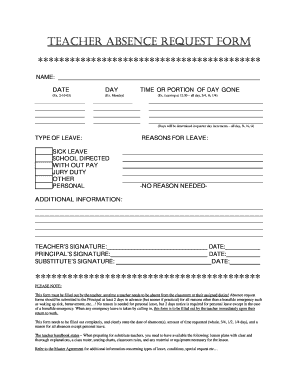
Teacher absence form
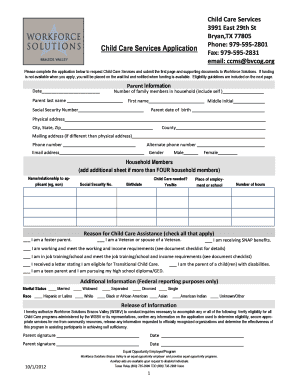
Ccms bryan tx
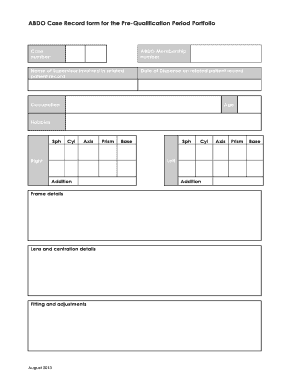
Case Record form - ABDO - abdo org
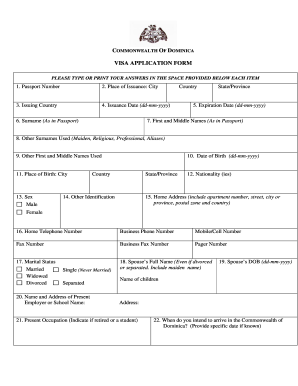
Dominica visa form
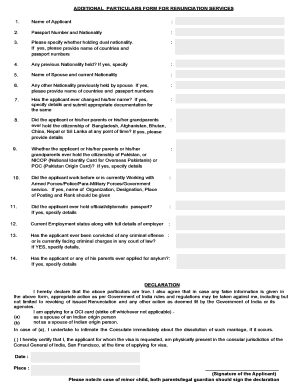
Additional particular form

Hinds community college transcript
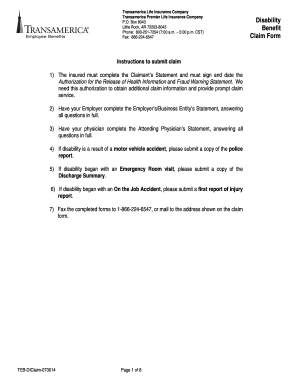
Disability Benefit Claim Form
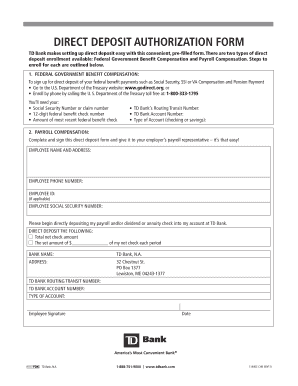
Td bank direct deposit form
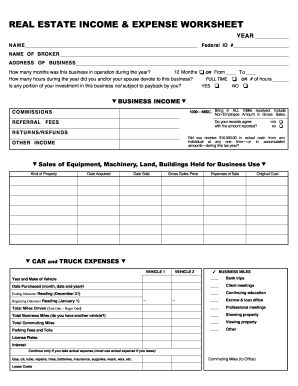
BEAUTY & BARBER INDUSTRY INCOME & EXPENSE WORKSHEET
Lord thou panikhida
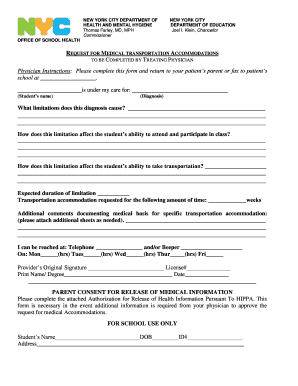
Request for medical accommodations to be completed by treating physician
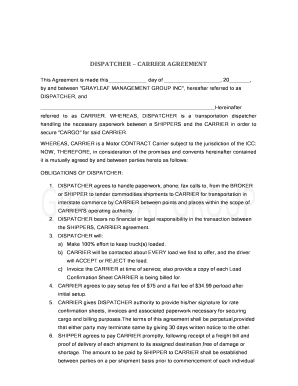
Carrer contract
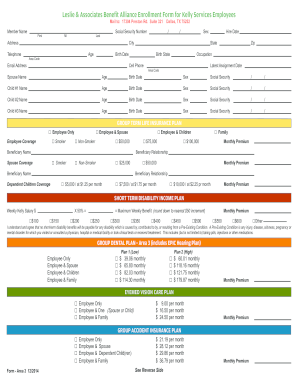
Leslie benefit kelly services

Goat Registration Form - American Dairy Goat Association
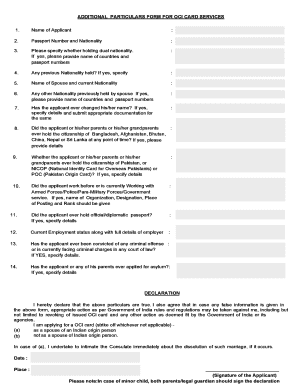
Additional form oci
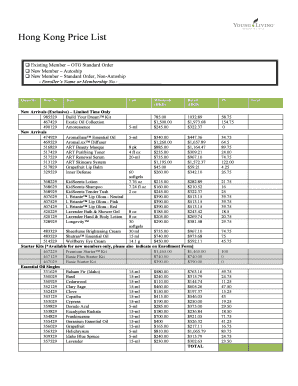
Price list young living
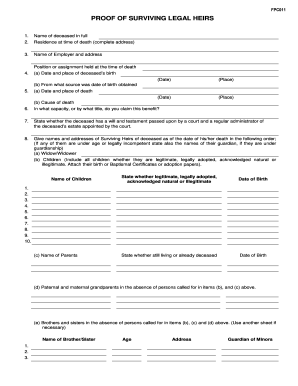
Proof of surviving legal heirs
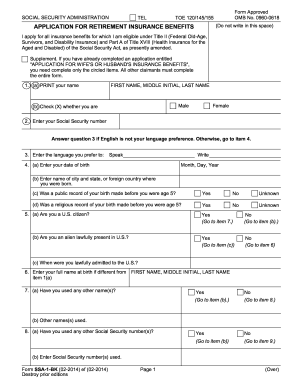
1 form ssa 2017

Georgia successor executor probated
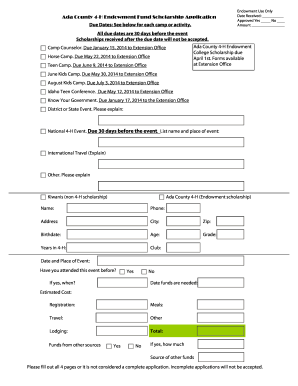
Ada County Endowment Board Scholarship bApplicationb - extension uidaho
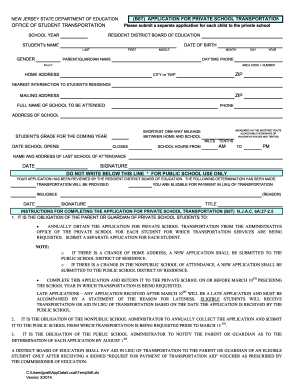
Application Process/Apply Now - Pingry School
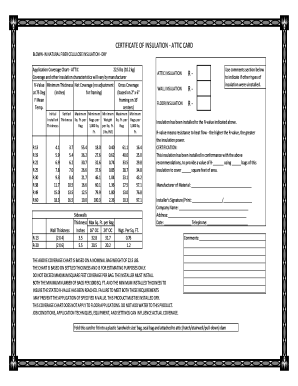
Insulation card

Prescriptive Residential Alterations That Do Not Require HERS - energy ca
Benefit from the DocHub online library of fillable PDF forms
Searching the PDF forms doesn't have to be a tedious and time-consuming process. With the DocHub online library, it has become easier to find the fillable PDF forms and modify them in your browser. The service allows you to adjust the document to your needs using powerful editing tools.
You can use online document editing features to modify almost any type of document with ease. You just need to find the template of your choice, open it in the editor, and use the toolbar to make the necessary corrections.
Follow this guide to get your document done with DocHub:
- Find the PDF template you need.
- Click the Get Form button to open the file in the editor.
- Use the toolbar to fill out and edit the document.
- Easily add and highlight text, insert images, checkmarks, and symbols.
- Drop new fillable fields, and rearrange or delete pages from your file.
- Save changes and download your record.
DocHub empowers everyone to streamline document editing, signing, and distribution, and form completion. Create an account and benefit from our well-organized PDF Forms library and comprehensive editor.