




01. Edit your form online
Type text, add images, blackout confidential details, add comments, highlights and more.

Type text, add images, blackout confidential details, add comments, highlights and more.

Draw your signature, type it, upload its image, or use your mobile device as a signature pad.

Send it via email, link, or fax. You can also download it, export it or print it out.
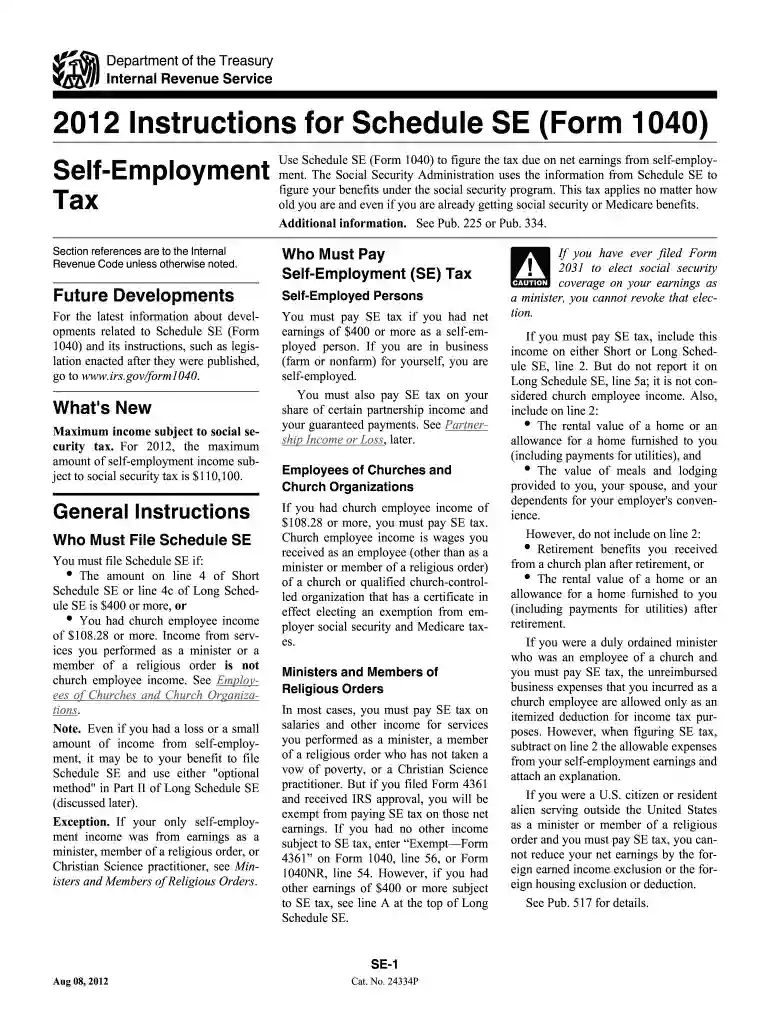
The 2012 SE Form, also known as the Schedule SE (Form 1040), is a U.S. tax document used by self-employed individuals to calculate and report self-employment tax. This form is essential for those who earn income directly from businesses, freelancing, or sole proprietorships, ensuring they contribute appropriately to Social Security and Medicare taxes. It helps in determining the amount of tax based on net earnings derived from self-employment activities.
Filling out the 2012 SE Form involves several detailed steps, ensuring accurate calculation of taxes. Here's a comprehensive breakdown of the process:
Gather Necessary Documents:
Calculate Net Earnings:
Fill in Part I:
Calculate Self-Employment Tax:
Complete Part II:
Transfer Results:
The use of the 2012 SE Form is driven by specific eligibility requirements:


The IRS provides specific instructions for completing and filing the 2012 SE Form:
Several critical terms and components are associated with the 2012 SE Form that users must understand:
Understanding the deadlines is crucial for compliance:
There are two primary ways to complete and file the 2012 SE Form:
Several popular tax preparation software solutions are compatible with the 2012 SE Form, assisting in accurate and efficient filing:
We've got more versions of the 2012 se form form. Select the right 2012 se form version from the list and start editing it straight away!
| Versions | Form popularity | Fillable & printable |
|---|---|---|
| 2025 | 4.4 Satisfied (30 Votes) | |
| 2024 | 4.5 Satisfied (46 Votes) | |
| 2023 | 4.5 Satisfied (22 Votes) | |
| 2022 | 4.6 Satisfied (48 Votes) | |
| 2021 | 4.8 Satisfied (129 Votes) | |
| 2020 | 4.1 Satisfied (73 Votes) | |
| 2019 | 4.4 Satisfied (177 Votes) | |
| 2018 | 4.4 Satisfied (169 Votes) | |
| 2017 | 4.4 Satisfied (64 Votes) | |
| 2016 | 4.3 Satisfied (330 Votes) | |
| 2015 | 4 Satisfied (36 Votes) | |
| 2014 | 4 Satisfied (23 Votes) | |
| 2012 | 4 Satisfied (56 Votes) | |
| 2011 | 4.4 Satisfied (376 Votes) | |
| 2007 | 4.9 Satisfied (55 Votes) |
Most eSignature solutions require users to have a paid subscription. With DocHub, there are two options for you to add an electronic signature to your 2012 se form without being charged:
The second option, however, has restrictions on the number of signatures, sign requests, emails, and documents for editing available per month. You can check for full information here.
If you want to edit your 2012 se form online quickly, it does not matter what browser you use. DocHub’s simple editing instruments are accessible using any internet browser. Just open the appropriate tab in the editor, add your document, and fill it out without stress.
At DocHub, your data security is our priority. We follow HIPAA, SOC2, GDPR, and other standards, so you can work on your documents with confidence.
Schedule SESelf-Employment Tax (Short and Long Schedules). Schedule SE (Form 1040) is used to determine the tax due on net earnings from self- employment.
by G Cleanups 2012 The U.S. Environmental Protection Agency (EPA) Methodology for Understanding and Reducing a Projects. Environmental Footprint was prepared for theRead more
Use this flowchart only if you must file Schedule SE. If unsure, see Who Must File Schedule SE in the instructions. No. Did you receive wages or tips in 2012?Read more


