
Get any PDF form from the DocHub library of ready-made templates - Page 1666
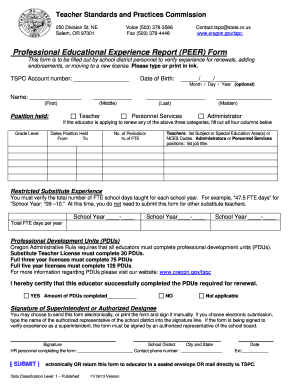
Tspc peer form
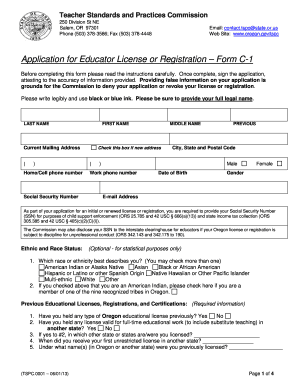
Oregon tspc c 1 form
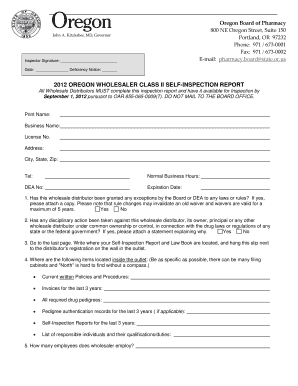
Inspection report format
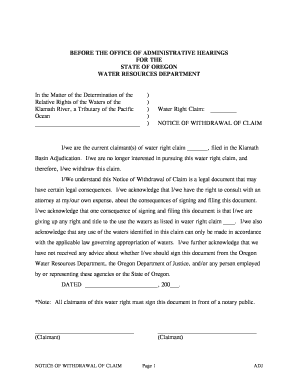
Withdrawal of proof of claim form
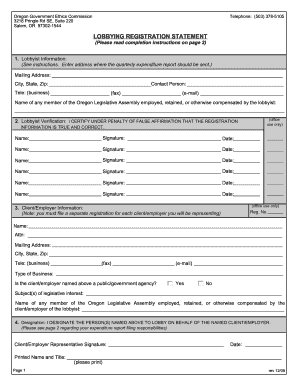
Oregon registration statement
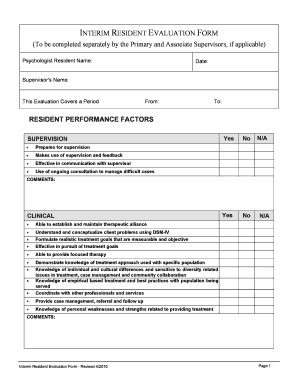
Oregon interim

Embalming authorization
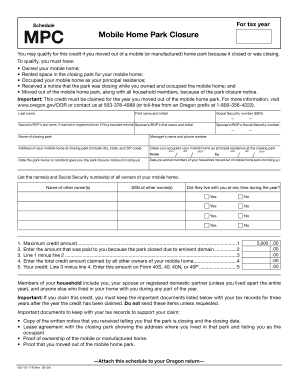
Schedule mpc mobile home park closure form
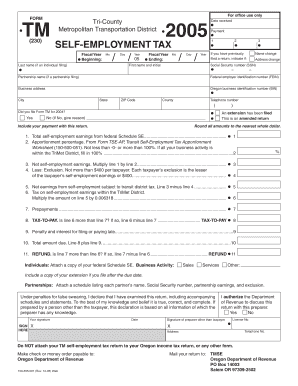
Tmse oregon department of revenue

440 4862

Oregon class 5
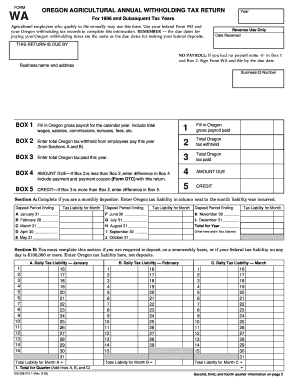
Oregon form wa 2003

Date: - public health oregon

Initial Cancer Inquiry Report Form - Public Health - public health oregon
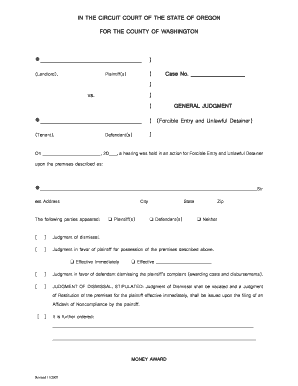
General judgement eviction in california form
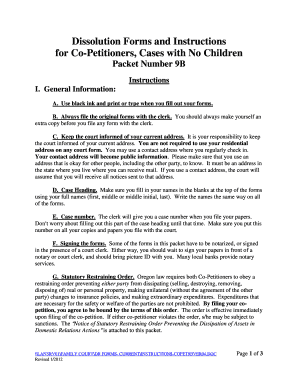
Oregon co petitioners children
Mediation Evaluation Form 2005 .pub - courts oregon

Application for Court-Appointed Attorney - courts oregon

Oklahoma waste tire report 2010 form
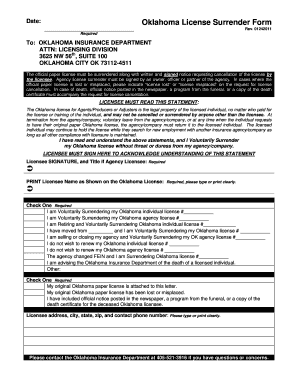
Oklahoma License Surrender Form - ok
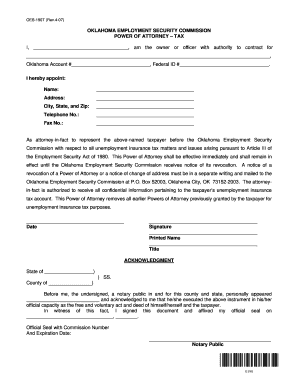
Where to mail oesc poa form

Notice of cessation of employment
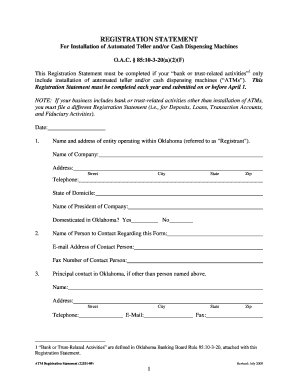
Oklahoma atm registration
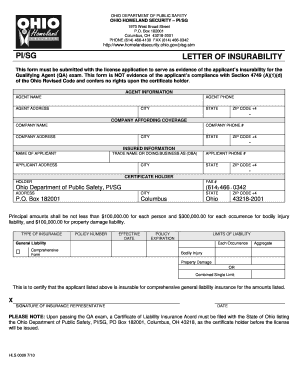
Letter of insurability sample

Ri 20 97 fillable form 2005
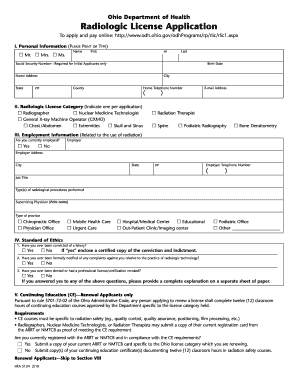
Odh state oh us forms hea5124
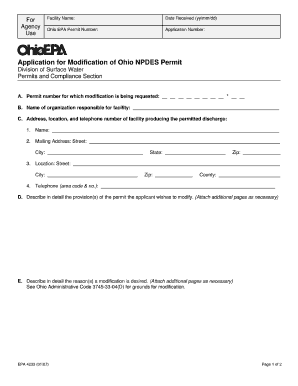
Ohio modification form
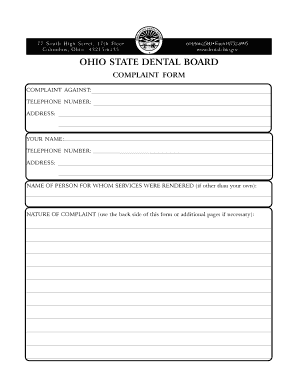
Ohio dental board complaints

Fire academy grandfather online

Residential property disclosure form ohio fillable

Ohio nursery license

Oh plnt pf agriculture

Clm ohio renewal form
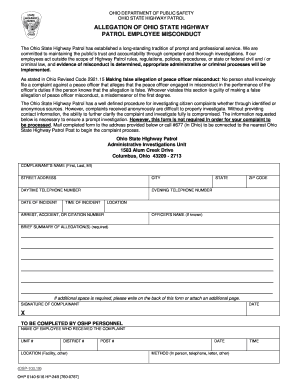
ALLEGATION OF OHIO STATE HIGHWAY PATROL EMPLOYEE ... - statepatrol ohio
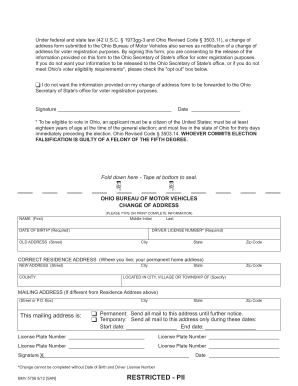
Bmv5756 form
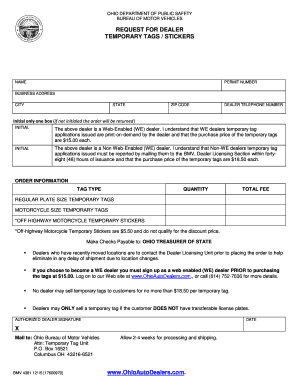
Ohio temporary tags
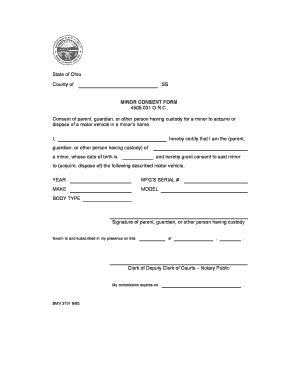
Ohio motor vehicle
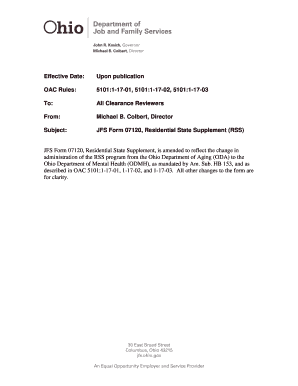
Odjfs 07120 form
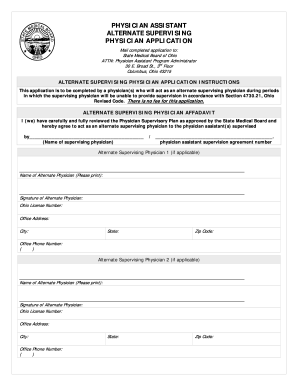
PHYSICIAN ASSISTANT - State Medical Board of Ohio - med ohio
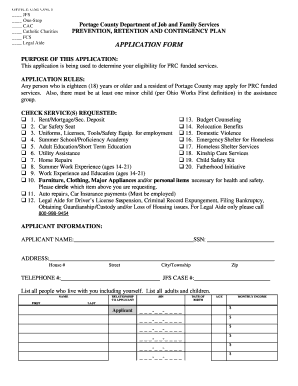
Portage county jobs and family services
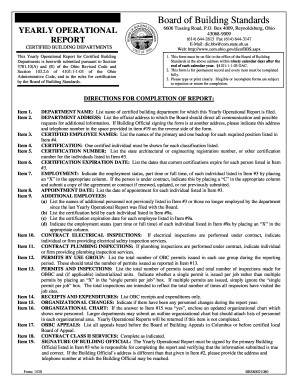
Ohio operational
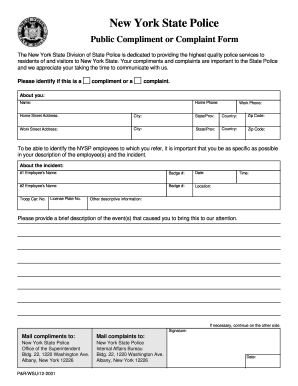
Ny compliment complaint form
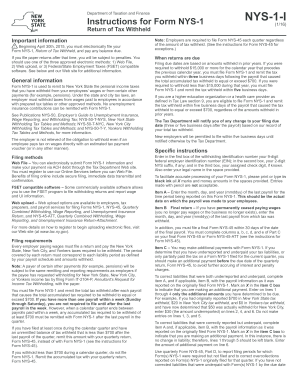
Nys 45 fill in form 112 2013
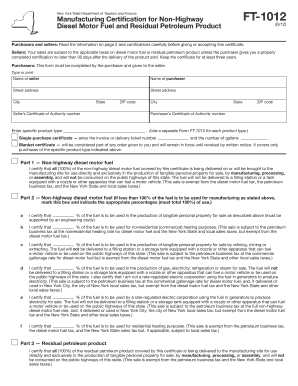
Ft 1012

Dtf 70 form online ny 2008

Tp 5922 2006 form

Ny it 257 instructions 2006 form

Form MT-53: January 2001 , Schedule E - New York City Beer and ... - tax ny
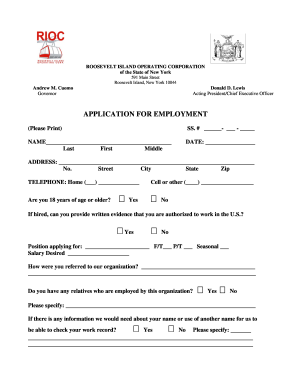
Rioc employment

Public vessel license new york

Nys access pass application

Opwdd amap manual

12-05 cfri - New York State Office of Mental Health - omh ny

Oasas form qa 3cd

Contractor st220 ca 2006 form

Nydoh 5222
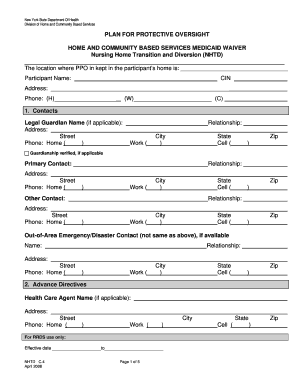
Protective oversight
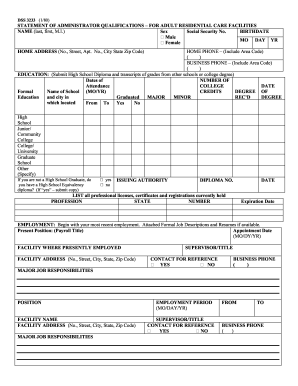
Ny statement residential search
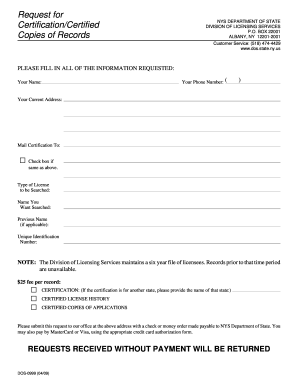
Dos 0999 pa
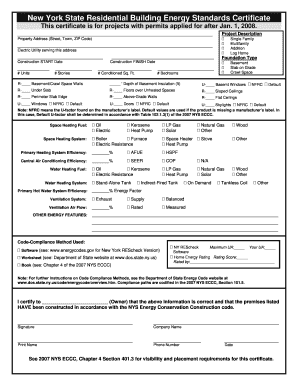
How to fill out energy efficiency certificate
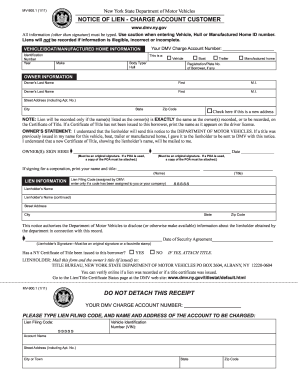
Ny mv9001 2011 form

Ny dmv mv413 2012 form
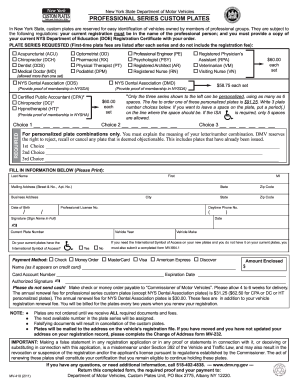
Professional series custom plates 2011 form

Dmv application form nyc

New york mif
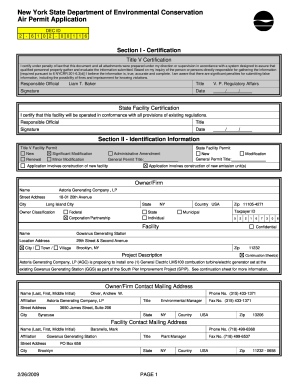
Nysdec title v applications form
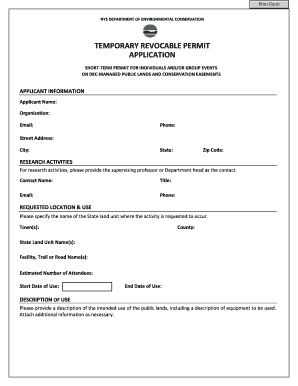
Temporary Revocable Permit (TRP) Application - New York State ... - dec ny
Nys civil service fillable cc2e
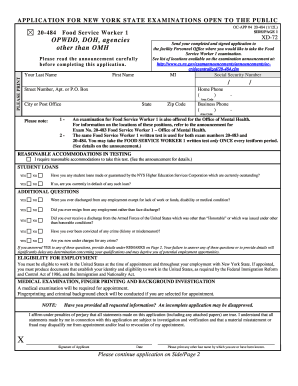
Food service worker exam

New York State Department of Civil Service 2011 HMO ... - cs ny
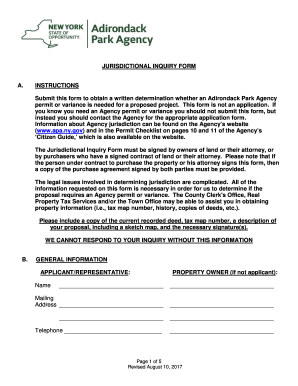
Apa forms template
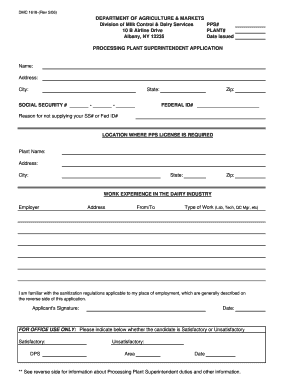
DMC 1618 - PPS Application - New York State Department of ... - agriculture ny
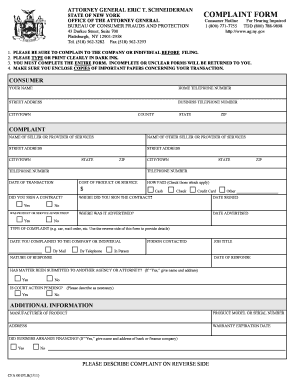
Nys consumer protection complaint form

New york unemployment alternate base online 2009 form

FORK LIFT CERTIFICATION FORM 3 - dot ny
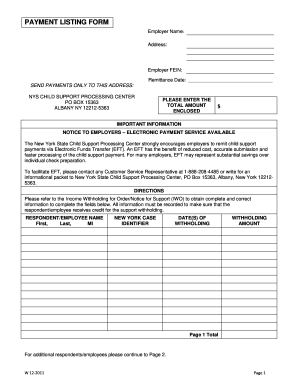
Ny payment listing
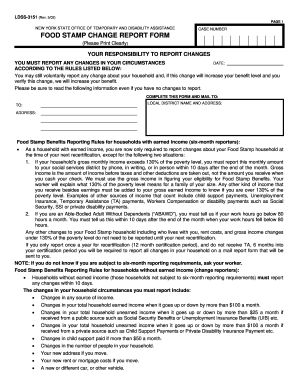
New york food stamp change report form 2002

Ocfs expunge form

Blank ihp template
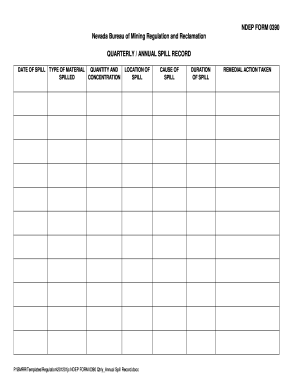
Ndep regulation form

Beltca forms

Fillable alcohol infulance report
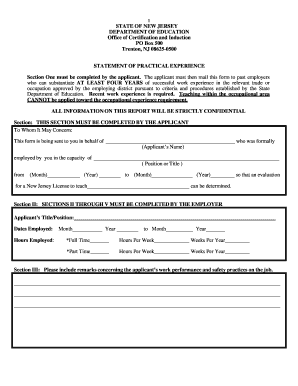
Nj experience form
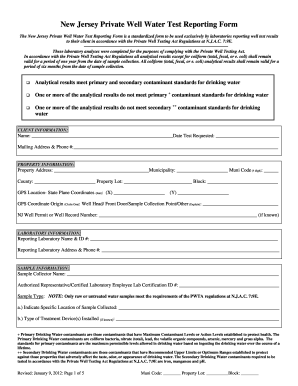
Water test form

Statement of Qualifications ADM-035A - State of New Jersey - nj

Mercer county surrogate probate information sheet

Nhep planning for success job readiness portfolio form
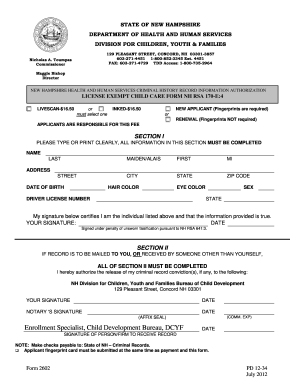
State of new hampshire logo

Health Care Practitioner Visit Form - New Hampshire Department of ... - dhhs nh

Alton nh vendors license form

Sfn 13015 website form

North dakota inquiry form

North dakota state representative

Sfn50909 permit 2012 form
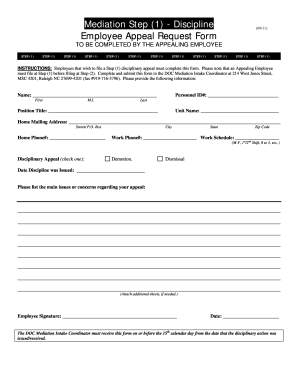
Employee appeal form

Nccfw

Volunteer basketball coach in morehead city nc form
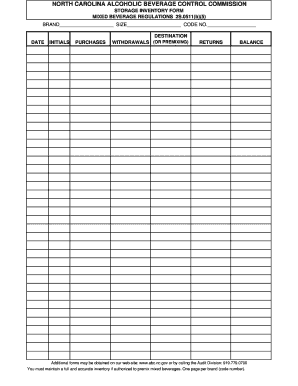
Nc abc store inventory search
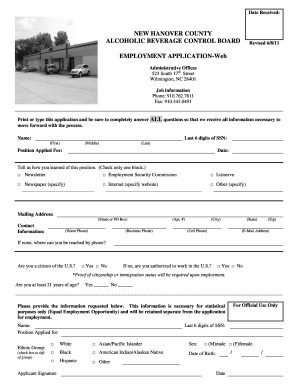
NEW HANOVER COUNTY ALCOHOLIC BEVERAGE CONTROL ...

Abt 6003 2010 form
Benefit from the DocHub online library of fillable PDF forms
Searching the PDF forms doesn't have to be a tedious and time-consuming process. With the DocHub online library, it has become easier to find the fillable PDF forms and modify them in your browser. The service allows you to adjust the document to your needs using powerful editing tools.
You can use online document editing features to modify almost any type of document with ease. You just need to find the template of your choice, open it in the editor, and use the toolbar to make the necessary corrections.
Follow this guide to get your document done with DocHub:
- Find the PDF template you need.
- Click the Get Form button to open the file in the editor.
- Use the toolbar to fill out and edit the document.
- Easily add and highlight text, insert images, checkmarks, and symbols.
- Drop new fillable fields, and rearrange or delete pages from your file.
- Save changes and download your record.
DocHub empowers everyone to streamline document editing, signing, and distribution, and form completion. Create an account and benefit from our well-organized PDF Forms library and comprehensive editor.