




01. Edit your form online
Type text, add images, blackout confidential details, add comments, highlights and more.

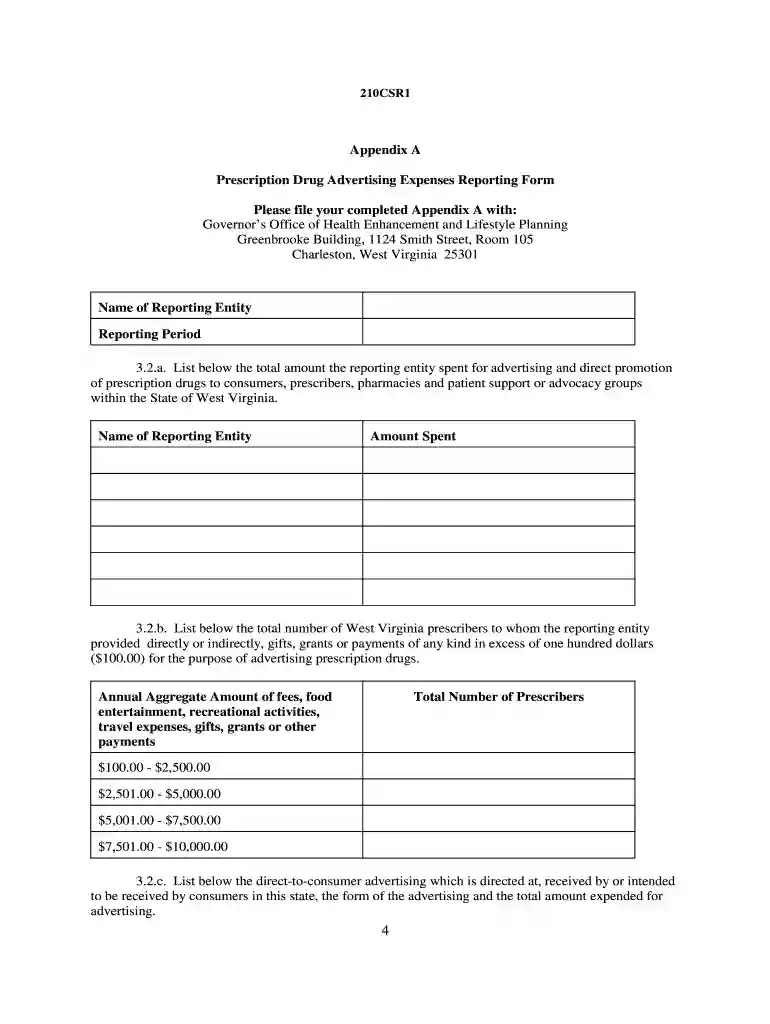
Type text, add images, blackout confidential details, add comments, highlights and more.

Draw your signature, type it, upload its image, or use your mobile device as a signature pad.

Send it via email, link, or fax. You can also download it, export it or print it out.

Start filling out your 210csr1 form online for free today!
Electronic document signing demands a software solution that works in compliance with data protection and eSignature standards. DocHub is a perfect tool for that, as it meets all the aforementioned requirements. Whatever method you like to sign your 210csr1 form in DocHub, your eSignature will be legally binding and court-admissible.
If you want to edit your 210csr1 form on the internet swiftly, it does not matter what internet browser you employ. DocHub’s simple editing instruments are accessible using any internet browser. Simply open the appropriate tab in the editor, add your document, and fill it out without stress.
At DocHub, your data security is our priority. We follow HIPAA, SOC2, GDPR, and other standards, so you can work on your documents with confidence.


