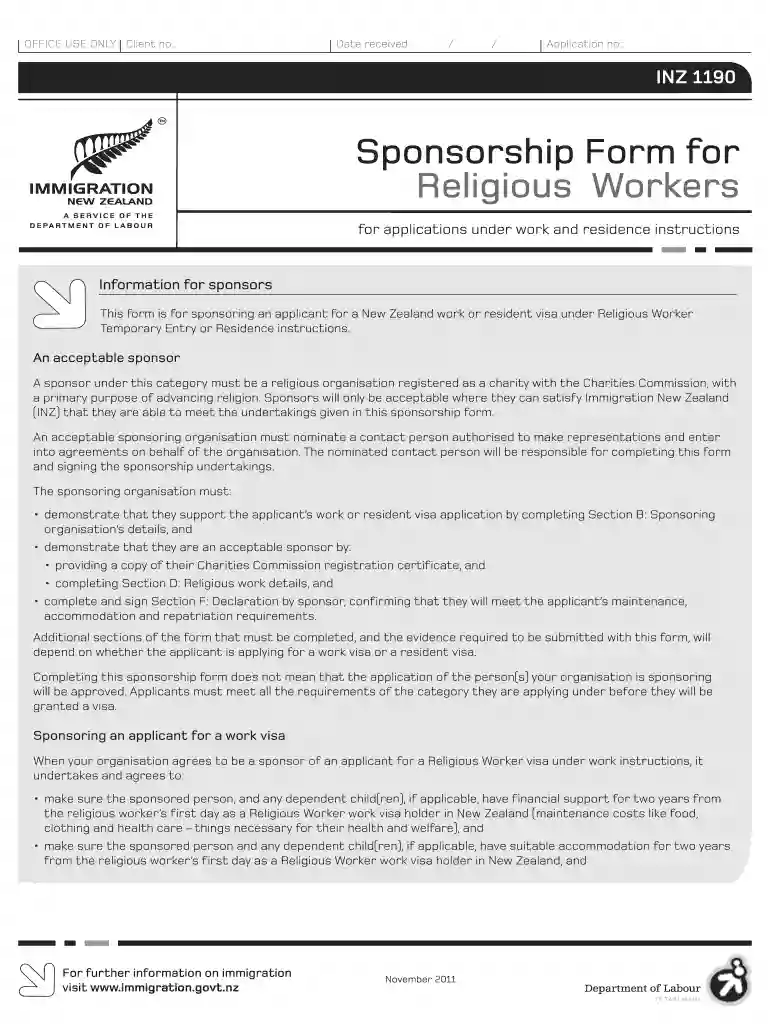
Inz 1190 2011 form-2026

Get Form
inz 1190 Preview on Page 1

Here's how it works

01. Edit your inz 1190 online
Type text, add images, blackout confidential details, add comments, highlights and more.

02. Sign it in a few clicks
Draw your signature, type it, upload its image, or use your mobile device as a signature pad.

03. Share your form with others
Send it via email, link, or fax. You can also download it, export it or print it out.

How to use or fill out INZ 1190 2011 form with our platform

Form edit decoration
9.5
Ease of Setup
DocHub User Ratings on G2
9.0
Ease of Use
DocHub User Ratings on G2
  1. Click ‘Get Form’ to open the INZ 1190 2011 form in the editor.
  2. Begin with Section A, where you will enter the applicant’s details. Fill in their full name, date of birth, gender, country of birth, and citizenship. Ensure all information is accurate and clearly printed.
  3. Proceed to Section B to provide details about the sponsoring organization. Include the organization's name, Charities Commission registration number, and contact person’s information.
  4. In Section C, confirm the sponsor's eligibility by answering questions regarding any past convictions or debts related to immigration law.
  5. Complete Section D by detailing the religious work being offered. Describe the primary duties and responsibilities of the position.
  6. In Section E, outline your sponsorship undertakings for both work and resident visa applications. Make sure to specify your commitments regarding maintenance and accommodation.
  7. Finally, sign Section F as the authorized contact person. Ensure that this declaration is witnessed by an authorized individual before submission.

Start using our platform today for free to streamline your document editing and form completion!

See more inz 1190 2011 form versions

We've got more versions of the inz 1190 2011 form form. Select the right inz 1190 2011 form version from the list and start editing it straight away!
Versions Form popularity Fillable & printable
2019 4.8 Satisfied (145 Votes)
2014 4.2 Satisfied (101 Votes)
2011 4.3 Satisfied (55 Votes)
be ready to get more

Complete this form in 5 minutes or less

Get form

Got questions?

We have answers to the most popular questions from our customers. If you can't find an answer to your question, please contact us.
Contact us
How to fill out NZ INZ 1225 Download the NZ INZ 1225 form from the official Immigration New Zealand website. Read the instructions carefully to understand the requirements. Fill in your personal details, including your full name, date of birth, and contact information.
To qualify, you must have been a member of a religious denomination having a bona fide non-profit religious organization in the United States for at least two years immediately before filing the petition.
How To Apply For An R-1 Visa The Religious Organization Files A Petition. Ask the sponsoring religious organization to file Form I-129 with the U.S. Citizenship and Immigration Services (USCIS). The Applicant Files Form DS-160. The Applicant Attends A Visa Interview. Decision Is Received. Travel To The US. Extend Your Visa.
The R-1 visa is a nonimmigrant, temporary work visa designed for foreign nationals who wish to work in the United States in religious occupations. This visa category applies to various types of religious workers, including but not limited to ministers, priests, religious educators, translators, and missionaries.
for a visa application to New Zealand. immigration.govt.nz. Using this form. This form is for the collection of additional information about you to better enable Immigration New Zealand to make a decision on your application for a visa.

Security and compliance

At DocHub, your data security is our priority. We follow HIPAA, SOC2, GDPR, and other standards, so you can work on your documents with confidence.

Learn more
ccpa2
pci-dss
gdpr-compliance
hipaa
soc-compliance
be ready to get more

Complete this form in 5 minutes or less

Get form

People also ask

A declaration for visitor, student or work visa applicants if another person is applying online on their behalf.

Related links