
Get any PDF form from the DocHub library of ready-made templates - Page 1659
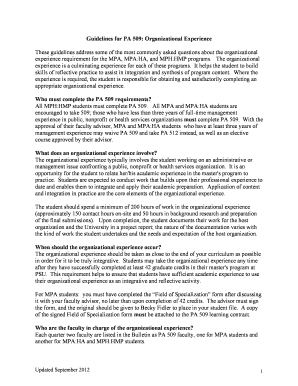
Guidelines for PA 509 - Portland State University - pdx

Form ponce internal

How to write an irb proposal

ComPlete WithdraWal Form - Point Park University - pointpark
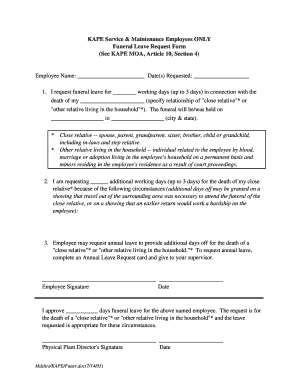
Funeral leave
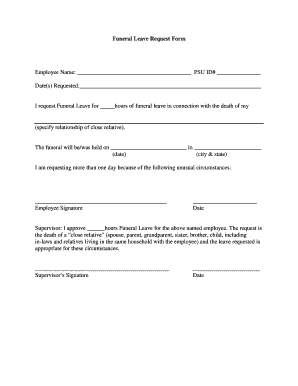
Funeral excuse letter for work pdf

Pensacola state college duplicate diploma form
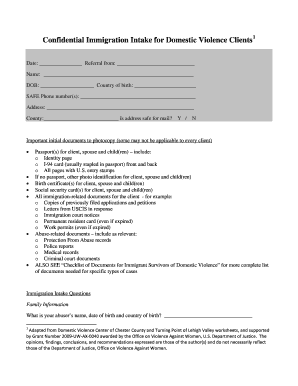
Immigration client intake form

PHOTOGRAPHY ORDER FORM - pct
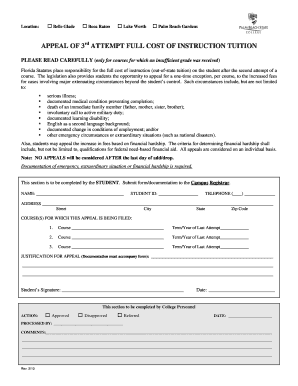
Appeal of 3rd Attempt Full Cost of Instruction - Palm Beach State ... - palmbeachstate
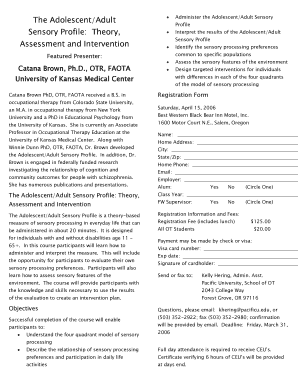
Sensory profile questionnaire online

Psr reference form pdf
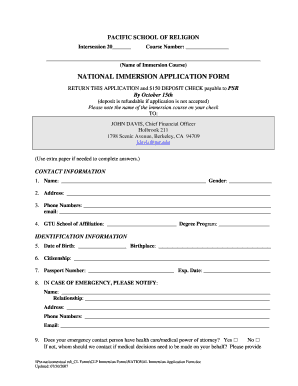
Application form for immersion
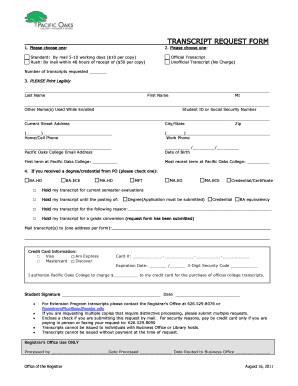
Pacific oaks college transcripts
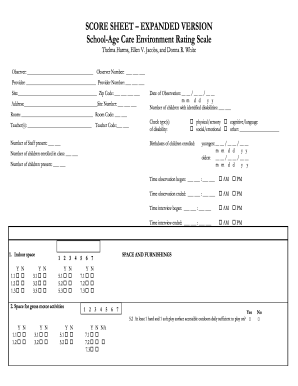
Sacers score
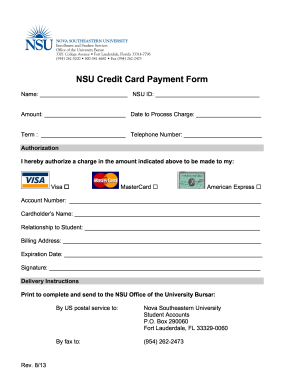
Nsu credit card payment form
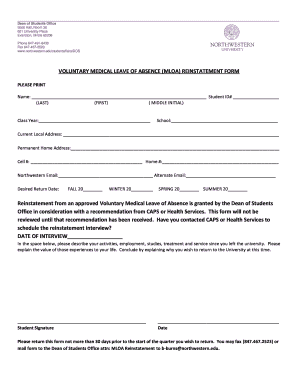
Medical leave form pdf download

Northwestern university confidential financial statement form
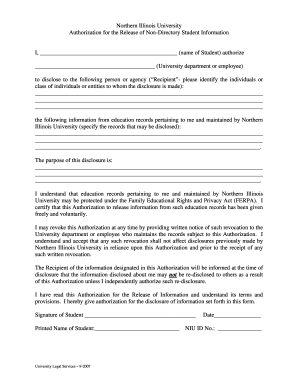
Niu authorization directory
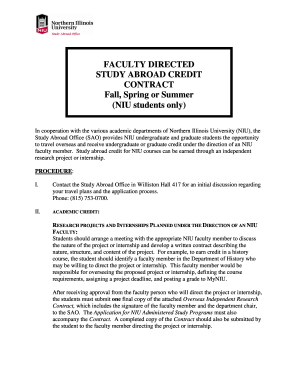
Niu oir online

Payroll action form template

Employee of the month template
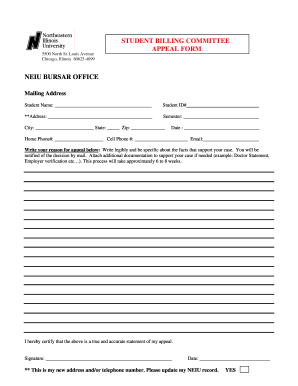
Neiu student billing committee form
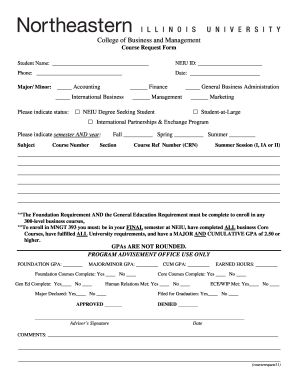
Course Request Form - neiu
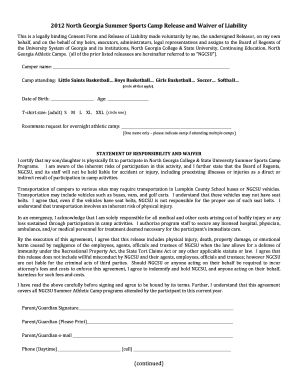
Sports waiver form

39 form north
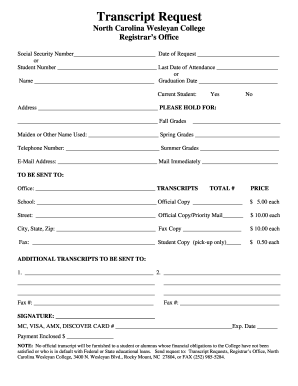
Ncwc college transcript

UNC Consolidated Scholarship Application Procedures - nccu

News room report forms

Ferpa form

Niagara university transcript request

Nyu foreign language proficiency exam sample

Ics form 201
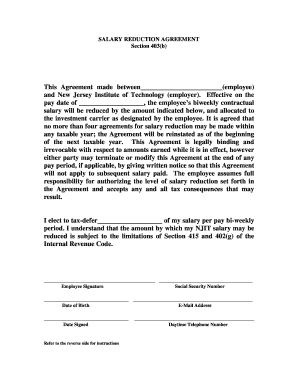
Wage agreement

Transcript neit i get

Common law notary
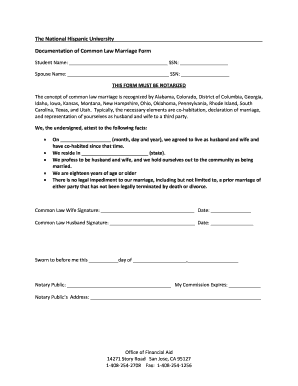
Tdcj common law marriage affidavit form
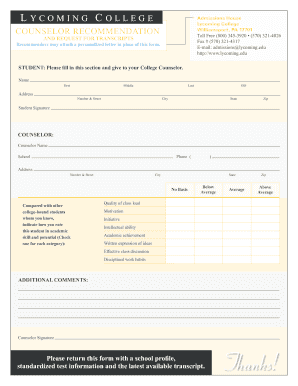
Lycoming recommendation

Lourdes good moral
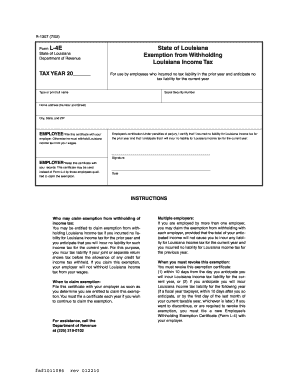
R 1307 exempt
Lipscomb statement
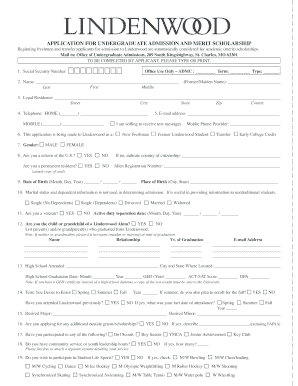
Printable Application - Lindenwood University - lindenwood
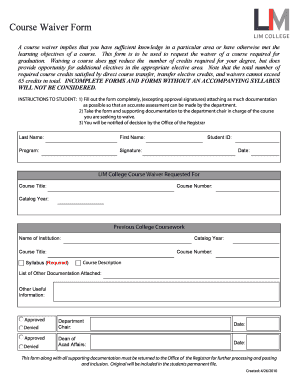
Course Waiver Form - LIM College - limcollege

Lim college immunization form
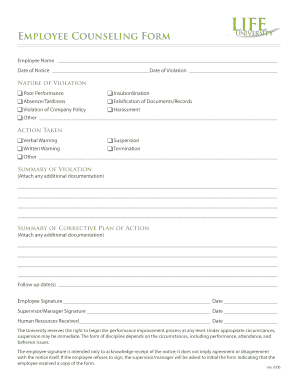
Federal employee counseling form
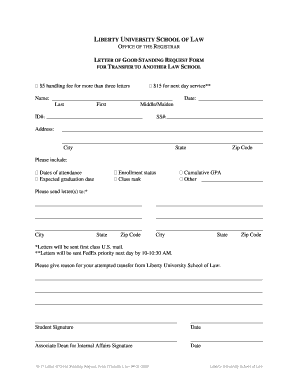
Letter of good standing printable
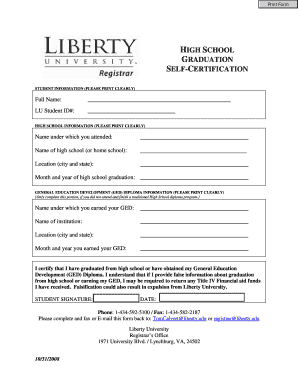
SELF-CERTIFICATION - liberty
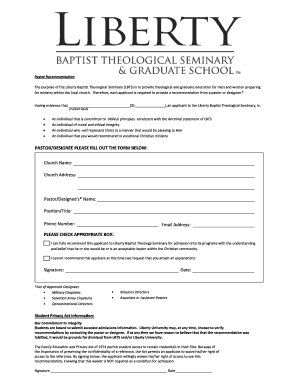
Pastoral form pics

Satisfactory Academic Progress Appeal Form - Liberty University - liberty
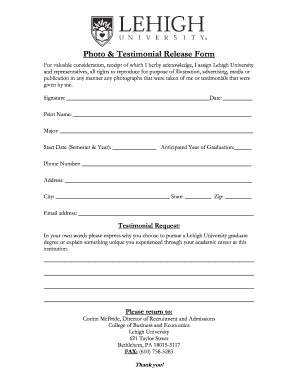
Photo and testimonial release form
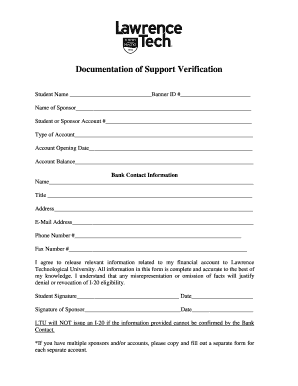
Document of support ltu
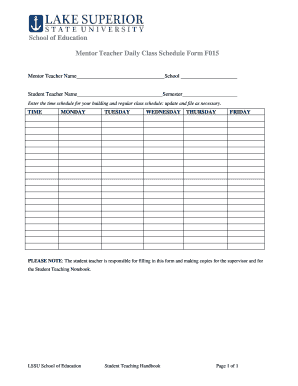
Teacher daily class schedule
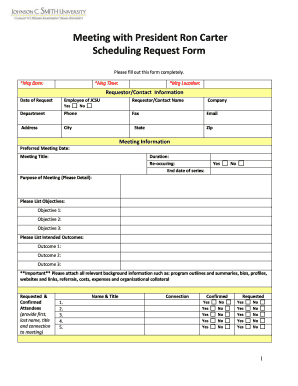
Meeting request form

Brass Area Jury Evaluation Form - jmu

Flu shot administration form
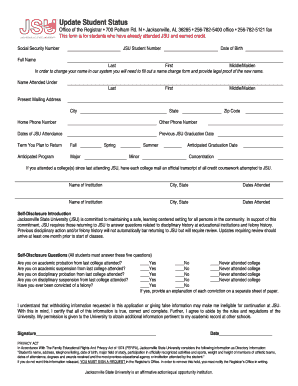
Update Student Status - Jacksonville State University - jsu
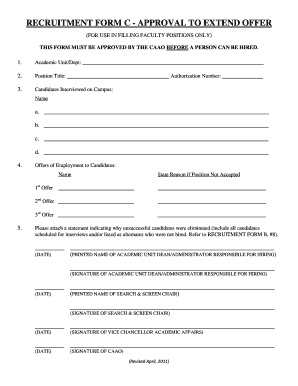
RECRUITMENT FORM C - APPROVAL TO EXTEND OFFER - ius
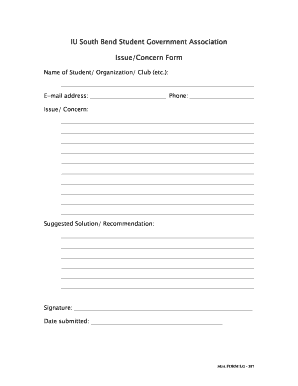
IU South Bend Student Government Association Issue/Concern Form - iusb
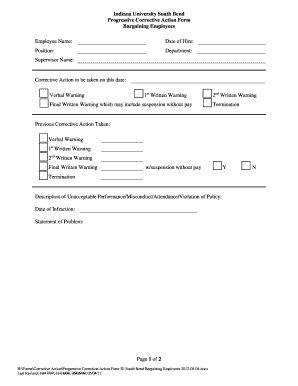
Corrective action sample for employee attitude
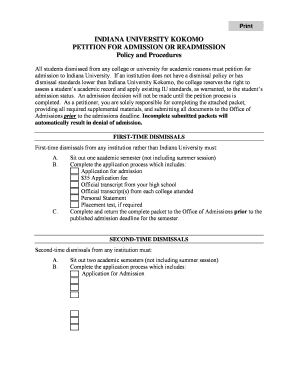
Petition for admissions iuk

Packet 6 subject verb agreement answer key

Frs certification
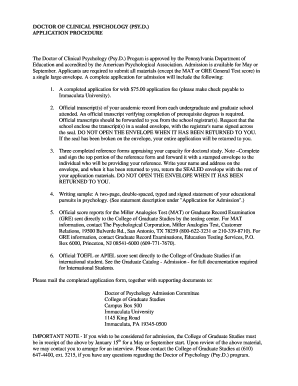
Immaculata university psyd form
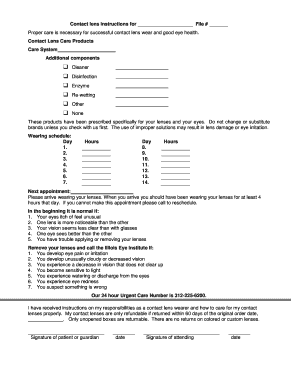
Contact Lens Care and Handling Form
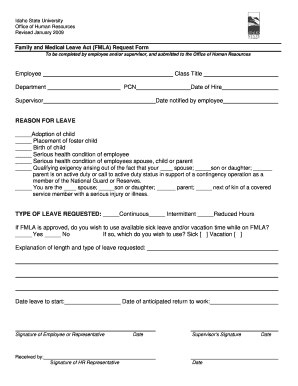
Fmla request form template

Contest template word

Grand canyon university trip
Gcu reimbursement

Fill canyon university online
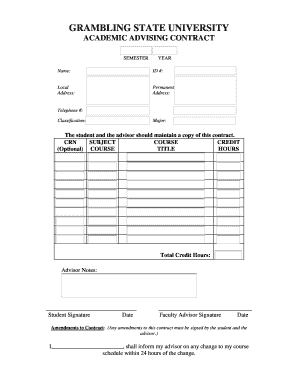
Advising contract

Grambling state
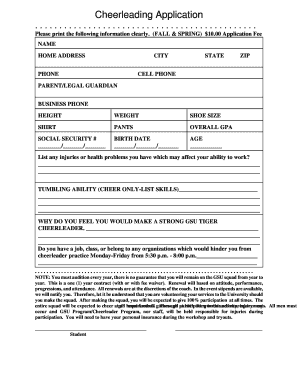
Grambling state cheer
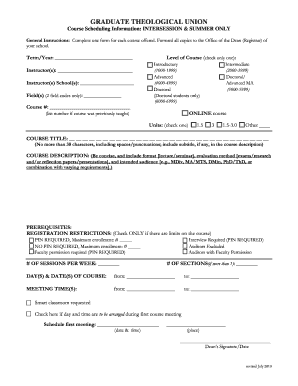
Graduate theological intersession
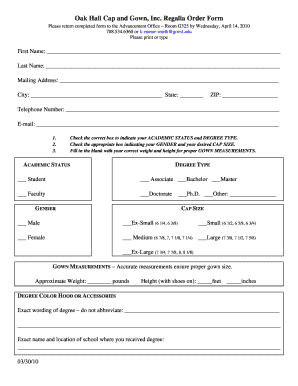
Oak hall order form
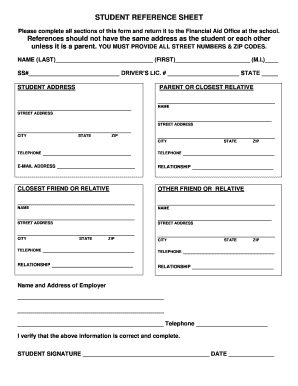
Age of rebellion character sheet fillable
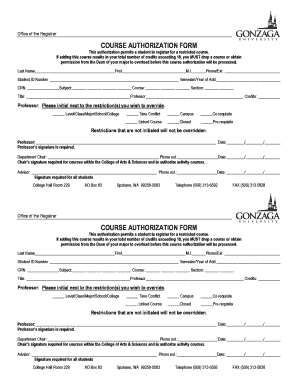
Gonzaga authorization

Download the mentor agreement form - Gonzaga University - gonzaga
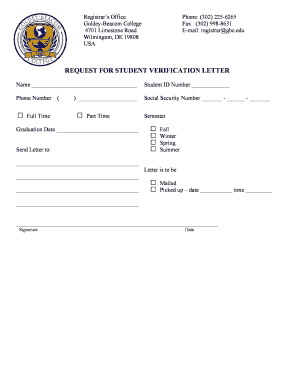
Student verification letter
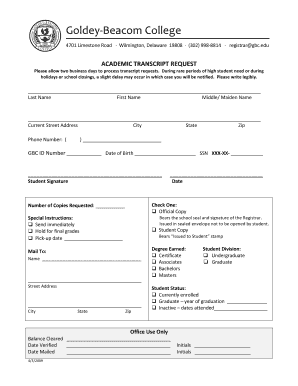
Goldey beacom transcript deadline form
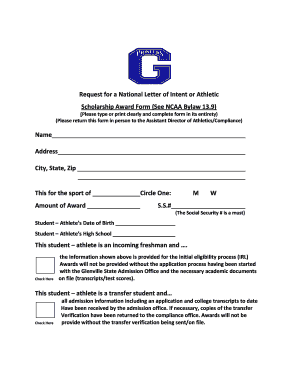
Athletic scholarship offer letter example

Course substitution form search
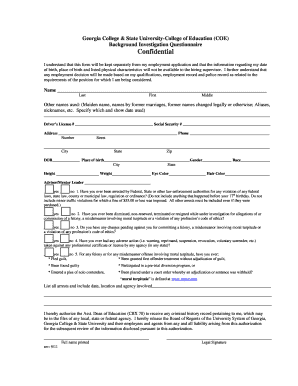
Consent Form for Background Check - Georgia College & State ... - gcsu
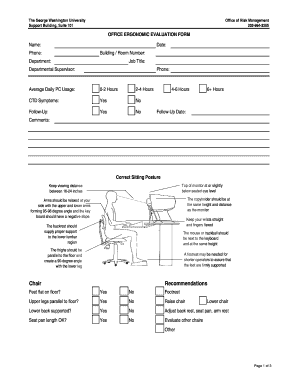
Fillable ergonomic form

Osha needle evaluation forms
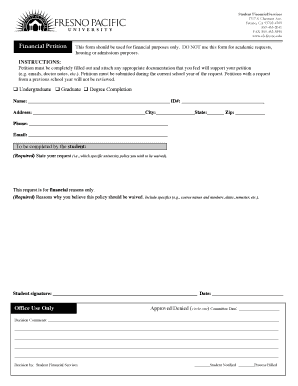
Financial Petition Form - Fresno Pacific University - fresno

Franciscan steubenville transcript request
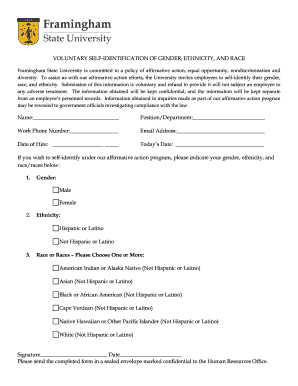
Voluntary Self-Identification Form - Race & Ethnicity - Framingham ... - framingham

Property return form
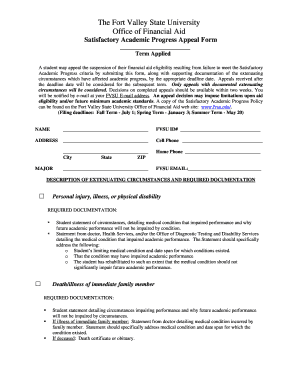
Fvsu appeal 2010 form
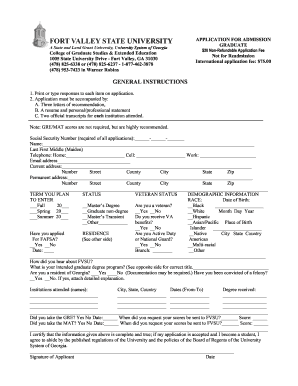
Fvsu readmission form
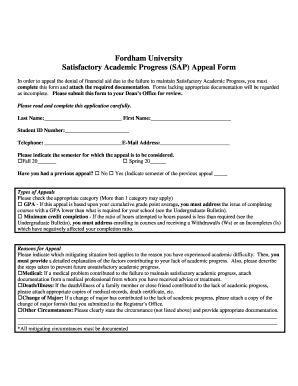
Fordham financial aid appeal
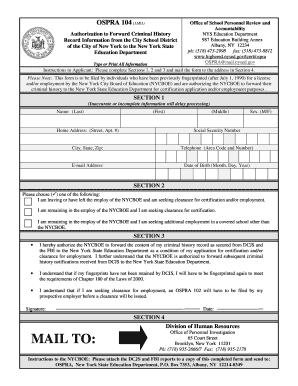
Pdf ospra104 authorization to forward criminal history to nysed form
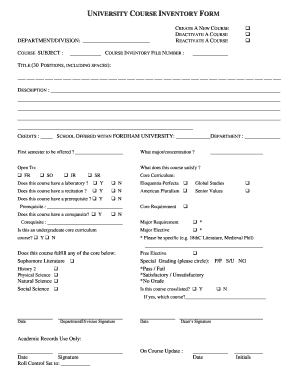
Inventory form typable template
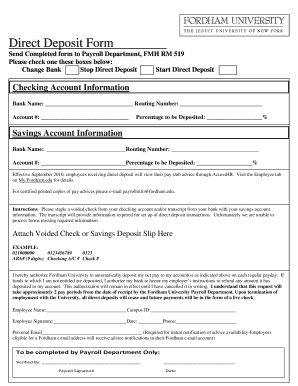
Fordham university direct deposit form

Fordham college withdrawal
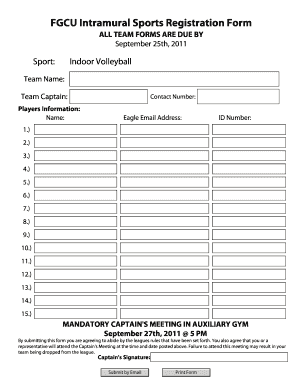
Registration form for a sports team
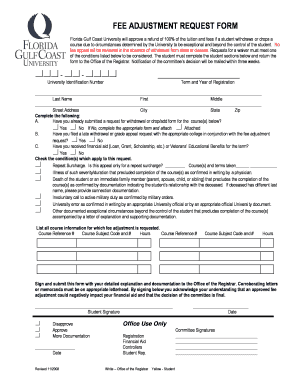
Fgcu fee adjustment form
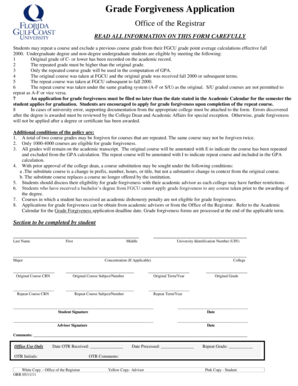
Fgcu grade forgiveness

Open Records Letter - Florida Atlantic University - fau

Incident report fau
Benefit from the DocHub online library of fillable PDF forms
Searching the PDF forms doesn't have to be a tedious and time-consuming process. With the DocHub online library, it has become easier to find the fillable PDF forms and modify them in your browser. The service allows you to adjust the document to your needs using powerful editing tools.
You can use online document editing features to modify almost any type of document with ease. You just need to find the template of your choice, open it in the editor, and use the toolbar to make the necessary corrections.
Follow this guide to get your document done with DocHub:
- Find the PDF template you need.
- Click the Get Form button to open the file in the editor.
- Use the toolbar to fill out and edit the document.
- Easily add and highlight text, insert images, checkmarks, and symbols.
- Drop new fillable fields, and rearrange or delete pages from your file.
- Save changes and download your record.
DocHub empowers everyone to streamline document editing, signing, and distribution, and form completion. Create an account and benefit from our well-organized PDF Forms library and comprehensive editor.