




Here's how it works

01. Edit your absn samuel merritt online
Type text, add images, blackout confidential details, add comments, highlights and more.

02. Sign it in a few clicks
Draw your signature, type it, upload its image, or use your mobile device as a signature pad.

03. Share your form with others
Send application for readmission via email, link, or fax. You can also download it, export it or print it out.
How to use or fill out Application for Readmission - Samuel Merritt University - samuelmerritt with our platform

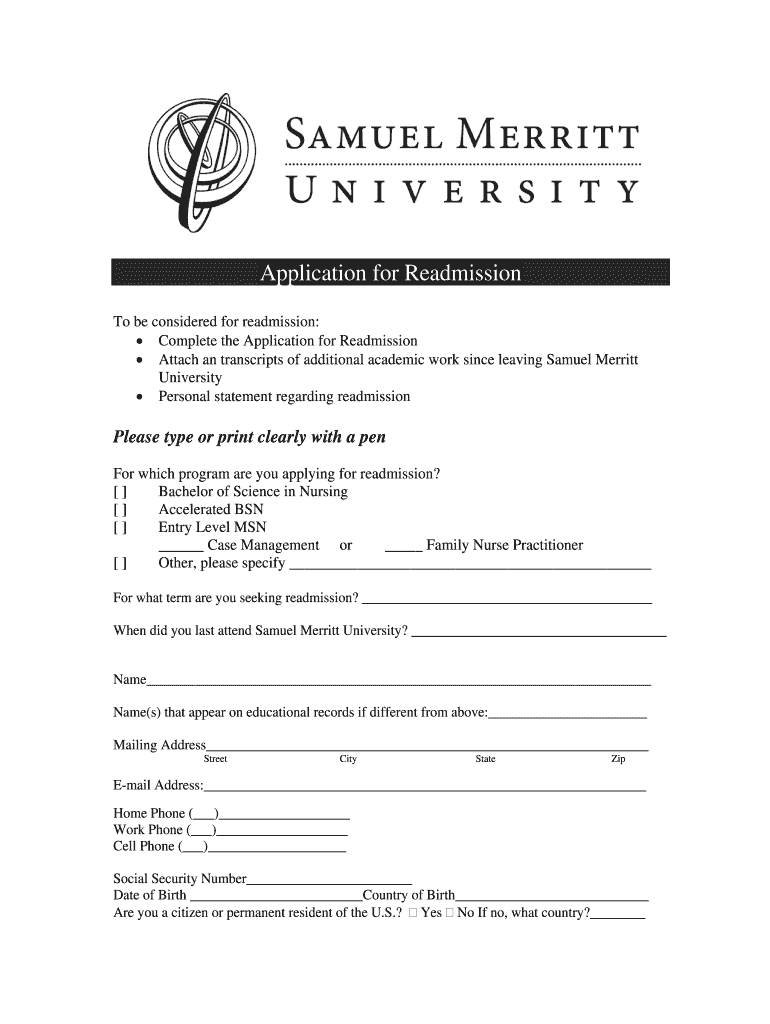
- Click ‘Get Form’ to open the Application for Readmission in the editor.
- Begin by selecting the program you are applying for readmission from the provided options. Ensure you check only one box.
- Indicate the term for which you seek readmission and provide the date of your last attendance at Samuel Merritt University.
- Fill in your personal information, including your name, mailing address, email, and phone numbers. If your name differs from educational records, include that as well.
- Answer questions regarding citizenship status and any felony convictions. If applicable, provide explanations on a separate sheet.
- Complete the optional ethnic identity section for statistical purposes if comfortable.
- Provide emergency contact information and detail any universities attended since leaving Samuel Merritt University.
- List any courses currently in progress or planned before your requested readmission.
- Craft your personal statement addressing reasons for readmission and changes in circumstances since last attending. Use a separate sheet if necessary.
- Finally, certify your statements by signing and dating the application before submitting it to the Office of Admission.
Start using our platform today to easily complete your Application for Readmission!
Fill out Application for Readmission - Samuel Merritt University - samuelmerritt online
It's free
See more Application for Readmission - Samuel Merritt University - samuelmerritt versions
We've got more versions of the Application for Readmission - Samuel Merritt University - samuelmerritt form. Select the right Application for Readmission - Samuel Merritt University - samuelmerritt version from the list and start editing it straight away!
Security and compliance
At DocHub, your data security is our priority. We follow HIPAA, SOC2, GDPR, and other standards, so you can work on your documents with confidence.
Learn more


