




01. Edit your form online
Type text, add images, blackout confidential details, add comments, highlights and more.

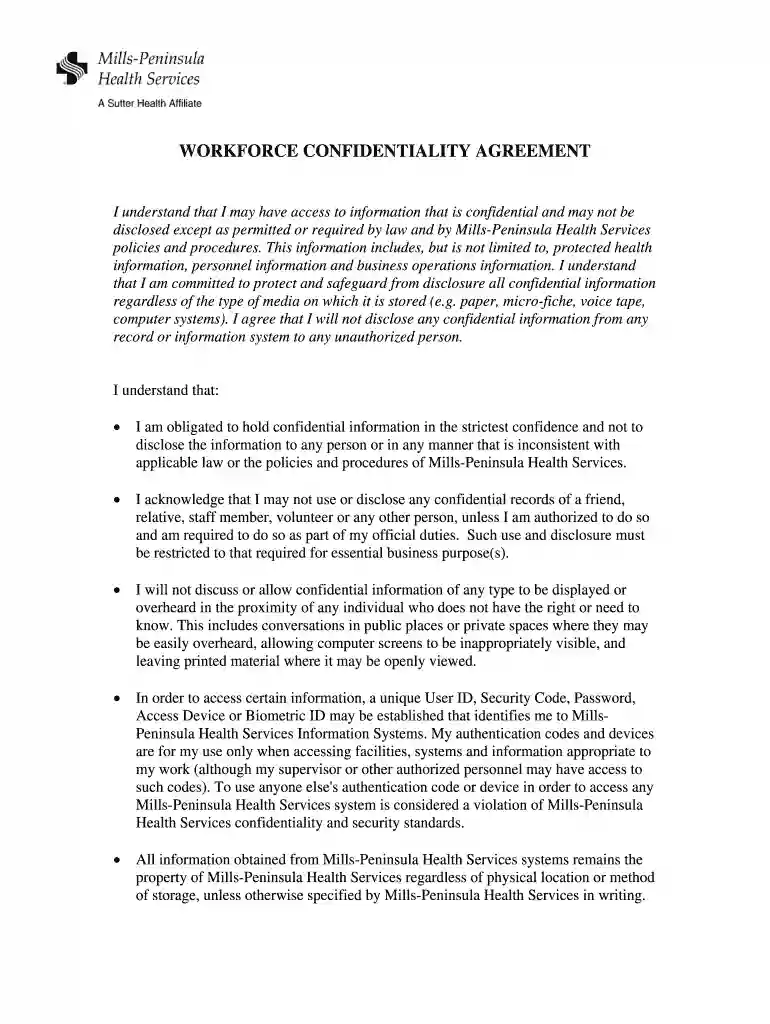
Type text, add images, blackout confidential details, add comments, highlights and more.

Draw your signature, type it, upload its image, or use your mobile device as a signature pad.

Send it via email, link, or fax. You can also download it, export it or print it out.

Start using our platform today for free to easily complete and manage your Workforce Confidentiality Agreement!
At DocHub, your data security is our priority. We follow HIPAA, SOC2, GDPR, and other standards, so you can work on your documents with confidence.
While they appreciate Samuel Merritt considering non-traditional scheduling such as evenings and weekends, recent mapping of the clinical use at the regionalRead more
SMU offers a broad range of employee benefits including health, vision, and dental care; sick leave, vacation and holiday leave, 403(b) retirement plan, lifeRead more


