
Get any PDF form from the DocHub library of ready-made templates - Page 1615
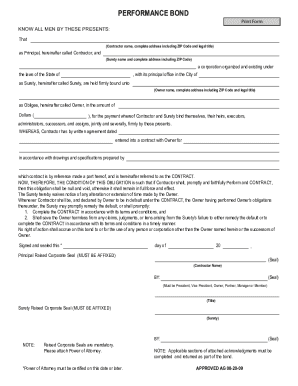
Performance bond
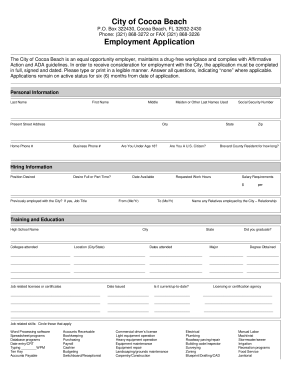
Cityofcocoagov jobs

Zenith bank diaspora account
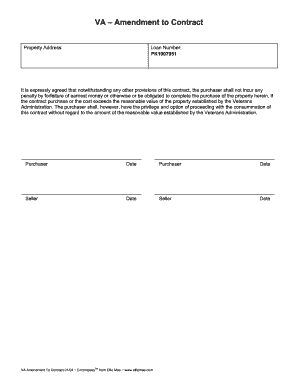
Va amendment to contract form

Eiv security awareness training questionnaire for multifamily housing programs

Authorised Remote Workers Declaration - Lloyd's

Whitby iroquois soccer
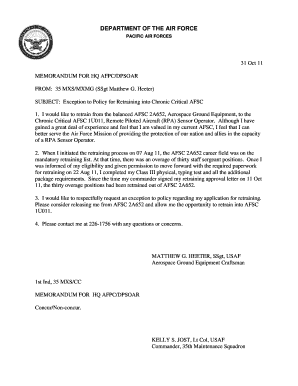
Exception to policy template air force
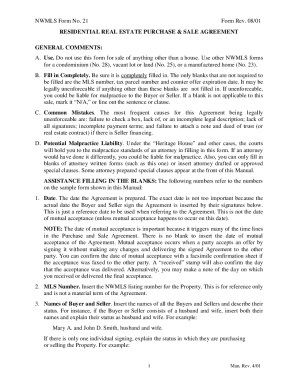
Fillable nwmls form 21

Uniform Site Investigation Report - Arizona Department of ...
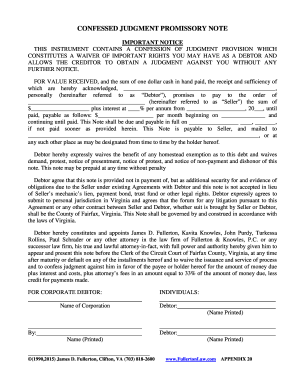
Confessed Judgement Promissory Note - Fullerton amp Knowles
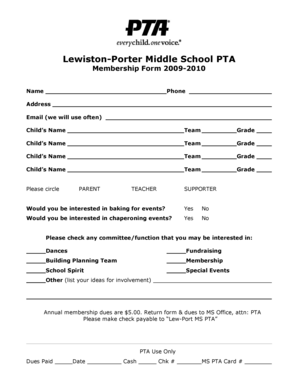
Membership Form - Lewiston Porter Central School District / District ...
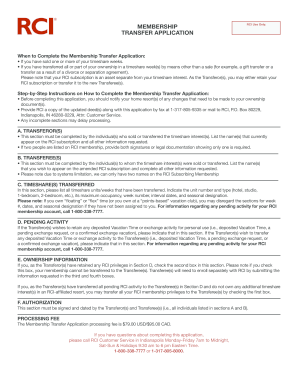
Filled form of rci for filling format
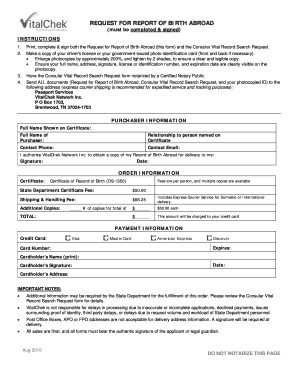
Birth abroad certificate helena montana form
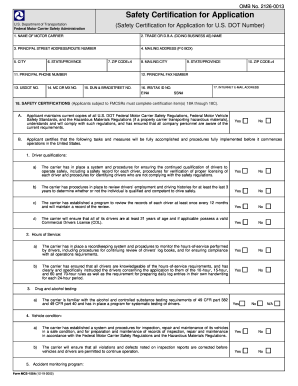
Mcs150 b
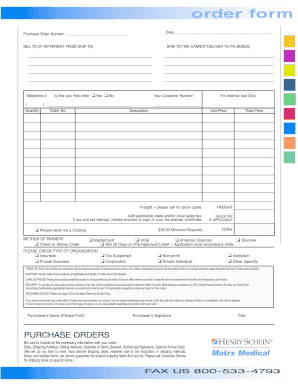
Henry schein order form
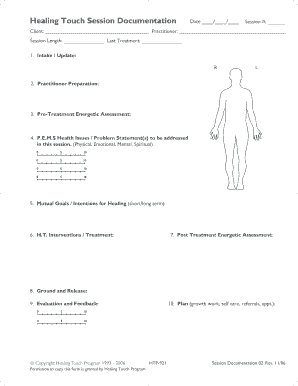
Healing Touch Session Documentation
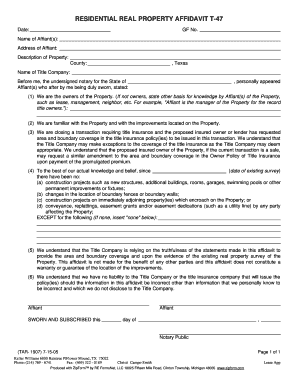
Residential real property affidavit
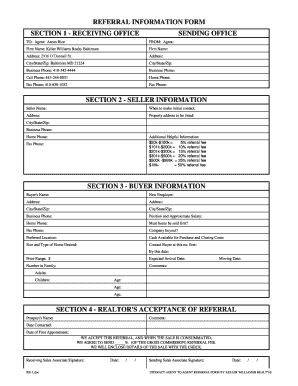
Keller williams referral form
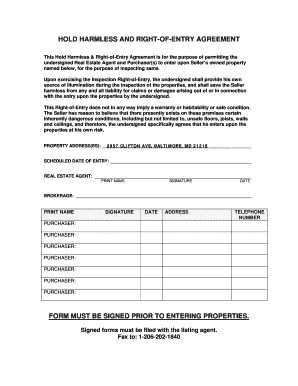
Hold harmless real estate form

Harlingen water works
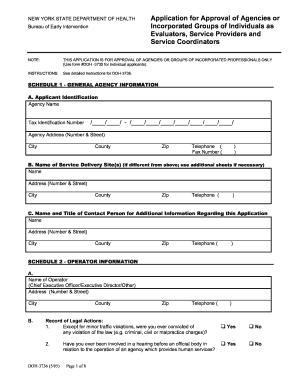
Doh 294a

Old navy application pdf
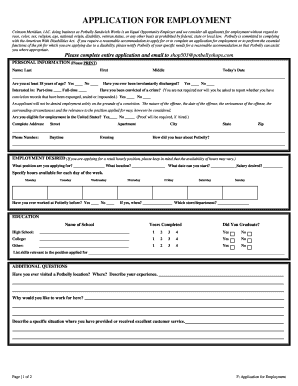
Applications potbelly employment
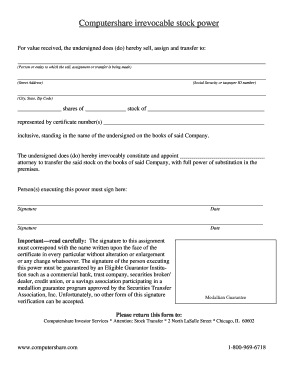
Computershare stock power form
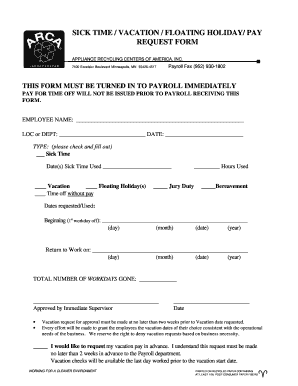
Sick floating form
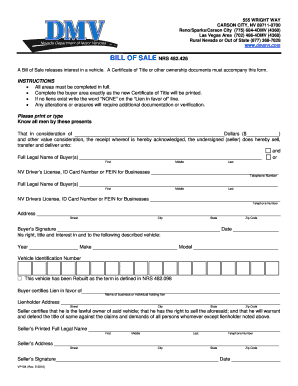
Bill of sale nevada
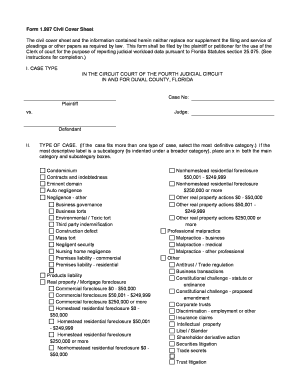
Civil cover sheet form 1997 duval county
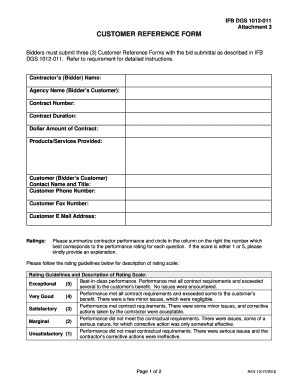
Customer reference form
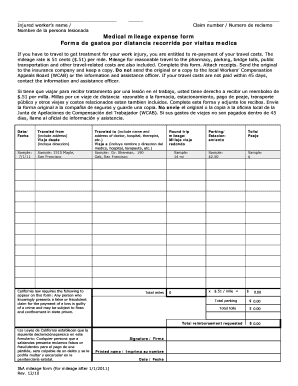
I&A mileage Form - ARSLegal
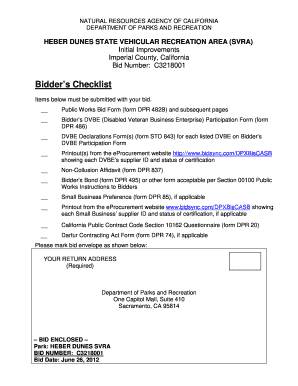
Dpr std forms

I&a mileage form 2009
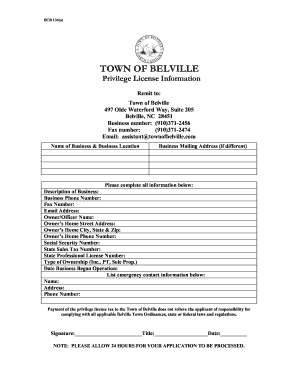
Nc privilege license application
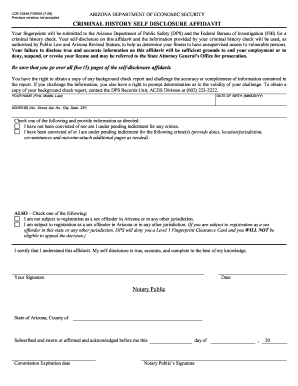
Criminal affidavit form
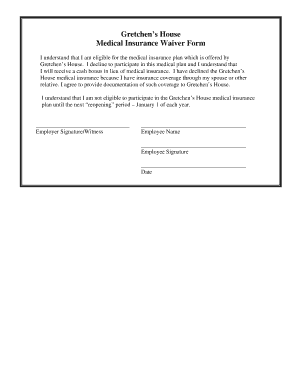
Insurance waiver form
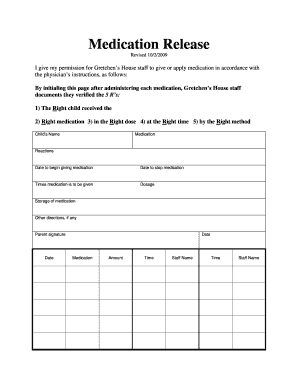
Medication release form
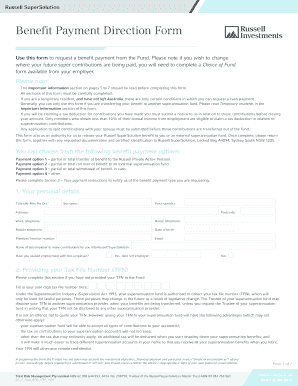
Benefit Payment Direction Form - Russell Investments
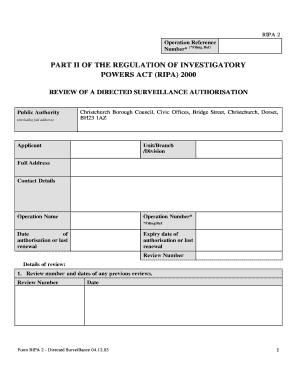
How do i print an application form eloctronically
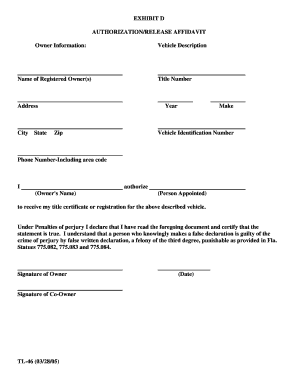
Form tl 46
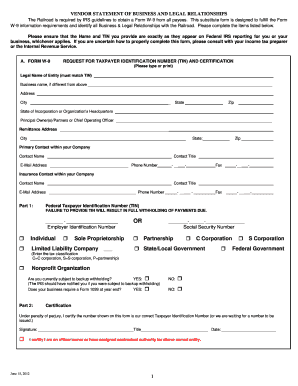
Statement business legal
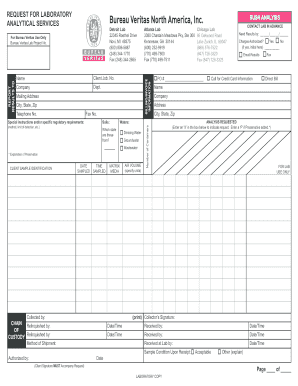
Request Form - Bureau Veritas Labs
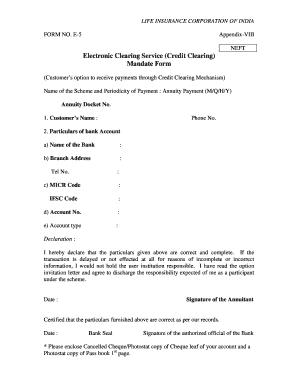
Form no e 5
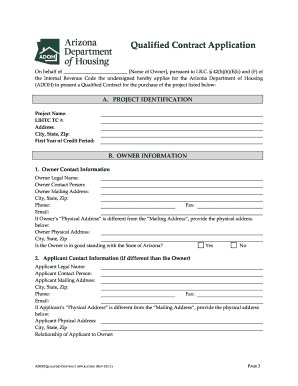
Adoh contract
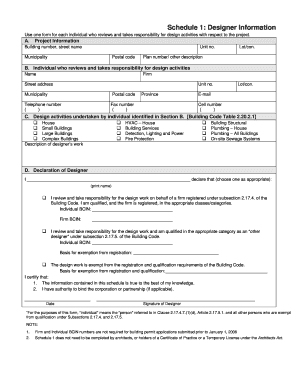
Building Permit Schedule 1 - Designer Information - Lucan Biddulph
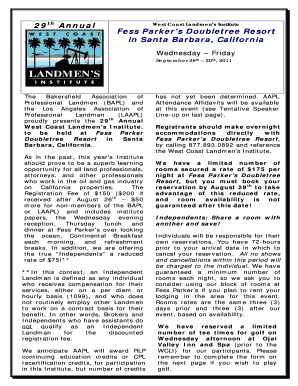
26th Annual - Meyers Nave
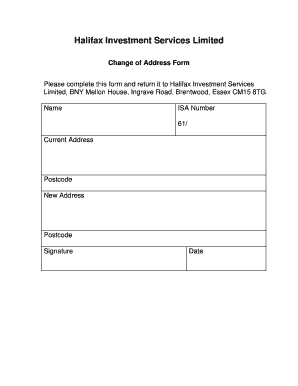
Change of address form

Webb's DOK Certificate form - GED Testing Service

GEDRequestFormRevised102610-LCTCS.docx. GED-Transcript Release Form
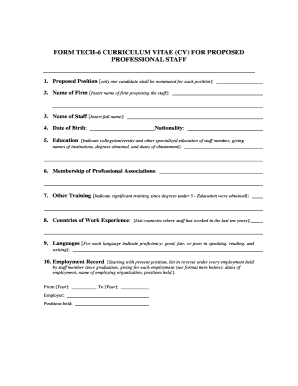
Ebrd cv template

Dyno Sheet Waiver 2012.pdf 284KB Apr 26 2013 03:14:05 PM
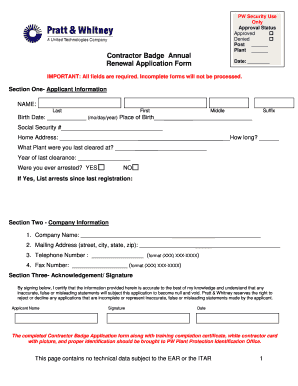
Contractor Badge Annual Renewal Application Form
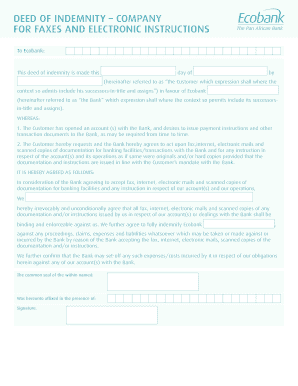
Deed of indemnity individual for fax and electronic instructions
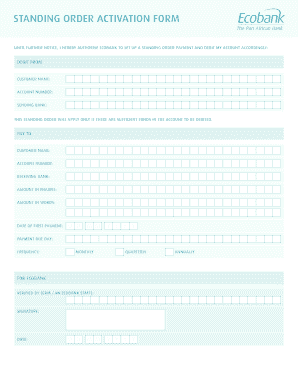
Irrevocable standing payment order sample
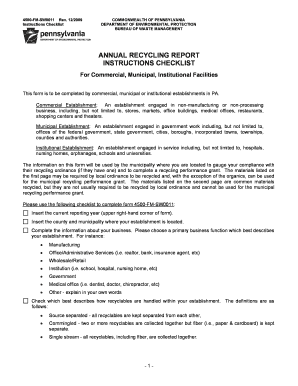
Annual report instructions form
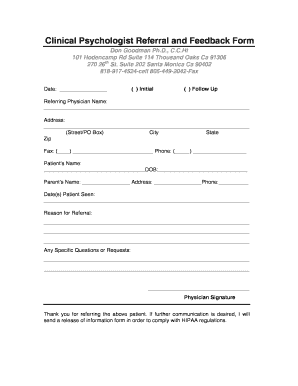
Psychology referral source form
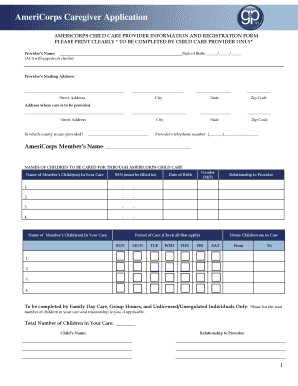
Delaware caregiver form
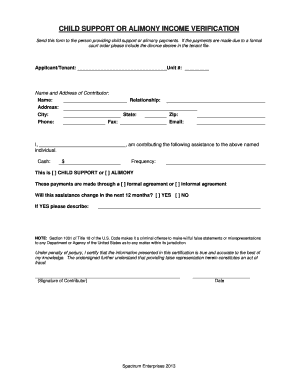
Year-to-Date (YTD) Clarification Form - Spectrum Enterprises
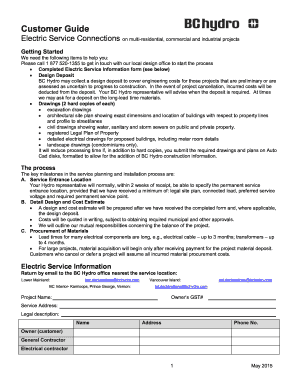
Electric Service Information Form - BC Hydro

Veterinary certificate to EU - nvms-gvc.com
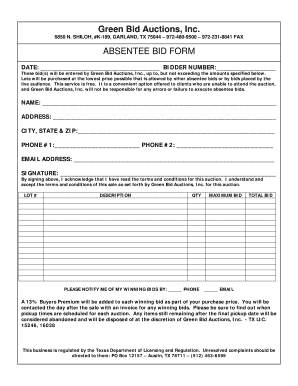
Absentee Bid Form - GreenBid Auctions
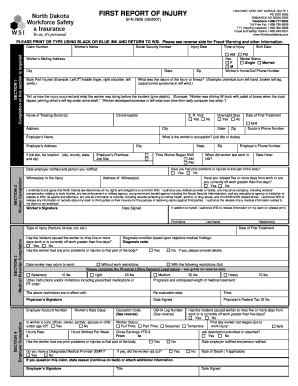
Nd wsi form
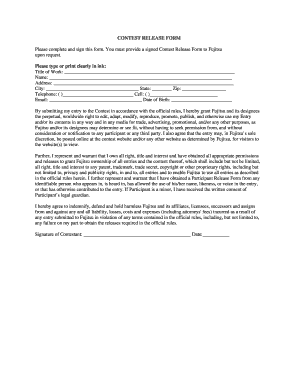
Contest release form

Authorization For Annuity Withdrawal - Guggenheim Life
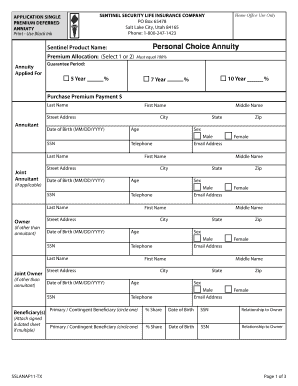
PREMIUM DEFERRED
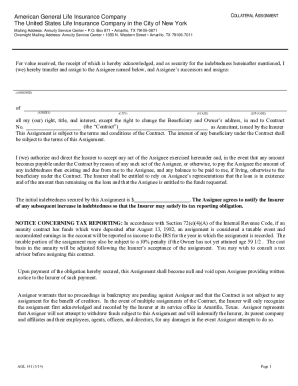
Agl162 3 18 withdrawal form
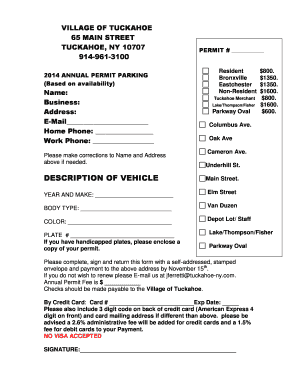
Tuckahoe parking permit
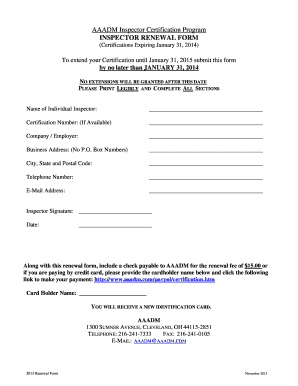
Aaadm certification renewal

Incometaxfill 2012 form
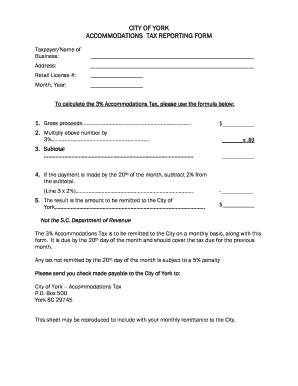
Accommodations Tax Reporting Form - City of York

Contractor39s Electrical Permit bApplicationb - Shelbyville Kentucky

Employee performance pdf
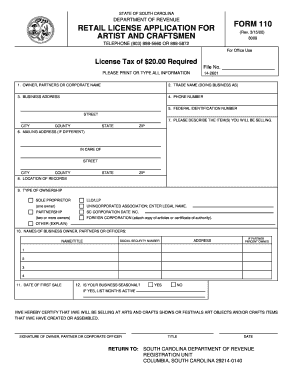
Scform 2000

Elwood foia
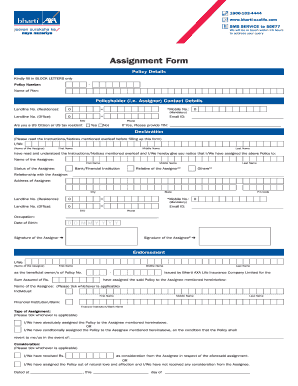
Bharti axa motor claim form 2022
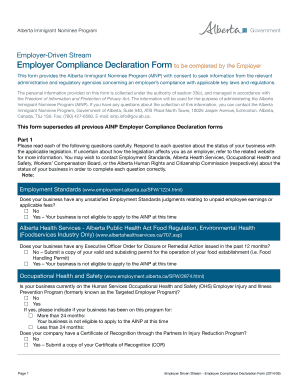
Compliance declaration form

Reinstatement Application for Life Insurance - American General ...
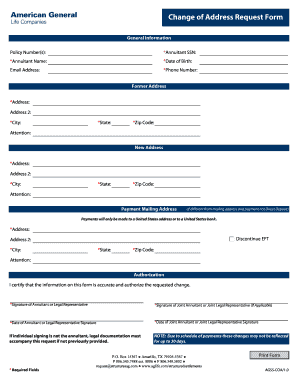
Aig change
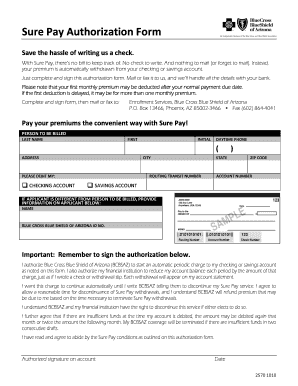
Surepay online
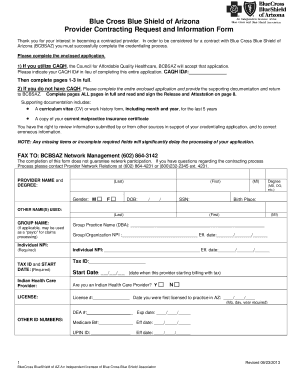
Contracting request form medical provider bluecross blueshield of arizona 2013
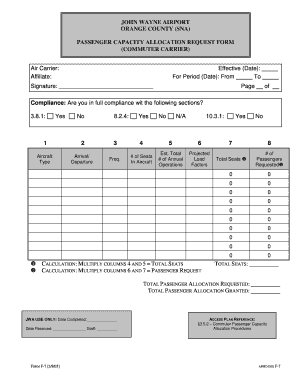
Airport f 7 passenger capacity
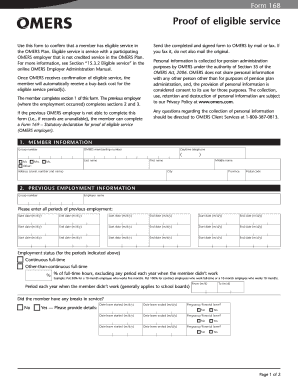
Omers form 168
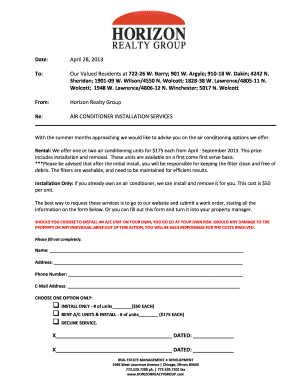
Air Conditioning Rental Agreement - Horizon Realty Group
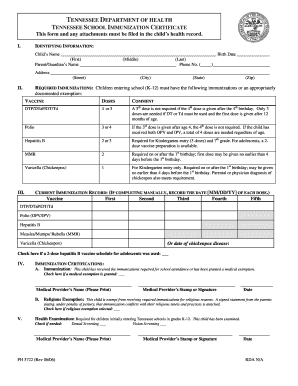
Tennessee child health record form

T r miller mill company
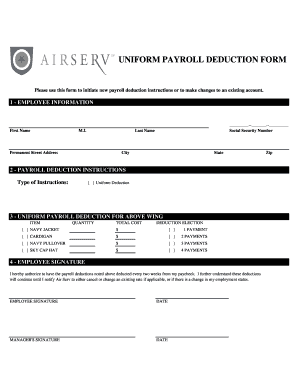
UNIFORM PAYROLL DEDUCTION FORM - airserv

Vr 018

C uniform interrogatories form

Humana military prior authorization form
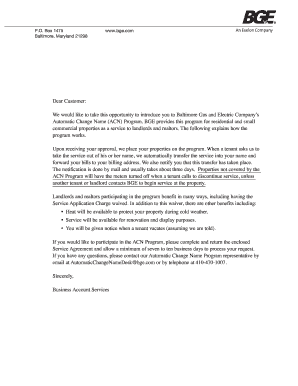
Bge automatic change name

U16a form
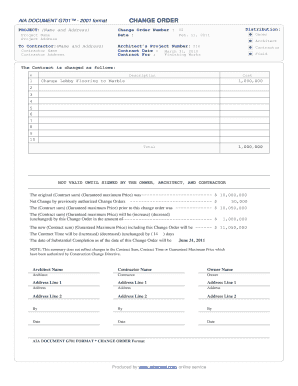
Change Order Form - Construction Information Services

Sasol learnership
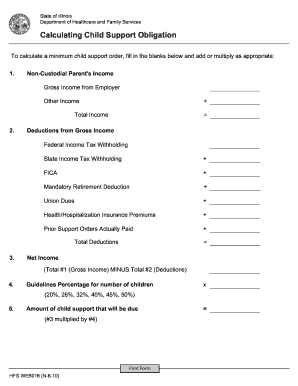
Il calculating support

Attending physician statement example
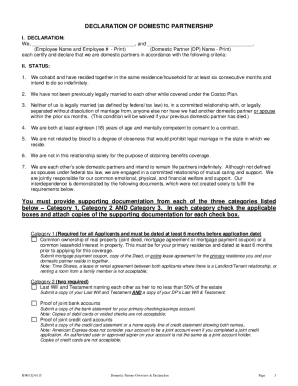
Declaration of Domestic Partnership and Overview - Costco Benefits

Ups bol pdf
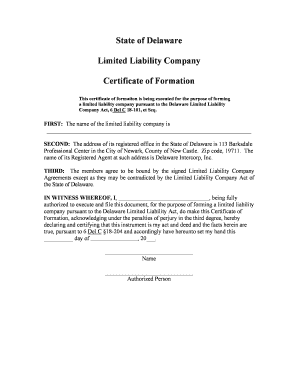
Certificate of formation
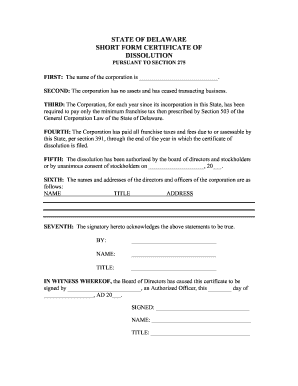
STATE OF DELAWARE SHORT FORM CERTIFICATE OF DISSOLUTION PURSUANT TO SECTION 275 FIRST: The name of the corporation is

Visa application form
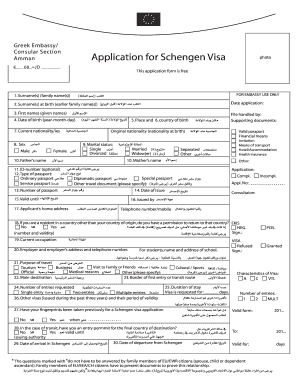
Vfs greece
Benefit from the DocHub online library of fillable PDF forms
Searching the PDF forms doesn't have to be a tedious and time-consuming process. With the DocHub online library, it has become easier to find the fillable PDF forms and modify them in your browser. The service allows you to adjust the document to your needs using powerful editing tools.
You can use online document editing features to modify almost any type of document with ease. You just need to find the template of your choice, open it in the editor, and use the toolbar to make the necessary corrections.
Follow this guide to get your document done with DocHub:
- Find the PDF template you need.
- Click the Get Form button to open the file in the editor.
- Use the toolbar to fill out and edit the document.
- Easily add and highlight text, insert images, checkmarks, and symbols.
- Drop new fillable fields, and rearrange or delete pages from your file.
- Save changes and download your record.
DocHub empowers everyone to streamline document editing, signing, and distribution, and form completion. Create an account and benefit from our well-organized PDF Forms library and comprehensive editor.