
Get any PDF form from the DocHub library of ready-made templates - Page 1616
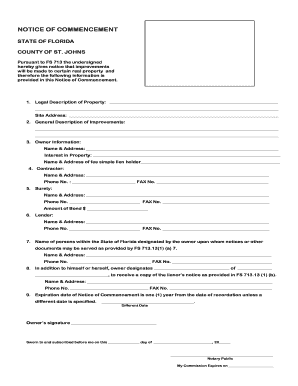
City of st augustine notice of commencment form

Request for Letter of Availability - City of St. Augustine
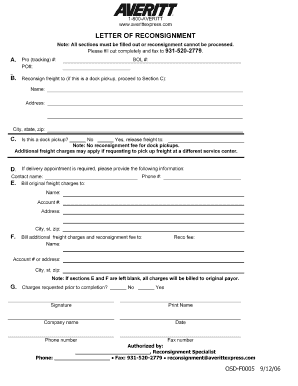
Letter reconsignment

Access to this document and the LeapLaw web site is provided with the understanding that neither LeapLaw Inc
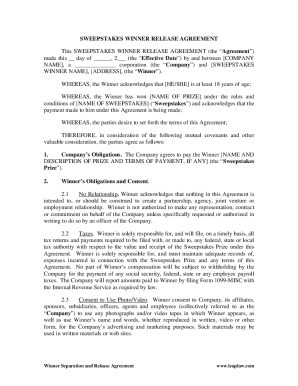
Leaplaw 1422a
Founder Stock Restriction Agreement
Single Member LLC Operating Agreement (Florida) - LeapLaw

Sales Representative Agreement - LeapLaw
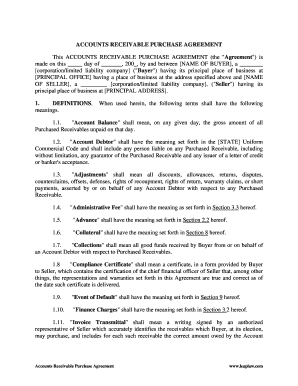
Accounts receivable purchase agreement
Cancellation promissory note

Employee Termination Agreement and Mutual Release - LeapLaw
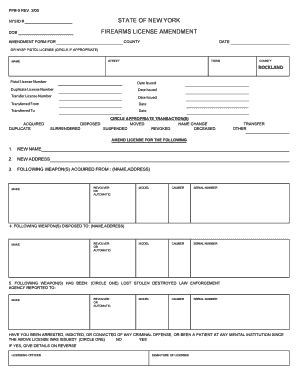
Rockland county pistol amendment form
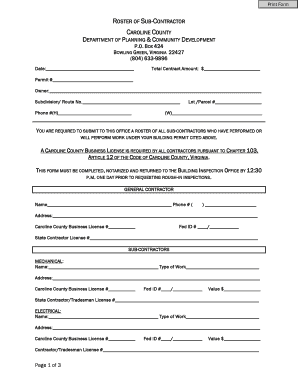
ROSTER OF SUB-CONTRACTOR - Caroline County

Private event liability release form.doc
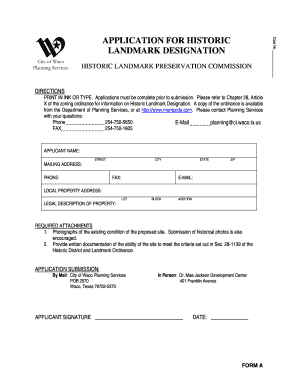
Application for historic landmark designation - City of Waco, Texas
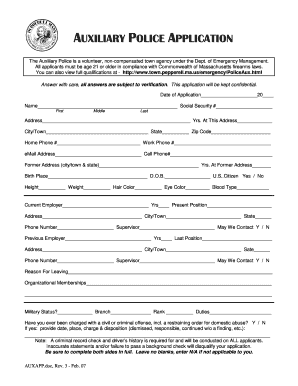
Pepperell auxiliary police
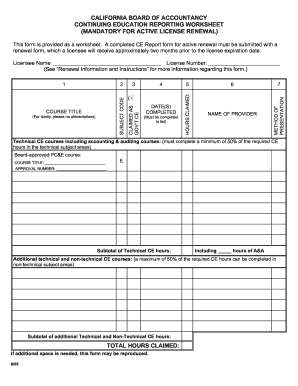
Continuing education reporting worksheet

Is florida prepaid refund taxable
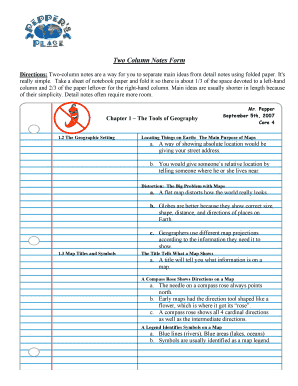
Two column notes template

Concert response form

Taekwondo registration form

Chapter 16 test form a
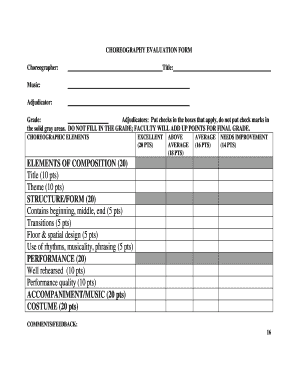
Music adjudication sheets

Science Fair Judging Form K-2
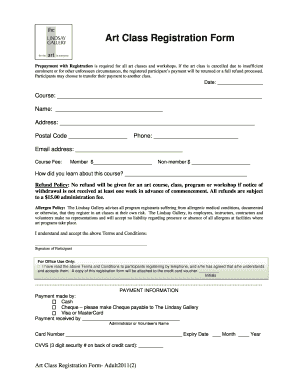
Art class registration form template
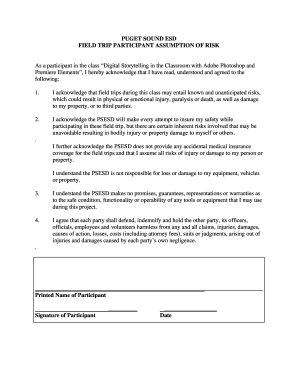
Permission slipsinterest slip template
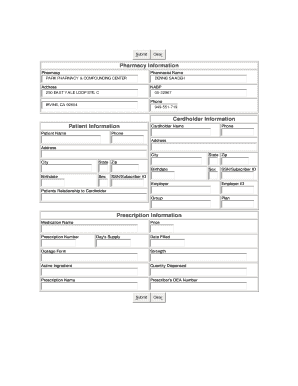
Universal claim form
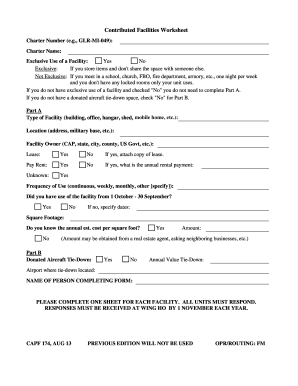
Capf 127
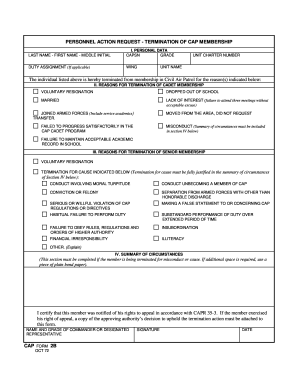
Cap form 2b
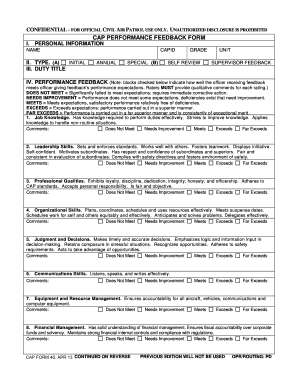
Capf 40

Civil air patrol command specialty track

Sunshine prior authorization form
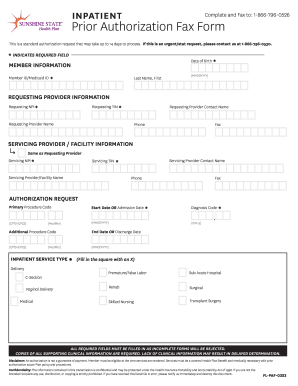
Florida authorization form
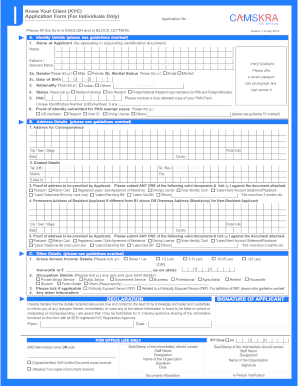
Cams kra

Hdfc kyc form nri
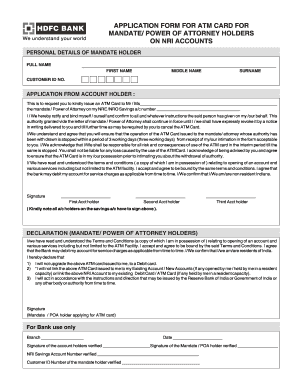
Hdfc power of attorney filled sample
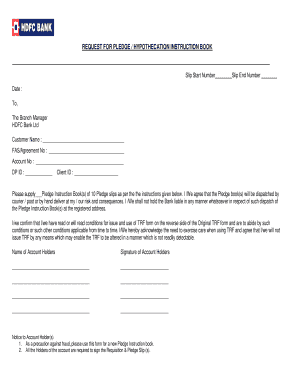
Hdfc statement request form

Hdfc credit card dispute form
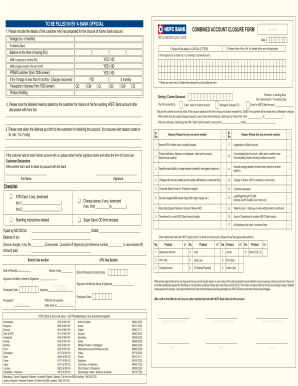
Hdfc account closure form
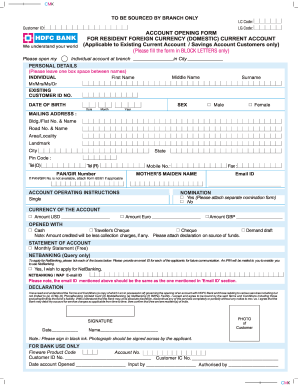
Lg code hdfc
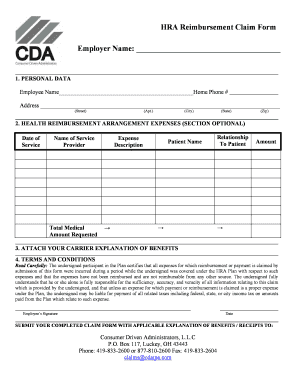
CDA HRA Claim Form.pdf - Home - Consumer Driven Administrators ...
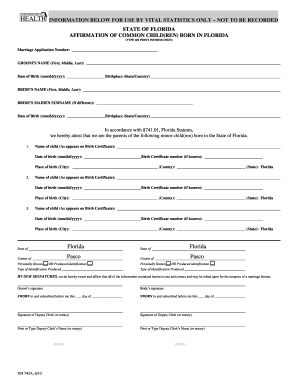
Florida dh 743a
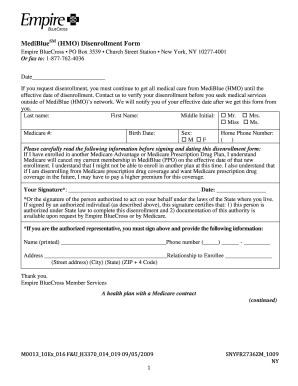
Empire mediblue plus ny

2c 1 forms
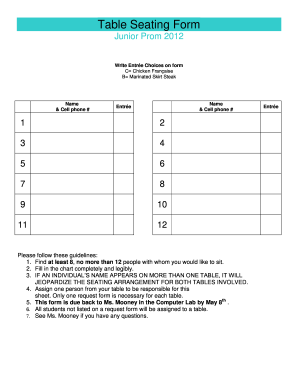
Table seating form

Application For Supplementary Letters Patent Form 3 Corporations Act
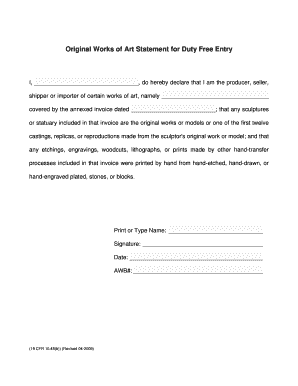
Original works of art statement for duty entry

Fedex smartpost claim form
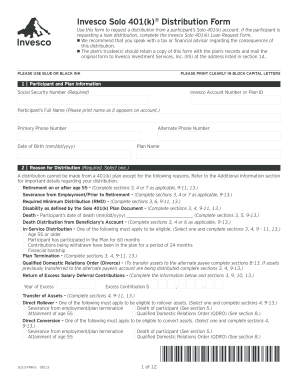
Invesco Solo 401(k) Distribution Form (PDF)
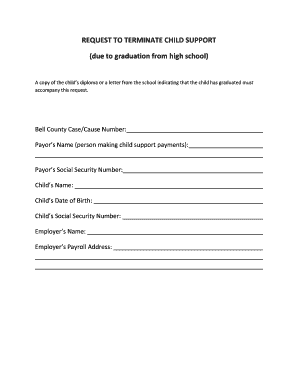
Child support termination form louisiana
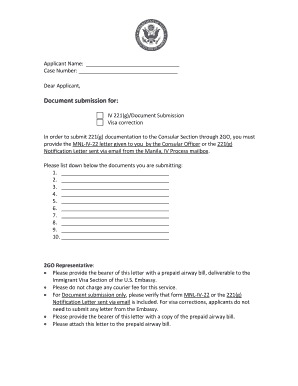
221g document submission email

Arkansas notary discount association form
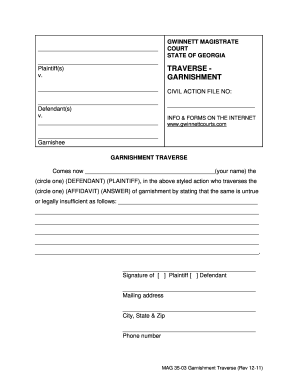
Gwinnett county docket search
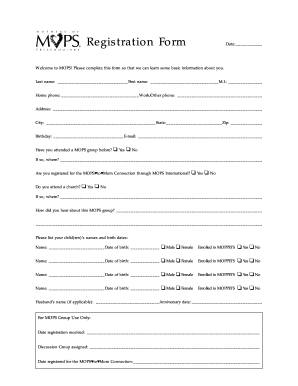
Mops forms

Narfe be prepared for life events form

Withdrawal sterne department online

Rpz test sheet
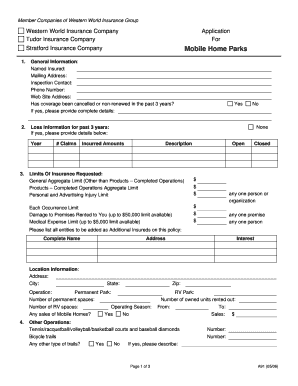
Western world insurance mobile home park form
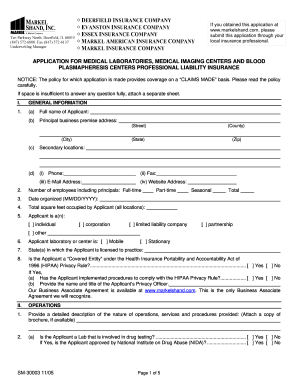
Sm 30003 markel
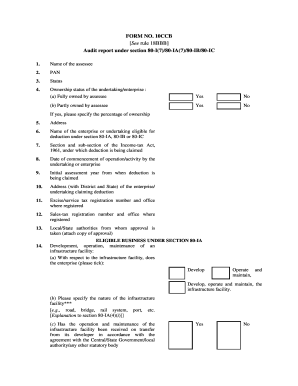
Form 10ccb
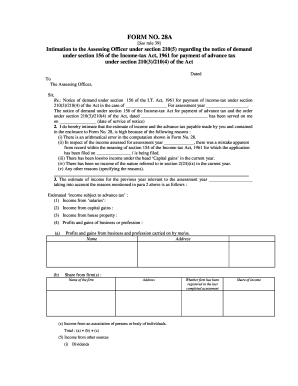
Form 28a form
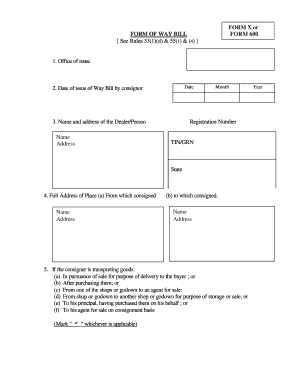
Form 600 instructions telangana
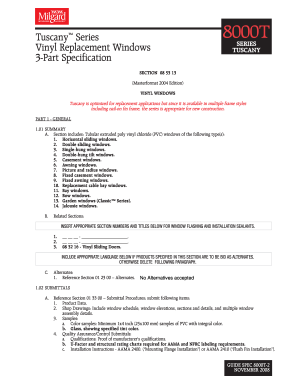
8000t series tuscany
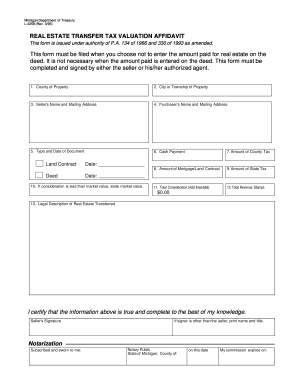
L 4258 form
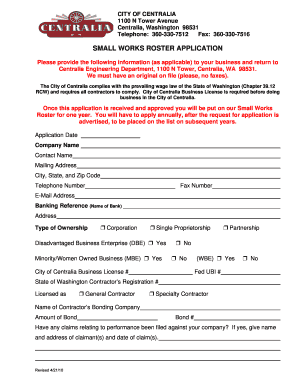
SMALL WORKS ROSTER APPLICATION - City of Centralia, WA
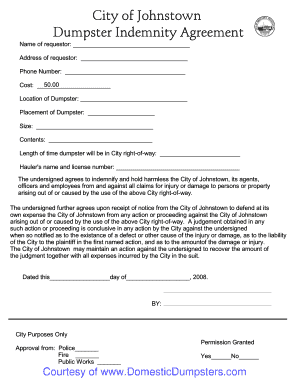
Johnstown PA Dumpster Permit bApplicationb - Domestic Dumpsters
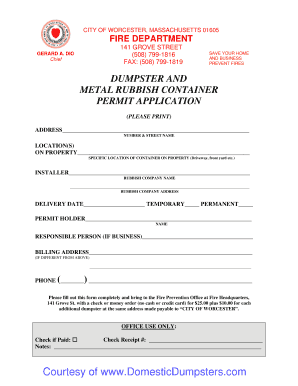
Worcester MA Dumpster Permit bApplicationb - Domestic Dumpsters
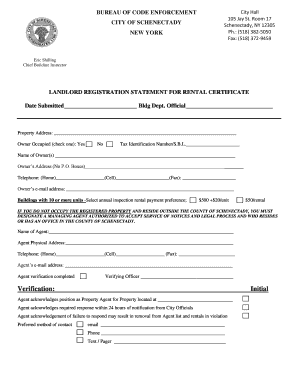
Rental certificate

12 shelley street sydney
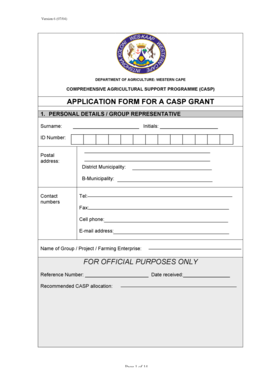
South africa western cape
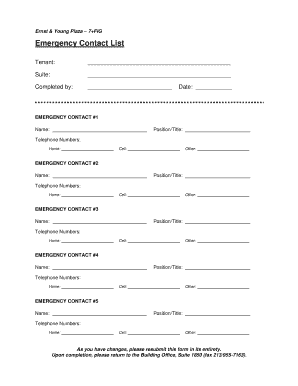
Emergency contact lists
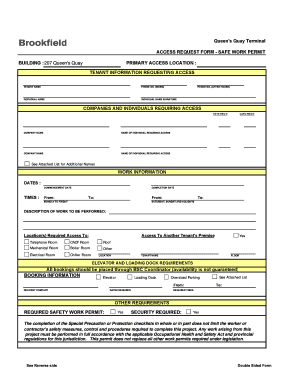
Work permit format in excel
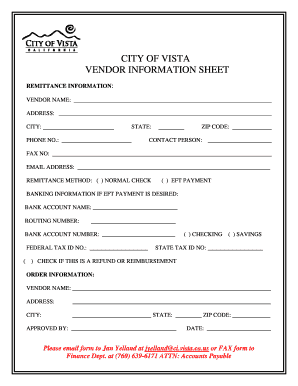
Vendor sign in sheet
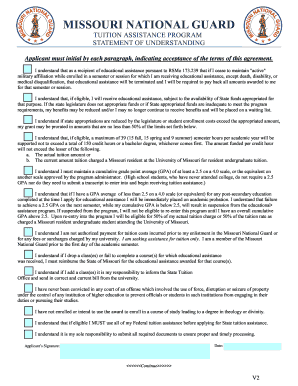
Tuition assistance application form
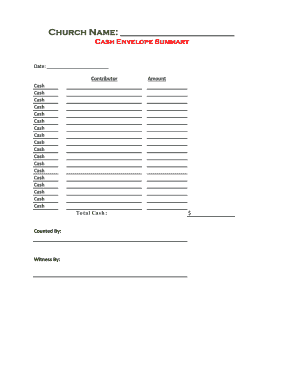
Church record keeping forms
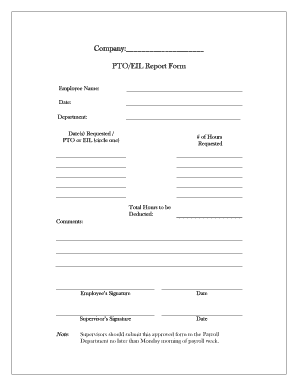
Pto forms

Church forms
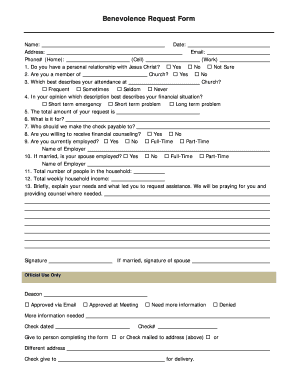
Benevolence ministry forms
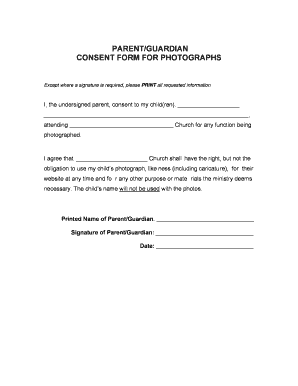
Photo Consent Form - Free Church Forms
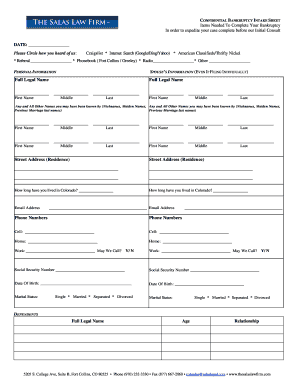
Bankruptcy Client Questionnaire - Salas Law Firm
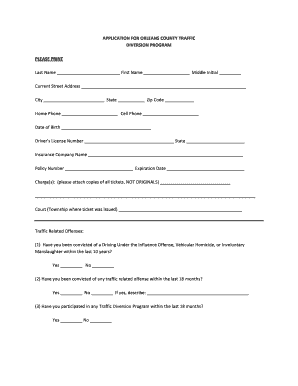
Orleans county traffic diversion program

L. D. Bell Blue Raider Baseball 2012 Player/Parent Information Sheet

Exeter Junior Basebal League. Consent Form for the Treatment of a Minor
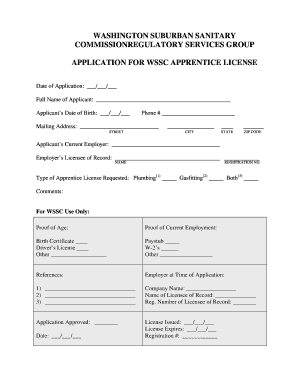
Wssc apprentice application form
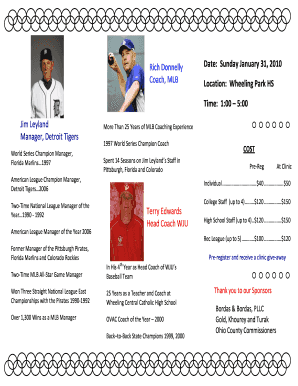
Softball team recruiting flyer template
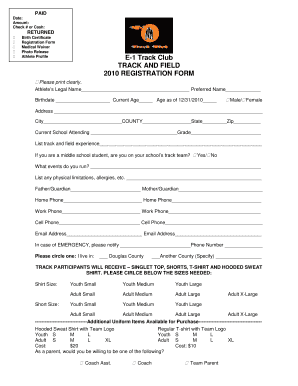
E-1 Track Club TRACK AND FIELD 2010 REGISTRATION FORM
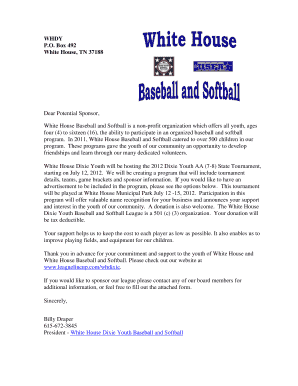
White House Dixie Youth Sponsor Letter White House Dixie Youth 2009 Baseball and Softball Season Standings
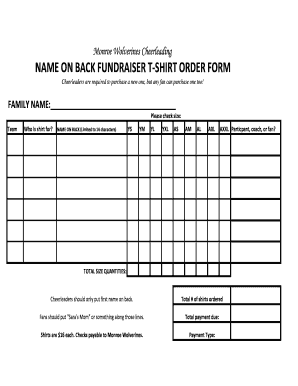
Name back fundraiser
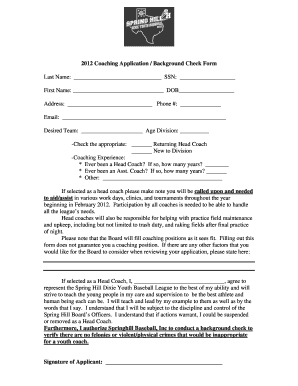
2012 coaching form
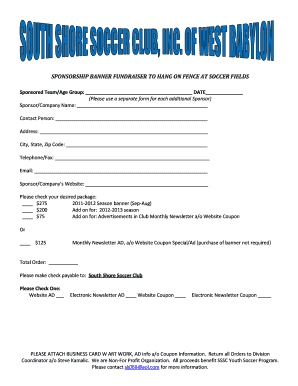
Sponsorship banner fundraiser to hang on fence at soccer fields
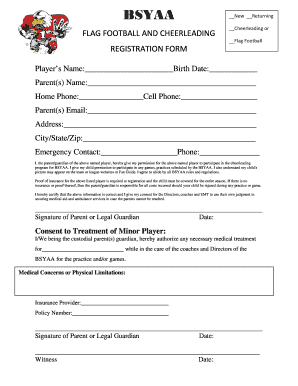
Bsyaa
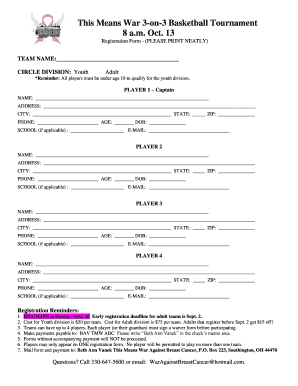
Fishing derby sign up template

Softball tryout form
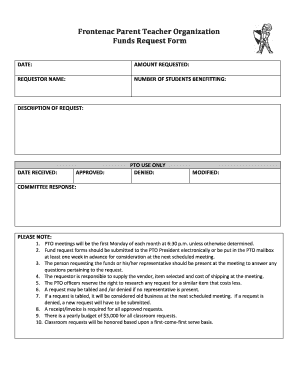
Frontenac Parent Teacher Organization Funds Request Form
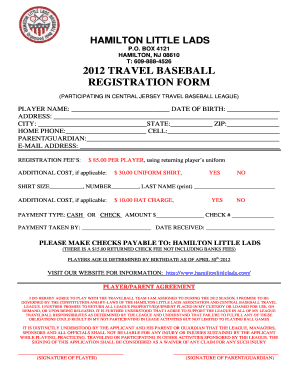
2012 TRAVEL BASEBALL REGISTRATION FORM
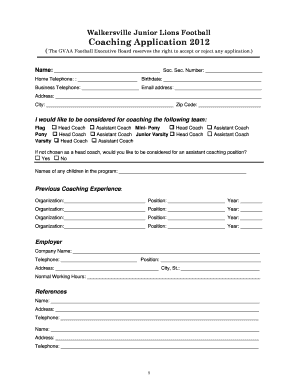
Football coaching forms
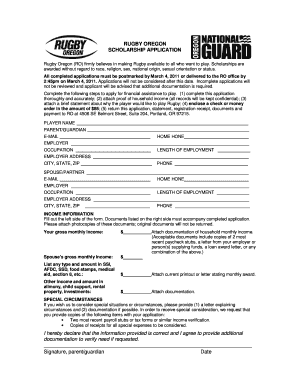
Oregon scholarship hereby
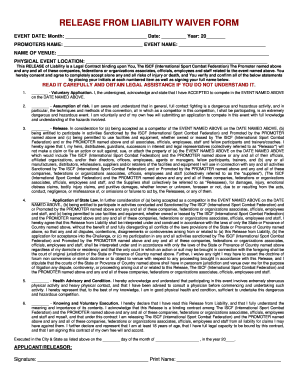
RELEASE FROM LIABILITY WAIVER FORM - ISCF

IRA Qualified Charitable Distribution Form - Weabenefits.com

Weddong booking forns form
Benefit from the DocHub online library of fillable PDF forms
Searching the PDF forms doesn't have to be a tedious and time-consuming process. With the DocHub online library, it has become easier to find the fillable PDF forms and modify them in your browser. The service allows you to adjust the document to your needs using powerful editing tools.
You can use online document editing features to modify almost any type of document with ease. You just need to find the template of your choice, open it in the editor, and use the toolbar to make the necessary corrections.
Follow this guide to get your document done with DocHub:
- Find the PDF template you need.
- Click the Get Form button to open the file in the editor.
- Use the toolbar to fill out and edit the document.
- Easily add and highlight text, insert images, checkmarks, and symbols.
- Drop new fillable fields, and rearrange or delete pages from your file.
- Save changes and download your record.
DocHub empowers everyone to streamline document editing, signing, and distribution, and form completion. Create an account and benefit from our well-organized PDF Forms library and comprehensive editor.