
Get any PDF form from the DocHub library of ready-made templates - Page 1617
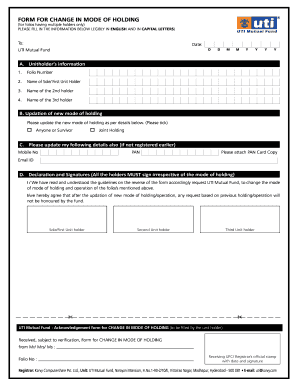
Change in mode of holding in mutual fund
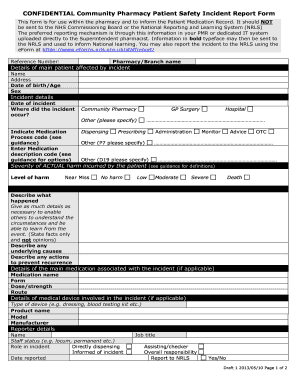
Customer service daily report template
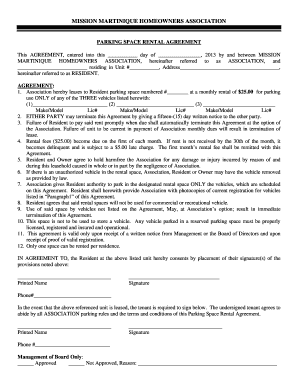
Mission martinique parking form
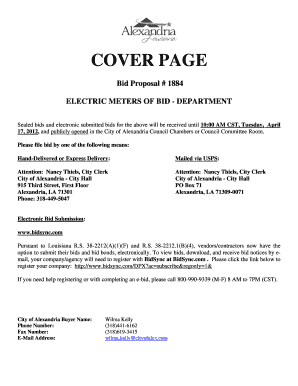
Cover page proposal meters

Arizona tax form 8879 2006
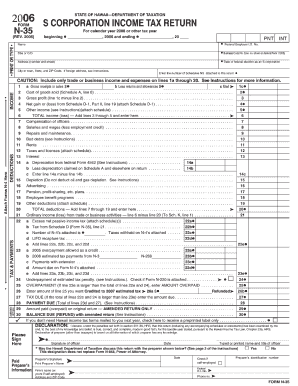
Form N-35, Rev. 2006, S Corporation Income Tax Return - FormSend
Kentucky estate forms 2012
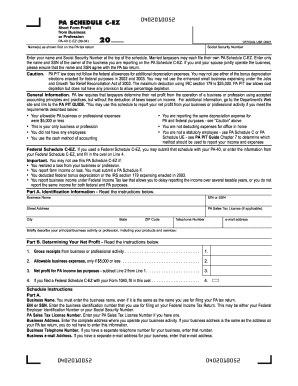
Pa schedule c ez 2004 form

FR-399Qualified High Technology Companies - FormSend
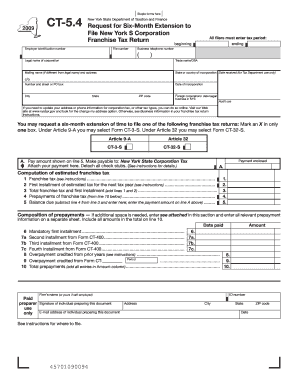
Form CT-5.4
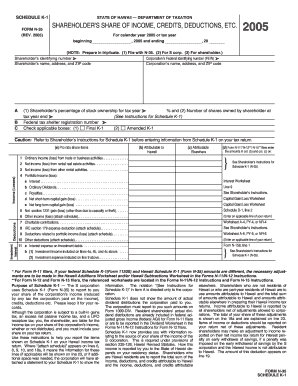
Schedule K-1 Form N-35 Rev 2005 Shareholder's ... - FormSend
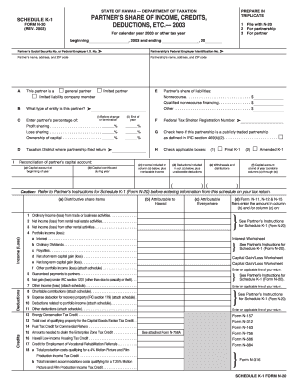
Schedule K-1 (Form N-20) Partner's Share of Income ... - FormSend
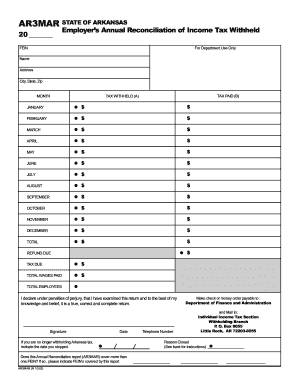
Ar3mar 2003 form

PIT-110 NEW MEXICO ADJUSTMENTS TO NEW ... - FormSend
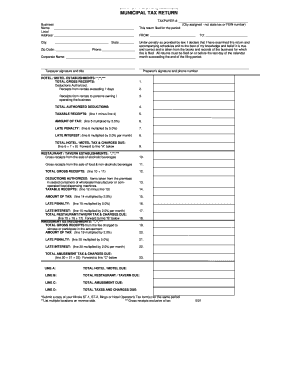
Peoria county gis
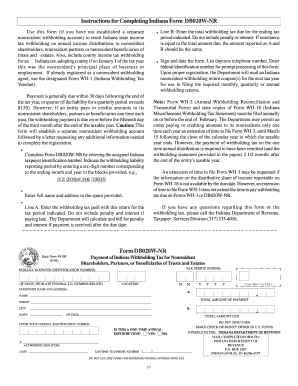
Db020w nr instructions 2004 form
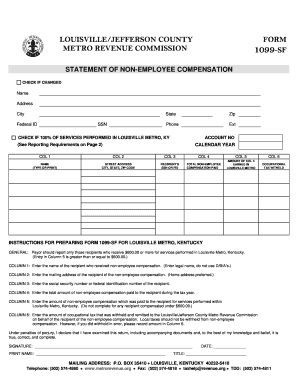
Form 1099-SFWebsite.dot
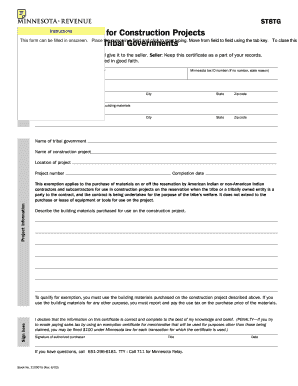
Mn st8tg exemption online
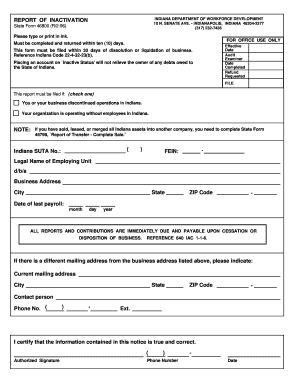
Indiana state form 46800
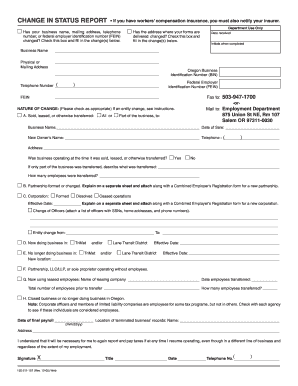
Change in Status Report, 150-211-157 - FormSend
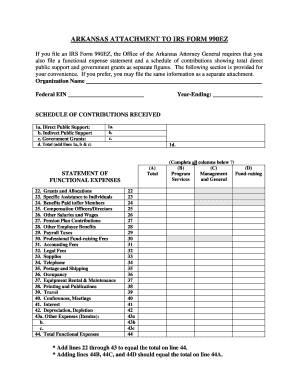
Ar 990ez
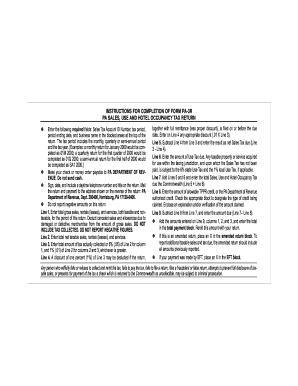
Form pa 3
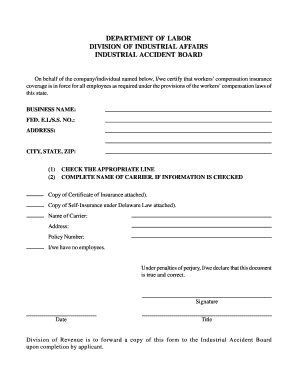
Iab gprm number form
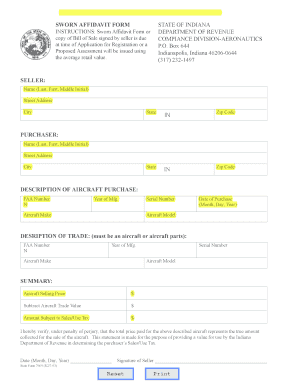
Indiana affidavit
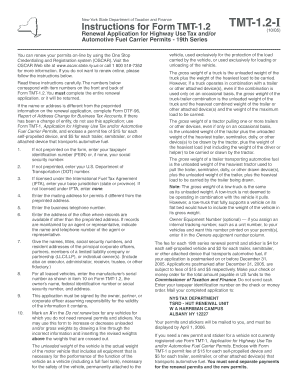
Tmt 12
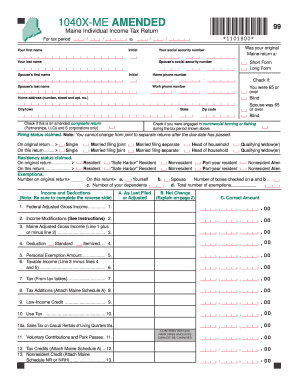
Maine 1 11_1040X_downloadable.pdf - Find Laws
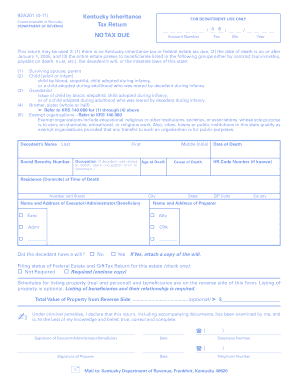
Printablerestraining ordero form for ky 2011
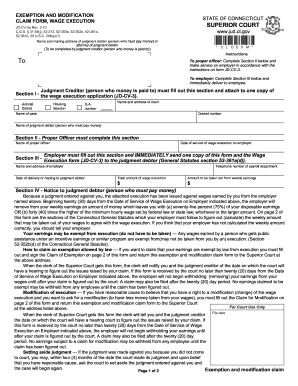
Ct exemption and modification claim form 2010
Nevada d divorce
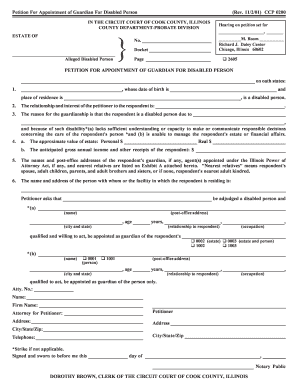
Petition For Appointment of Guardian For Disabled Person
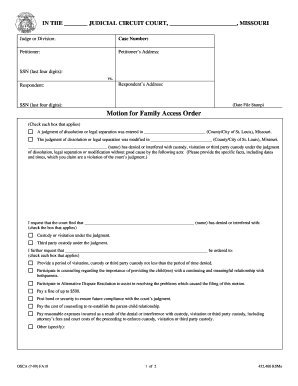
FA 10 Motion for Family Access Order.pdf
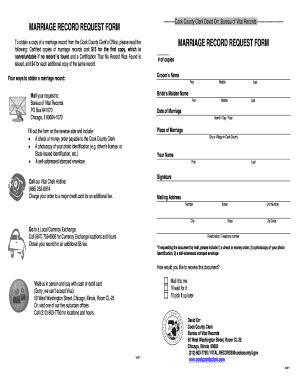
Marriage Certificate Request Form (Cook County). - Find Laws
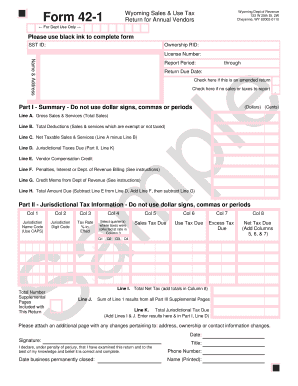
Form 42 1 wyoming
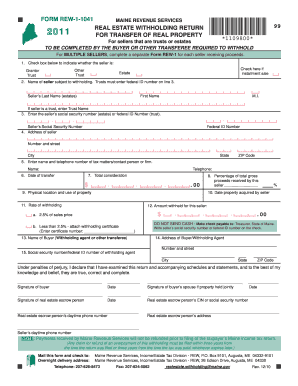
Form rew 1 1041 2011
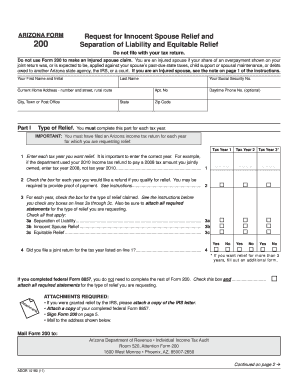
Arizona Form 200 - Find Laws

Iowa corporation short form income tax return - State of Iowa

FL-115 PROOF OF SERVICE OF SUMMONS (Family Law Uniform Parentage Custody and Support). Judicial Council forms
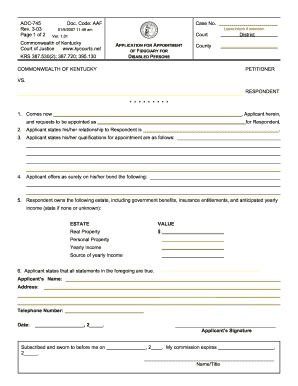
How to fill out petitionapplication for emergency appointment of fiduciary for disabled persons 2003 form
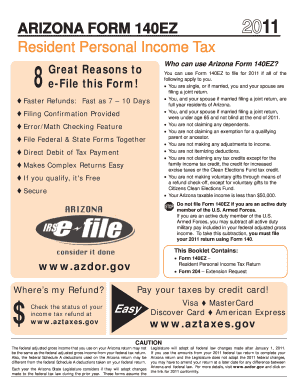
Arizona 2014 140ez form

Indiana form 54764

Affidavit of Total Consideration Given for a Motor Vehicle - Kentucky ...

Family Law Financial Affidavit (Over $50000)
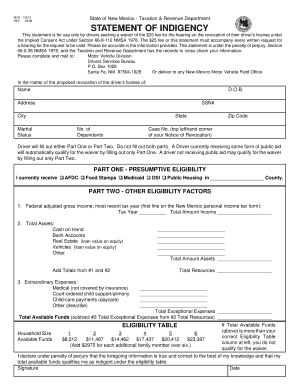
Mvd 10813 1998 form
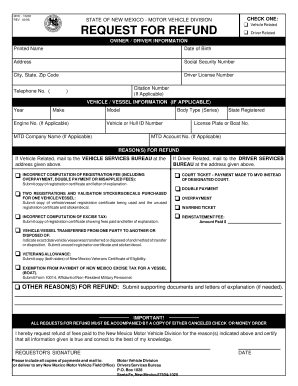
MVD Refund Request Form - City of Las Cruces

Ugi interconnection application/agreement - part 1 - Ugi.com
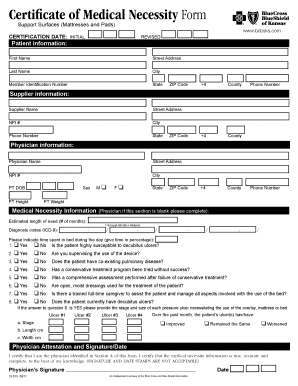
Certificate of medical necessity form
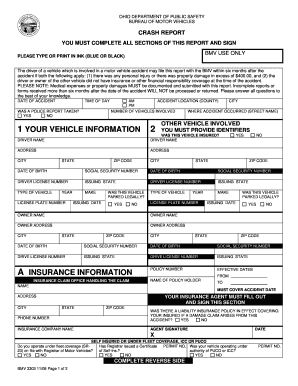
Bmv3303 2008 form
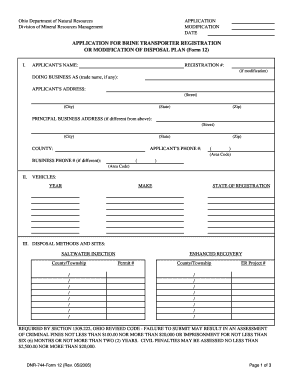
Ohio dnr registration
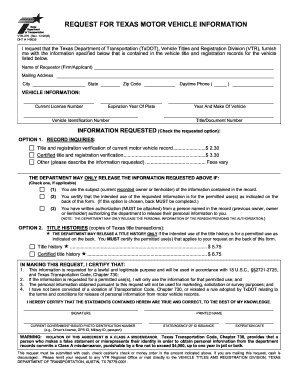
Texas Auto Title Request (PDF) - All State Surety Bonds
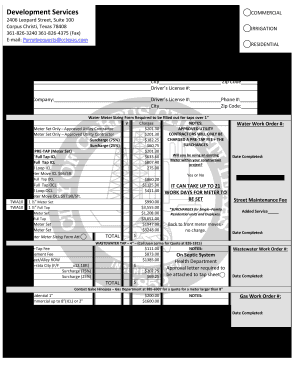
Permitrequestscctexascom form
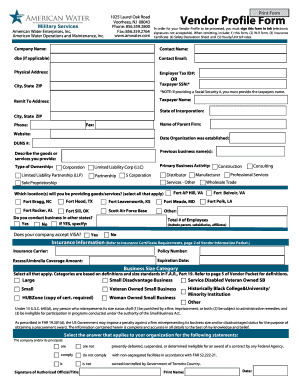
Nycdep subcontractor profile form
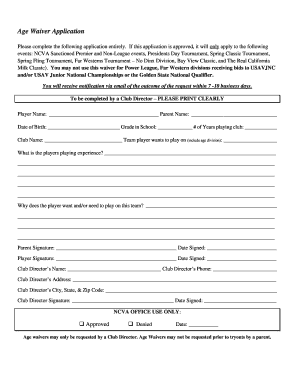
Health coach disclaimer template
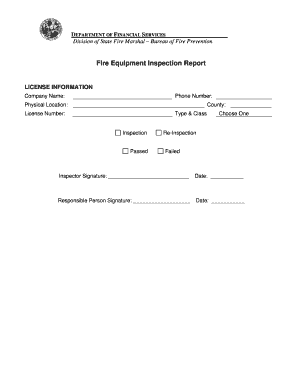
Florida dfs k31970 fire inspection

K3 coursework printable

Sickness form sss sample
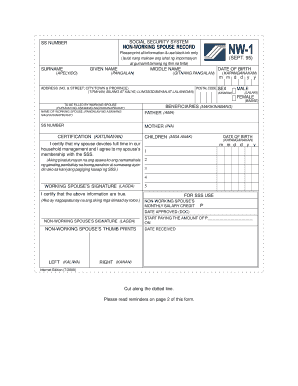
Sss rs1 form

Prosper alarm permit
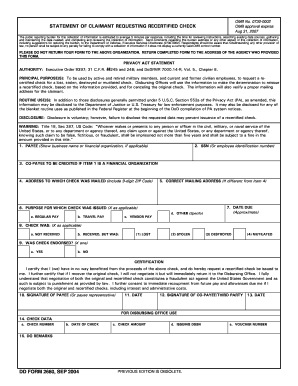
U.S. Department of Defense Document: dd2660: Free Downloads

DOC Form doc-pto-sb-50 Doc Code: PTO/SB/50 (04-05) Approved for use through 04/30/2007
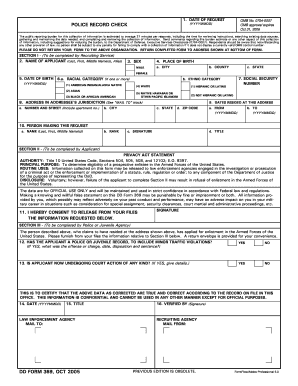
U.S. Department of Defense Document: dd0369: Free Downloads
Ncoer support form fillable 2006
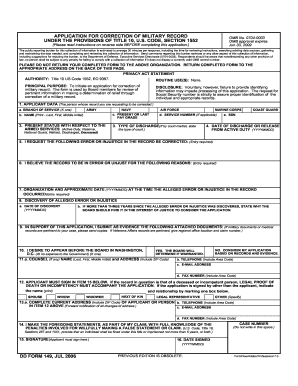
Dd 0149 form 2006
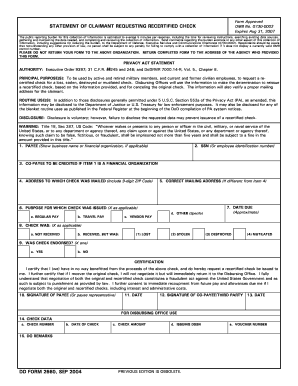
Purchaser Eligibility Certification - Word - FDIC

Da 7531

Report of casualty dd form 1300 report number 2004
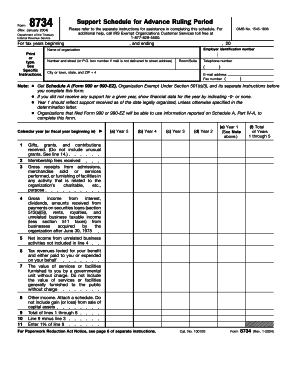
8734

Ps 5436 form 2004

Form 1662

Form 4254

Ad 1163

Ds5011 form
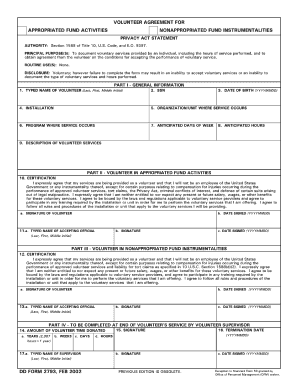
Dd2793 2002 form

Ds 1930

Form 3081

Ngb 3631
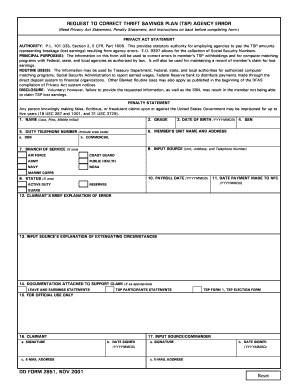
U.S. DOD Form dod-dd-2851. Free download

Va form 29 336b
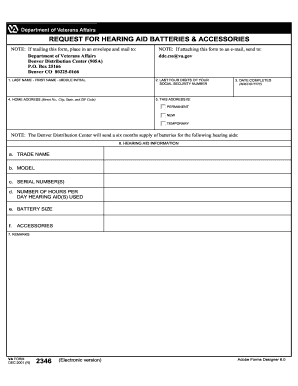
Va form aid batteries
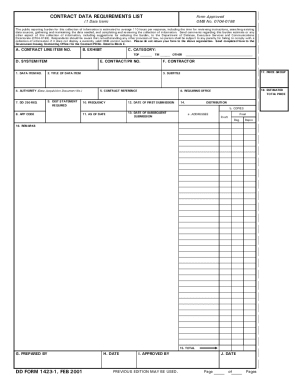
Dd 1423 form

Dd form 836 2001

Navsea 9890 8

Navmc 10154

S dod 6260

Navsea 9210 9

Da form 4856 pdf 1999

Dd 1351 5

Da 5841

Form 5399 r

Form dd619 1998
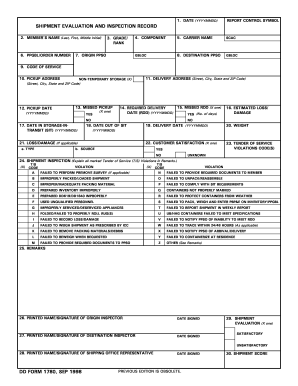
Dd1780

Da for 5572 fillable form

Va 26 8978
Sf 150

Form 2203

Dd370 1998 form
Dd form 2758

Standard form 2181 a 1996

Federal ppq form 519 2002

U.S. USDA Form usda-ccc-49

Rus certificate contractor
Benefit from the DocHub online library of fillable PDF forms
Searching the PDF forms doesn't have to be a tedious and time-consuming process. With the DocHub online library, it has become easier to find the fillable PDF forms and modify them in your browser. The service allows you to adjust the document to your needs using powerful editing tools.
You can use online document editing features to modify almost any type of document with ease. You just need to find the template of your choice, open it in the editor, and use the toolbar to make the necessary corrections.
Follow this guide to get your document done with DocHub:
- Find the PDF template you need.
- Click the Get Form button to open the file in the editor.
- Use the toolbar to fill out and edit the document.
- Easily add and highlight text, insert images, checkmarks, and symbols.
- Drop new fillable fields, and rearrange or delete pages from your file.
- Save changes and download your record.
DocHub empowers everyone to streamline document editing, signing, and distribution, and form completion. Create an account and benefit from our well-organized PDF Forms library and comprehensive editor.