
Get any PDF form from the DocHub library of ready-made templates - Page 1613
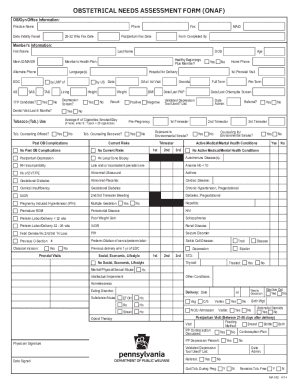
Obstetrical Needs Assessment Form - UPMC Health Plan
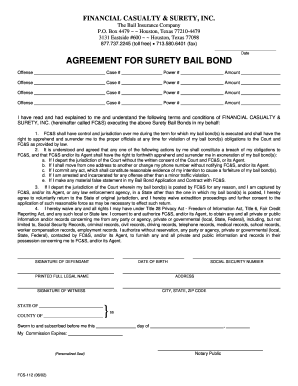
Fcs 112 bond form

Ohio surety bail bond contract
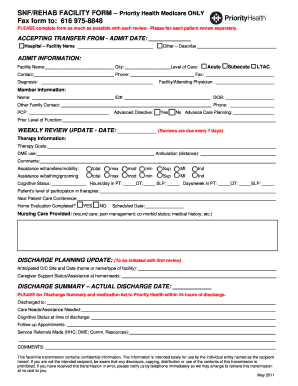
Medicare admissions form
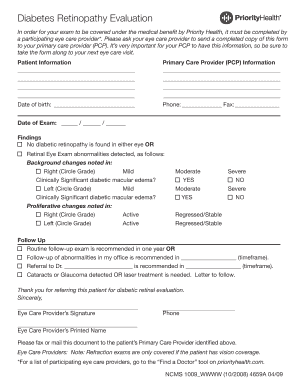
Diabetes form
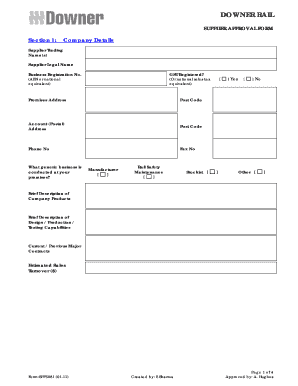
Supplier approval form
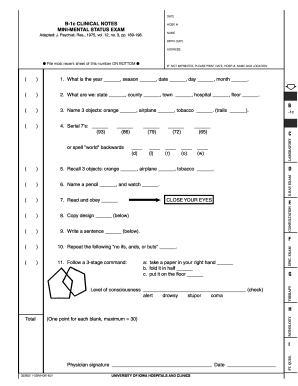
1c clinical notes mini mental exam form

Form babysitter info
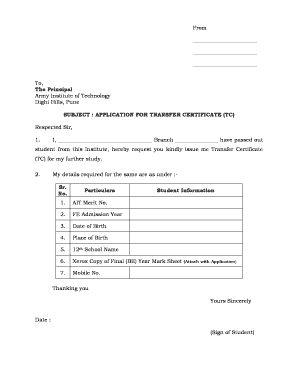
Transfer certificate in army institute of technology form
Ctc form pdf
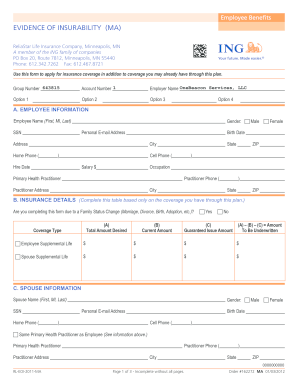
Bcbs of tx evidence of insurability form
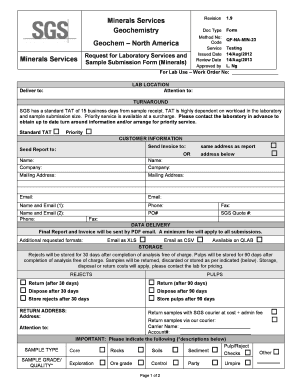
Sample Submittal Form NAM - SGS
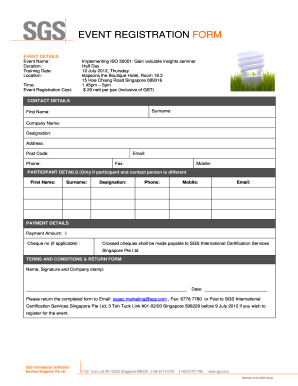
SGS Enrolment form Template (In Word)

Application Form - Others - SGS????????????
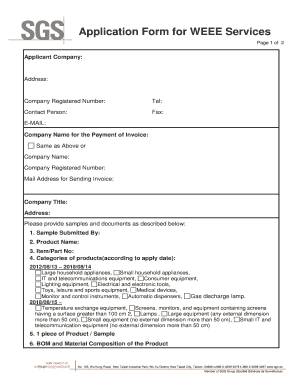
Application Form for WEEE Services - SGS????????????
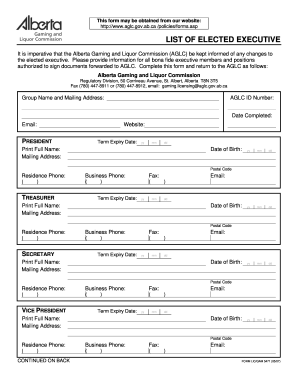
FORM LIC/GAM 5471 (05/07) - List of Elected Executive. General Specification for Compressors
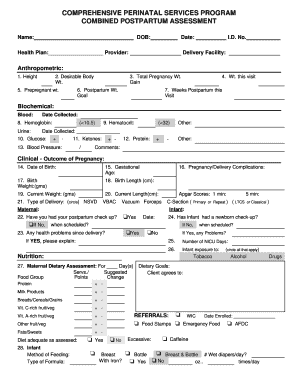
Postnatal assessment format
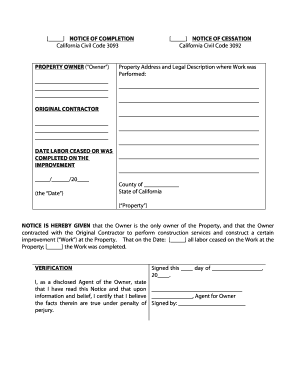
NOTICE OF COMPLETION a. The owner(s) of the real ... - Zlien
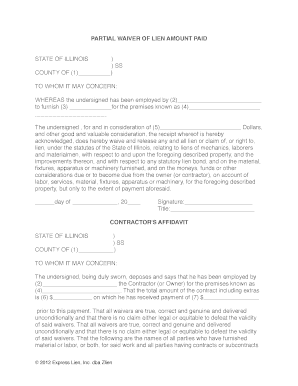
Illinois Partial Waiver of Lien Amount Paid. Free Illinois Partial Lien waiver form, to be used to get payment released on a project.
Mid continent instruments
Medical Certification non-FMLA employee39s own bb - HRnovations
Continuation request form
Sga form m 5551
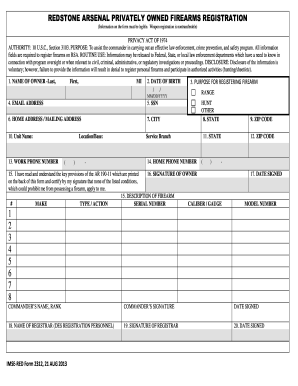
Imse red

Prime therapeutics prior authorization fax number 2008 form

Bcbs intravenous immunoglobulin request form
Illinois standard health employee
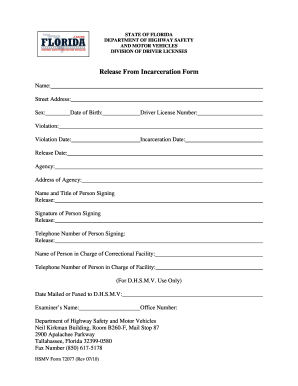
Incarceration form 72077 2010

Out tech otkk10x10gb
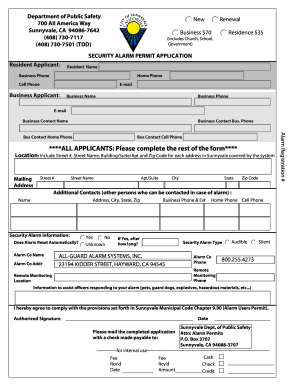
Sunnyvale alarm permit
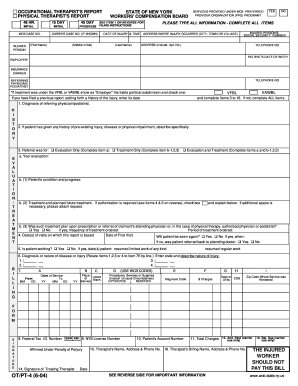
OT/PT-4 (6-04) - WorkCompCentral
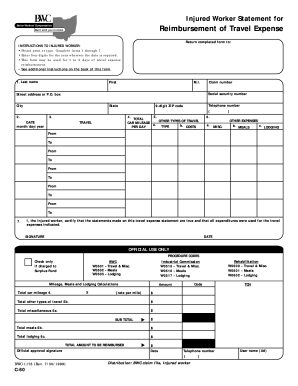
Reimbursement of Travel Expense - WorkCompCentral
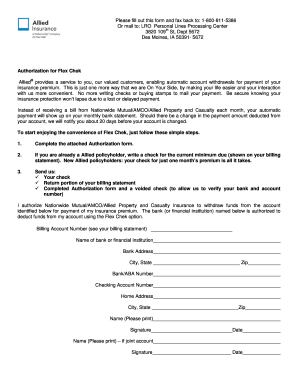
Allied form authorization
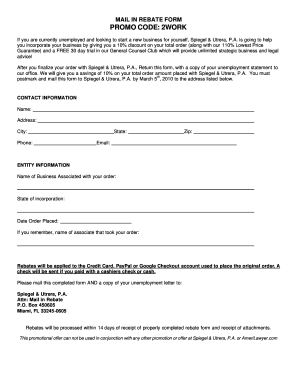
Code 2work
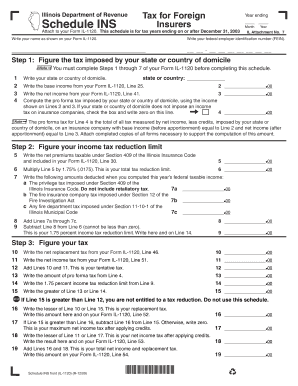
1120 INS.ind. 2007 California Form 568
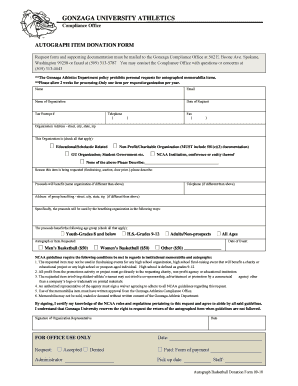
Gonzaga autograph policy form
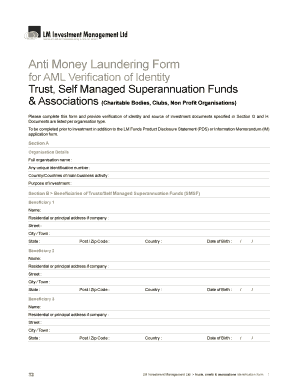
Anti money laundering form pdf
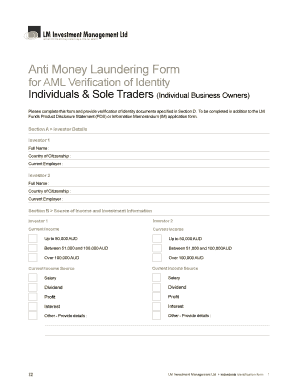
Midwood aml form

Massachusetts corrections office physical exam form

Health net enrollment form

Unicare disability forms
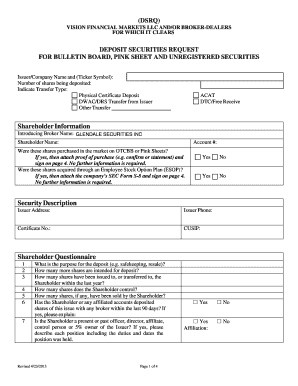
Dsrq
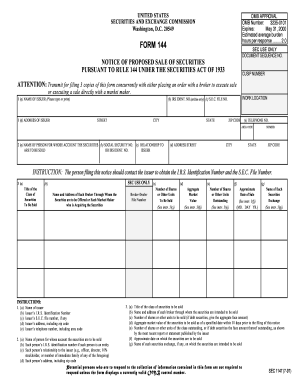
FORM 144 - Glendale Securities, Inc.

Interview rating form

Lloyds 1651 form
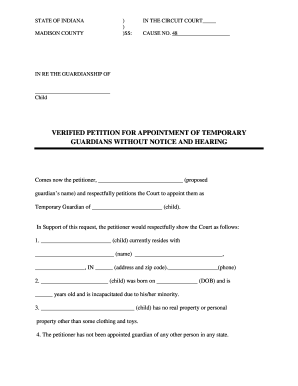
Indiana temporary guardianship forms
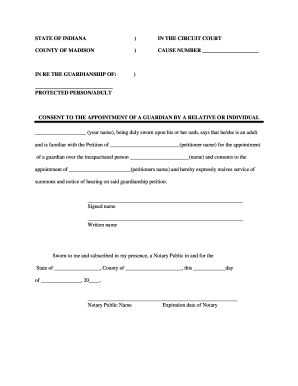
Guardianship paper
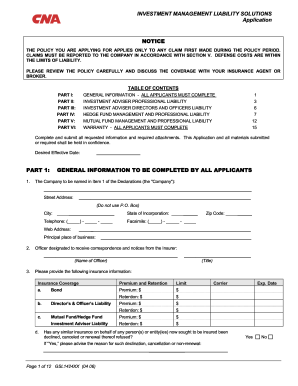
Cna liability solutions
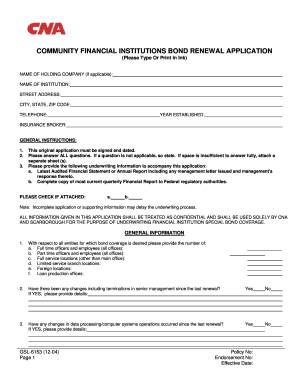
Cna institutions renewal application
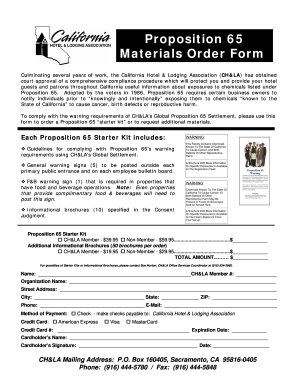
Prop 65 compliance letter template
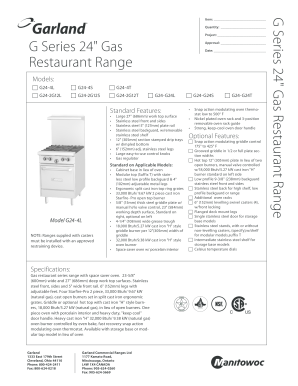
Garland g series gas
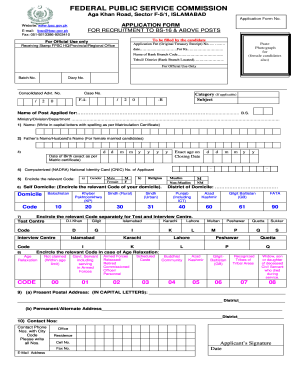
Fpsc online apply

Unibank transfer form

H ferrin scholarship
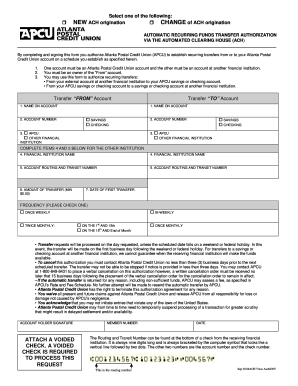
Electronic ACH Form - Atlanta Postal Credit Union
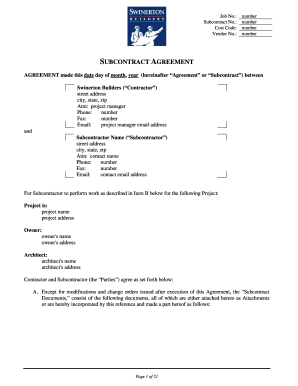
California subcontract
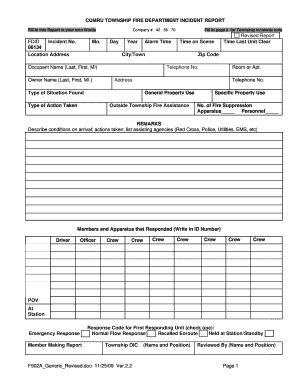
Fire department incident report

Mcleod county building permits

Texas sales and use tax resale certificate - Compound Security ...
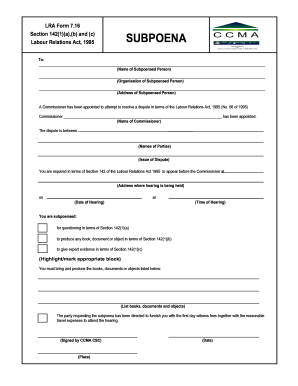
Lra form 7 16
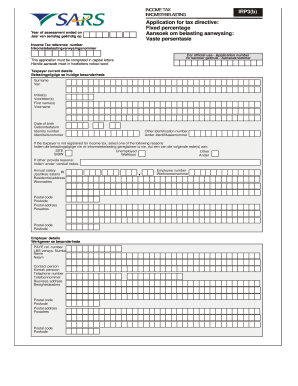
Income aansoek persentasie template
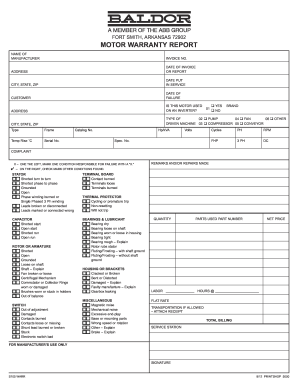
Arkansas warr motor

Transfer-In Application Form-III - Aditya Birla Money
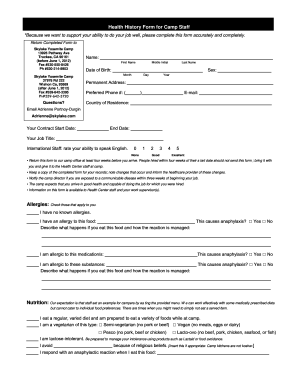
Health history form camp staff
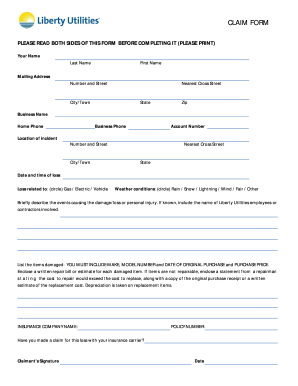
Download Claim Form - Liberty Utilities
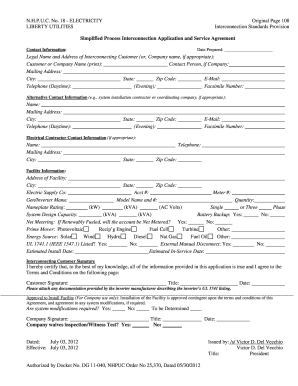
N.H.P.U.C. No. 18 - ELECTRICITY LIBERTY UTILITIES Original ...
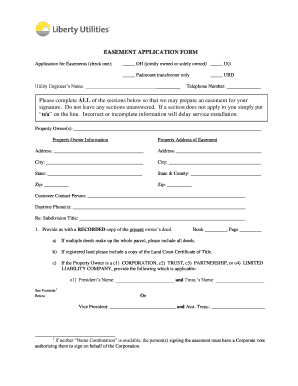
EASEMENT APPLICATION FORM Please complete ... - Liberty Utilities
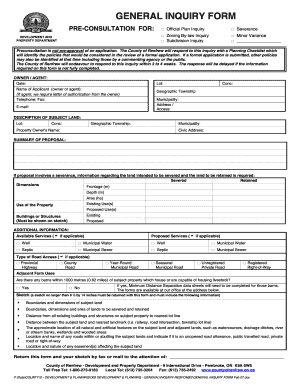
General inquiry
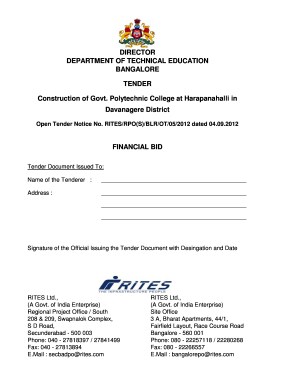
Construction of Govt Polytechnic College at Harapanahalli in bb
Hvac subcontractor agreement
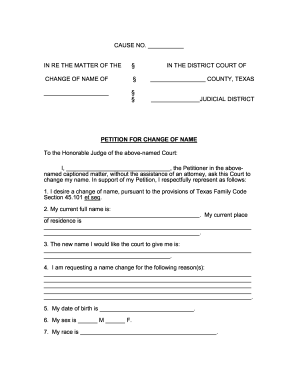
FORM: Petition For Change of Name - FindLegalForms
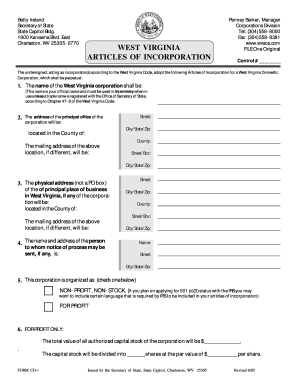
WEST VIRGINIA ARTICLES OF INCORPORATION - FindLegalForms

Wood county ohio probate court
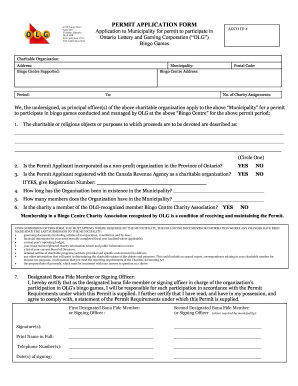
Permit application form - Charitable Gaming Association of Sudbury

Pricing Proposal Cover Sheet SA1235
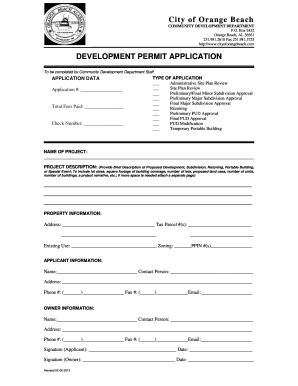
Orange beach permit
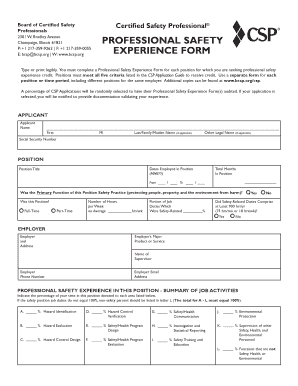
Professional safety experience form

Bcsp application fee
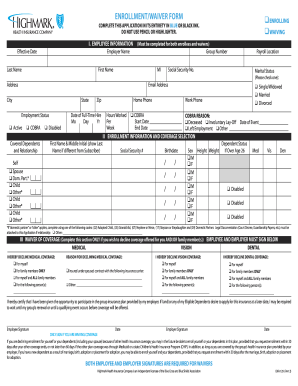
Highmark enrollment form
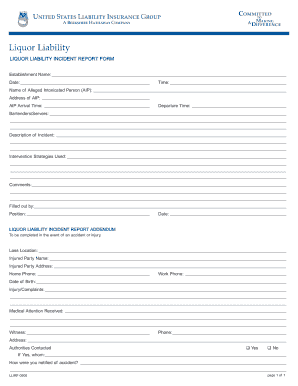
Alcohol incident report
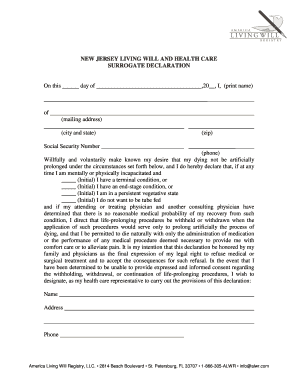
What does a will look like
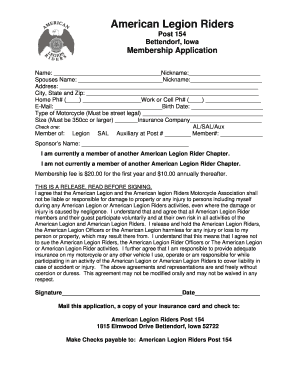
American legion riders membership form
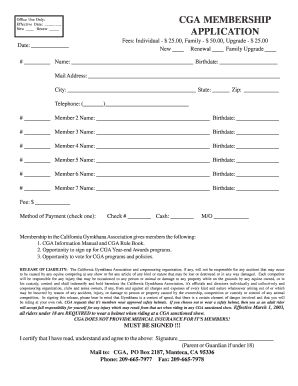
CGA Membership Form - California Gymkhana Association
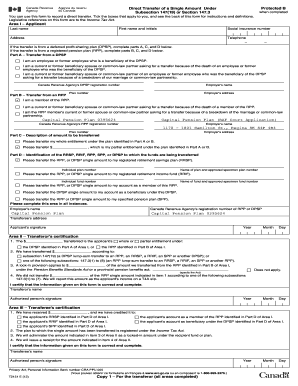
T2151 fillable
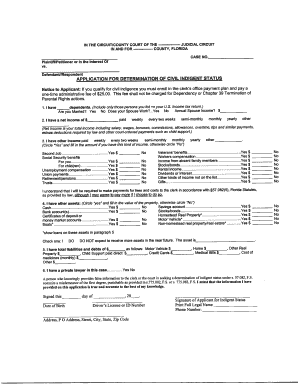
Indigent letter
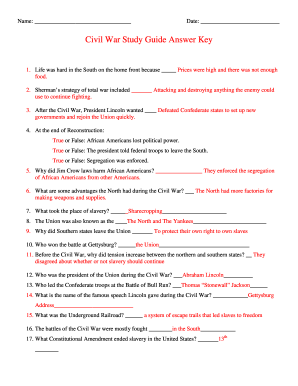
The civil war packet answer key

Christmas Assistance Form - Effingham County Schools
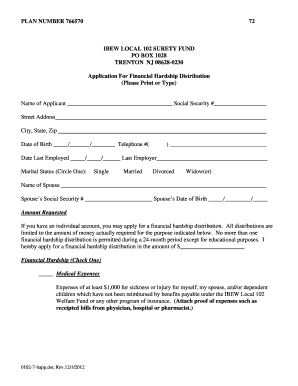
I e shaffer local 102

Attached is a form for filing Articles of Amendment to amend the ...
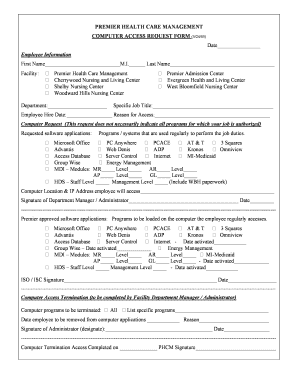
Ehipaa

Documents for personnel file
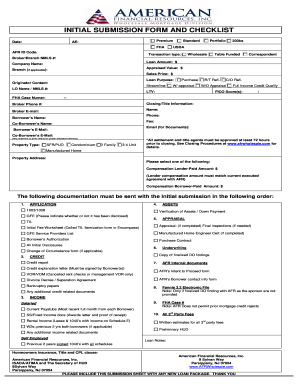
Afrwholesale com

Fannie Mae Attached Condominium Limited Review Questionnaire
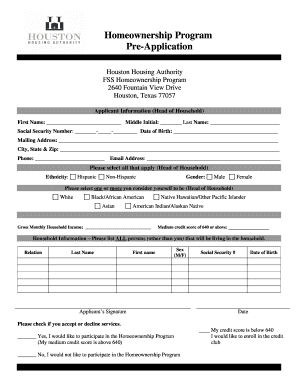
Fss program application
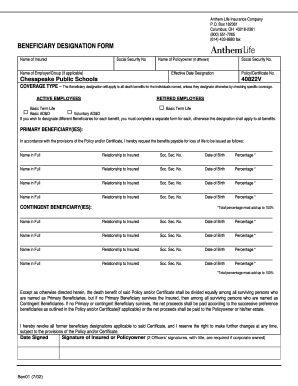
Form 7265
Lps lsi request online
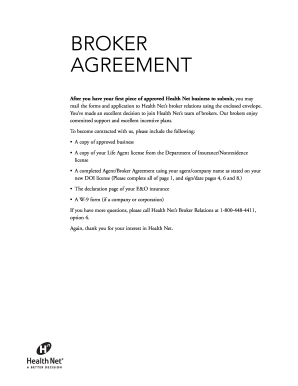
California health broker agreement
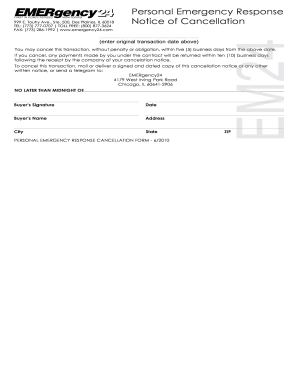
PERS Subscriber Monitoring Agreement - EMERgency24.com
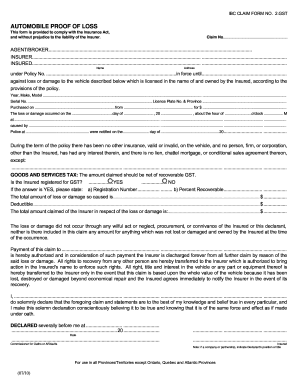
Ibc form no 2
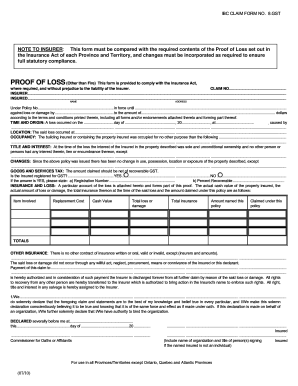
Ibc in corpus christi form
Benefit from the DocHub online library of fillable PDF forms
Searching the PDF forms doesn't have to be a tedious and time-consuming process. With the DocHub online library, it has become easier to find the fillable PDF forms and modify them in your browser. The service allows you to adjust the document to your needs using powerful editing tools.
You can use online document editing features to modify almost any type of document with ease. You just need to find the template of your choice, open it in the editor, and use the toolbar to make the necessary corrections.
Follow this guide to get your document done with DocHub:
- Find the PDF template you need.
- Click the Get Form button to open the file in the editor.
- Use the toolbar to fill out and edit the document.
- Easily add and highlight text, insert images, checkmarks, and symbols.
- Drop new fillable fields, and rearrange or delete pages from your file.
- Save changes and download your record.
DocHub empowers everyone to streamline document editing, signing, and distribution, and form completion. Create an account and benefit from our well-organized PDF Forms library and comprehensive editor.