
Get any PDF form from the DocHub library of ready-made templates - Page 1611
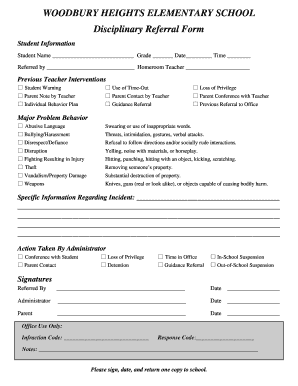
Woodbury heights elementary school disciplinary referral form
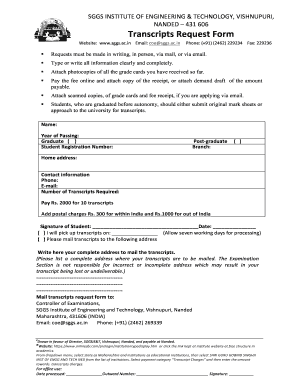
Sggs form
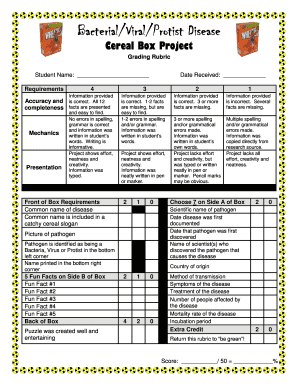
Disease cereal box project
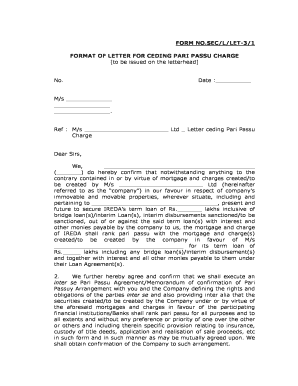
Pari passu letter format
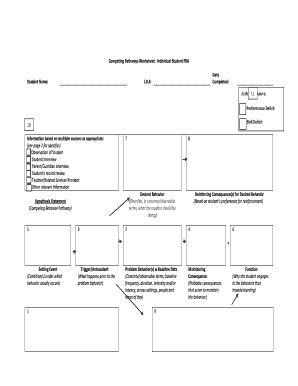
Competing Pathways Worksheet: Individual Student FBA Student ... - mvse
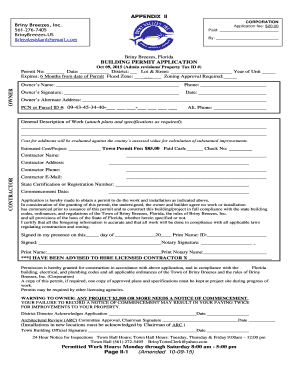
Bldg PermitsGreen Sheet - Briny Breezes FL - brinybreezes

Identifing individual compliance and other requiremewnts pdf
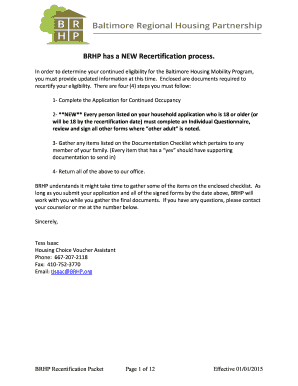
Recertification Packet - Baltimore Regional Housing Partnership
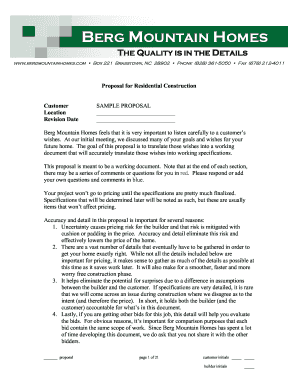
Home proposal construction
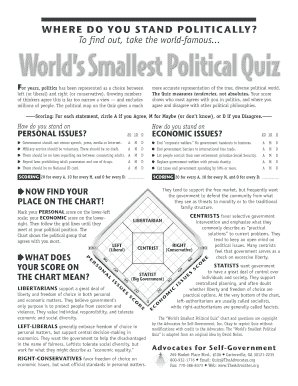
World's smallest political quiz pdf
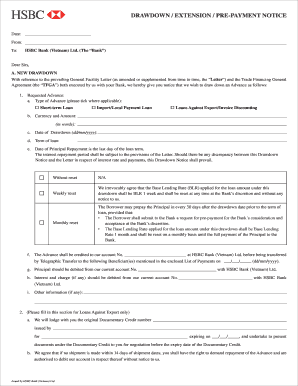
Drawdown letter
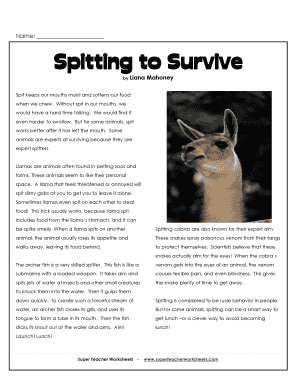
Spitting to survive
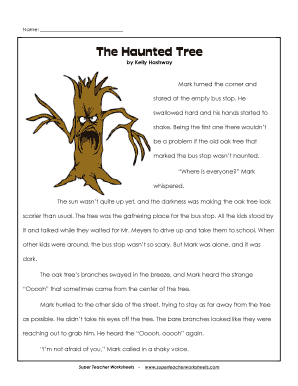
The haunted tree answer key

Dogs victoria forms
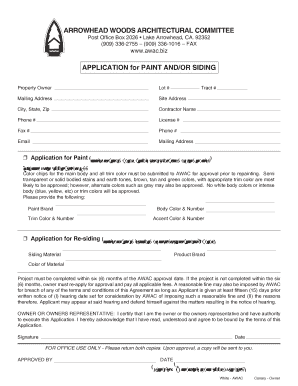
Arrowhead woods architectural committee
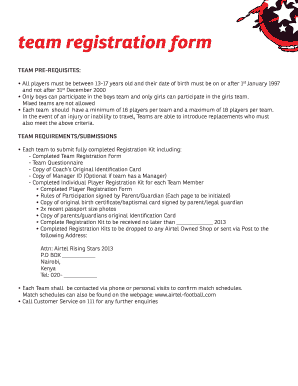
Airtel mitra registration
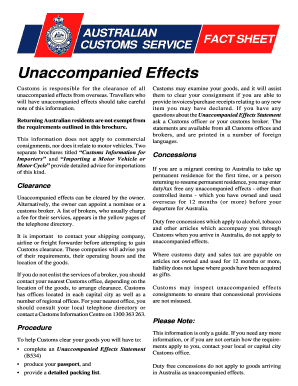
Formb534 e
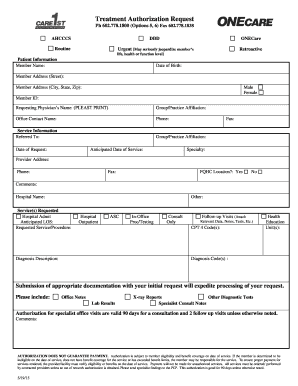
Care 1st arizona prior authorization form

Home replacement cost evaluation form
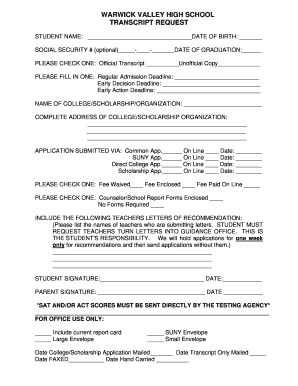
Transcript Request Form - Warwick Valley Central School District

Canada form

Inquiry alien form

Hcr survey
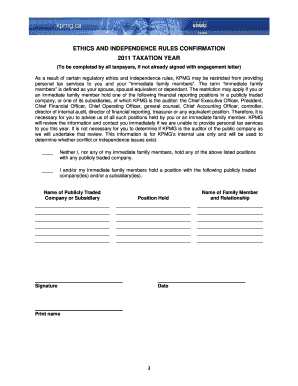
Tax policy quetionar pdf
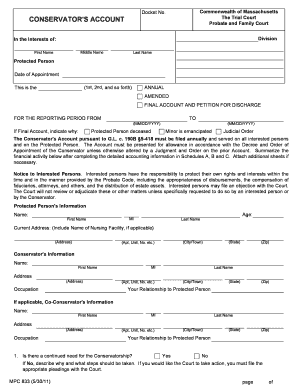
Mass probate form mpc 833 fill online printable
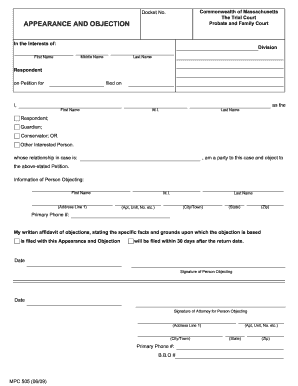
Probate objection forms
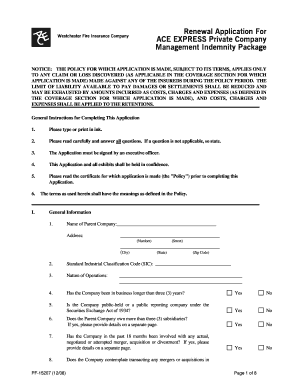
Ace express private company management indemnity package renewal application

Internet basics application

Basics please net
North carolina standard operating guidelines
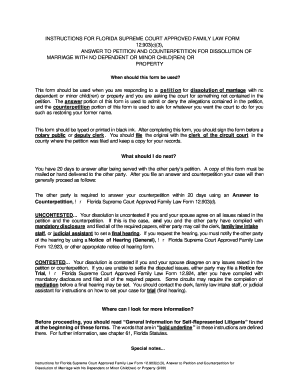
Dissolution-of-marri..
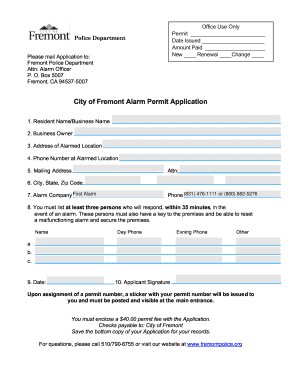
City of fremont business license renewal
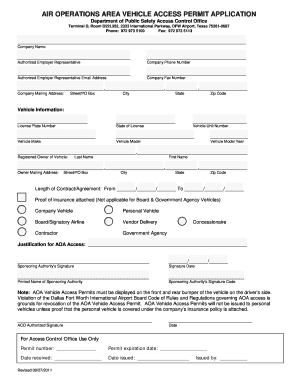
AIR OPERATIONS AREA VEHICLE ACCESS PERMIT APPLICATION
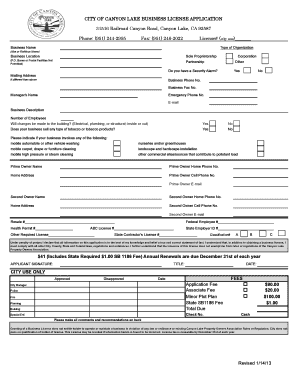
Business license form

Philippine dual citizenship application form
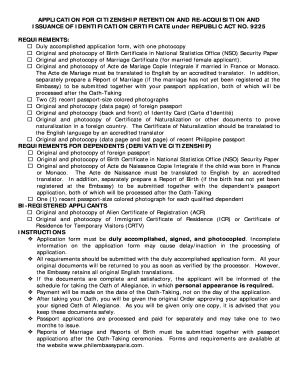
Dual citizenship application

Lpea organization

Re-inspection, Afterhour, Same Day, Record Change ... - City of Dallas
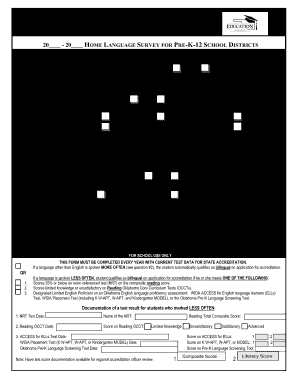
Home language survey
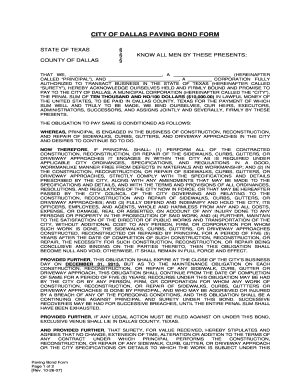
City of dallas paving bond form 2007
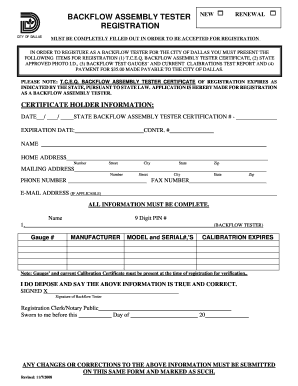
City of dallas backflow form 2008
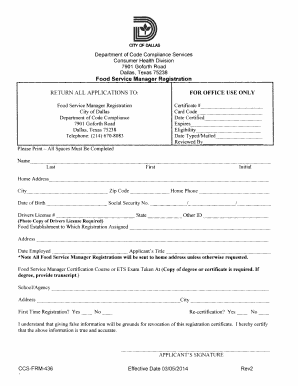
City of dallas food handler permit
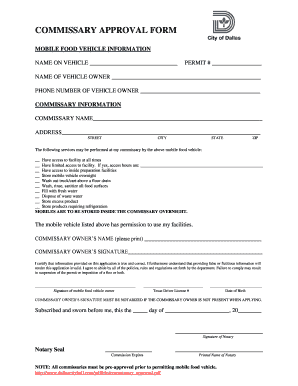
Commissary approval form

Rbc deposit slip
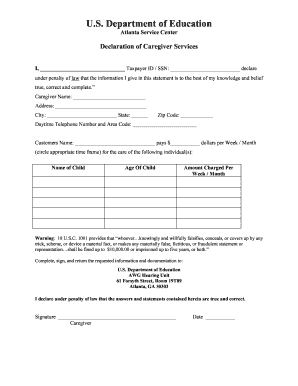
Declaration of caregiver services
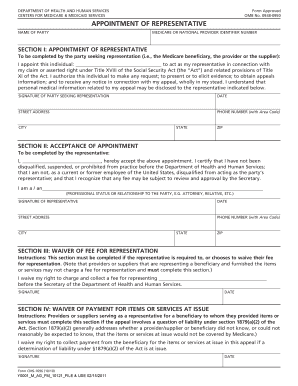
Aetna aor form

Aetna medicare prescription drug claim form
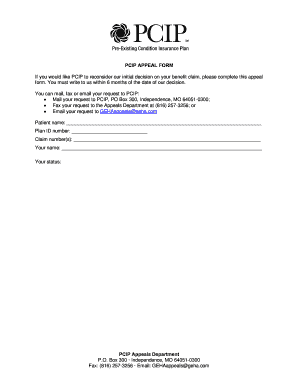
Pcip form

Social history form
Riversource insurance and annuity death claim statement

Uofn online pdf
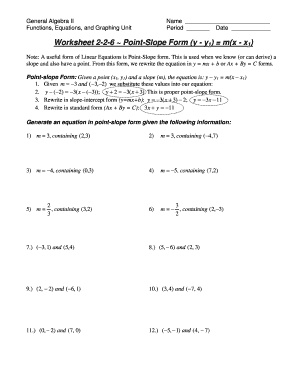
The slope formula homework 2 answer key
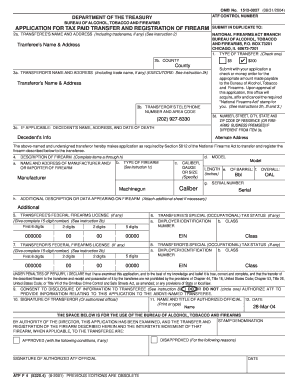
Caliber - TitleII.com

Fee Sheet for All Other States - Chase B2B

Georgia floyd county sheriff

Burton online application form
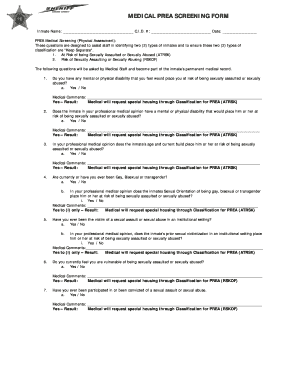
Screening form
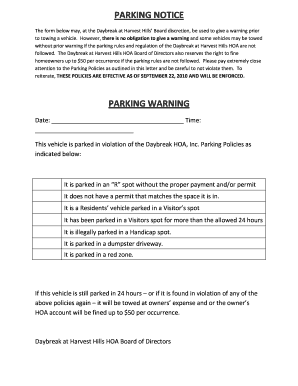
PARKING NOTICE PARKING WARNING - Parker Brown
Subsistence allowance form pdf
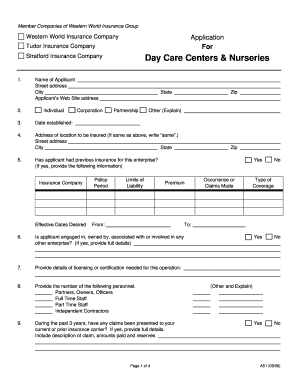
Application care nurseries
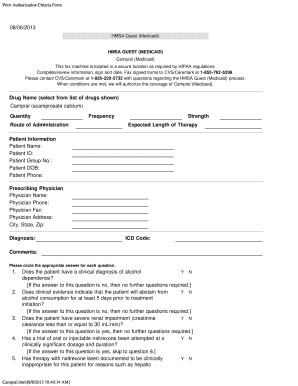
Hmsa quest prior authorization form
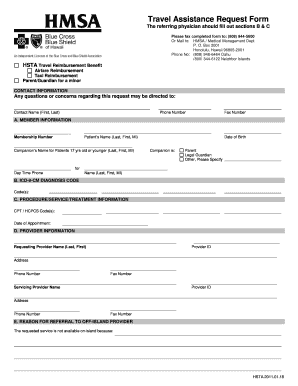
Hmsa travel request form
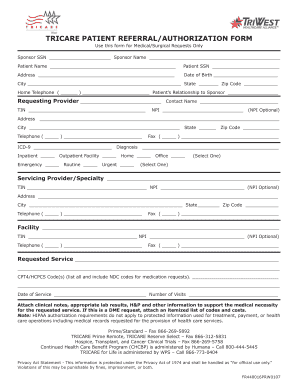
Tricare referral

Hmsa provider form

Central casting smart voucher

Florida port st lucie

New york application access
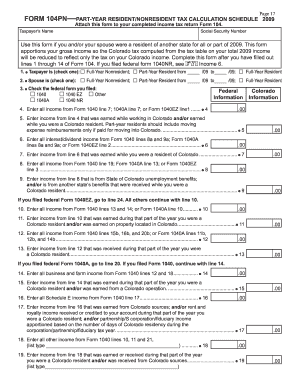
2009 2014 form 104pn
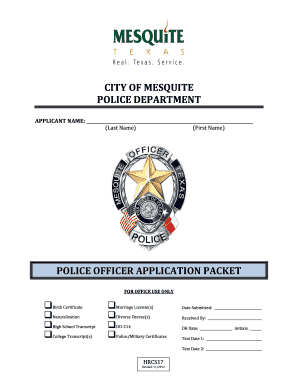
Chief police mesquite txc
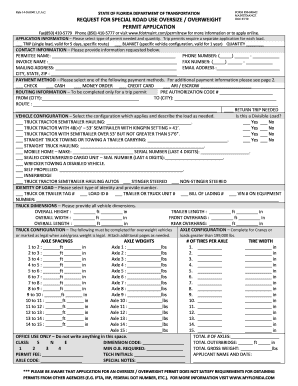
Overweight permits florida
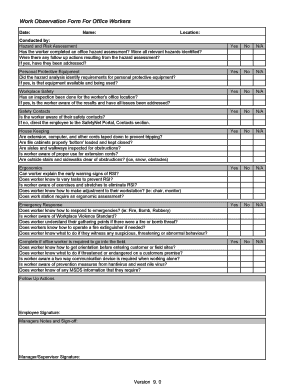
Staff observation template
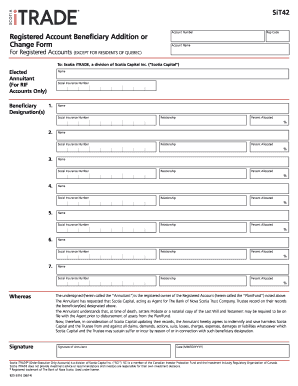
Beneficiary addition form
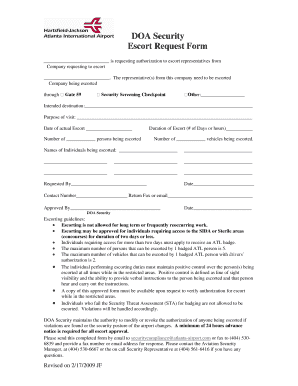
Escort application form
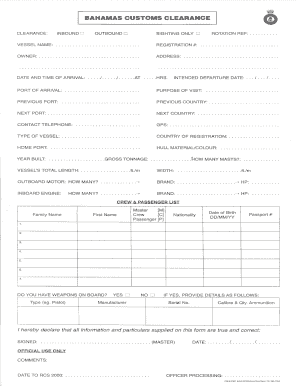
Bahamas customs clearance forms

Organisational Behaviour Core Concepts And Applications
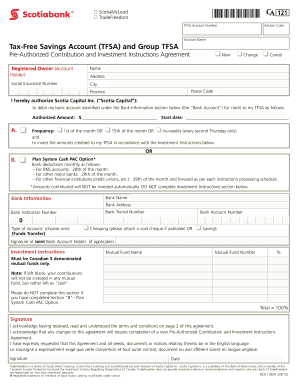
Scotia pre authorized debit form

Lawrence Township Gathering Permit
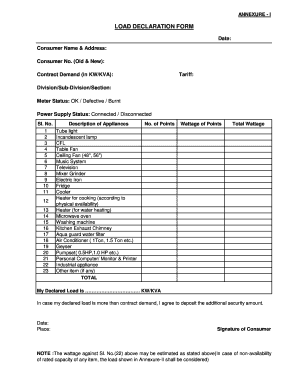
Meralco health declaration
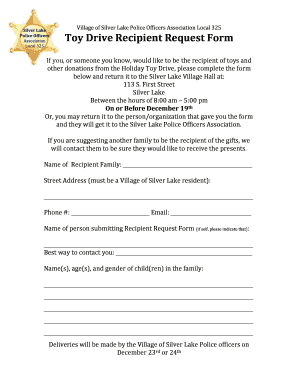
Toy Drive Recipient Request Form - West of the I
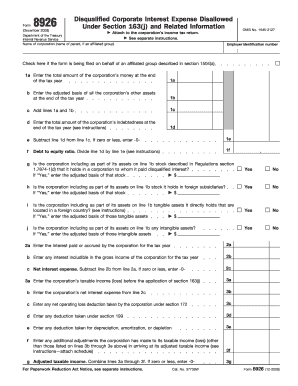
8926 form 2008
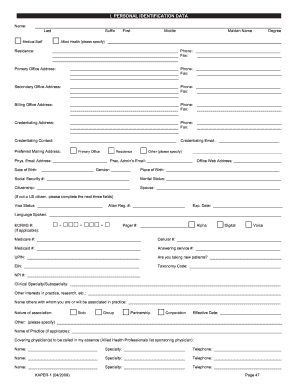
Kentucky Application for Provider Evaluation and Reevaluation

Florida department of insurance form oir a3 467 lr
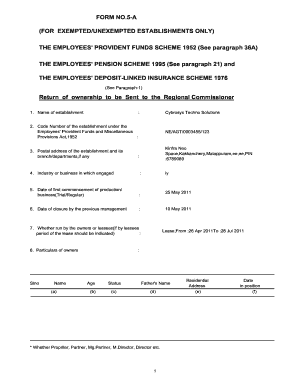
Form 5a for digital signature

Dietitian referral form

People's health prior authorization form
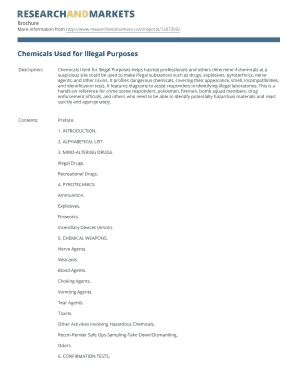
Chemicals used for illegal purposes
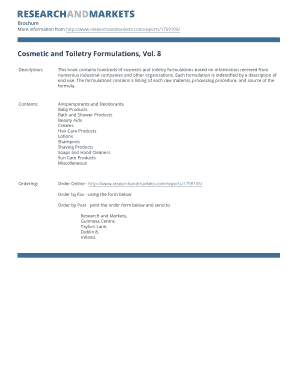
100 formulation book pdf

Complete casting handbook pdf
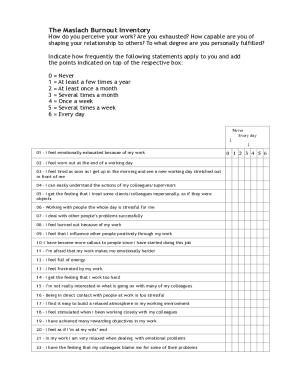
Mbi gs questionnaire pdf download
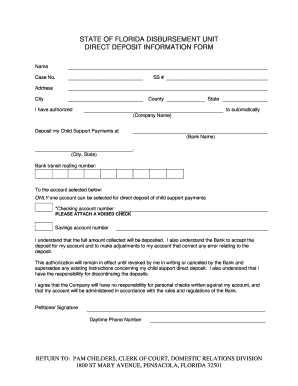
State of Florida Disbursement Unit Direct Deposit Information Form
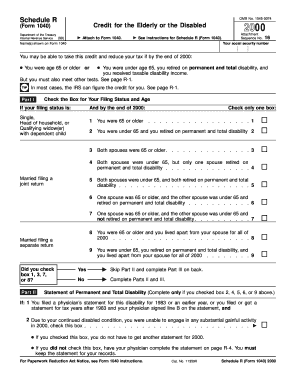
Omb no 1545 0074

NEW DROP SHIP REQUEST FORM PHOTOCOPIES OF ... - Merck
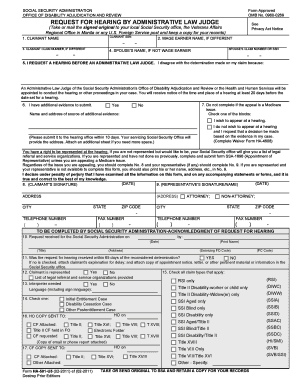
Ssa form 09600269

Tarion document
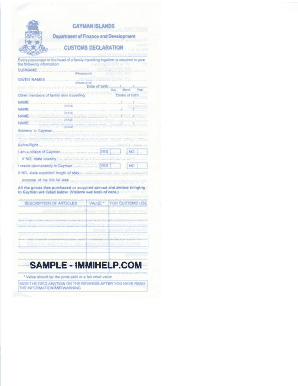
Cayman islands customs online

Spp form download pdf
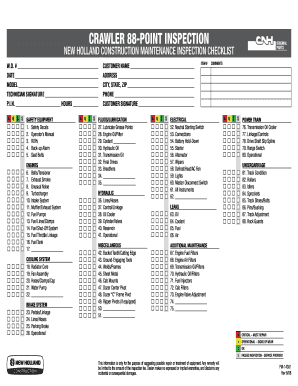
Rs
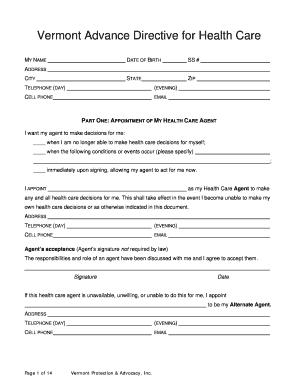
Vt advance make
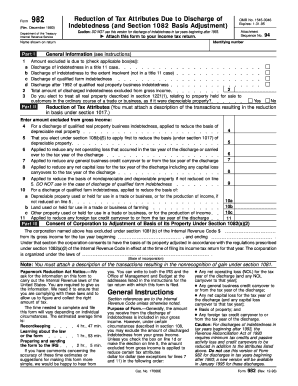
Caution: DO NOT use this version for discharge of indebtedness in tax years beginning after 1993
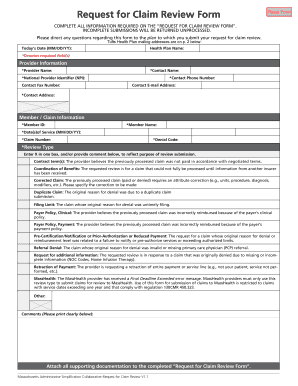
Universal claim review form
Benefit from the DocHub online library of fillable PDF forms
Searching the PDF forms doesn't have to be a tedious and time-consuming process. With the DocHub online library, it has become easier to find the fillable PDF forms and modify them in your browser. The service allows you to adjust the document to your needs using powerful editing tools.
You can use online document editing features to modify almost any type of document with ease. You just need to find the template of your choice, open it in the editor, and use the toolbar to make the necessary corrections.
Follow this guide to get your document done with DocHub:
- Find the PDF template you need.
- Click the Get Form button to open the file in the editor.
- Use the toolbar to fill out and edit the document.
- Easily add and highlight text, insert images, checkmarks, and symbols.
- Drop new fillable fields, and rearrange or delete pages from your file.
- Save changes and download your record.
DocHub empowers everyone to streamline document editing, signing, and distribution, and form completion. Create an account and benefit from our well-organized PDF Forms library and comprehensive editor.