




Here's how it works



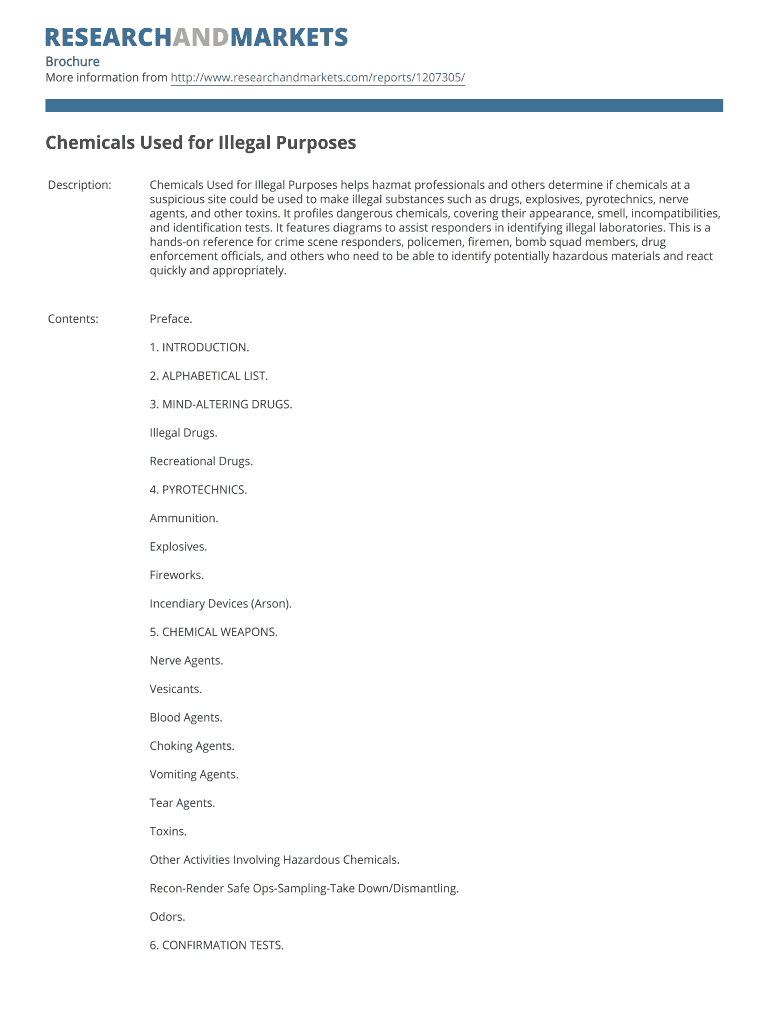
How to use or fill out chemicals used for illegal purposes with our platform

- Click ‘Get Form’ to open it in the editor.
- Begin by entering your contact information in BLOCK CAPITALS. This includes your title, first name, last name, email address, job title, organization, and address.
- Select the product format and quantity you require. Ensure that you verify the product information is correct before proceeding.
- Choose your preferred payment method by selecting the appropriate box. Fill in the necessary details based on your choice of credit card, check, or wire transfer.
- If applicable, enter any marketing code you may have and review the Terms and Conditions before submitting your order.
- Finally, fax the completed form to the provided numbers for processing.
Start using our platform today to streamline your document editing and form completion process for free!
It's free
Got questions?
Can I type my electronic signature on my chemicals used for illegal purposes?
Yes, a typed name is recognized as a legitimate electronic signature when you create it on your document using a compliant solution like DocHub. Simply add your chemicals used for illegal purposes to our editor, click Sign in the top tool pane → Create your signature → Type your name in the proper tab, and choose how it will appear on your document.
How do you get chemicals used for illegal purposes?
You can find the latest and most relevant version of the chemicals used for illegal purposes in our DocHub forms library. Browse it by categories or utilize the search field to get the exact template that suits your situation. You can open this form for editing after you find it.
Security and compliance
At DocHub, your data security is our priority. We follow HIPAA, SOC2, GDPR, and other standards, so you can work on your documents with confidence.
Learn more


