
Get any PDF form from the DocHub library of ready-made templates - Page 1610
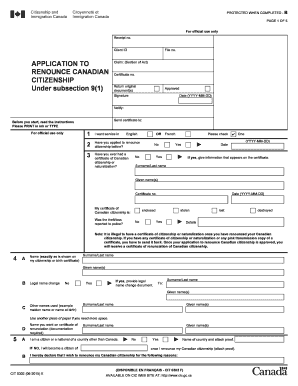
Cit 0302

IMM 5475 F

Employment history form
Pdf police reports
309i bankruptcy form
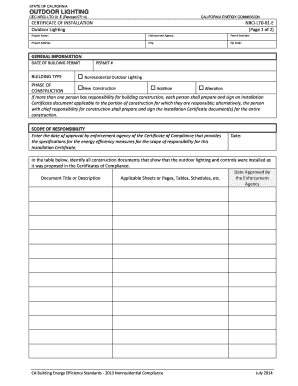
2013-NRCI-LTO-01-E-OutdoorLightingdocx
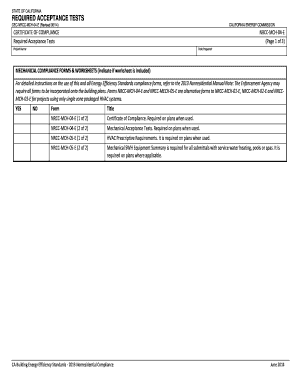
REQUIRED ACCEPTANCE TESTS
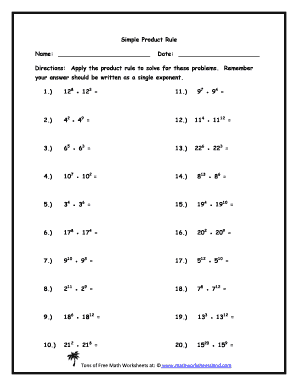
Product rule worksheet

Girl Scout Bronze Award Log of Hours - Girl Scouts of Maine
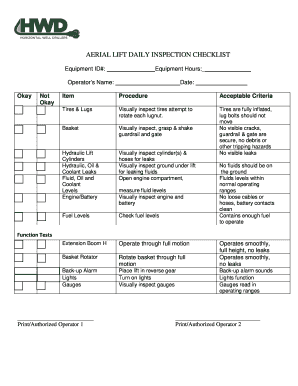
AERIAL LIFT DAILY INSPECTION CHECKLIST
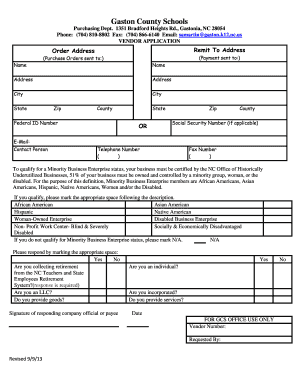
Gaston county vendor
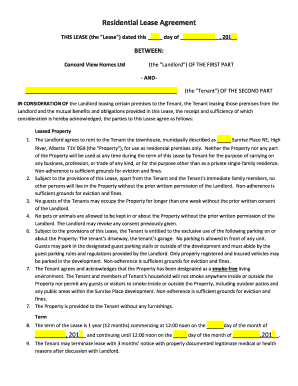
THIS LEASE (the "Lease") dated this day of , 201 - sunriseplace
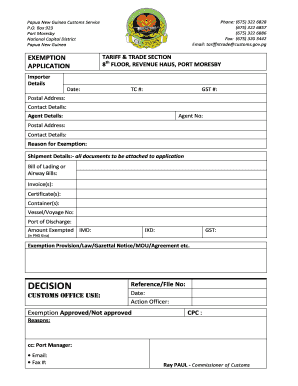
Png customs job vacancies 2022
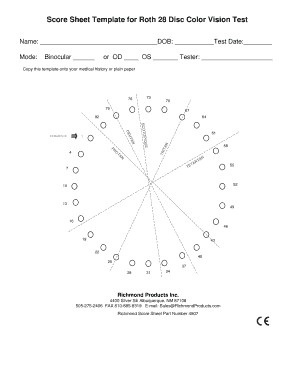
Microsoft PowerPoint - Roth 28 Vertical Score Sheet CEppt
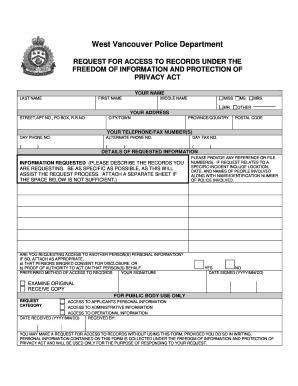
Request for Access to Records Form - West Vancouver Police - wvpd
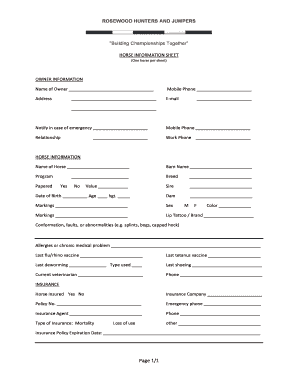
Horse information sheet

MARY BELLE AND DEE MCSTAY SCHOLARSHIP - classroom vernonisd
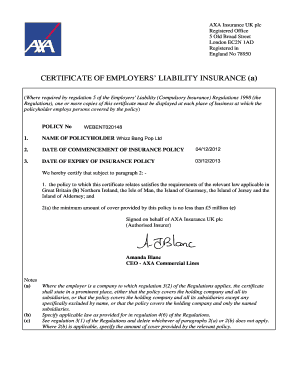
Certificate of Employers Liability Insurance - Amanda Bla - whizzbangpop co

Program Resources Consignment Order Form 2015 - unitedmethodistwomen
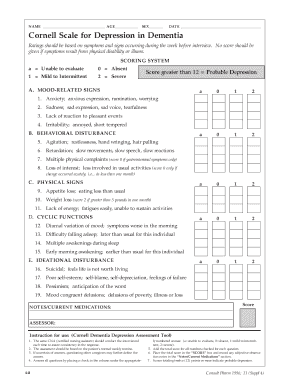
Cornell depression scale pdf
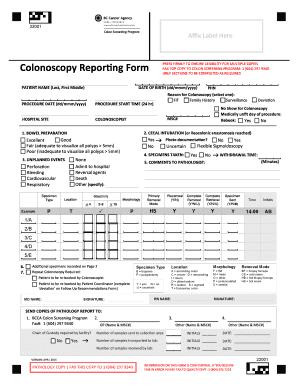
Colonoscopy report sample
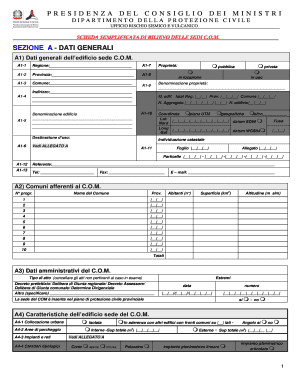
Scheda sedi com
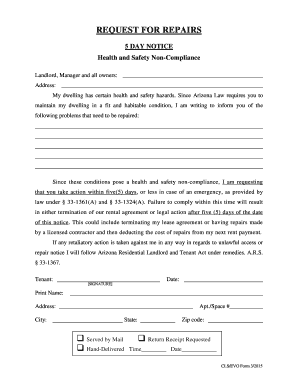
Request repairs notice form
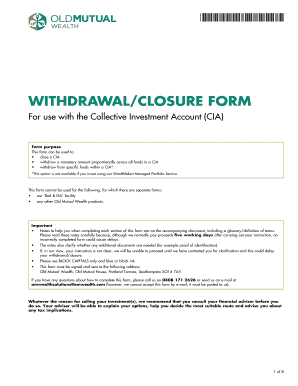
Old mutual withdrawal form
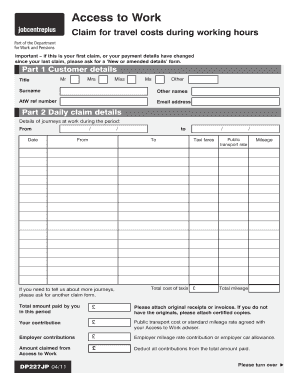
Access to work claim form pdf
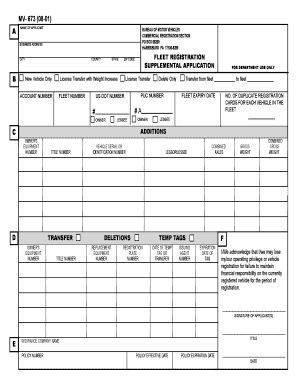
Mv673
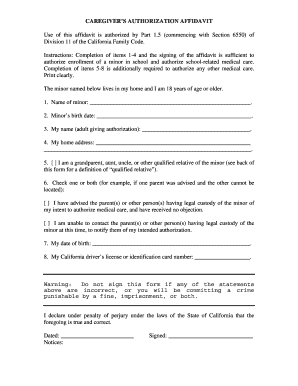
Caregiver authorization affidavit florida
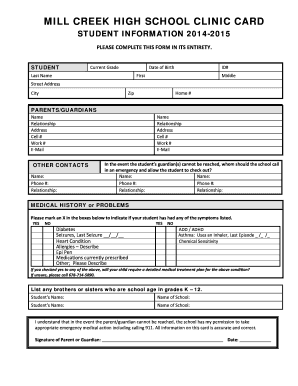
MILL CREEK HIGH SCHOOL CLINIC CARD - OnMyCalendar
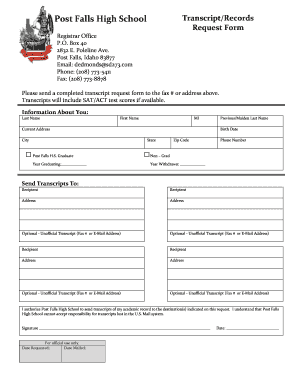
Transcript Request - Post Falls School District
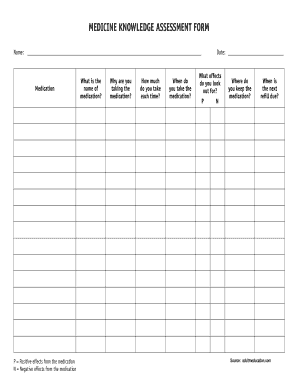
Medication assessment form
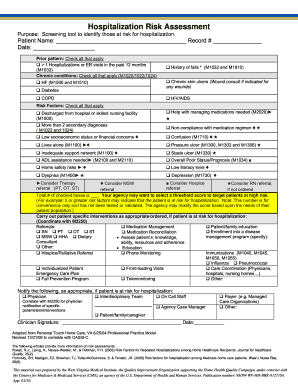
Hospitalization Risk Assessment - CHAMP
Navedtra 43219
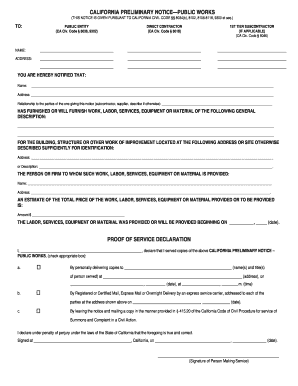
California Public Works Preliminary 20 Day Notice - Kron amp Card LLP

Ireland u1 form pack
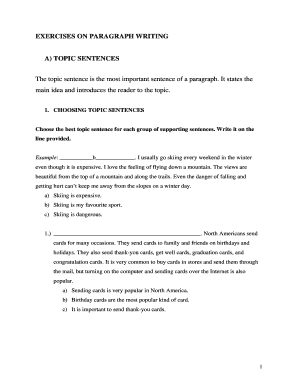
Topic sentence pdf
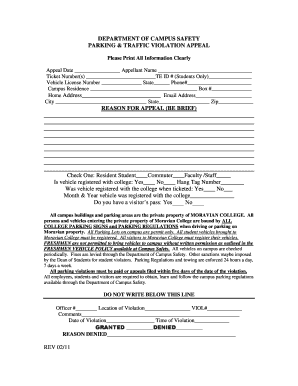
Parking Traffic Violation Appeal - Moravian College - home moravian
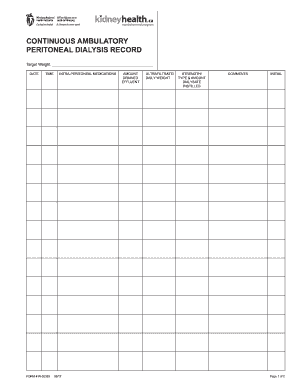
Peritoneal dialysis flow sheet example
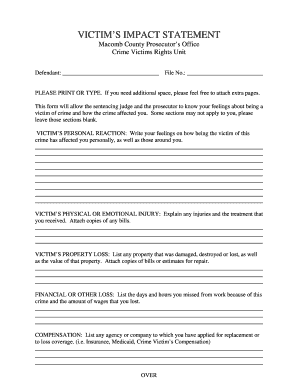
Victim Impact Statement - Macomb County Prosecuting Attorney

Braille intermittent cues

Download the application form - London Criminal Courts Solicitors - lccsa org
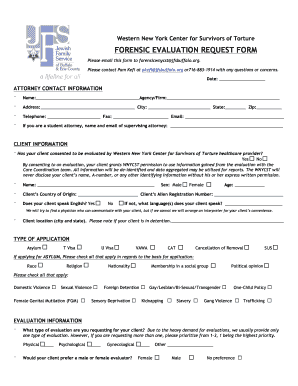
WNYCST Forensic Request Evaluation Form - - wnyhrc

Sadarem certificate

Title deed sample pdf

Childfirst uclaedu resources him
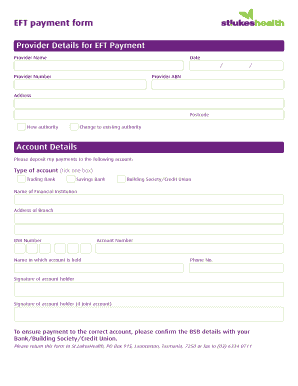
Eft payment form
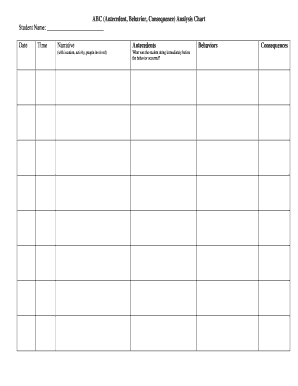
Antecedent consequence analysis

VERIFICATION OF RECEIPT OF APPRAISAL
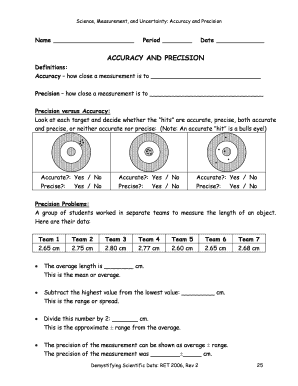
Accuracy and precision worksheet answers
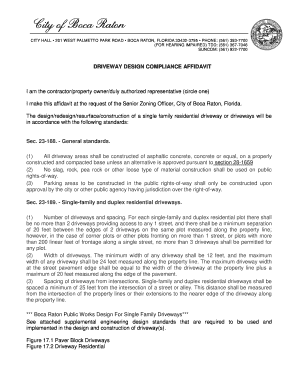
Affidavit boca raton

Jcboe transfer

Plan of action template
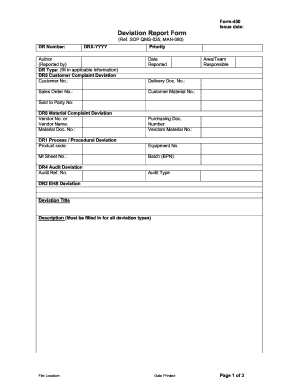
Deviation reporting forms
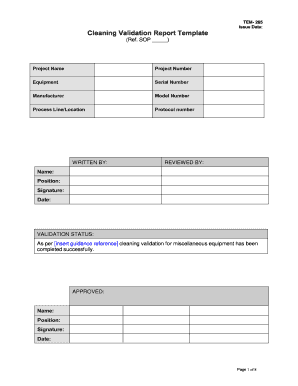
Cleaning validation report template
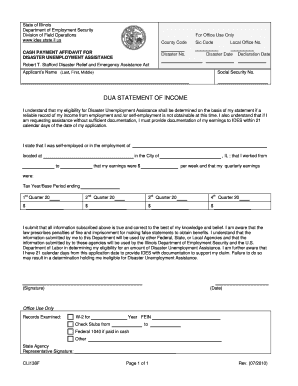
Misconduct Questionnaire Illinois Unemployment Insurance Act - IBIS - ides illinois

Pbs newshour student reporting labs
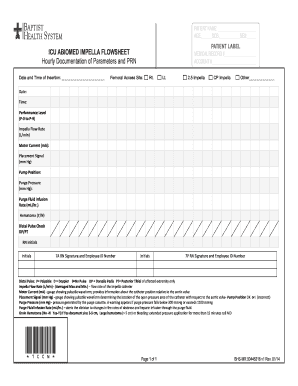
Impella flow sheet

Intyg om verklig huvudman - eurocardse

Multimodal Dangerous Goods Form BOOKING NO - Maersk Line

Risk assessment worship
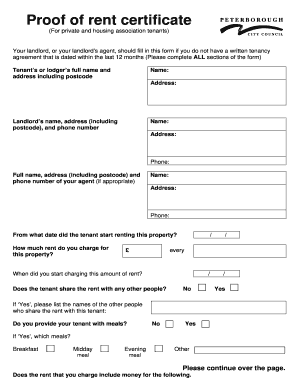
Proof rent peterborough form

FACTS Direct Deposit Setup - West Virginia State Auditor39s Office - linkccrr
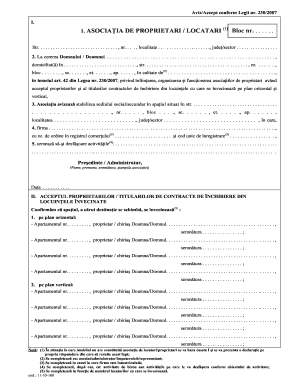
Aviz accept asociatia de proprietari

Navair swp6851 009

Crimcheck application form

Water Filling Station Hydrant Users Log Sheet - Yarra Valley Water
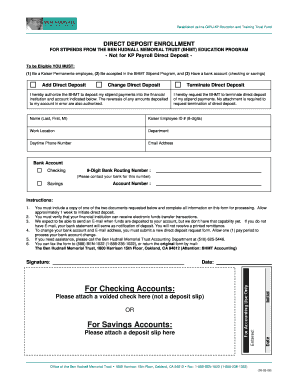
Form hudnall

Loonbelastingkaart

, the decedent mentioned in the attached certified copy of

Theme worksheet 4 answer key
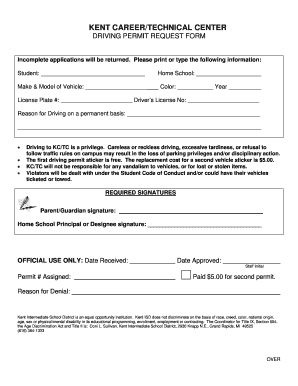
Thetechcenter
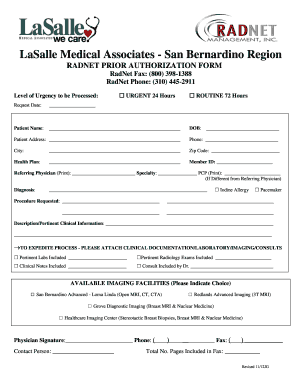
Radnet san bernardino
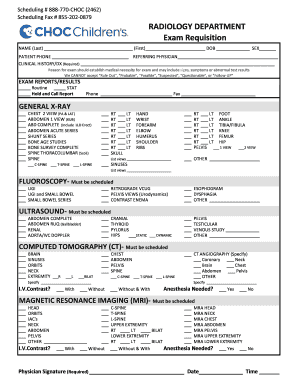
855 202 0879
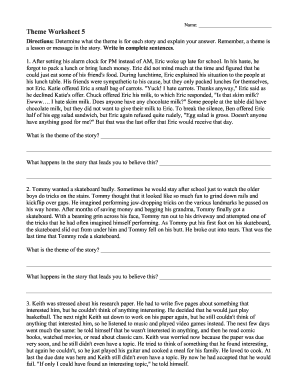
Theme worksheet 5 answer key

Climograph worksheet answer key pdf
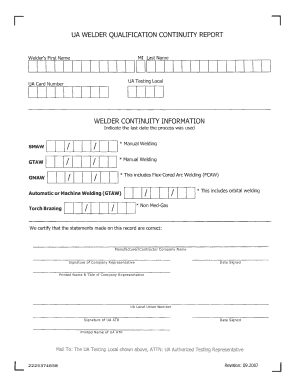
Welder continuity form
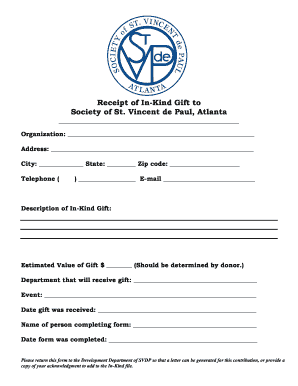
St vincent de paul application
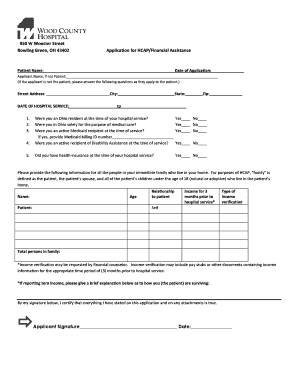
Ohio county financial assistance
Post vasectomy report forms

Student comments on logbook
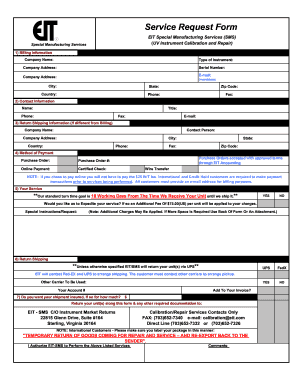
Eit service form

Marriage banns sample
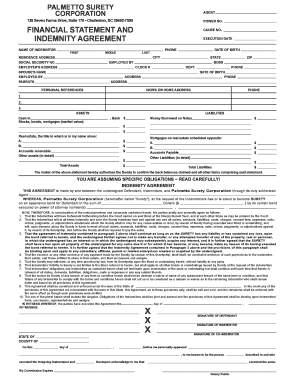
Financial Statement and Indemnity Agreement - 007 Bond
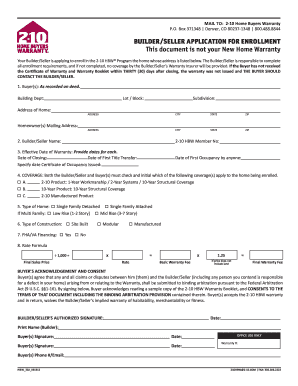
HBW 302 - 2-10 Home Buyers Warranty
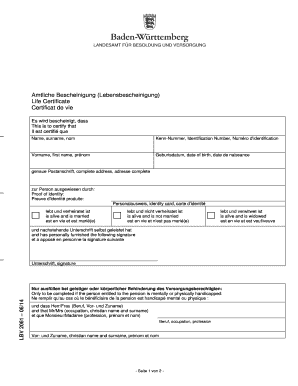
Lebensbescheinigung formular 2021 pdf
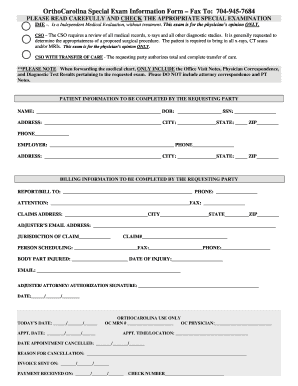
Orthocarolina online forms

Letrs phonics and word reading survey

Eviction Notice for Disruptive Behavior - Oxford - or oxfordhouse
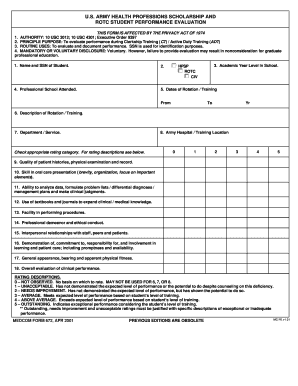
Army professions scholarship rotc student
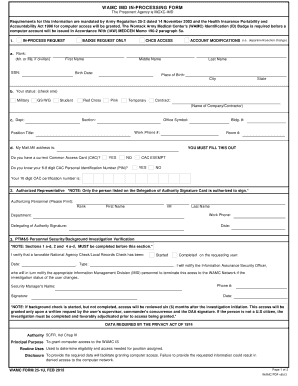
WAMC bFormb 25-1U - Womack Army Medical Center - wamc amedd army

1046 form

You sssfvhn make

Scientific method m m lab answer key

Pdf image microscope
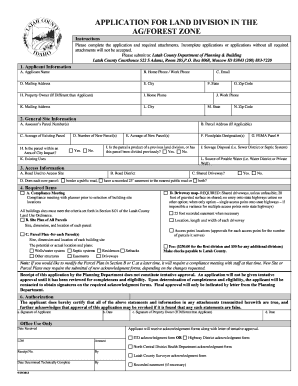
Land Division Application - Latah County - latah id

2016 Little Mr amp Miss bApplicationb - Cherry Blossom Festival
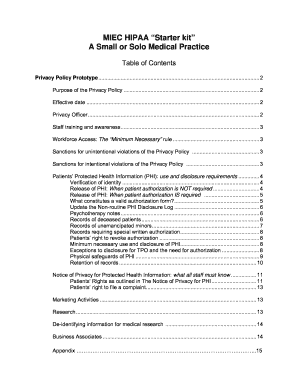
MIEC HIPAA Starter kit A Small or Solo Medical Practice
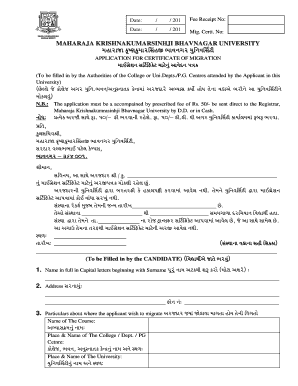
Mkbu exam form
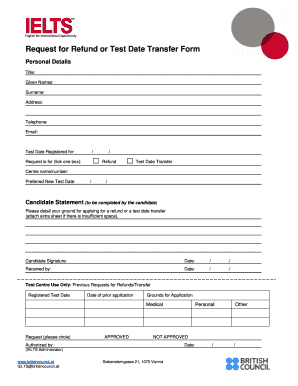
Please detail
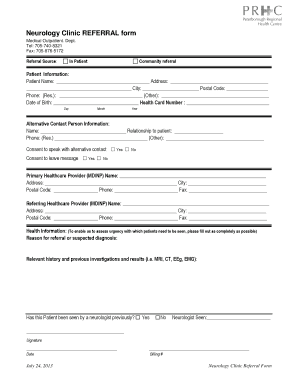
Neurology referral form

Schedule C: Premachined Door Schedule - Algoma Hardwoods
Benefit from the DocHub online library of fillable PDF forms
Searching the PDF forms doesn't have to be a tedious and time-consuming process. With the DocHub online library, it has become easier to find the fillable PDF forms and modify them in your browser. The service allows you to adjust the document to your needs using powerful editing tools.
You can use online document editing features to modify almost any type of document with ease. You just need to find the template of your choice, open it in the editor, and use the toolbar to make the necessary corrections.
Follow this guide to get your document done with DocHub:
- Find the PDF template you need.
- Click the Get Form button to open the file in the editor.
- Use the toolbar to fill out and edit the document.
- Easily add and highlight text, insert images, checkmarks, and symbols.
- Drop new fillable fields, and rearrange or delete pages from your file.
- Save changes and download your record.
DocHub empowers everyone to streamline document editing, signing, and distribution, and form completion. Create an account and benefit from our well-organized PDF Forms library and comprehensive editor.