
Get any PDF form from the DocHub library of ready-made templates - Page 1612
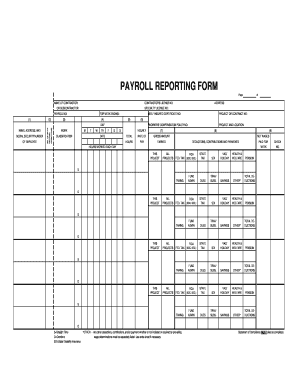
Certified Payroll Reporting Form - Metrolink
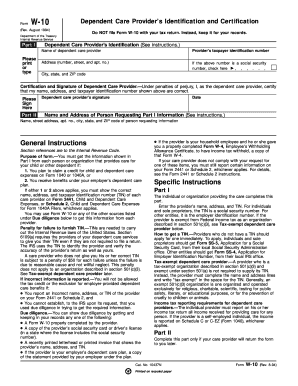
Form W-10
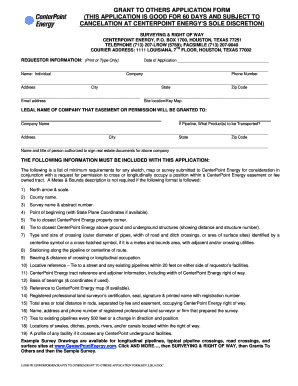
Grant others application
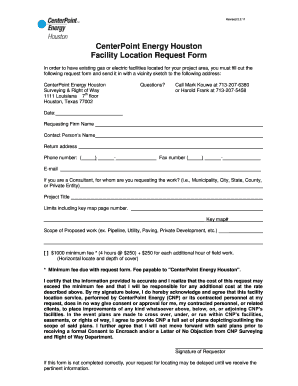
Critical Care Customer Form - CenterPoint Energy
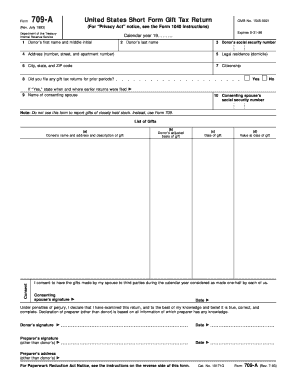
Form 709 a
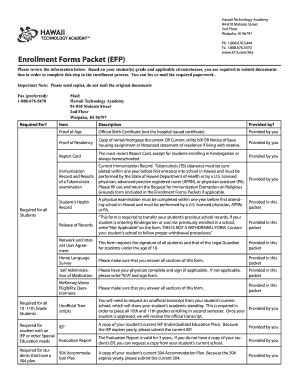
Efp forms
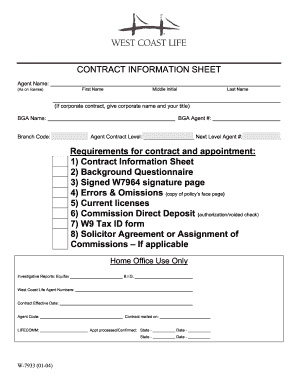
Contract information sheet
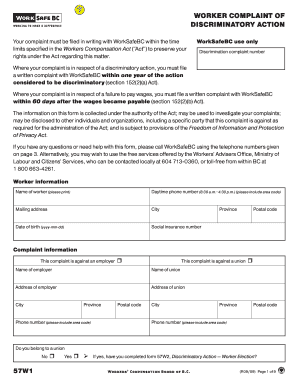
Form 57W1, WorkSafeBC. Worker complaint of discriminatory action
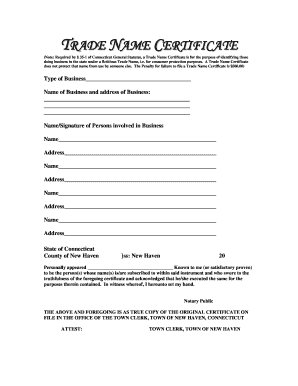
How to get a trade name certificate in ct

Deepwater horizon
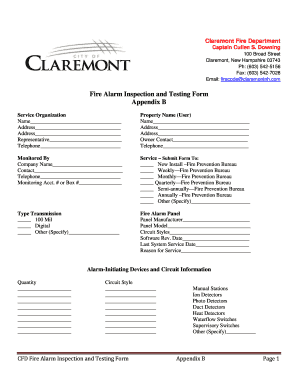
New hampshire fire alarm
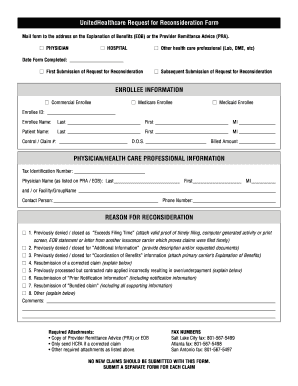
UHC Request For Reconsideration Form - Cat Health Benefits

Ksou marks card download
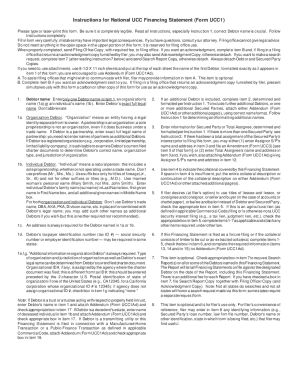
National republic registry
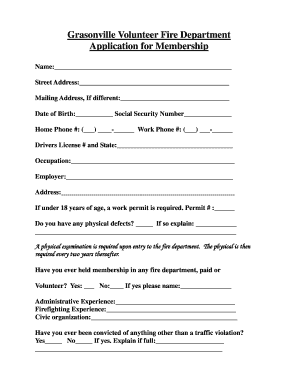
Grasonville Volunteer Fire Department Application for Membership
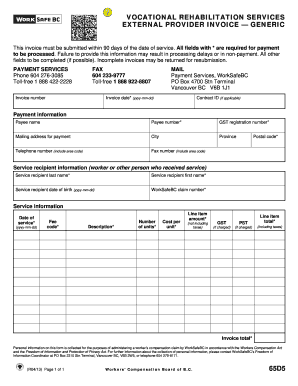
Vocational rehabilitation invoice

Worksafebc notification form
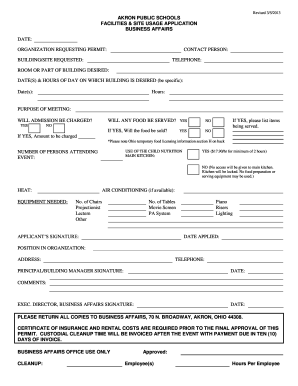
Akron public permit
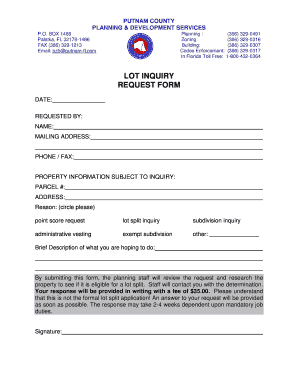
LOT INQUIRY REQUEST FORM - Putnam County

Gr 68069
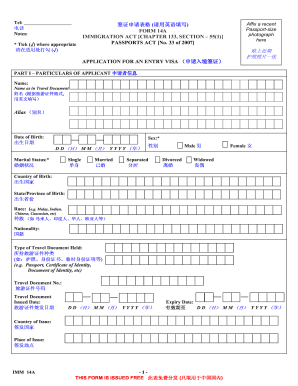
Form 14a
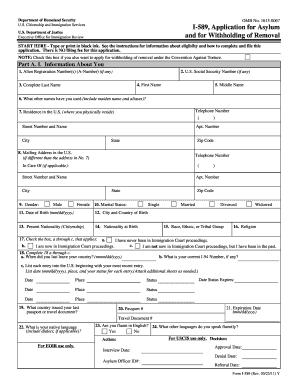
I 589
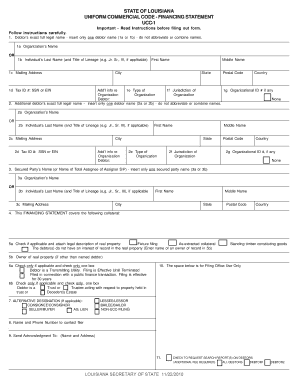
Louisiana ucc 1 form
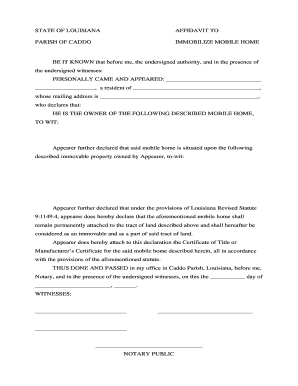
Immobilize home
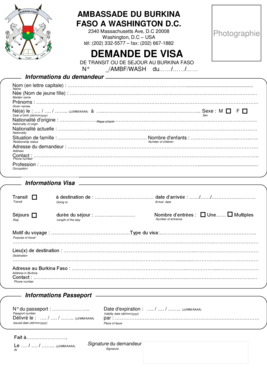
Ambassade du burkina faso
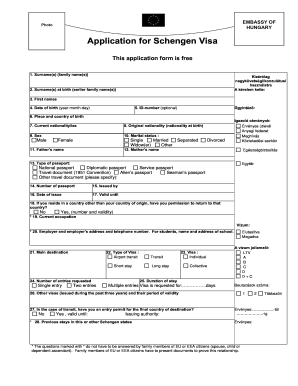
Visa application to italy
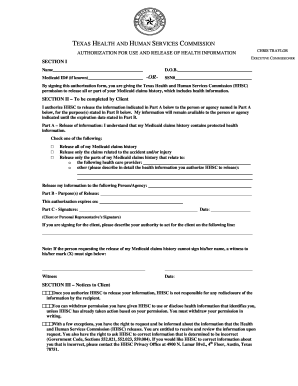
Form 6700
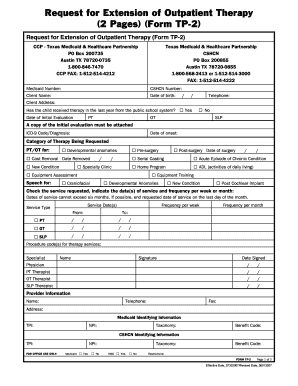
Tp2 form 2022
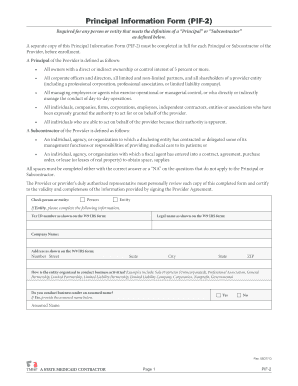
Tmhp pif 2
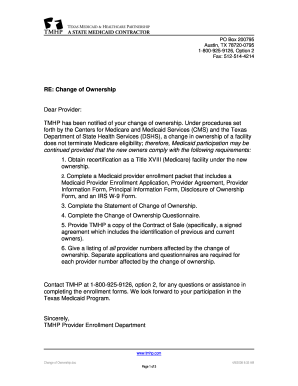
Provider Change of Ownership Form - TMHP.com
Trans114net 2013 form
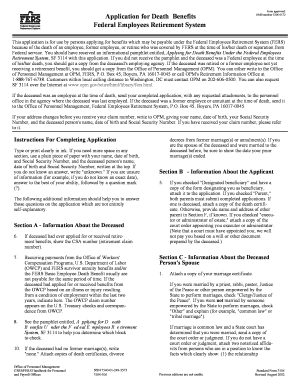
Application for Death Benefits OMB number 3206-0172 Federal ...

Govguamdocs

Aps referral form

License permit wildwood edit
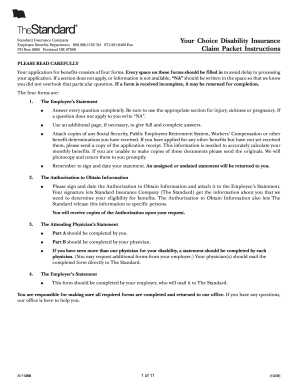
The standard your choiceeducator options disability benefits packet 2008 form
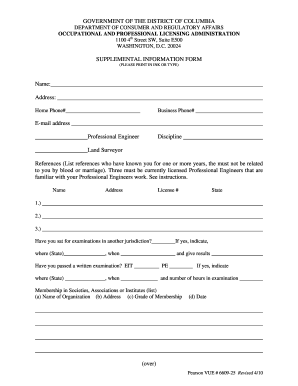
Professional Engineer/Surveyor Supplemental Information Form
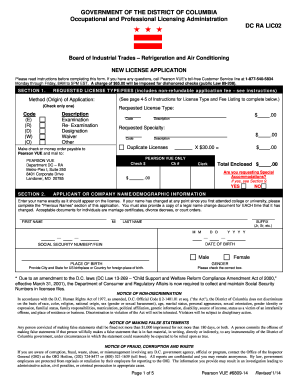
RefAir Cond New Lic App 01-23-14680914.doc

Concealed Gun Application - HarnettSheriff.com: Home
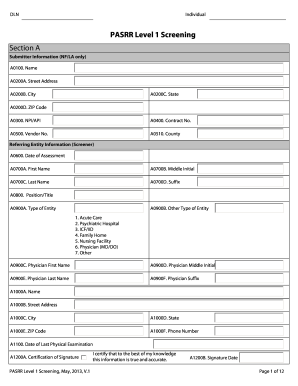
DLN Individual PASRR Level 1 Screening Section A Submitter Information (NF/LA only) A0100
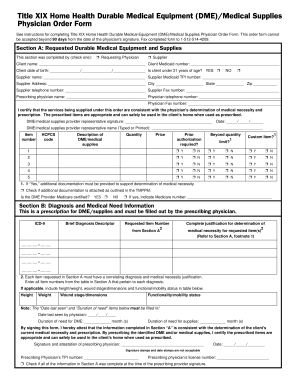
Title XIX Home Health Durable Medical Equipment ... - TMHP.com
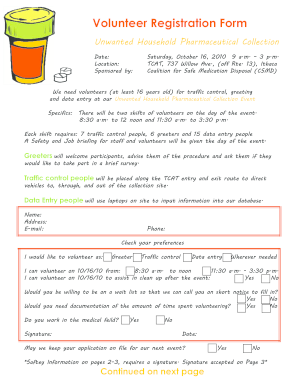
Volunteer registration unwanted household form create
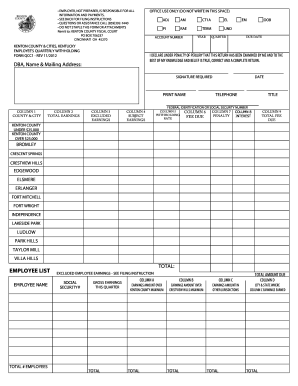
Kenton County & Cities, Kentucky Employee's Quarterly Withholding Form QCC1. An interactive form for Kenton County & Cities', Employee's Quarterly Withholding
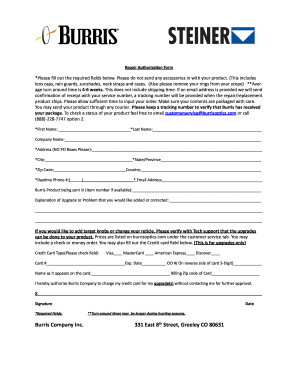
Burris repair authorization form
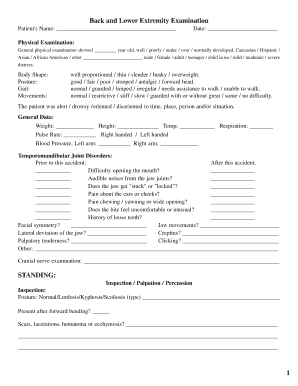
Low Back and Lower Extremity Exam Form - The Supply Center
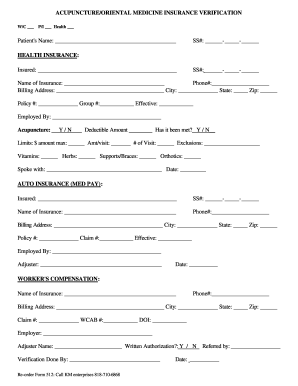
Printable insurance forms
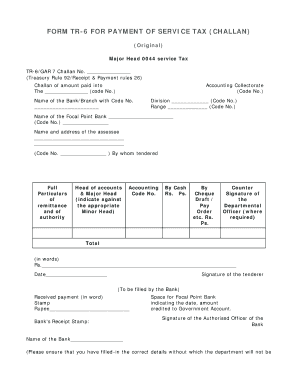
Tr 6 challan customs word format
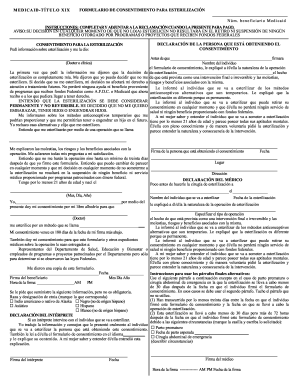
Sterilization Consent Form - Spanish
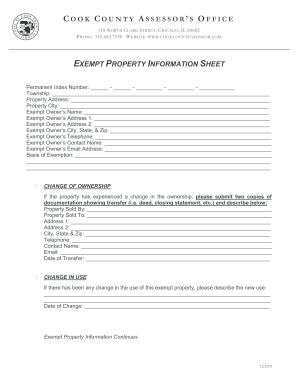
Cook county exemption application

Td pre authorized payment form
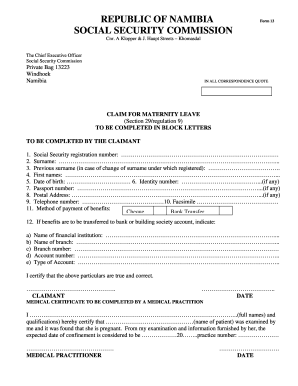
Social security forms
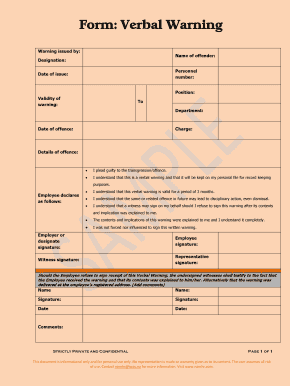
Form: Verbal Warning - NamHR

Instructions for Form I-485, Application to Register Permanent ... - USCIS
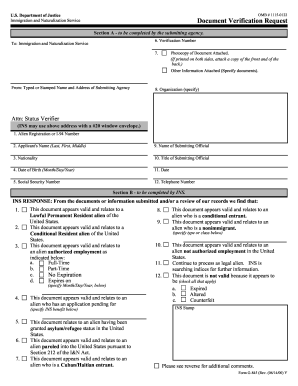
US Department of Justice OMB 1115-0122 Document
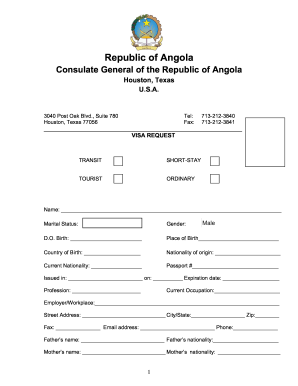
Visa requirements for angola

Egypt visa application form kenya pdf
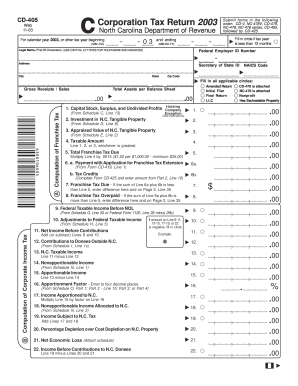
2003 2014 cd 405 form

Discretionary Trust Form - Legal & General
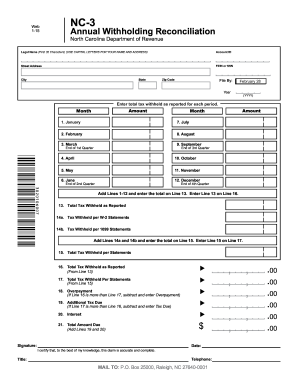
NC-3 - Annual Withholding Reconciliation NOTE: Form has ...

Form - NC Department of Revenue
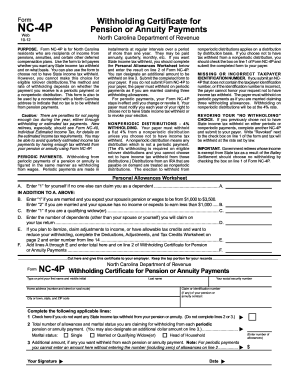
Annuity certificate page 2012 form
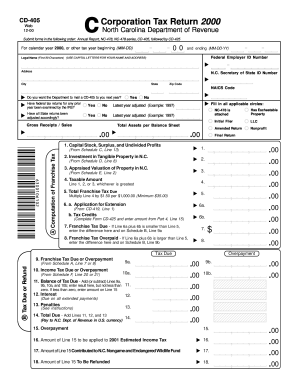
2000 NC DoR CD-405
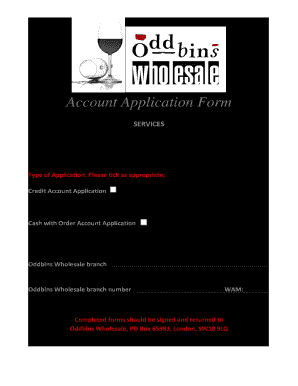
Oddbins Wholesale Account Application Form

CME certificate application form - GastroHep

2005
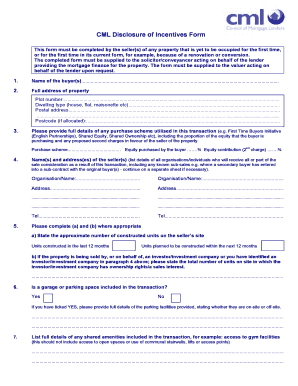
Cml disclosure of incentives form
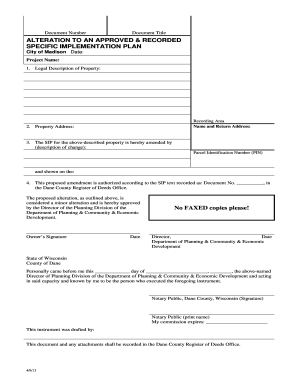
Alteration plan madison
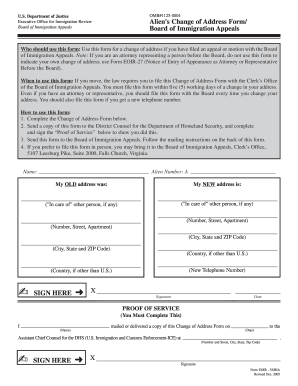
What is omb# 1125 0004 form

Preference card template download

AUTHORIZATION TO RELEASE ACCOUNT INFORMATION

Returned goods policy/Ongoing assurance form - Cardinal Health

Migrationsverket check application

EasyPay Enrollment form - Honda Financial Services
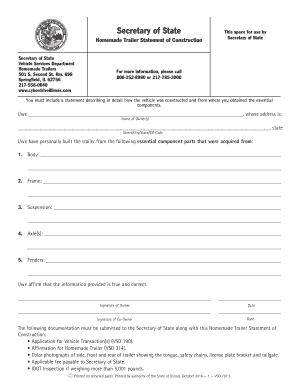
Homemade trailer title illinois

Notary form illinois
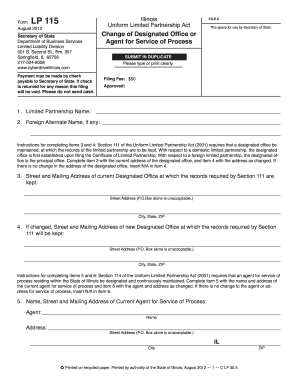
Illinois change designated

Dmv affidavit form

Postpartum flowsheet

Texas producer record blue form
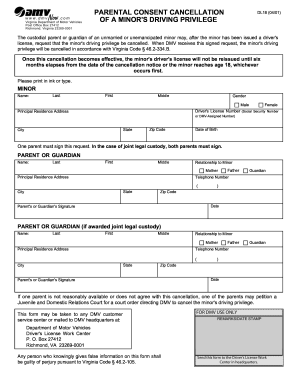
Dl 18 virginia
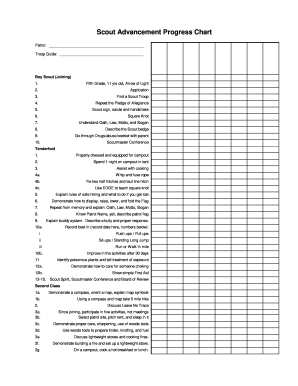
Boy scout advancement chart pdf
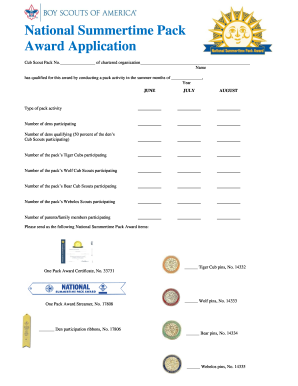
National Summertime Pack Award - Boy Scouts Cub Scouts
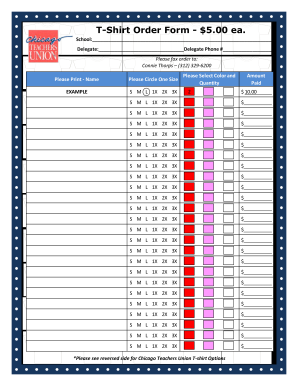
Chicago teachers union store
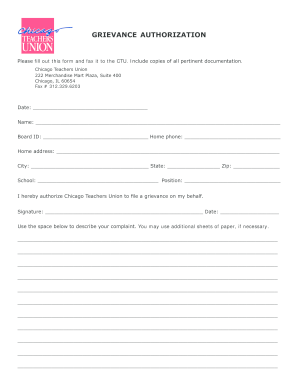
Ctu grievance
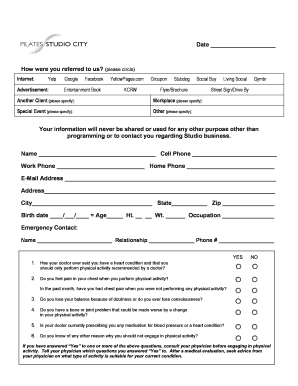
Pilates client intake form
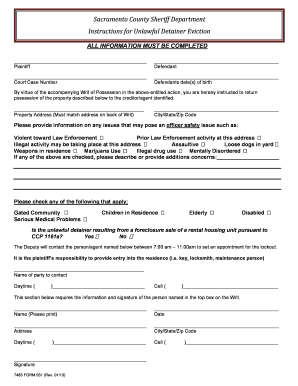
Sacramento County Sheriff Department Instructions for ...
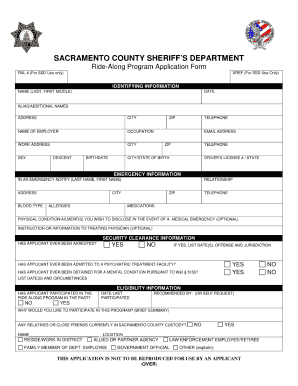
Sac pd ride along

Bupersinst 161010 bupers

AHEAD Program Project Status Report

Video donation request
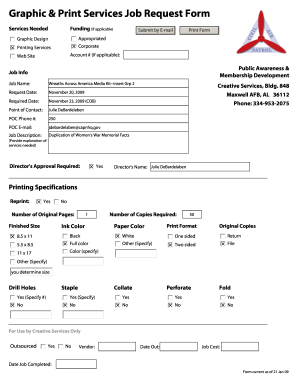
Graphic & Print Services Job Request Form

Soccer waiver form sample
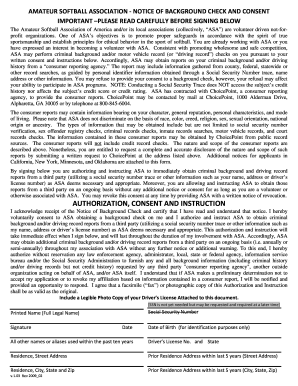
May background consent
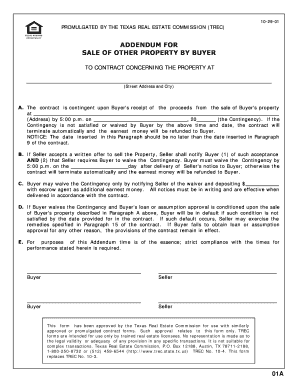
Addendum for sale of other property by buyer
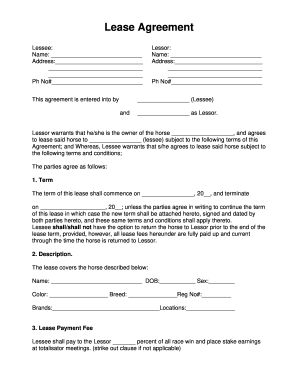
Horse Lease Agreementpdf - Fox Trot Farm
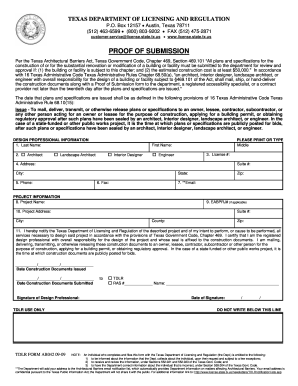
Tdlr proof of submission form word document 2009
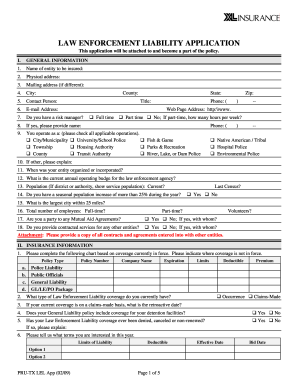
Lel application
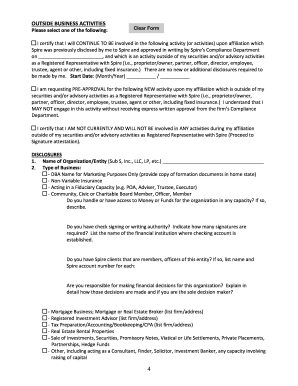
Spire 3270 3040 online
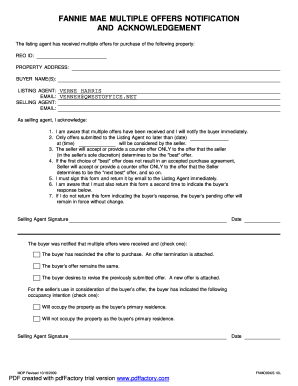
Multiple offers highest and best template
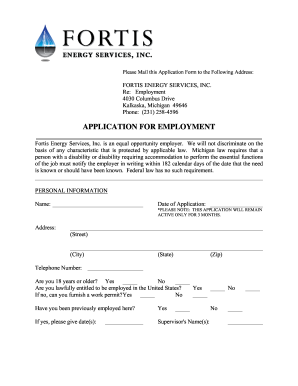
Applying for pebt
Benefit from the DocHub online library of fillable PDF forms
Searching the PDF forms doesn't have to be a tedious and time-consuming process. With the DocHub online library, it has become easier to find the fillable PDF forms and modify them in your browser. The service allows you to adjust the document to your needs using powerful editing tools.
You can use online document editing features to modify almost any type of document with ease. You just need to find the template of your choice, open it in the editor, and use the toolbar to make the necessary corrections.
Follow this guide to get your document done with DocHub:
- Find the PDF template you need.
- Click the Get Form button to open the file in the editor.
- Use the toolbar to fill out and edit the document.
- Easily add and highlight text, insert images, checkmarks, and symbols.
- Drop new fillable fields, and rearrange or delete pages from your file.
- Save changes and download your record.
DocHub empowers everyone to streamline document editing, signing, and distribution, and form completion. Create an account and benefit from our well-organized PDF Forms library and comprehensive editor.