
Get any PDF form from the DocHub library of ready-made templates - Page 1585
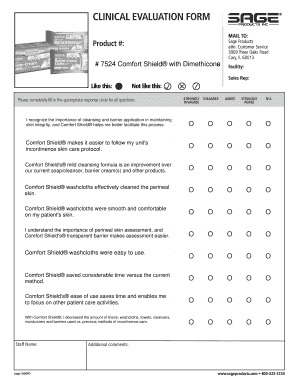
Medical staff office coordinator self assessment

RENTAL HOUSING REGISTRATION FORM - the City of Elmira - cityofelmira

Affidavit format

GTS Declaration & Dyno Certification Form All dyno runs must be ...
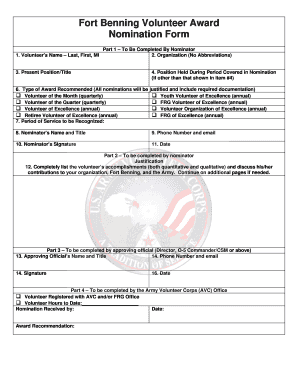
Fort volunteer nomination
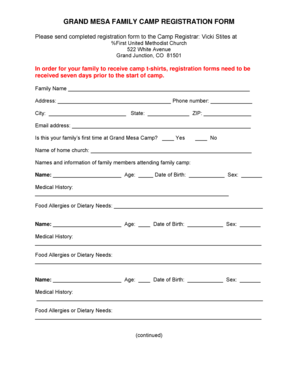
GRAND MESA FAMILY CAMP REGISTRATION FORM
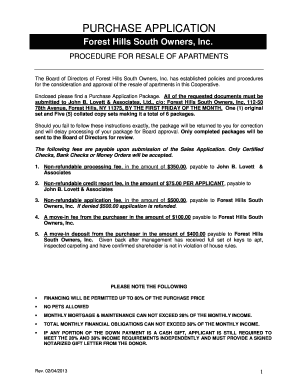
Forest Hills South Owners, Inc
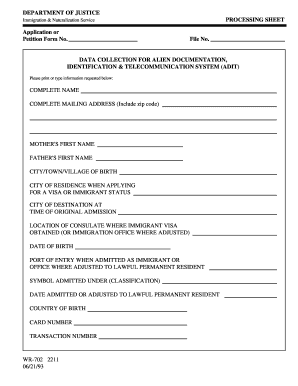
Form wr 702

Preschool anxiety scale scoring pdf

Horse transfer of ownership form
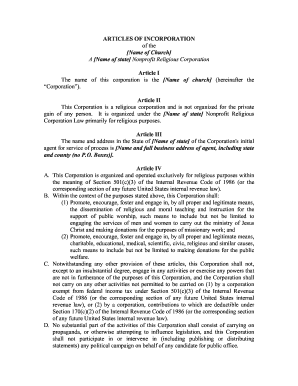
Icoc-articles-of-incorporation-template-1997doc
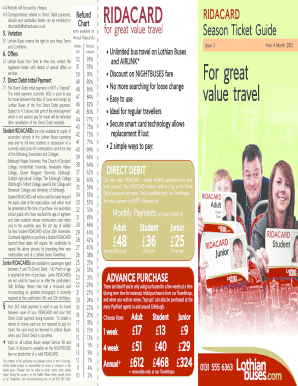
Lothian ridacard form

Crafters Application (pdf) - GatorZone.com
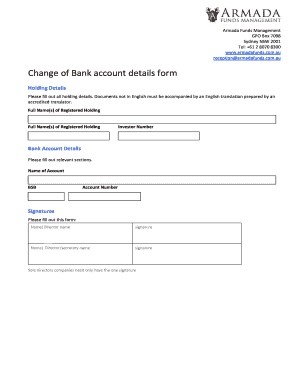
Bank details form

Sydney water sewer choke claims 2008 form
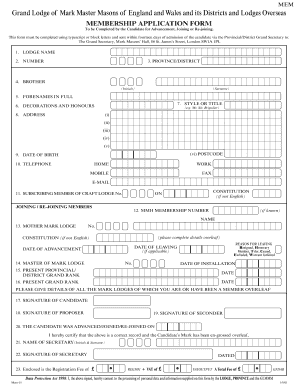
Bedfordshire mark master masons
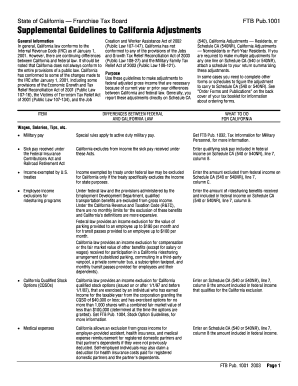
Ftb pub 1001 2003 form
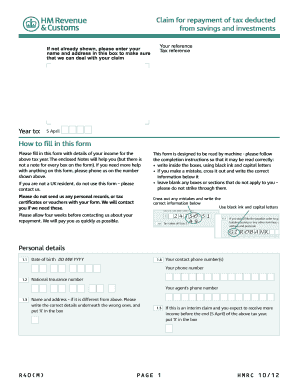
R40 form
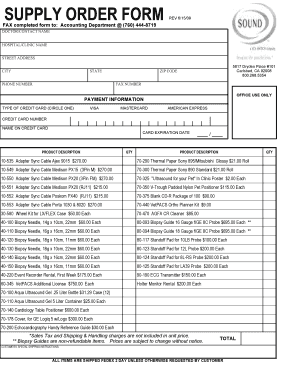
Supply order form

Cmm first article inspection template
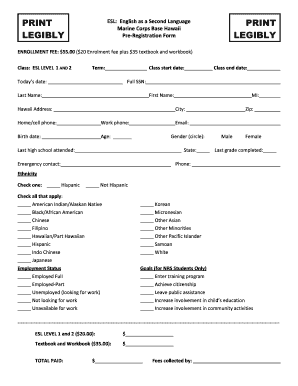
Hawaii marine corps base
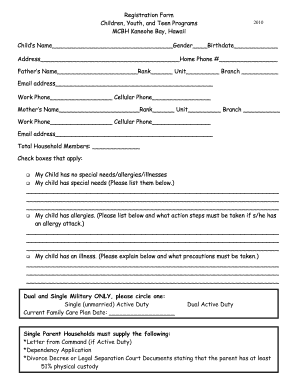
Youth registration form
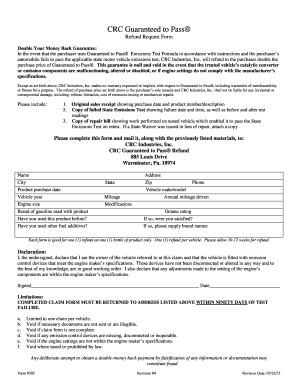
Crc guaranteed to pass
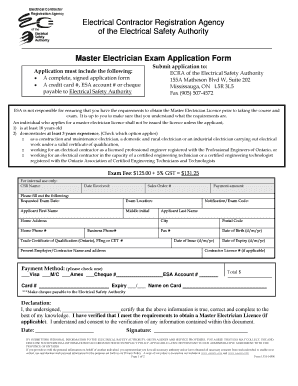
Electrician form

Color Guard Request Form - 30FSS
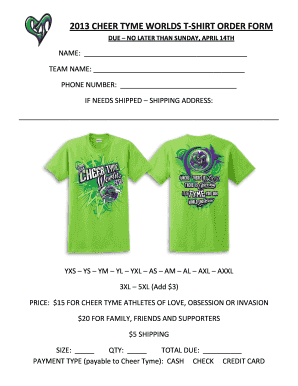
2013 CHEER TYME WORLDS T-SHIRT ORDER FORM
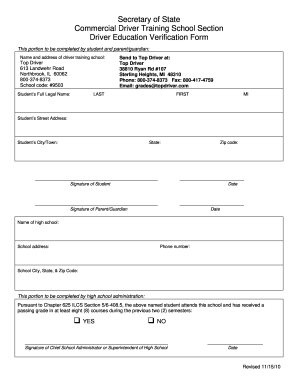
Driver education verification form
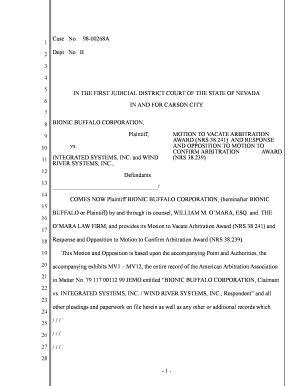
Motion to Vacate Arbitration Award (NRS 38.241) - Bionic Buffalo
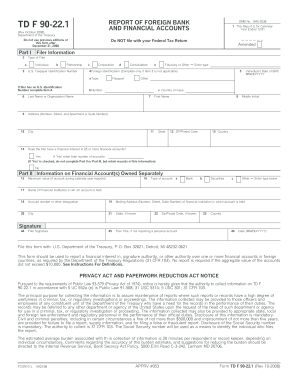
Form88a 2008

Financial voucher request forms
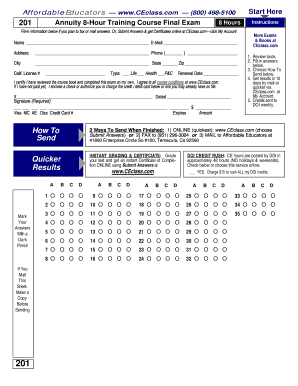
California 8 hour annuity training course 3rd edition answers
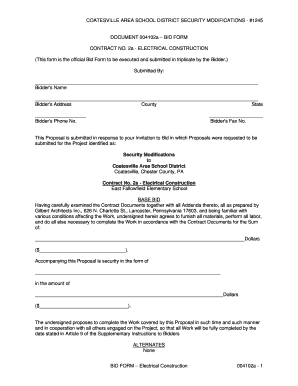
004102a Bid Form - Electrical Construction - Balton Construction Inc ...
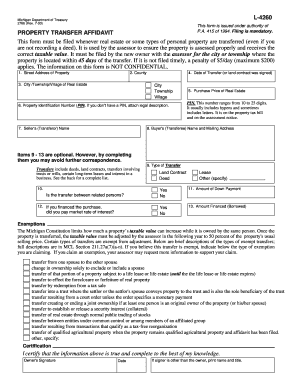
Form 2766, L-4260 Property Transfer Affidavit - Hayes Township

World history and you book 1 answers
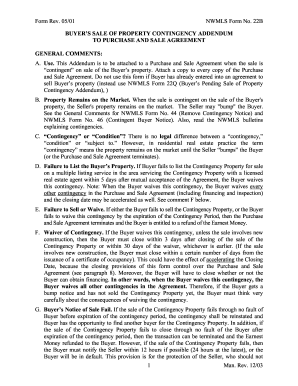
Elangeni application form

Plaid pantry form

Crispers application
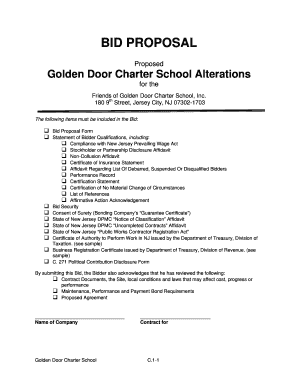
Tender response example pdf
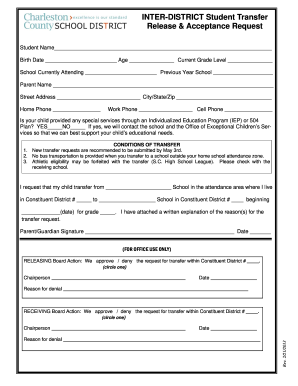
Inter release acceptance
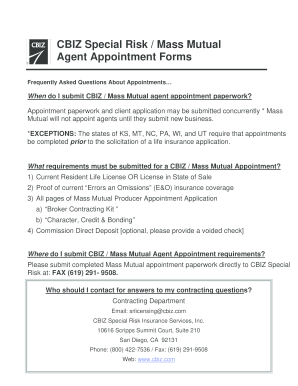
Mass mutual appointment form
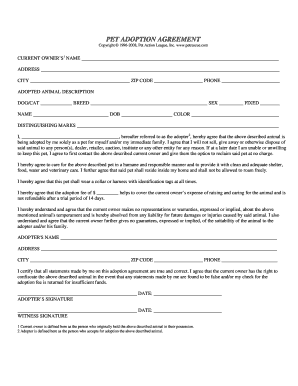
Adoption form - PetRescue.Com
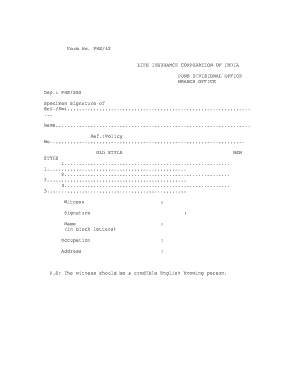
Lic signature verification form
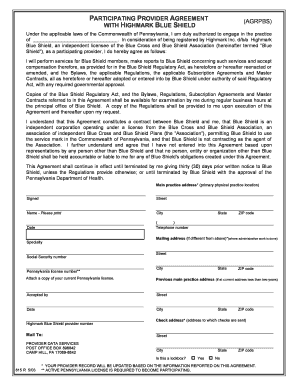
Highmark participating provider agreement form
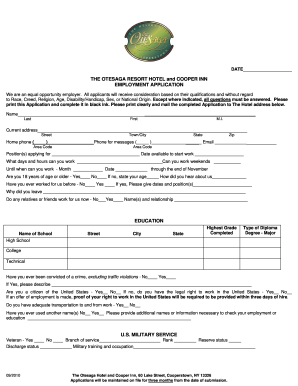
Otesaga online application form
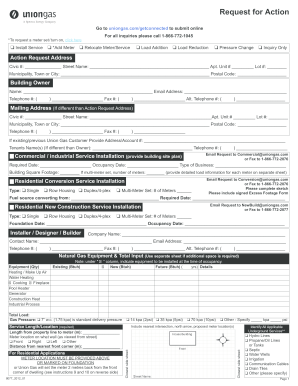
Entex gas forms

Memorial Hermann Blank Authorization Form - Discovery Resource
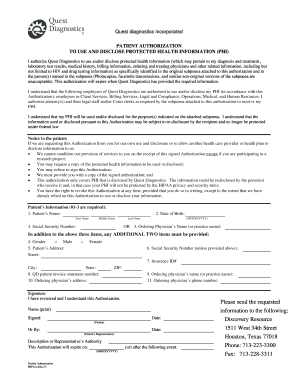
Quest diagnostics authorization form
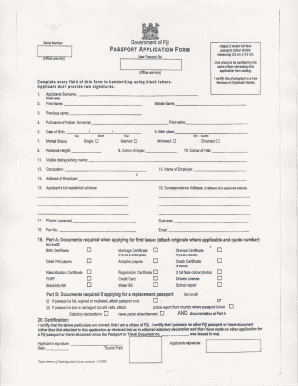
Fiji passport renewal form download

Site evaluation form cited template

Health Form - Roper St. Francis Healthcare
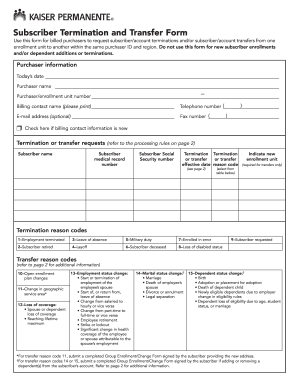
Kaiser employee transfer request
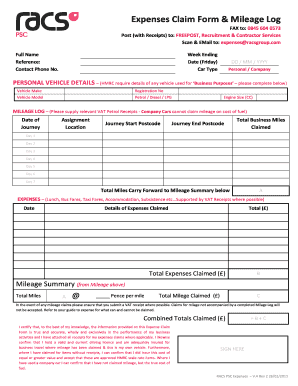
Racs expense claim form
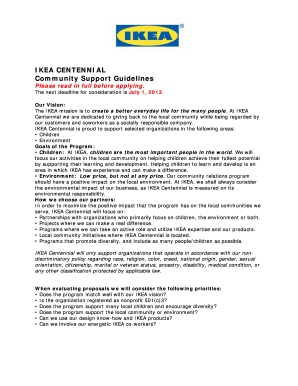
Ikea application form online pdf
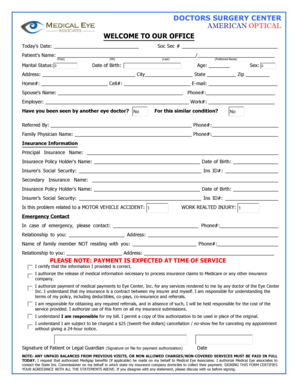
Doctors surgery center - Medical Eye Associates
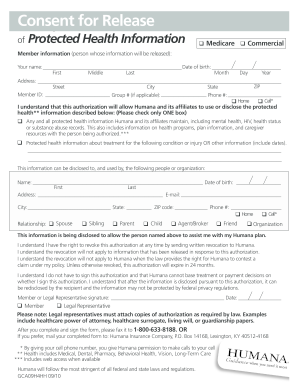
PHI form - English V.2 - Rogers Benefit Group

G4s direct deposit setup

All-American Nomination Form - Wrestling USA Magazine
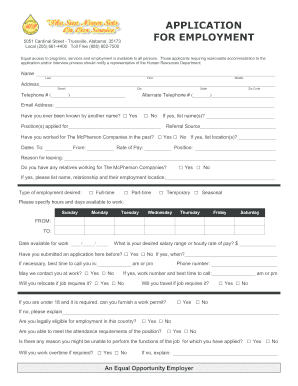
Popeyes application

Cobra continuation election form - Hollister Benefits Company
Special event ems plan - Bucks County Emergency Health Services
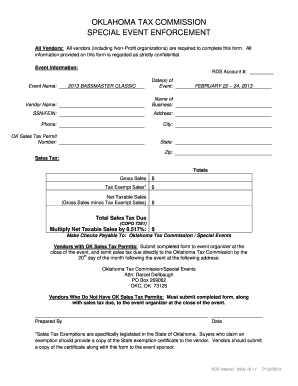
Okla tax event
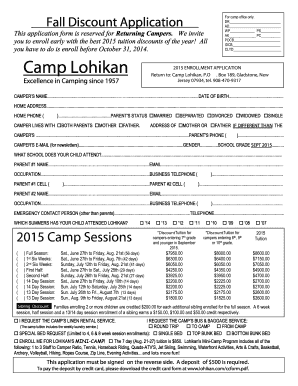
Camp lohikan medical forms
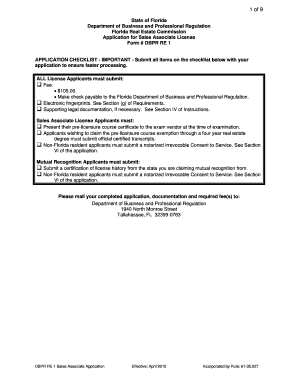
Dbpr re 1 sales associate application form

Tb surveillance form

Dependent care receipt template
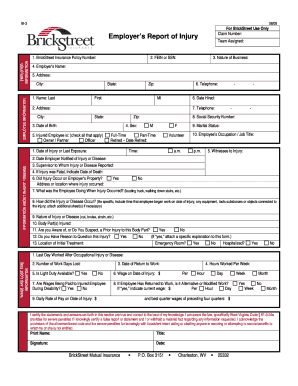
You brickstreet
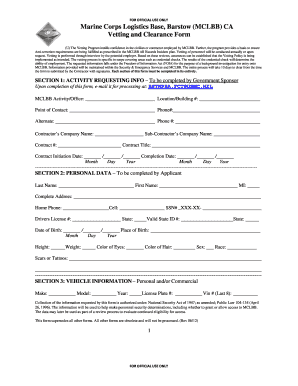
For mclbb form download
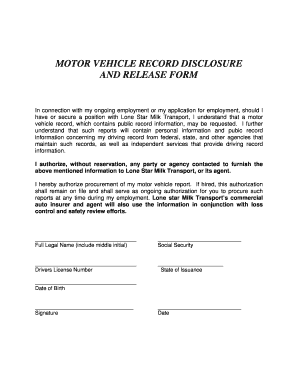
Motor vehicle record disclosure and release form - Lone Star Milk ...
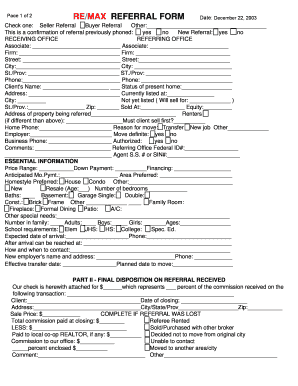
Nigeria max international sign up form download

Id 123 request
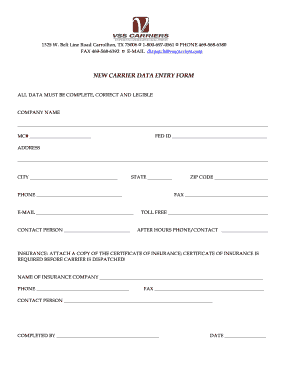
NEW CARRIER DATA ENTRY FORM - VSS Carriers
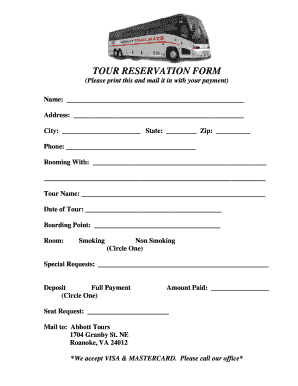
Documents/TOUR RESERVATION FORM.pdf

Employee appraisal examples

Warning form
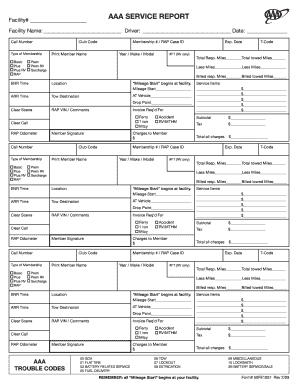
AAA SERVICE REPORT

Payout request form

125 worth street

Snapedi form
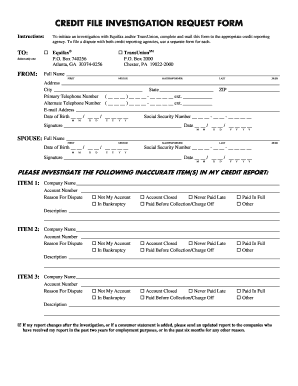
Credit file investigation request form
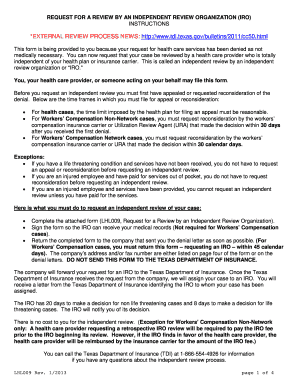
Form lhl009 2013

Medical declaration form
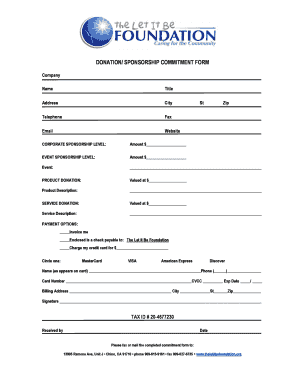
Sponsorship commitment form
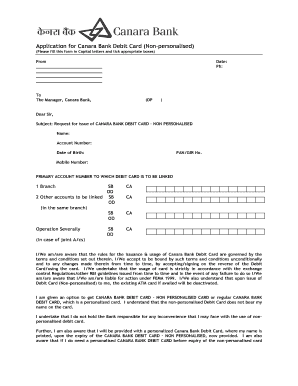
Personalized debit card meaning in hindi
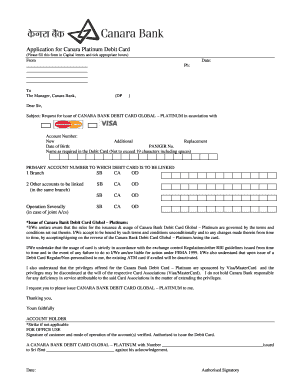
Canara bank atm card apply form online
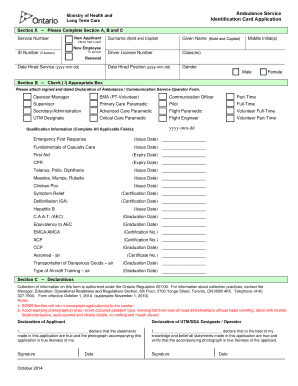
Canada ambulance card application
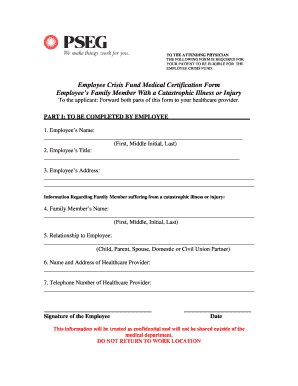
Pseg medical necessity form
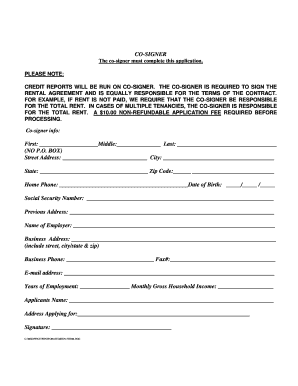
Arcata property management form
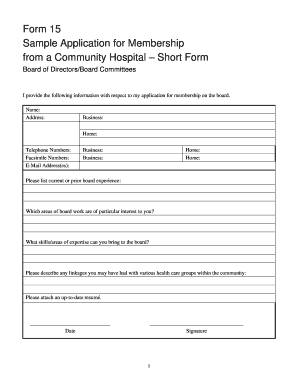
Form 15 Sample Application for Membership from a Community ...
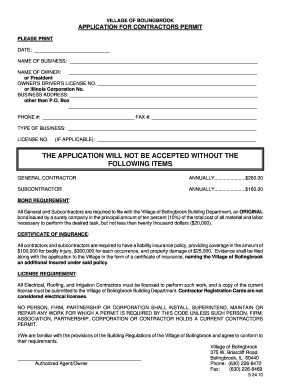
Bolingbrook building department

Leadership 101 fbisd 2013 form
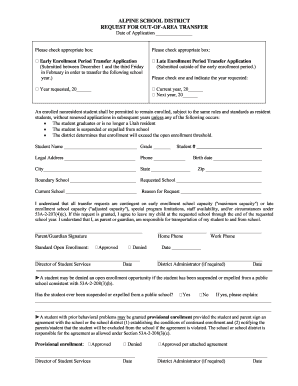
Out area transfer
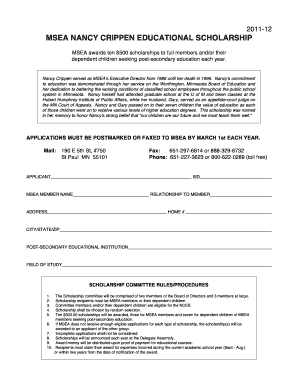
Msea nancy crippen scholarship
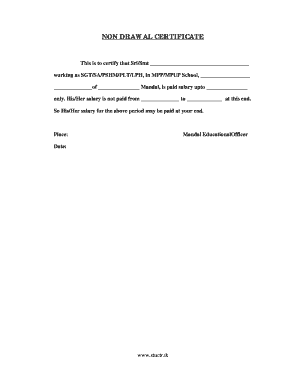
Non drawal certificate
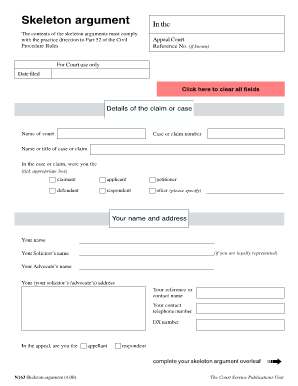
Hm courts tribunals service
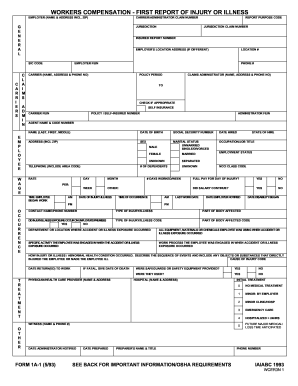
MD First Report of Injury Claim Form

NYNM Form 1570 - DMNA - dmna ny
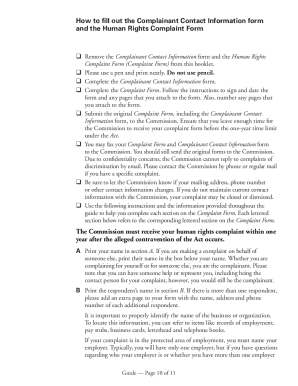
Canada complaint
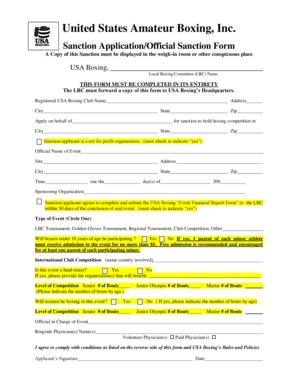
Boxing sanction usa

British gas direct debit form

Dj amrit rumal ubafkegulya dj amrit rumal ubafkegulya form
Benefit from the DocHub online library of fillable PDF forms
Searching the PDF forms doesn't have to be a tedious and time-consuming process. With the DocHub online library, it has become easier to find the fillable PDF forms and modify them in your browser. The service allows you to adjust the document to your needs using powerful editing tools.
You can use online document editing features to modify almost any type of document with ease. You just need to find the template of your choice, open it in the editor, and use the toolbar to make the necessary corrections.
Follow this guide to get your document done with DocHub:
- Find the PDF template you need.
- Click the Get Form button to open the file in the editor.
- Use the toolbar to fill out and edit the document.
- Easily add and highlight text, insert images, checkmarks, and symbols.
- Drop new fillable fields, and rearrange or delete pages from your file.
- Save changes and download your record.
DocHub empowers everyone to streamline document editing, signing, and distribution, and form completion. Create an account and benefit from our well-organized PDF Forms library and comprehensive editor.