
Get any PDF form from the DocHub library of ready-made templates - Page 1583
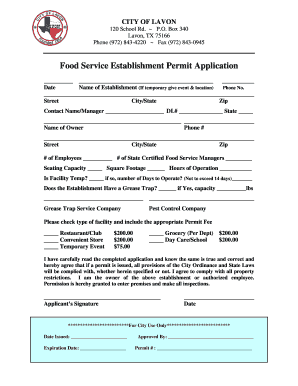
Texas food establishment permit

Bella vista permits
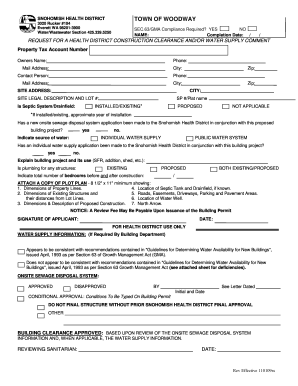
Snahomish county health district clearnance form 2009

Subpoena lorain form

Notice of intent to relocate lorian county form
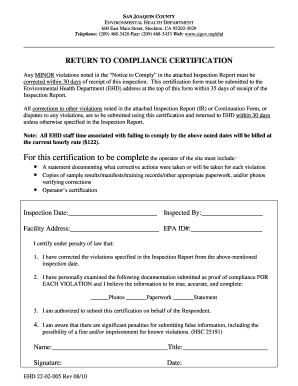
Environmental health stockton

Birth certificate beaumont tx
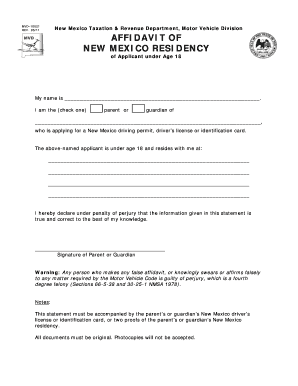
Affidavit of residency form

New mexico application national online
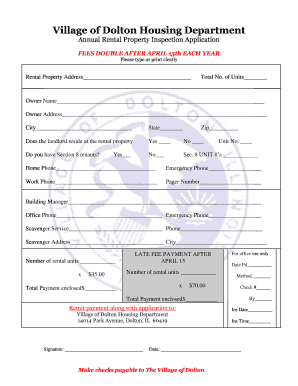
Village of dolton housing department
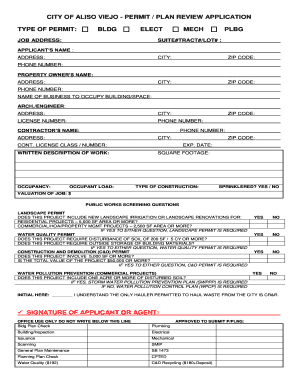
Aliso viejo plan
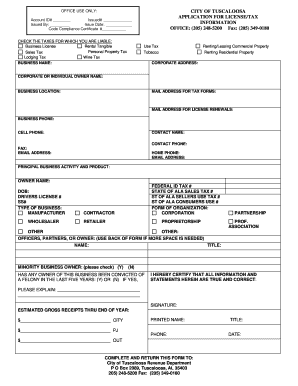
Business License Application - City of Tuscaloosa
Da form 5536 r
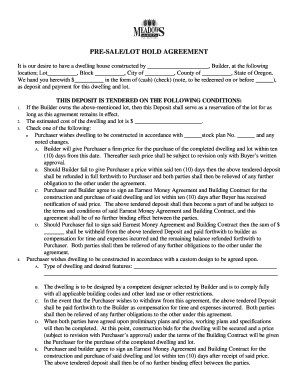
PRE-SALELOT HOLD AGREEMENT - Meadows Back Office
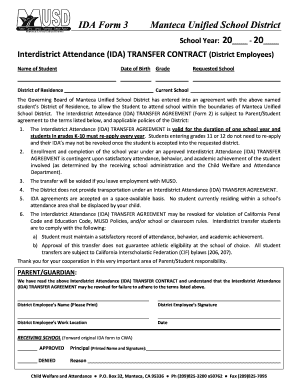
Manteca unifed school disrict
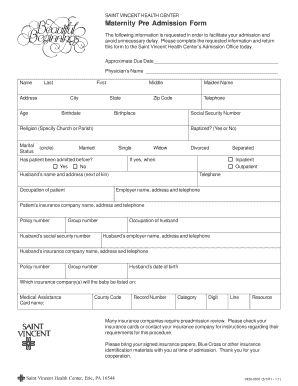
Preadmission form
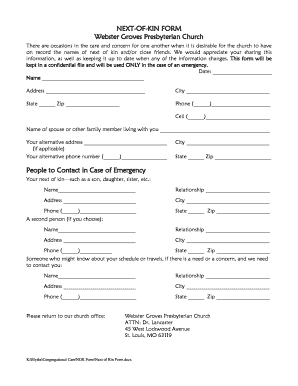
Next of kin format
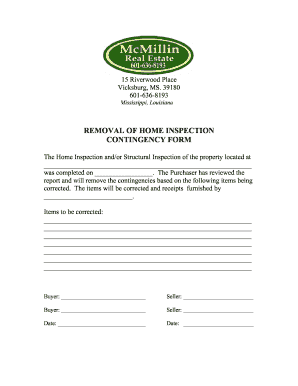
Ms removal contingency get
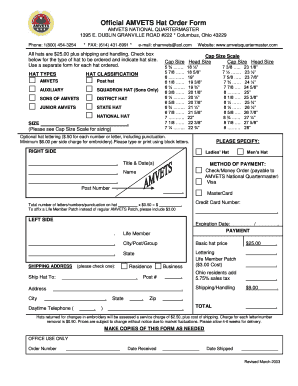
Amvets quartermaster
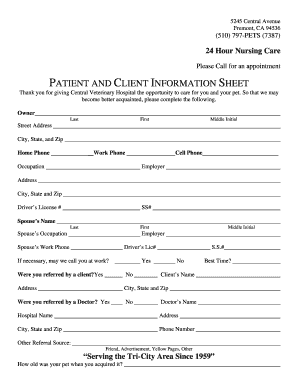
Central vet
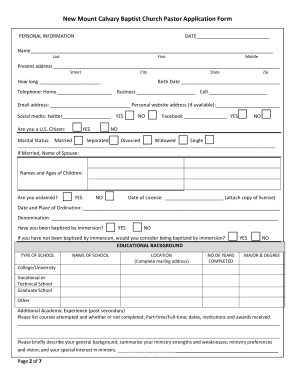
Paster deg forms
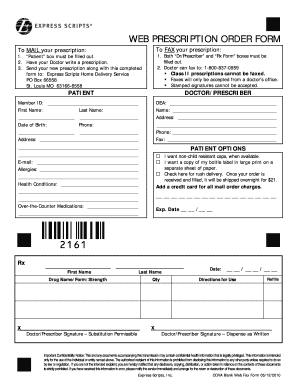
Express scripts fax form
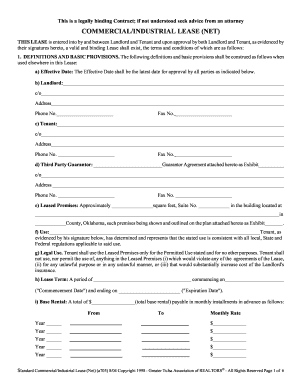
Commercial/industrial lease (net) - to site - Greater Tulsa Association ...

Reservation agreement letter sample

Florida international permit application
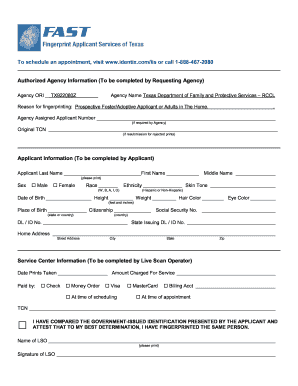
Identix identification services
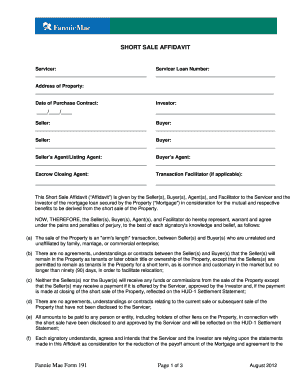
Fannie mae form 191
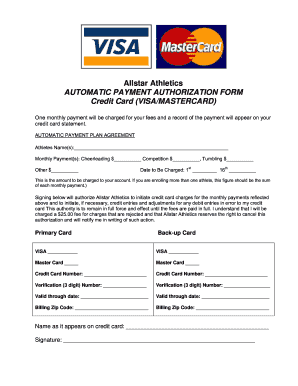
Athletics automatic payment authorization form
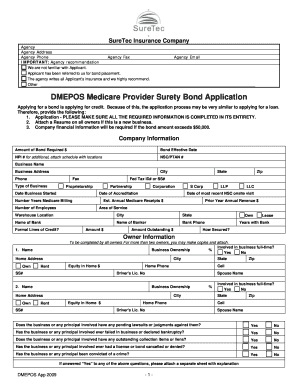
Suretec dmepos surety bond

The dcsc form

Amazon registration form

Application Tooling Specification Sheet - Molex

Ul 90 form

Divorce Packet - Minor Children - Georgia39s Southern Judicial Circuit
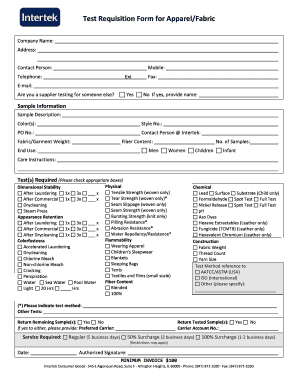
Test Requisition Form for Apparel/Fabric - Intertek
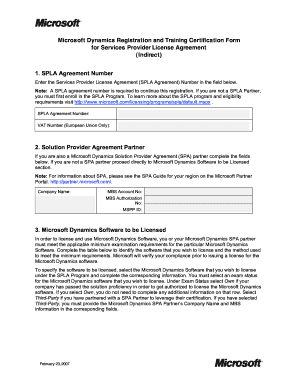
Form service agreement
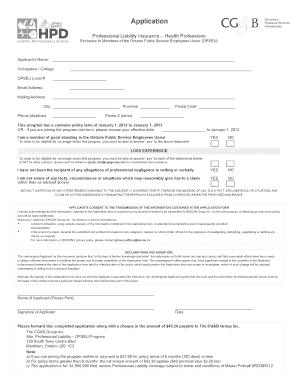
Opseu professional liability insurance

Employee of the month nomination form
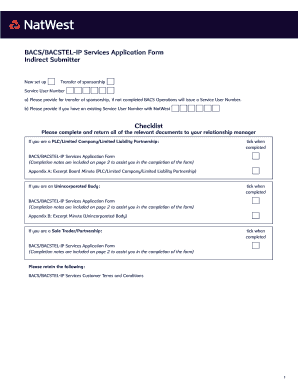
Natwest bankline
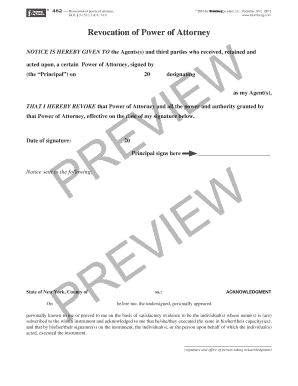
Revocation of Power of Attorney - Blumberg Legal bFormsb Online
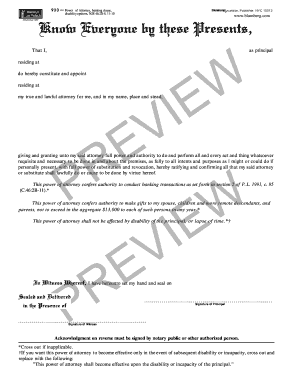
Form 930 - Blumberg Legal Forms Online
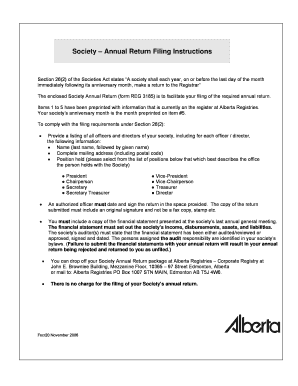
Canada annual return filing
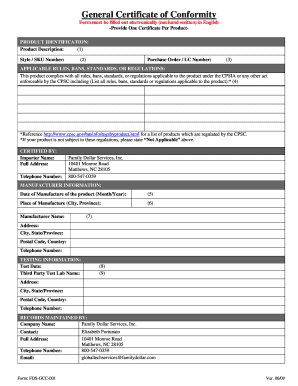
Certificate of conformity form
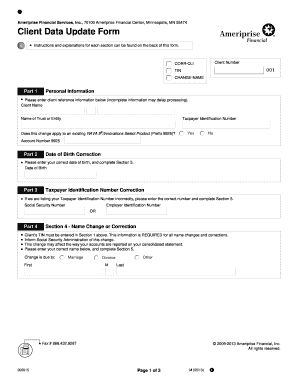
Whaty is a sed form
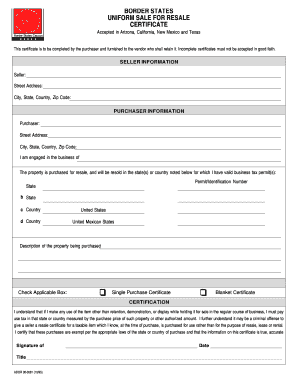
Border states uniform sale for resale certificate
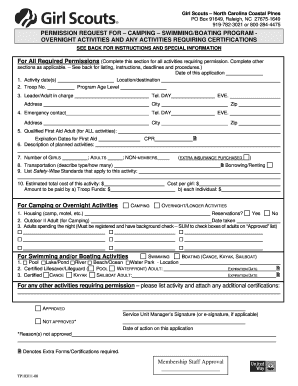
TP103 permission application for camping.pdf - Webs

Proof of spay certificate
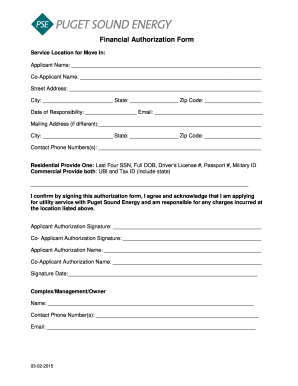
Financial authorization form
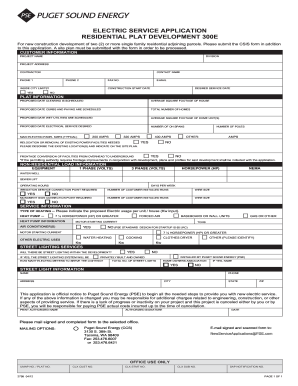
Electric residential plat development template
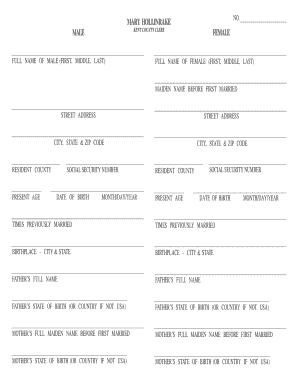
Blank marriage license
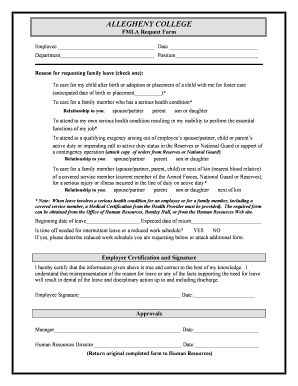
Amazon fmla paperwork

Ds11 n95
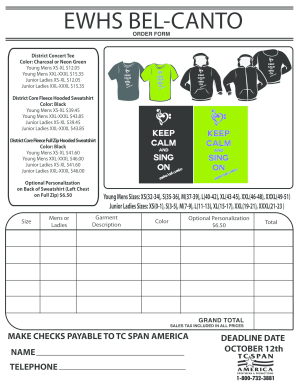
Conduent w2

Application form - MailChimp
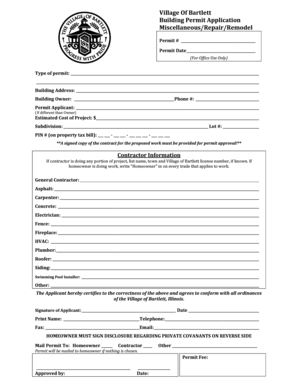
Bartlett building department
Logger Safety Checklist Booklet Order Form - NCLoggers
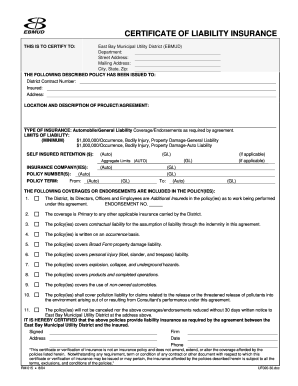
Certificate of liability insurance - East Bay Municipal Utility District
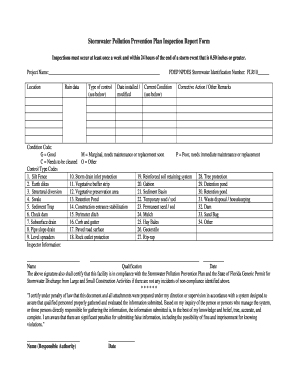
Pollution prevention plan form
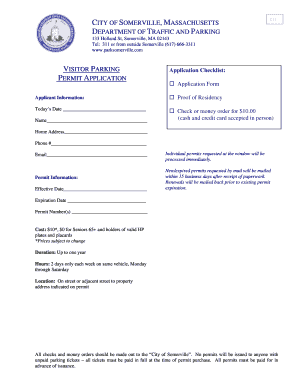
Visitor parking permit application
Residential Duct Seal bCertificationb - City of Virginia Beach
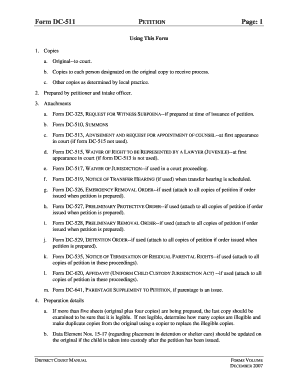
Dc511

City of glendale az sewer appeal form
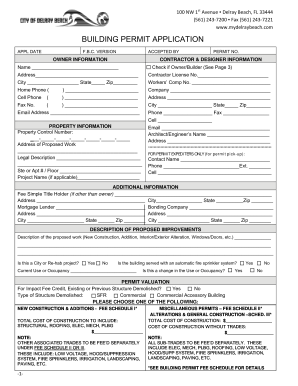
Delray beach building department

Crew Payroll Time Card - Extreme Reach
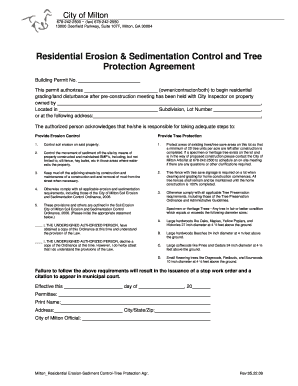
Residential Erosion & Sedimentation Control and ... - City of Milton
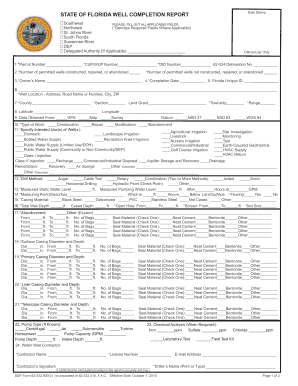
State of florida form
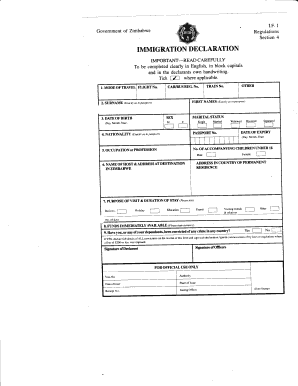
Zimbabwe immigration declaration form

Fishing License Educational Exemption - Pennsylvania Fish and ...
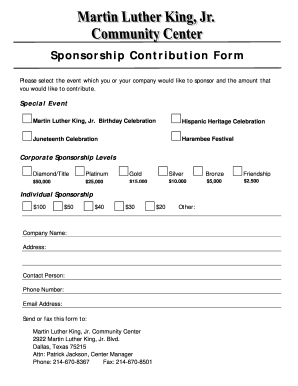
Sponsorship Contribution Form - City of Dallas
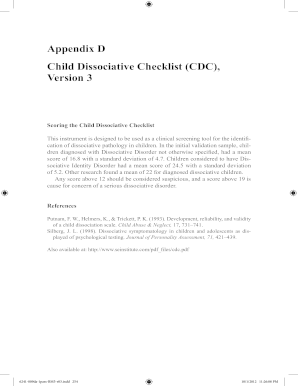
Dissociation questionnaire pdf
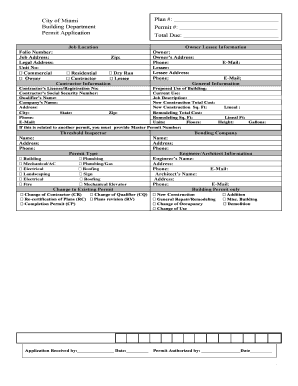
City of south miami electrical permit form

Made in hawaii valuation form
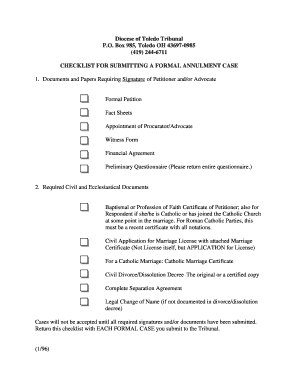
Catholic annulment forms 2021
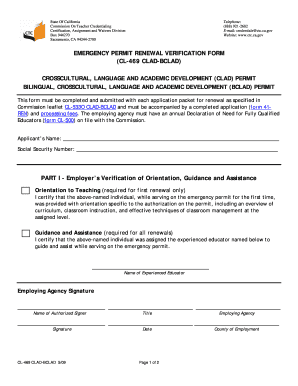
Cl 469
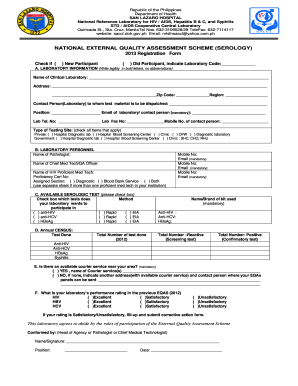
Neqas serology registration form 2022
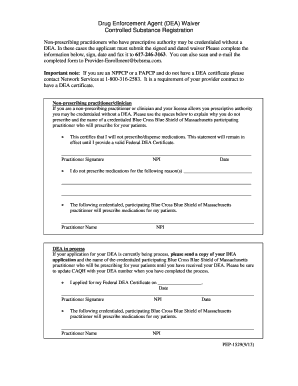
Dea waiver form

Employee purchase form

Avesis auth form ga

Hill form zostavax
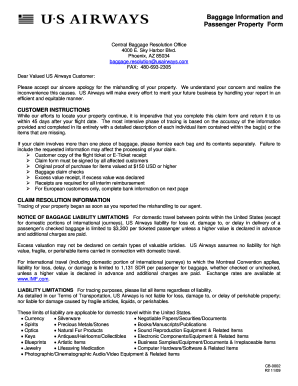
Online property form for us airways 2009

Tarion firm closing date form
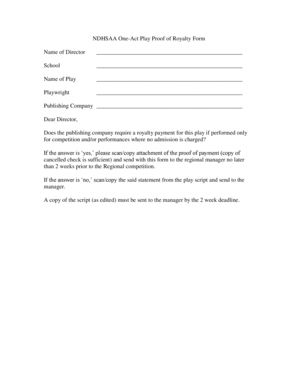
NDHSAA One-Act Play Proof of Royalty Form Name ... - NDHSAA.com
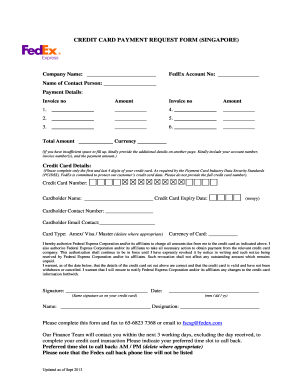
Fedex card payment form
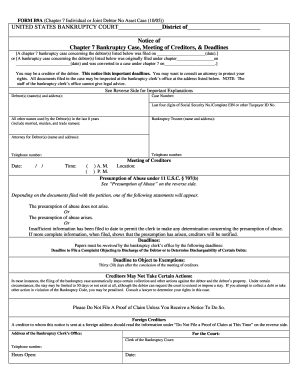
Michigan form b9a 2005
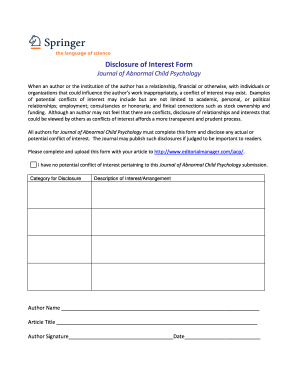
Disclosure interest
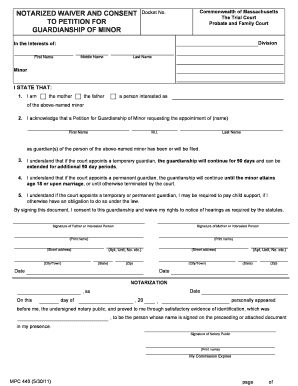
Notarized waiver form
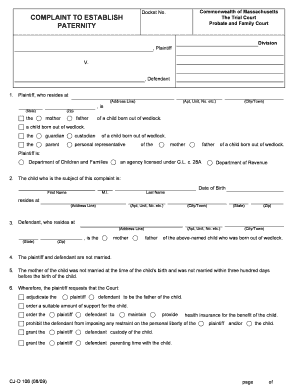
COMPLAINT TO ESTABLISH PATERNITY - Mass.Gov
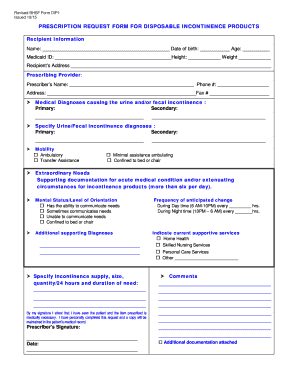
Prescription request form for disposable incontinence products
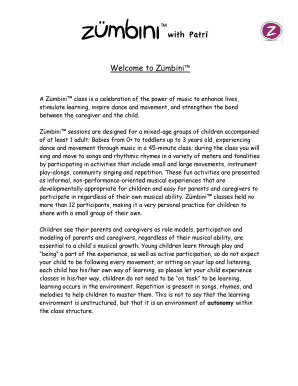
Waiver hold harmless agreement form

National training council png
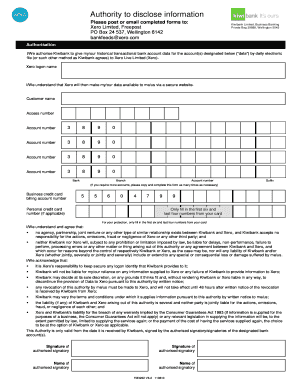
Xero authority to disclose form - Accounts Online
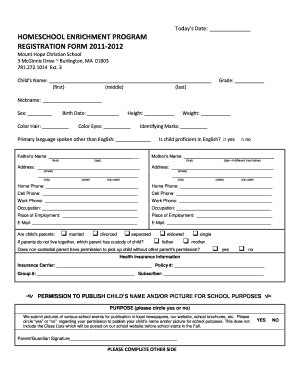
Homeschool enrichment program registration form 2011-2012 - Clover
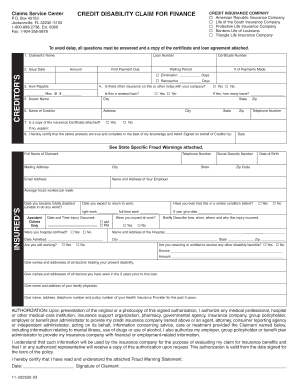
Credit disability claim - Clover
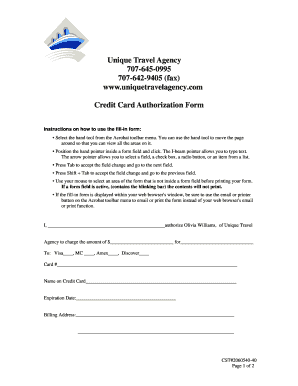
Credit card authorization form
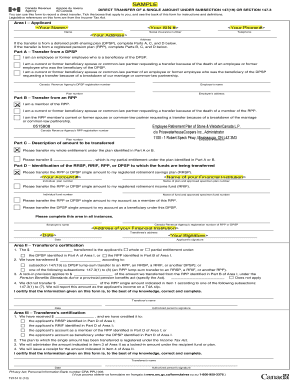
T2151 fillable
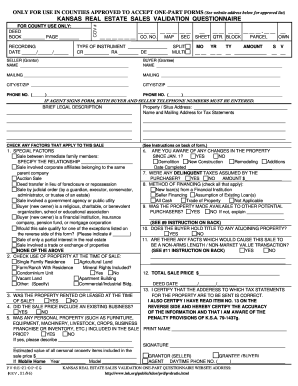
Kansas real estate sales validation questionnaire
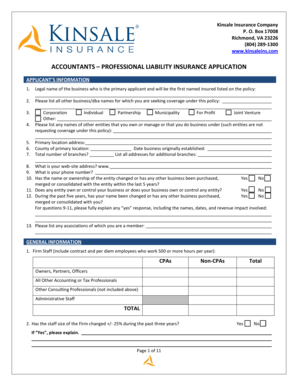
Accountants Professional Liability Application - Kinsale Insurance
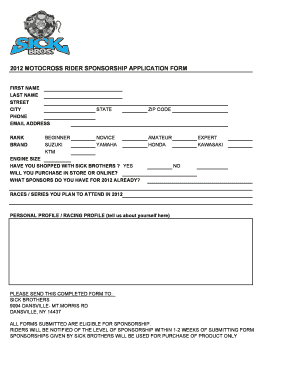
Mx sponsorship

Pca timesheet template
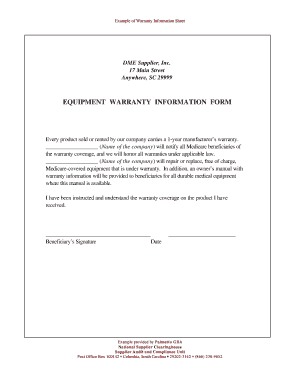
Equipment warranty template
Benefit from the DocHub online library of fillable PDF forms
Searching the PDF forms doesn't have to be a tedious and time-consuming process. With the DocHub online library, it has become easier to find the fillable PDF forms and modify them in your browser. The service allows you to adjust the document to your needs using powerful editing tools.
You can use online document editing features to modify almost any type of document with ease. You just need to find the template of your choice, open it in the editor, and use the toolbar to make the necessary corrections.
Follow this guide to get your document done with DocHub:
- Find the PDF template you need.
- Click the Get Form button to open the file in the editor.
- Use the toolbar to fill out and edit the document.
- Easily add and highlight text, insert images, checkmarks, and symbols.
- Drop new fillable fields, and rearrange or delete pages from your file.
- Save changes and download your record.
DocHub empowers everyone to streamline document editing, signing, and distribution, and form completion. Create an account and benefit from our well-organized PDF Forms library and comprehensive editor.