




01. Edit your jersey able online
Type text, add images, blackout confidential details, add comments, highlights and more.

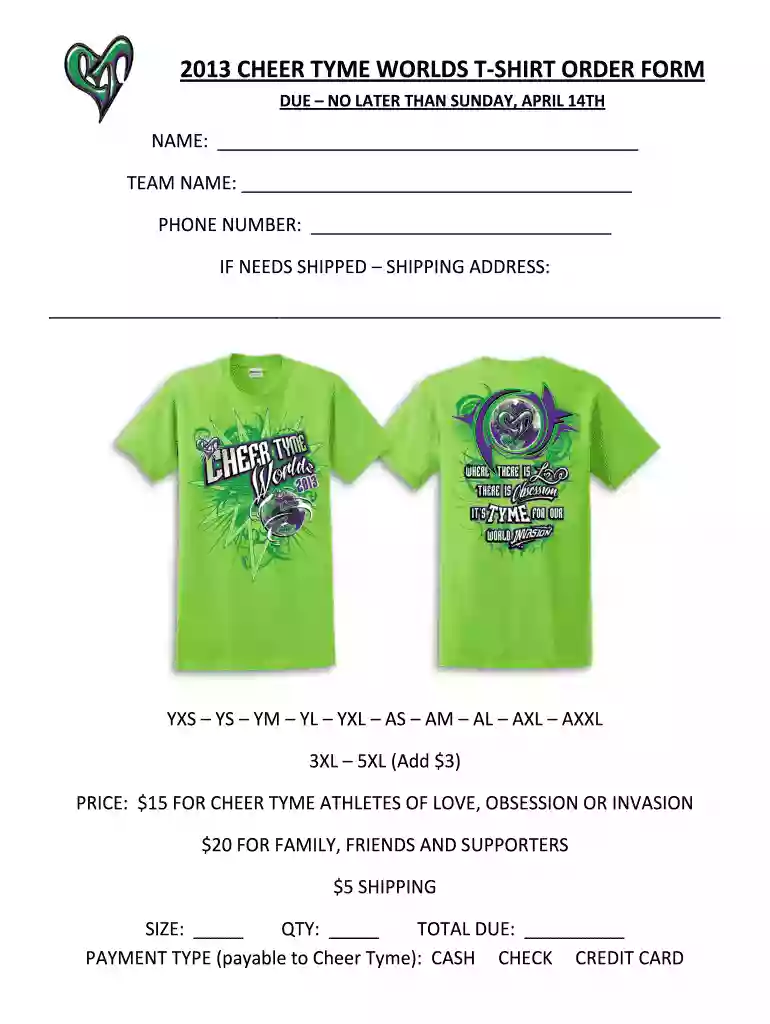
Type text, add images, blackout confidential details, add comments, highlights and more.

Draw your signature, type it, upload its image, or use your mobile device as a signature pad.

Send it via email, link, or fax. You can also download it, export it or print it out.

Start using our platform today to easily complete your t-shirt order form for free!
We've got more versions of the jersey able form. Select the right jersey able version from the list and start editing it straight away!
| Versions | Form popularity | Fillable & printable |
|---|---|---|
| 2013 | 4.8 Satisfied (101 Votes) |
Yes, you can use DocHub for signing any business and personal paperwork, including your 2013 CHEER TYME WORLDS T-SHIRT ORDER FORM. All electronic signatures you create with our service are legally binding and court-admissible, as DocHub complies with standards required by ESIGN and UETA. Save your accomplished paperwork with a detailed Audit Trail if necessary.
In case your go-to electronic mail service is Gmail, you can easily incorporate your DocHub editor in your work. Edit your 2013 CHEER TYME WORLDS T-SHIRT ORDER FORM with DocHub instruments and connect it to your drafts in Gmail. See how straightforward it is to exchange papers and collaborate having a swift PDF editing solution at hand.
At DocHub, your data security is our priority. We follow HIPAA, SOC2, GDPR, and other standards, so you can work on your documents with confidence.
Mar 22, 2017 They sued petitioner, who also markets cheerleading uniforms, for copyright infringement. The Dis- trict Court granted petitioner summaryRead more
Aug 27, 2012 What this means is that we are beginning to run shorter, faster efforts using the strength and endurance we have been building since last May.Read more


