
Get any PDF form from the DocHub library of ready-made templates - Page 1586
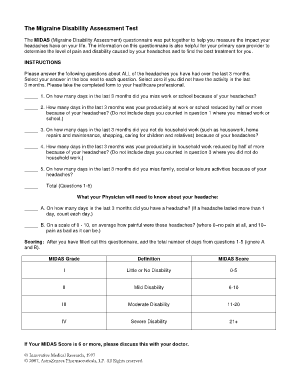
Test for migraine
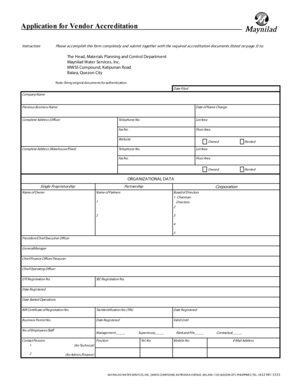
Maynilad application form
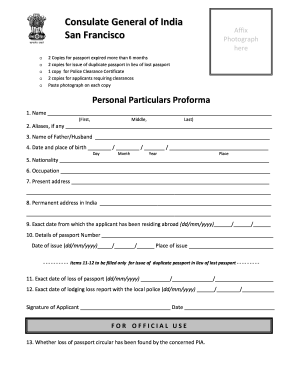
Particulars
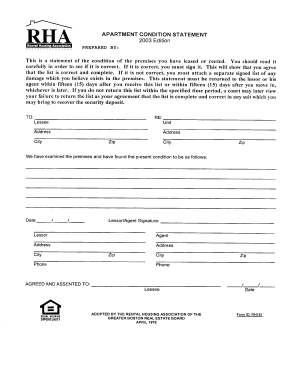
Apartment Condition Statement
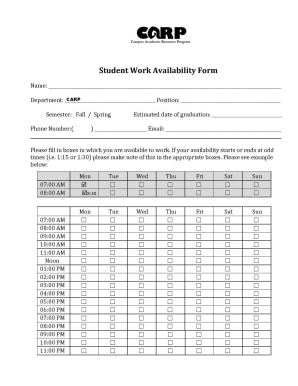
Availability sheet
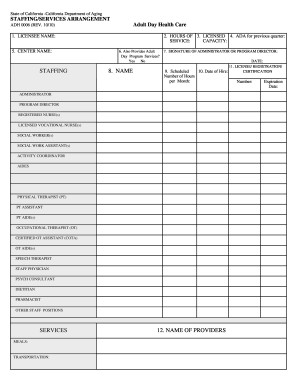
ADH 0006 (PDF) - California Department of Public Health - State of ... - cdph ca
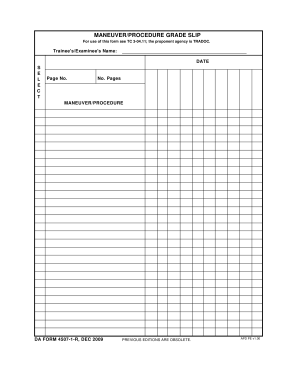
Da form 4507
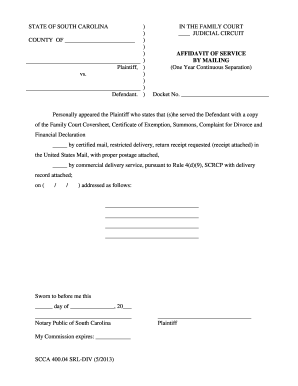
South carolina court proof of service
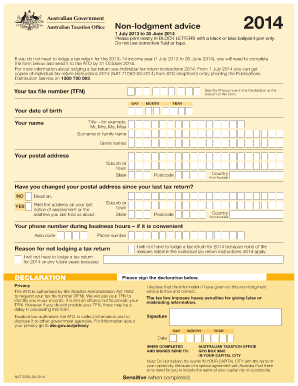
Non lodgment advice 2015

Mass state police outlaw

Ambush paintball waiver
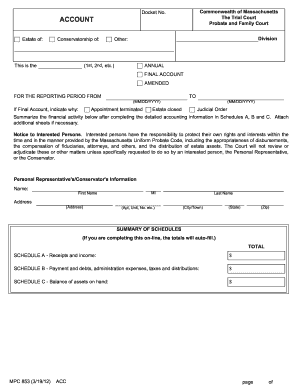
Mpc853 combined account

Tmb form l

Appointment slip pdf

Piaa form 2013

Gas receipt template excel

Joint petition for adoption by stepparent
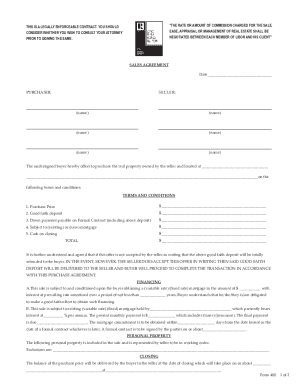
Mls sales agreement
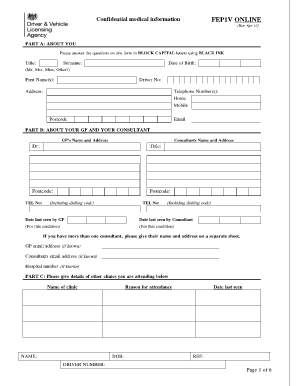
Fep1v form
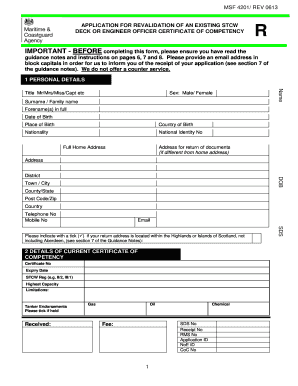
Msf 4201
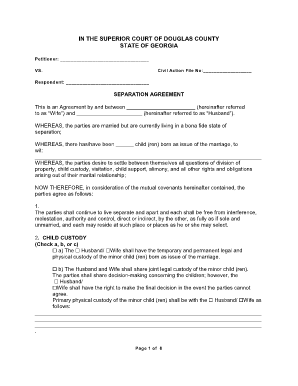
Separation agreement georgia
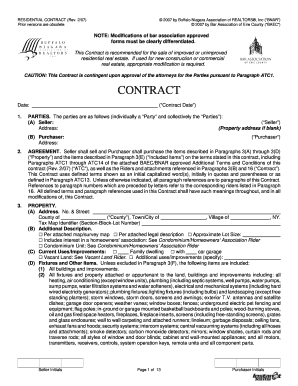
Safrican extended family funeral cover form

Csaave form

Njmvc report
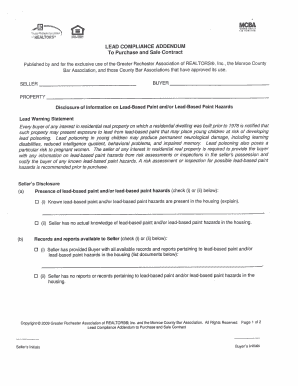
Lead compliance ny form

1/94) Subpoena in a Civil Case United States District Court Eastern District of New York SUBPOENA IN A CIVIL CASE v

USDA, Forest Service SPECIAL-USE APPLICATION & PERMIT FOR ... - fs usda
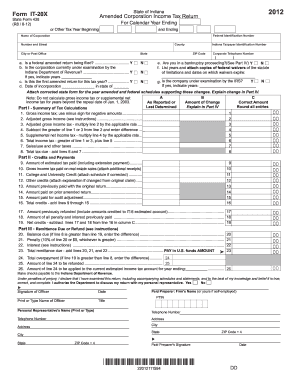
Ass 2012 form

382 form honr civic

9285 1

Brimage worksheet fillable form
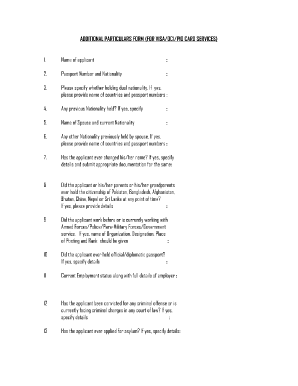
Service particulars format

Da form 5960
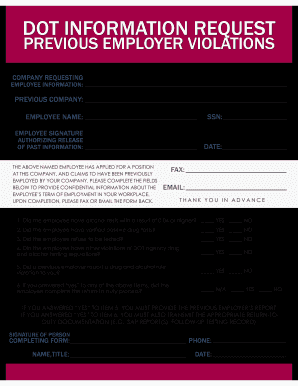
Dot previous employer form

ID-1770(HI)(7_01_08)_ID-1770(HI)(7_01_08). index-ready This form is used when is used when any changes occur to the company name, address, phone number, or contact person of an employer enrolled in EPN

Full Time Horse Lease Agreement
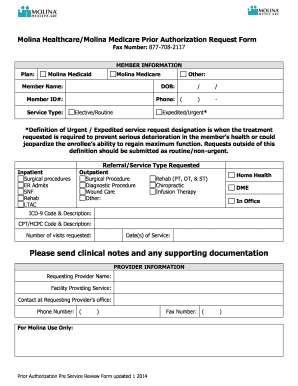
Molina authorization form
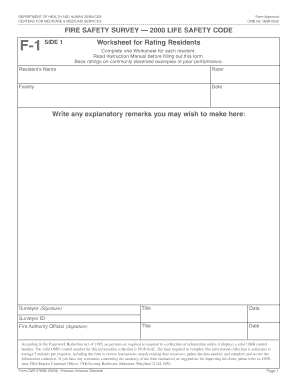
FIRE SAFETY SURVEY 2000 LIFE SAFETY CODE Worksheet for ... - in
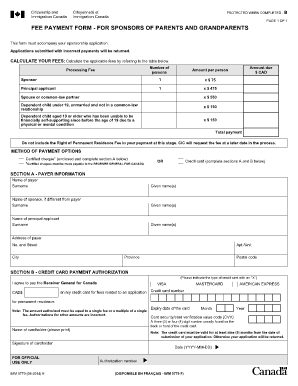
Imm 5768 guide
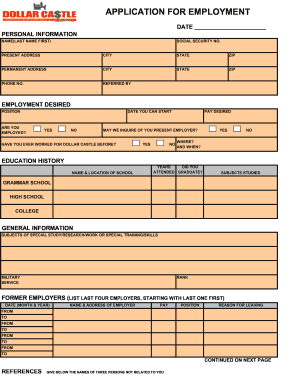
Employment Application - Dollar Castle
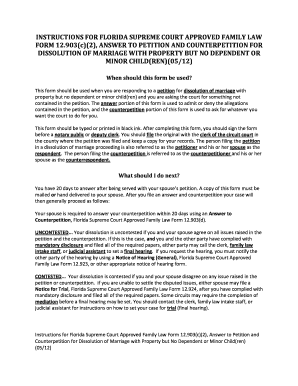
Form 12.903(c)(2) - Florida Courts - flcourts
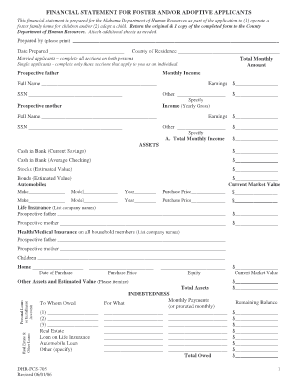
Financial statement for foster and/or adoptive applicants - Alabama ... - dhr alabama
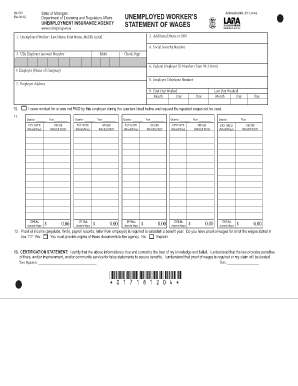
Form uia 1718 unemployed worker's statement of wages

Writeable hud 52530a
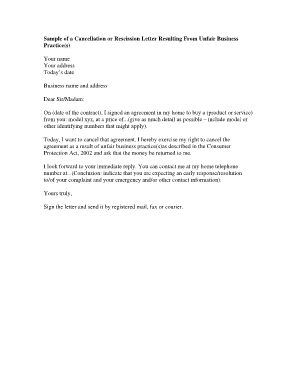
Rescission letter sample

Ny nybtu first mortgage

Nyc 5ub

California court
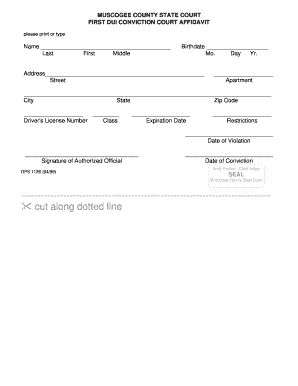
Poppers affidavit
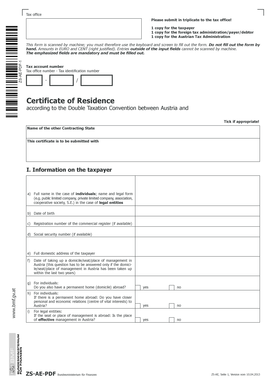
Zs ae
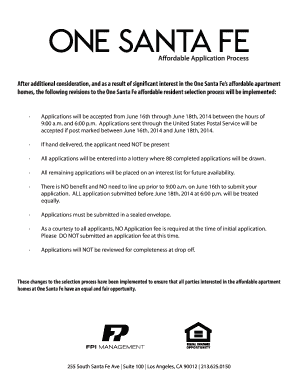
Rental application tax credit

2003 howard word download
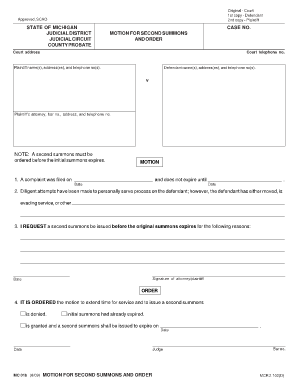
Blank motion form michigan
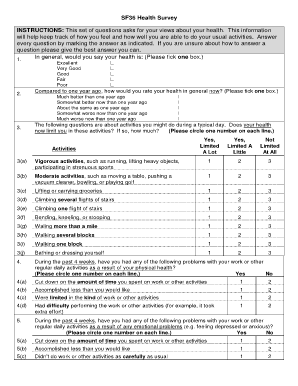
Sf36

CF 1651, PDF 092005 - dfps state tx
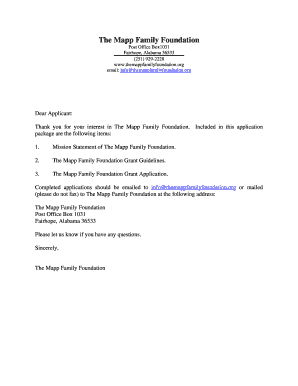
Mapp grant
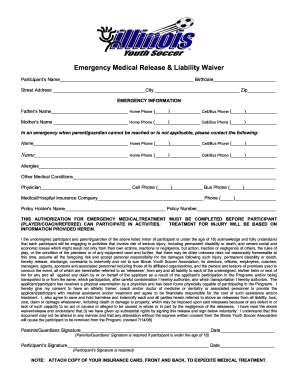
Iysa medical waiver

Application for employment - Horseshoe Bay Resort
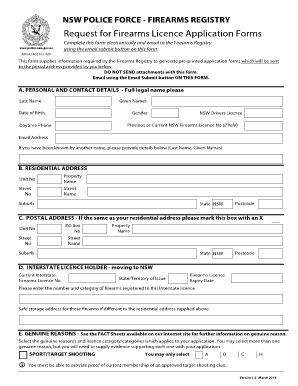
Png firearms licence application form
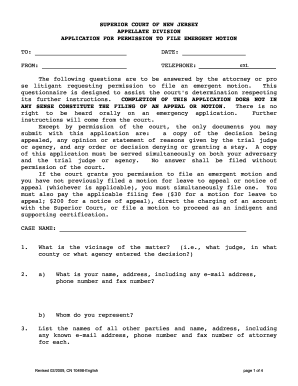
Application for Permission to File Emergent Motion - New Jersey ... - judiciary state nj
Gsa form 3157
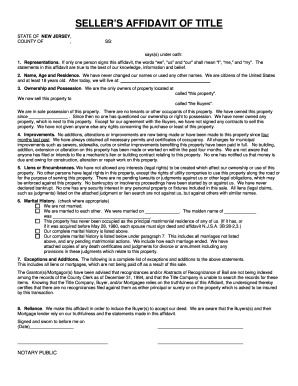
Affidavit of title
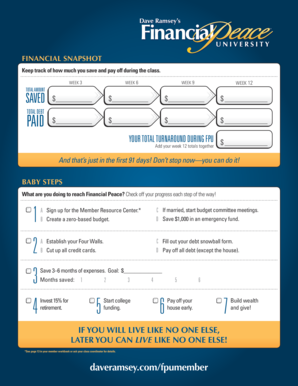
Financial snapshot dave ramsey
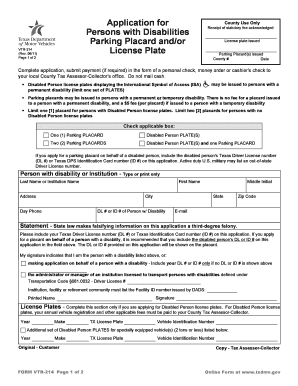
Vtr 214
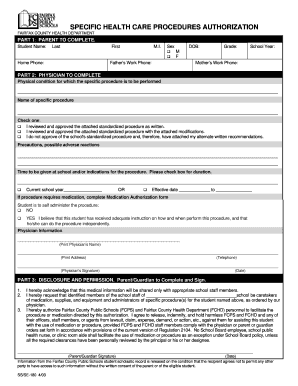
Specific Health Care Procedures Authorization Form - fcps
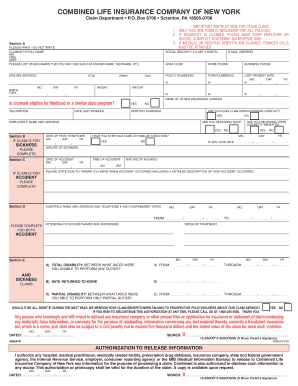
If you are filing for the medical expense benefit only under your accident policy, a claim form may not be needed if
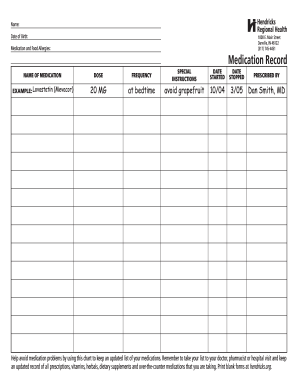
Medication record sheet example
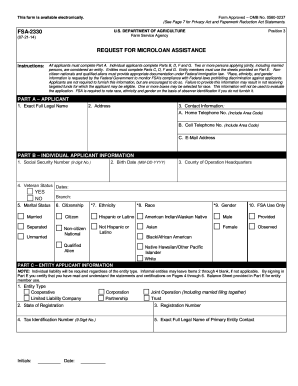
Fsa-2330 request for microloan assistance - US Department of ... - forms sc egov usda
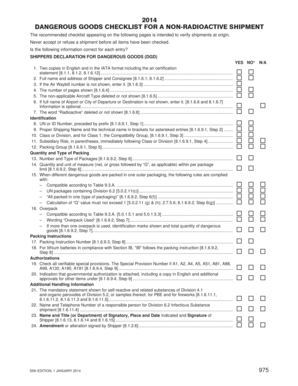
Dg checklist 2021 pdf
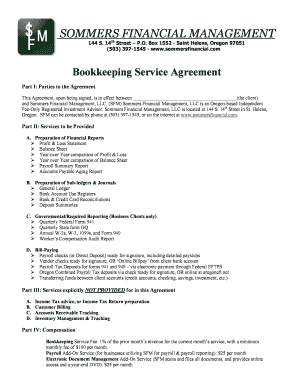
Bookkeeping service agreement

Certificate of Immunization - Iowa Department of Public Health - idph state ia
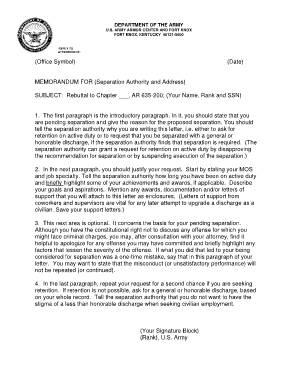
Letter of rebuttal army
Congratulations form
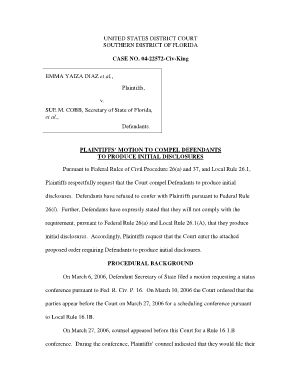
Initial disclosures
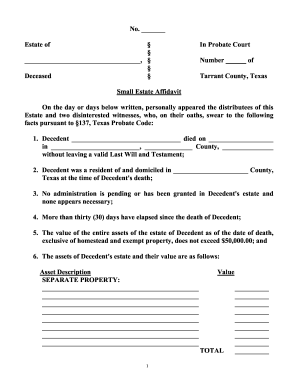
Houston water and filling a pool

Mh 224a

Privacy act cover sheet 2020
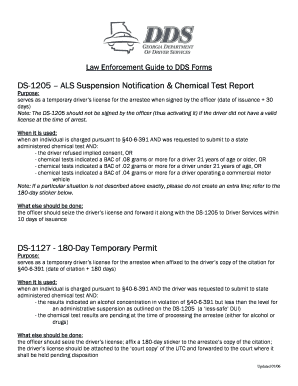
Dds 1205 form pdf
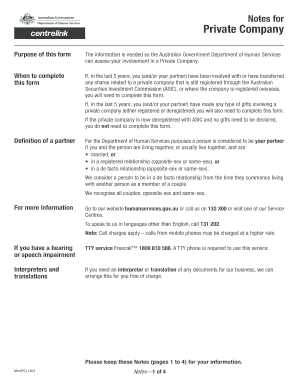
Private Company - Department of Human Services - humanservices gov
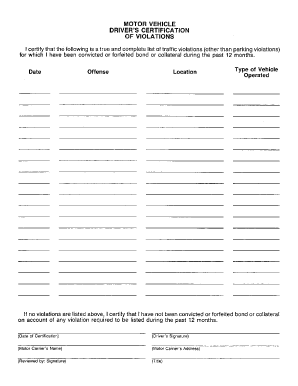
Motor vehicle drivers certificate of violations

Oklahoma application home care

Dc lead disclosure form fillable

Pre-admission record form - El Camino Hospital
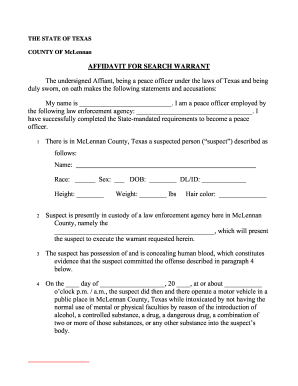
Saito fa45
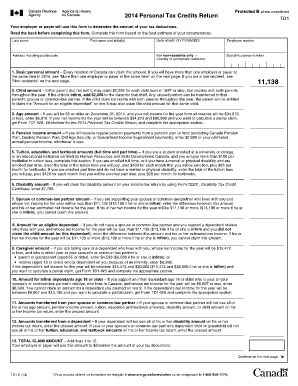
Printable td1 form
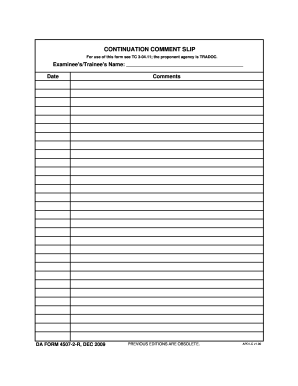
Da form 4507
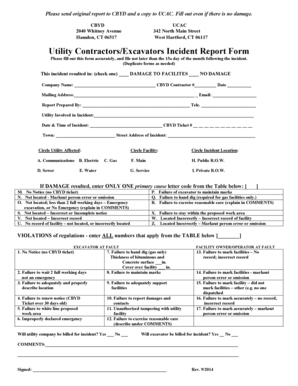
Utility Contractors/Excavators Incident Report Form
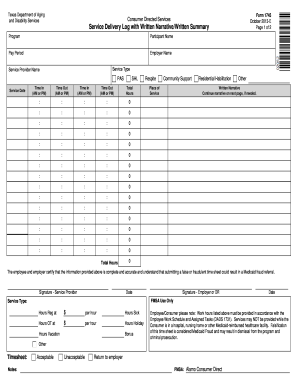
Dads timesheet 2013 form
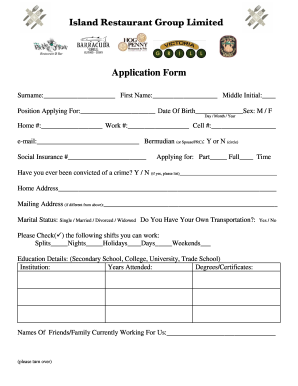
Danlod apicashen filmo
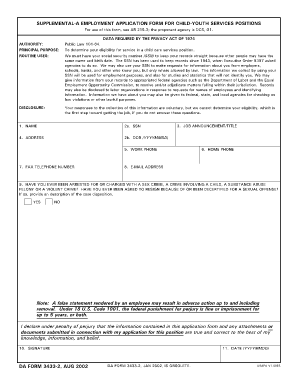
Da form 3433
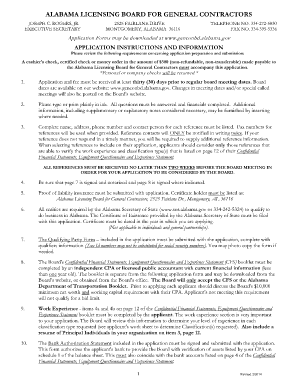
Alabama general contractors license renewal

Sage direct deposit form

Insurance fair conduct act sheet
Agency Agreement Renewal and/or Amendment - North Carolina ... - ncrealtors

Lincoln elementary independent pe santa monica 2014 form

Form 3034
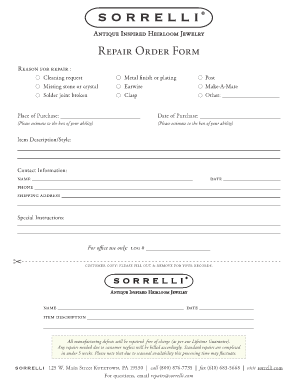
Sorrelli repair

NOTICE B AUTHORIZATION TO RELEASE EARNEST MONEY
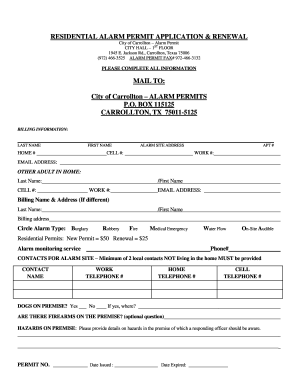
City of carrollton alarm permit
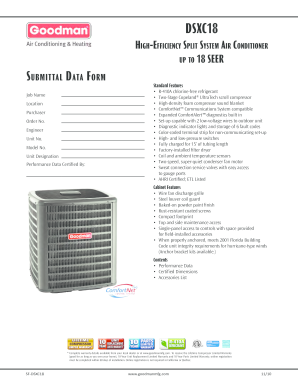
Goodman DSXC18 Air Conditioner Submittal - eComfort.com
Benefit from the DocHub online library of fillable PDF forms
Searching the PDF forms doesn't have to be a tedious and time-consuming process. With the DocHub online library, it has become easier to find the fillable PDF forms and modify them in your browser. The service allows you to adjust the document to your needs using powerful editing tools.
You can use online document editing features to modify almost any type of document with ease. You just need to find the template of your choice, open it in the editor, and use the toolbar to make the necessary corrections.
Follow this guide to get your document done with DocHub:
- Find the PDF template you need.
- Click the Get Form button to open the file in the editor.
- Use the toolbar to fill out and edit the document.
- Easily add and highlight text, insert images, checkmarks, and symbols.
- Drop new fillable fields, and rearrange or delete pages from your file.
- Save changes and download your record.
DocHub empowers everyone to streamline document editing, signing, and distribution, and form completion. Create an account and benefit from our well-organized PDF Forms library and comprehensive editor.