




01. Edit your referee application online
Type text, add images, blackout confidential details, add comments, highlights and more.

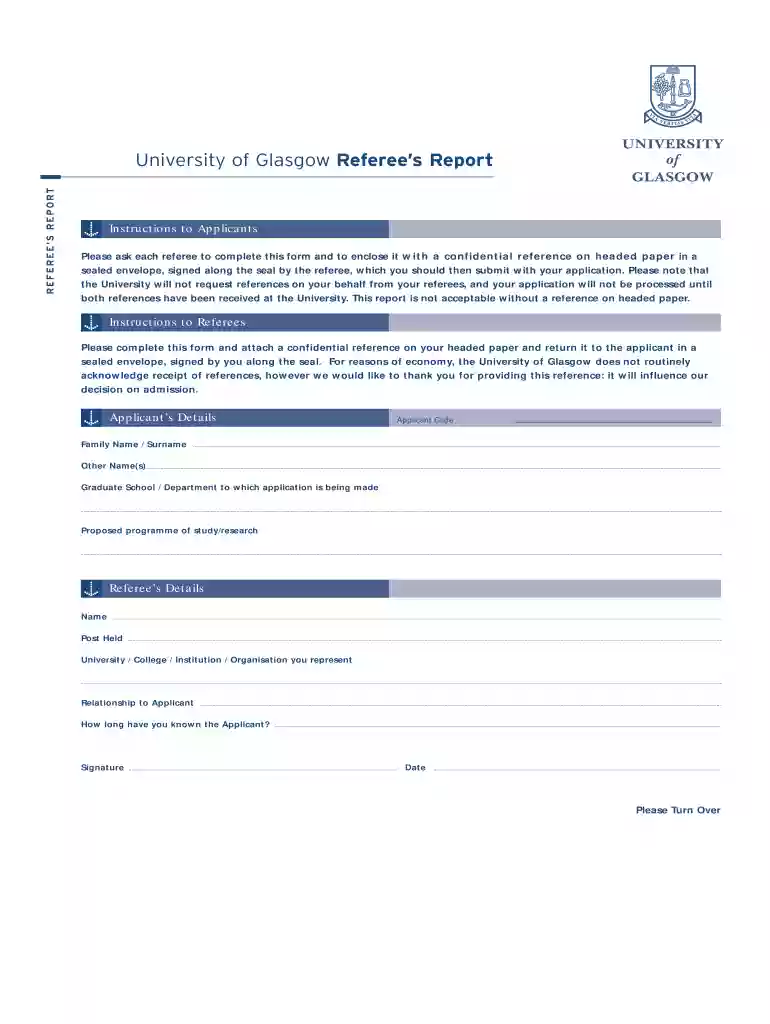
Type text, add images, blackout confidential details, add comments, highlights and more.

Draw your signature, type it, upload its image, or use your mobile device as a signature pad.

Send form university via email, link, or fax. You can also download it, export it or print it out.

Start using our platform today to easily complete and submit your referee form!
We've got more versions of the referee application form. Select the right referee application version from the list and start editing it straight away!
| Versions | Form popularity | Fillable & printable |
|---|---|---|
| 2004 | 4.8 Satisfied (191 Votes) |
You need to use only reliable software solutions with strong data protection compliance to approve your paperwork electronically. DocHub is just the type of service you need! It stores data on Amazon Web Servers and complies with all essential security requirements and eSignature regulations, so it’s a reliable way to electronically sign your referee form or other forms using this tool.
It is a no-brainer on a computer or via a mobile phone to fill out a university of glasgow editable referee form with DocHub. All you need to do is open any installed internet browser on your smartphone and proceed to the DocHub website. Once authenticated, add your document and open it in editing mode. Use our toolbar to make your edits and save adjustments. Optionally, keep your document in your files or send it to a recipient immediately.
At DocHub, your data security is our priority. We follow HIPAA, SOC2, GDPR, and other standards, so you can work on your documents with confidence.
We have studied a number of tissue types, involving smooth muscle and mucosa, together with dedicated ECG for detecting autonomic neuropathy in a number ofRead more
by AW Chan 2025 Cited by 526 The main purpose of SPIRIT 2025 is to promote transparency and an adequate description of what is plannednot to prescribe how a trial should beRead more


