




Here's how it works

01. Edit your massachusetts lead letter of compliance online
Type text, add images, blackout confidential details, add comments, highlights and more.

02. Sign it in a few clicks
Draw your signature, type it, upload its image, or use your mobile device as a signature pad.

03. Share your form with others
Send property transfer form via email, link, or fax. You can also download it, export it or print it out.
How to use or fill out mass property transfer notification form pdf with our platform

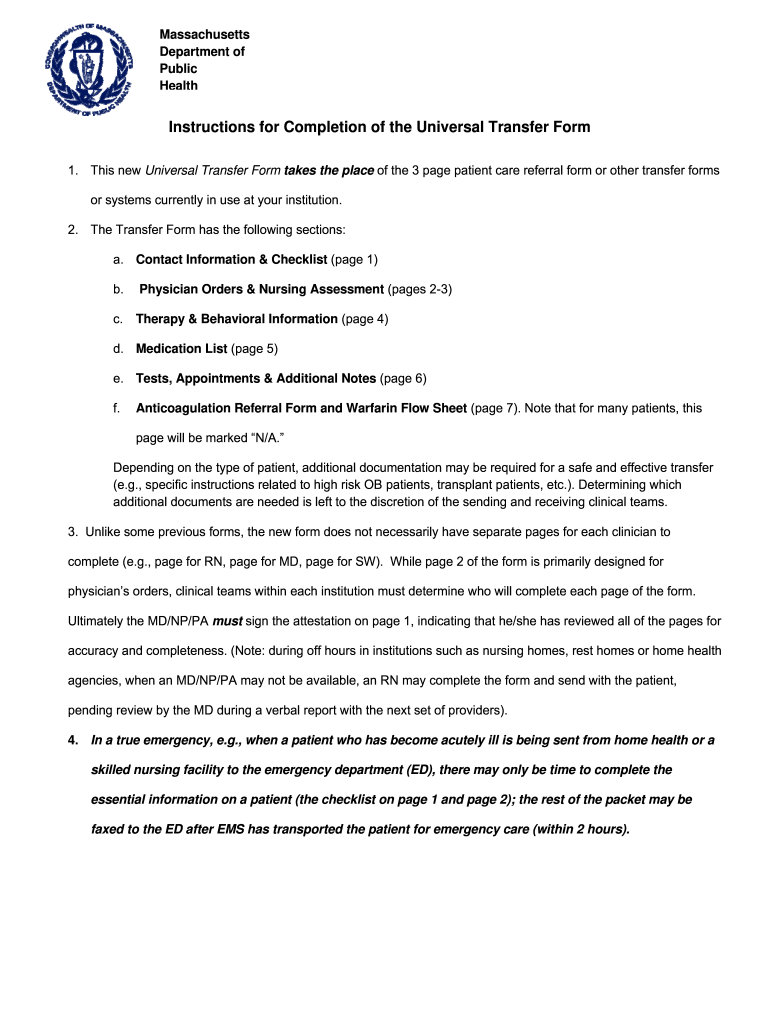
- Click ‘Get Form’ to open the mass property transfer notification form in the editor.
- Begin with the 'Contact Information & Checklist' section. Fill in the patient's last name, first name, middle initial, and date of birth. Ensure you provide accurate contact details for both sending and receiving facilities.
- Proceed to 'Physician Orders & Nursing Assessment'. Here, document any advance directives and summarize the reason for transfer along with any clinical issues that require attention.
- In the 'Medication List' section, list all prescribed medications along with dosages and administration times. This is crucial for continuity of care.
- Complete the 'Tests, Appointments & Additional Notes' section by noting any follow-up appointments or tests that are pending after transfer.
- Finally, ensure that all necessary signatures are obtained on the attestation page to confirm accuracy and completeness before submitting.
Start using our platform today to streamline your document editing and form completion process for free!
Fill out mass property transfer notofication form pdf online
It's free
It's free
Security and compliance
At DocHub, your data security is our priority. We follow HIPAA, SOC2, GDPR, and other standards, so you can work on your documents with confidence.
Learn more


