
Get any PDF form from the DocHub library of ready-made templates - Page 1523
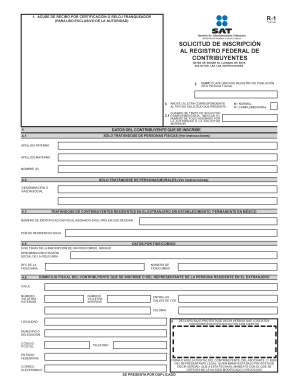
SOLICITUD DE INSCRIPCI N AL REGISTRO FEDERAL DE ...
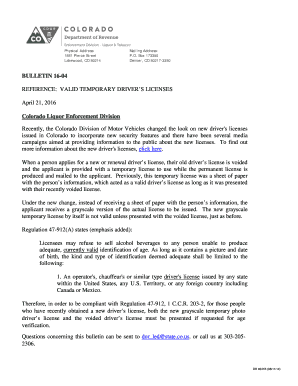
Temporary driver license
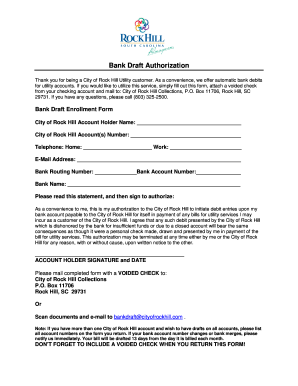
2014 1003 Bank Draft Authorization.doc
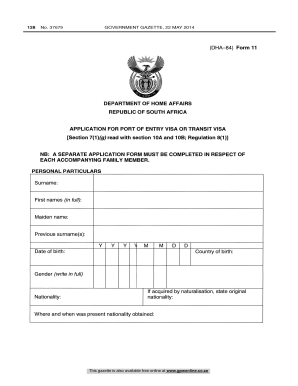
Bi 84 form south africa
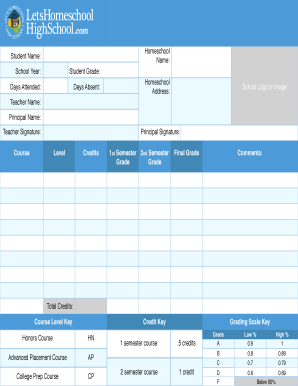
LHHS-reportcard
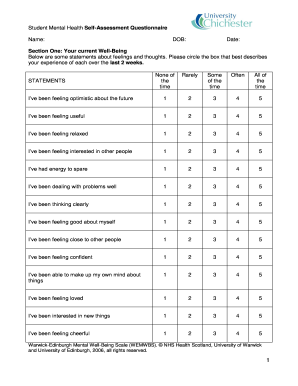
Student Mental Health Self-Assessment Questionnaire

Confidential informant form
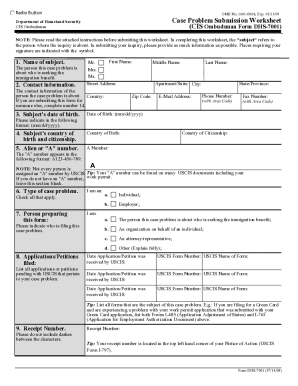
Dhs form 7001

CV 91 Execution Application and Order.pdf - courts mo

Condominium declaration sample
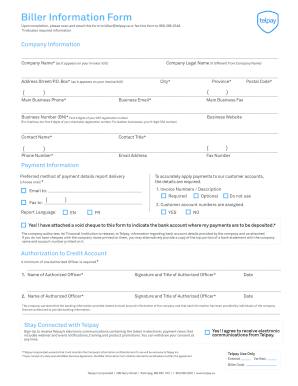
Biller Information Form - Telpay

Excellus reimbursement form
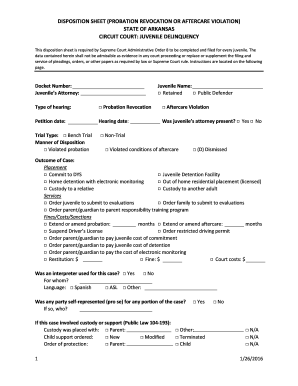
Arkansas probation revocation level u form
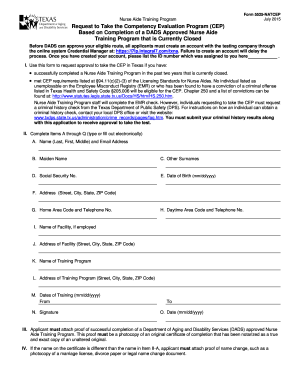
Nurse aide training program enrollment form

Nfa responsible person questionnaire
F23dpss

Fire department training report template
Traction plan
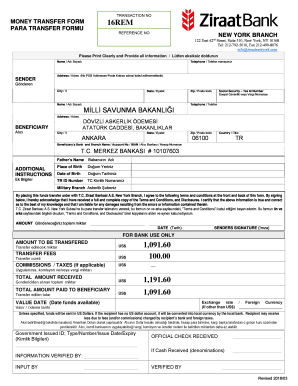
Bank transfer documents

Statement monthly income calculation
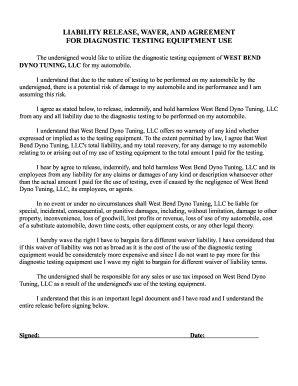
West Bend Dyno Tuning LLC Waiver
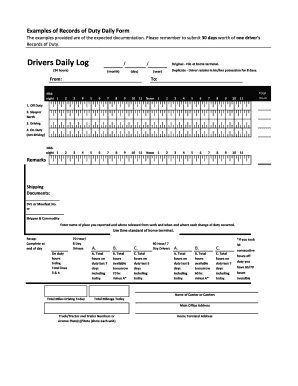
Examples of Records of Duty Daily Form

Minnesota eviction complaint
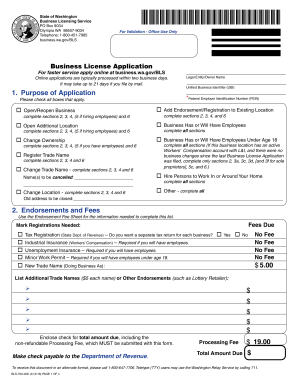
Washington business license
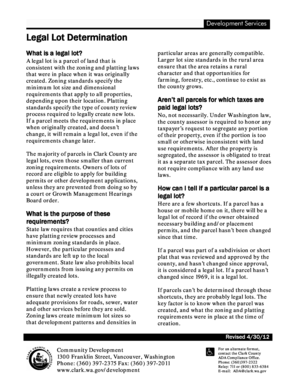
Legal lot determination
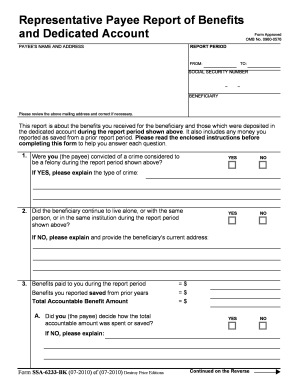
Ssi dedicated account
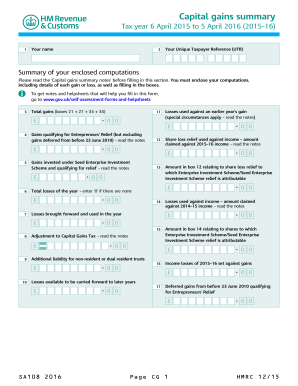
Capital Gains Summary 2016 Use the SA1082016 Capital Gains Summary supplementary pages to record your capital gains when filing a tax return for the year ended 5 April 2016
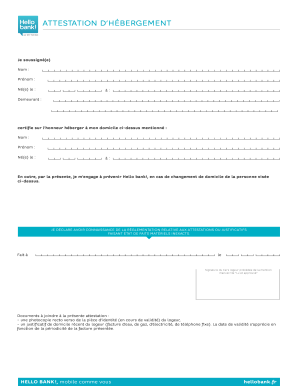
VOS JUSTIFICATIFS - Hello bank!

Vertical motion problems worksheet answer key
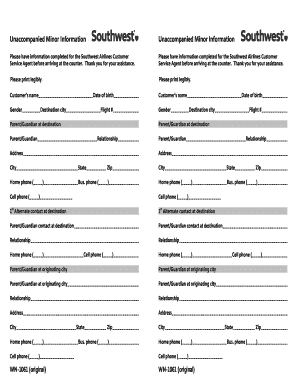
Southwest unaccompanied minor
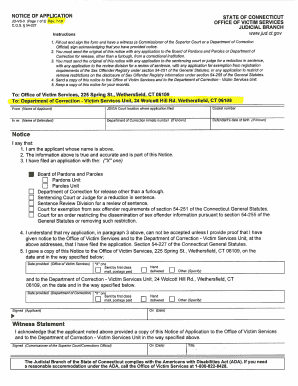
JD-VS-3 (Page 1 ot2) Rev - ct
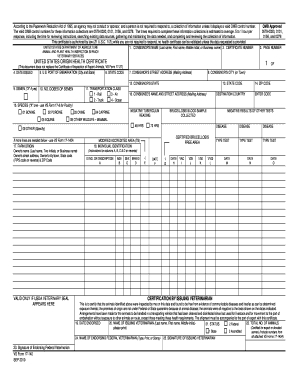
Usda origin health certificate
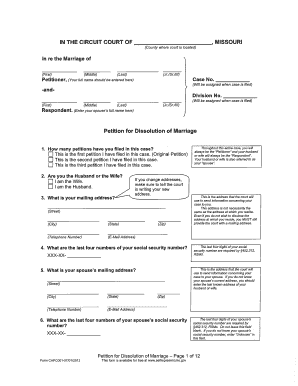
Form cafc001 2012

ABOVE GROUND - Texas Department of Insurance - tdi texas
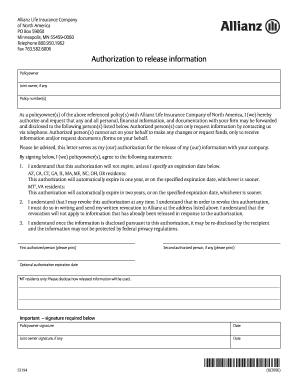
Allianz form s2194
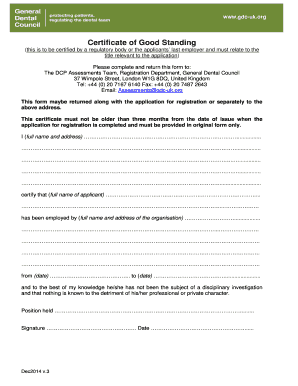
Application to be restored to the register - General Dental Council - gdc-uk

California diacetate template
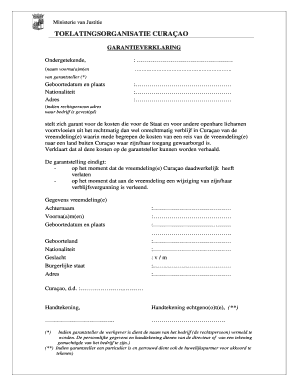
Garantieverklaring curacao
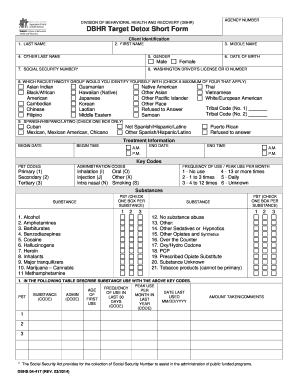
DBHR Target Detox Short Form - dshs wa
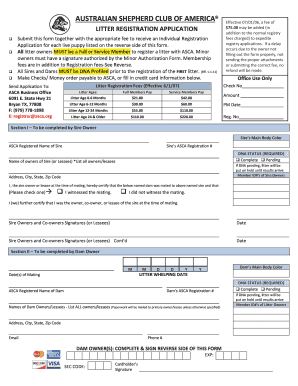
LITTER APPLICATION 011613 - asca

Cv 470 form

Rebgv member services
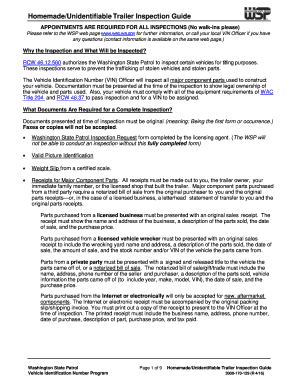
Washington trailer inspection
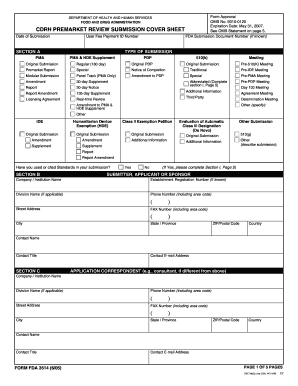
CDRH Premarket Review Submission Cover Sheet - RegInfo.gov - reginfo

Ts 12 form

Statutory declaration qld

Chp 556 form

Form a47
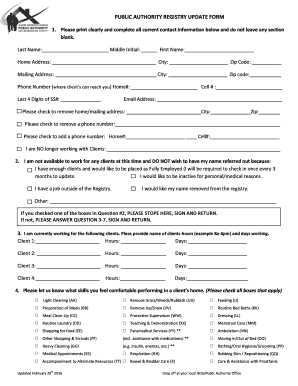
Ihss san bernardino

Compassionate finance application
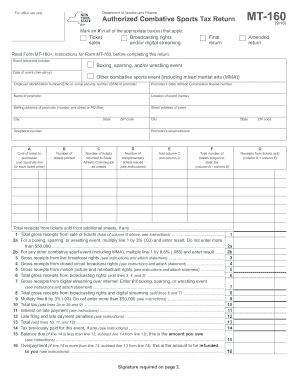
Mt 160

Form HUD - 9539 - portal hud
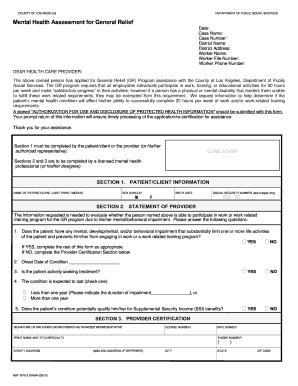
Abp 1676 3
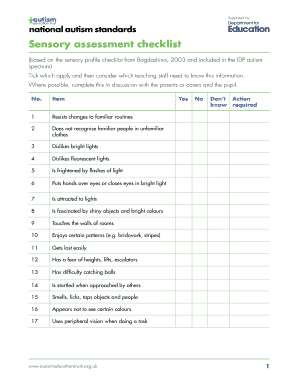
Sensory checklist aet
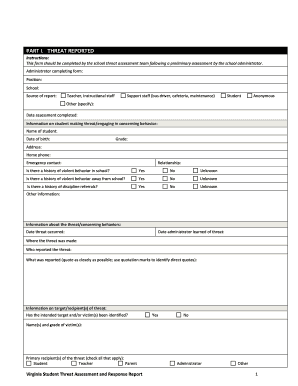
Virginia virginia

Letter of temporary guardianship
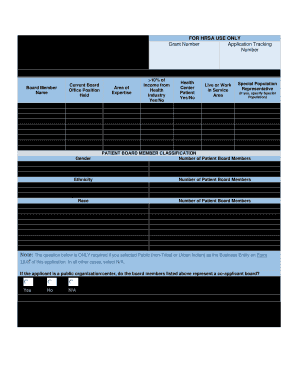
Hrsa form 6a fillable

57-1-13 Form of quitclaim deed -- Effect 1 A conveyance of land - le utah
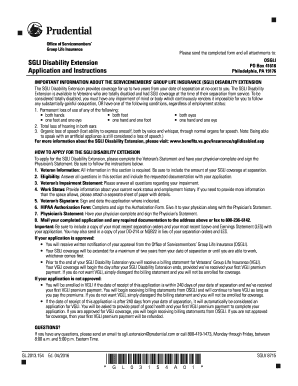
SGLI Disability Extension Application and Instructions - benefits va
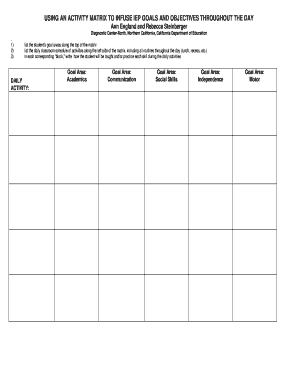
Activity Matrix Blank Form - CAPTAIN
Affidavit form pdf
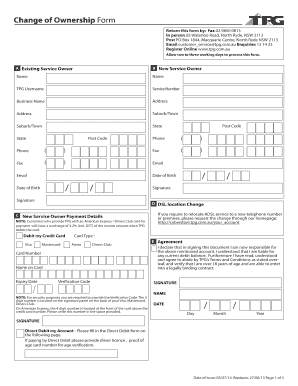
Tpg telecom 65 waterloo rd north ryde nsw 2113 australia

Filing Procedures for Corporations - Secretary of State - Georgia.gov - sos ga
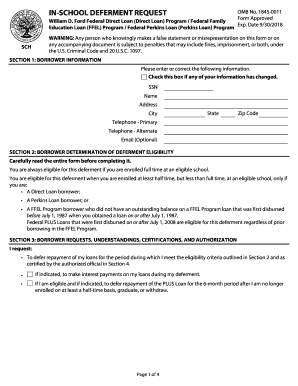
In school form
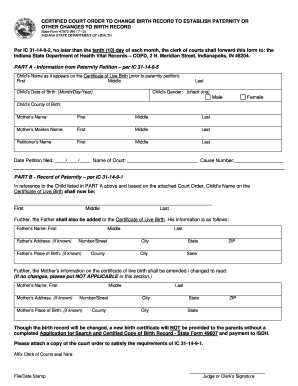
CERTIFIED COURT ORDER TO CHANGE BIRTH RECORD TO - forms in

Polynomial functions worksheets with answers pdf
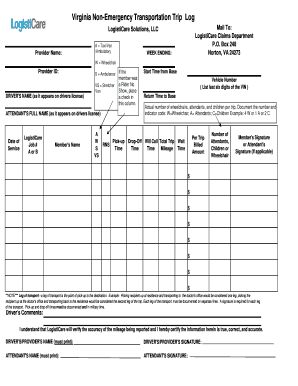
Virginia non emergency transportation log
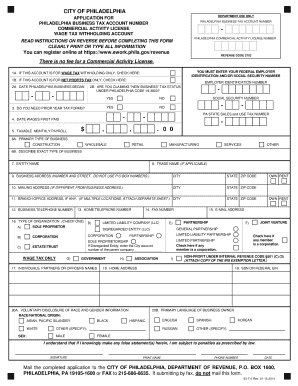
Philadelphia tax activity form
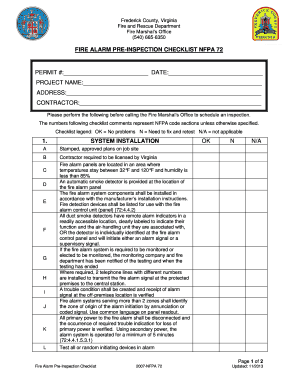
Nfpa 72

Consumer reporting
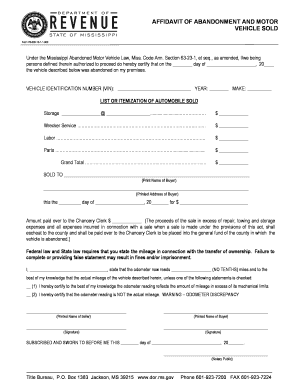
Affidavit of abandonment

Kansas referee workbook
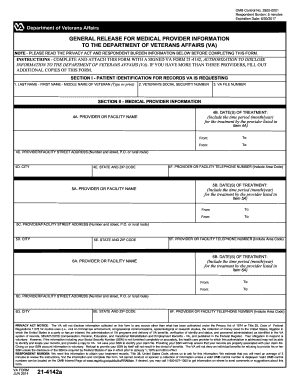
Va form 2142

Form 1295

Scottsmiraclegrorebates

Aa na attendance verification sheet

MONONA GROVE SOCCER CLUB TRYOUT WAIVER OF LIABILITY FORM
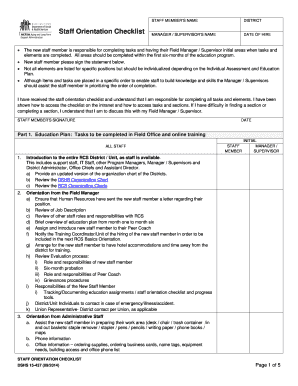
Dshs afh orientation checklist

Fax cover snohomish county
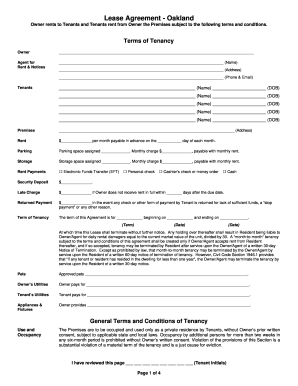
Month-to-Month Residential Rental Agreement 540 31st Street Oakland CA
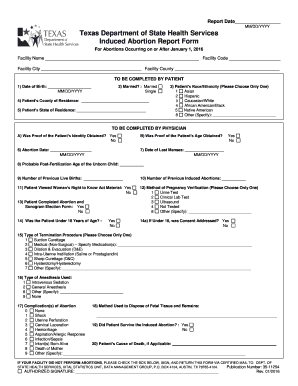
Texas induced abortion report form
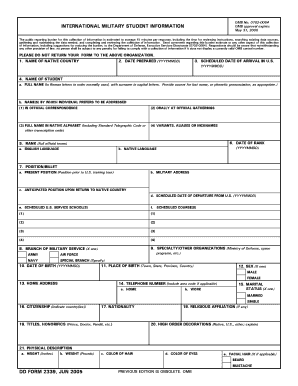
Dd 2339 international blank
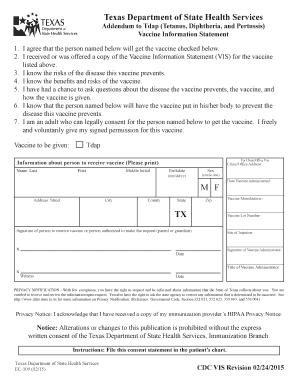
Tdap addendum
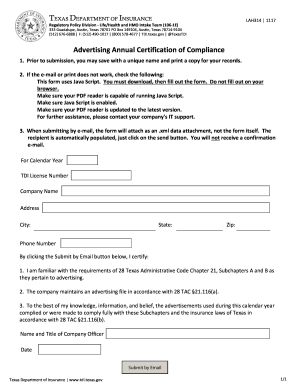
Texas advertising annual certification of compliance

Healthchoice oklahoma
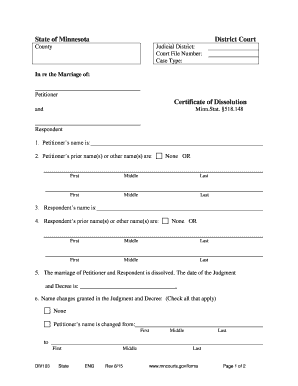
Minnesota civil cover sheet
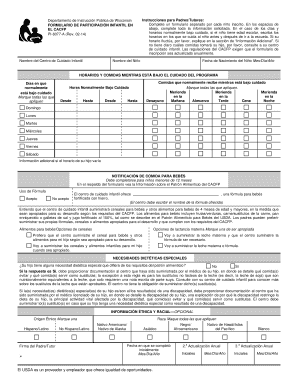
Departamento de Instruccin Pblica de Wisconsin - dpi wi

Cp261

Form vs 170
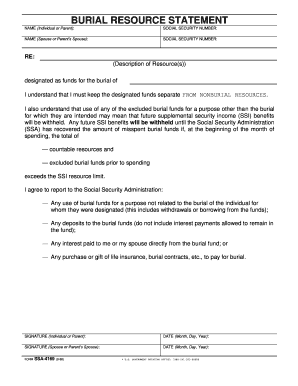
Ssa 4169
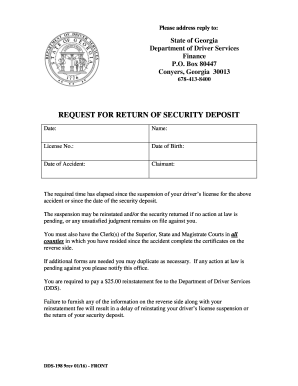
Georgia form security deposit

Garnishment letter
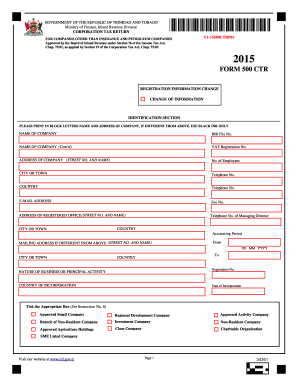
2015 - Ministry of Finance, Inland Revenue Division
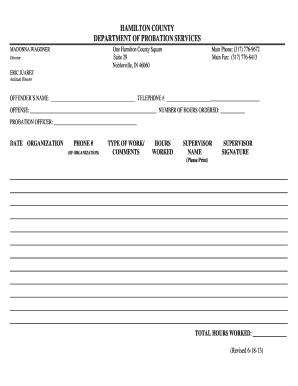
Community Service Time Log - Adult PDF - hamiltoncounty in

Ds 2032
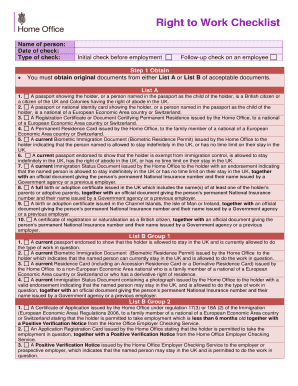
Right work checklist

Pregnancy health record
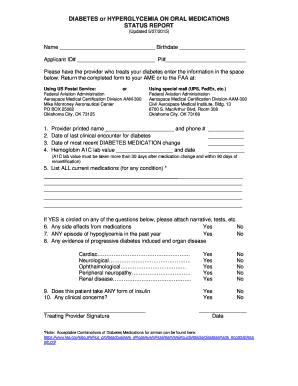
Fillable diabetes or hyperglycemia on oral medications status report updated 08 30 2017
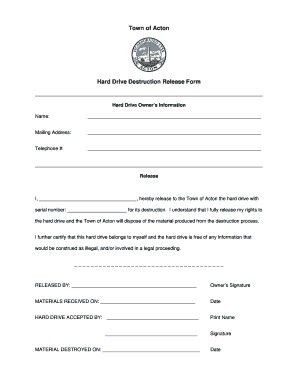
Town of Acton Hard Drive Destruction Release Form
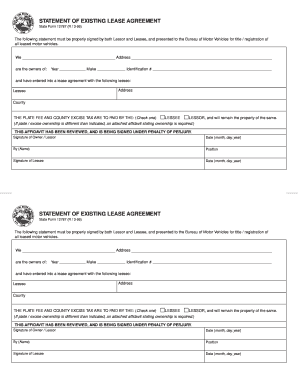
Statement of existing lease agreement
Benefit from the DocHub online library of fillable PDF forms
Searching the PDF forms doesn't have to be a tedious and time-consuming process. With the DocHub online library, it has become easier to find the fillable PDF forms and modify them in your browser. The service allows you to adjust the document to your needs using powerful editing tools.
You can use online document editing features to modify almost any type of document with ease. You just need to find the template of your choice, open it in the editor, and use the toolbar to make the necessary corrections.
Follow this guide to get your document done with DocHub:
- Find the PDF template you need.
- Click the Get Form button to open the file in the editor.
- Use the toolbar to fill out and edit the document.
- Easily add and highlight text, insert images, checkmarks, and symbols.
- Drop new fillable fields, and rearrange or delete pages from your file.
- Save changes and download your record.
DocHub empowers everyone to streamline document editing, signing, and distribution, and form completion. Create an account and benefit from our well-organized PDF Forms library and comprehensive editor.