
Get any PDF form from the DocHub library of ready-made templates - Page 1525
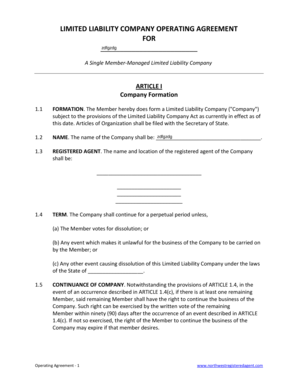
Registered agent company

Applicants worksheet - calguard ca
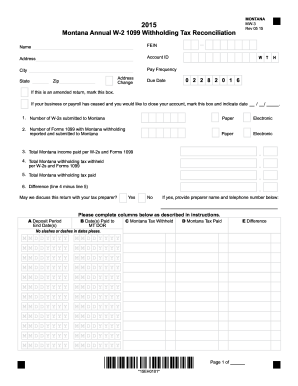
Form mw 3 2015
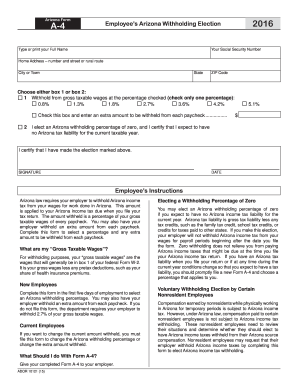
Arizona form a4DocHubcom 2016

Alc37

Ms farm tax affidavit

2015 Michigan Homestead Property Tax Credit Claim MI-1040CR. 2015 Michigan Homestead Property Tax Credit Claim MI-1040CR - michigan

Wht 436
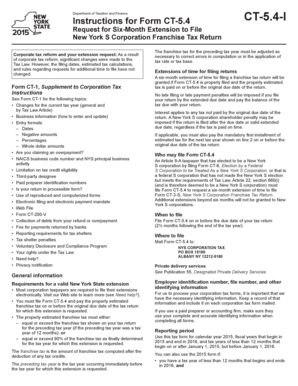
Form ct54

Oh 3 form

Utah plea form
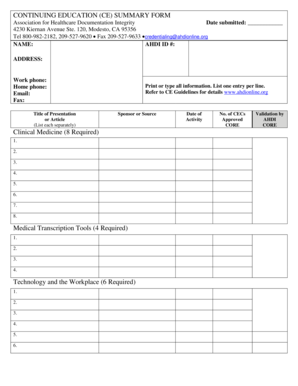
Ahdionline
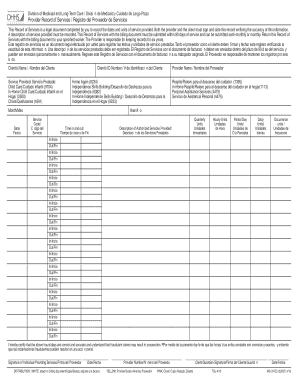
Provider bulletin

13-12A Medical Report Form DHR-FIA 500 - dhr maryland

(ACH) Direct Deposit of Wages - (L&I), Washington State - lni wa

Non liability form

Bcal 1326 cc

DPI-PA-30 - colorado
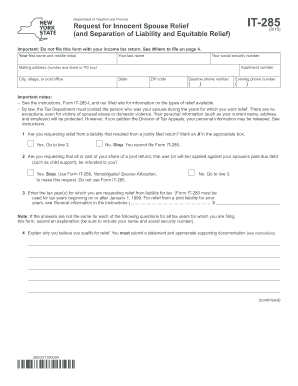
It 285

2016 ny form
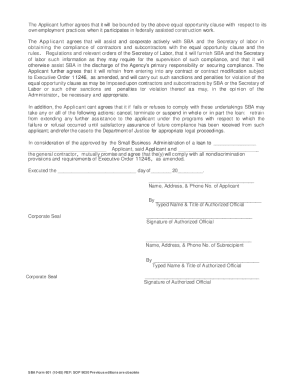
Sba agreement
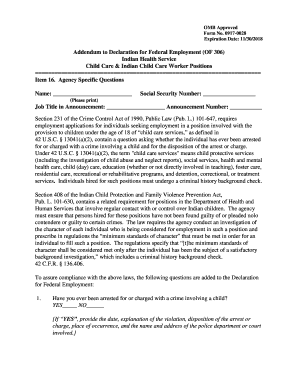
Omb of 306 declaration federal employment
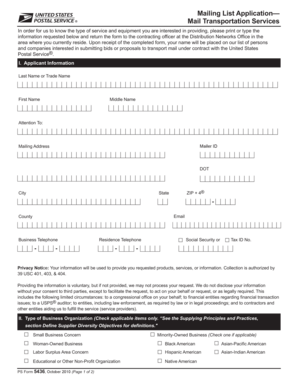
PS Form 5436 PDF
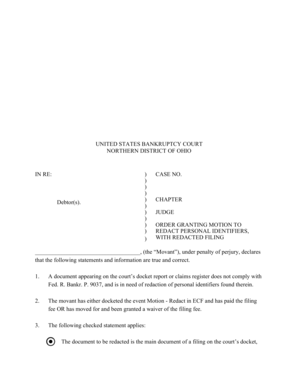
Motion to redact

Ut ex parte

Tc 96 159 form
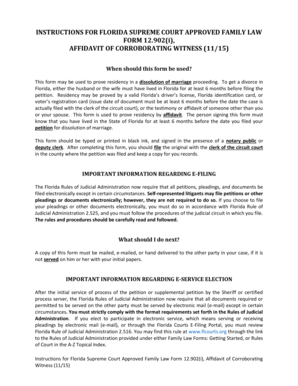
Florida form 12 902 i
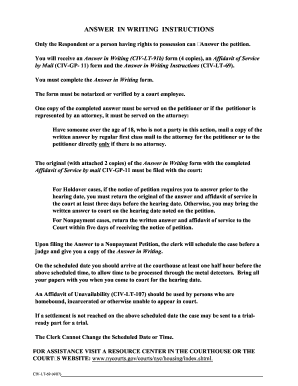
Nycourts gov prints
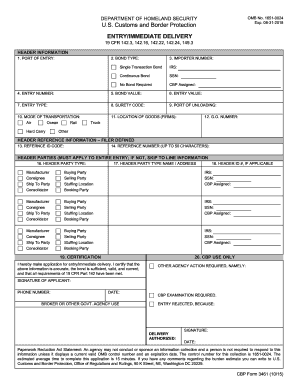
Cbp 3461 2015 form

Dshs attestation form

FTB 4803 (REV 07-2015) Head of Household Audit Letter TY 2014. Head of Household Audit Letter TY 2014 - ftb ca
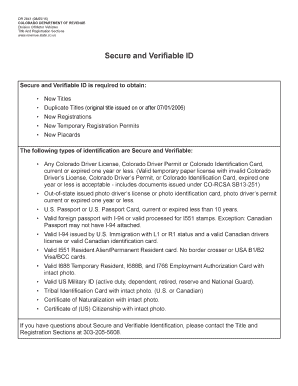
Dr2841
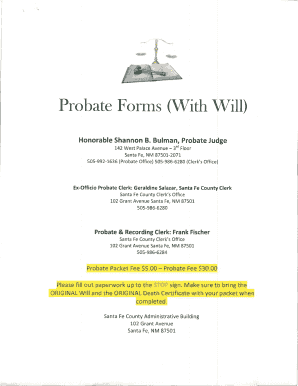
Nm probate forms with

Hypoglycemia Emergency Care Plan

Waiver of Confidentiality for Candidate for AliyahReturn to IsraelOlim

Place inside of your bbagb glisser dans votre bagage - bAir Canadab

740-V - Kentucky Electronic Payment Voucher - revenue ky
Prior Authorization File amp Submission Specifications
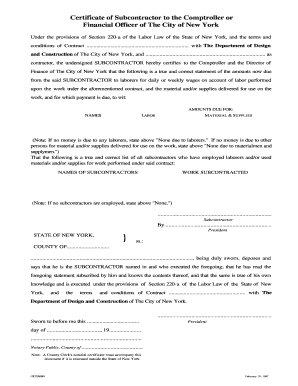
Subcontractor certificate format

MECH-3A - Constant-Volume Single-Zone Unitary AC and Heat - energy ca
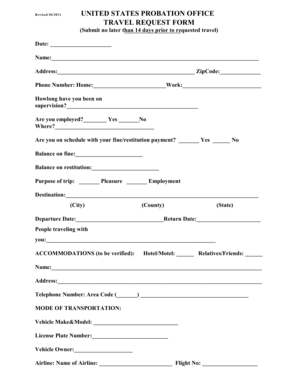
Travel request form federal probation

MECHANICS PUPIL TRANSPORTATION VEHICLE INSPECTION - education ne
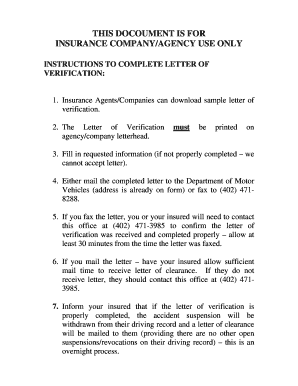
This docoument is for insurance companyagency use only

Propaganda fide application form

Ldss 3151 2015-2019 form
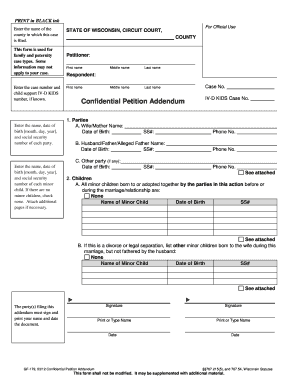
Confidential Petition Addendum - wicourts

Fillable form pdf geriatric depression scale
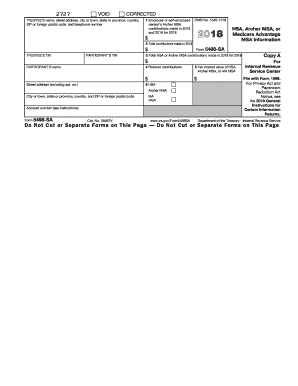
2016 5498 sa form
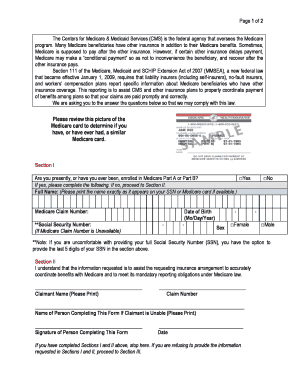
HICN, SSN Collection - NGHP Model Language - cms

Property Tax Payment Agreement Request - NYC.gov
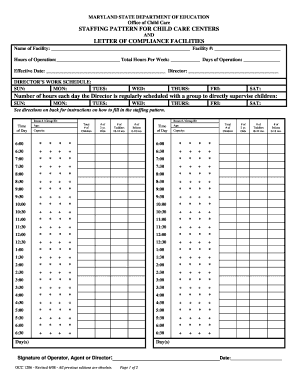
Occ 1206

San joaquin county transfer tax affidavit
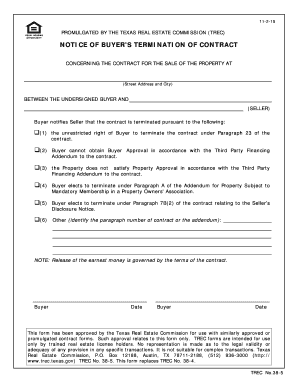
Notice of termination contract

NOTICE OF LEASE VIOLATION Tenant Name: Unit No: Date ...
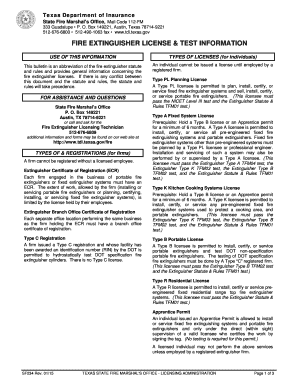
Tfm01 practice test

Bmv 5721
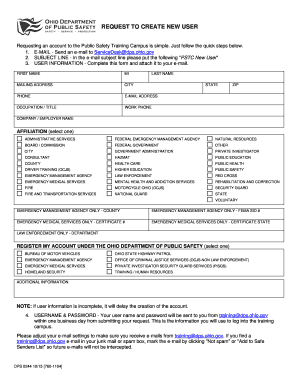
REQUEST TO CREATE NEW USER

Ics 203
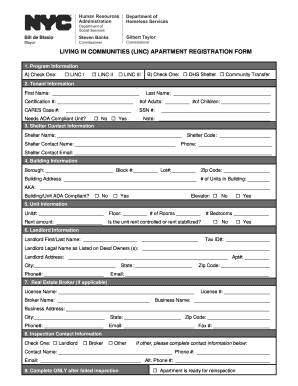
Linc apartment registration
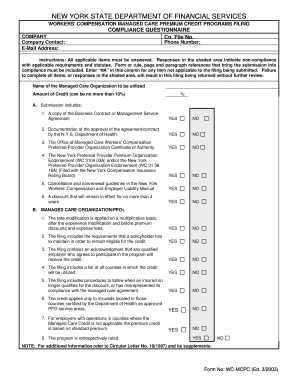
Workers compensation managed care premium credit programs - dfs ny
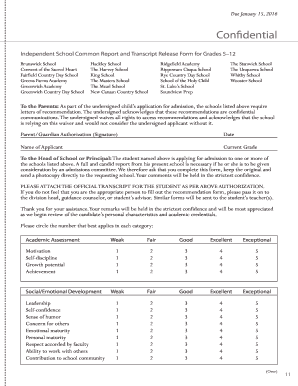
School reports pdf

Transcript Request Form - Hannibal-LaGrange University - hlg
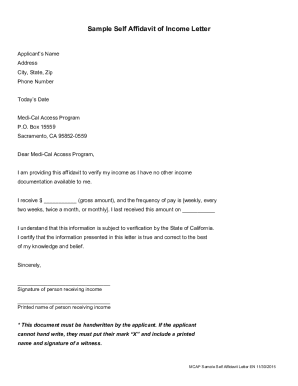
Self affidavit form
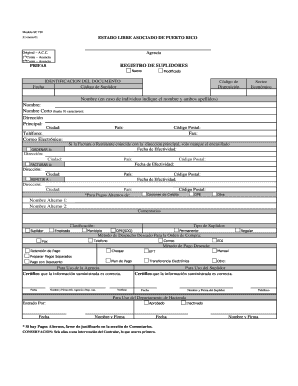
Sc 730
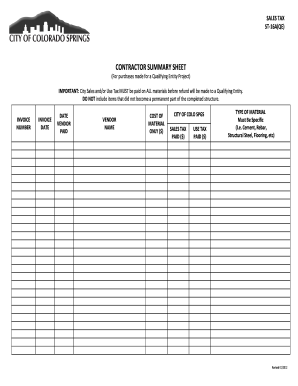
ST-16A(QE) - Colorado Springs
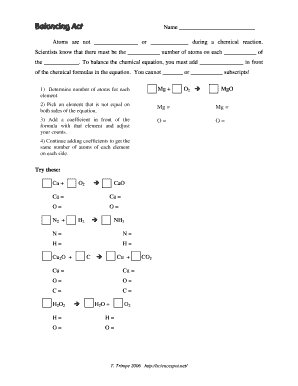
Balancing act science spot
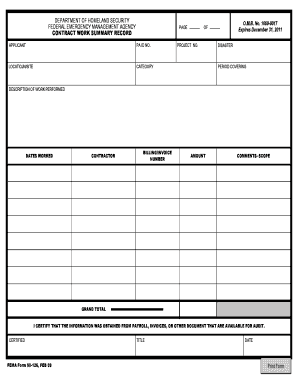
Contract work summary record

Tax form st 100 2015
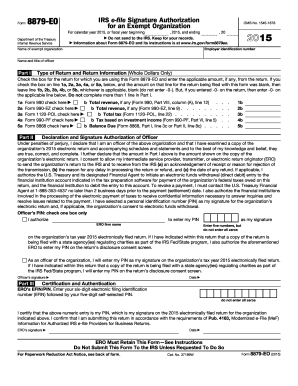
2015 8879 eo form
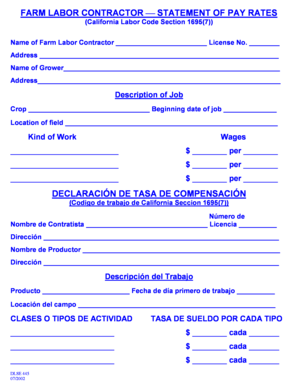
Dlse 445
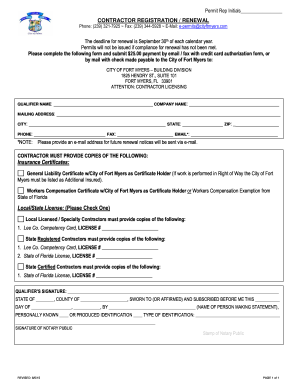
Contractor Registration or Renewal Form (PDF) - City of Fort Myers ...

2013 IN Form 35153
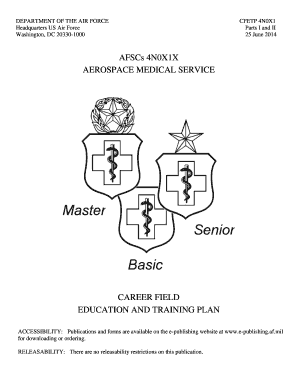
AFSCs 4N0X1X AEROSPACE MEDICAL SERVICE - U.S. Air Force

Fs 6300 20

Residential Tenancies Regulation 2010 Schedule 1 Standard Form Agreement (Clause 4(1))

Nursing Addendum to POC.doc

Borang imm 16a
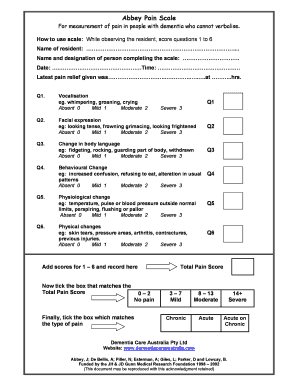
Abbey Pain Scaledoc

Contractual compliance agreement

Form ld 0274

Reading comprehension 3rd grade pdf
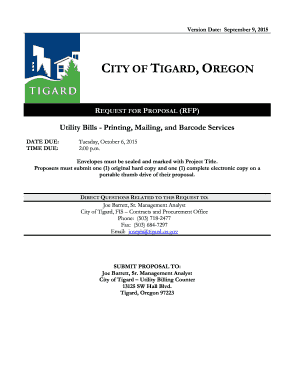
Utility Bill Mailing Services Utility Bill Mailing Services - tigard-or

Form cv 421
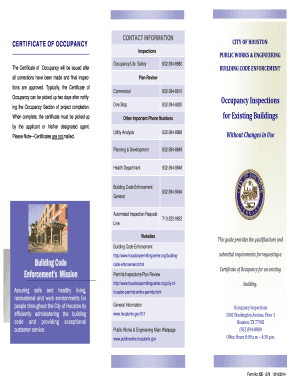
Form ce 1045
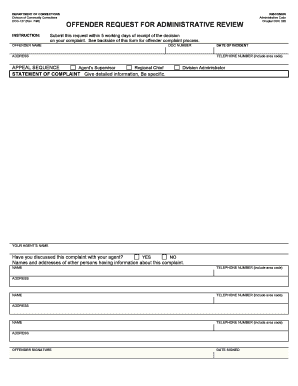
DOC-0127: Offender request for administrative review - Wisconsin ...

Ua form 3 postgraduate traning verifciation form
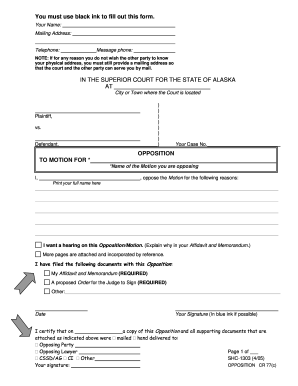
Cr77 form
Form cfda 945a

Work log
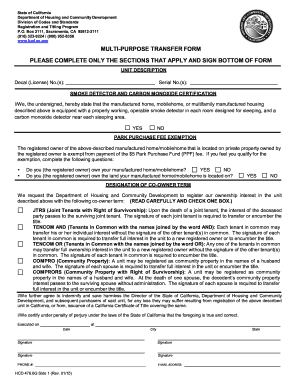
Hcd 476 6g 2015 form

Authorization to release immunization records
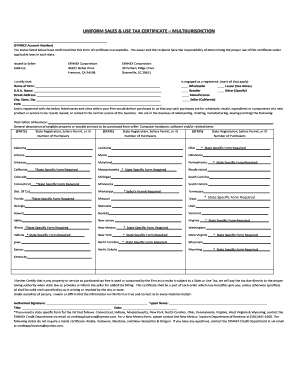
SYNNEX Corporation Multijurisdiction Resale Certificate 07-01-13pdf

Project close out documents

Dss 158
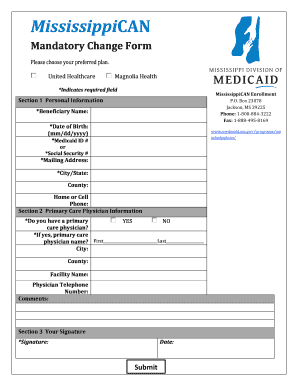
Mississippican enrollment
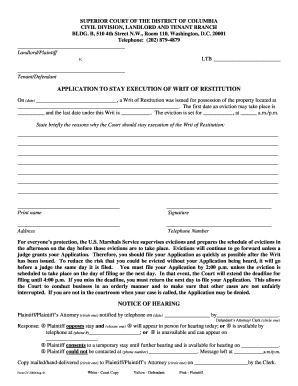
Application to dc
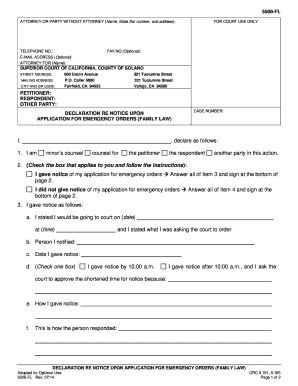
5006 fl county solano
Psat answer
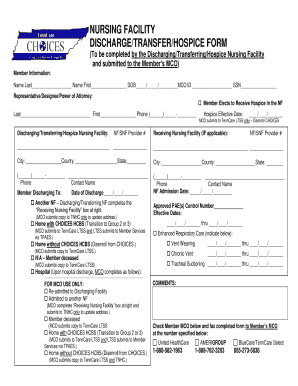
NURSING FACILITY DISCHARGE/TRANSFER/HOSPICE FORM - tn

12. FINAL PA_REQUEST_FORM
Benefit from the DocHub online library of fillable PDF forms
Searching the PDF forms doesn't have to be a tedious and time-consuming process. With the DocHub online library, it has become easier to find the fillable PDF forms and modify them in your browser. The service allows you to adjust the document to your needs using powerful editing tools.
You can use online document editing features to modify almost any type of document with ease. You just need to find the template of your choice, open it in the editor, and use the toolbar to make the necessary corrections.
Follow this guide to get your document done with DocHub:
- Find the PDF template you need.
- Click the Get Form button to open the file in the editor.
- Use the toolbar to fill out and edit the document.
- Easily add and highlight text, insert images, checkmarks, and symbols.
- Drop new fillable fields, and rearrange or delete pages from your file.
- Save changes and download your record.
DocHub empowers everyone to streamline document editing, signing, and distribution, and form completion. Create an account and benefit from our well-organized PDF Forms library and comprehensive editor.