
Get any PDF form from the DocHub library of ready-made templates - Page 1522

This sweet smooth food comes in many different flavors
Employee Direct Deposit Enrollment Form
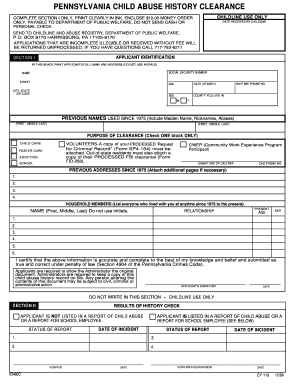
Pa child abuse clearance DocHub
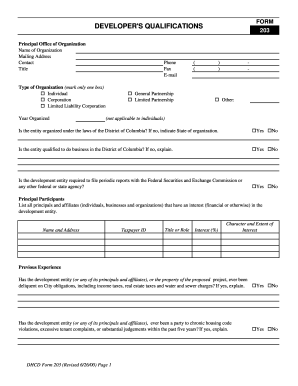
3 - Form 203A - Developer's Qualifications - dhcd dc
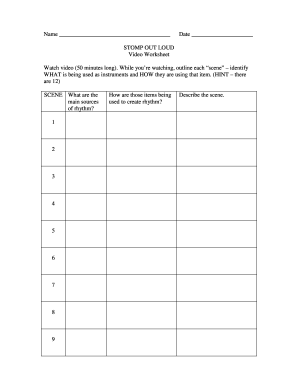
Stomp out loud worksheet answers key
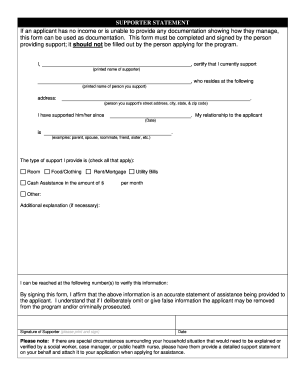
Supporter statement
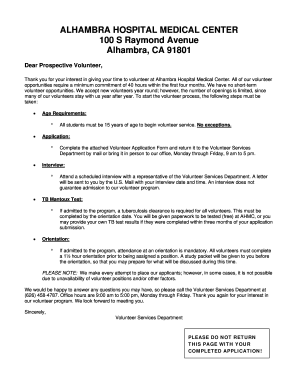
Alhambra hospital volunteer
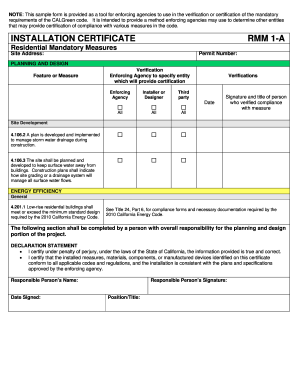
Installation certificate rmm 1-a - California Department of Housing ... - hcd ca
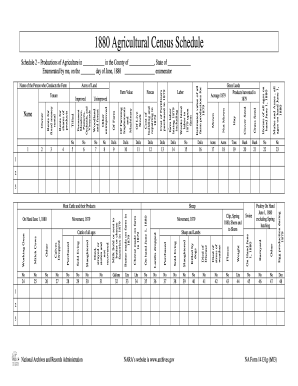
Genealogy forms
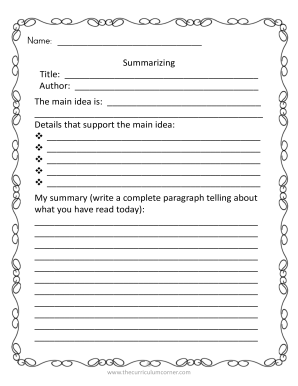
Slplit pdf file
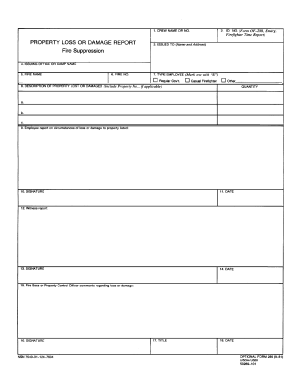
Damage report
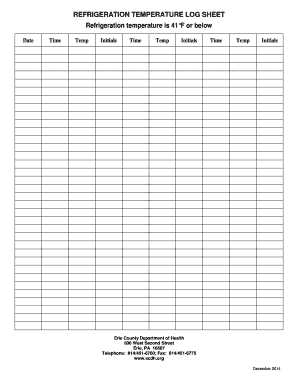
Refrigerant log sheet pdf
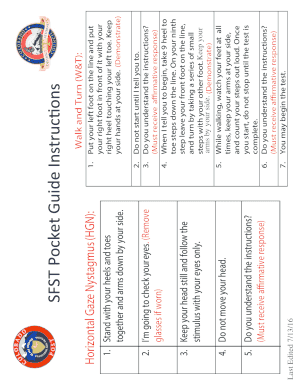
Nhtsa sfst pocket card

IRD number application - resident individual - Inland Revenue - ird govt

Bg lein management
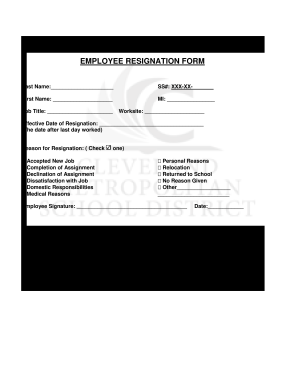
Resigned form
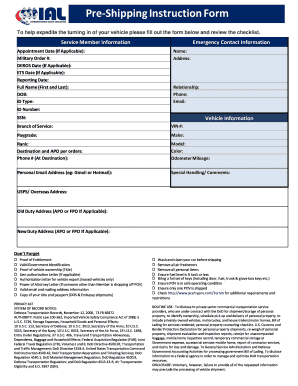
Shipping instruction form

Ryerson cover
Ejemplo de llenado de solicitud de transferencia de semanas imss
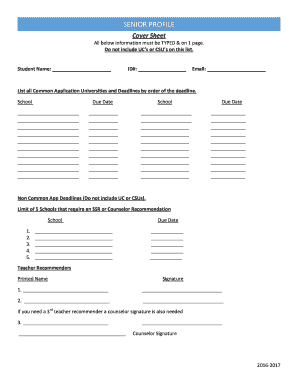
Msjhs senior profile
Saiia editable
Lead activity form
Bace diary

Doh 4496es
Debit uk

Tss security job application form
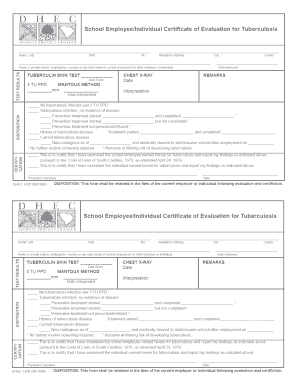
Dhec form 1420
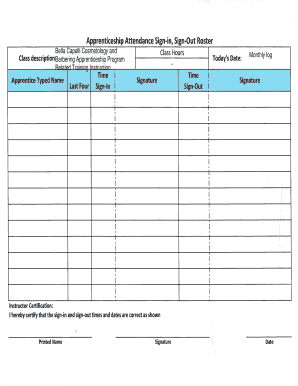
Signin signout roster
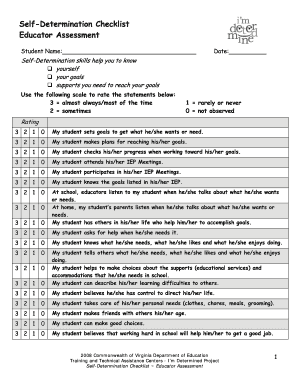
Self-Determination Checklist
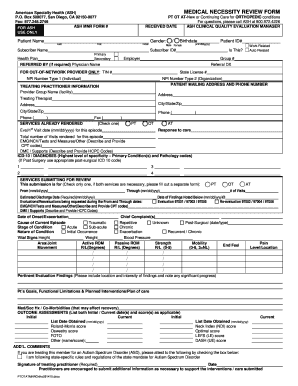
Ptotatmnrortho091415
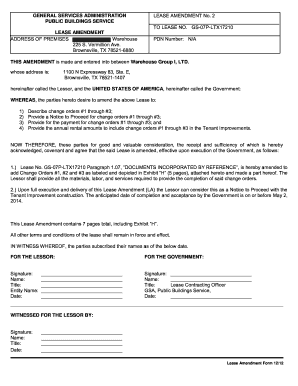
How to amend a lease agreement
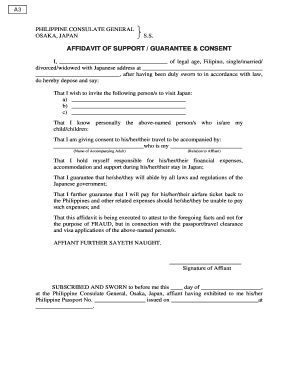
Philippines help form pdf

Public swimming pool monthly operation report
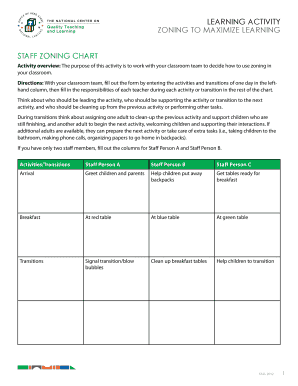
Zoning to maximize learning

Oshpd functional program

Your USANA Business Workbook

Dl26 form

EATING HABITS QUESTIONNAIRE

PRE-MASTERS PRACTICUM FORM Name of Applicant ... - mass
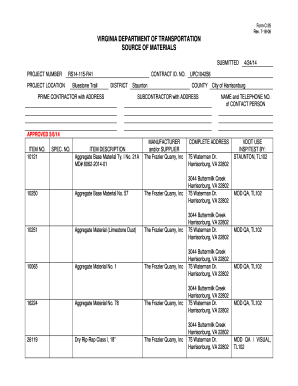
Vdot form c 25
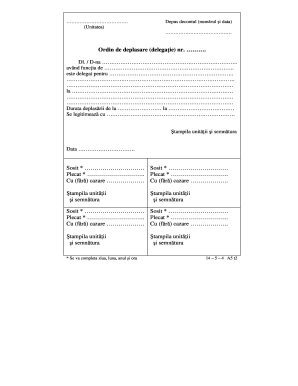
Ordin de deplasare excel

Kwl chart for elementary
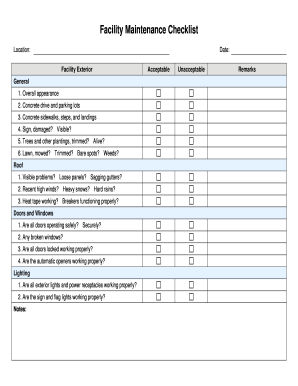
Facility Maintenance Checklist - transportation nebraska
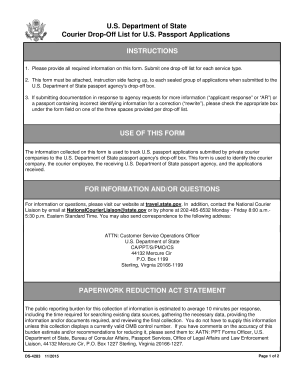
DS-4283, Courier Drop Off List - reginfo
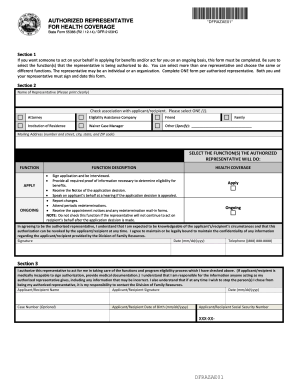
State forms
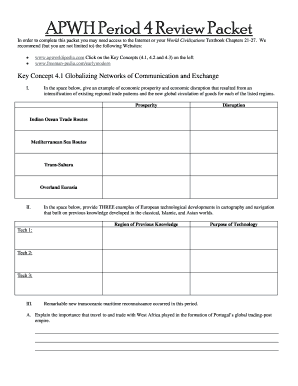
Apwh review packet
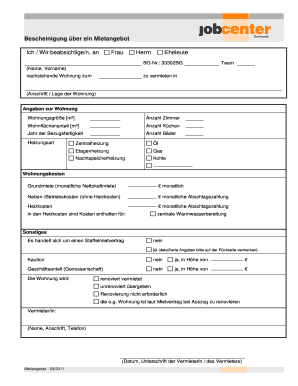
Mietangebot jobcenter

Vmb biennial drug log beginning of business
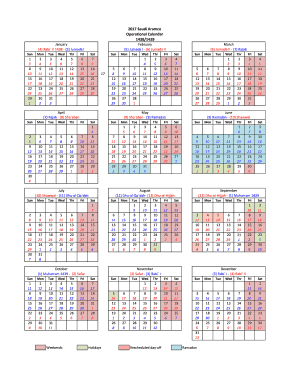
Aramco calendar 2022
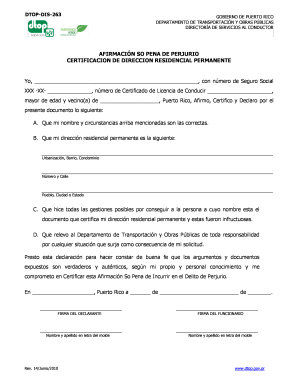
Dtop dis 356
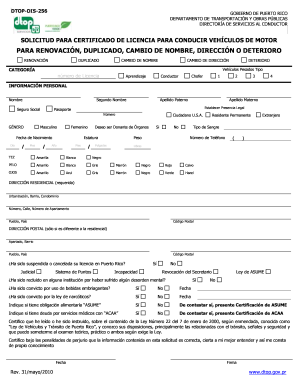
Dtop dis 352
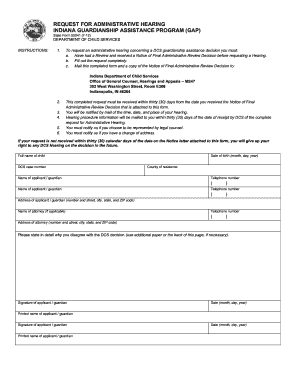
Motion for hearing indiana form
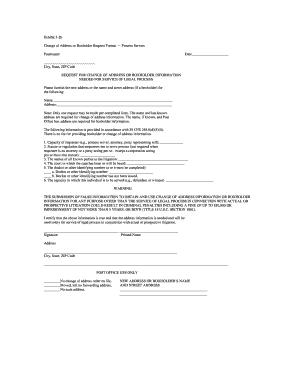
Exhibit 5 2b
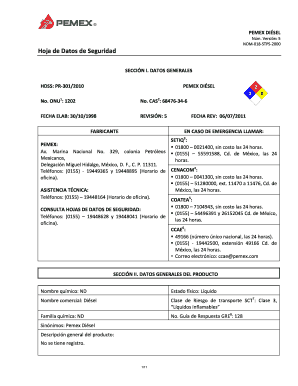
PEMEX DI SEL
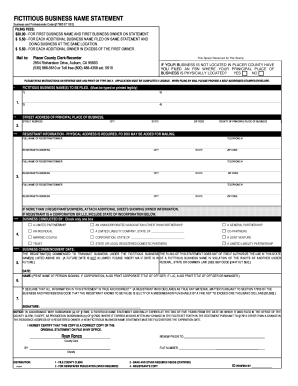
Placer county fictitious business name search
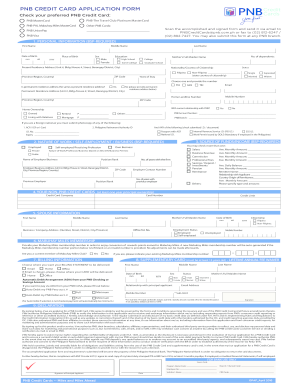
Pnb credit card application form pdf
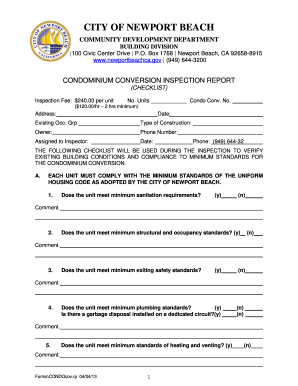
Special Inspection Report (Example)
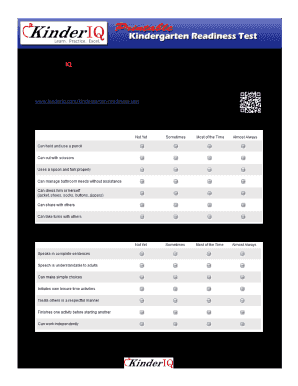
Kinderiq
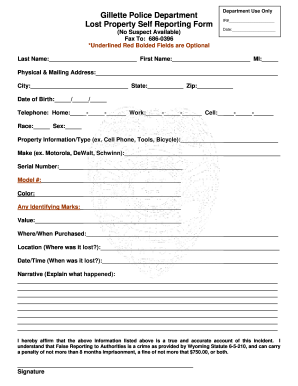
Self reporting form
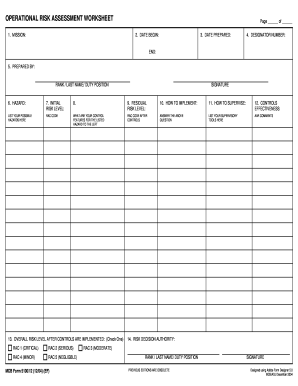
Mcb form 5100 12 fillable

AGENDA STATE BOARD OF EDUCATION University of Tennessee ... - tn
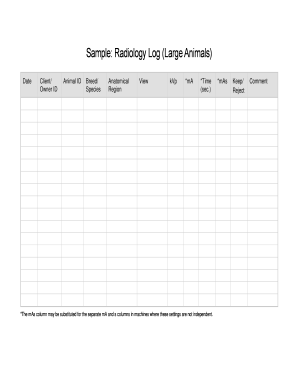
Sample: Radiology Log (Large Animals) - cvo
Veterinary radiology log
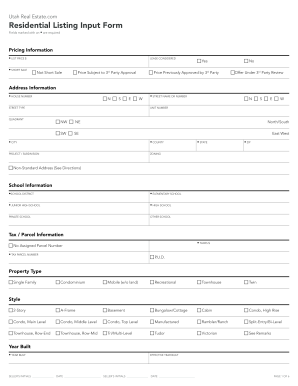
Residential listing input form
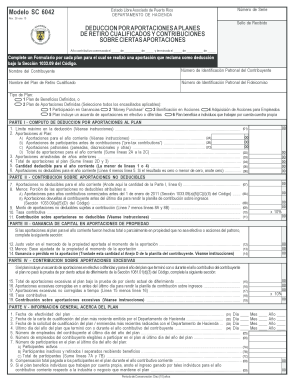
Sc 6042
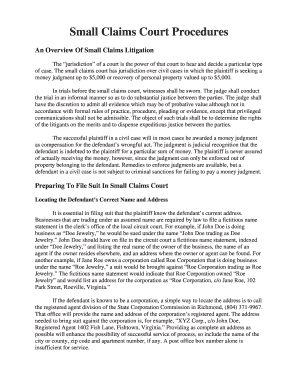
Virginia court procedures
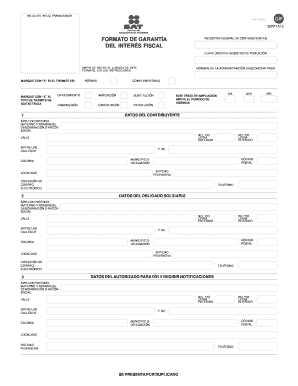
Interes fiscal

Delega per il rilascio di certificati a terze persone word
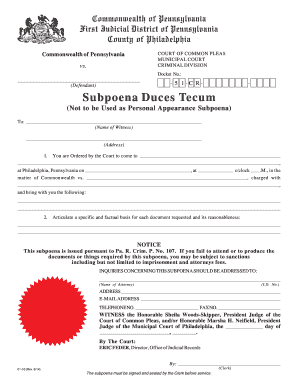
5 1-C R-

Certificate dogs cats

Nj refunding bond
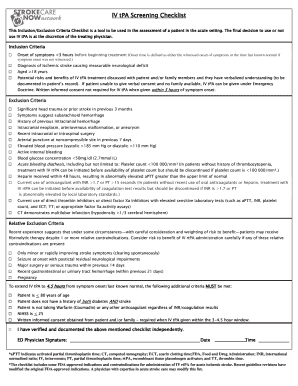
Tpa checklist
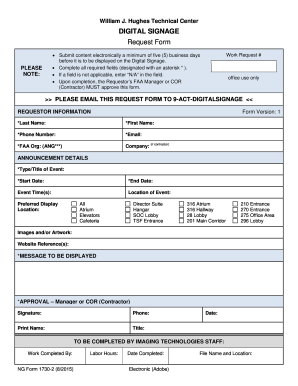
WJHTC Digital Signage Request Form - faa
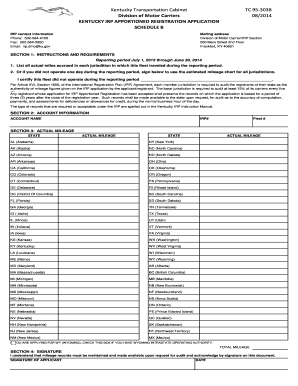
Kentucky irp
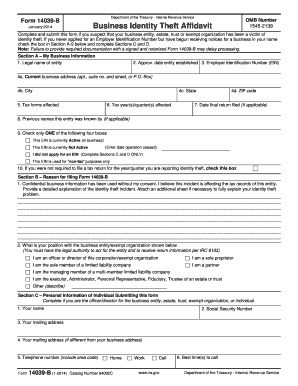
Irs 14039 b

Fillable online dma 3050r fax email print
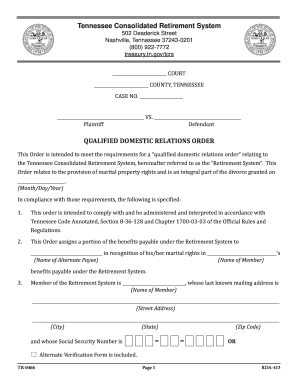
Rda qualified domestic system online
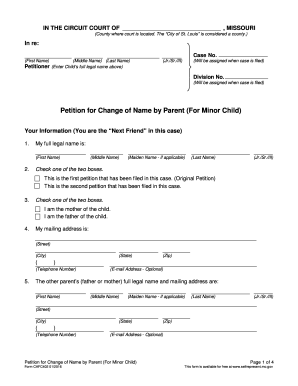
CAFC402-ChildsNameChangePetition-v01.doc
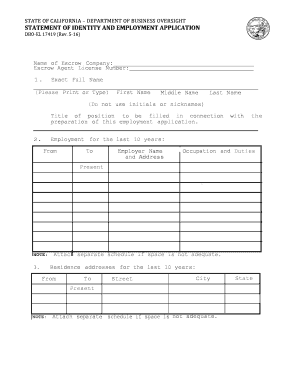
DBO-EL 17419 - Statement of Identity and Employment Application
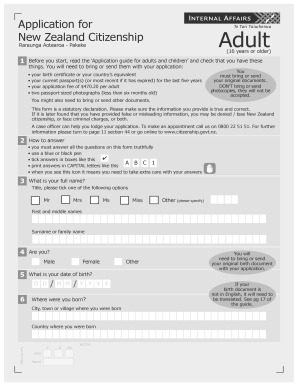
New zealand citizen application

Simple Site Erosion Control Requirements Form - The City of ...
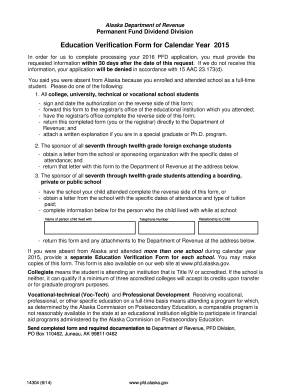
Pfd education verification form
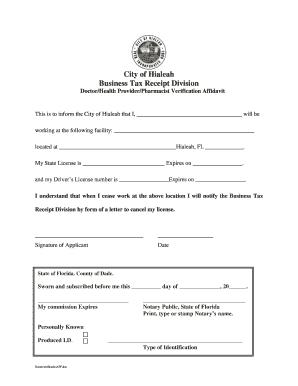
Doctor Verification Affidavit
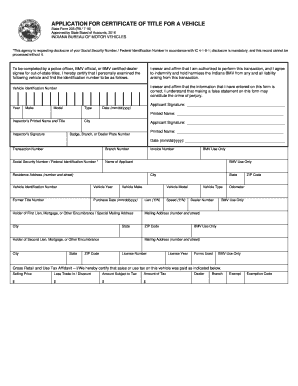
Of title 205 form
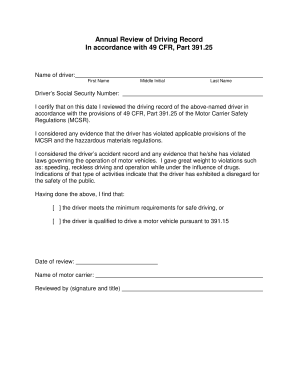
Annual Review of Driving Record In accordance with 49 CFR, Part ... - wutc wa
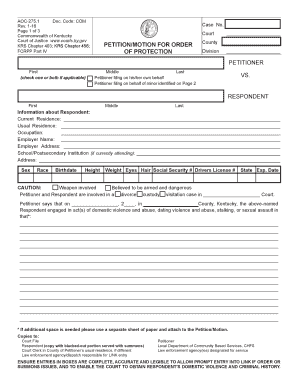
Ky petition order
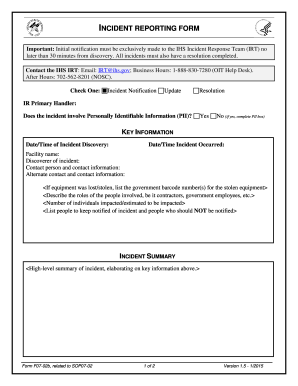
Initial Incident Response Form. Form for Initial Incident Response Report - ihs
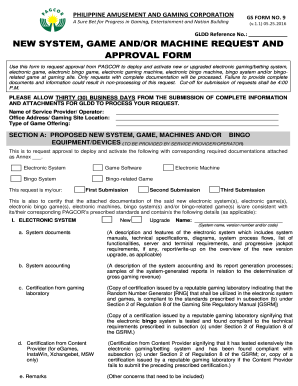
NEW SYSTEM, GAME AND/OR MACHINE REQUEST AND ... - Pagcor
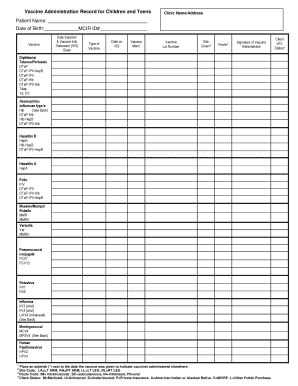
Vaccine Administration Record for Children and Teens Vaccine Administration Record for Children and Teens - michigan

Affidavit of relationship kansas
Opt77 download

Voe authorization form
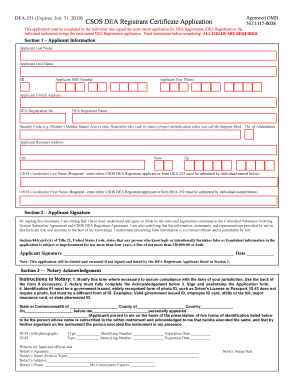
Deaecom

Application - Oregon State Parks - oregonstateparks
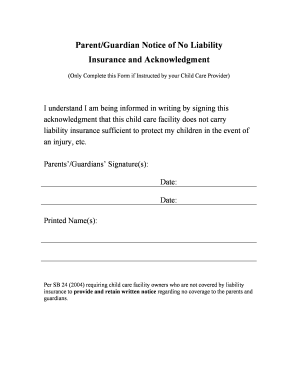
No Liability Signature Form - decal ga
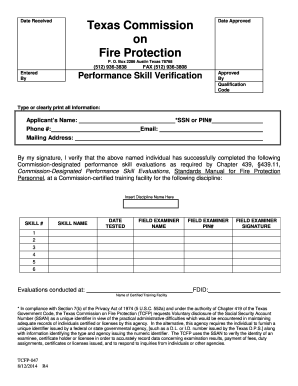
Texas verification
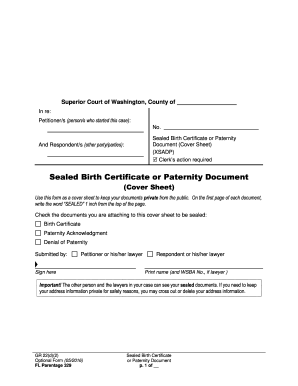
Washington sealed

Solicitud inscripcion
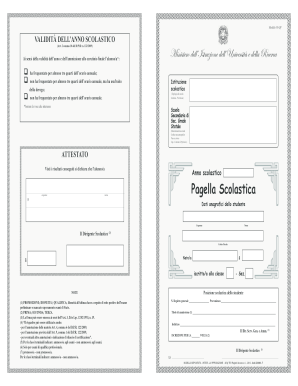
Pagella scolastica pdf
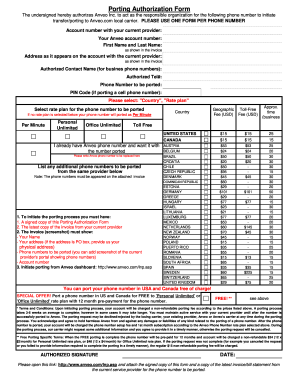
Porting form
Benefit from the DocHub online library of fillable PDF forms
Searching the PDF forms doesn't have to be a tedious and time-consuming process. With the DocHub online library, it has become easier to find the fillable PDF forms and modify them in your browser. The service allows you to adjust the document to your needs using powerful editing tools.
You can use online document editing features to modify almost any type of document with ease. You just need to find the template of your choice, open it in the editor, and use the toolbar to make the necessary corrections.
Follow this guide to get your document done with DocHub:
- Find the PDF template you need.
- Click the Get Form button to open the file in the editor.
- Use the toolbar to fill out and edit the document.
- Easily add and highlight text, insert images, checkmarks, and symbols.
- Drop new fillable fields, and rearrange or delete pages from your file.
- Save changes and download your record.
DocHub empowers everyone to streamline document editing, signing, and distribution, and form completion. Create an account and benefit from our well-organized PDF Forms library and comprehensive editor.