
Get any PDF form from the DocHub library of ready-made templates - Page 1524

Registration application for lasers - dshs texas

OHA 9328 Medical Marijuana Transfer Authorization OHA 9328 Medical Marijuana Transfer Authorization - oregon
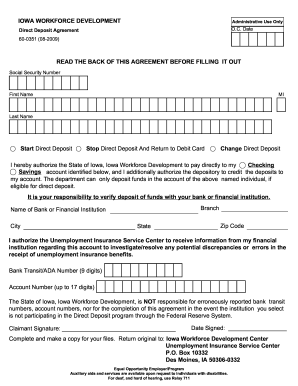
Iowa deposit agreement

Application for U-Drive-It - transportation ky

Nv sheet douglas county
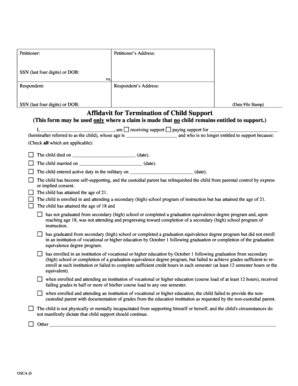
Child support mo

Iowa form physician

Annual smoke alarm inspection test report
Make a fire evacuation plan online

Fr900q
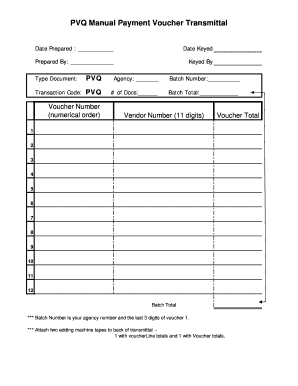
Alabama pvq comptroller

Loss report online report
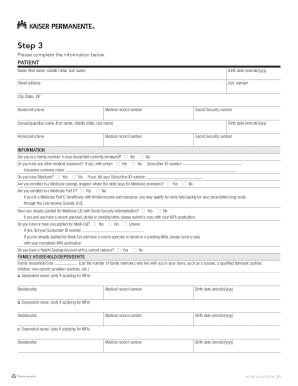
Kaiser permanente mfa
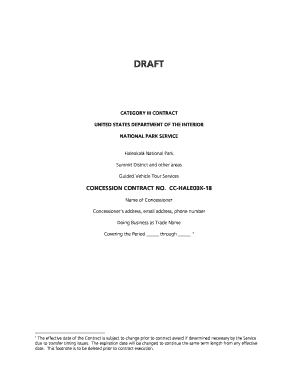
18 draft nps make

Personal recommendation cruz sample
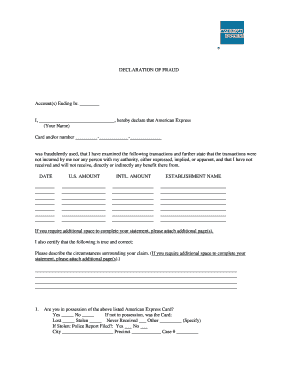
DECLARATION OF FRAUD

Chart Audit Tool Chart Audit - doh wa
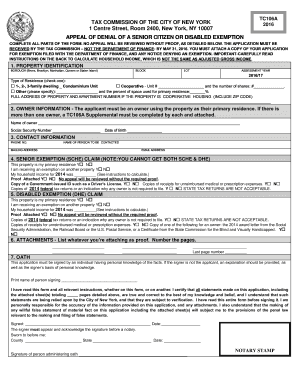
Tc106a form
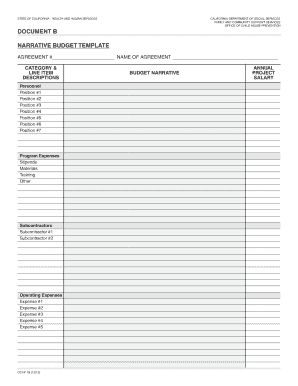
Document B Narrative Budget Template and Detail Budget Template - cdss ca

Hawaii application treatment
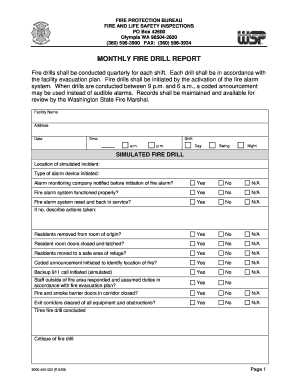
Fire drill report
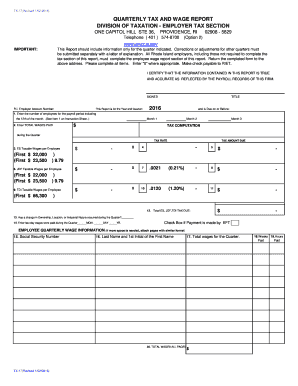
Quarterly tax and wage report division of taxation - employer tax...
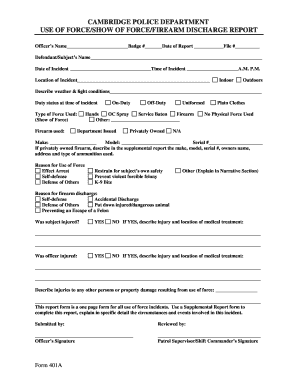
Use of Force Form - cambridgema

- oregon
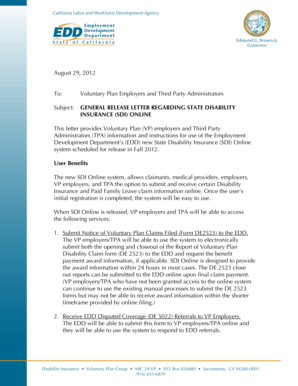
Edd award letter

Form 4c backsheet

Form f 00344
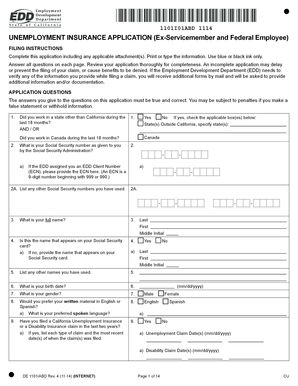
Unemployment Insurance Application Ex-Servicemember and Federal Employee DE 1101IABD - edd ca
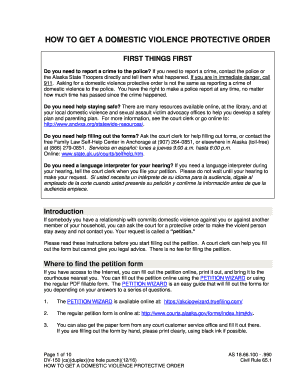
Alaska protective order
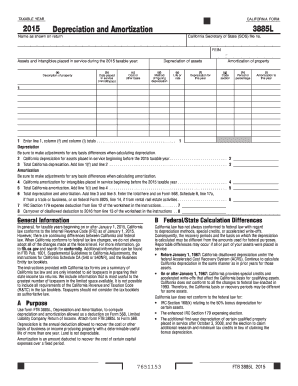
2015 Form 3885L -- Depreciation and Amortization - ftb ca

Yerington paiute tribe

Release information arizona
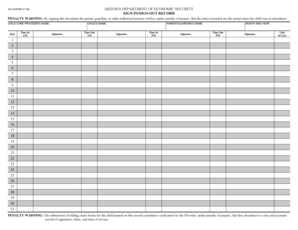
Arizona department of economic security sign-insign-out record 1 2
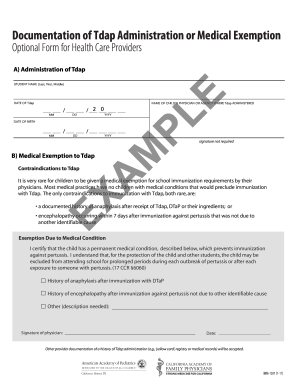
Tdap documentation form
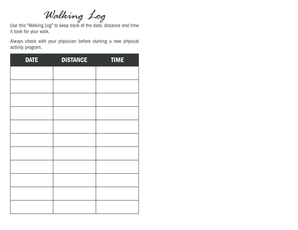
Walking log pdf
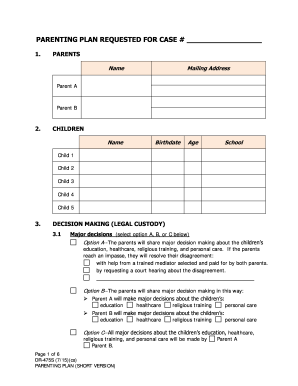
DR-475S Parenting Plan Short Version 7-15 Fill-in Domestic Relations Forms
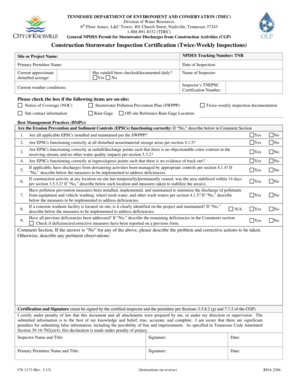
Tdec inspection form

Drill log form
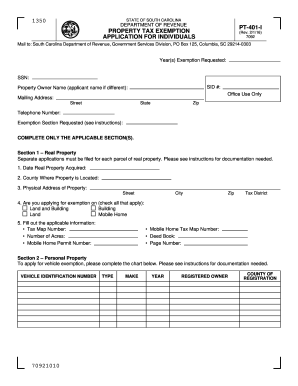
PT-401I
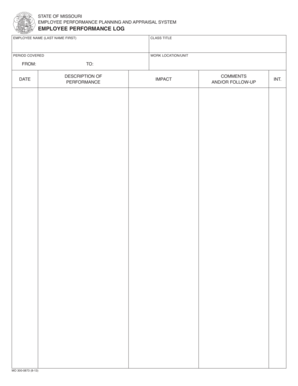
Employee performance log

Ttb instructions
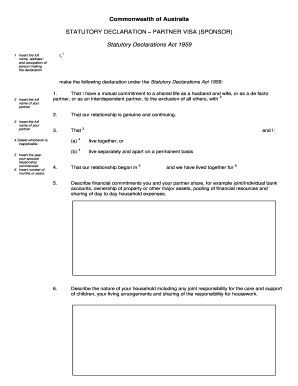
STATUTORY DECLARATION PARTNER VISA (SPONSOR)

Back rhyming words
DHFC Guidelines Manual pdf - scdhec
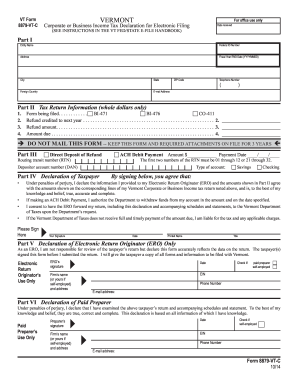
8879 vt c
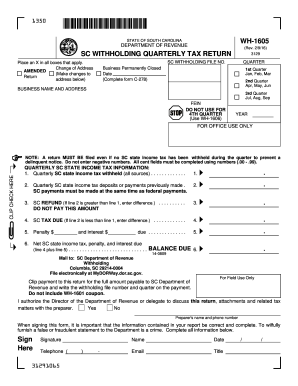
Sc wh 1605 2016 form

333 west pershing road
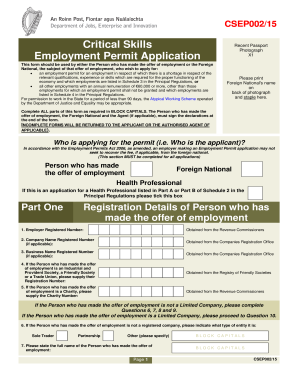
Critical skills permit application form

No Administrator Affidavit - ok

Iowa report child form

PG&E - cpuc ca

LAT 5 Inventory, Merchandise, Etc.. Louisiana Tax Commission
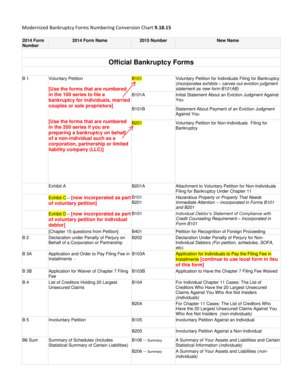
Official form 101
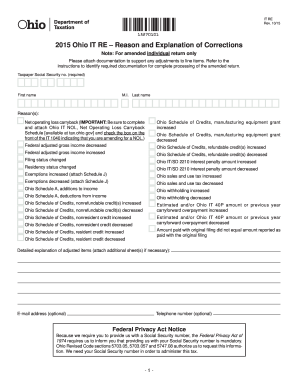
- tax ohio

Ny wcs worker compensation

Next of kin affidavit
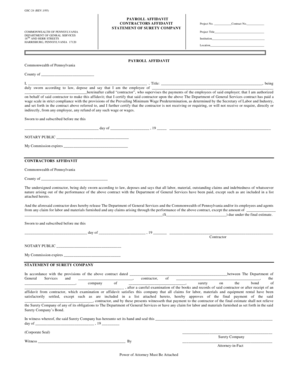
Gsc 24
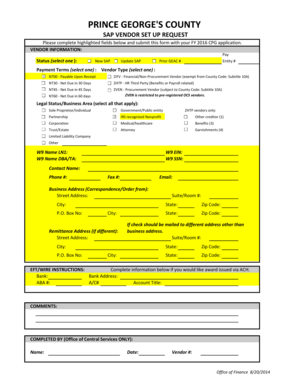
SAP VENDOR SET UP REQUEST - princegeorgescountymd

2015 form 109
Menards rebate form
Oes 622 work search form printable
Surviving spouse

Utah motion stay judgment
3400 b
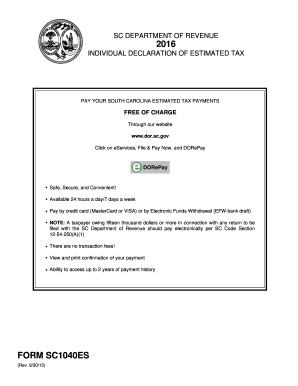
Sc form estimated 2016
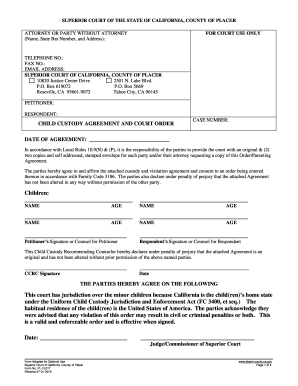
PL-FL017 - placer courts ca

Wv it 140 2015 form

California adjustments nonresidents or part year residents
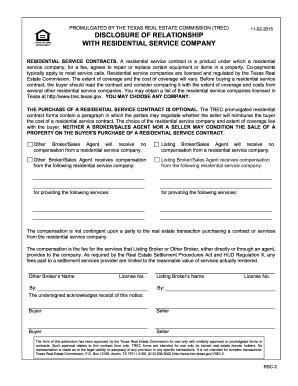
Relationship contract
Csd001 p

I485 application 2015 form
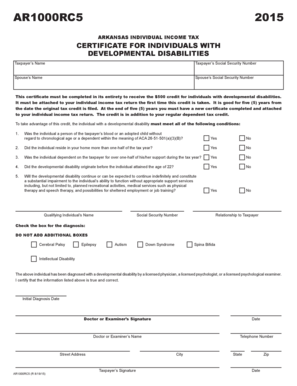
Ar1000rc5 2015 form
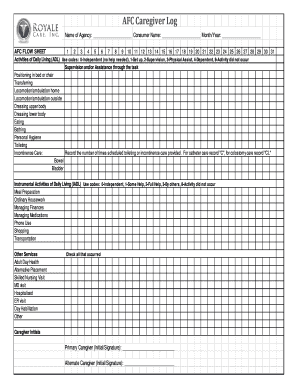
AFC Caregiver Log Name of Agency: Consumer Name: Month/Year: AFC FLOW SHEET 1 2 3 4 5 6 7 8 9 10 11 12 13 14 15 16 17 18 19 20 21 22 23 24 25 26 27 28 29 30 31 Activities of Daily Living (ADL) Use codes: 0Independent (no help needed), 1Set up, 2Super

55 pa code 2600 132 d
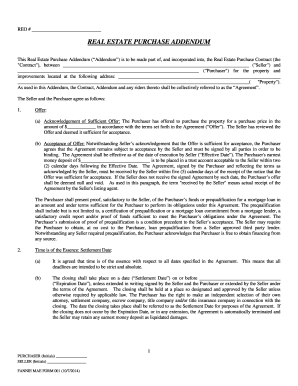
Mae real addendum
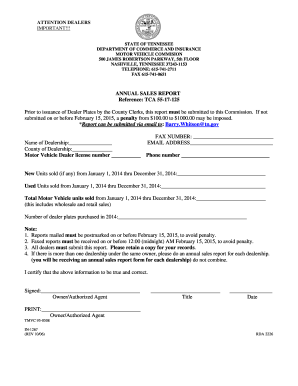
Annual sales report tennessee
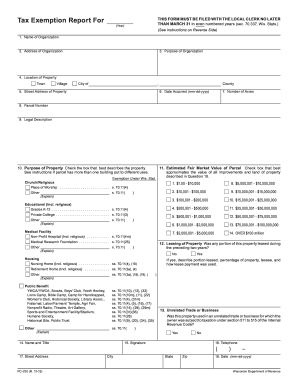
Form PC-220 - revenue wi
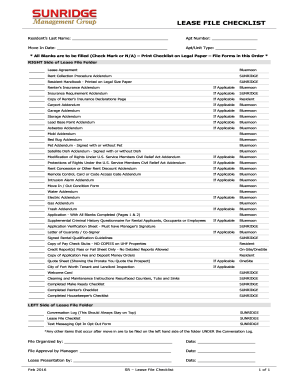
Lease file checklist

Who killed derek hill
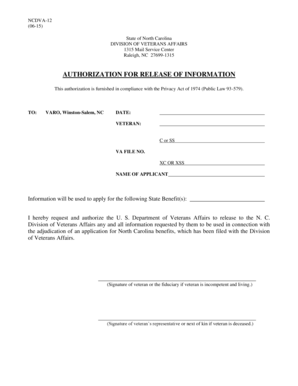
DIVISION OF VETERANS AFFAIRS - doa nc

State of Minnesota District Court Judicial District: Court File Number: Case Type: County of Plaintiff / Petitioner SUBPOENA IN A CIVIL CASE (COMMAND TO APPEAR) Minn - mncourts
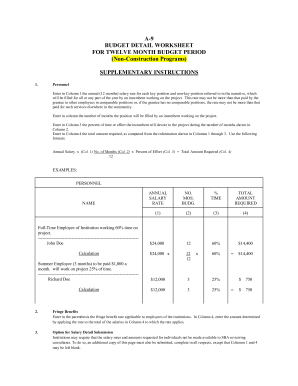
Budget detail worksheet month

Minnesota inspection form

Purchase exempt certificate ky

UI Form 1 - dol nebraska
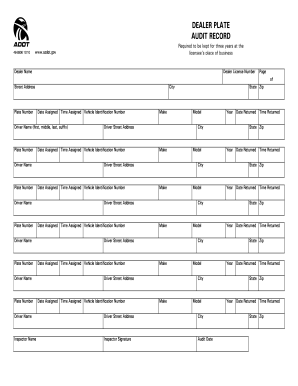
Az dealer plate

Uc 2axrev

CalFresh Household Change Report DFA 3775
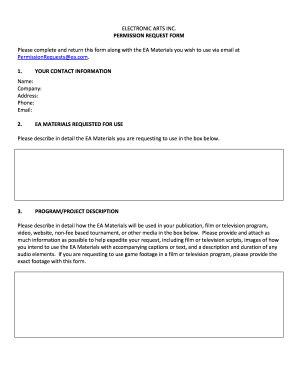
Permissionrequests ea com
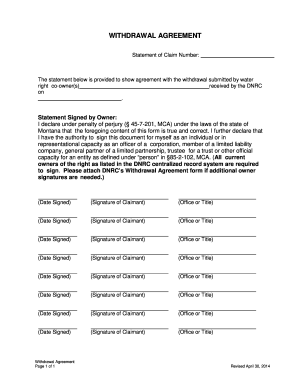
Withdrawal Agreement - dnrc mt

Form 1482 - dsps wi
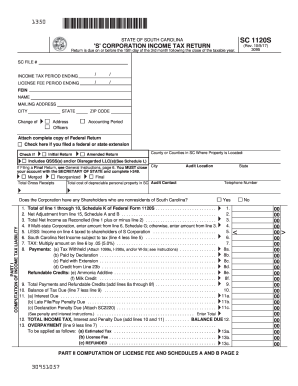
Sc 1120 2015 form
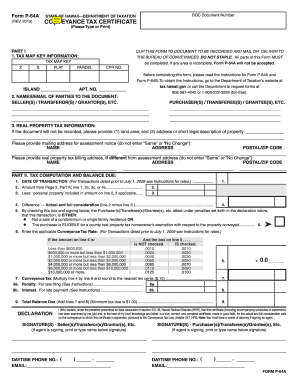
Hawaii recording froom p 64a and p64b
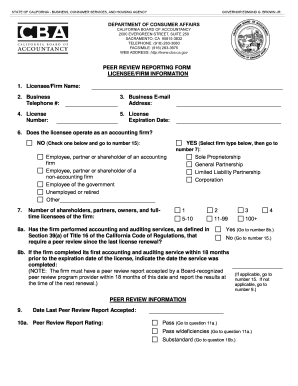
Peer review form california board of accountancy
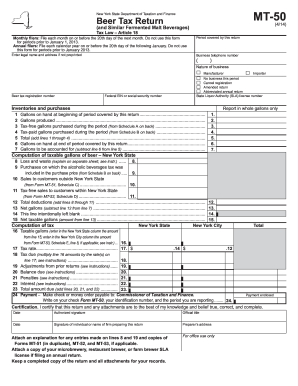
Form MT-50:4/14: Beer Tax Return (and Similar Fermented Malt ... - tax ny
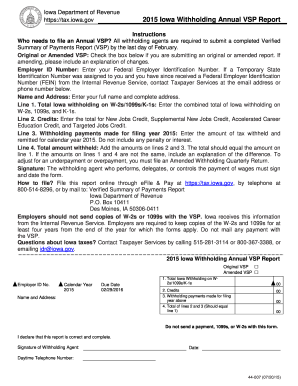
Iowa Withholding Annual VSP Report 44-007
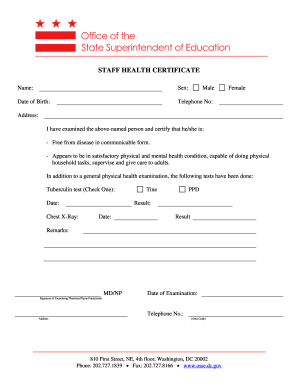
Osse staff health certificate
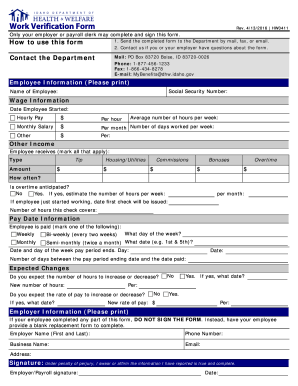
- healthandwelfare idaho
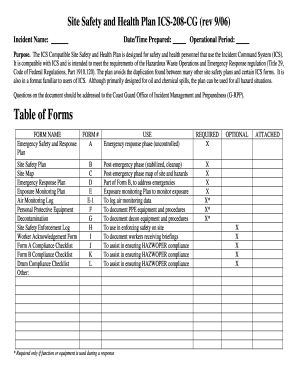
Health and safety plan sample
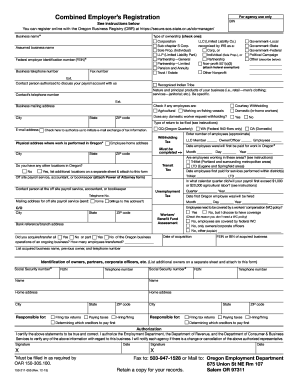
Oregon employer registration
Benefit from the DocHub online library of fillable PDF forms
Searching the PDF forms doesn't have to be a tedious and time-consuming process. With the DocHub online library, it has become easier to find the fillable PDF forms and modify them in your browser. The service allows you to adjust the document to your needs using powerful editing tools.
You can use online document editing features to modify almost any type of document with ease. You just need to find the template of your choice, open it in the editor, and use the toolbar to make the necessary corrections.
Follow this guide to get your document done with DocHub:
- Find the PDF template you need.
- Click the Get Form button to open the file in the editor.
- Use the toolbar to fill out and edit the document.
- Easily add and highlight text, insert images, checkmarks, and symbols.
- Drop new fillable fields, and rearrange or delete pages from your file.
- Save changes and download your record.
DocHub empowers everyone to streamline document editing, signing, and distribution, and form completion. Create an account and benefit from our well-organized PDF Forms library and comprehensive editor.