




Here's how it works

01. Edit your baylor scott and white medical records online
Type text, add images, blackout confidential details, add comments, highlights and more.

02. Sign it in a few clicks
Draw your signature, type it, upload its image, or use your mobile device as a signature pad.

03. Share your form with others
Send scott and white my chart via email, link, or fax. You can also download it, export it or print it out.
How to use or fill out Baylor Scott and White Medical Records with our platform

- Click ‘Get Form’ to open it in the editor.
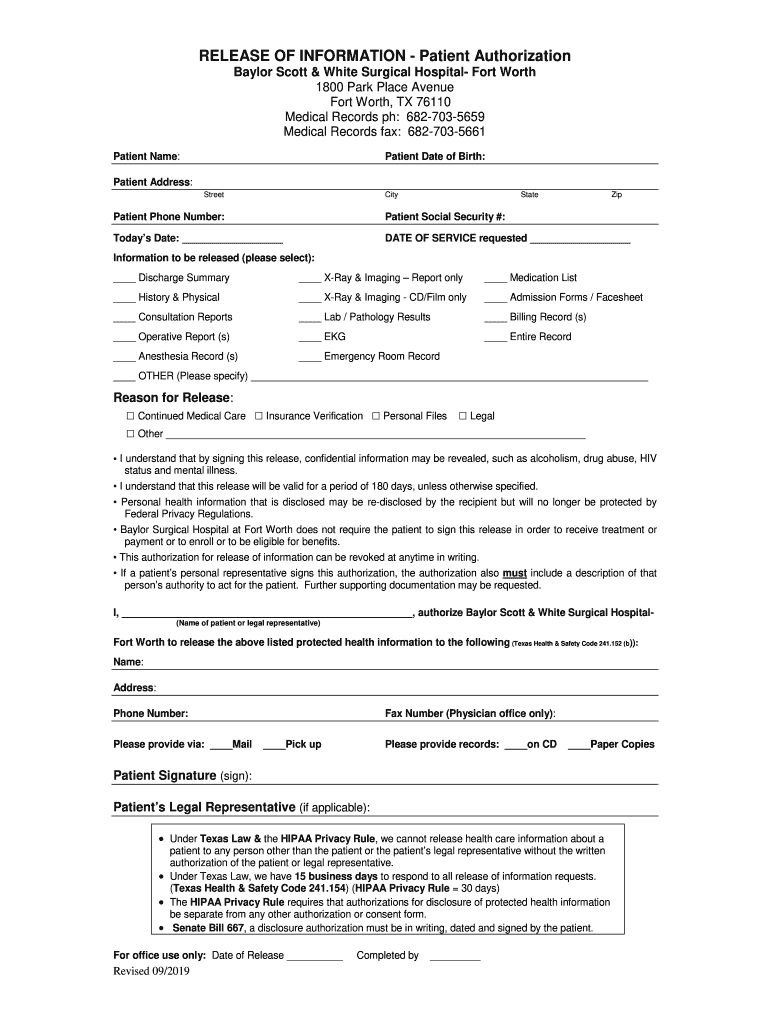
- Begin by entering your personal information. Fill in your name, date of birth, address, phone number, and social security number in the designated fields.
- Indicate today’s date and the date of service requested. This helps ensure that your request is processed accurately.
- Select the specific information you wish to be released by checking the appropriate boxes. Options include discharge summaries, lab results, and more.
- Provide a reason for the release of information by selecting from the options provided or specifying another reason if necessary.
- Sign the authorization section at the bottom of the form. If applicable, have your legal representative sign as well.
- Finally, choose how you would like to receive your records—via mail, fax, or pick up—and specify if you prefer paper copies or a CD.
Start using our platform today to easily fill out your Baylor Scott and White medical records for free!
Fill out baylor scott and white medical records online
It's free
It's free
See more baylor scott and white medical records versions
We've got more versions of the baylor scott and white medical records form. Select the right baylor scott and white medical records version from the list and start editing it straight away!
| Versions | Form popularity | Fillable & printable |
|---|---|---|
| 2019 | 4.1 Satisfied (48 Votes) |
Security and compliance
At DocHub, your data security is our priority. We follow HIPAA, SOC2, GDPR, and other standards, so you can work on your documents with confidence.
Learn more


Related forms

South Portland (Maine) Police Department - HomeFacebook
The document is a report form used by Cape Elizabeth School Department to document student accidents, injuries, or medic ...
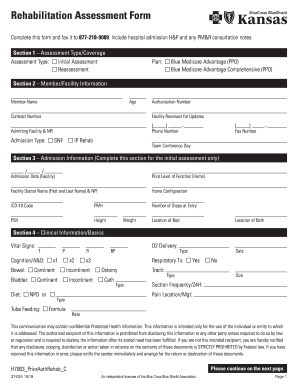
Rehabilitation assessment form
The document is a Rehabilitation Assessment Form designed for healthcare providers to collect and submit essential patie ...
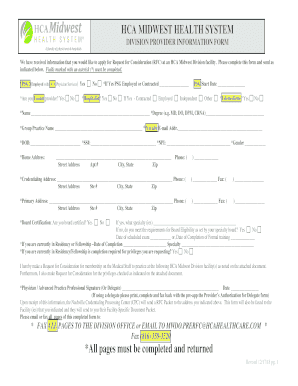
HCA Midwest Health System Division Provider Information Form Provider Information Form
The document is an important notice for providers or delegates regarding the completion of the pre-Request for Considera ...

For Internal Use Only - PatientPop
The document is a comprehensive patient intake and information form for the Vascular Center of Naples, detailing patient ...

Your Name: Todays Date:
The document is a comprehensive New Patient Intake Form for Florida Coast Pain and Spine Center, designed to collect det ...
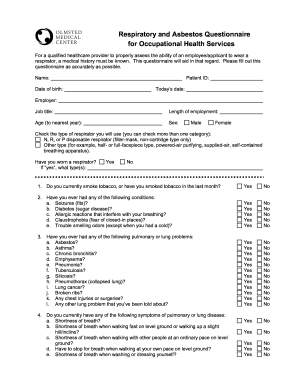
Asbestos questionnaire
The document is a Respiratory and Asbestos Questionnaire designed for Occupational Health Services to assess an employee ...
For God Is Ineffable in Her Love - Salenya - Good Omens
The document is a comprehensive guide for patients referred to the Hildegard Medicus Cancer Center, detailing appointmen ...

SUPPLEMENTAL ORDER OF THE COMMISSIONER OF HEALTH AND
The document is a supplemental order issued by the Commissioner of Health and Mental Hygiene, requiring COVID-19 vaccina ...