




Here's how it works

01. Edit your indemnity forms online
Type text, add images, blackout confidential details, add comments, highlights and more.

02. Sign it in a few clicks
Draw your signature, type it, upload its image, or use your mobile device as a signature pad.

03. Share your form with others
Send personal indemnity form via email, link, or fax. You can also download it, export it or print it out.
How to use or fill out guarantor indemnity form with our platform

- Click ‘Get Form’ to open the guarantor indemnity form in the editor.
- Begin by entering the applicant's name and TRN in the designated fields. This information is crucial as it identifies the individual for whom you are acting as a guarantor.
- In the section regarding eligibility, clearly state the illness that disqualifies the applicant from coverage under the Student Loan Bureau’s Creditor Insurance Scheme.
- Specify the duration of the academic program for which this indemnity applies. Ensure accuracy to avoid any future complications.
- Both guarantors must provide their full names, signatures, and addresses in the respective fields. This confirms your agreement to be jointly responsible for any outstanding loan amounts.
- Finally, ensure a witness signs and provides their details as required. This adds an extra layer of validation to your document.
Start using our platform today to fill out your guarantor indemnity form online for free!
Fill out guarantor indemnity form online
It's free
It's free
See more guarantor indemnity form versions
We've got more versions of the guarantor indemnity form form. Select the right guarantor indemnity form version from the list and start editing it straight away!
Security and compliance
At DocHub, your data security is our priority. We follow HIPAA, SOC2, GDPR, and other standards, so you can work on your documents with confidence.
Learn more


Related forms
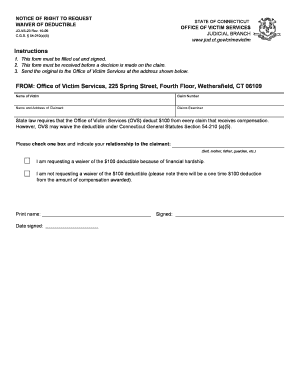
Ct request waiver
The document is a notice from the Office of Victim Services in Connecticut, informing victims of their right to request ...
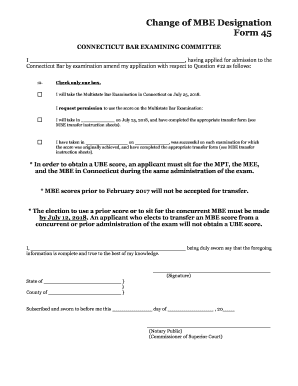
, having applied for admission to the
The document is a form for applicants to amend their application for admission to the Connecticut Bar, specifically rega ...
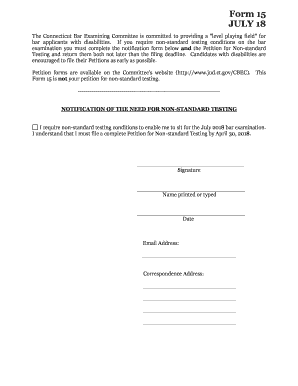
Ct bar committee
The document outlines the process for bar applicants with disabilities to request non-standard testing conditions for th ...

Waiver probate courts
The document is a Bond Waiver form used in Connecticut Probate Courts, allowing heirs or beneficiaries of a decedent's e ...
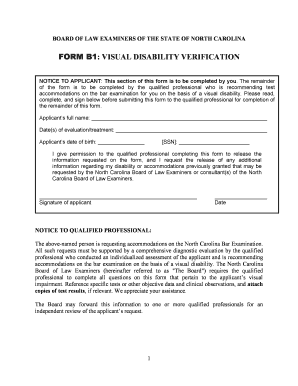
BForm B1b - North Carolina Board of Law Examiners
The document is a form for applicants with visual disabilities seeking accommodations for the North Carolina Bar Examina ...

Utah interrogatories
The document is a legal form used in the Utah District Justice Court for garnishing earnings from a judgment debtor. It ...
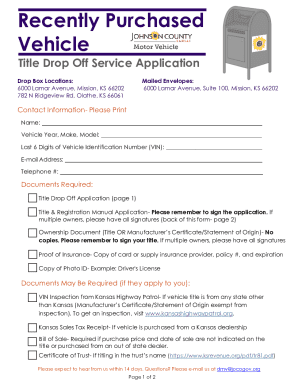
Kansas title application vehicle
The document outlines the Title Drop Off Service for recently purchased motor vehicles in Johnson County, Kansas. It pro ...
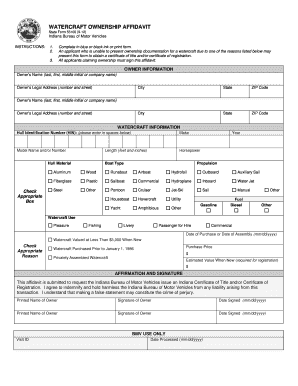
Indiana form 55100
The document is a Watercraft Ownership Affidavit form used in Indiana, allowing applicants to claim ownership of a water ...