




Here's how it works

01. Edit your section 8 voucher example online
Type text, add images, blackout confidential details, add comments, highlights and more.

02. Sign it in a few clicks
Draw your signature, type it, upload its image, or use your mobile device as a signature pad.

03. Share your form with others
Send apply for section 8 application online nj pdf via email, link, or fax. You can also download it, export it or print it out.
How to use or fill out online section 8 application form with our platform

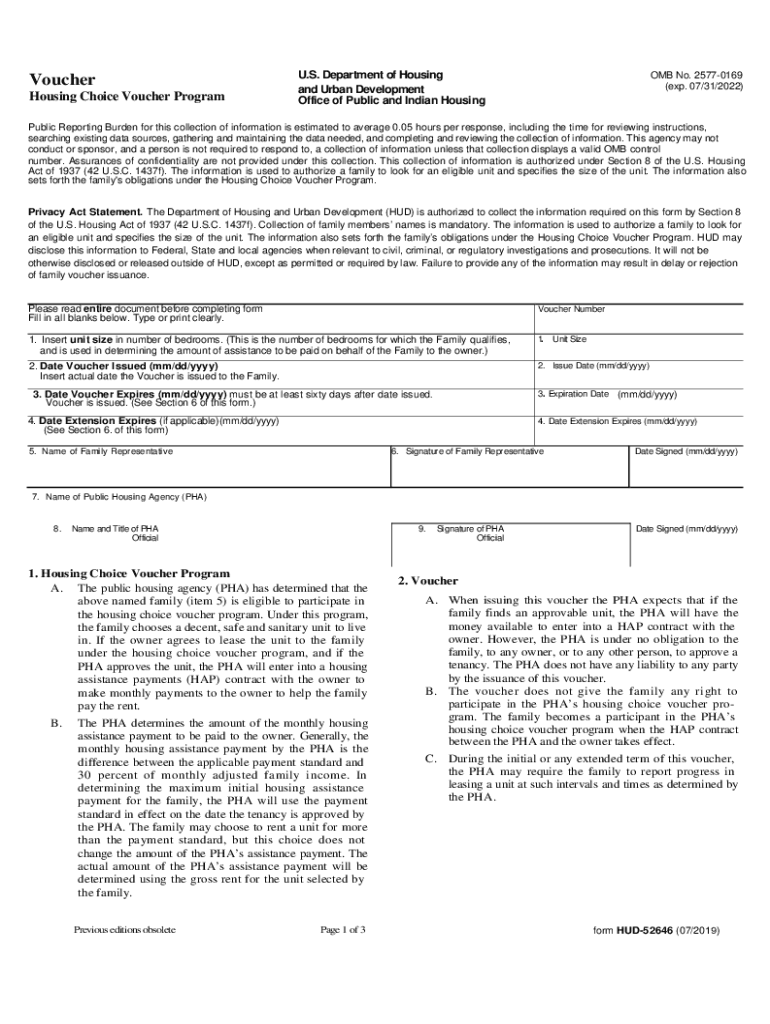
- Click ‘Get Form’ to open the online section 8 application form in the editor.
- Begin by entering the 'Voucher Number' at the top of the form. This is essential for tracking your application.
- In the 'Unit Size' section, specify the number of bedrooms that your family qualifies for. This will determine your assistance amount.
- Fill in the 'Date Voucher Issued' and 'Date Voucher Expires'. Ensure that the expiration date is at least sixty days after issuance.
- Complete the fields for 'Name of Family Representative' and provide their signature along with the date signed.
- Finally, review all entries for accuracy before submitting. Use our platform's features to save or print your completed form.
Start filling out your online section 8 application form today for free using our editor!
Fill out online section 8 application form online
It's free
See more online section 8 application form versions
We've got more versions of the online section 8 application form form. Select the right online section 8 application form version from the list and start editing it straight away!
Security and compliance
At DocHub, your data security is our priority. We follow HIPAA, SOC2, GDPR, and other standards, so you can work on your documents with confidence.
Learn more


Related forms
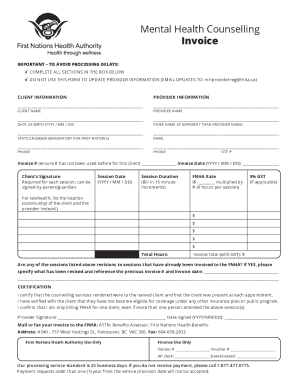
Fnha counselling form
The document is an invoice form for mental health counselling services provided to clients, specifically for First Natio ...
Pre inspection questionnaire
The document provides detailed instructions for completing a Pre-Inspection Questionnaire for eye banks seeking accredit ...
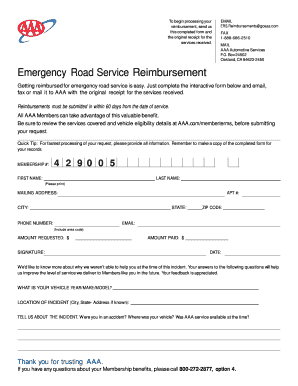
Aaa Windshield Reimbursement Form - Fill Online, Printable
The document provides instructions for AAA members on how to request reimbursement for emergency road services. Members ...
Pnb metlife statement
The document is a Claimant Application for Death Claim (Form A) from PNB MetLife India Insurance Company Limited. It out ...
Kra p9 form 2020 download
The document is a Form 11 for filing the Income Tax Return for individuals in Ireland for the year 2012. It outlines the ...
Police declaration form
The document is a form from the Greater Sudbury Police Service that applicants must complete to obtain a name-based Crim ...