
Get any PDF form from the DocHub library of ready-made templates - Page 1314
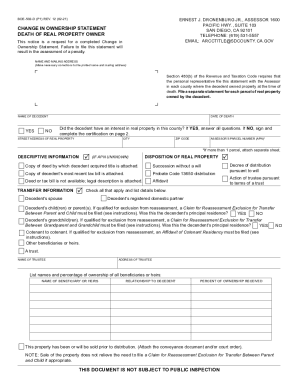
Boe 502 d

Calgreen mandatory non residential
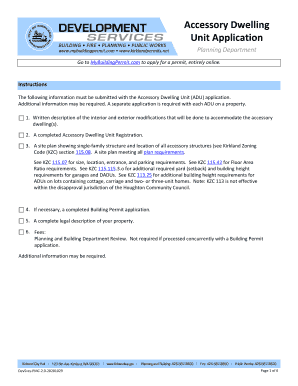
Adu application
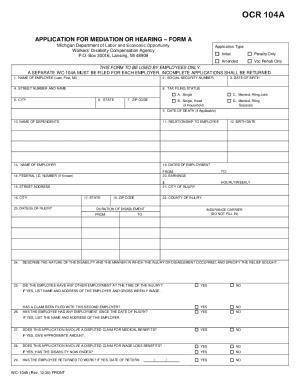
Michigan workers compensation application form
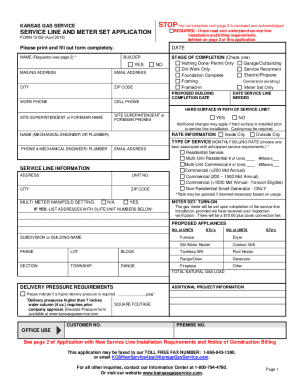
Kansas service line
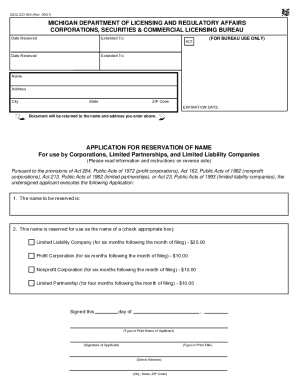
Cscl cd 540

ALASKA UNIFIED CERTIFICATION PROGRAM (AUCP)
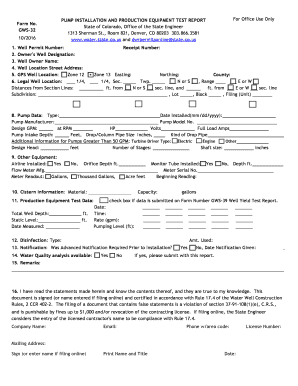
Gws32 form

53391
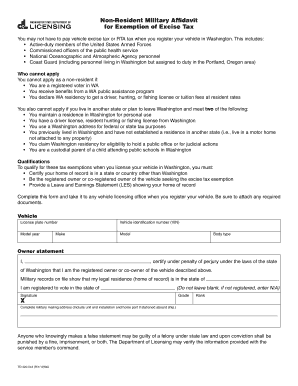
Td420 non resident tax form
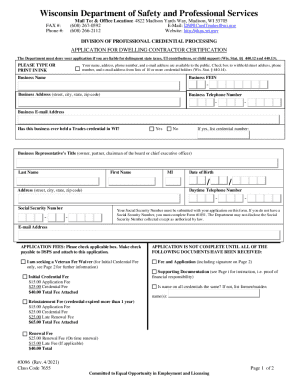
Wisconsin dwelling safety professional services
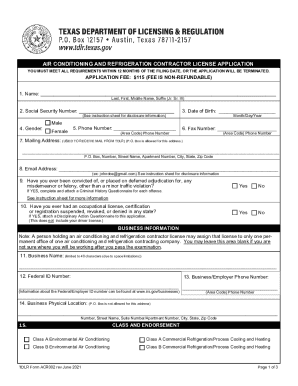
Texas contractor license application
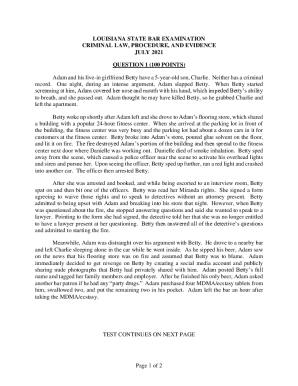
LOUISIANA STATE BAR EXAMINATION CRIMINAL LAW ... - LASCBA
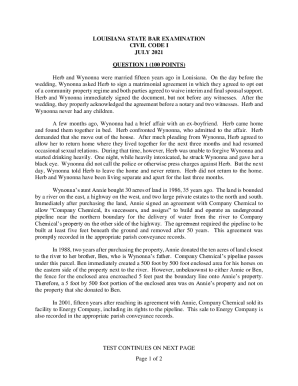
State bar exams questions and sample answers - Bing
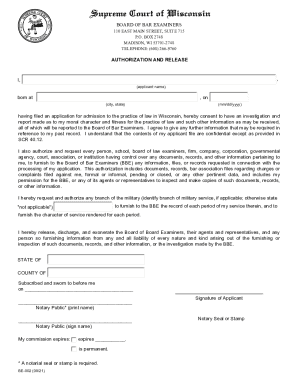
WI BE-004 2020-2021 - Fill and Sign Printable Template ...
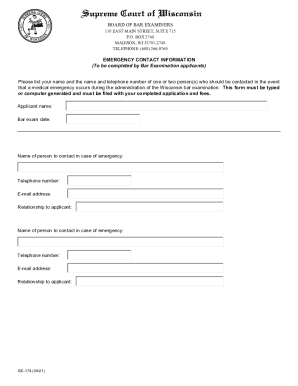
DocHub 559705782--How-To-Fillup-Email2020 Form WI BE-101 Fill Online, Printable, Fillable, Blank
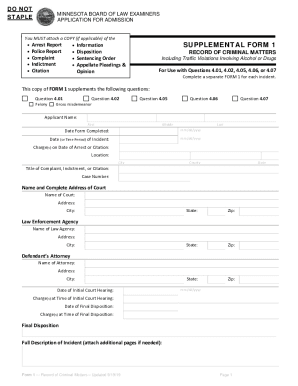
MN BLE Form 1

RULE 3007-1 OBJECTIONS TO CLAIMSNorthern District of ...
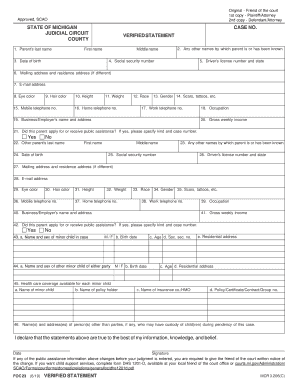
Foc 23

Detainer packet

Illinois Secretary of State Employee/Attorney Information
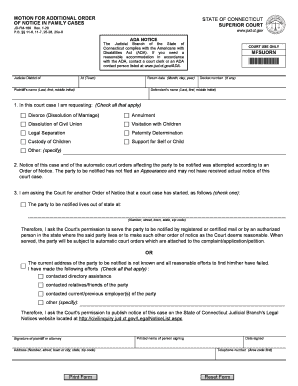
Public Assistance - Connecticut Judicial Branch - CT.gov

MOTION FOR FIRST ORDER OF NOTICE - FORECLOSURE ACTION

Connecticut Practice Book - Connecticut Judicial Branch

Wisconsin dsps insurance
Pge medical baseline form
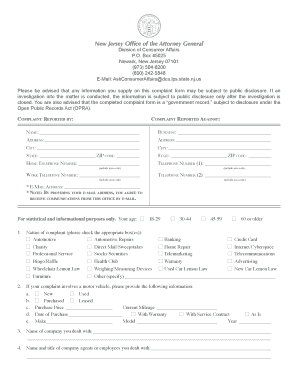
Consumer affairs complaint nj

Form ifc
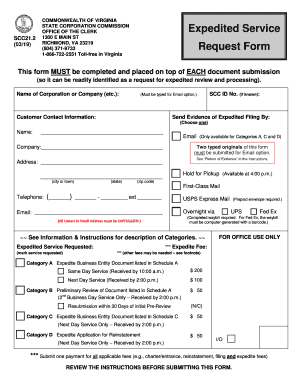
Virginia service request form
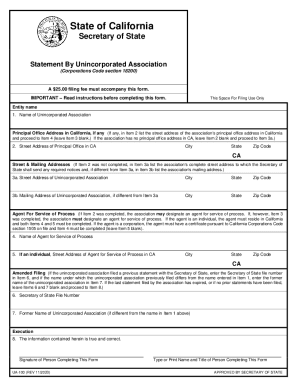
Ua 100

Wi dsps dwelling contractor qualifier
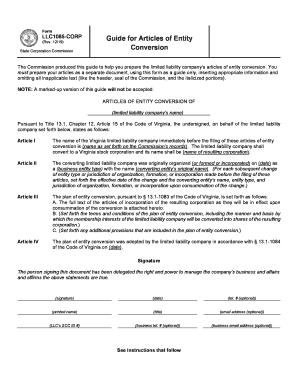
Virginia corp corporation
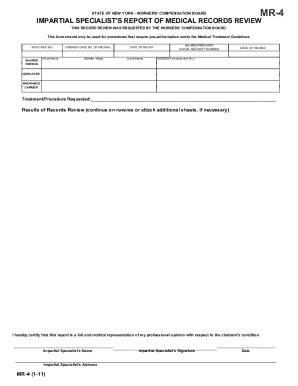
California falconry renewal
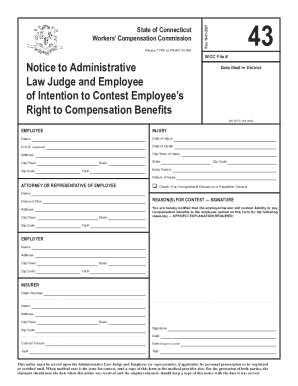
Ct workers compensation forms
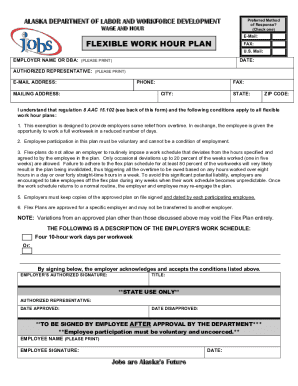
Alaska flexible work hour plan
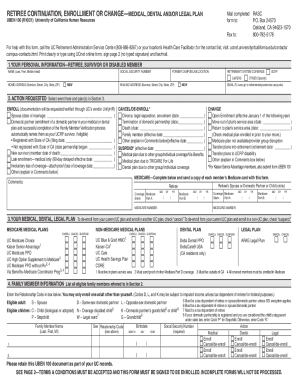
Urban dictionary
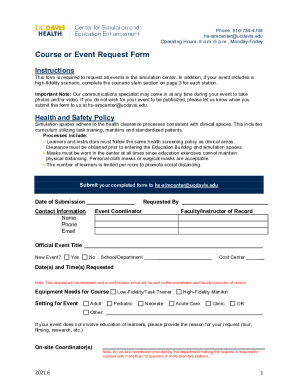
PDF Course or Event Request Form - UC Davis Health
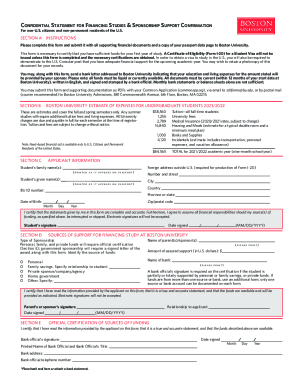
Confidential Statement for Financing Studies & Sponsorship ...
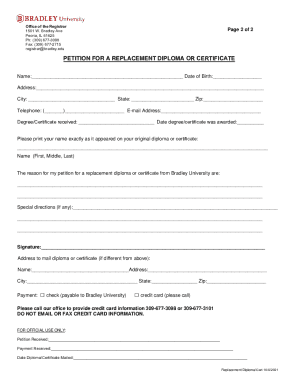
Bradley university diploma

Oisss 160
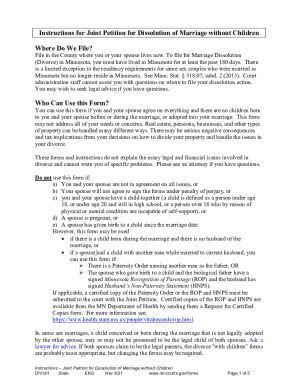
Instructions for Joint Petition for Dissolution of Marriage Without Children:Form 12
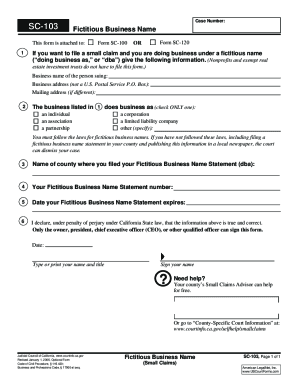
Small claims court ventura county

Texas emancipation forms pdf

Oregon Workers' Compensation Division : Oregon Workers ...
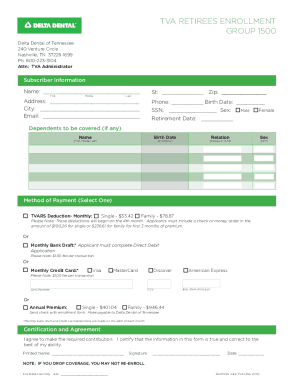
Fillable Online Summary Plan Description for METROMONT ...
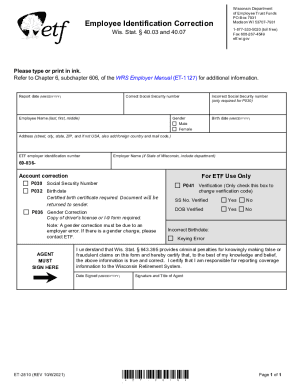
Etf.wi.govsitesdefaultWisconsin Department Employee Identification ... - etf.wi.gov

Cisa sitesdefaultThe Risk Management Process for Federal Facilities

Power Outage Incident Action Checklist - Fill Online ...
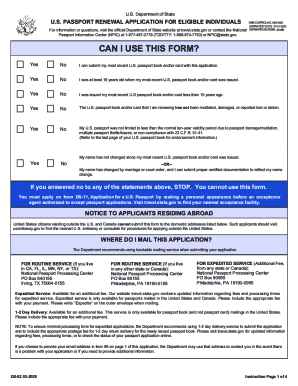
DS-82 2020-2021 - Fill and Sign Printable Template Online ...

Get the free Instructions to Form SCC544 - Articles of ...
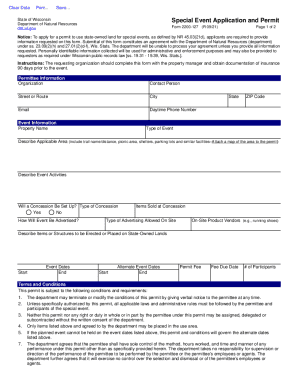
DocHub 538517124--Note-In-order-toFillable Online Note: In order to fill and save this form
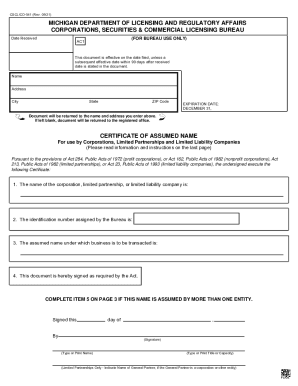
CSCL/CD-762 (Rev. 09/21 MICHIGAN DEPARTMENT OF LICENSING ...

DocHub fill-and-sign-pdf-form99743Form CSCLCD 800 "Application To Register A Limited
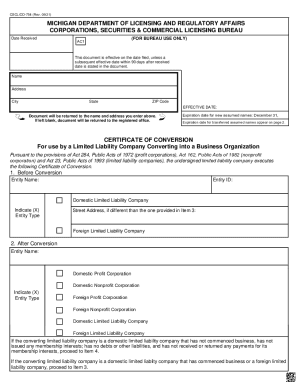
9/21) MICHIGAN DEPARTMENT OF LICENSING AND REGULATORY ...

VA LLC1011 2020-2021 - Fill and Sign Printable Template OnlineUS Legal Forms

Mi 502 form
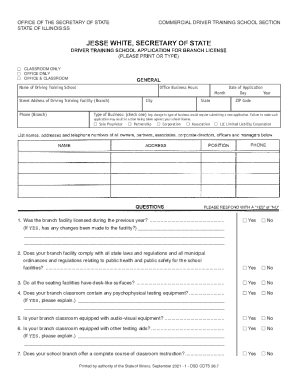
Illinois driver branch license form

Virginia limited

Virginia changing name company
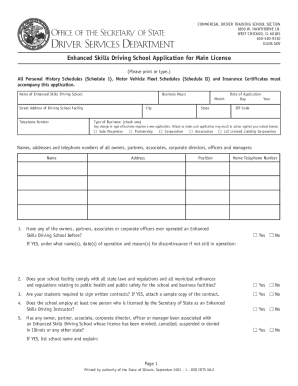
Il dsd enhanced license
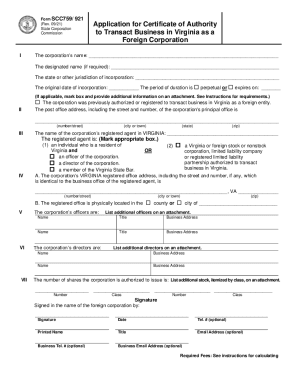
Virginia certificate authority
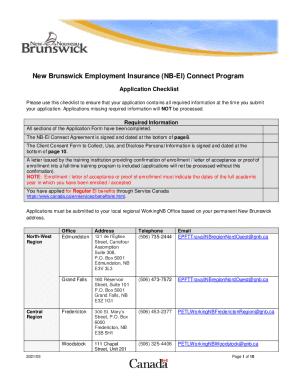
Nb ei connect
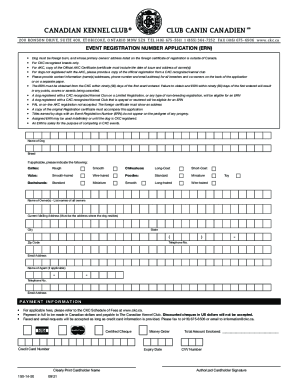
Ckc forms
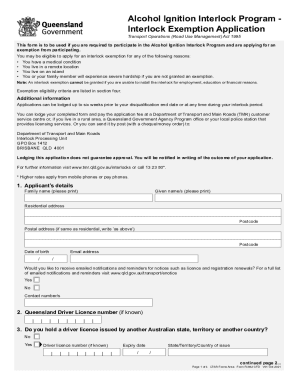
Interlock Kansas Financial Aid Online Application Form ...
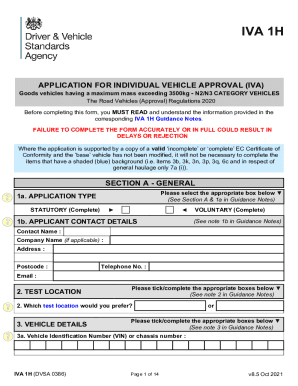
Individual Vehicle Approval (IVA) inspection manual
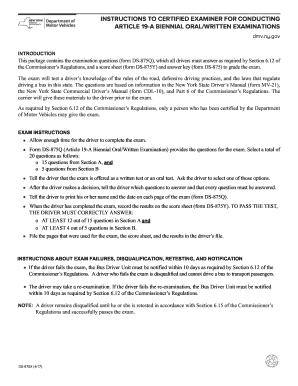
Biennial ds ny
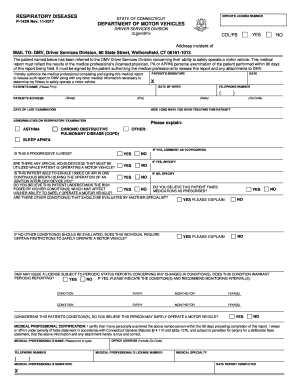
142r ct
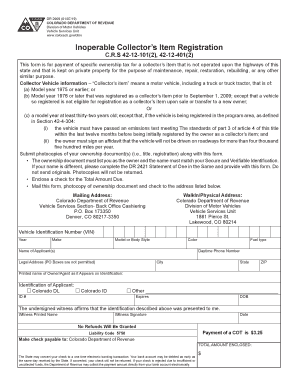
Colorado inoperable registration
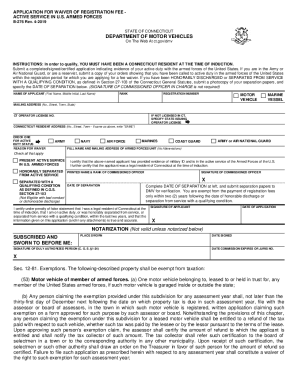
Ct registration forces form
Ilcyberdrivecom form

Enhanced skills license

Il driving physical form
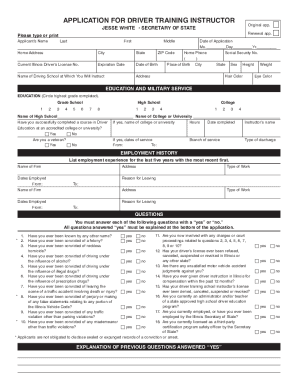
Illinois driver training
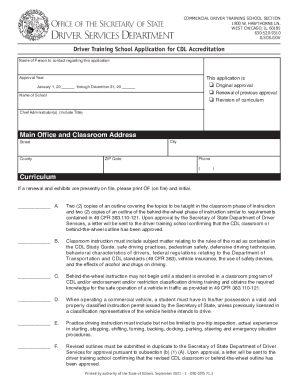
2021 illinois cdl
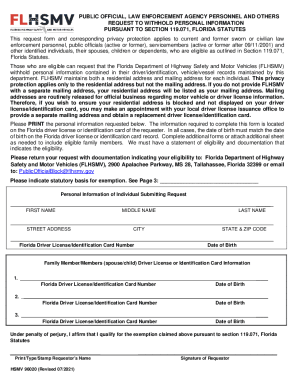
Hsmv 96020
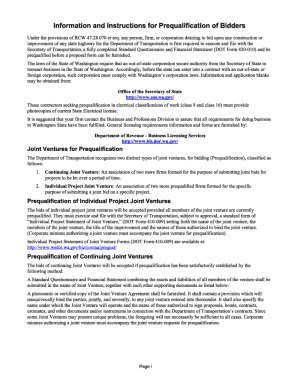
Wa dot questionnaire prequalification

Illinois transito form

Salesperson license application re 202
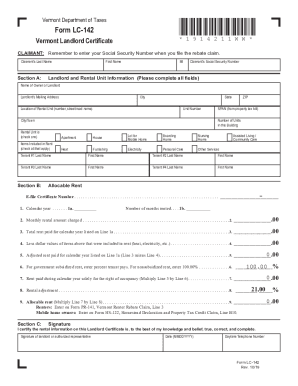
Vermont renters rebate

Rea 3004

Lender statement
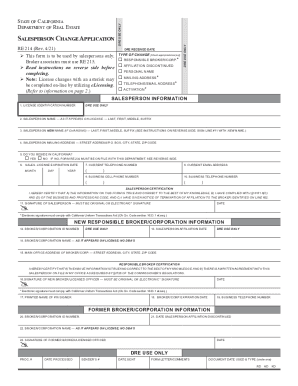
Salesperson change
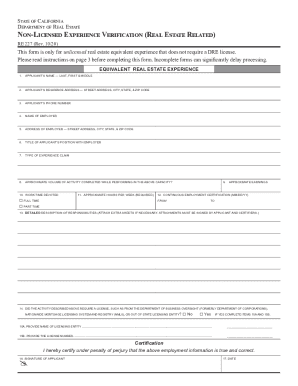
Form re 227
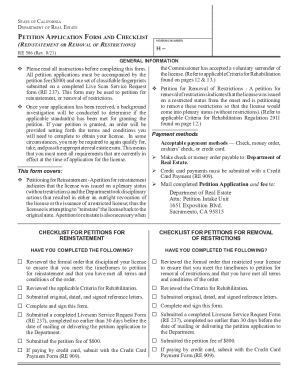
California form 506
APPLICATION AND WRIT, HABEAS CORPUS AD TESTIFICANDUM
JIS CODE: PEM
Si Tiene Una Queja en Contra de Su Abogado - State Bar of ...

SELF-SERVICE STORAGE FACILITY
Ny order plates
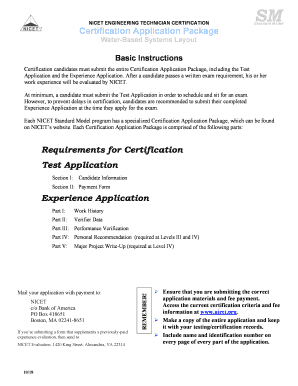
Nicet application

Tc95 303b
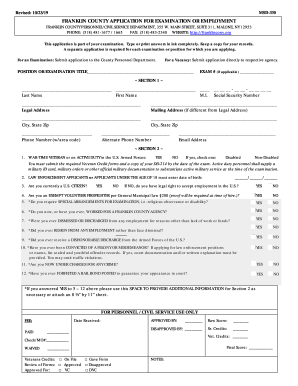
Franklyn msd330

Mn eeo
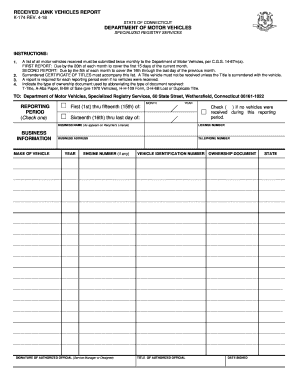
K 174 form

Illinois dsd refund search

Three year dealer certificate
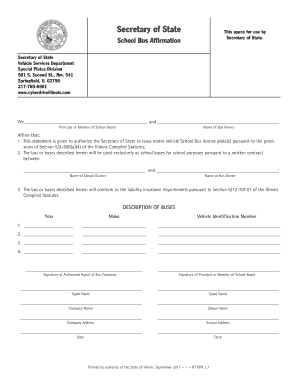
Illinois school bus affirmation form
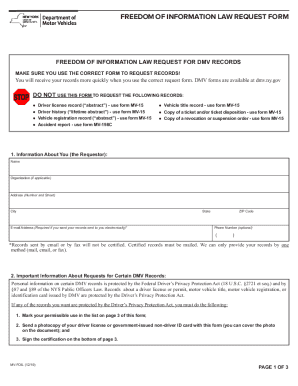
Mv15f
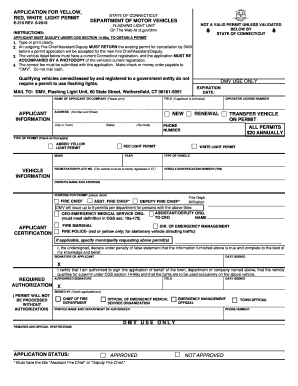
Ct siren
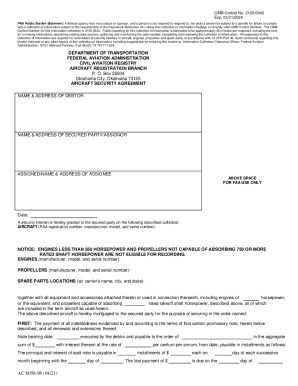
8050 98
Benefit from the DocHub online library of fillable PDF forms
Searching the PDF forms doesn't have to be a tedious and time-consuming process. With the DocHub online library, it has become easier to find the fillable PDF forms and modify them in your browser. The service allows you to adjust the document to your needs using powerful editing tools.
You can use online document editing features to modify almost any type of document with ease. You just need to find the template of your choice, open it in the editor, and use the toolbar to make the necessary corrections.
Follow this guide to get your document done with DocHub:
- Find the PDF template you need.
- Click the Get Form button to open the file in the editor.
- Use the toolbar to fill out and edit the document.
- Easily add and highlight text, insert images, checkmarks, and symbols.
- Drop new fillable fields, and rearrange or delete pages from your file.
- Save changes and download your record.
DocHub empowers everyone to streamline document editing, signing, and distribution, and form completion. Create an account and benefit from our well-organized PDF Forms library and comprehensive editor.