




Here's how it works

01. Edit your pge medical baseline form online
Type text, add images, blackout confidential details, add comments, highlights and more.

02. Sign it in a few clicks
Draw your signature, type it, upload its image, or use your mobile device as a signature pad.

03. Share your form with others
Send pge medical baseline via email, link, or fax. You can also download it, export it or print it out.
How to use or fill out pge medical baseline form with our platform

- Click ‘Get Form’ to open the pge medical baseline form in the editor.
- Begin by filling out your personal information in the designated fields, including your name, address, and contact details. Ensure accuracy for effective communication.
- Next, provide information regarding your medical condition that qualifies you for the Medical Baseline Allowance. Be specific and clear to facilitate the review process.
- In the following section, indicate any additional needs or requirements related to your medical condition. This may include equipment that requires a consistent power supply.
- Finally, review all entered information for completeness and accuracy before submitting. Use our platform’s tools to make any necessary edits easily.
Start using our platform today to fill out your pge medical baseline form online for free!
Fill out pge medical baseline form online
It's free
It's free
See more pge medical baseline form versions
We've got more versions of the pge medical baseline form form. Select the right pge medical baseline form version from the list and start editing it straight away!
Security and compliance
At DocHub, your data security is our priority. We follow HIPAA, SOC2, GDPR, and other standards, so you can work on your documents with confidence.
Learn more


Related forms
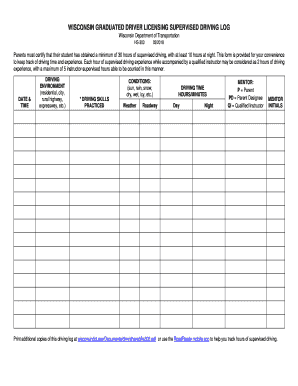
Wisconsin Supervised Driving Log
The document is a Wisconsin Graduated Driver Licensing Supervised Driving Log, which requires parents to certify that th ...

Authorization Letter To Sell Car
The document is an authorization letter allowing a designated individual to sell a vehicle on behalf of the legal owner. ...
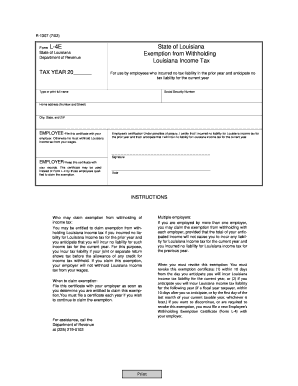
Louisiana Exemption from Withholding Form L-4E
The document is a Louisiana Department of Revenue form (L-4E) that allows employees to claim an exemption from withholdi ...

Public Storage Lease Rental Agreement
This document is a Lease/Rental Agreement between Public Storage and an occupant for renting a self-storage space. It ou ...

Student Refund Request Form
The document is a Refund Request Form from the Student Accounts Office at George Mason University. It outlines the proce ...
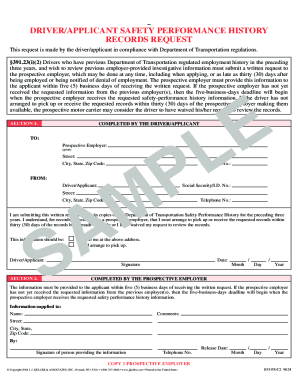
DOT Driver Safety Performance History Request
The document outlines the process for drivers/applicants to request their Department of Transportation Safety Performanc ...

Family Investment Administration Medical Report Form 500
The Family Investment Administration Medical Report Form 500 is designed to assess the eligibility of individuals for fe ...

Order of Operations Error Analysis Worksheet
The document focuses on analyzing errors made by a student named George in solving mathematical problems involving order ...