




Here's how it works

01. Edit your vermont renters rebate form online
Type text, add images, blackout confidential details, add comments, highlights and more.

02. Sign it in a few clicks
Draw your signature, type it, upload its image, or use your mobile device as a signature pad.

03. Share your form with others
Send renters rebate vermont via email, link, or fax. You can also download it, export it or print it out.
How to use or fill out Vermont Renters Rebate with our platform

- Click ‘Get Form’ to open the Vermont Renters Rebate form in the editor.
- Begin by filling out Section A with your personal information. Enter your last name, first name, middle initial, and Social Security Number.
- Complete the landlord and rental unit information. Provide the landlord's name, mailing address, and details about the rental unit including its location and type (e.g., apartment or house).
- In Section B, input allocable rent details. Start with the calendar year and number of months rented. Then enter the monthly rental amount charged and total rent paid for that year.
- Deduct any included items from your total rent (like heat or electricity) to find your adjusted rent paid for the year.
- Finally, sign in Section C to certify that all information is accurate. Include your signature, date, and daytime telephone number before submitting.
Start using our platform today to easily complete your Vermont Renters Rebate form online for free!
Fill out vermont renters rebate online
It's free
See more vermont renters rebate versions
We've got more versions of the vermont renters rebate form. Select the right vermont renters rebate version from the list and start editing it straight away!
Security and compliance
At DocHub, your data security is our priority. We follow HIPAA, SOC2, GDPR, and other standards, so you can work on your documents with confidence.
Learn more


Related forms
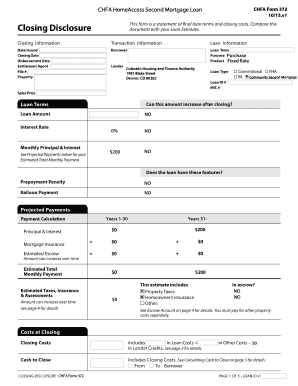
Closing Disclosure Form
The document is a Closing Disclosure for a CHFA HomeAccess Second Mortgage Loan, detailing final loan terms, closing cos ...
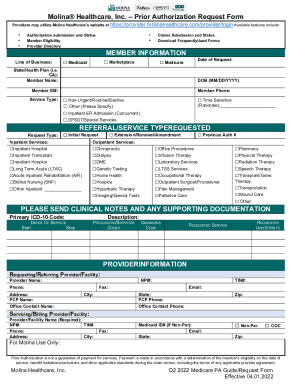
Molina Healthcare Prior Authorization Request Form
The document is a Prior Authorization Request Form for Molina Healthcare, Inc., which allows providers to submit request ...
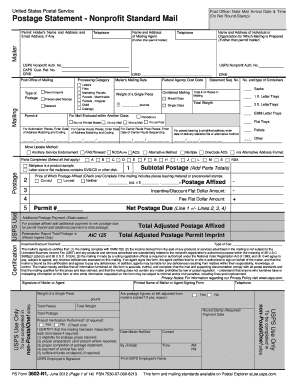
USPS Nonprofit Standard Mail Postage Statement
The document outlines the procedures and requirements for using the United States Postal Service's Nonprofit Standard Ma ...
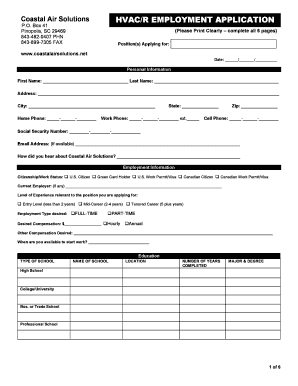
Coastal Air Solutions HVAC Employment Application
The document is an employment application for Coastal Air Solutions, specifically for positions in the HVAC/R industry. ...

NSW Companion Animals Permanent Identification Form
The document outlines the procedures and requirements for the NSW Companion Animals Register, specifically focusing on t ...
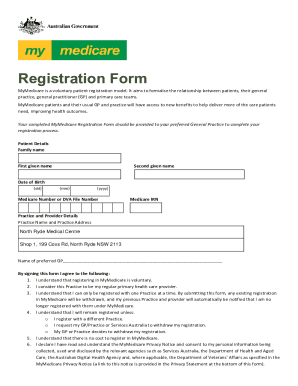
MyMedicare Registration Form
The document is a MyMedicare Registration Form, which facilitates the voluntary registration of patients with their gene ...
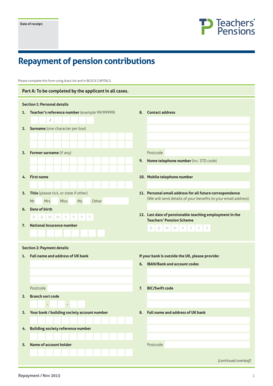
UK Teacher Pension Contribution Repayment Form
The document is a form for teachers to apply for the repayment of pension contributions. It requires personal details, p ...
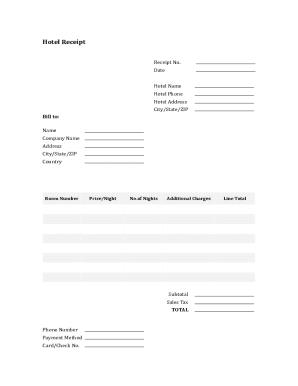
Hotel Receipt Template
The document is a hotel receipt detailing the charges for a stay, including room number, price per night, number of nigh ...