




01. Edit your form online
Type text, add images, blackout confidential details, add comments, highlights and more.

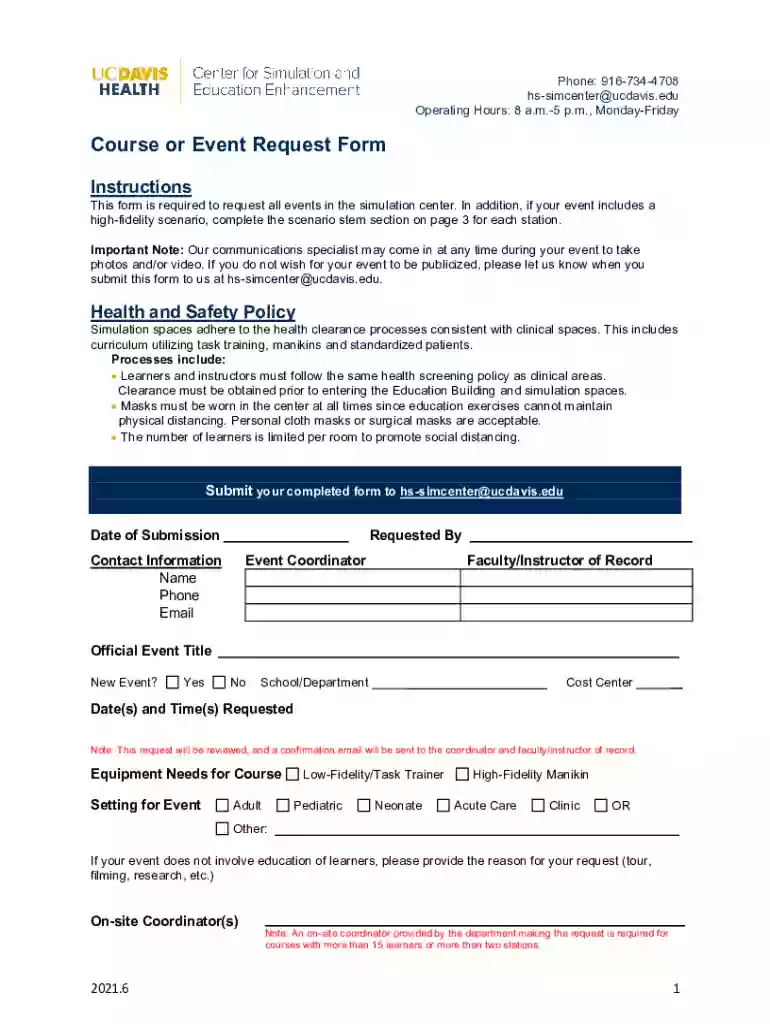
Type text, add images, blackout confidential details, add comments, highlights and more.

Draw your signature, type it, upload its image, or use your mobile device as a signature pad.

Send it via email, link, or fax. You can also download it, export it or print it out.

Start using our platform today to streamline your form completion process effortlessly!
We've got more versions of the PDF Course or Event Request Form - UC Davis Health form. Select the right PDF Course or Event Request Form - UC Davis Health version from the list and start editing it straight away!
Sure, electronically drawing your signature is acceptable, but only if you use a tool that complies with industry laws and regulations. Try DocHub, which guarantees eSignature validity under ESIGN and UETA requirements. All you need to eSign your PDF Course or Event Request Form - UC Davis Health is an account with DocHub and an internet connection. Once you open your paperwork in our editor, click Sign and select the Draw option.
You may complete and eSign your PDF Course or Event Request Form - UC Davis Health online, even on a tight deadline. All you need to access high quality editing tools on any device is a DocHub account, which you can sign up within a few moments. Once you register, upload your file or find what you are searching for in our catalog, complete it utilizing the editing tools you need, and put your electronic signature on it at the end.
At DocHub, your data security is our priority. We follow HIPAA, SOC2, GDPR, and other standards, so you can work on your documents with confidence.
All requests for sponsorship must be submitted with the following: Completed Sponsorship Request Form Letter of request on the organizations letterhead W-9Read more
This form is required for all Applicants, All Application documents can be found on the CHIA website in Word and in PDF format or on IRBNet in Word format. UC
Nov 19, 2024 UC Davis Comprehensive Cancer Center. Leslie Fecher caregivers and/or health care professionals who request or require their expertise.Read more


