




Here's how it works

01. Edit your printable blank 2 step ppd form online
Type text, add images, blackout confidential details, add comments, highlights and more.

02. Sign it in a few clicks
Draw your signature, type it, upload its image, or use your mobile device as a signature pad.

03. Share your form with others
Send printable tb test form for employment via email, link, or fax. You can also download it, export it or print it out.
How to use or fill out SELF-SERVICE STORAGE FACILITY with our platform

- Click ‘Get Form’ to open the SELF-SERVICE STORAGE FACILITY document in the editor.
- Begin by entering the Vehicle Identification Number (VIN) in the designated field. This is crucial for identifying the vehicle associated with the transfer.
- Fill in the vehicle information, including the name of the vehicle owner, make/model, year, and marker plate number if applicable.
- Next, provide details about the occupant who defaulted on their agreement. If this person differs from the vehicle owner, ensure you include their name and address.
- Complete the lienholder information section by entering their name and address. This is important for legal documentation regarding any claims on the vehicle.
- In the business information section, input your business name, principal's name, and address. Also, specify the amount for which a lien is claimed by your facility.
- Finally, certify your submission by signing and dating where indicated. Ensure all required attachments are included before mailing it to DMV with payment.
Start using our platform today to streamline your form completion process for free!
Fill out SELF-SERVICE STORAGE FACILITY online
It's free
See more SELF-SERVICE STORAGE FACILITY versions
We've got more versions of the SELF-SERVICE STORAGE FACILITY form. Select the right SELF-SERVICE STORAGE FACILITY version from the list and start editing it straight away!
Security and compliance
At DocHub, your data security is our priority. We follow HIPAA, SOC2, GDPR, and other standards, so you can work on your documents with confidence.
Learn more


Related forms

Verdienstbescheinigung for Wohngeld
The document is a 'Verdienstbescheinigung' (income certificate) required for applying or reporting changes for housing b ...
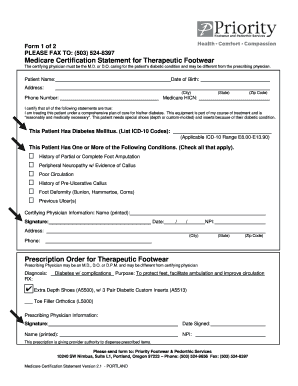
Medicare Certification Statement for Therapeutic Footwear
The document consists of two forms related to Medicare certification for therapeutic footwear for diabetic patients. The ...

Virgin Media SIP Trunking Order Form
The document is an Order Form for SIP Trunking services provided by Virgin Media Business. It includes sections for cust ...
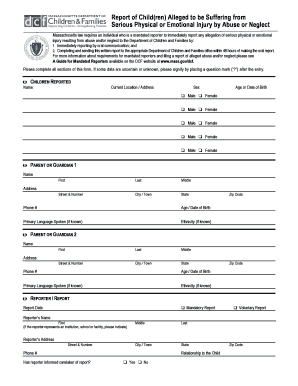
Massachusetts Child Abuse Report Form
The document outlines the reporting requirements for mandated reporters in Massachusetts regarding allegations of seriou ...
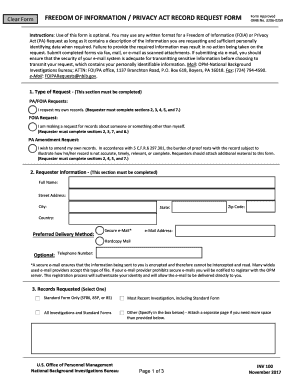
Freedom of Information Privacy Act Record Request Form
The document is a Freedom of Information/Privacy Act Record Request Form, which allows individuals to request access to ...

Trustee Change Form for Schwab One
The document is a Trustee Change Form for Schwab One Trust accounts, including Schwab Bank High Yield Investor Checking ...

Maryland Medical Assistance Transport Certification Form
The document outlines the Maryland Statewide Medical Assistance Transportation Program, detailing the certification proc ...