
Get any PDF form from the DocHub library of ready-made templates - Page 1309
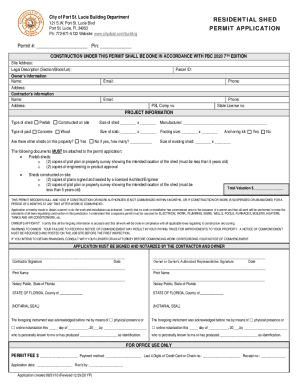
Port st lucie shed requirements
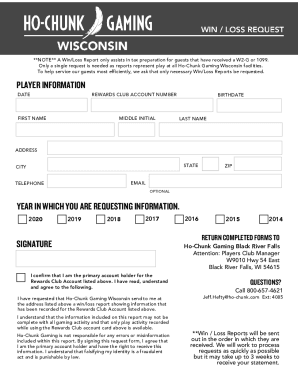
Ho chunk win loss

This form is to be filled out by a customer if there is a request to release the customers protected health information (PHI) to another person or
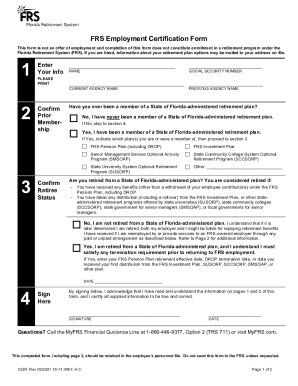
Frs form

Ca fl 200s
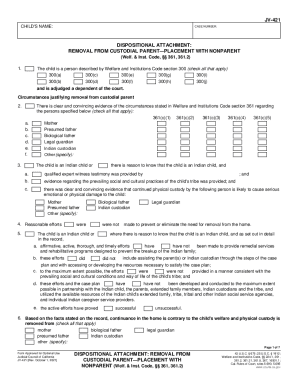
Custodial nonparent

Jv 462

York tp
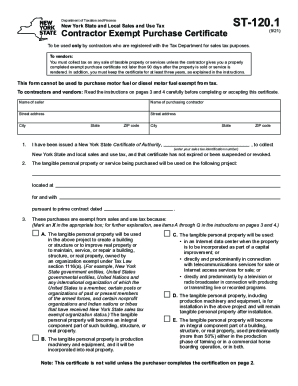
Tax exempt forms

Mfut12

Form st 1 illinois

Ct tax
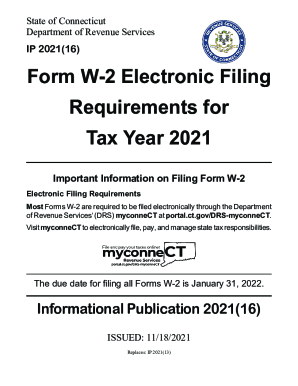
Portal.ct.gov pubsip 2021IP 2021(12) Forms 1099-R, 1099-MISC, 1099-K ... - Connecticut
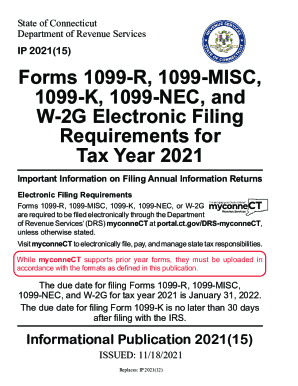
IP 2021(12) Forms 1099-R, 1099-MISC, 1099-K, 1099-NEC, and ...
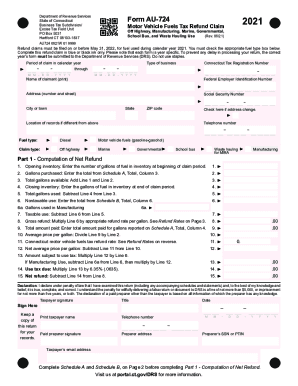
Connecticut fuel tax
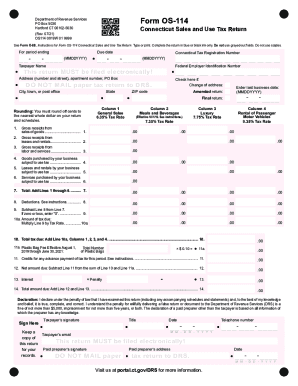
Form os 114
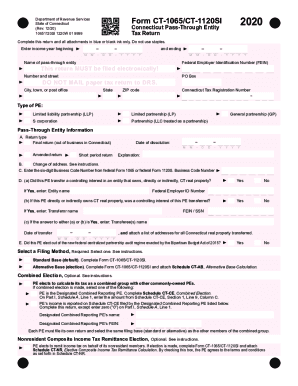
Avats
Ct 709 instructions
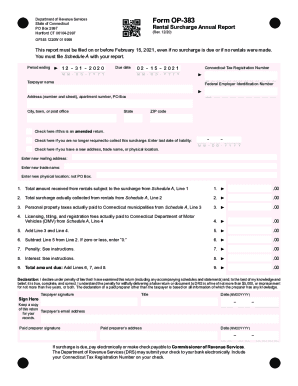
Op383
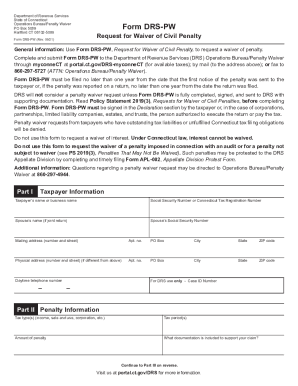
Form pdf
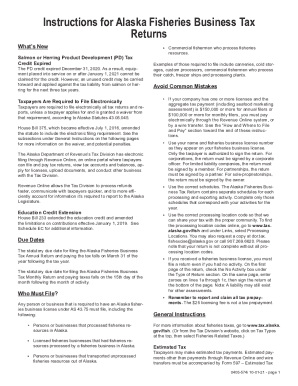
Is U.S. Debt DifferentGovernment DebtAlexander Hamilton
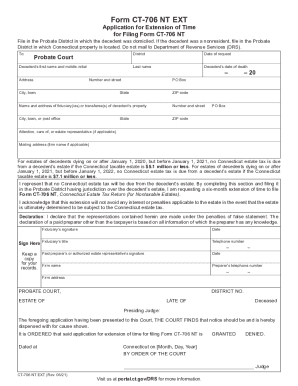
Probate ct
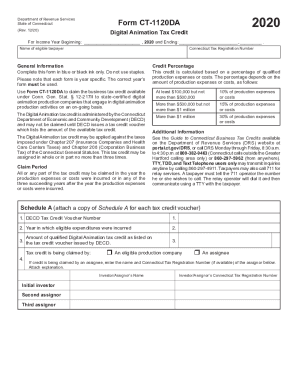
Connecticut form ct 1120 da tax
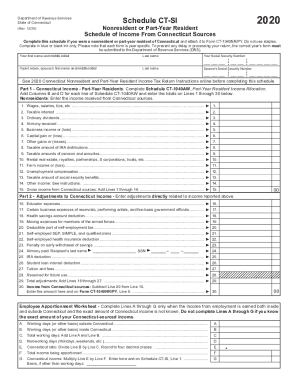
Connecticut si
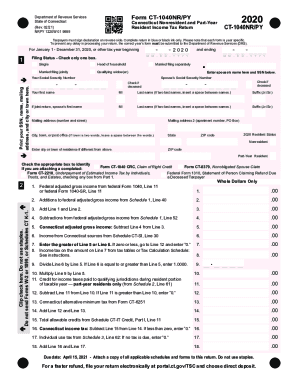
Ct 1040 tax form blank
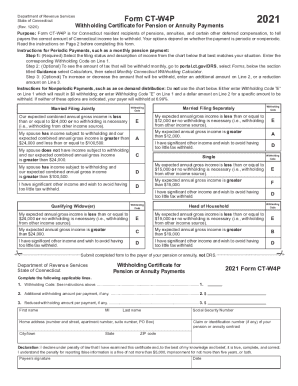
Ct w4p
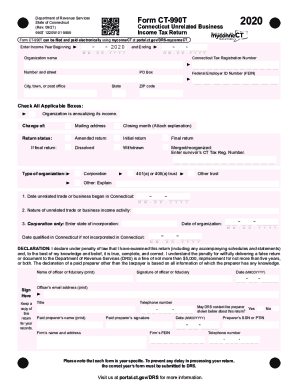
Ct 990 form
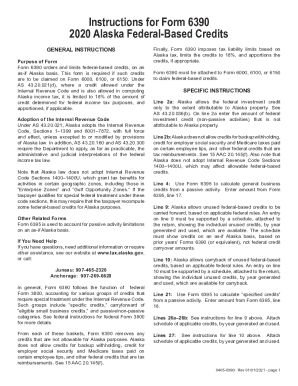
Alaska federal based

Instructions For Form 6100 (Formerly Form ... - tax.alaska.gov
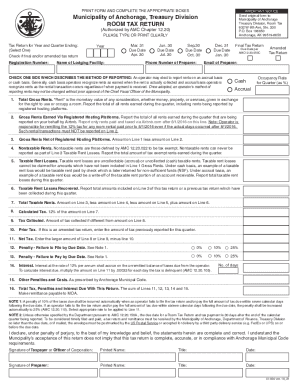
Anchorage form tax return

Alaska form 662 mining license
Ct amended
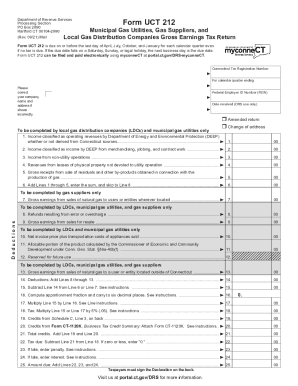
Form ct uct
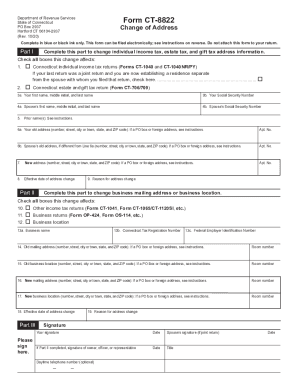
Ct dmv change of address form
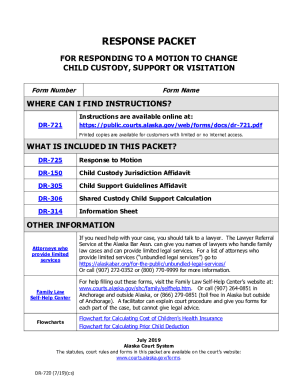
Courtselfhelp.idaho.govFormsVisitationChange Custody, Visitation, or Child Support (Modification)

Alaska form annual declaration
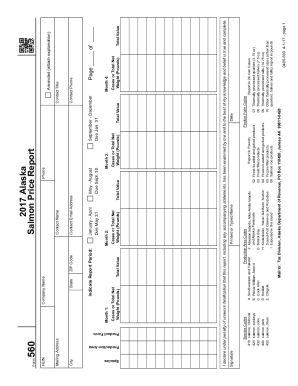
Alaska price report
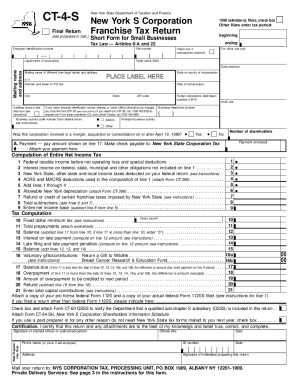
Form CT-4-S:1998: New York S Corporation Franchise Tax Return - Short Form for Small Businesses, ct4s
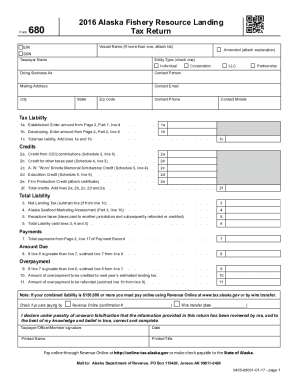
Ak form 680 resource landing
Fillable Online TEMPLATE - Animal Control - Cat Trap Hire ...
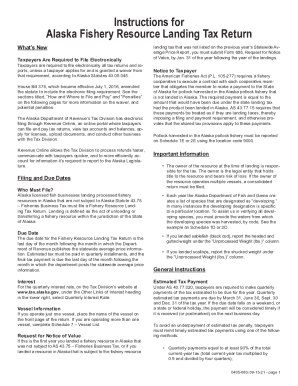
Get the free STATE OF ALASKA DEPARTMENT OF REVENUE Tax ...
Alabama 40a
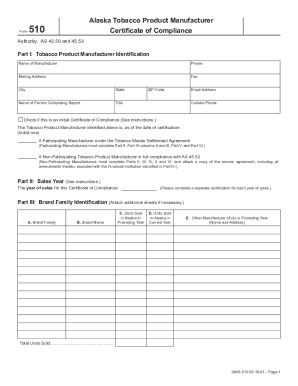
Alaska 510 tobacco
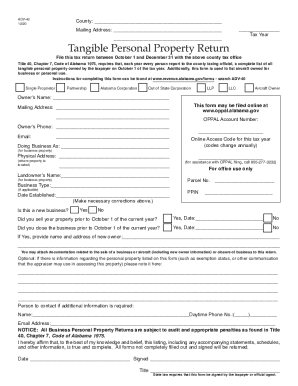
Alabama personal property form
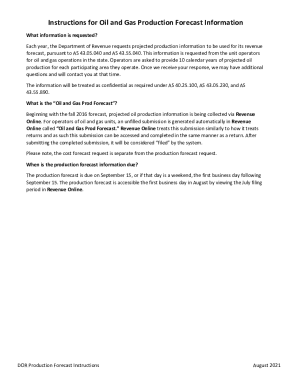
Forecast instructions oil information
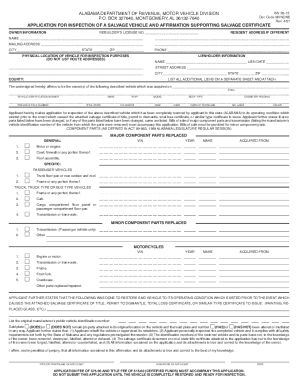
Alabama inspection form

Alabama pte v
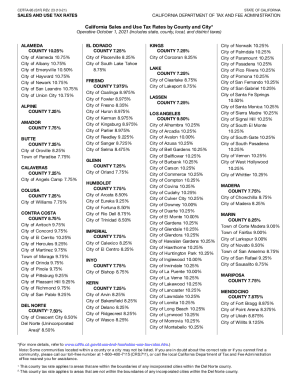
California sales tax rates
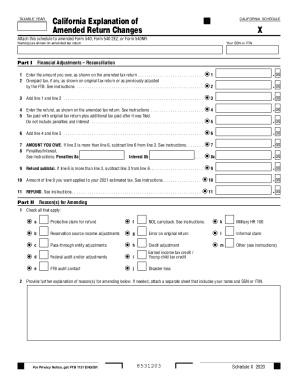
Schedule x
California vessels tax

Mcps document form

Alabama revenue designated
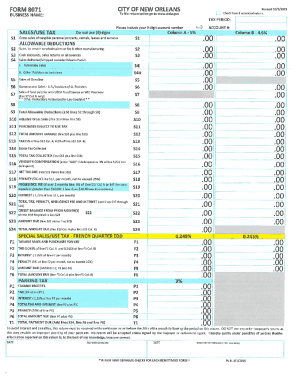
City of new orleans sales tax form

Florida sales return form
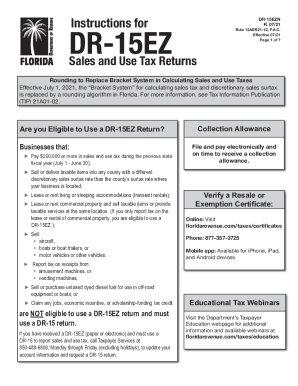
Instructions dr 15ez
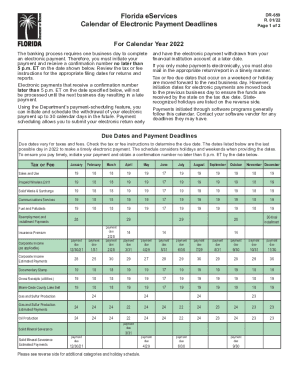
Florida due dates

Dr 1n
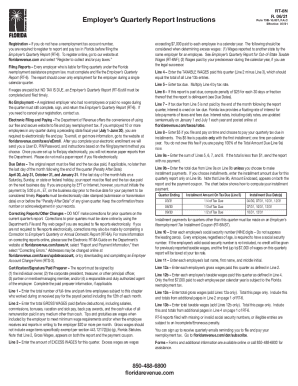
Rt 6 instructions

Dr 501dv

Dr 504 form

Fidelity distribution form

8a form

Form dr 14
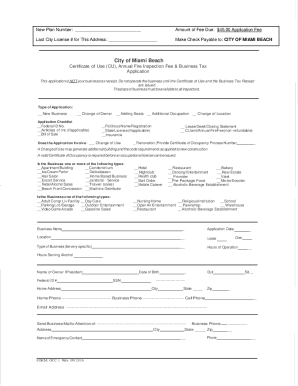
Motor Vehicles - Fee InformationHawaii County, HI
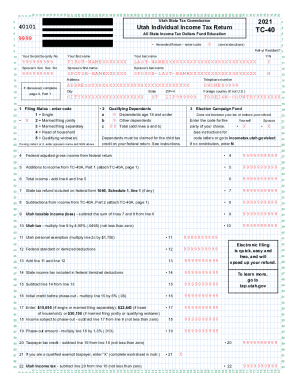
Ut tax instructions
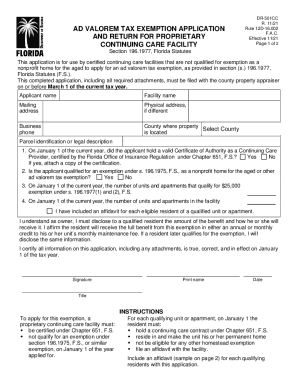
AD VALOREM TAX EXEMPTION APPLICATION, PROPRIETARY CONTINUING CARE FACILITY

Form Tc-40r - Recycling Market Development Zones Tax Credit

Dr 504ha
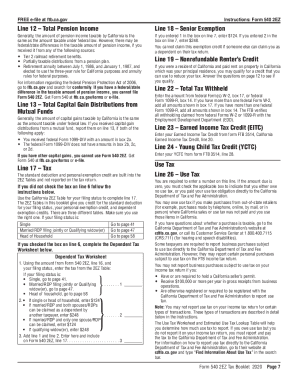
540 tax
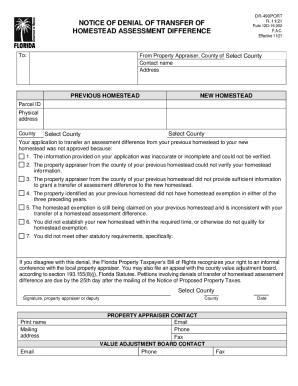
490port homestead form
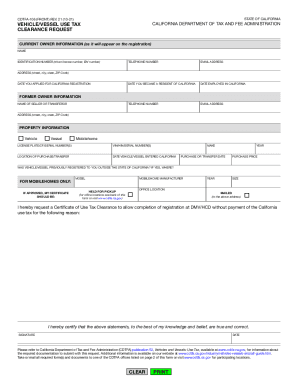
Cdtfa ca login
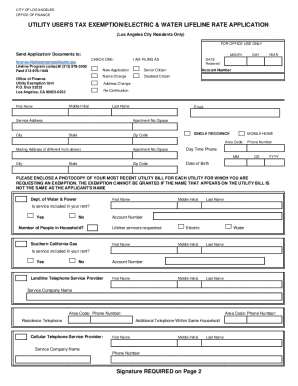
Lifeline california
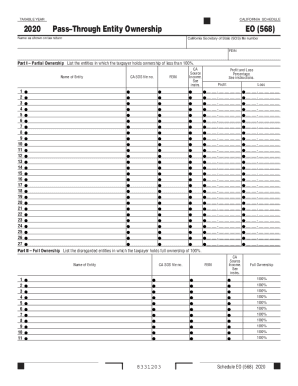
2020 California Schedule EO (568) PassThrough Entity Ownership. 2020 California Schedule EO (568) PassThrough Entity Ownership
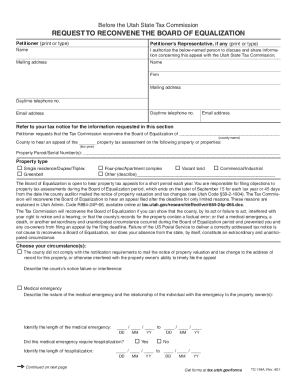
Utah state equalization

Social security federal
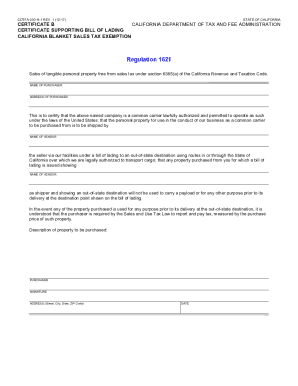
Ca tax exemption form

D2l2jhoszs7d12.cloudfront.netstateCACDTFA-531 (FRONT) REV. 8 (10-17) SCHEDULE B - DETAILED ...

CALIFORNIA DEPARTMENT OF TAX AND FEE ADMINISTRATION RETURN ...
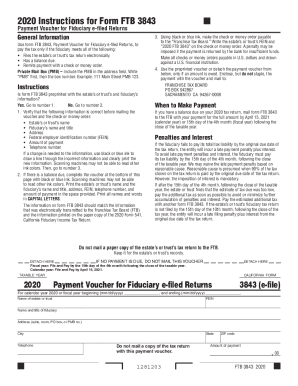
Ftb 3843 payment voucher form
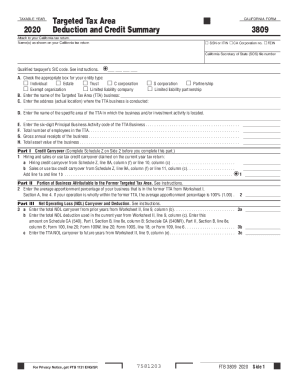
California targeted tax

Florida revenue form dr 504cs
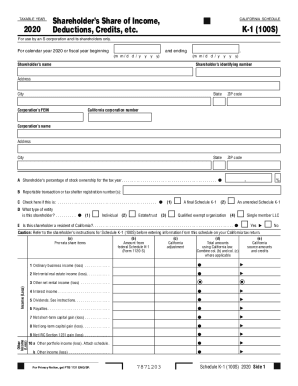
Schedule k 1

3805q

Ftb form 3805v

592 voucher form
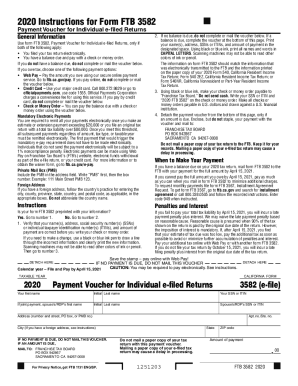
California payment voucher

Tennessee affidavit inheritance

Fae 170
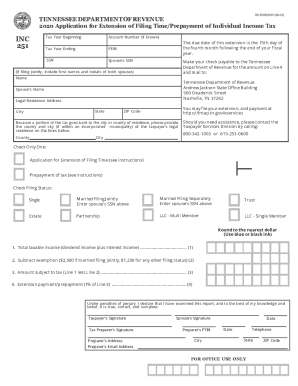
INC251 - Application for Extension of Filing Time/Prepayment of Individual Income Tax. INC251 - Application for Extension of Filing Time/Prepayment of Individual Income Tax

Connecticut probate general
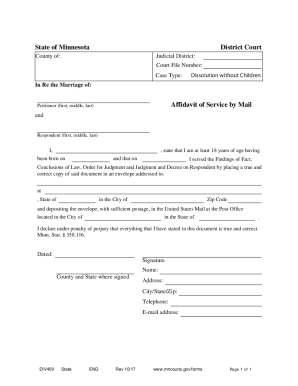
MN DIV409

Cook county cover sheet

Bar instruction form
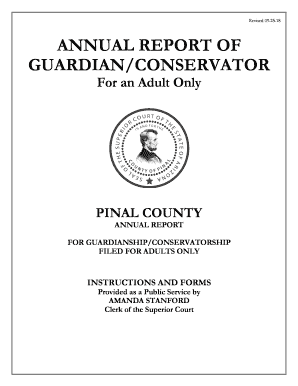
Az guardian pinal county form

Human sfn nd
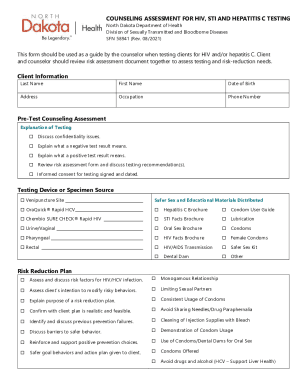
Counseling hiv hepatitis
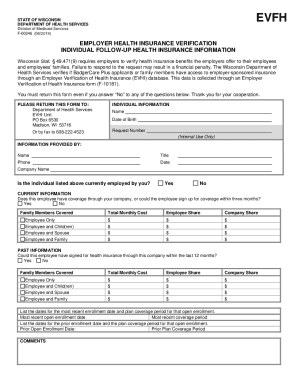
Dhs wisconsin medicaidMedicaid in WisconsinWisconsin Department of Health Services
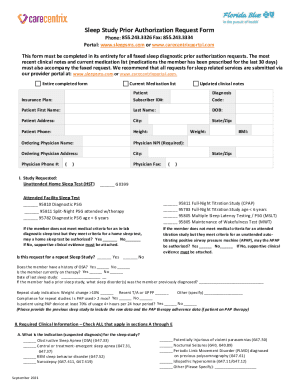
Sleep study authorization form

Staff record

MoffittBehavioralOncologyApplicationFormV32.13.20.doc
Benefit from the DocHub online library of fillable PDF forms
Searching the PDF forms doesn't have to be a tedious and time-consuming process. With the DocHub online library, it has become easier to find the fillable PDF forms and modify them in your browser. The service allows you to adjust the document to your needs using powerful editing tools.
You can use online document editing features to modify almost any type of document with ease. You just need to find the template of your choice, open it in the editor, and use the toolbar to make the necessary corrections.
Follow this guide to get your document done with DocHub:
- Find the PDF template you need.
- Click the Get Form button to open the file in the editor.
- Use the toolbar to fill out and edit the document.
- Easily add and highlight text, insert images, checkmarks, and symbols.
- Drop new fillable fields, and rearrange or delete pages from your file.
- Save changes and download your record.
DocHub empowers everyone to streamline document editing, signing, and distribution, and form completion. Create an account and benefit from our well-organized PDF Forms library and comprehensive editor.