




Here's how it works

01. Edit your idaho child support forgiveness form online
Type text, add images, blackout confidential details, add comments, highlights and more.

02. Sign it in a few clicks
Draw your signature, type it, upload its image, or use your mobile device as a signature pad.

03. Share your form with others
Send idaho child support modification via email, link, or fax. You can also download it, export it or print it out.
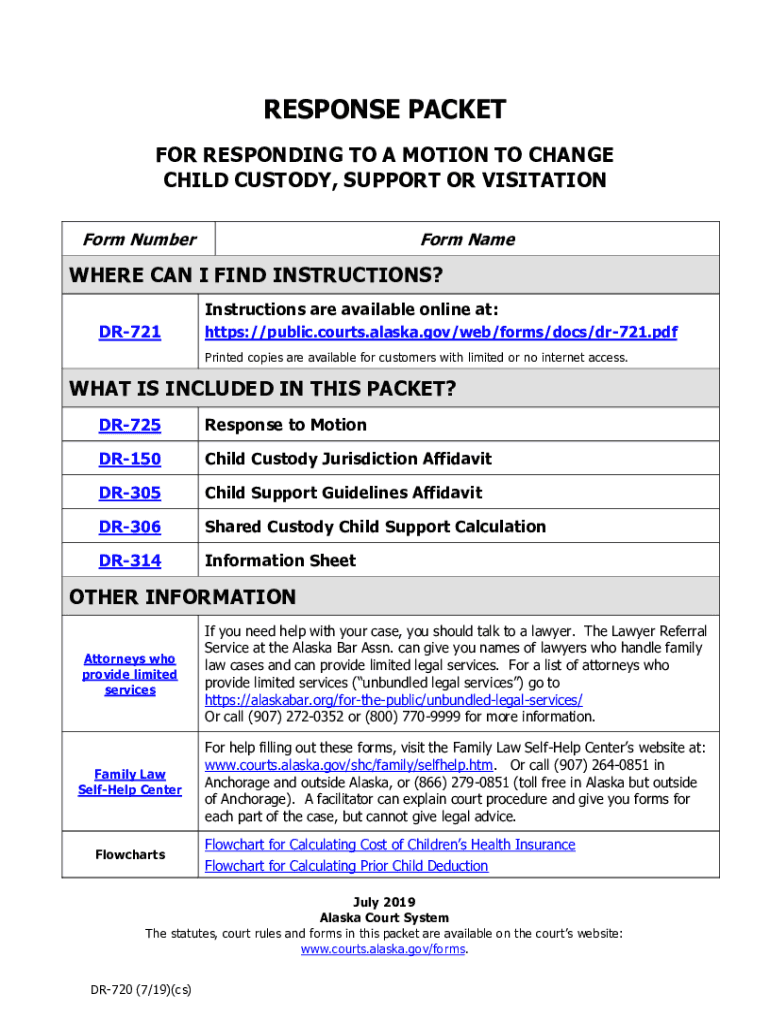
How to use or fill out courtselfhelp.idaho.govFormsVisitationChange Custody, Visitation, or Child Support (Modification) with our platform

- Click ‘Get Form’ to open it in the editor.
- Begin by entering your personal information in the 'Person Filing Response' section. Ensure you provide your name, mailing address, and daytime telephone number clearly.
- In the 'RESPONSE' section, indicate whether you agree or disagree with the motion. If you disagree, attach any supporting documents that justify your response.
- Complete the 'REQUIRED ATTACHMENTS' section by checking off each form you have filled out and attached, including the Child Custody Jurisdiction Affidavit and Child Support Guidelines Affidavit.
- Fill out the 'PARENT INFORMATION' section. If privacy is a concern, you may omit your current address but must provide a mailing address for court correspondence.
- Sign the OATH OR AFFIRMATION in front of a notary public to validate your submission.
- Finally, complete the CERTIFICATE OF SERVICE to confirm that all parties have received copies of your response and attachments.
Start using our platform today to easily fill out and manage your custody modification forms online for free!
Fill out courtselfhelp.idaho.govFormsVisitationChange Custody, Visitation, or Child Support (Modification) online
It's free
It's free
See more courtselfhelp.idaho.govFormsVisitationChange Custody, Visitation, or Child Support (Modification) versions
We've got more versions of the courtselfhelp.idaho.govFormsVisitationChange Custody, Visitation, or Child Support (Modification) form. Select the right courtselfhelp.idaho.govFormsVisitationChange Custody, Visitation, or Child Support (Modification) version from the list and start editing it straight away!
Security and compliance
At DocHub, your data security is our priority. We follow HIPAA, SOC2, GDPR, and other standards, so you can work on your documents with confidence.
Learn more


