
Get any PDF form from the DocHub library of ready-made templates - Page 1192

Fannie mae form 200
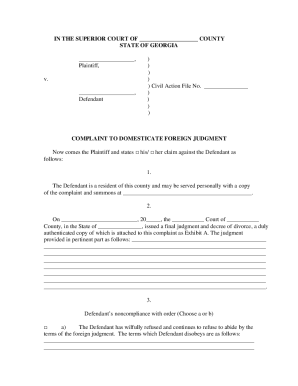
Domesticate foreign judgment ga electronic or paper

Idaho form 967

Quitclaim deed in littl rock arkansas

SCO LETTER - sco ca
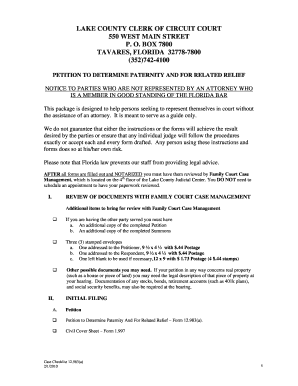
Volusia county civil cover sheet

Printable basic boat slip rental agreement
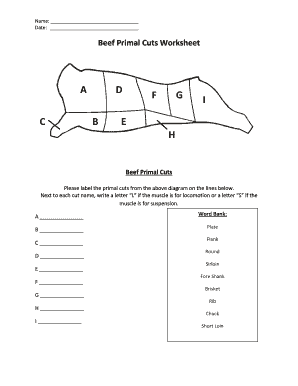
Beef primal cuts worksheet

Modello ap17 inps

Public service job application form

Vikings worksheets pdf
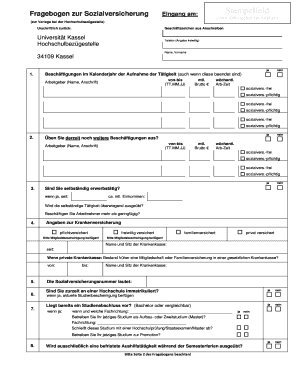
Fragebogen zur Sozialversicherung Dieser Fragebogen wird in der Hochschulbez gestelle f r die korrek
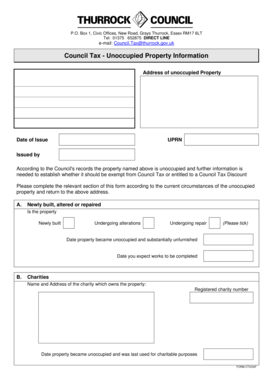
Council tax thurrock

Cigniti offer letter

Administrative order 10 arkansas

105 medical plan

Alternative Noise Mitigation Plan Contact Sheet - NYC - nyc
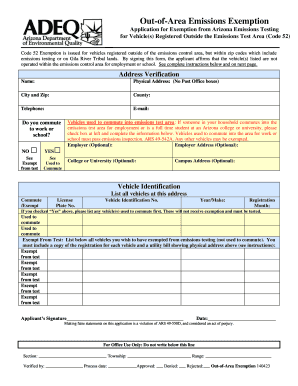
Out of area emissions exemption application form
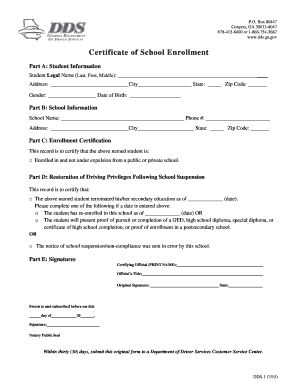
Dds 1206

Med surg nursing skills checklist
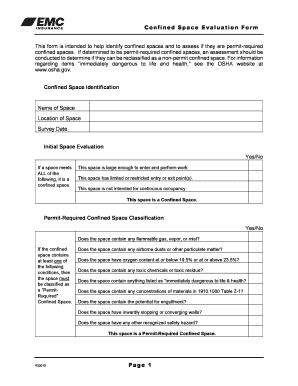
Confined space assessment form

Gratitude lesson plan objectives
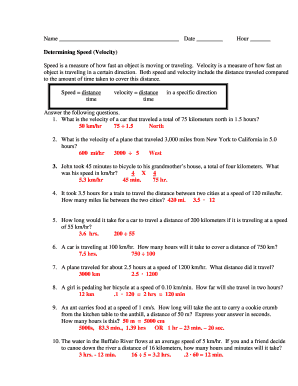
Speed problems worksheet with answers pdf
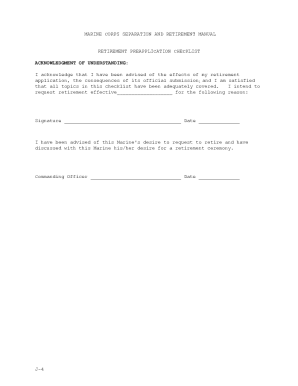
Marine corps appendix j
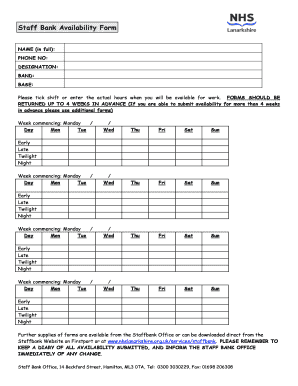
Availability form

Engagement letter bookkeeping
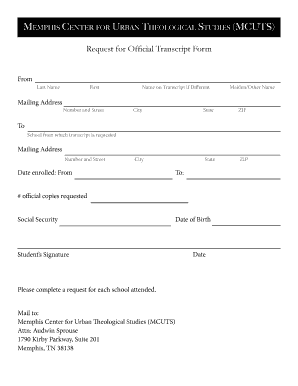
Transcript Request Form - Memphis Center for Urban Theological - mcuts
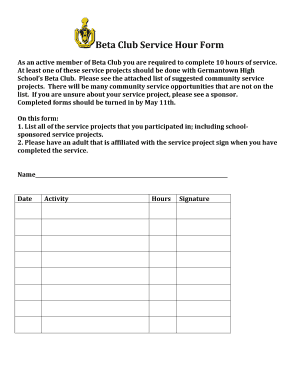
Beta club service hours form
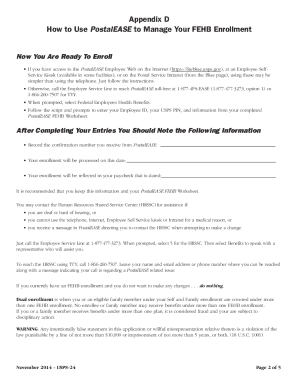
USPS-24 PostalEASE FEHB Worksheeet - APWU Lehigh Valley - lehighvalleyapwu

SECURITY DEPOSIT AGREEMENT

Georgia state board of workers compensation form wc 3

School RESTORATIVE PRACTICES Intervention Tracking Form - PBIS - pbis

Alphabet assessment

Blank mri outpatient form
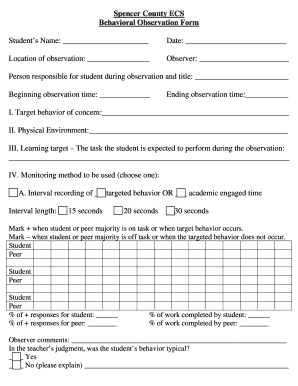
Student observation form
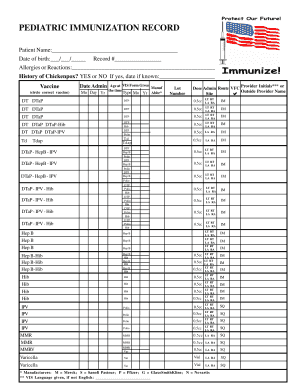
PEDIATRIC IMMUNIZATION RECORD - Alabama Department of Public - adph
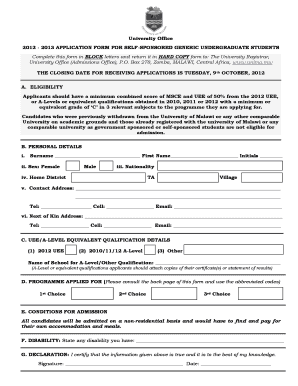
Nche application form 2023 pdf download
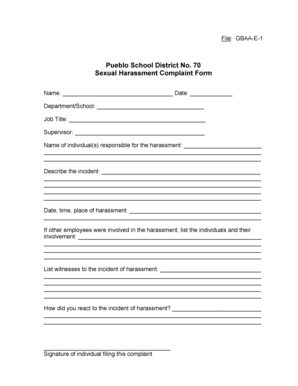
Sexual harassment complaint form

Gun consignment form
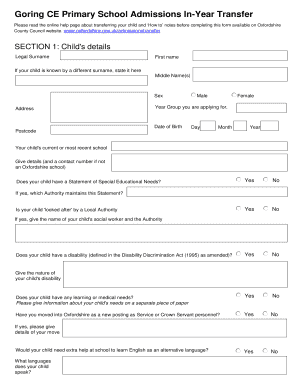
Primary school transfer form 2022 pdf
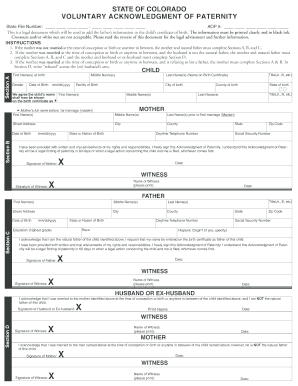
Colorado paternity

Agent of Record Form - Kaiser Permanente - brokernet kp
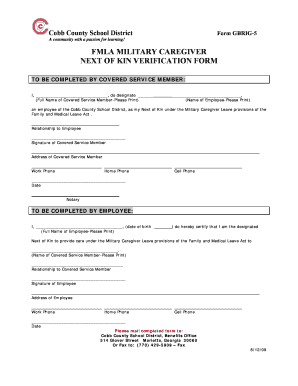
Military next of kin form

LEECH LAKE TRIBAL ASSISTANCE Application for Extraordinary - llojibwe
Ga official tax matters return

Manpower direct deposit
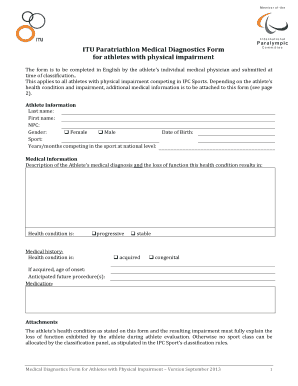
ITU Paratriathlon Medical Diagnostics Form for athletes with
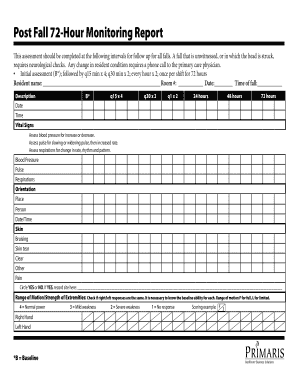
72 hour post fall monitoring report

Ndt hours log
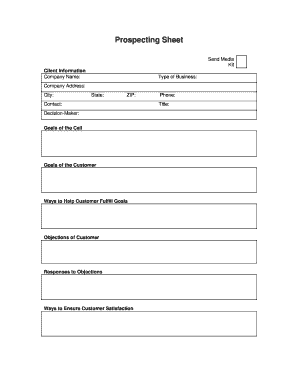
Prospect sheet
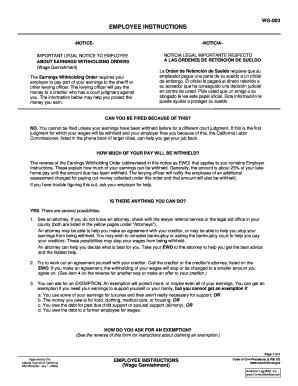
Wg 003
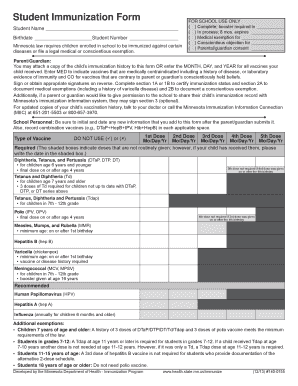
Immunization form
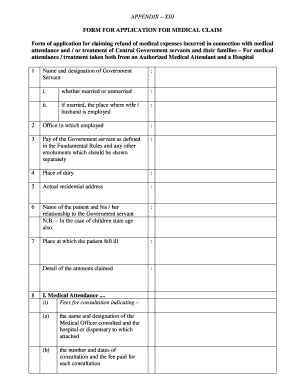
Appendix ii form word format

Bath body works employment

Morton plant hospital medical records
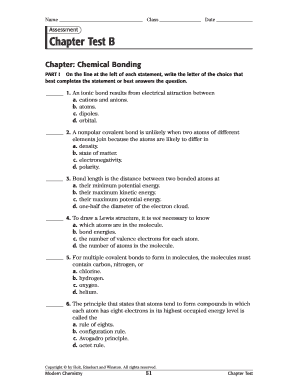
Chapter test b answer key

Membership & participant form and waivers - Old Town - Orono YMCA - otoymca

Early Learning Coalition of NW Florida

Refusal of dental treatment form pdf

Standardized Prior Authorization Form Instructions - Well Sense

Equitable third party authorization form
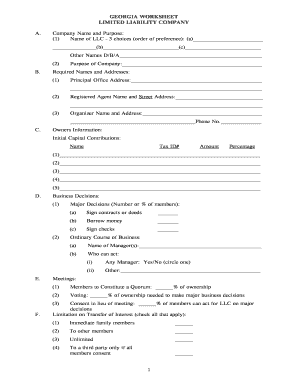
GEORGIA WORKSHEET LIMITED LIABILITY COMPANY A

Form d nova scotia

Application for Criminal Arrest Warrant - State of South Carolina - state sc
Concealed Handgun Permit Application - Eagle County Official
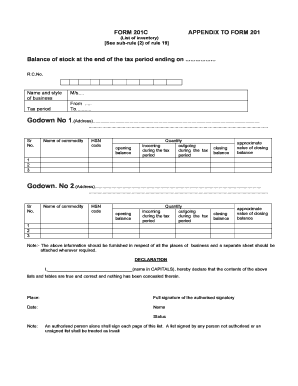
Vat 201 form in excel format

Br19 form
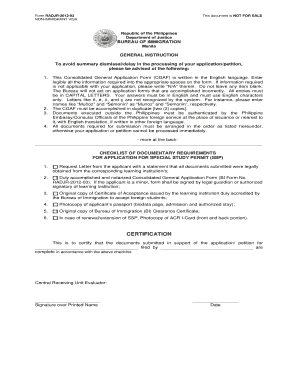
Philippines visa

Direct bill application - Hotel Valencia Riverwalk

BCF500 001 Attachment 2 Contractor Access Form
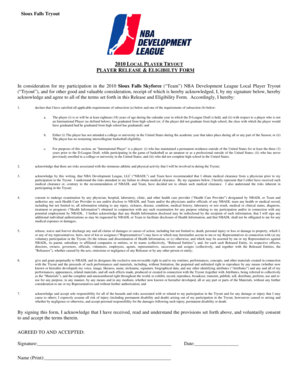
Release Form - NBA

As 4991 pdf
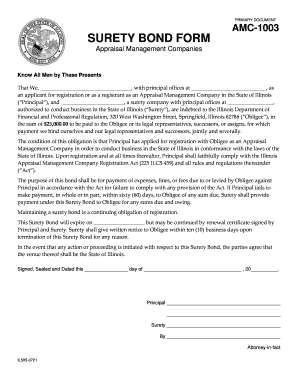
Surety bond template

PAST PERFORMANCE QUESTIONNAIRE FOR VIDEO MANAGEMENT SYSTEM
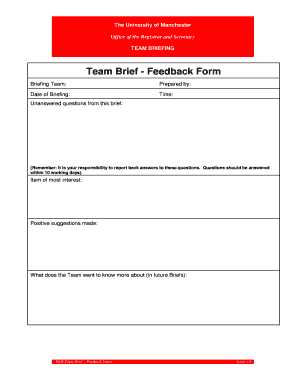
Daily briefing template
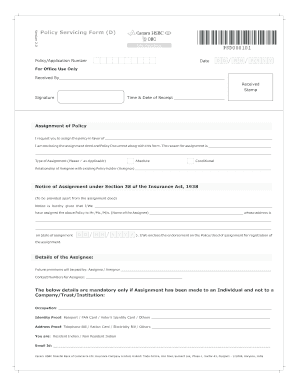
Lic assignment form for bank loan pdf
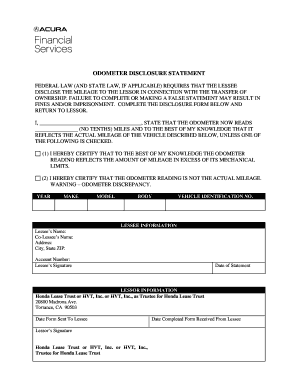
Acura financial services odometer statement
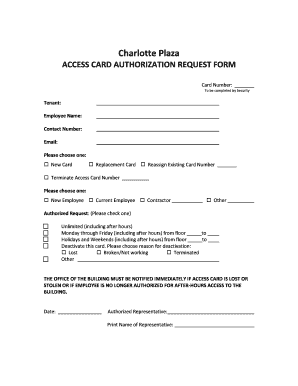
Access card request form
Af form 1180
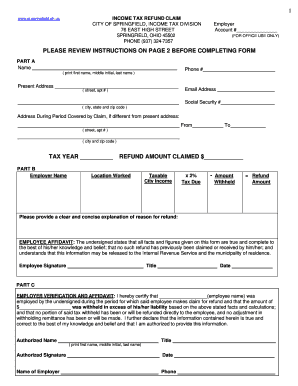
Refund Request Form - City of Springfield, Ohio - ci springfield oh

Softball registration form template
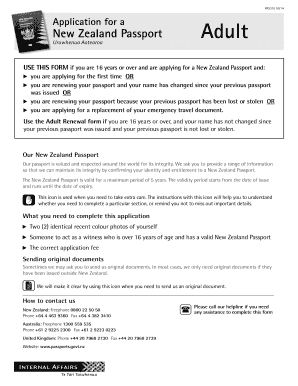
New adult passport application form PDF, 22 pages, 1 1mb
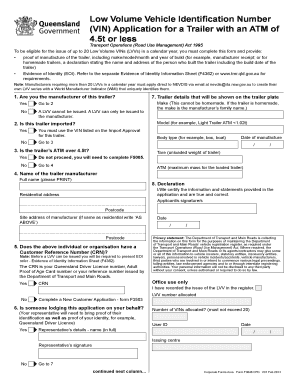
Vin number application qld

Consultation Request Form - Johns Hopkins Medical Institutions - hopkinsmedicine

Nrca mch 03 a
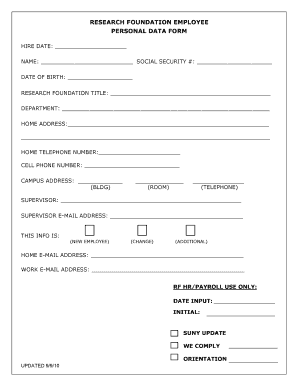
Employee information update form
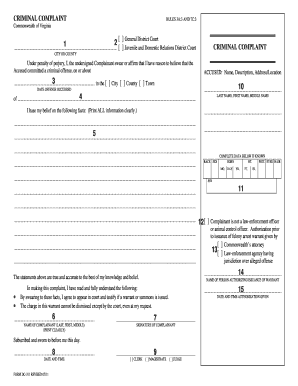
Virginia criminal complaint form dc 311 fillable
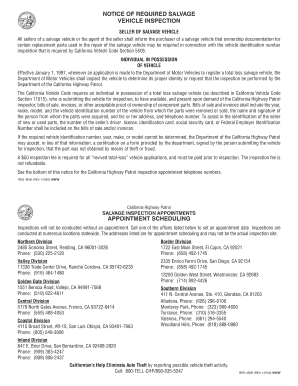
Chp salvage inspection checklist
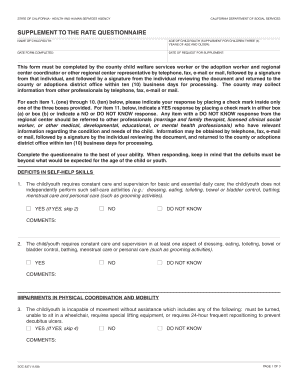
Soc 837
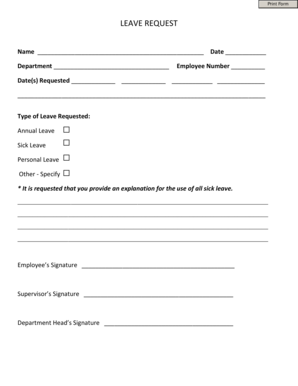
Print Form LEAVE REQUEST Name Date Department Employee Number Date(s) Requested Type of Leave Reques
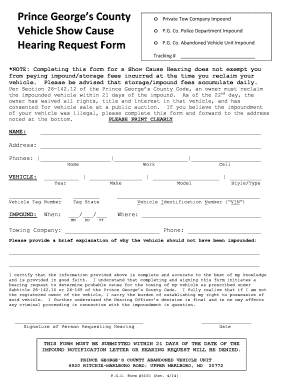
Pg county impund show cause hearing
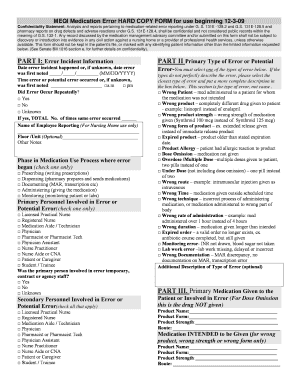
Meqi hard download
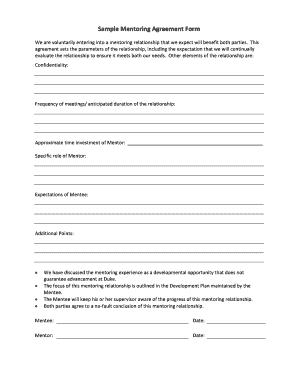
Mentor agreement form sample
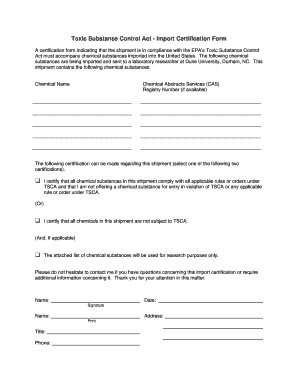
Blank tsca form
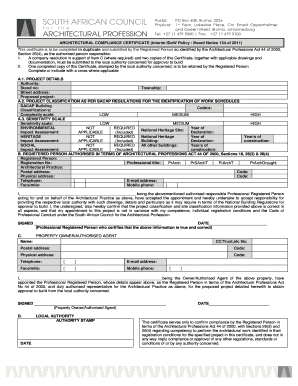
Sacap form for council submission pdf

Vat exemption certificate
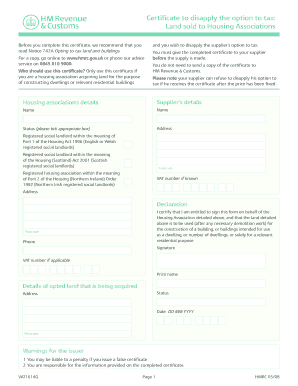
Vat5l form
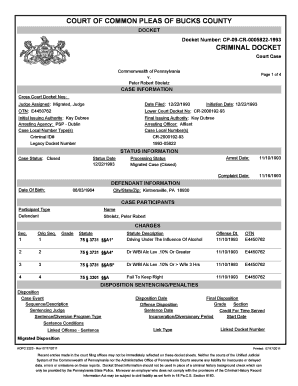
Pa docket sheets
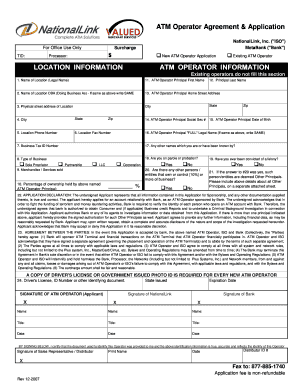
Merchant application and operator agreement meta bank fillable form
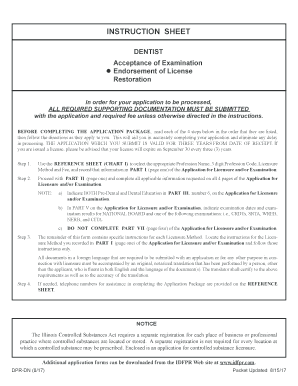
Ed den
Benefit from the DocHub online library of fillable PDF forms
Searching the PDF forms doesn't have to be a tedious and time-consuming process. With the DocHub online library, it has become easier to find the fillable PDF forms and modify them in your browser. The service allows you to adjust the document to your needs using powerful editing tools.
You can use online document editing features to modify almost any type of document with ease. You just need to find the template of your choice, open it in the editor, and use the toolbar to make the necessary corrections.
Follow this guide to get your document done with DocHub:
- Find the PDF template you need.
- Click the Get Form button to open the file in the editor.
- Use the toolbar to fill out and edit the document.
- Easily add and highlight text, insert images, checkmarks, and symbols.
- Drop new fillable fields, and rearrange or delete pages from your file.
- Save changes and download your record.
DocHub empowers everyone to streamline document editing, signing, and distribution, and form completion. Create an account and benefit from our well-organized PDF Forms library and comprehensive editor.