
Get any PDF form from the DocHub library of ready-made templates - Page 1190
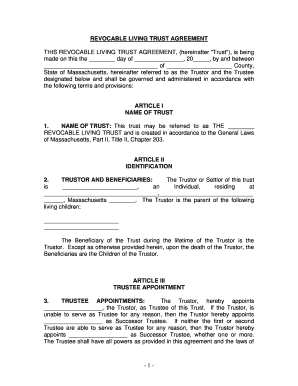
Massachusetts Living Trust for Individual Who is Single, Divorced or Widow (or Widower) with Childre
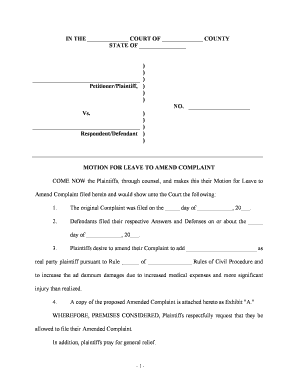
Leave amend

Deed gift

Tax liens arizona

Closing statement form
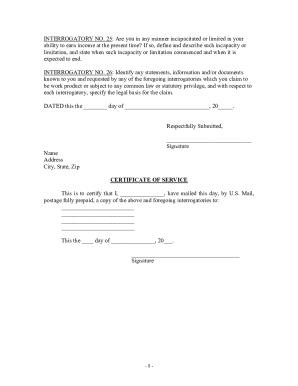
New jersey interrogatories

Fastmed doctors note

FM-CSVlrd-09

TE9 - Witness statement - unpaid penalty charge (Parking)

Patient advocate form manitoba
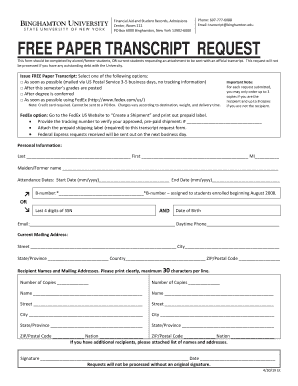
Binghamton university transcript request

ACKNOWLEDGMENT AND CONSENT REGARDING PROTECTION OF PERSONAL DATA
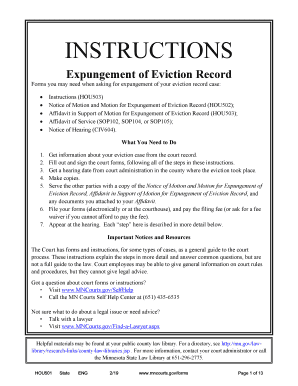
Legal Forms and Letters - Expungement of Eviction Records
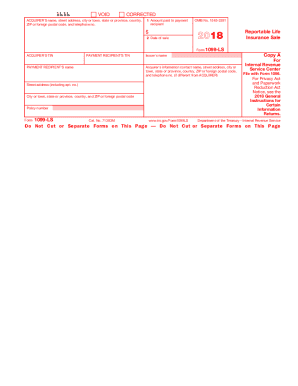
2019 Form 1099-MISC - IRS

Benefits Guide - GSnet - Good Shepherd Health System

Roofing order form
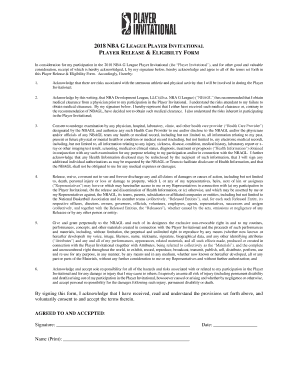
Nba g league player invitational
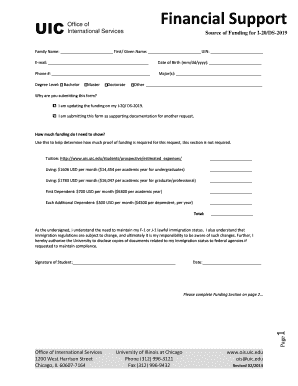
Financial Support - UIC OIS - University of Illinois at Chicago
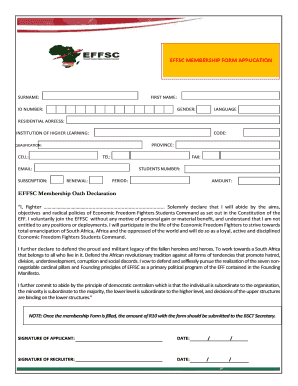
Effsc membership form
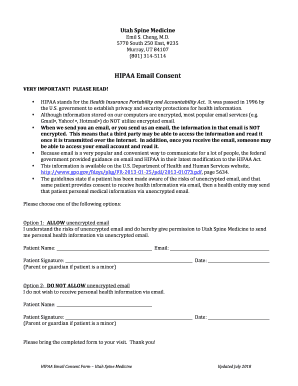
USM HIPAA Email Consent form docx
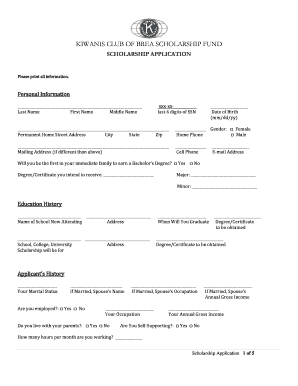
Kiwanis Club of Brea Scholarship Fund - Find Your - Scholarships
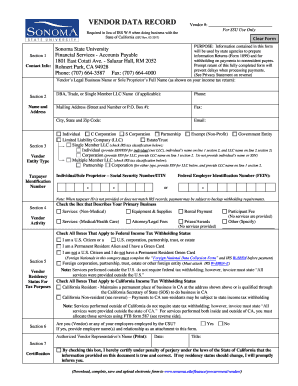
Vendor record form template
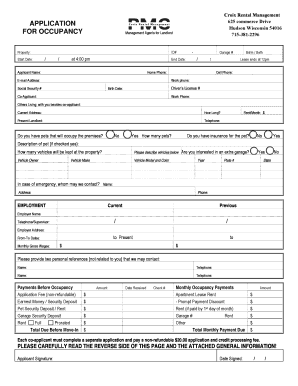
Application for occupancy - PMC Management Group
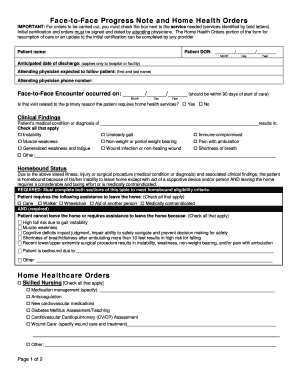
Face-to-Face Progress Note and Home Health Orders
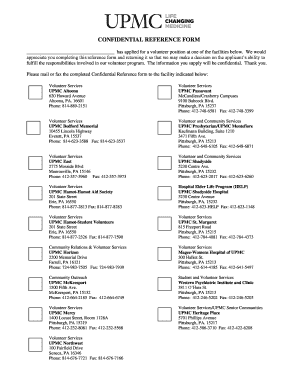
CONFIDENTIAL REFERENCE FORM - annualreport2010 upmc
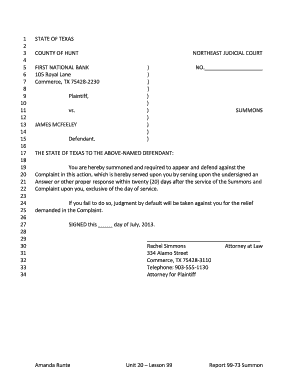
Amanda Runte Unit 20 Lesson 99 Report 99-73 - WordPress

Divorce packet arkansas
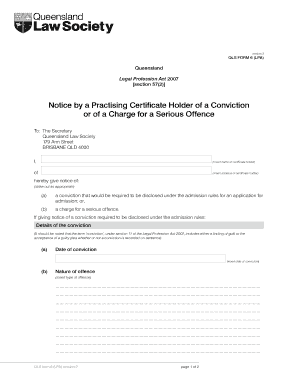
QLS Form 6 (LPA) Notice by a Practising Certificate Holder of a Conviction or of a Charge for a Seri

Parent legal guardian affidavit foid
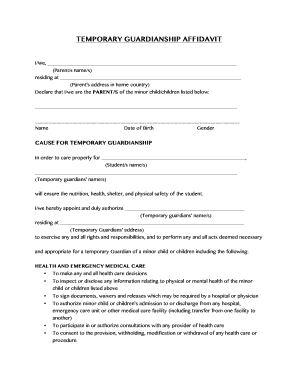
Affidavit of temporary guardianship
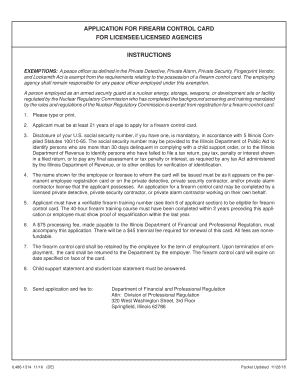
APPLICATION FOR FIREARM CONTROL CARD
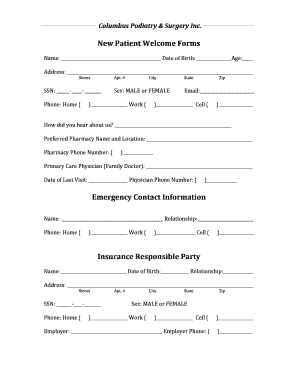
Paperwork form

25 medical card renewal online florida
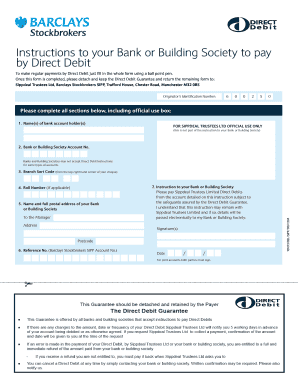
9904167 Barclays DD Form

Scoutmasters

Tulalip win loss statement

Wendy's tale

Please PRINT clearly in ink and answer all questions completely

Tci scholarship application form

Modelo inventario de inmueble word
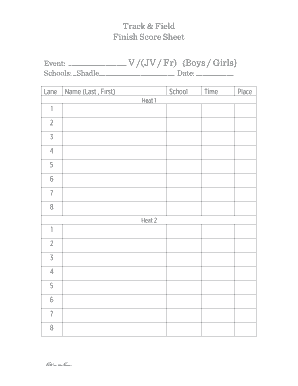
Finish Score Sheet

THE COMPLETE BLOOD COUNT SAMPLE REPORT
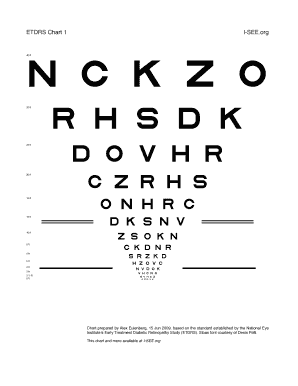
Printable etdrs chart
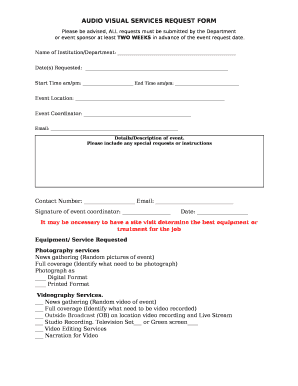
AUDIO VISUAL SERVICES REQUEST FORM

Multi genre project templates

Hvac inventory spreadsheet
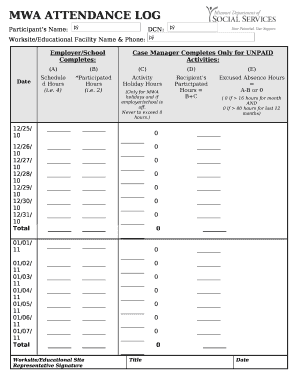
MWA ATTENDANCE LOG

Supervision templates for staff
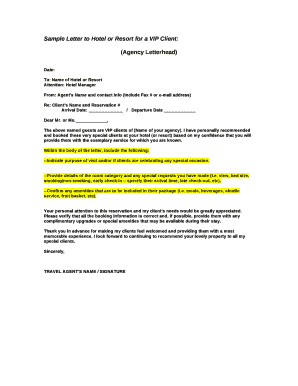
Sample Letter to Hotel or Resort for a VIP Client:

Laboratory profile pdf
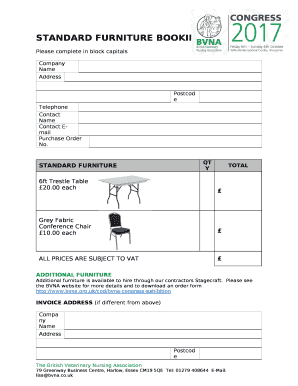
STANDARD FURNITURE BOOKING FORM
Example of preliminary hazard analysis for digital system
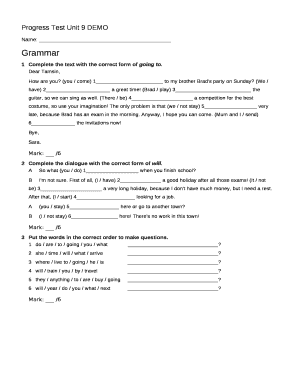
Progress test unit 9
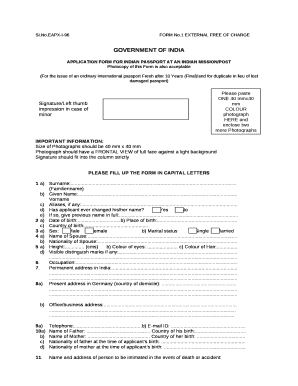
Passport Services - Consulate General of India, Hamburg (Germany)
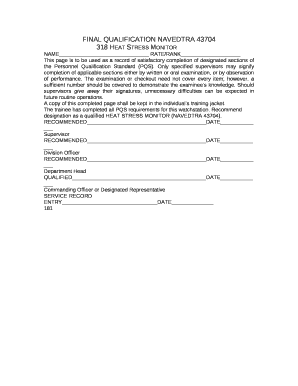
Navedtra 43704
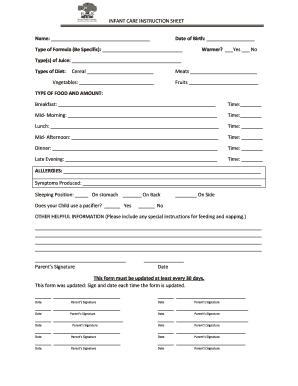
Infant care instruction sheet

Form for Declaration of Release of SRS Fund by Product Provider - IRAS
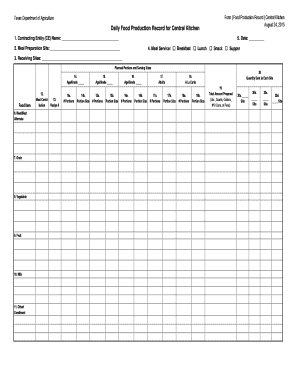
Daily Food Production Record for Central Kitchen

Cargo correction advice

Ccapp application

Elbe hills orv map

Refrigerator & Upright Freezer: Measurement Cheat Sheet - Sears

Wise mind activities pdf
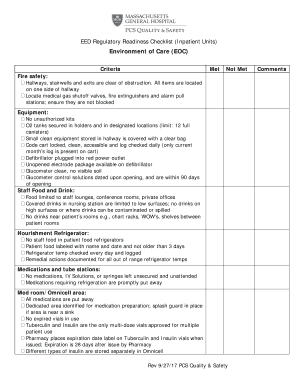
Regulatory readiness checklist
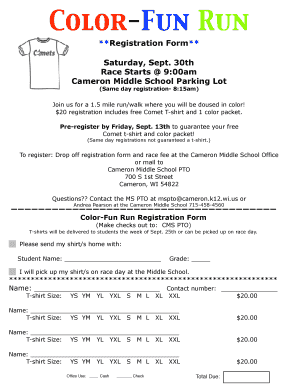
Color run registration form template
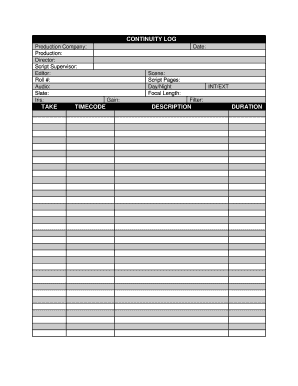
Continuity sheet template
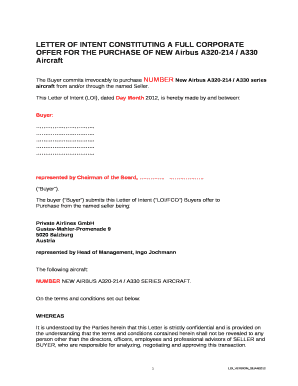
Fco template word
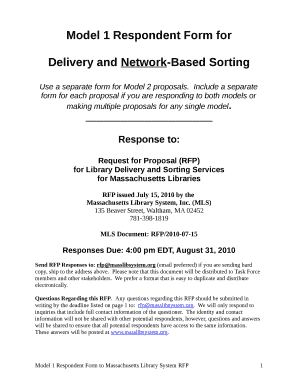
Model 1 Respondent Form for
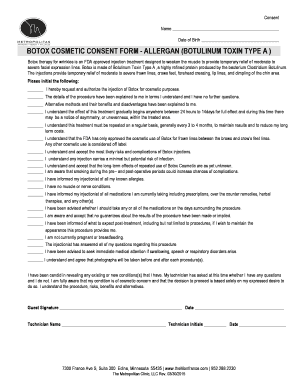
Botox consent form allergan
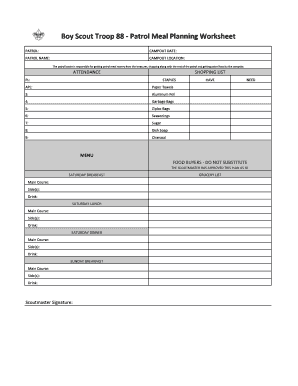
Boy scout meal planning worksheet
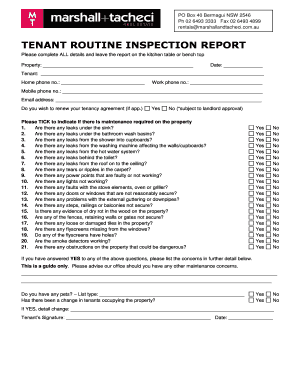
Routine inspection report template wa
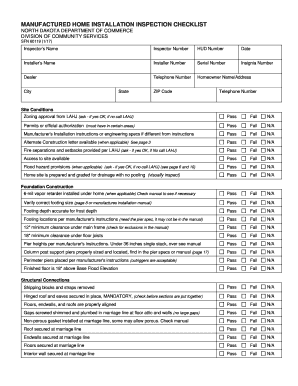
Mobile home inspection checklist pdf

Farmers Market Vendor Agreement
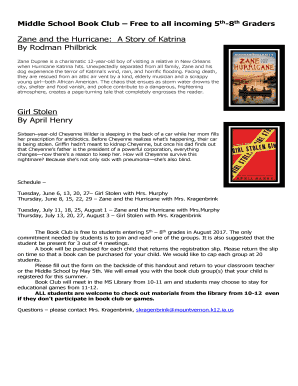
Zane and the hurricane pdf

GUEST VISITATION INFORMATION All visitors to Lackland Air Force

Day Camp Handbook - Ankeny Christian Academy
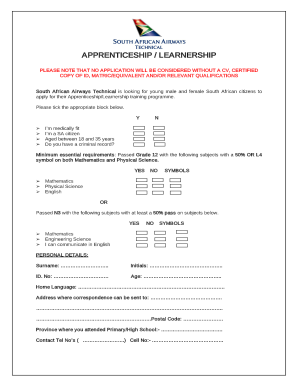
Saa learnerships for 2022 application form pdf
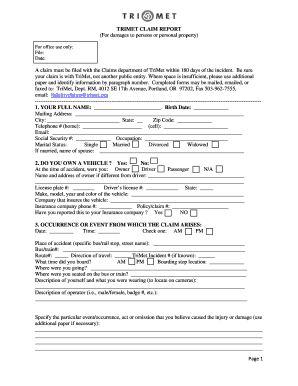
TRIMET CLAIM REPORT - trimet
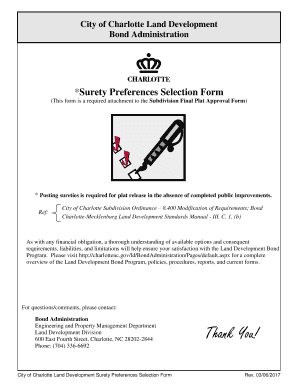
Land Development Surety Preferences Selection Form Surety Preferences
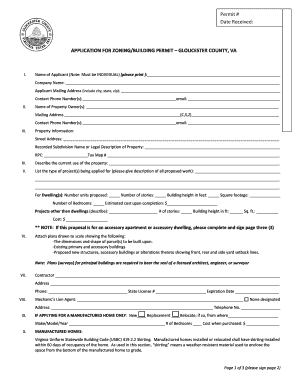
Va gloucester permit
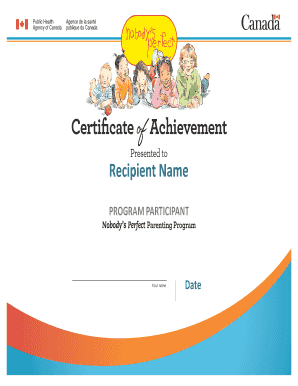
Nobody's Perfect Parenting Program Certificate ofAchievement - skprevention
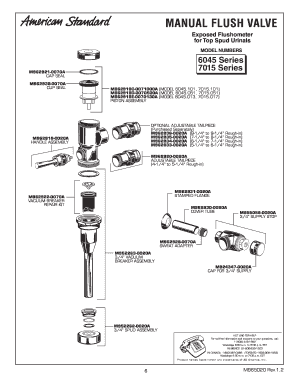
Repair Parts Diagram - American Standard
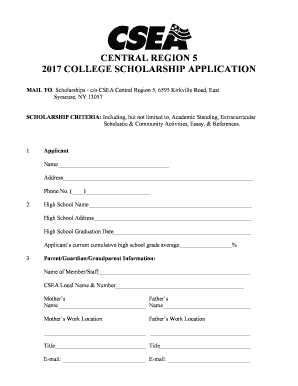
Download our scholarship application form - CSEA Local 1000
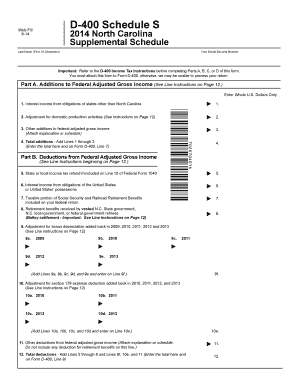
D400 schedule s
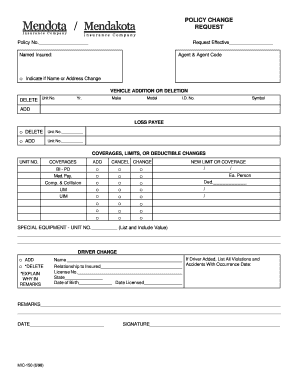
POLICY CHANGE REQUEST - mendota-insurance
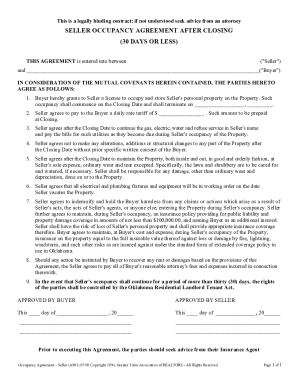
65b form
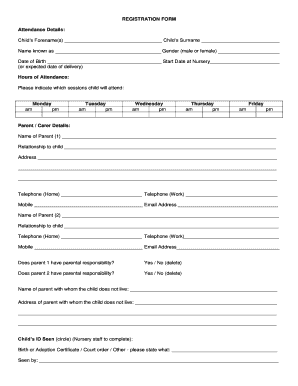
Forms gle

Cheltenham hawks mcc
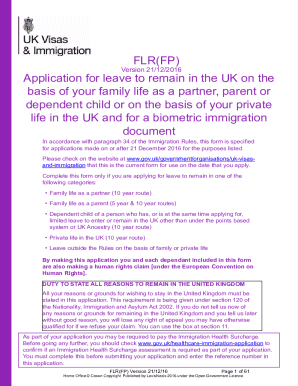
Flr fp form pdf
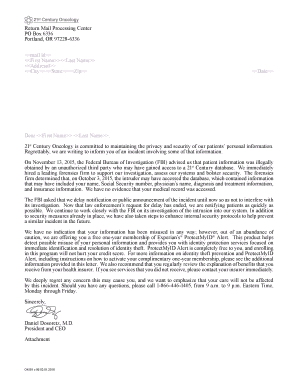
What is return mail processing center letter
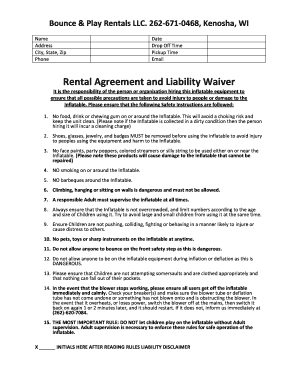
Soft play contract
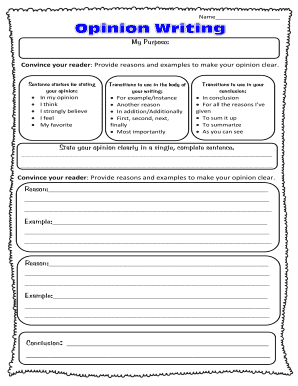
State your opinion clearly

Txdmv bill of sale form
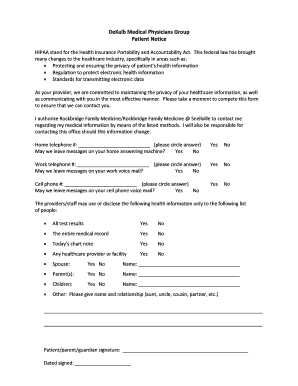
Dekalb medical doctors excuse
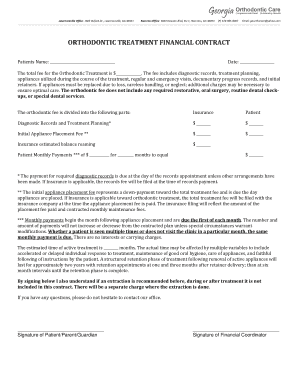
Orthodontic contract template
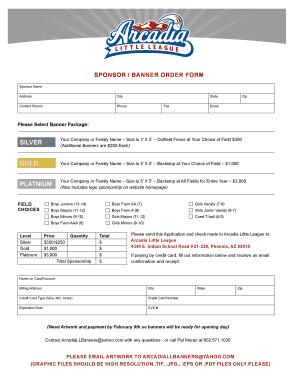
SPONSOR BANNER ORDER FORM
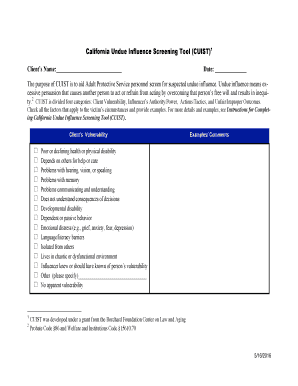
Cuist
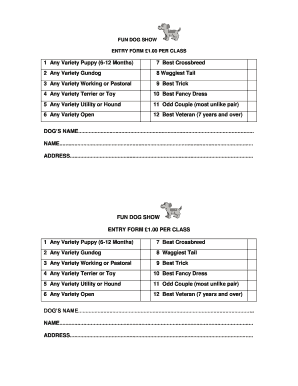
Dogshowentry
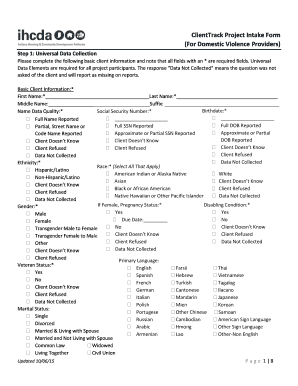
ClientTrack Project Intake Form (For Domestic Violence - IN - in
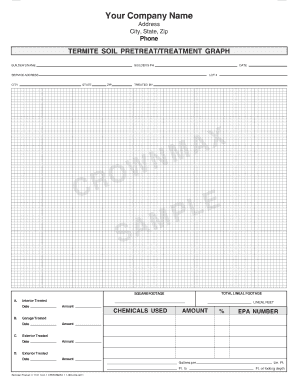
TERMITE SOIL PRETREAT TREATMENT GRAPH
Benefit from the DocHub online library of fillable PDF forms
Searching the PDF forms doesn't have to be a tedious and time-consuming process. With the DocHub online library, it has become easier to find the fillable PDF forms and modify them in your browser. The service allows you to adjust the document to your needs using powerful editing tools.
You can use online document editing features to modify almost any type of document with ease. You just need to find the template of your choice, open it in the editor, and use the toolbar to make the necessary corrections.
Follow this guide to get your document done with DocHub:
- Find the PDF template you need.
- Click the Get Form button to open the file in the editor.
- Use the toolbar to fill out and edit the document.
- Easily add and highlight text, insert images, checkmarks, and symbols.
- Drop new fillable fields, and rearrange or delete pages from your file.
- Save changes and download your record.
DocHub empowers everyone to streamline document editing, signing, and distribution, and form completion. Create an account and benefit from our well-organized PDF Forms library and comprehensive editor.