
Get any PDF form from the DocHub library of ready-made templates - Page 1177
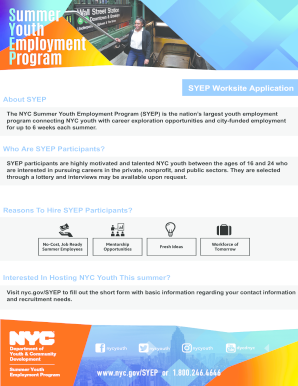
SYEP Worksite Application

Certificate of acceptability application form tshwane

INSTRUCTIONS TO STUDENT: UCR UCEAP ACADEMIC PLANNING FORM
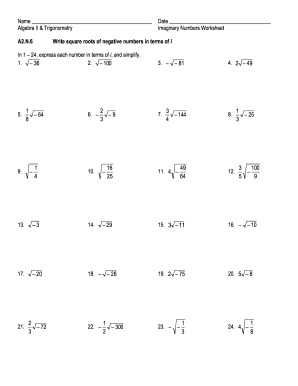
Square roots of negative numbers worksheet
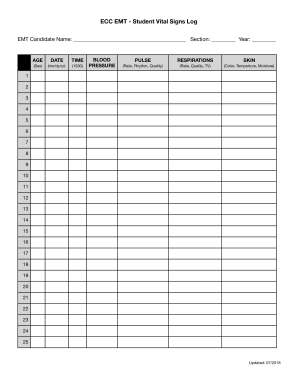
VITAL SIGNS LOG

Subject Access Request Form - Thornhills Medical
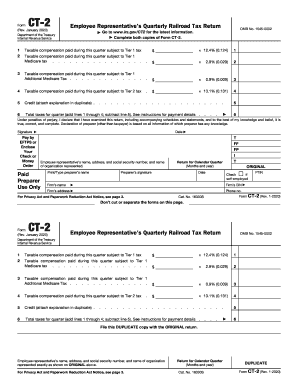
Form 941 rev january 2020 pdf

LifeWays Operating Procedures CHAPTER GOVERNING POLICY 10
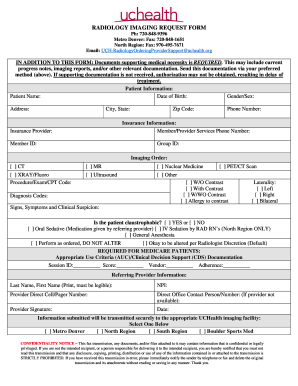
Uchealth imaging form

Illinoisairteam out of state complianceOut of State
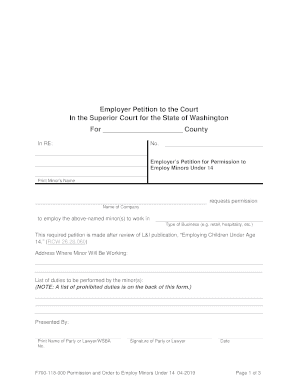
Employing Children Under Age 14 (F700-118-000) Employing Children Under Age 14 (F700-118-000)
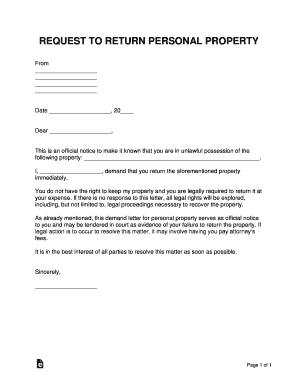
Return of personal property letter template
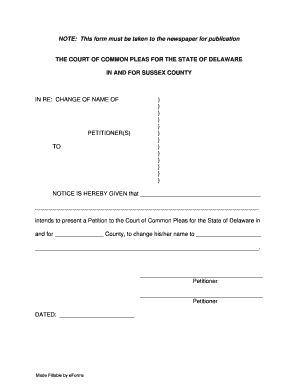
Delaware notice name change
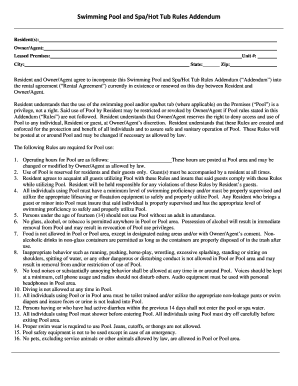
Pool rules addendum
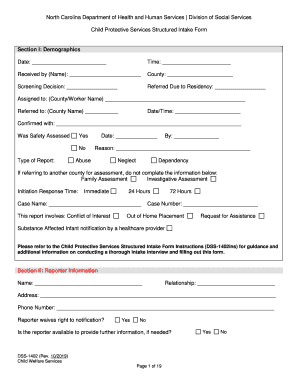
Nc intake form
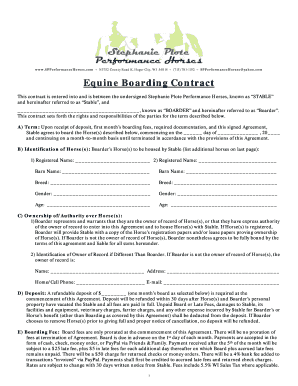
Wisconsin boarding contract
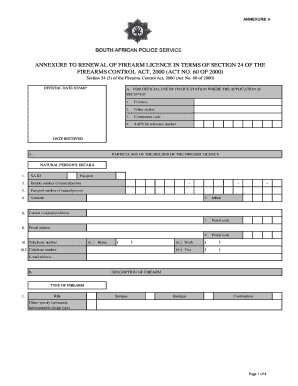
Saps 518 a annexure a
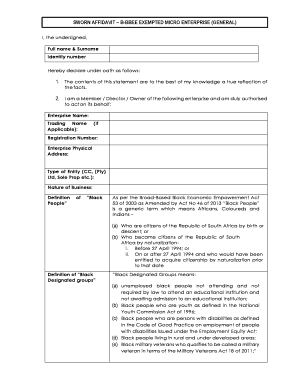
Sworn affidavit b bbee exempted micro enterprise general word format
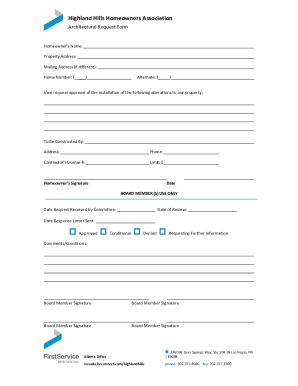
Hoa approval letter template

TRANSCRIPT OF NAIL CARE APPRENTICE TRAINING It is hereby

Statement error form
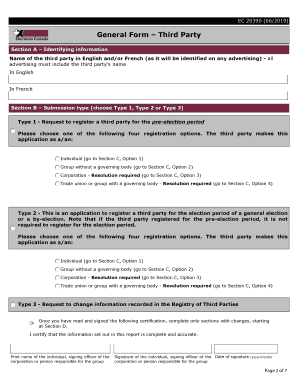
Canada form third party
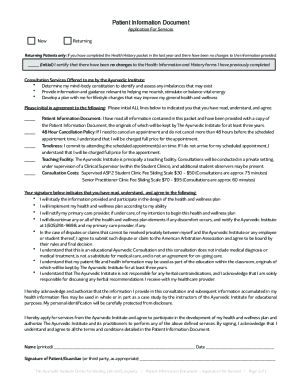
Ayurvedic form
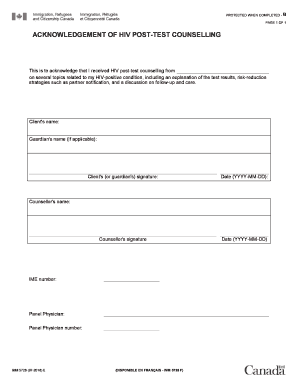
Imm5728e
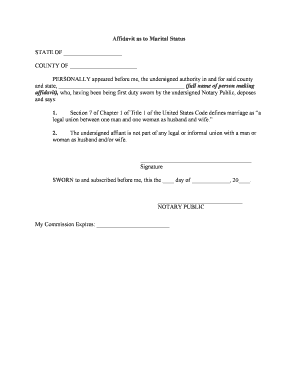
Marriage license printable forms
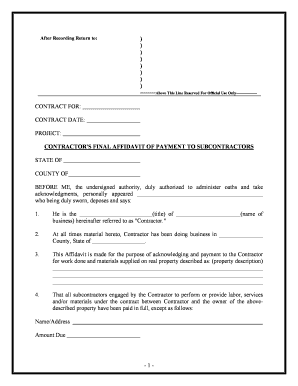
Contractors affidavit
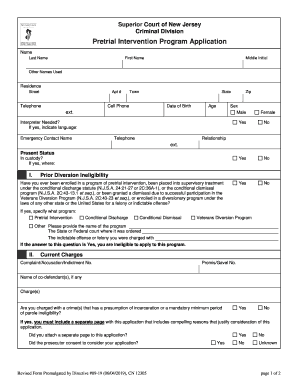
Pretrial application

NGTI MUTUNGA IWI REGISTRATION FORM

College pennant template

KHE SANH VETERANS, INC SCHOLARSHIP FOUNDATION

Blue ridge bank online banking

Body art consent form

Project security blanket
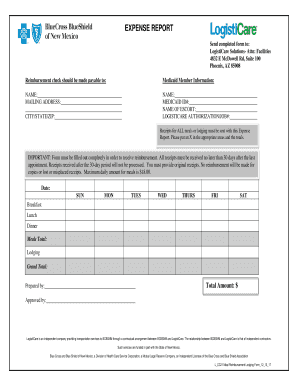
Facility info logisticare com
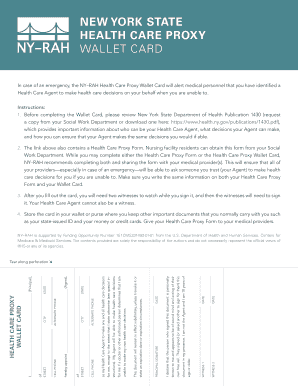
Health care proxy wallet card

Homelessness verification form

Personalized Boardwalk Planks - Town of Yarmouth

Operations Executive Resume Sample doc

Eng form 93
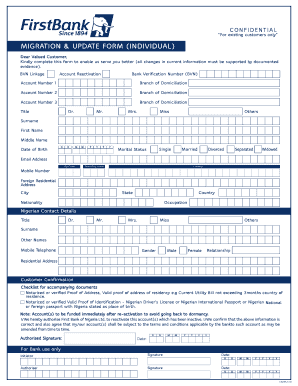
MIGRATION & UPDATE FORM (INDIVIDUAL) - First Bank of
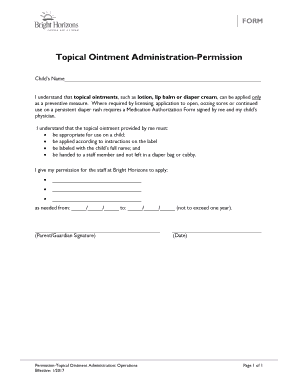
Topical Ointment Administration-Permission doc
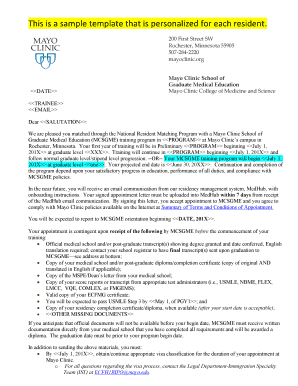
Letterhead-MSGME Multi-Site - MC9000-21 Letterhead-MSGME Multi-Site - 200 Street SW Rochester Minnes

Patient centered observation form
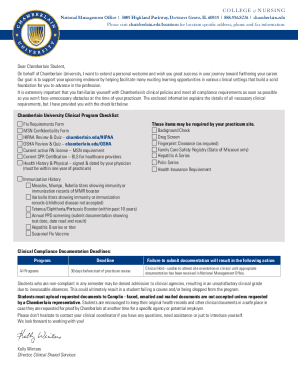
Complio chamberlain
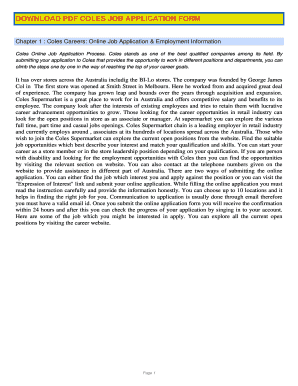
Coles job application form pdf

Wayne state in state

Add & drop course form - Registrar's Office - BYUHawaii
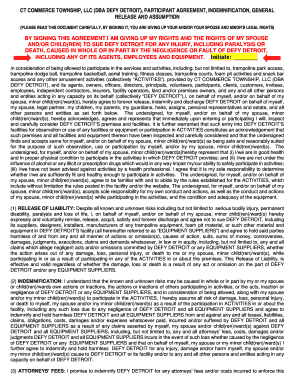
Defy waiver

Sop 227 05
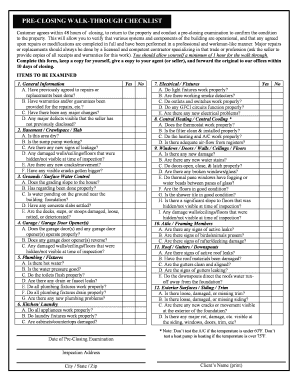
Pre closing walk through checklist pdf
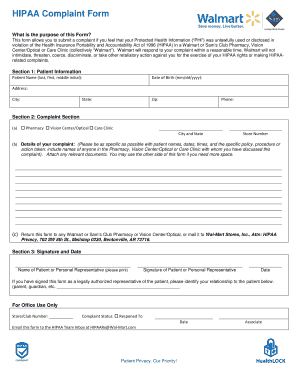
Walmart complaint form
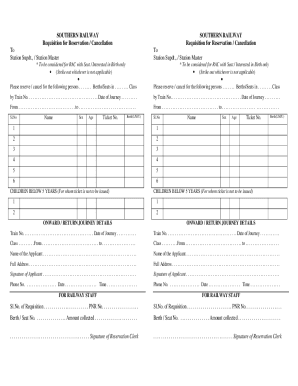
Train ticket format in excel
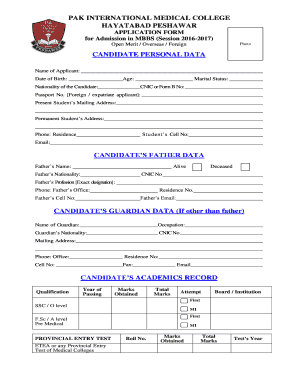
Mbbs admission form pdf
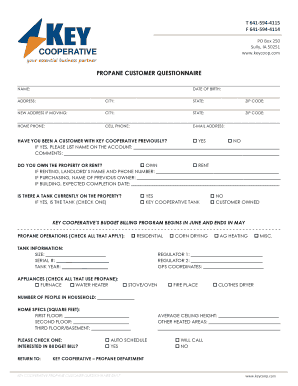
PROPANE CUSTOMER QUESTIONNAIRE - Key Cooperative
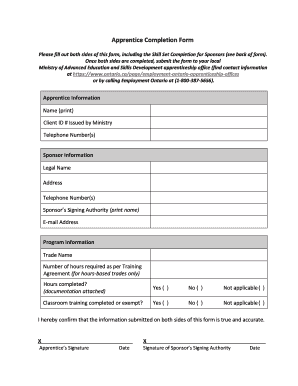
Apprenticeship completion form
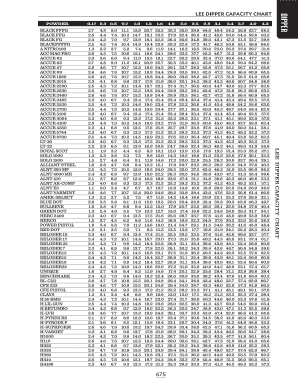
Lee powder disk chart

Leveattest

Engine boss task book

Dnn 3

Pool party contract
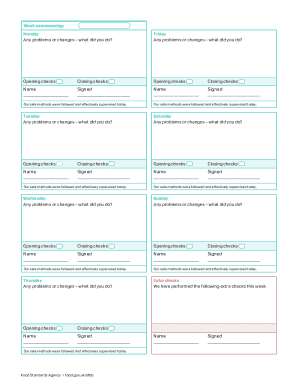
Safer food better business diary refill
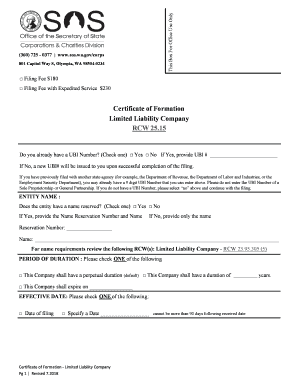
Certificate of Formation - Washington Limited Liability Company

Form G-28, Notice of Entry of Appearance as Attorney or - USCIS

Broker'S Fee Agreement BFA - the Pennsylvania Association of

Univprep

Georgia Residential Lease Agreement - Landlord Lease Forms
PERSONNEL POLICIES and PROCEDURES MANUAL - fumcgnv

Adi 3l form

USSSA SLOW PITCH SOFTBALL WAIVER RELEASE OF LIABILITY & OFFICIAL TEAM ROSTER
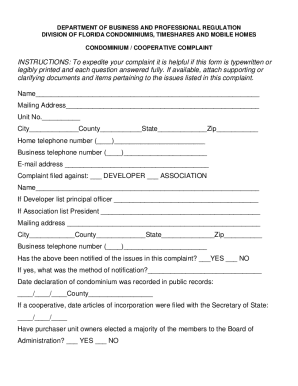
Condominium cooperative complaint form
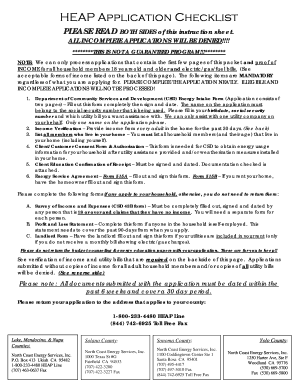
North coast energy services heap application
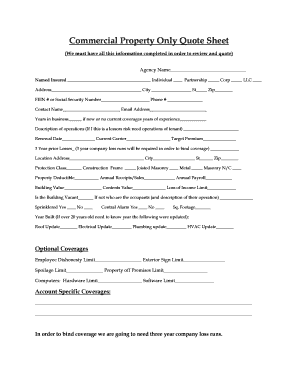
Commercial quote sheet

Standard Form Number: SF-GOOD-60
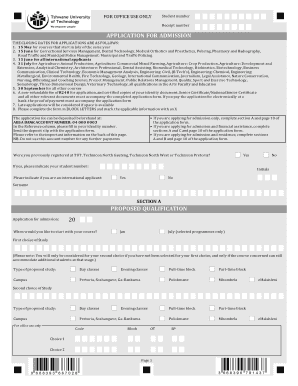
Tut online application

Artist research page template

Parent & Child Sign-In Sheet
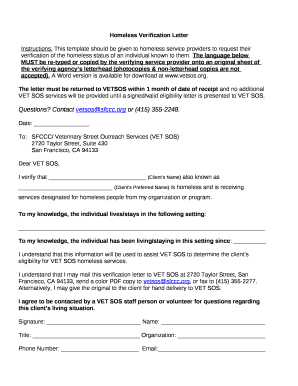
Homeless letter from parent

Qsehra plan document template
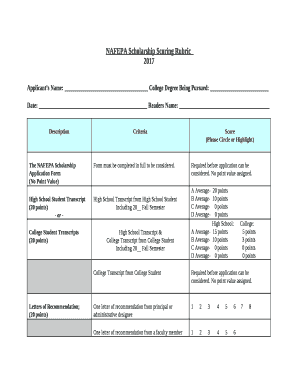
Scholarship scoring rubric template

Nonprofit affiliate agreement template
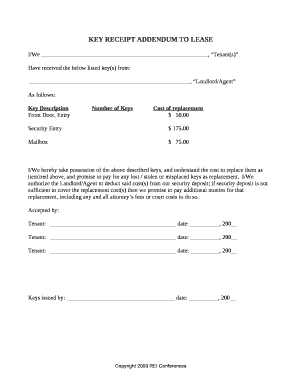
Key addendum to lease
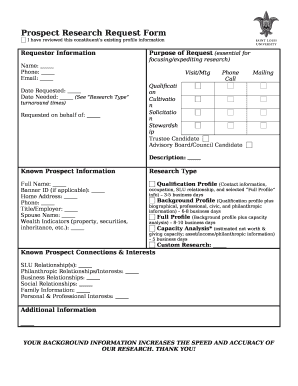
Prospect Research Request Form
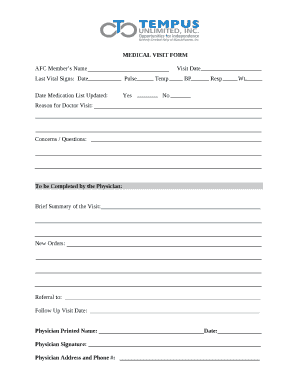
Medical visit form
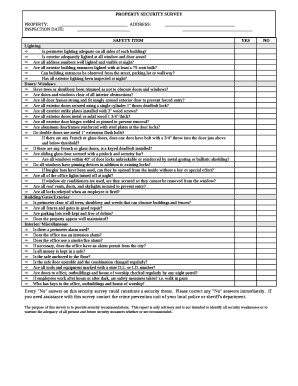
Security survey report sample pdf
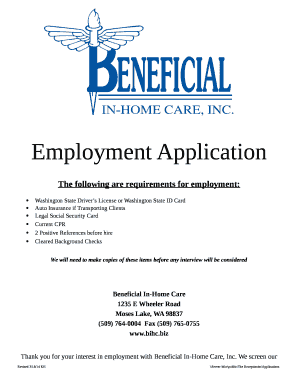
Washington state id template
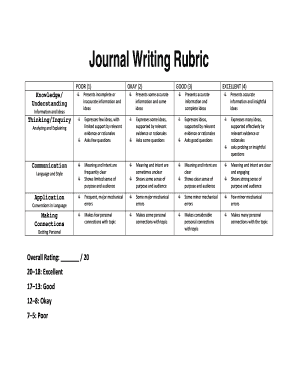
Journal writing rubric

Duvri italy

Adime note template

Observation survey summary sheet

Dasi questionnaire pdf
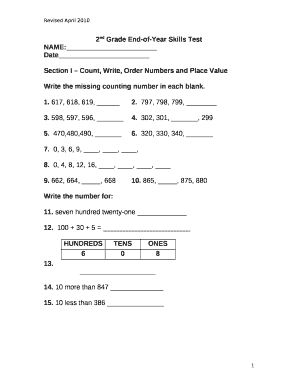
2nd grade end of year assessment
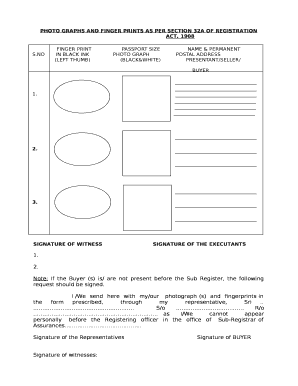
Form 32a word format
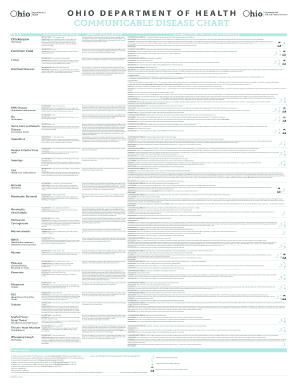
Printable communicable disease chart ohio

Endoscopy Procedure ST RN skills checklist

Soapstone graphic organizer answer key

Kitten share agreement

Squire checklist
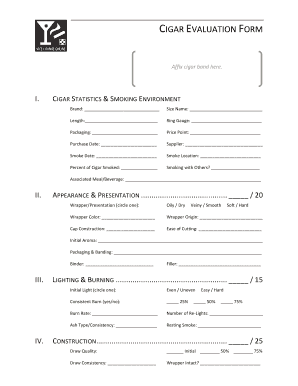
Cigar rating sheet
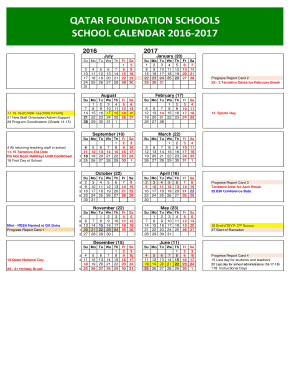
QATAR FOUNDATION SCHOOLS
30 day eviction notice in spanish
Benefit from the DocHub online library of fillable PDF forms
Searching the PDF forms doesn't have to be a tedious and time-consuming process. With the DocHub online library, it has become easier to find the fillable PDF forms and modify them in your browser. The service allows you to adjust the document to your needs using powerful editing tools.
You can use online document editing features to modify almost any type of document with ease. You just need to find the template of your choice, open it in the editor, and use the toolbar to make the necessary corrections.
Follow this guide to get your document done with DocHub:
- Find the PDF template you need.
- Click the Get Form button to open the file in the editor.
- Use the toolbar to fill out and edit the document.
- Easily add and highlight text, insert images, checkmarks, and symbols.
- Drop new fillable fields, and rearrange or delete pages from your file.
- Save changes and download your record.
DocHub empowers everyone to streamline document editing, signing, and distribution, and form completion. Create an account and benefit from our well-organized PDF Forms library and comprehensive editor.