
Get any PDF form from the DocHub library of ready-made templates - Page 1179
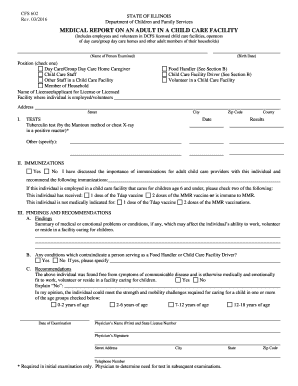
Medical report adult child care
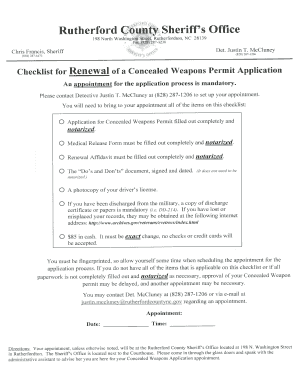
Concealed Handgun Permit Renewal Application Packet - rutherfordcountync
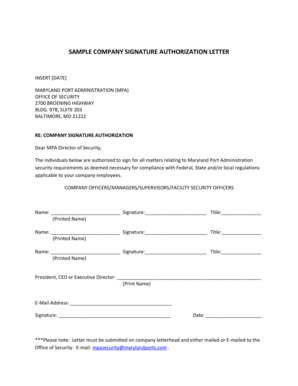
Signature authority letter

FURNACE AIR CONDITIONING AIR BALANCING REPORT - phila
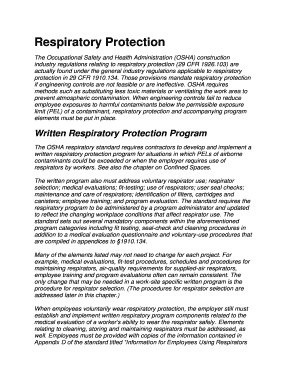
Osha written respiratory protection program template

Introductory statement form moh
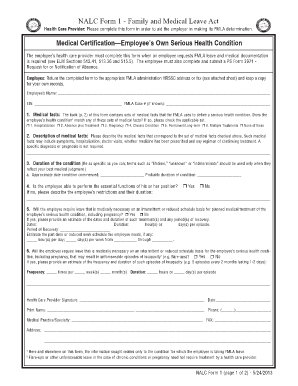
Nalc fmla form 1

TC 96-3 doc - transportation ky
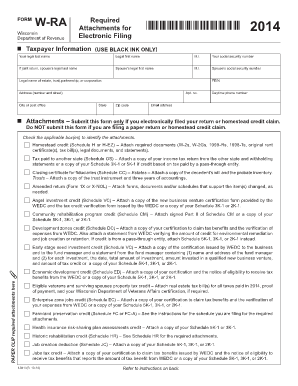
Fill out 2014 w ra forms
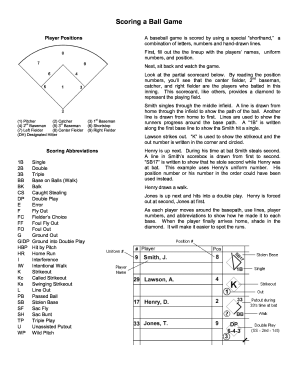
Baseball scorekeeping cheat sheet

Consular outreach in las vegas 2022
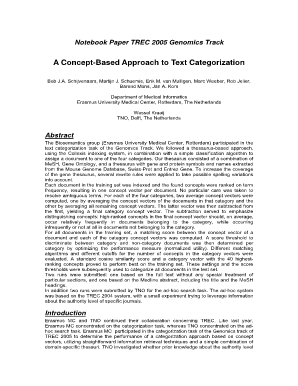
Blank page notebook online
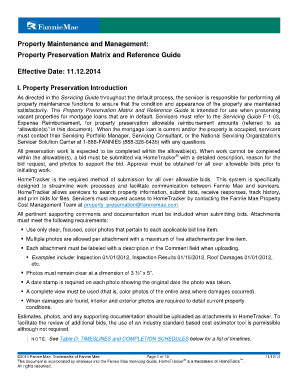
Property Preservation Matrix and Reference Guide - Fannie Mae
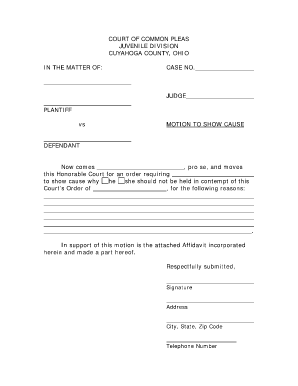
Blank court motion forms cuyahoga common pleas
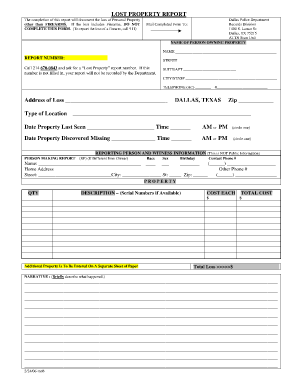
Tx lost property form
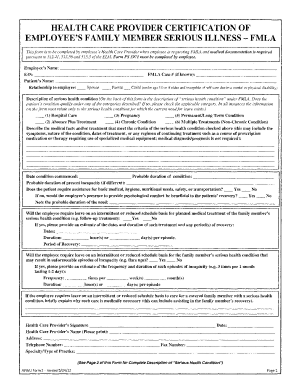
Printable fmla forms

Id10t form
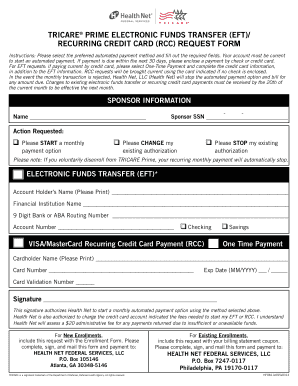
TRICARE PRIME ELECTRONIC FUNDS TRANSFER (EFT

Ipegs documentation cover sheet

Bvi form 20a
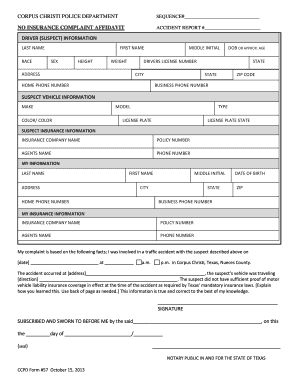
CORPUS CHRISTI POLICE DEPARTMENT SEQUENCE# NO
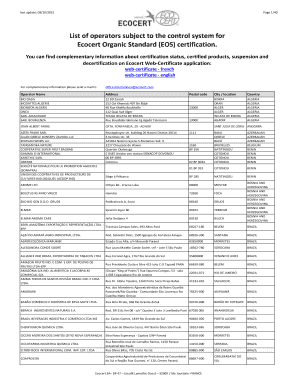
List of operators subject to the control system for Ecocert Organic
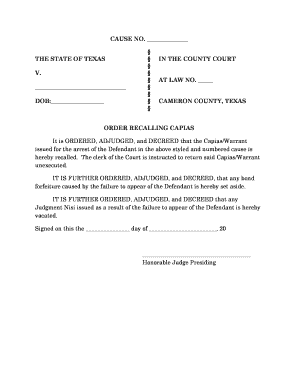
Capias warrant
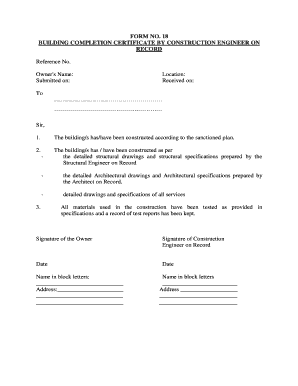
Building completion certificate download

Deferment Request for Admission - Hawaii Pacific University - hpu
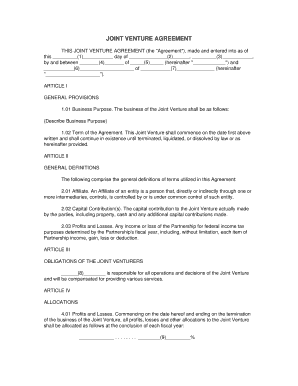
Sample joint venture agreement

Cs4645

FORM 108 PROFESSIONAL BOARD FOR MEDICAL - HPCSA - hpcsa co

Lmc referral form
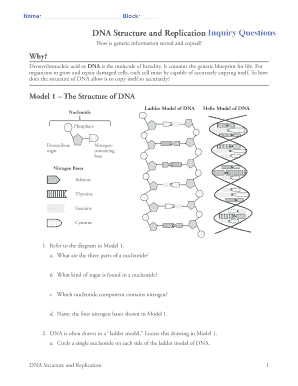
Pogil dna structure and replication

Certificate of Occupancy Authorization Form - dcra dc
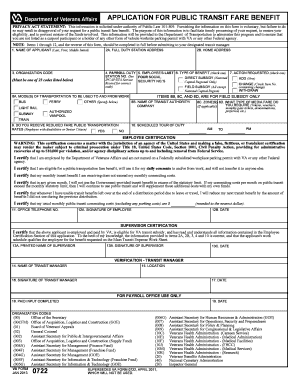
Application for Public Transit Fare Benefit (VA Form 0722)
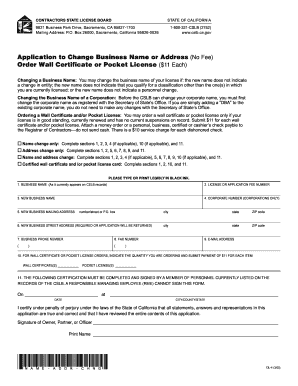
Application to Change Business Name or Address - Contractors - cslb ca

Citizens Police Academy Application - City of Hudson Oaks
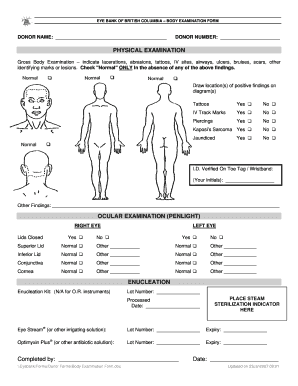
Body examination form

Sponsored walk form

A GUIDE TO GANNON UNIVERSITYS POSTER USING INKSCAPE
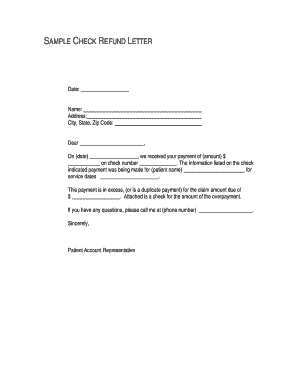
Dental patient refund letter templates
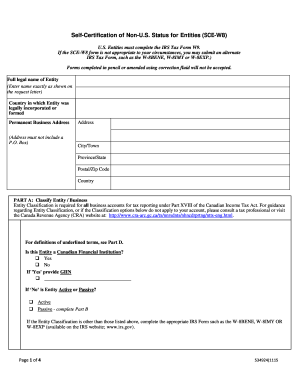
Sce w8
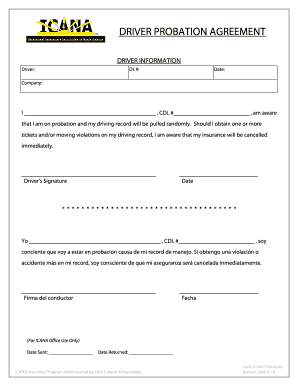
Driver probation agreement - The Intermodal Insurance Company
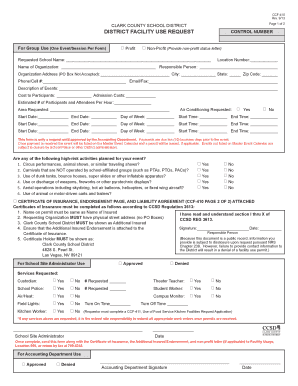
DISTRICT FACILITY USE REQUEST - Clark County School District

Nj health history form
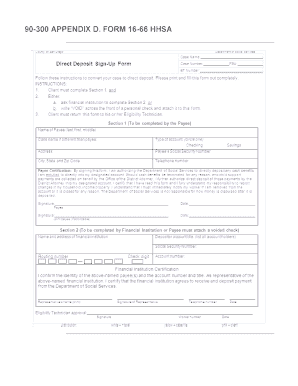
GRPG 90-300 Appendix D Form 16-66 HHSA - hhsa-pg sdcounty ca
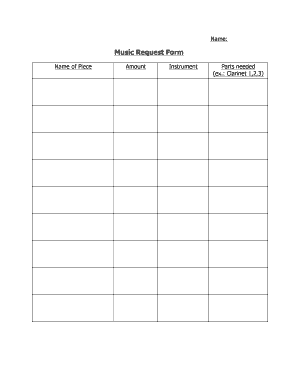
Music Request Form

Hughesnet rebates

Sheike returns
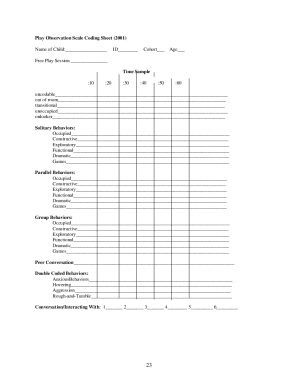
Play observation scale
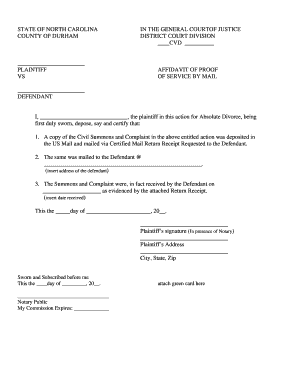
Affidavit of Service by Mail - North Carolina Court System - nccourts
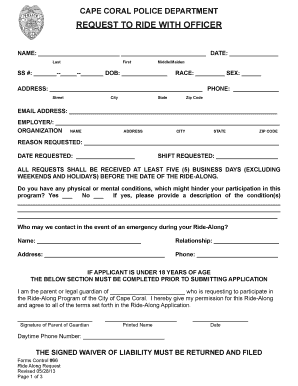
Ride-Along Request Form - Cape Coral Police Department
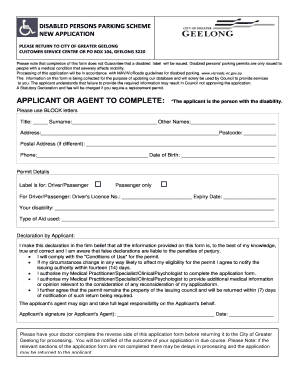
Disabled parking permit geelong
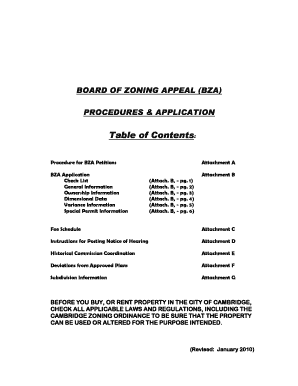
BOARD OF ZONING APPEAL BZA APPLICATION - Cambridge Ma - cambridgema

Sober living contract template

Leepa
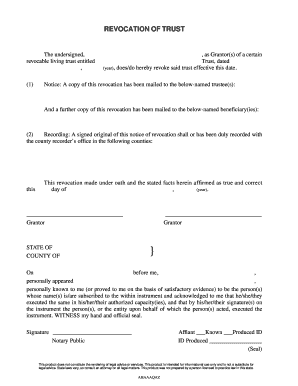
Recocation of trust - Free Legal bFormsb documents papers at bb - legalforms
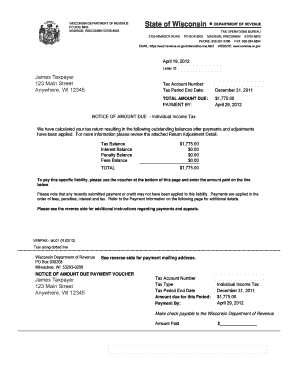
Wisconsin dept of revenue notice amountn due form

Rental application form template nsw
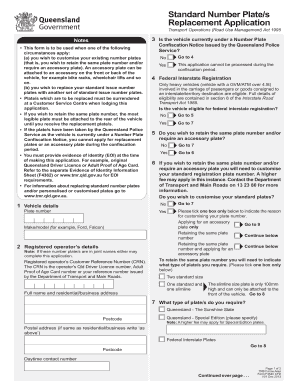
Number plate template printable australia
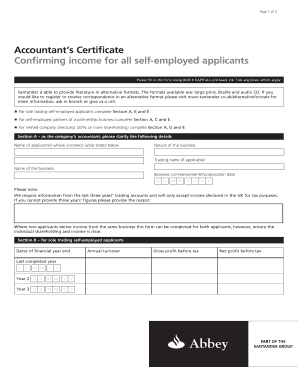
Self employment certificate

Eeo self identification form

Trade license format pdf
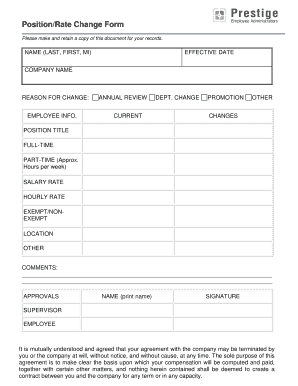
Position change form
1040k
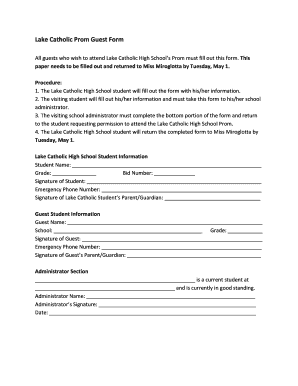
Lake Catholic Prom Guest Form - Lake Catholic High School - lakecatholic
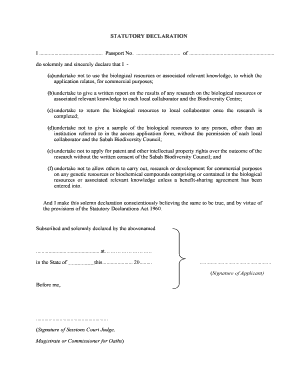
Statutory declaration malaysia sample

Manpower justification
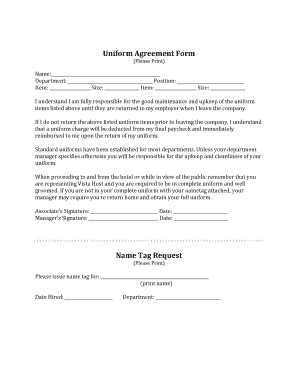
Uniform agreement template
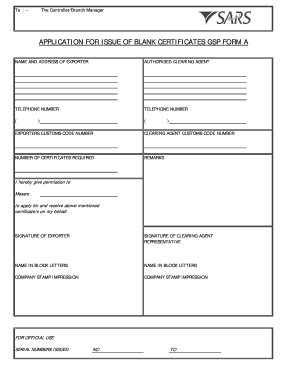
Application for issue of blank certificates eur1 sadc gsp form
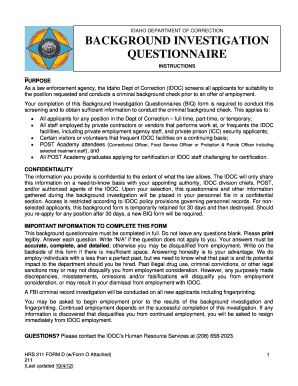
Background Investigation Questionnaire - Idaho Department of - idoc idaho
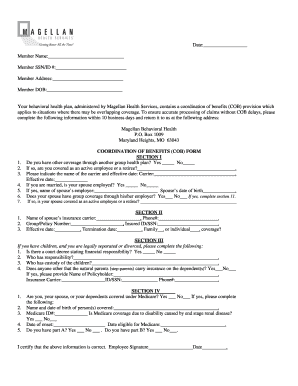
Health coordination benefits form
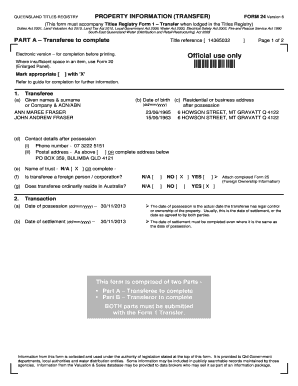
Form 24 smoke alarm
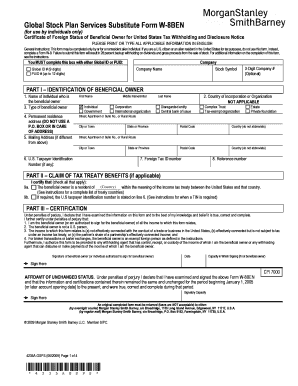
Morgan stanley w 8ben

Animal behavior observation sheet

Navajo nation limited liability company act - Navajo Business
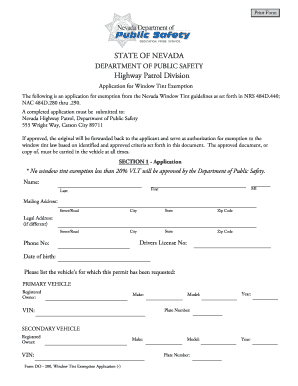
Application for Window Tint Exemption (DO 200) - Nevada - nevadadmv state nv
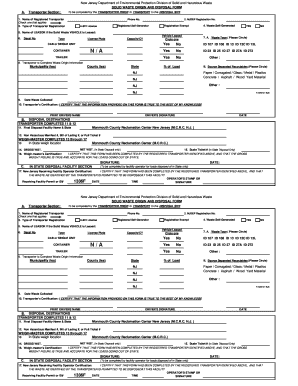
Solid waste origin and disposal form
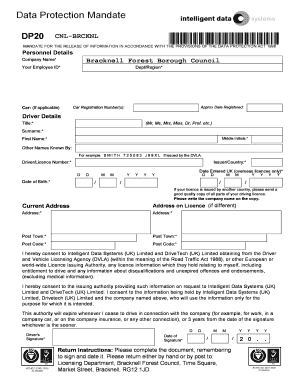
Dp20
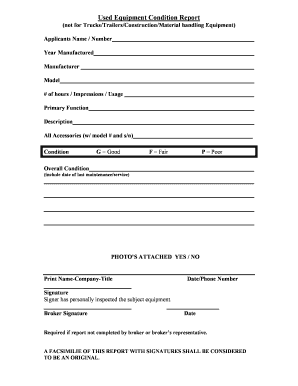
Equipment condition report template
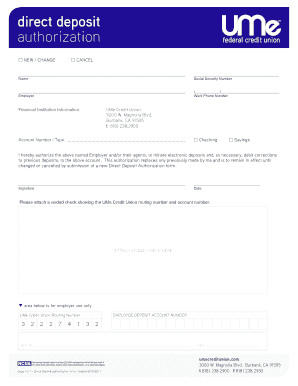
UMe Direct Deposit Authorization Form 06-18 - UMe Credit Union
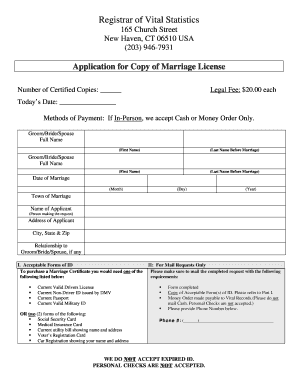
Connecticut marriage certificate

Denmark visa application form pdf
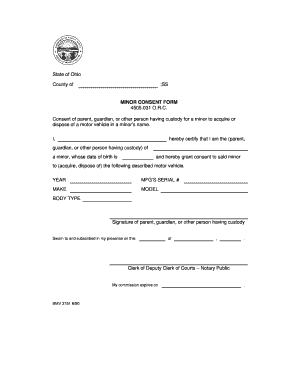
Ohio minor parental consent form

Coaches evaluation form
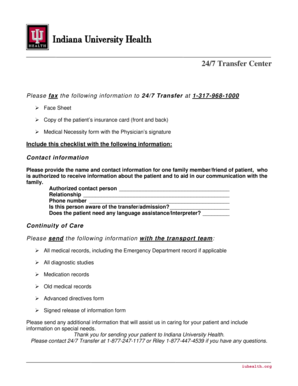
Iu health doctors note

Mental certificate
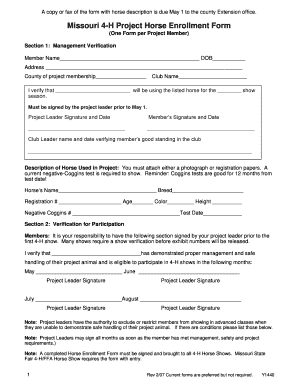
Missouri 4-H Project Horse Enrollment Form (PDF) - University of - extension missouri
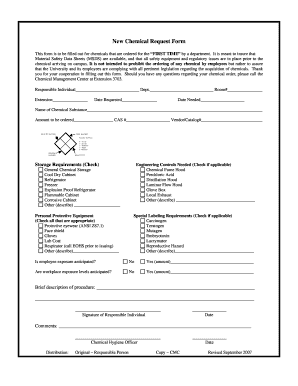
New chemical request form template
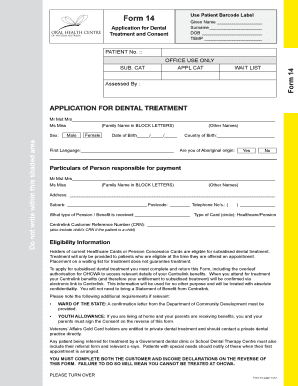
Ohcwa form 14
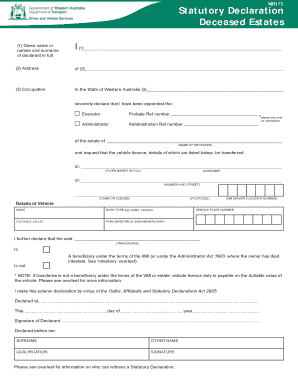
Mr172

Georgia gid 052 nt
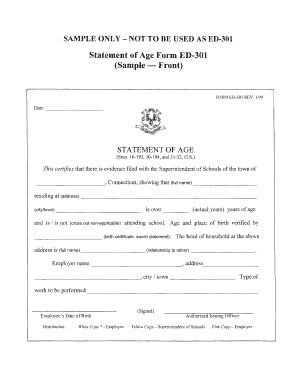
Printable from ed 301
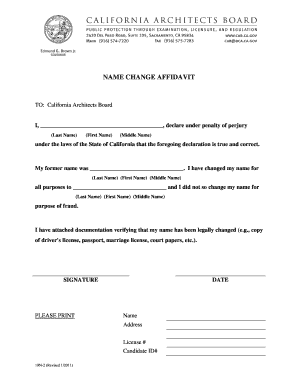
Name change california

Forwarding address form
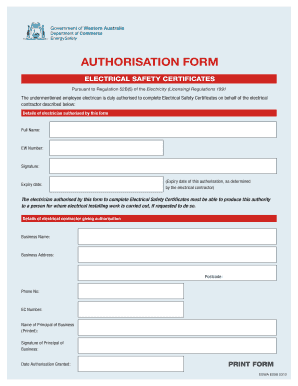
Electrical safety certificate format
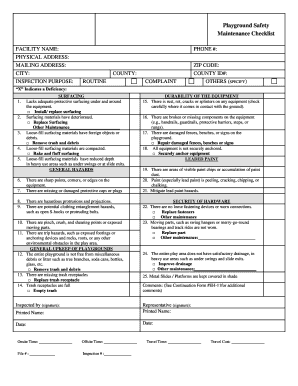
Playground Safety Maintenance Checklist - Texas Department of - dshs state tx
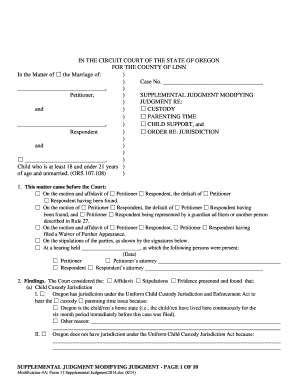
Supplemental judgment modifying custody parenting time and child support 11 oregon form

Sign off training template

Form 24 MT - hpcsa co
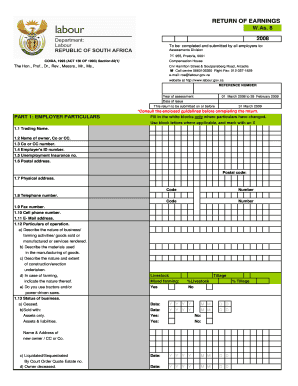
Return of earnings

Crane operator test questions and answers pdf
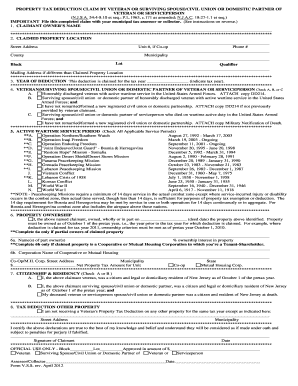
Vss form
Benefit from the DocHub online library of fillable PDF forms
Searching the PDF forms doesn't have to be a tedious and time-consuming process. With the DocHub online library, it has become easier to find the fillable PDF forms and modify them in your browser. The service allows you to adjust the document to your needs using powerful editing tools.
You can use online document editing features to modify almost any type of document with ease. You just need to find the template of your choice, open it in the editor, and use the toolbar to make the necessary corrections.
Follow this guide to get your document done with DocHub:
- Find the PDF template you need.
- Click the Get Form button to open the file in the editor.
- Use the toolbar to fill out and edit the document.
- Easily add and highlight text, insert images, checkmarks, and symbols.
- Drop new fillable fields, and rearrange or delete pages from your file.
- Save changes and download your record.
DocHub empowers everyone to streamline document editing, signing, and distribution, and form completion. Create an account and benefit from our well-organized PDF Forms library and comprehensive editor.