
Get any PDF form from the DocHub library of ready-made templates - Page 1178
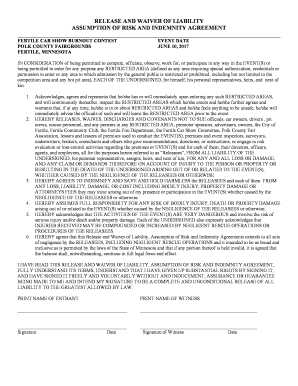
RELEASE AND WAIVER OF LIABILITY BURNOUT 2017
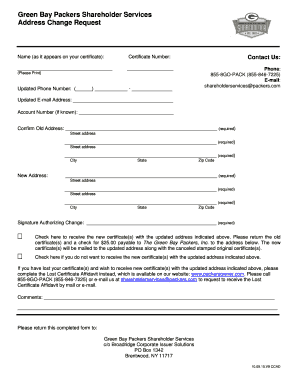
Green bay packers shareholders change of address
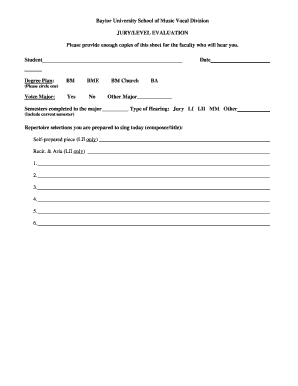
Baylor jury evaluation trial
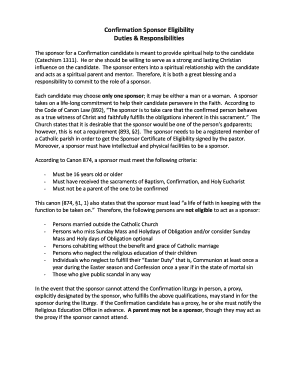
Confirmation sponsor certificate

Algebra 2 AII 3 Complex Numbers NOTES Mrs Grieser Name: Date
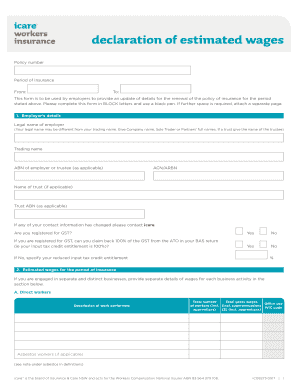
Icare actual wages declaration
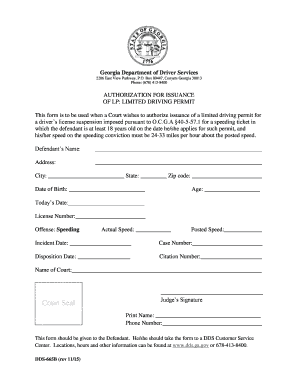
665b form
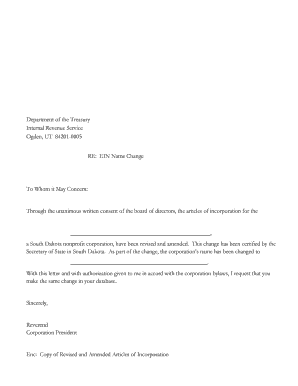
Ein name change letter template
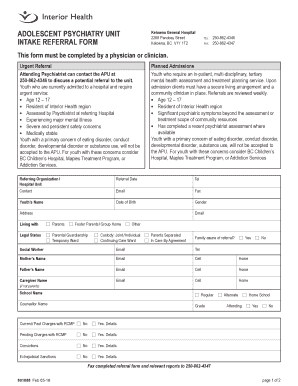
This form must be completed by a physician or clinician

Cubano room membership cost
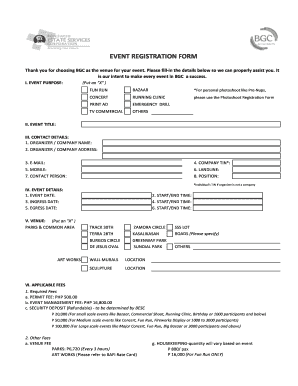
Bgc photoshoot permit

State form 54256
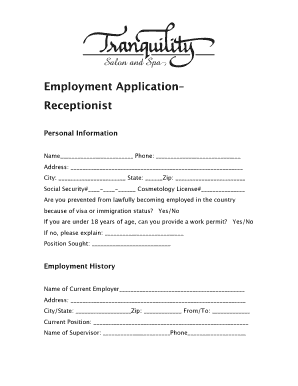
Applications printable for veterinary receptionist

Hair extension waiver form

Bacb grades
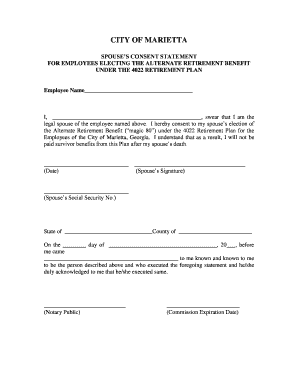
Spousal consent form sample

Autorisation de type 2 pour le transport d 'animaux - cantal gouv
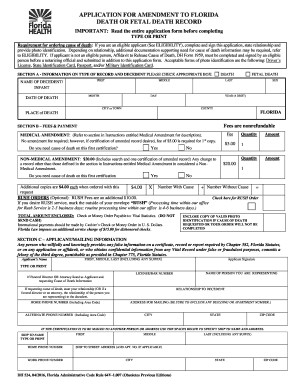
Florida dh 524

Reptile licence nsw
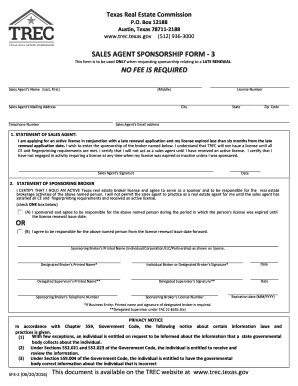
Form sf3 form

Cost-Plus Agreement - Greater Atlanta Home Builders Association

Patient Intake and History Form - Northwell Health
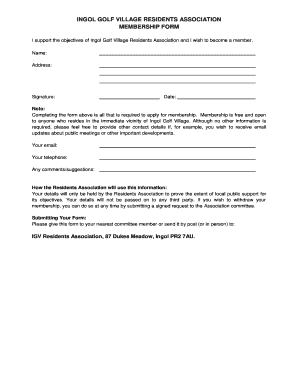
Residents association membership form
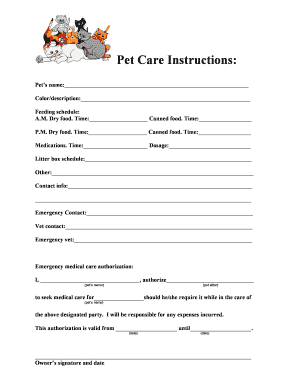
Pet care template
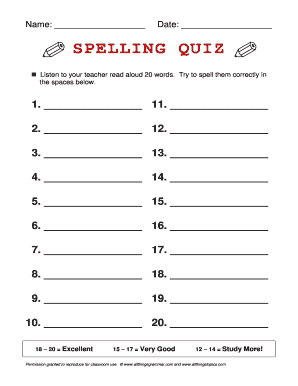
Spelling quiz
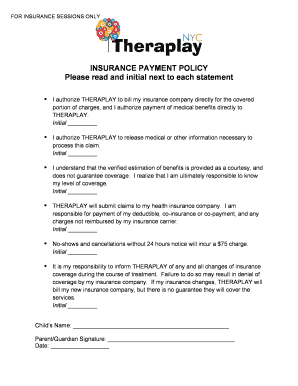
INSURANCE PAYMENT POLICY Please read and - Theraplay NYC

Pa striped bass association

Healthcare Professionals Application Form Dubai

Bright directions forms

Online minnair - Attachments files uploaded docs Warranty Card

Donation Request bForm 2015b - Fresh Grocer
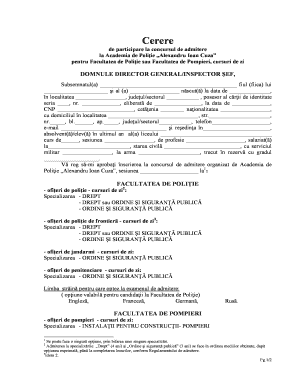
Model cerere inscriere politie completata

Color run permission slip
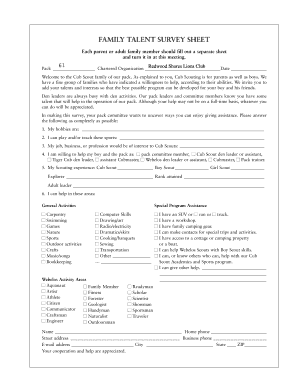
Girl scout parent survey

Tell me about your child form

Sketches on a tudor psalm fisher tull
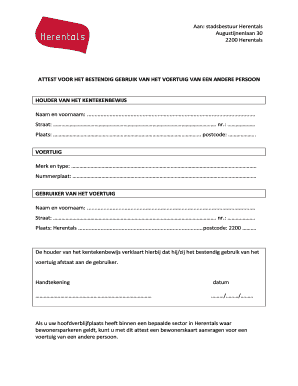
ATTEST VOOR HET BESTENDIG GEBRUIK VAN HET VOERTUIG VAN EEN - herentals
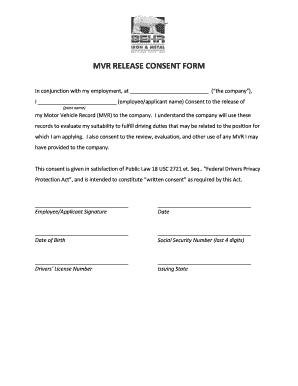
Mvr consent form template

Bbq dinner order form

Petition for Reinstatement - Intramural Sports Program Recreational Sports Form

Sommaire relev 3
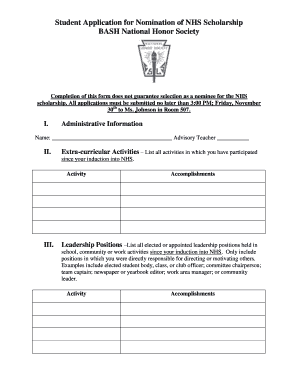
Nhs application

Contoh borang pendaftaran

Proxy form for agm
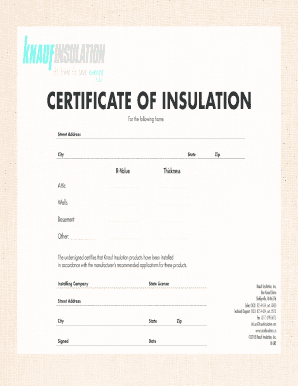
CERTIFICATE OF INSULATION
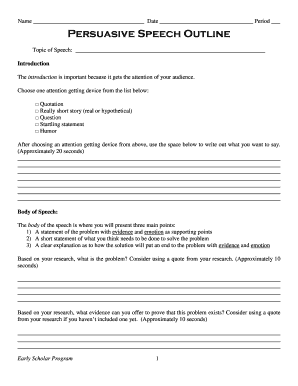
Persuasive speech outline

Initial assessment template

Player assessment form
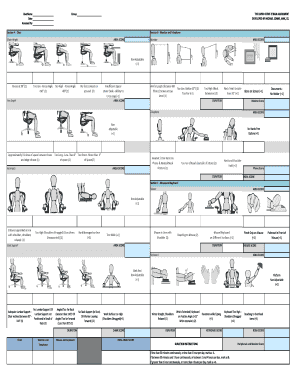
Rosa assessment worksheet

Household composition letter
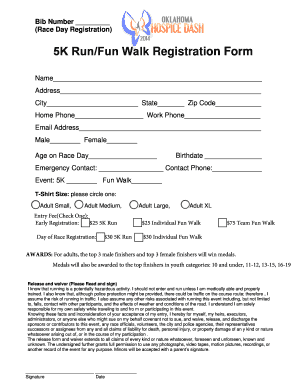
Sample Registration Form - Oklahoma Hospice

Official Homeschool Transcript - 101 Homeschool
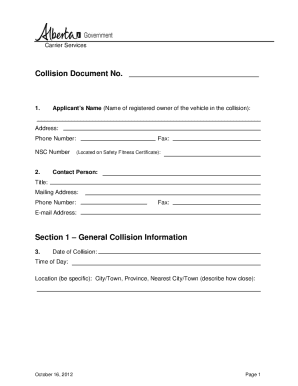
Simple rental agreement alberta
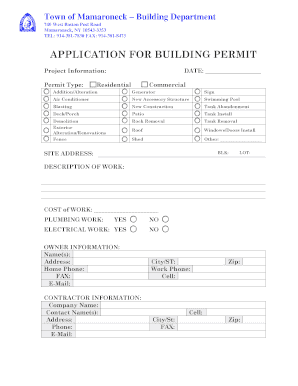
APPLICATION FOR BUILDING PERMIT - Mamaroneck - townofmamaroneck
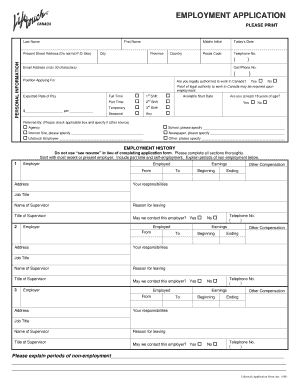
Employment bApplicationb-LNSS non-CA - Lifetouch - lifetouch
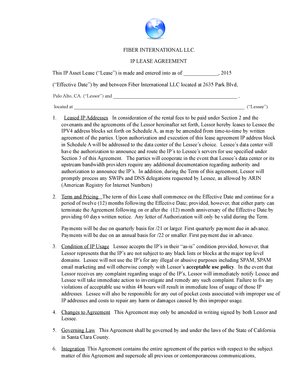
FIBER INTERNATIONAL LLC IP LEASE AGREEMENT
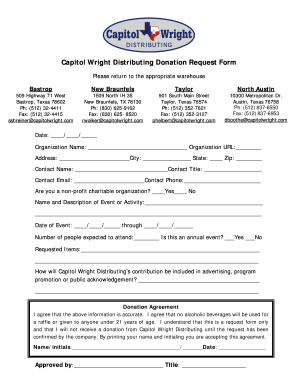
Capitol Wright Distributing Donation Request bFormb
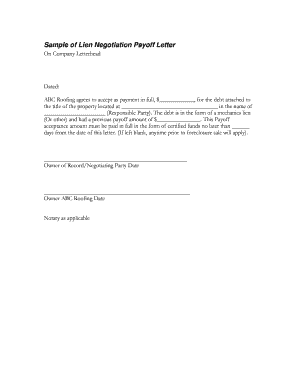
Lien payoff letter template
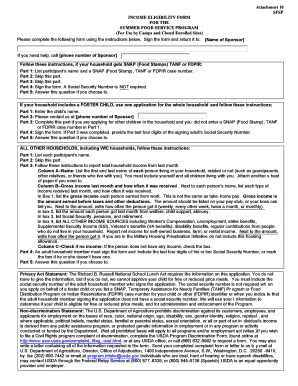
Attachment 10 SFSP INCOME ELIGIBILITY FORM FOR THE SUMMER - education ky
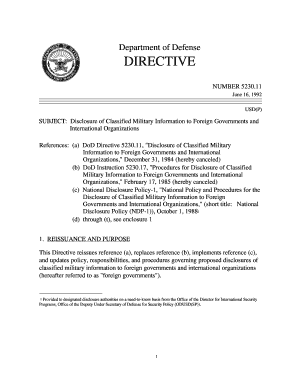
Classified military information
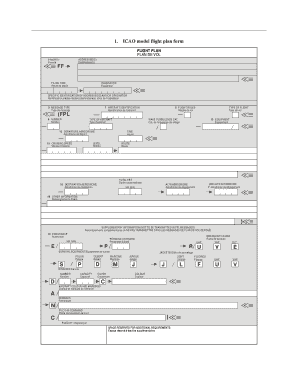
Icao flight plan form fillable pdf
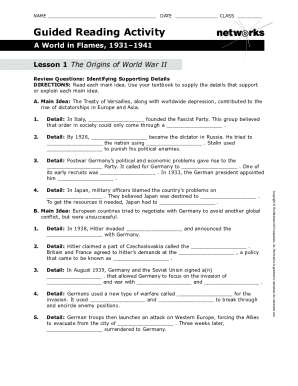
A world in flames lesson 1

Pennsylvania dl126 dmv motor vehicles form

Edinburgh postpartum depression scale
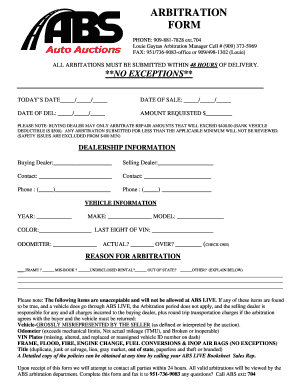
Barbitration formb - ABS Auto Auctions
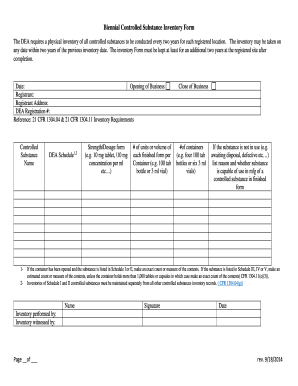
Biennial Controlled Substance Inventory Form
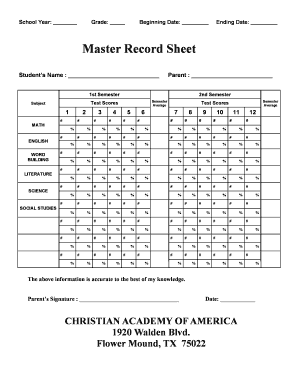
School record sheet
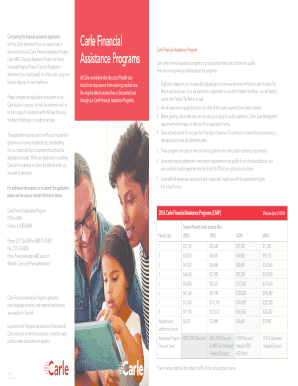
Carle financial assistance
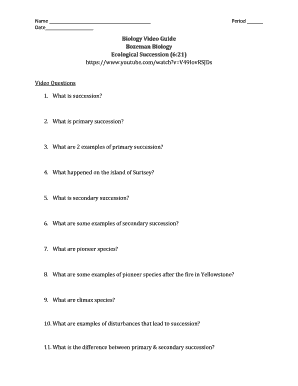
Bozeman science video worksheet answers
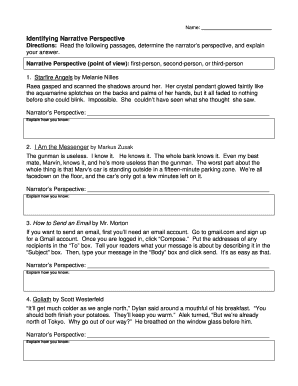
Narrative perspective worksheet
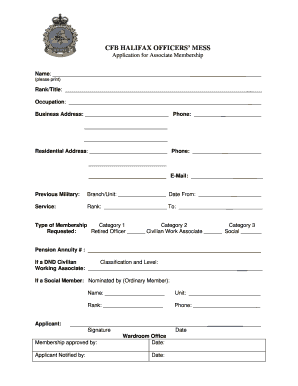
CFB HALIFAX Officers Mess - CFMWS
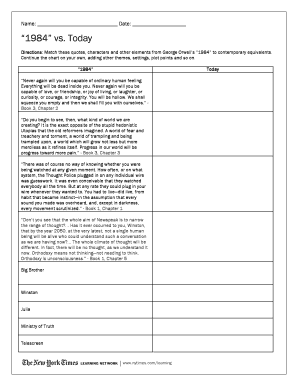
1984 vs today worksheet answers
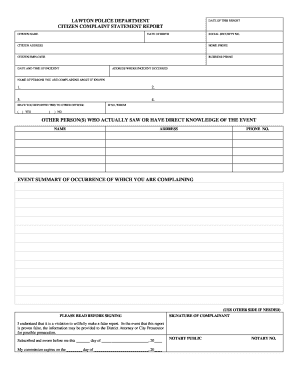
Lawton police department online report
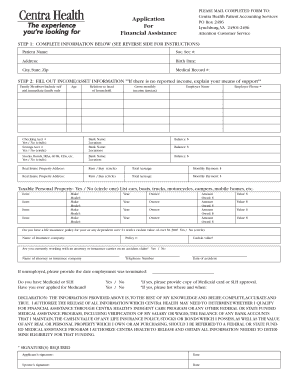
Centra financial assistance
Mental certificate download
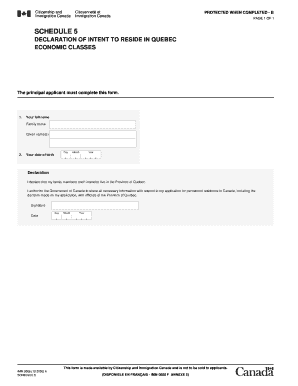
IMM 0008 Schedule 5 - Declaration of Intent to Reside in Quebec
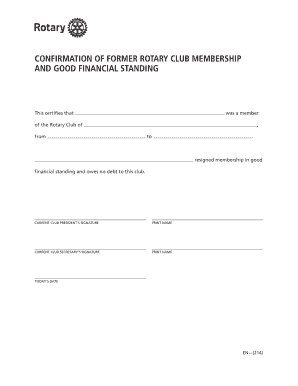
Rotary membership transfer form
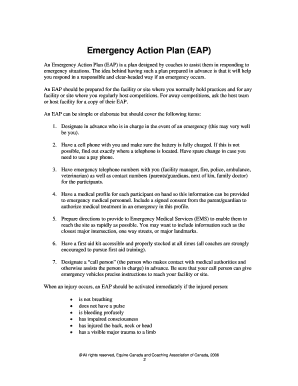
Emergency Action Plan EAP - Ontario Soccer Association
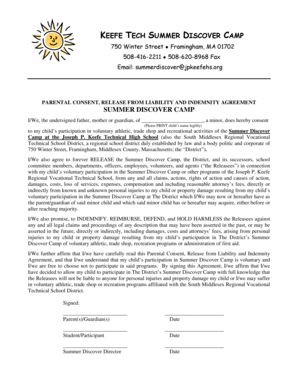
GENERAL RELEASE FORM LIABILITY - keefetech
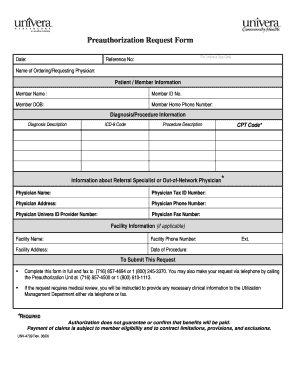
Preauthorization Request Form - Univera Healthcare
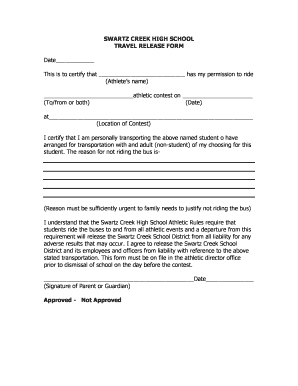
SWARTZ CREEK HIGH SCHOOL TRAVEL RELEASE FORM - swartzcreek

Simulation design template
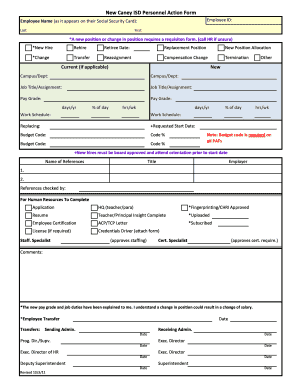
New Caney ISD Personnel Action Form

E jansampark chandigarh

APPLICATION FOR CHANGE OF OWNERSHIP - caa co
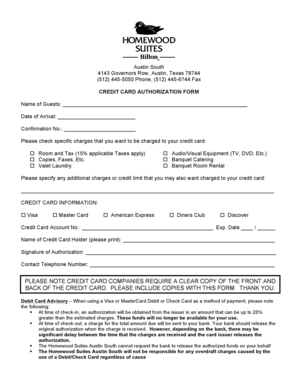
Homewood suites credit card authorization form

Mortgage pre qualification form pdf

Hpcsa form 19

Duckett rod warranty

Parking lot striping estimate template

Seller and Property Information Report - Vermont Legislature
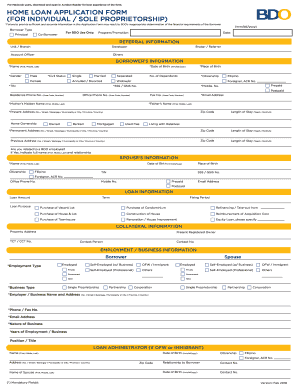
Home loan application form (for individual sole - BDO Unibank, Inc
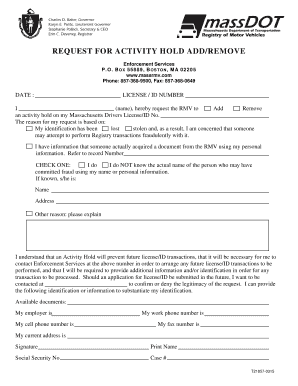
Form t21857

Rehabilitation form apply
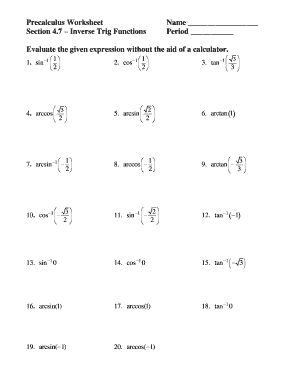
Precalculus worksheet
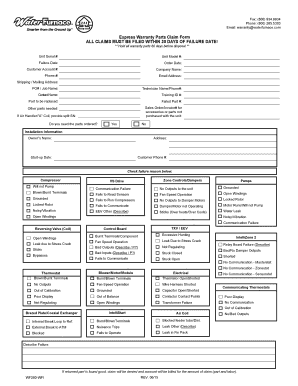
Waterfurnace warranty claim
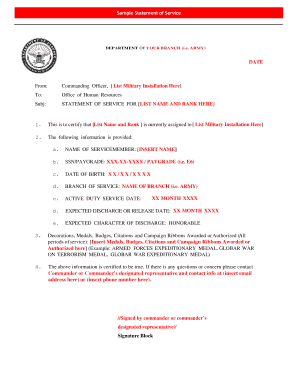
Sample Statement of Service - cbp
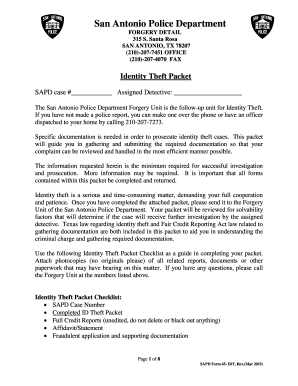
San antonio police identity theft

Doh 4220 i 3 15
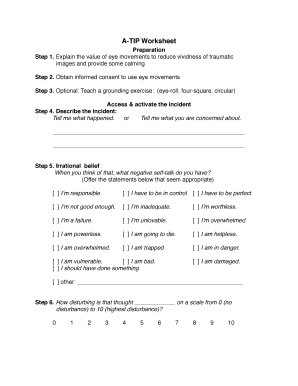
A tip emdr
Benefit from the DocHub online library of fillable PDF forms
Searching the PDF forms doesn't have to be a tedious and time-consuming process. With the DocHub online library, it has become easier to find the fillable PDF forms and modify them in your browser. The service allows you to adjust the document to your needs using powerful editing tools.
You can use online document editing features to modify almost any type of document with ease. You just need to find the template of your choice, open it in the editor, and use the toolbar to make the necessary corrections.
Follow this guide to get your document done with DocHub:
- Find the PDF template you need.
- Click the Get Form button to open the file in the editor.
- Use the toolbar to fill out and edit the document.
- Easily add and highlight text, insert images, checkmarks, and symbols.
- Drop new fillable fields, and rearrange or delete pages from your file.
- Save changes and download your record.
DocHub empowers everyone to streamline document editing, signing, and distribution, and form completion. Create an account and benefit from our well-organized PDF Forms library and comprehensive editor.