
Get any PDF form from the DocHub library of ready-made templates - Page 1124

Business Services - Rhode Island - Nellie M GorbeaRegister Your Business In Ri - Rhode Island - Nell

Beaver county homestead exemption 2022
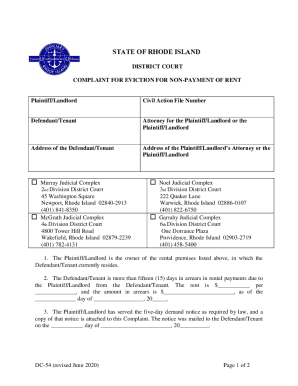
COMPLAINT FOR EVICTION FOR NON-PAYMENT OF RENT
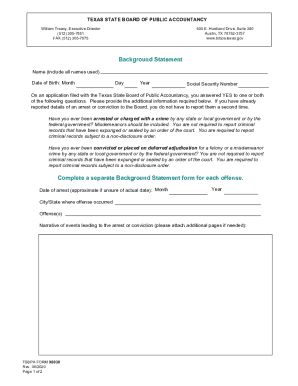
Huntland Drive, Suite 380
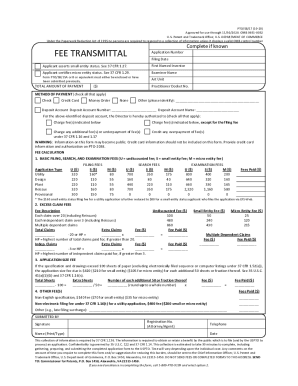
Provisional Application For Patent Cover Sheet (EFS-Web

FS Form 5396 Direct Deposit Sign-Up Form - treasuryscams

OVERDRAFT PROGRAM DISCLOSURE
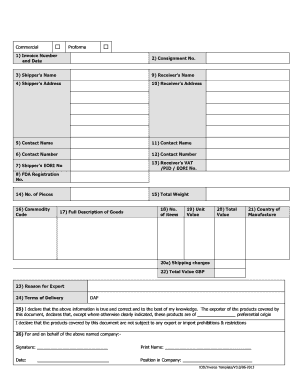
Commercial Proforma 1) Invoice Number and Date 2 - DPD
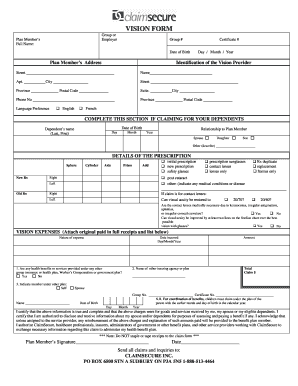
VISION FORM - ClaimSecure
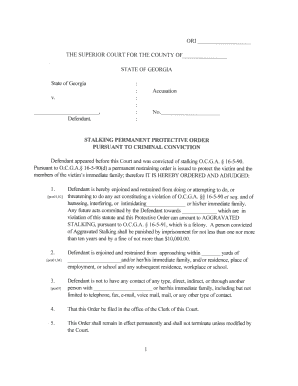
Permanent pursuant criminal

Trust accounting supplemental form
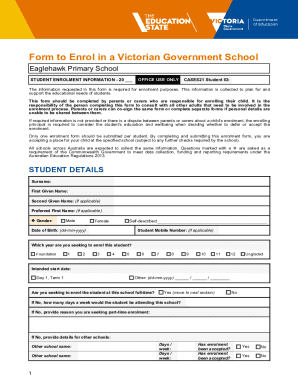
Form to Enrol in a Victorian Government School
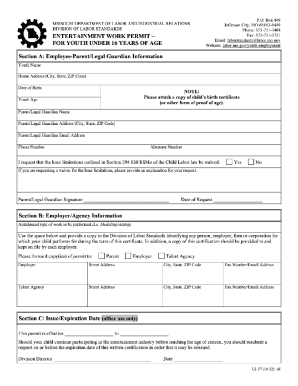
Workers permit missouri
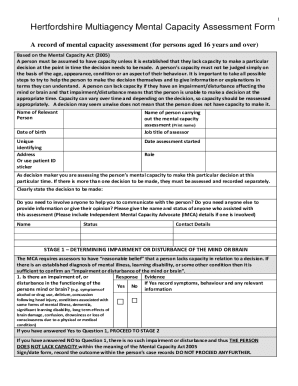
Mental Capacity assessment form

Tax Information - Permanent Fund DivisionPermanent Fund Dividend - Division InformationPermanent Fun
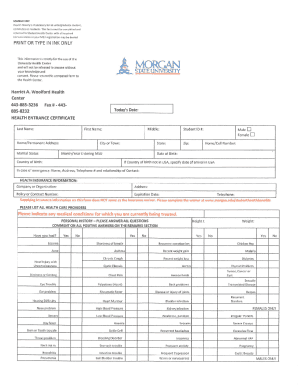
Morgan State University Health Entrance Certificate
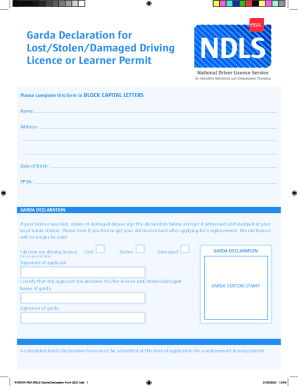
Garda declaration of lost stolen licence
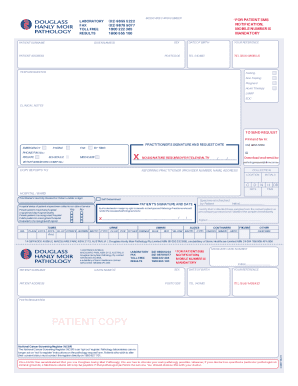
Au douglass hanly moir pathology

Oacp fitness log
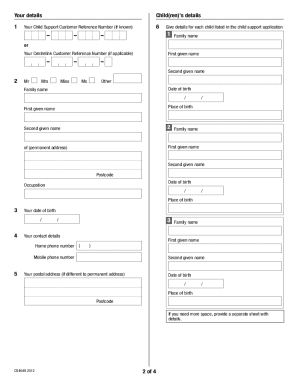
Au dhs statutory declaration
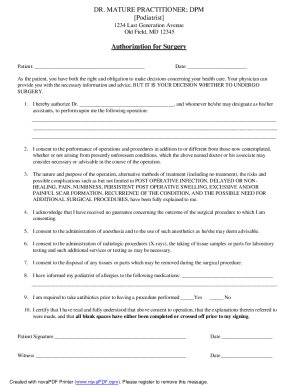
Nail surgery consent form

Animal relief attestation form
Kwik Kar Oil Change Invoice Template Kwik Kar Oil Change Invoice Template
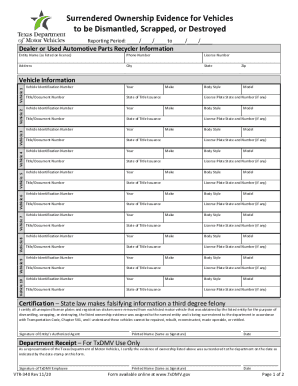
Vtr 340
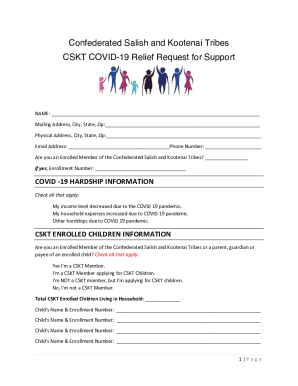
Cskt covid relief 2023

Gripping gaap 2022 pdf download
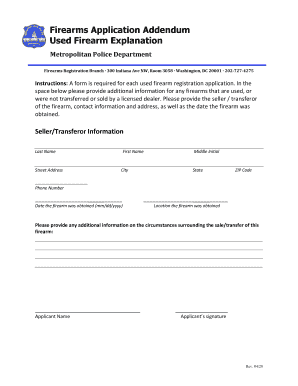
Firearms Application Addendum Used Firearm Explanation
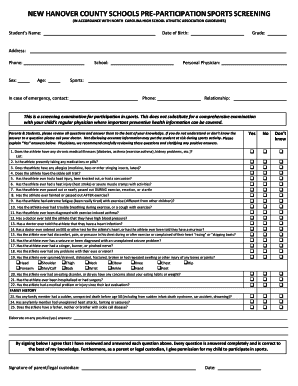
Sports physical form
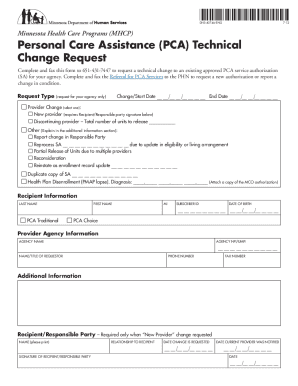
DHS-4074A-ENG (Personal Care Assistance (PCA) Technical Change Request) Used to request a technical
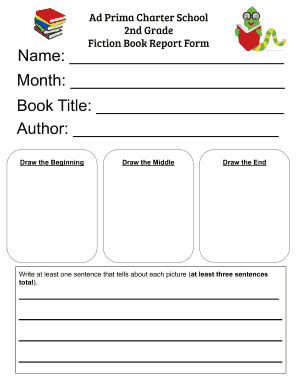
Book reports for 2nd graders
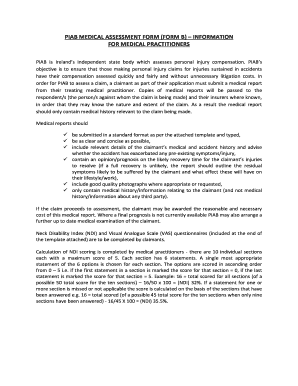
Form b piab
Worksheet dependent

Medical questionnaire accommodation

Jarvis: Physical Examination and Health Assessment Chapter

Parking Appeals Form Parking Appeals Form
Dennis block forms
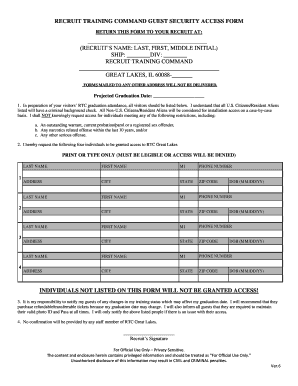
Recruit training command guest security access form
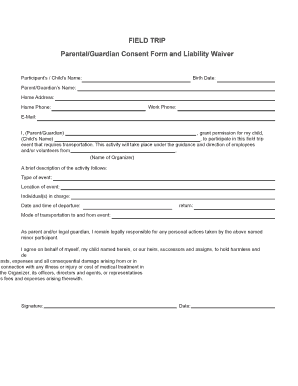
Parental Field Trip Consent Form
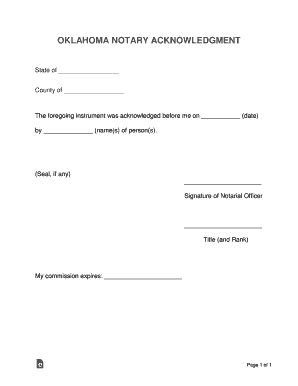
Oklahoma notary form
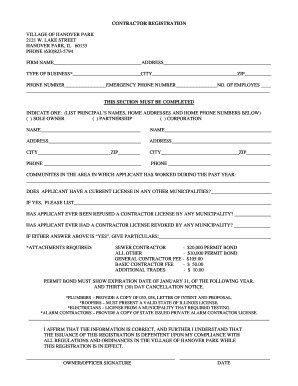
Charitable Solicitation Permit Application - Hanover Park, IL
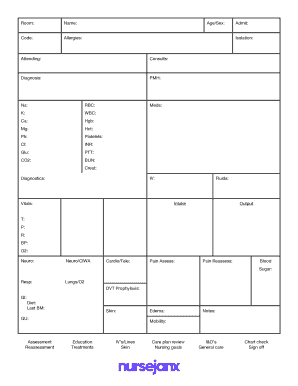
Brain Nursing Report Sheet docx
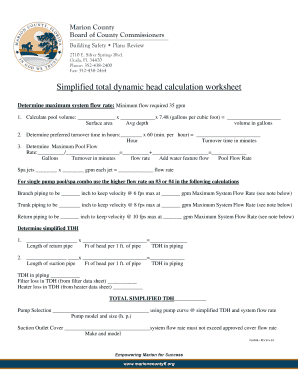
Tdh calculation worksheet

Liability waiver

Dry Needling Consent
B 202a instructions
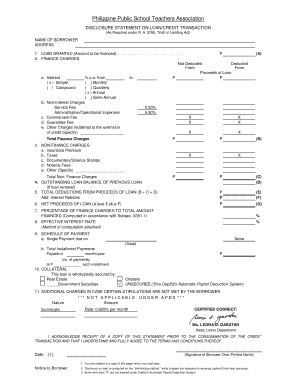
Sample disclosure statement on loan credit transaction

State of arizona affidavit of shared residence
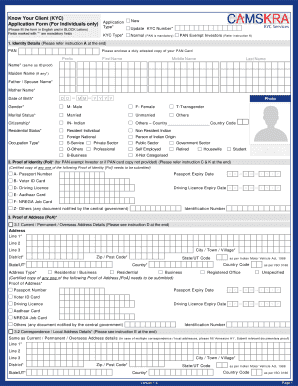
Kyc form kyc

Travelsafe claim
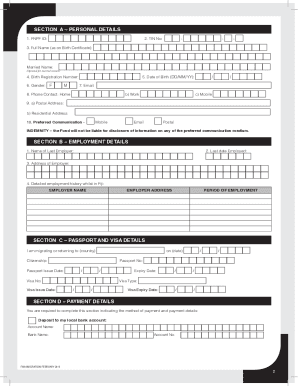
Fnpf migration withdrawal
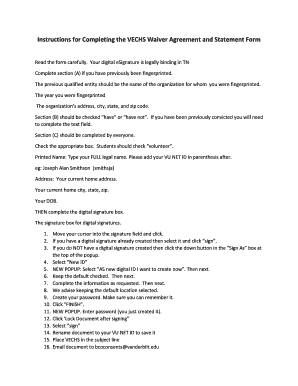
Vechs waiver
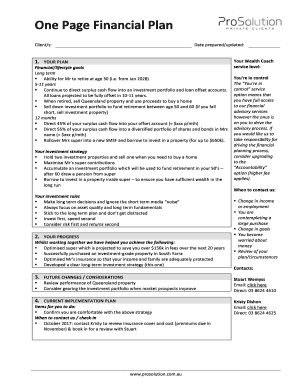
The one page financial plan pdf download
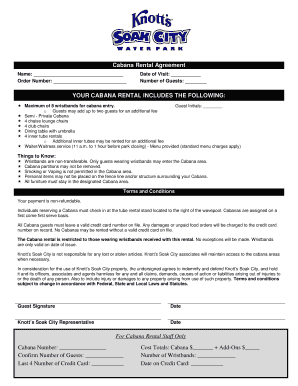
Cabana Rental Agreement
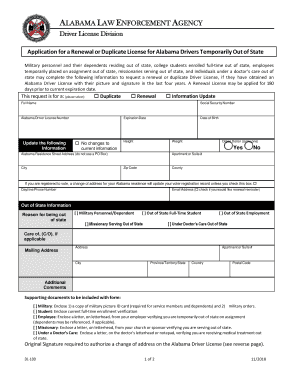
Alea gov cdl self certification
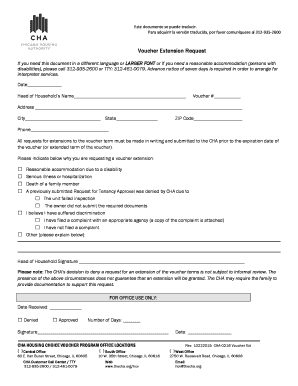
Voucher Extension Request - The Chicago Housing Authority
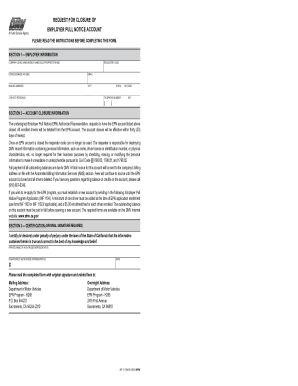
Inf 1112
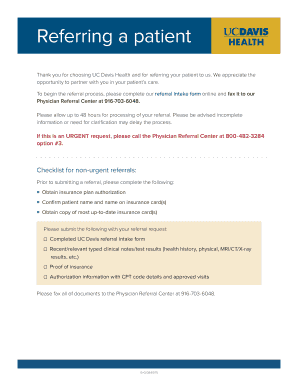
Uc davis referring

BreWingZ Wicked Wing Challenge Accident Waiver and Release

Oh dmhas mental drug provider incident blank
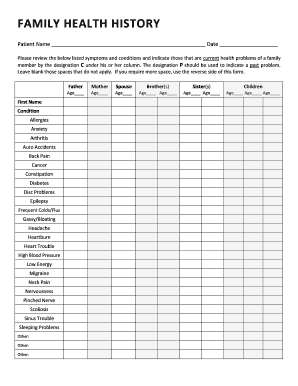
Family health history worksheet
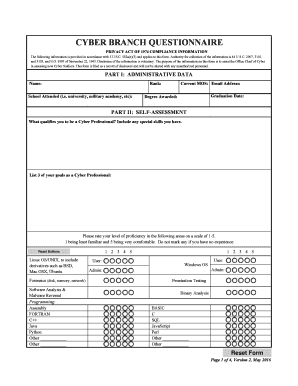
Cyber branch questionnaire

Application for Transfer (Points of Diversion)7-1-18idwr idaho
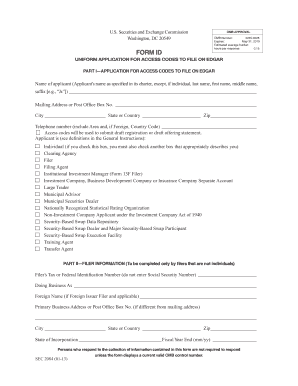
Form id application codes online
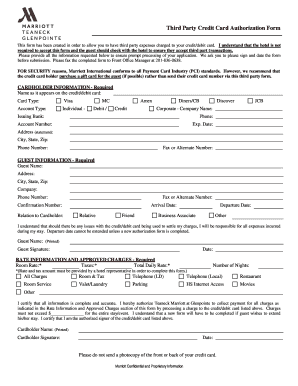
Marriott Hotels Third Party Credit Card Auth Form Marriott Third Party Credit Card Auth Form
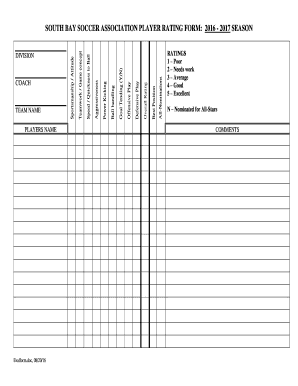
Soccer association player rating form
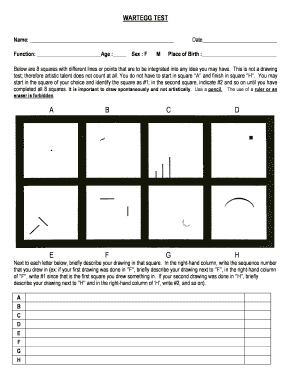
Wartegg test online
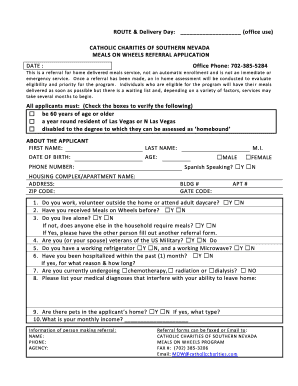
CATHOLIC CHARITIES OF SOUTHERN NEVADA
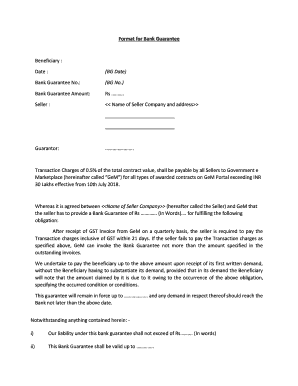
Bg format
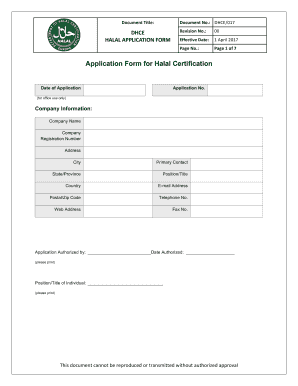
Application Form for Halal Certification - Department of Halal
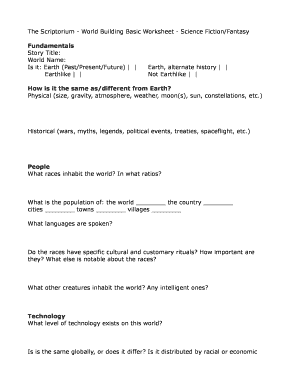
Worldbuilding template pdf
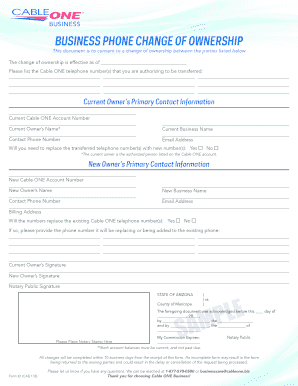
Business Phone Change of Ownership Form - Cable ONE Business
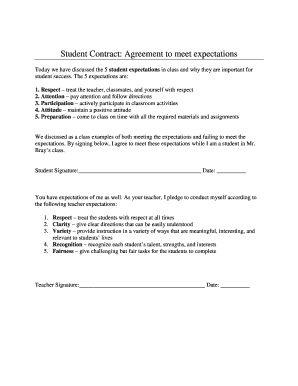
Expectations document template
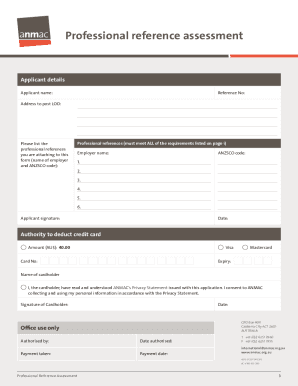
Anmac skill assessment professional reference

Job Shadow Program Agreement

Combat casualty assessment sheet
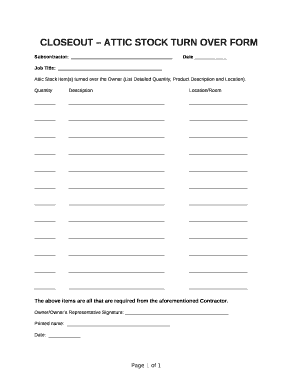
Attic stock form
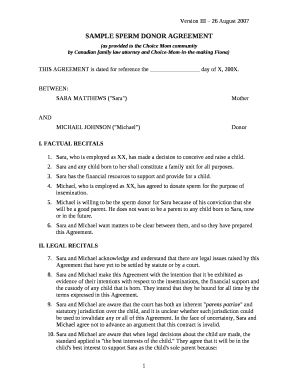
Sperm donor contract
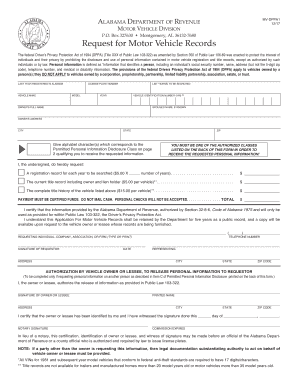
Alabama request vehicle
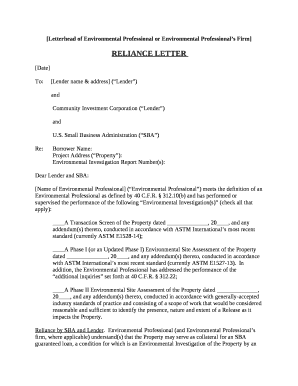
Reliance letter
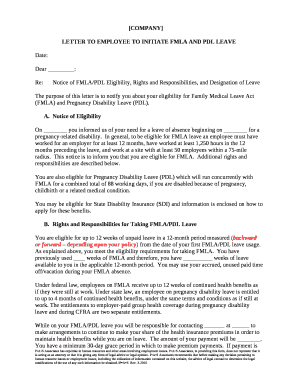
LETTER TO EMPLOYEE TO INITIATE FMLA AND PDL LEAVE
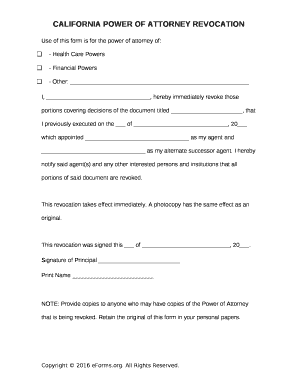
CALIFORNIA POWER OF ATTORNEY REVOCATION
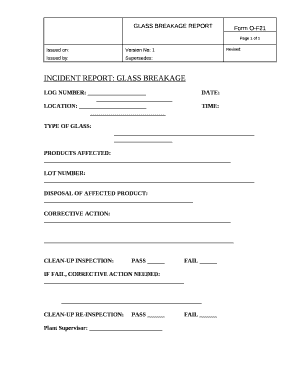
Glass breakage record sheet

Insecure housing eligibility confirmation form
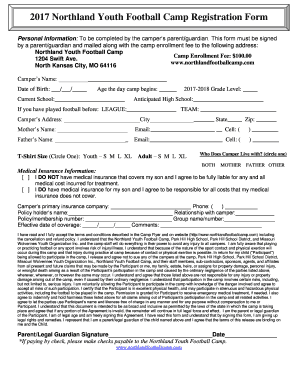
2017 Northland Youth Football Camp Registration Form
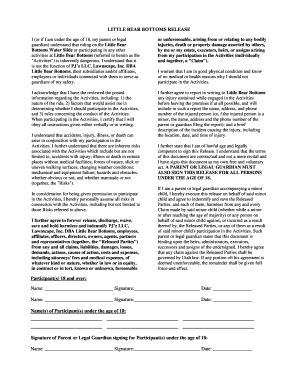
LITTLE BEAR BOTTOMS RELEASE

CONTRACTOR'S PROGRESS PAYMENT AFFIDAVIT
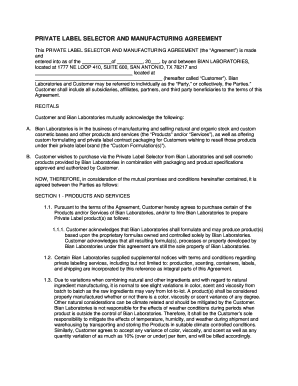
PRIVATE LABEL SELECTOR AND MANUFACTURING AGREEMENT
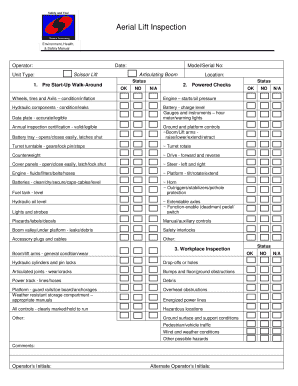
Scissor lift inspection sheet printable

Sage fly rod repair form
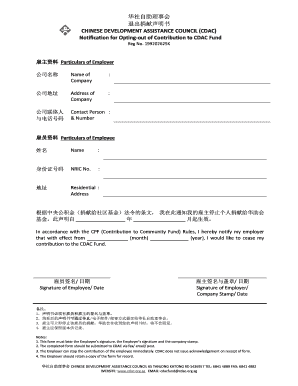
Cdac opt out form
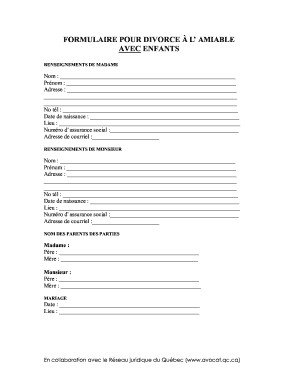
Formulaire divorce
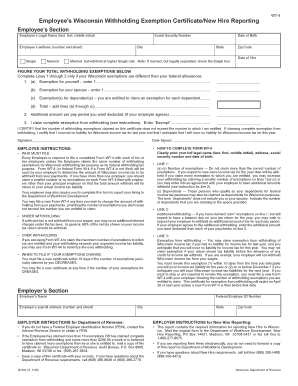
W4t form 2022
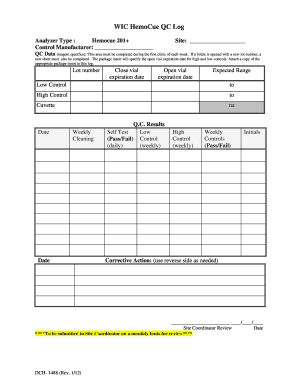
Hemocue glucose 201 quality control log sheet
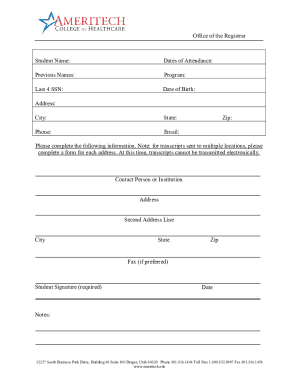
Ameritech college transcript request
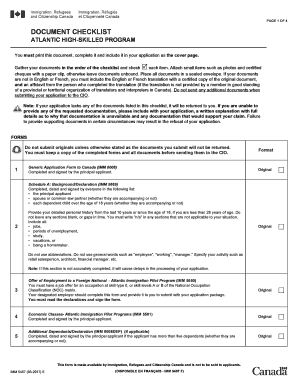
IMM 5457 E - cic gc

Download Sonic Job Application Form Fillable PDF wikiDownload

4-H Exhibit Goal Sheet - extension iastate
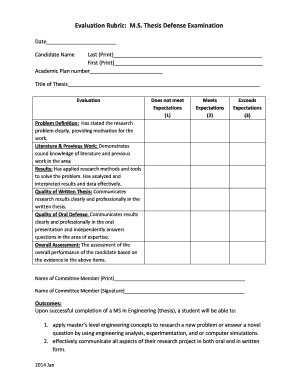
Title defense rubrics

Money count sheet
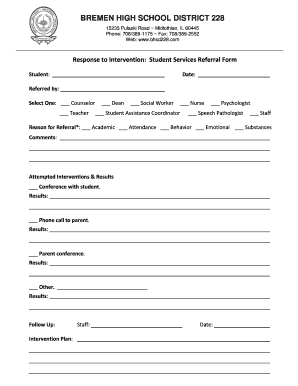
Medical referral form pdf
Benefit from the DocHub online library of fillable PDF forms
Searching the PDF forms doesn't have to be a tedious and time-consuming process. With the DocHub online library, it has become easier to find the fillable PDF forms and modify them in your browser. The service allows you to adjust the document to your needs using powerful editing tools.
You can use online document editing features to modify almost any type of document with ease. You just need to find the template of your choice, open it in the editor, and use the toolbar to make the necessary corrections.
Follow this guide to get your document done with DocHub:
- Find the PDF template you need.
- Click the Get Form button to open the file in the editor.
- Use the toolbar to fill out and edit the document.
- Easily add and highlight text, insert images, checkmarks, and symbols.
- Drop new fillable fields, and rearrange or delete pages from your file.
- Save changes and download your record.
DocHub empowers everyone to streamline document editing, signing, and distribution, and form completion. Create an account and benefit from our well-organized PDF Forms library and comprehensive editor.