Trust accounting supplemental form 2026

Get Form
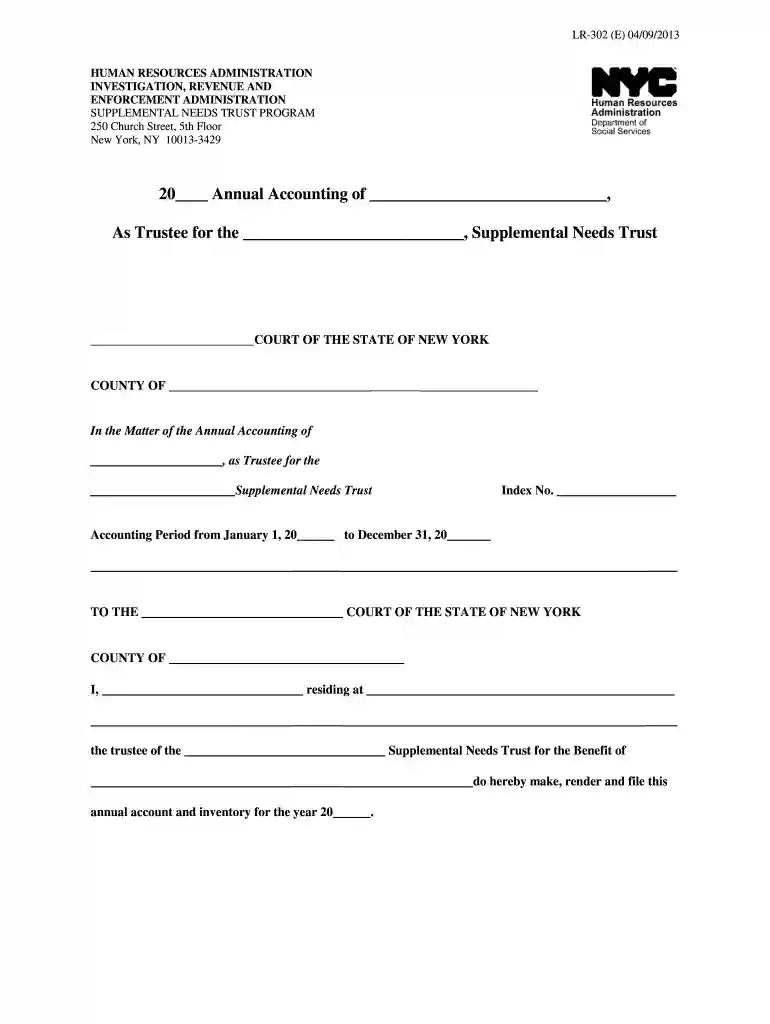
trust accounting supplemental form Preview on Page 1

Here's how it works

01. Edit your form online
Type text, add images, blackout confidential details, add comments, highlights and more.

02. Sign it in a few clicks
Draw your signature, type it, upload its image, or use your mobile device as a signature pad.

03. Share your form with others
Send it via email, link, or fax. You can also download it, export it or print it out.

How to use or fill out trust accounting supplemental form with our platform

Form edit decoration
9.5
Ease of Setup
DocHub User Ratings on G2
9.0
Ease of Use
DocHub User Ratings on G2
  1. Click ‘Get Form’ to open the trust accounting supplemental form in the editor.
  2. Begin by filling in the year and trustee details at the top of the form. Ensure accuracy as this information is crucial for legal compliance.
  3. In Section A, list all bank accounts under 'Principal'. Include account names, numbers, and balances as of January 1st and December 31st. Attach monthly bank statements for verification.
  4. Continue with securities in Section A2. Provide details about bonds, notes, and stocks owned by the trust, attaching necessary brokerage statements.
  5. For personal property in Section A3a, describe items valued over $500 and attach any relevant insurance policies or appraisals.
  6. Complete Sections B and C by detailing assets received and disbursements made during the accounting period. Be sure to include dates, descriptions, and amounts.
  7. Finally, review all sections for completeness before submitting your form. Utilize our platform’s features to save your progress or share it directly with stakeholders.

Start using our platform today to simplify your document editing and form completion process for free!

See more trust accounting supplemental form versions

We've got more versions of the trust accounting supplemental form form. Select the right trust accounting supplemental form version from the list and start editing it straight away!
Versions Form popularity Fillable & printable
2021 4.5 Satisfied (44 Votes)
2019 4.5 Satisfied (31 Votes)
2013 4.9 Satisfied (252 Votes)
2012 4.3 Satisfied (38 Votes)
be ready to get more

Complete this form in 5 minutes or less

Get form

Got questions?

We have answers to the most popular questions from our customers. If you can't find an answer to your question, please contact us.
Contact us
A Special Needs Trust (SNT) allows for a disabled person to maintain his or her eligibility for public assistance benefits, despite having assets that would otherwise make the person ineligible for those benefits. There are two types of SNTs: First Party and Third Party funded.
A special needs trust (sometimes called a supplemental needs trust or abbreviated SNT) is a trust that is set up to take care of a disabled individual.
A Special Needs Trust beneficiary can never directly receive funds from the trust. An advocate can submit receipts for items or bills they have purchased or paid for on your behalf. The SNT can then reimburse your advocate for allowable expenses. True Link card This is a reloadable debit card with certain limits.
Perhaps the biggest disadvantage of a special needs trust is the lack of control a beneficiary will have over the situation. The beneficiary does not have direct control of the funds and, instead, has to request money every time they wish to use them.
An accounting should include information about assets in the trust, how the trustee has used them, any funds or assets that have entered or left the trust, and all financial transactions related to the trust.

Security and compliance

At DocHub, your data security is our priority. We follow HIPAA, SOC2, GDPR, and other standards, so you can work on your documents with confidence.

Learn more
ccpa2
pci-dss
gdpr-compliance
hipaa
soc-compliance
be ready to get more

Complete this form in 5 minutes or less

Get form